



December 29, 2020
Xhorse Key Tool MAX is
verified to be able to help the customer who wants to start doing a lot
more keys in a house instead of having a locksmith or a company coming
to do keys for your used car department.
Today,Xhorsevvdi.com will show the How to use VVDI Key Tool Max work on a locked Toyota smart key
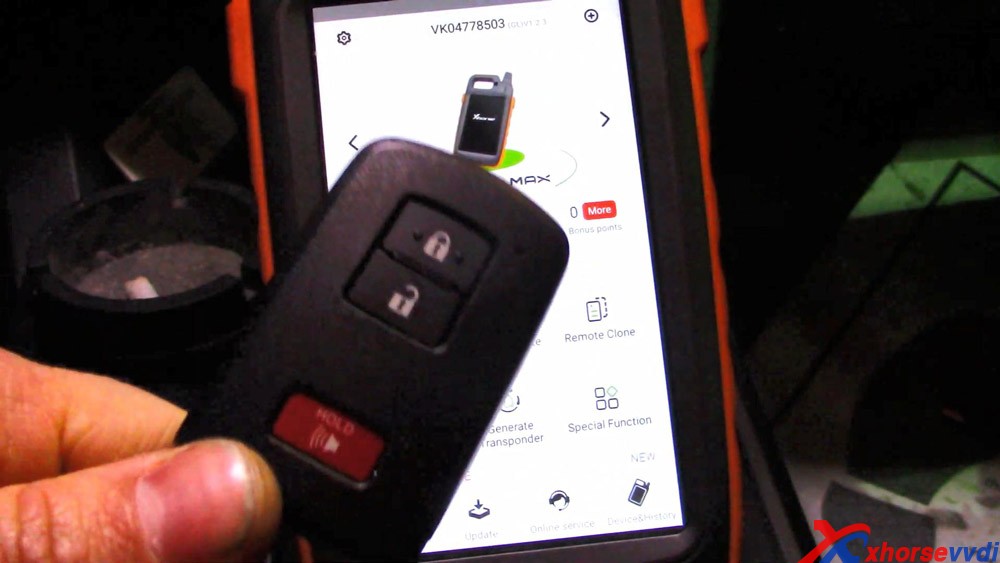
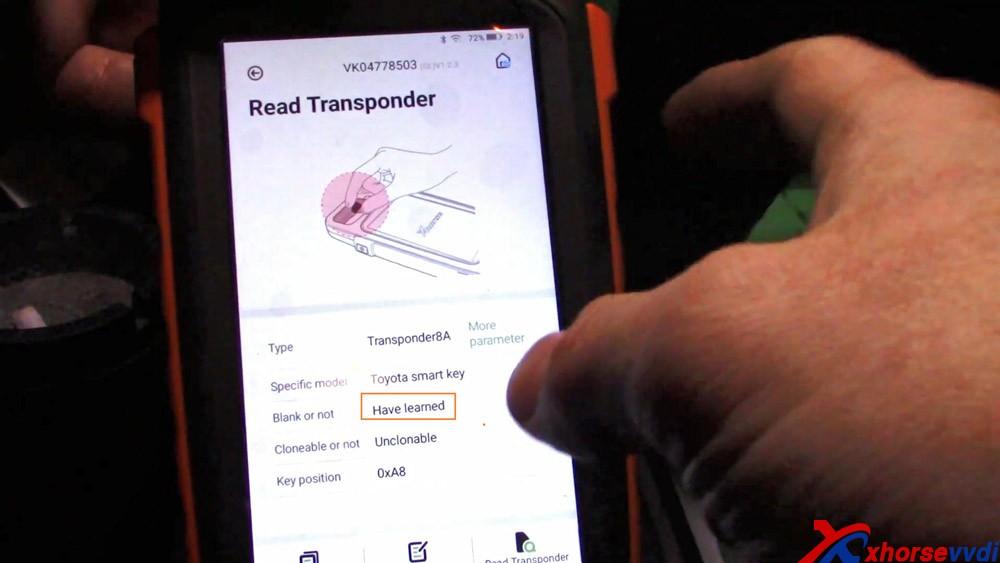
So if you go back to your home screen and go to special functions, you can do Toyota smart key unlock. 
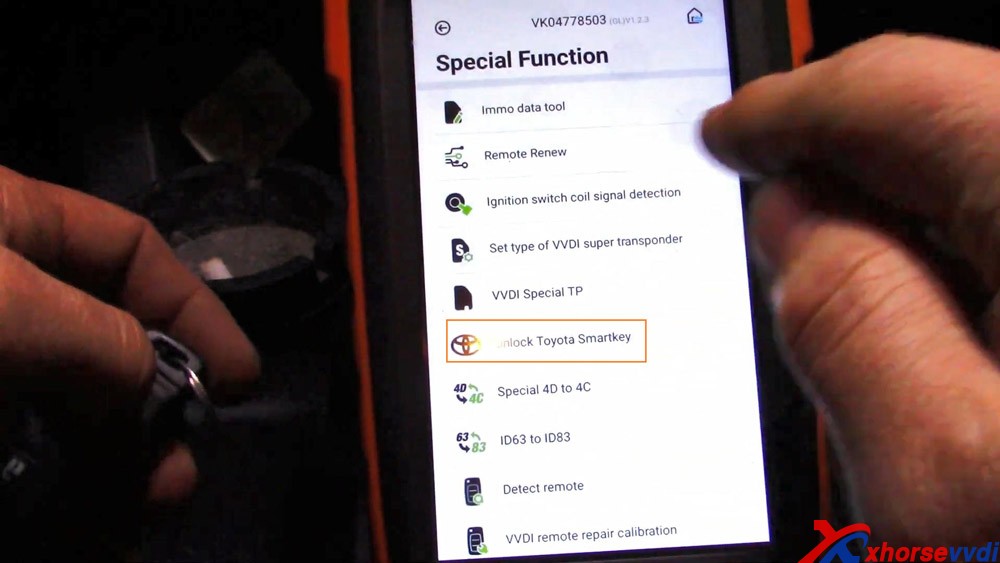

And now it is unlocked. Read it again.
Now you see it's blank, so now we can program this to the vehicle.
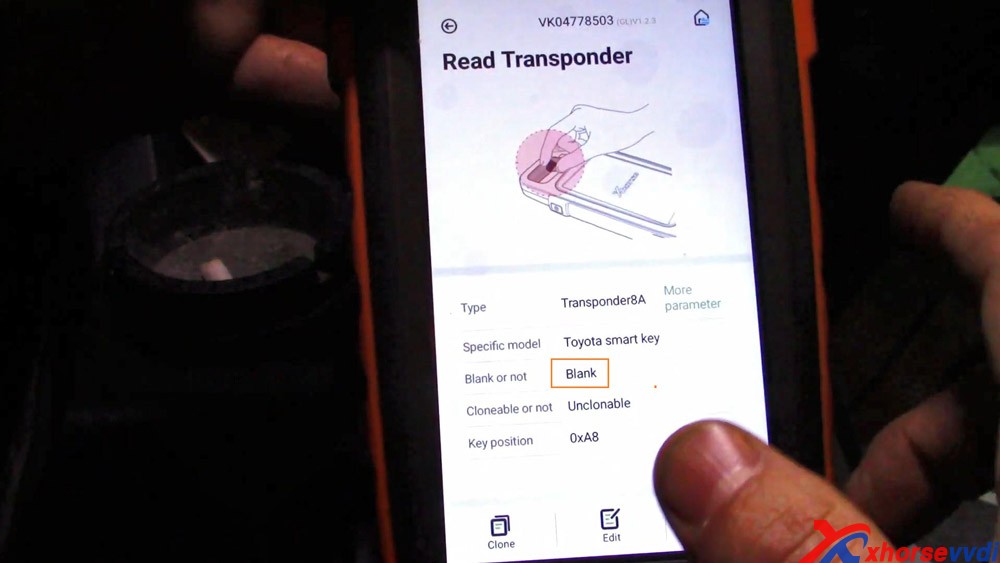
Also
I want you all to notice that the type of transponder is a transponder
8A we're going to need that for later on here when we go to program this
key.
Alright, so we are now going to go to "Immo a programming" straight to Toyota.

And
we are going to "Select by type" and then "Smart key system", now we
have the 8A smart key, so select "8A smart card" you've seen from the
last screen.

Alright, we are going to hit "Start execution".

Add key.

Ignition is switched on.
Two keys are registered and we can register up to five.
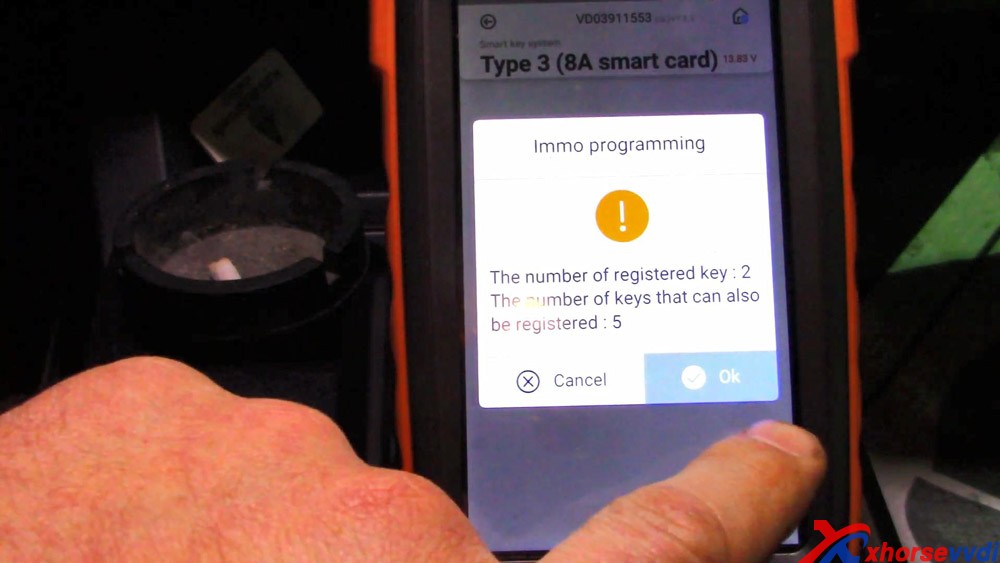
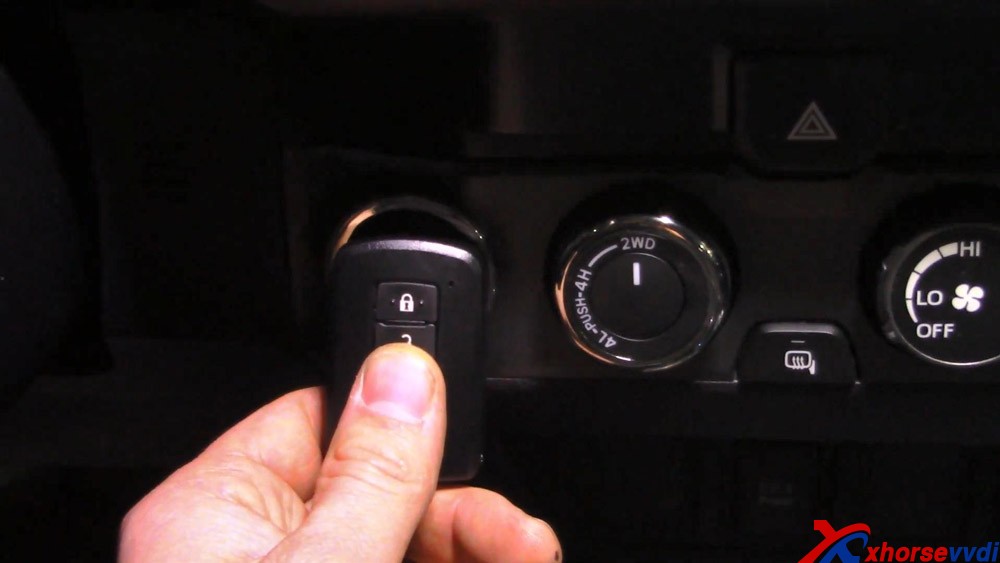
The
customer want us to put the key to be registered up here, and this is
the key that is to be programmed, you heard it beep twice.
Success.
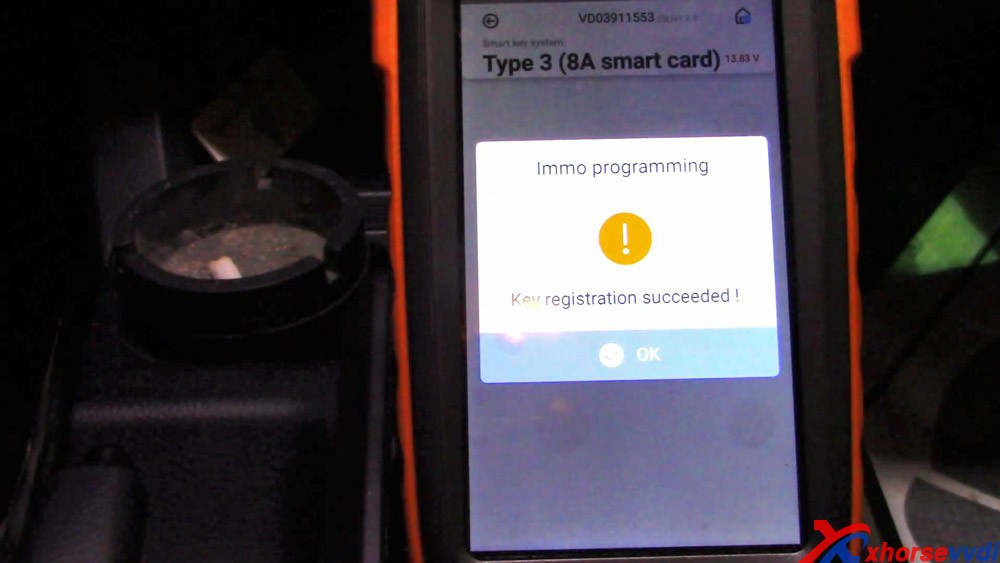
Alright, so here's the key that was previously locked. It starts the truck. And the smart key works.

As
you can see, Key Tool MAX has a cool feature where it allows us to
unlock Toyota smart keys if they are previously locked to a separate
vehicle a different vehicle, and then program them to the vehicle.
so just wanted to show you all how easy it was with the VVDI Key Tool MAX to unlock these keys.
Enjoy!
www.xhorsevvdi.com
Posted by: xhorsevvdi at
02:45 AM
| No Comments
| Add Comment
Post contains 325 words, total size 11 kb.
December 24, 2020
Hi buddy! Hope you and your family be healthy and happy. Today I will show you how to use Xhorse VVDI Key Tool Plus to OBD add Toyota 8A Smart Key without simulator. Please prepare also one Xhorse Toyota Smart Card (which will be coming is some days).
Let's go! What I've operate is one Toyota Ralink.
Tap
"Immo programming" -> Asia -> Toyota -> Select by type ->
Smart Key System -> Type 3 (8A Smart card) -> Read its functions
(1. erase the key; 2. Add key), tap "Start" -> Add key.

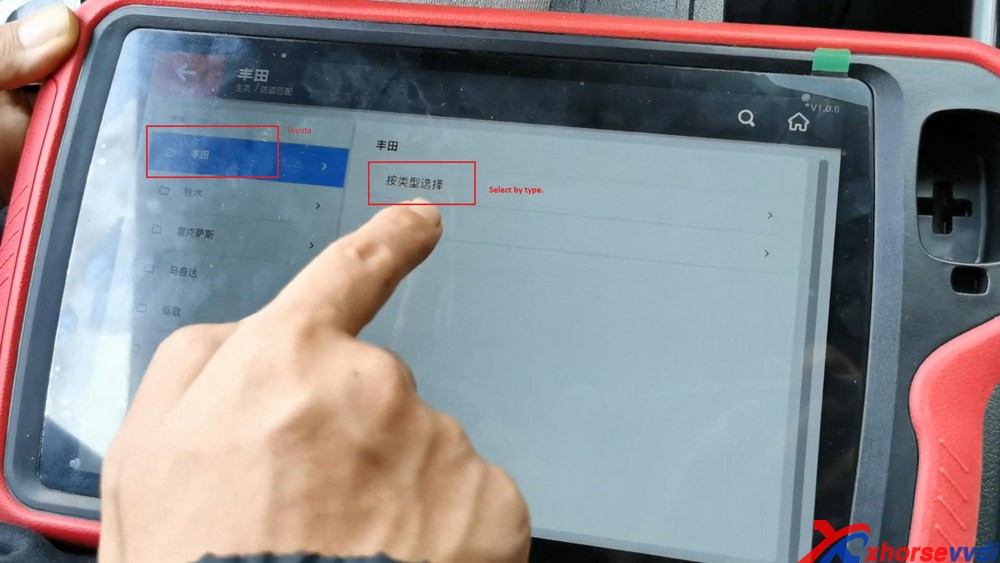


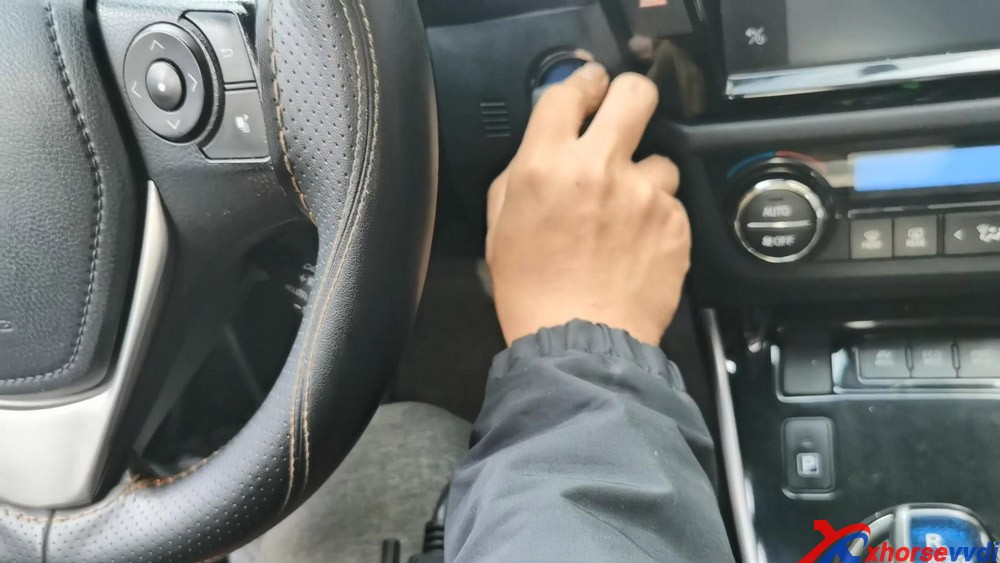
Turn on ignition of Toyota Ralink;
Contact the original VVDI Toyota 8A smart card to the start /stop button;
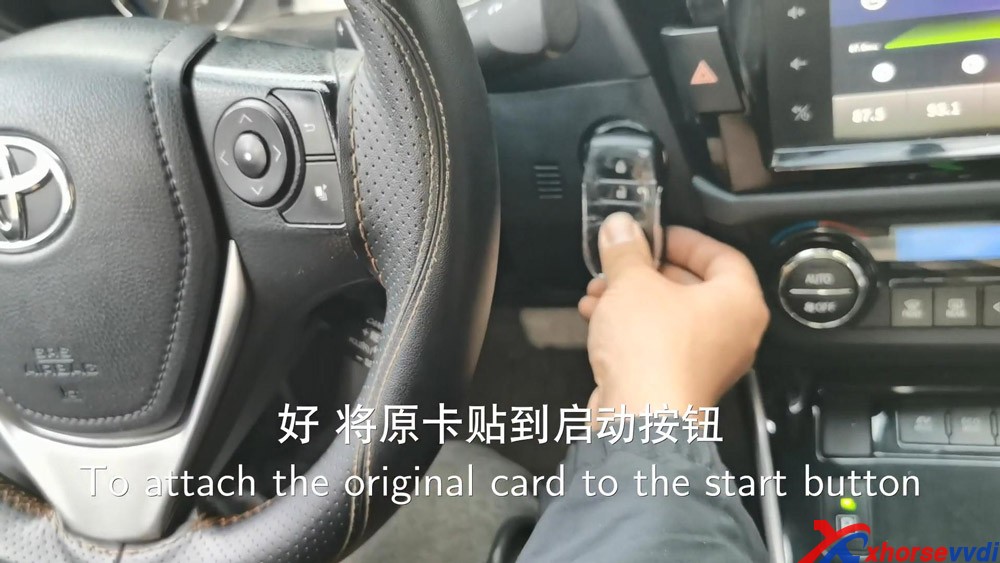
The registered key number: 1
The number of keys that can be registered: 6
Tap "Ok".
3.
After hearing the sound, put one registered key (the side with logo)
close to the IG button, please finish the operation in 30 seconds after
clicking on "Ok".

Image 1: the original Toyota Smart key.

Image 1: the new Toyota Smart key made by VVDI.
4. Put the key on the passenger seat, please finish the operation in 90 seconds after clicking on "OK".
5. The key is registered successfully. Meanwhile, Turn off the ignition.
Tap "OK" and it says:
The registered key number: 2
The number of keys that can be registered: 5
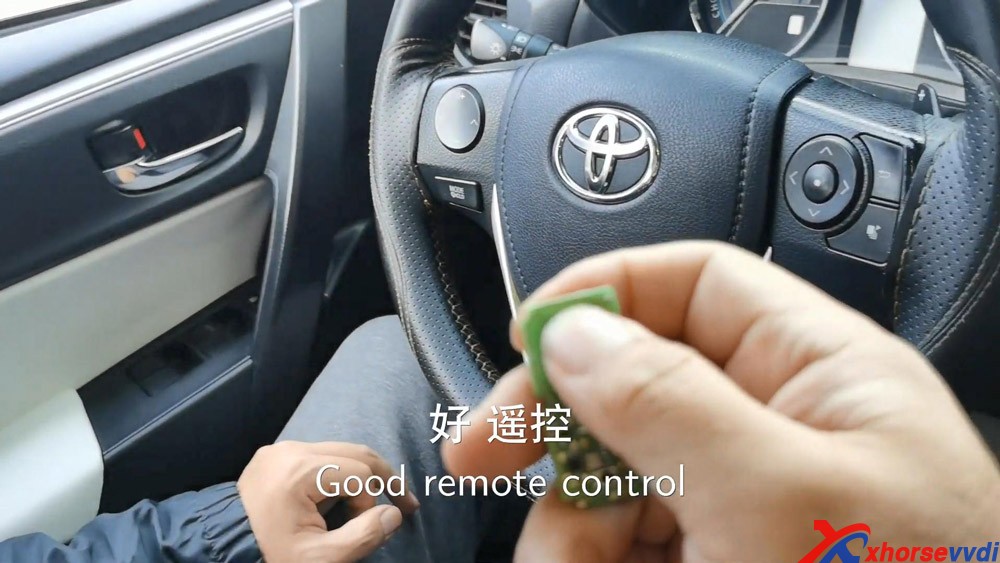
6. Please check if the smart key can work normally.
Ok, the remote control works.
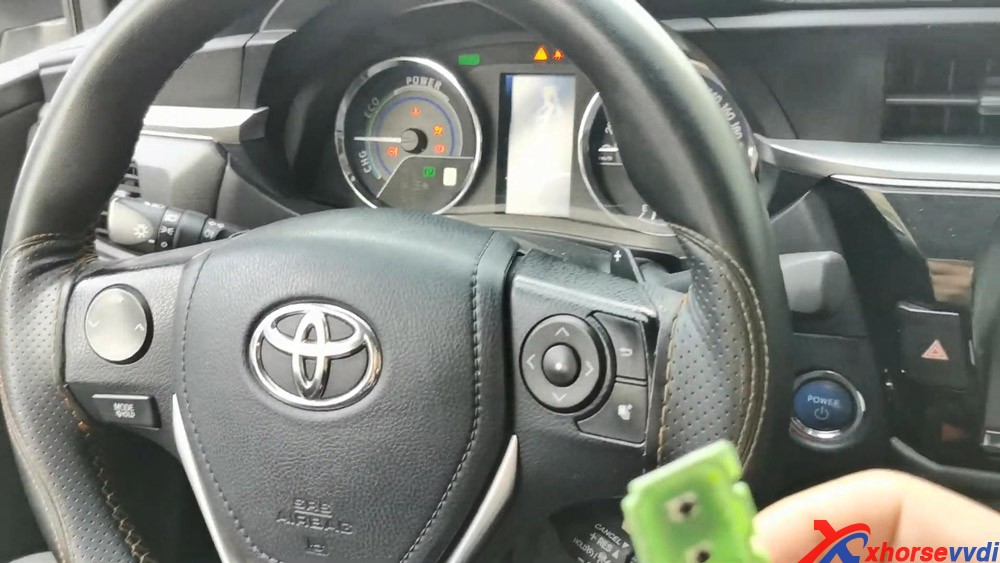
And smart start works too, it can start the dashboard.
It means this card is working.
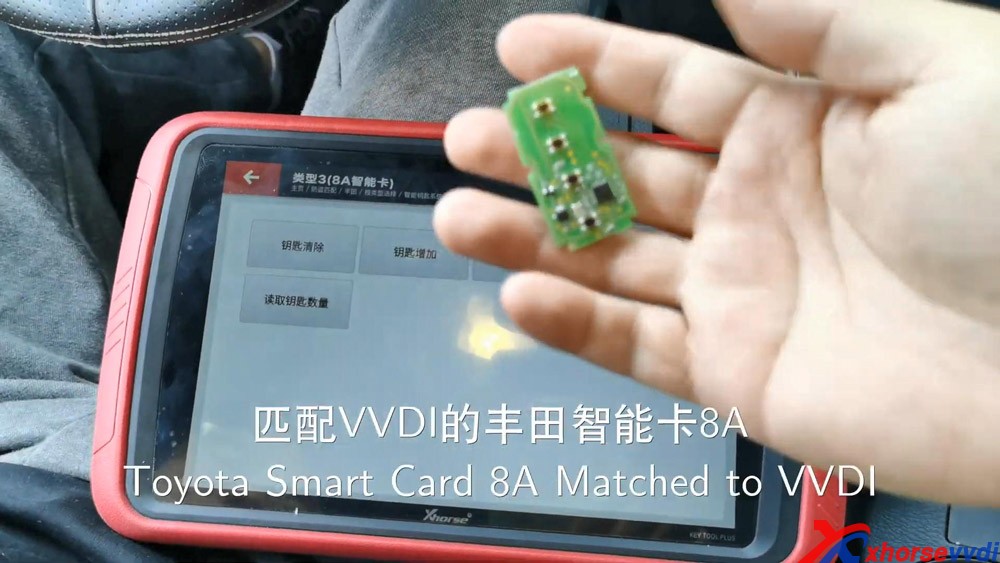
Alright, it is easy and quick to use Xhorse Key Tool Plus PAD to program Toyota 8A smart key via OBD.
Good to know:
For the Xhorse Toyota Smart key newest information. www.xhorsevvdi.com is always the first shop to share, please keep an eye on it.
Enjoy!
http://blog.xhorsevvdi.com/
Posted by: xhorsevvdi at
03:32 AM
| No Comments
| Add Comment
Post contains 313 words, total size 9 kb.
December 22, 2020
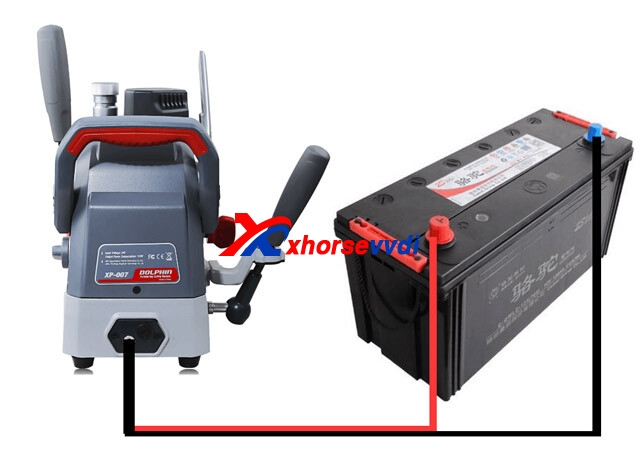
Xhorse Dolphin XP007, with a built-in battery, allows a locksmith to manual cut about 20 keys. However, it is not convenient for some users who work outside and have a large business volume daily. So how to charge the machine with enough power to work all day?

Method 1. Prepare a 24V big-capacity battery.
Look at this image, you can make one convertor to charge for Dolphin XP007.
Method 2. Prepare a Power Inverter shown as below.

Method 3. Charge Dolphin XP007 by plugging it to the car cigarette lighter port, and you can use it while charging. But the car has to be 24V, 12v is useless.
When you find the battery is aged, buy a newbatteryto replace,here is the source of new battery of Dolphin XP007 :https://www.xhorsevvdi.com/wholesale/dolphin-xp007-battery.html
Xhorsevvdi provides Xhorse Dolphin XP007 Battery

Please note:
1.Battery
can only ship by DHL. To EU, the invoice value must be more than 50USD,
some countries may have tax. Thanks for your understanding!
2. It needs the book separately, will need 4-5 days to send it out.
Enjoy!
Source:http://blog.xhorsevvdi.com/xhorse-dolphin-xp007-possible-cut-key-for-a-whole-day/
Posted by: xhorsevvdi at
06:14 AM
| No Comments
| Add Comment
Post contains 183 words, total size 4 kb.
December 18, 2020
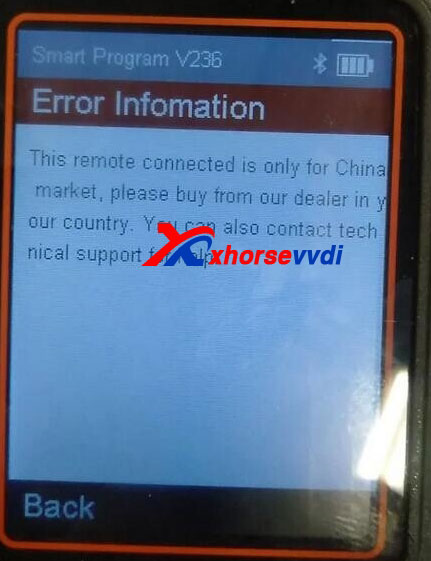
One locksmith who has rich experience of Xhorse shared his solution:
This remote is prepared on the basis of v238 remotes, update your key tool via a computer and the database of remotes will be updated.
Here is the key tool update procedure:
1. Connect device to PC with a USB cable.
2. Click on "Update Online" button to start update.
3. Wait until update 100% ok.
Good to know:
Xhorse VVDI2 V6.8.1 supports MQB /5C.
Read this article about its review:
http://blog.xhorsevvdi.com/vvdi2-generate-vw-5cmqb478-immo-match-smart-key-review/
Posted by: xhorsevvdi at
03:17 AM
| No Comments
| Add Comment
Post contains 138 words, total size 2 kb.
32 queries taking 0.0717 seconds, 99 records returned.
Powered by Minx 1.1.6c-pink.

