



November 24, 2023
Question:
Using Xhorse VVDI KeyTool Plus, I'm trying to clone a W204 EIS but can't.
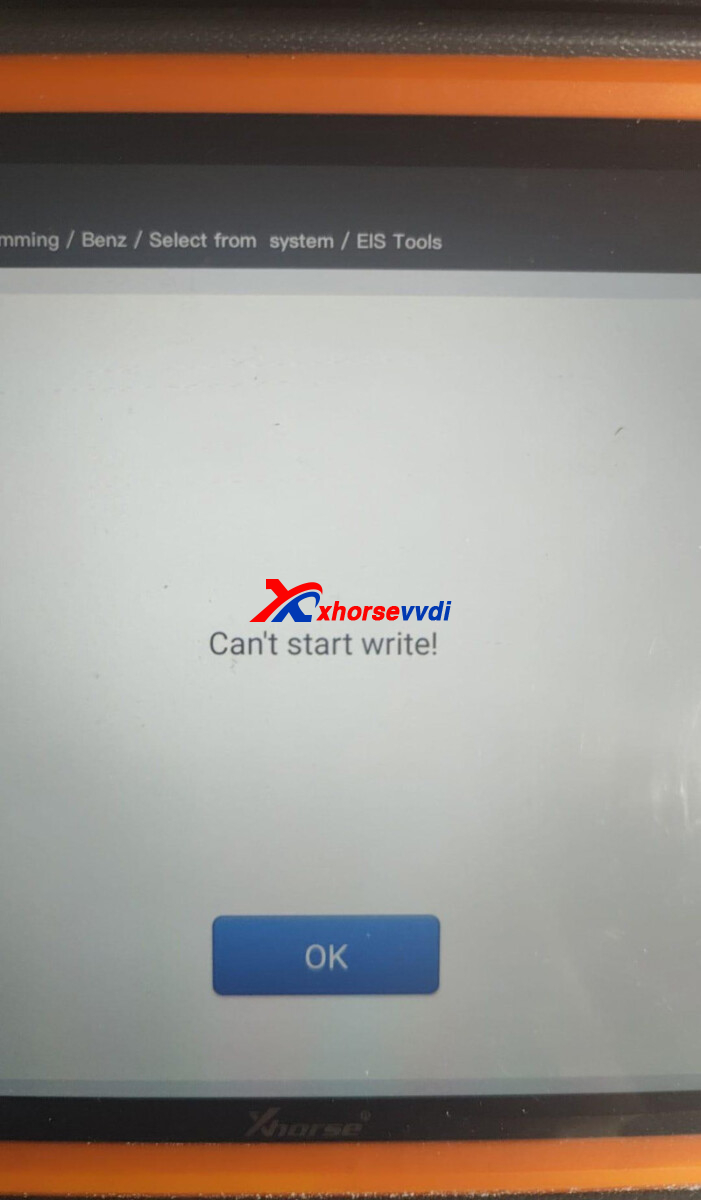
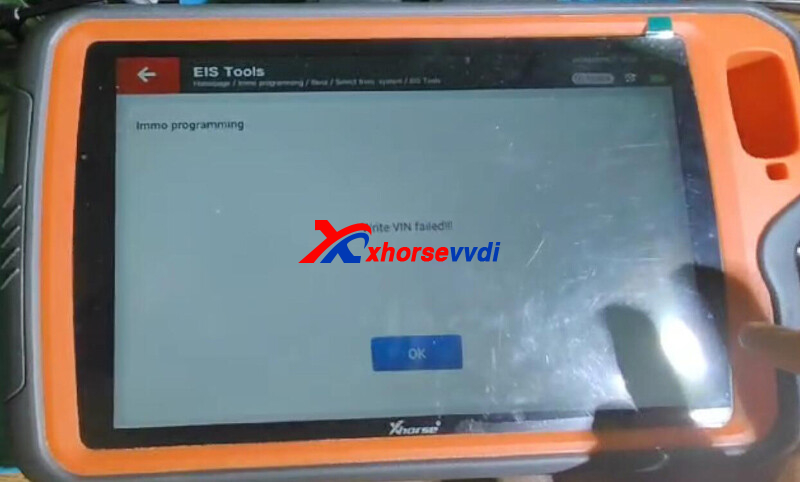
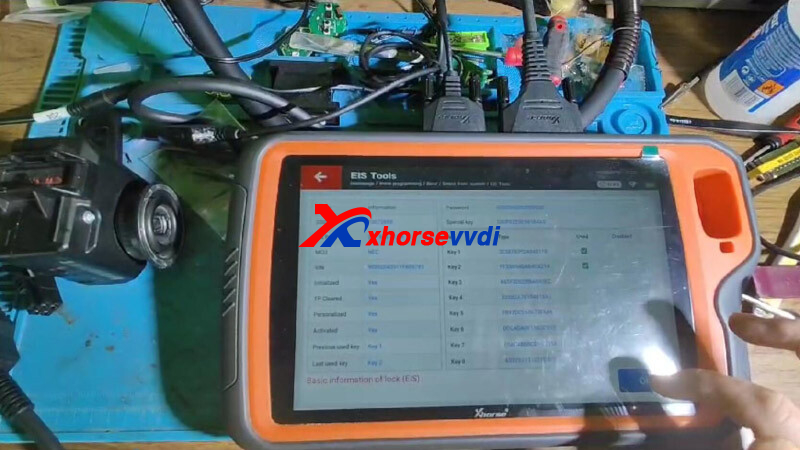
Here Xhorsevvdi tech shares the
Reason:
Wrong EIS password, all showing 0.
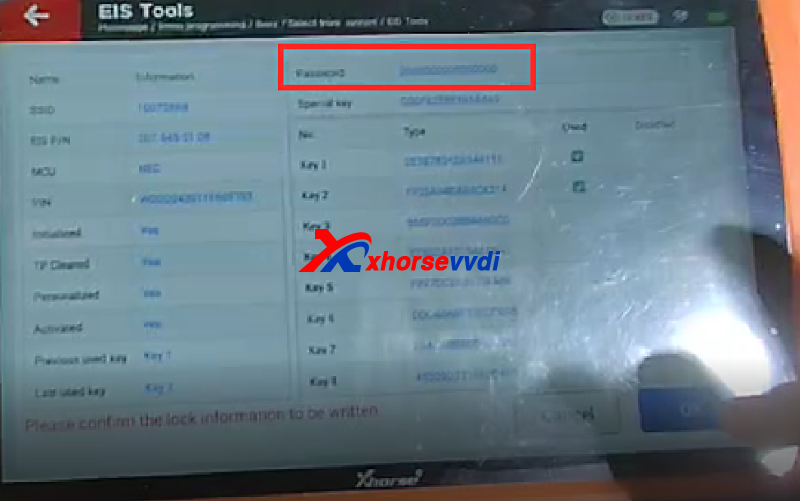
Solution:
To replace EIS, edit EIS data, load EIS data file, and check its password before writing it.
Here use password of new EIS; to use that of old one, edit EIS password on Edit EIS data.
http://blog.xhorsevvdi.com/solved-xhorse-vvdi-key-tool-fail-to-clone-w204-eis/
Posted by: xhorsevvdi at
07:21 AM
| No Comments
| Add Comment
Post contains 75 words, total size 2 kb.
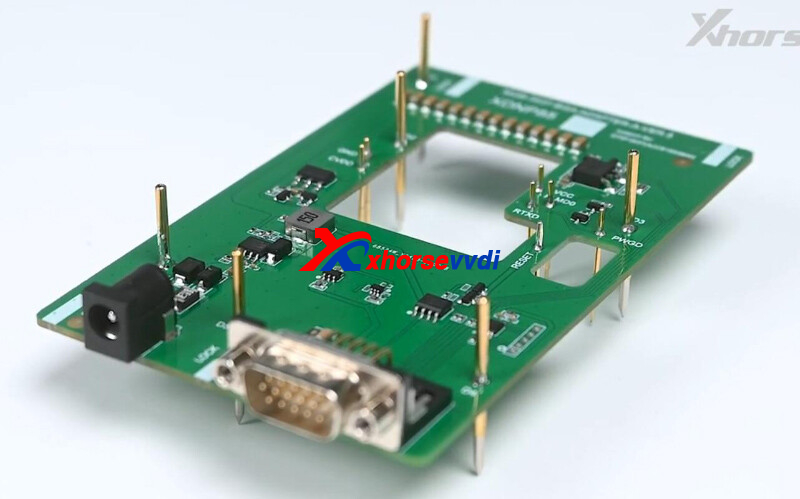
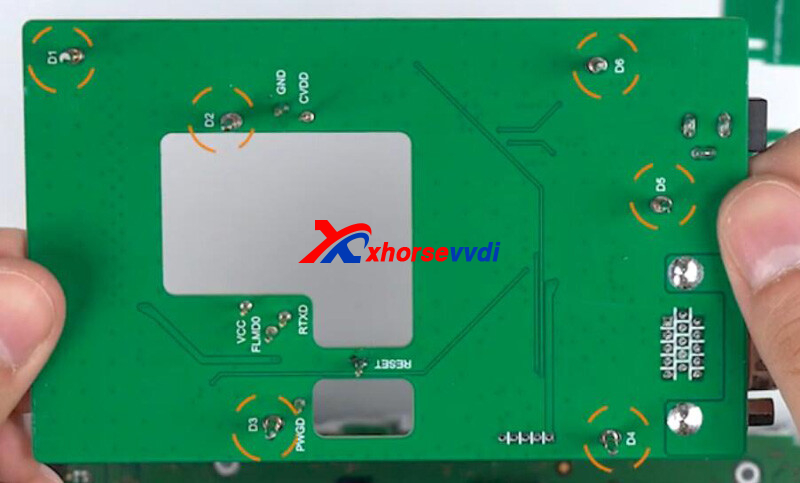
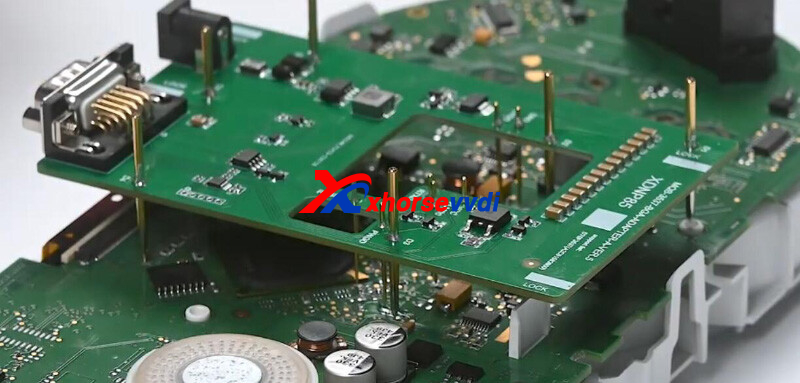
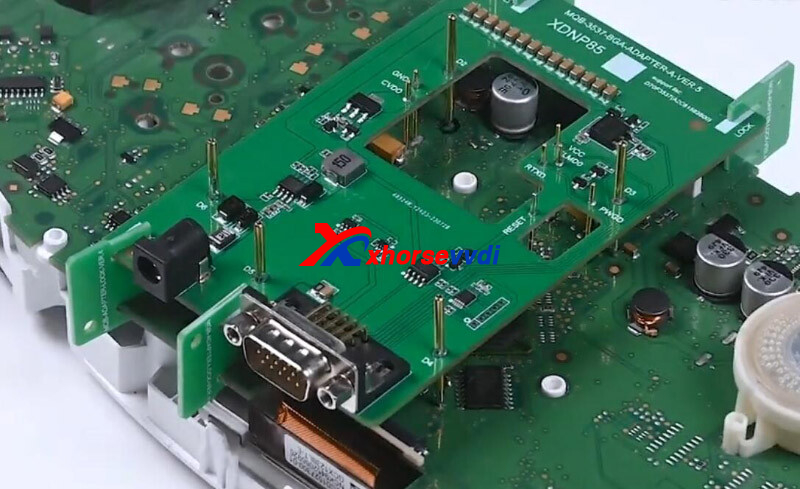
Xhorse MQB48 Solder-free Adapter allows us to read VW dashboard without soldering or cutting/ lifting pin.
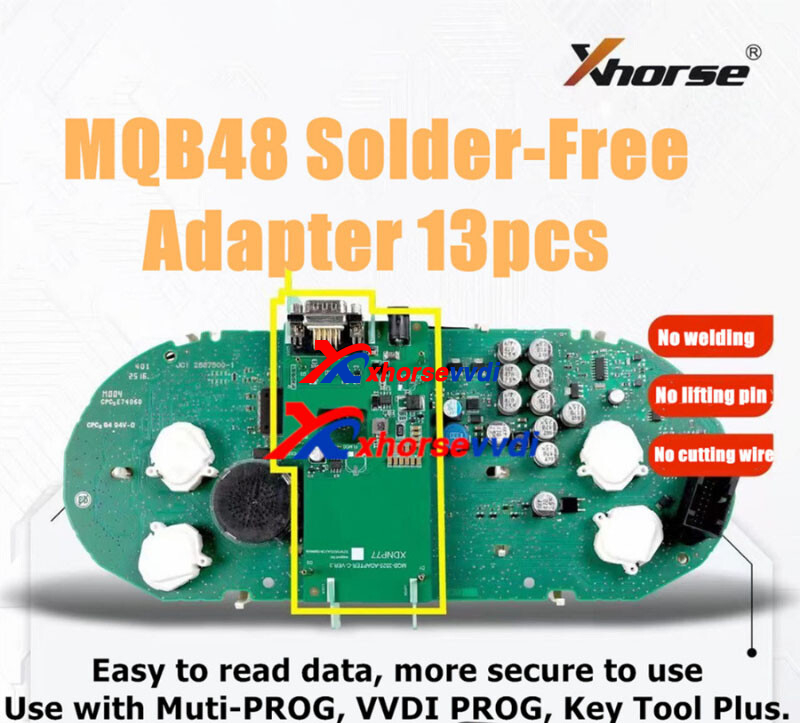
This article is going to show you how to read VW MQB dashboard D70F3537 using this adapter.
Check it out!
Tools:
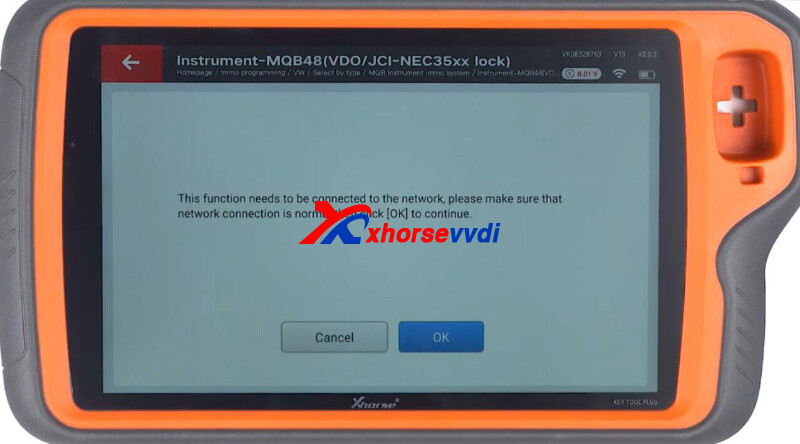
Turn on Key Tool Plus Tablet.
Select
Immo programming>>VW>>Select by type>>MQB instrument immo system>>Instrument-MQB48(VDO/JCI-NEC35xx lock)
Ensure network connection.
Select
Programmer reads files>>Read NEC35xx chip>>Adapter method>>D70F3537
Diagram.
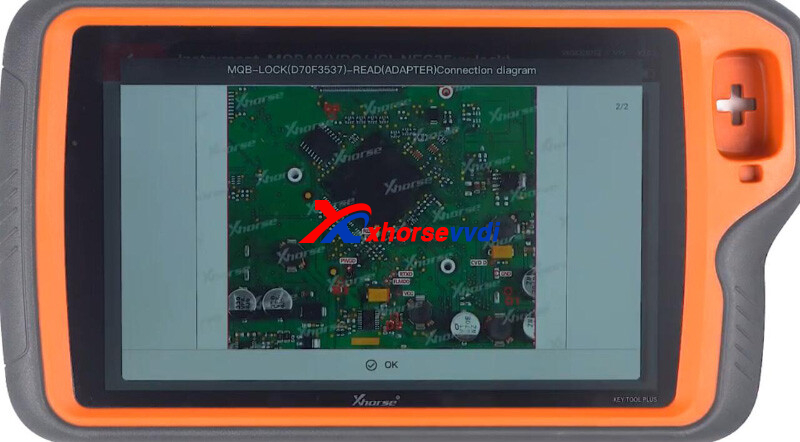
Install solder-free adapter.
Possible Errors:
1)If tool prompts the error "Crystal oscillator frequency configuration failed", please reinstall the adapter
2)If tool prompts the error "Chip cracking failed", please tighten adapter or repeat reading data
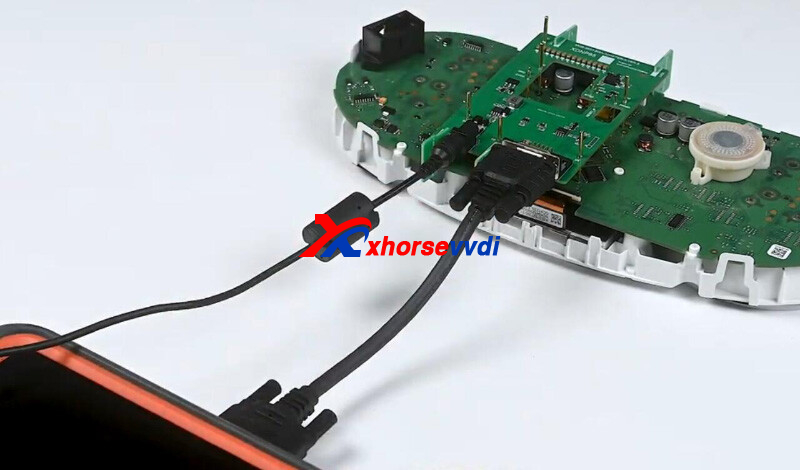
Connect dashboard to Key Tool Plus.
Read dashboard data.
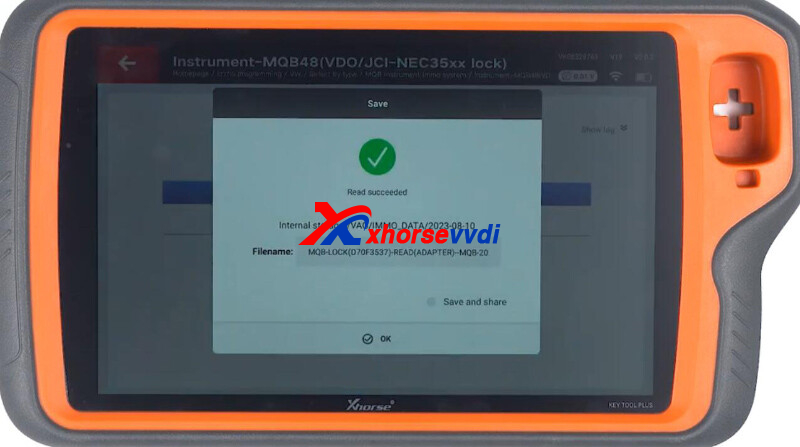
Select Obtaining immo data.
Load dashboard data file.
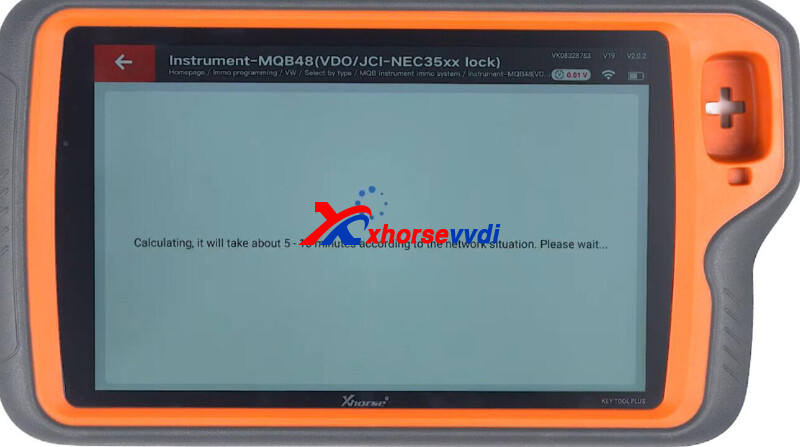
Then we can generate dealer key or learn keys.
Done! That's how we read D70F3537 MQB48 dashboard without soldering.
http://blog.xhorsevvdi.com/how-to-read-vw-mqb48-dashboard-d70f3537-no-soldering/
Posted by: xhorsevvdi at
07:21 AM
| No Comments
| Add Comment
Post contains 149 words, total size 4 kb.
Question:
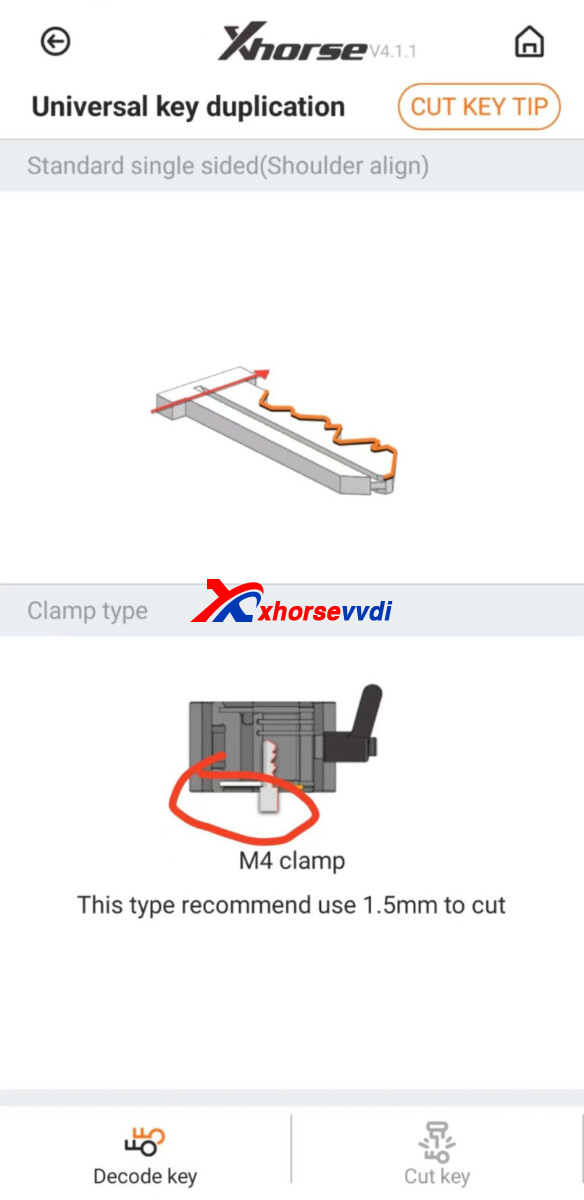
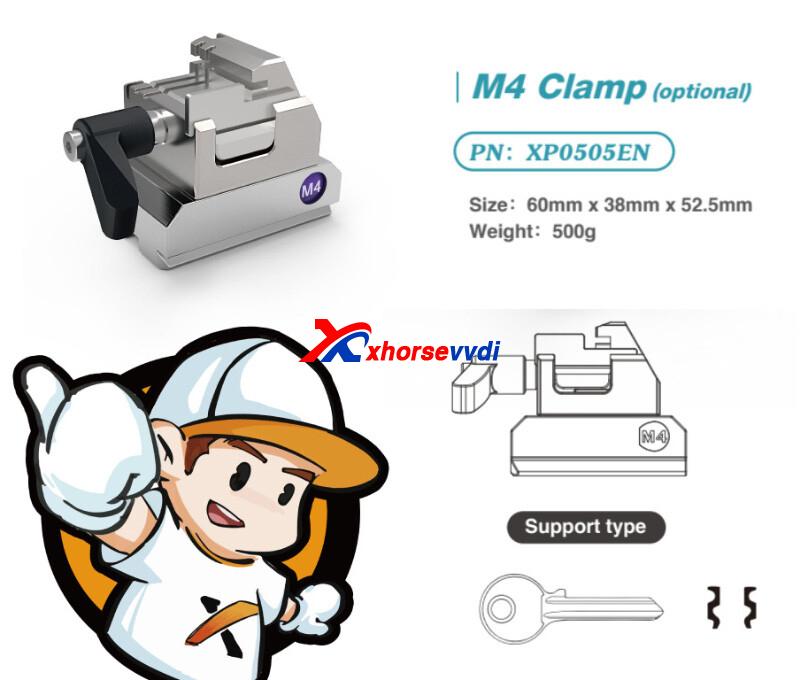
I need to cut short keys with the Xhorse Dolphin XP-005L but it does not seem to have this capability. Is there another jaw that can work to cut keys that are short?
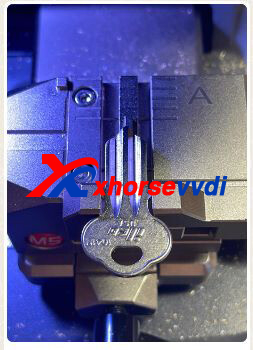
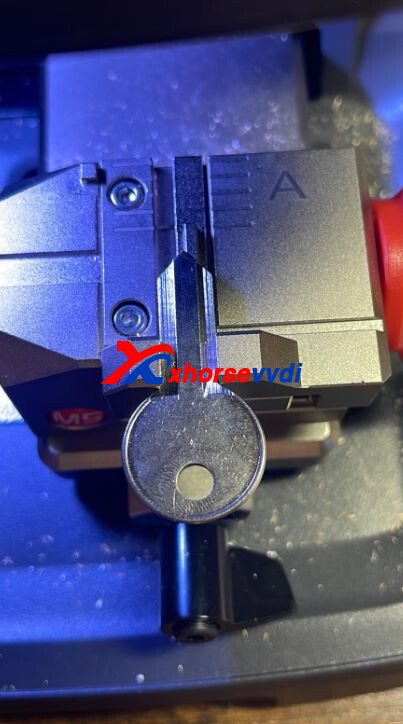
Here is the way:
Use M4 Clamp.
Cut one side, and then complete the other side.
Posted by: xhorsevvdi at
07:20 AM
| No Comments
| Add Comment
Post contains 60 words, total size 2 kb.
Question:
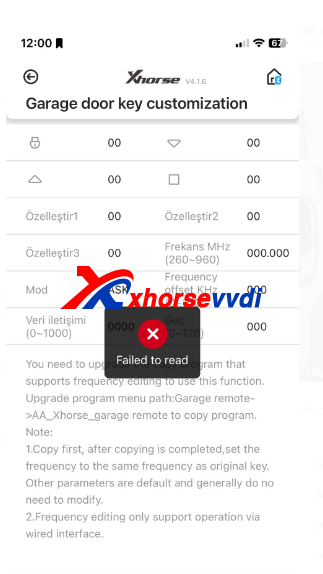
Xhorse VVDI Mini Key Tool possible to support this function? Garage door key customization.
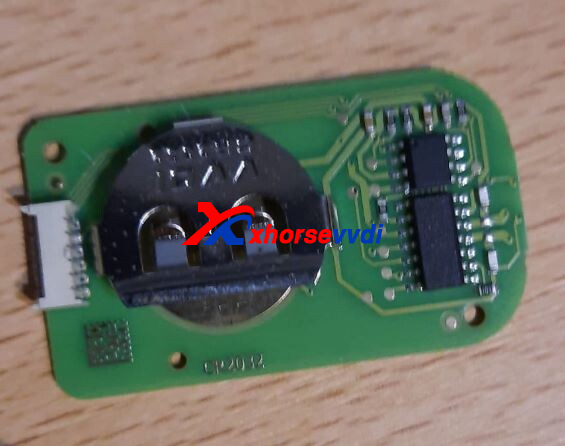
The key used:
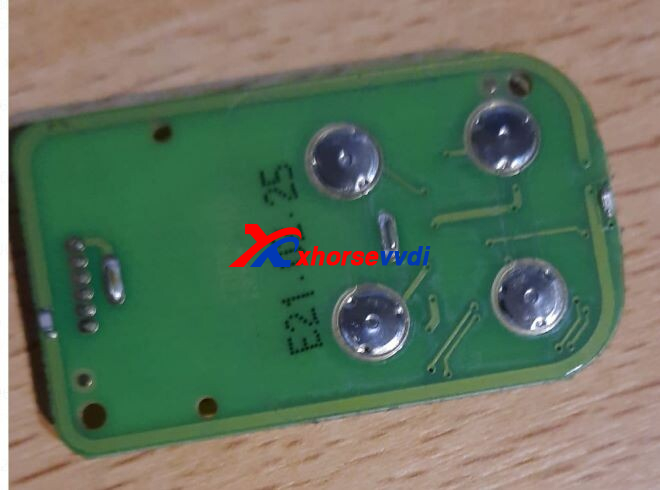
Reason:
Old garage door keys do not support this function
Solution:
Use new Masker Garage Remote 2023 Type.
http://blog.xhorsevvdi.com/solved-mini-key-tool-garage-door-key-customization-fail/
Posted by: xhorsevvdi at
07:20 AM
| No Comments
| Add Comment
Post contains 46 words, total size 2 kb.
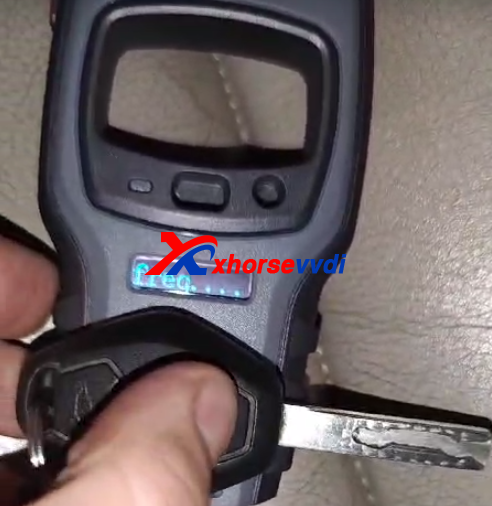
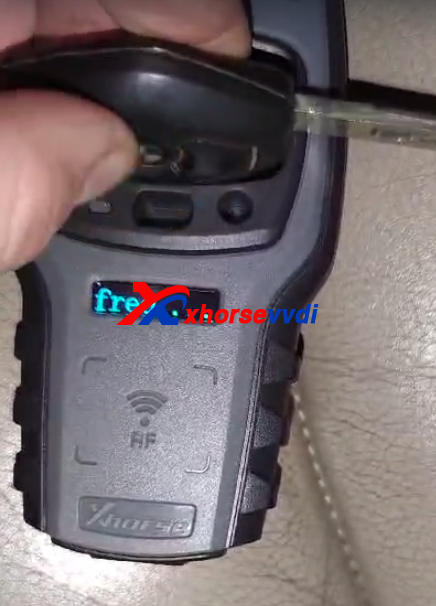
Xhorse VVDI MINI Key Tool can read frequency, and shows result on the little screen, but no frequency on vvdi mini. What's a problem?
VVDI2 test OK
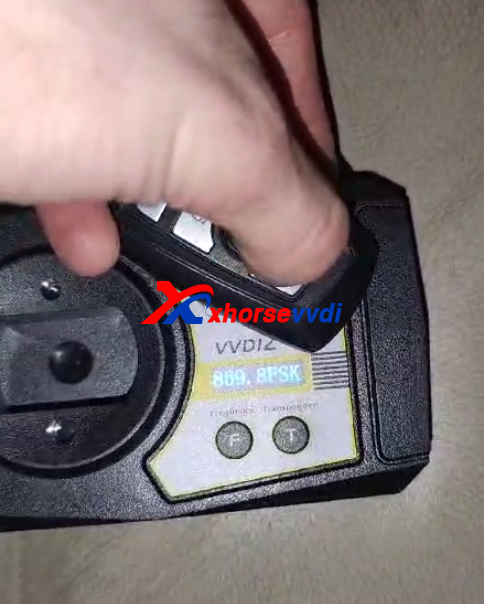
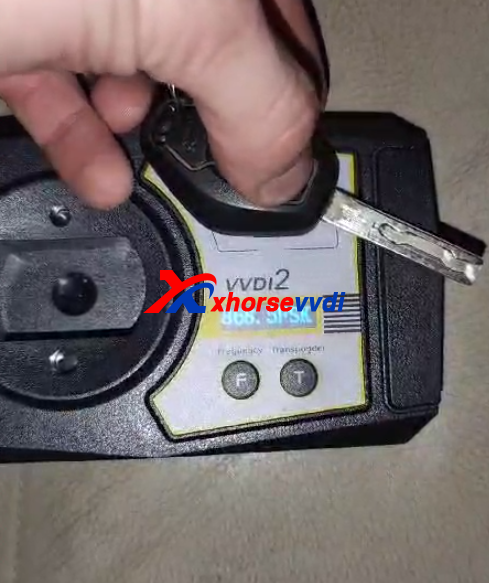
But VVDI MINI can not
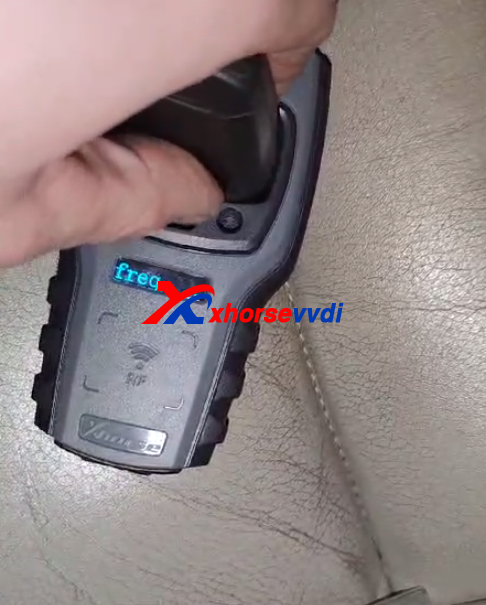
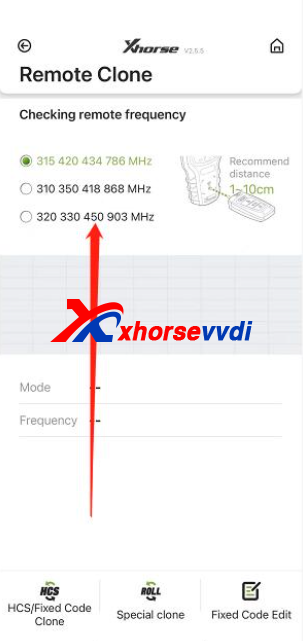
Engineer suggestion:
If you are testing the 868mhz, you have to change the option on the APP to test. The signal of the 868 is weak and difficult to test.
Posted by: xhorsevvdi at
07:19 AM
| No Comments
| Add Comment
Post contains 75 words, total size 2 kb.
One user gave feedback that his Dolphin XP005 did not cut key well. The probe won't move to decode whole blade. Here are original key and new key.
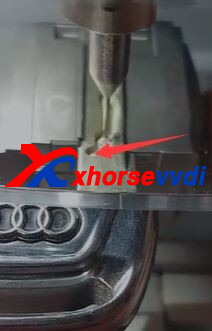
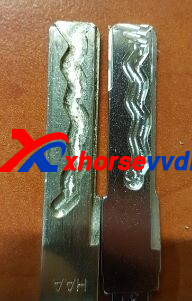
Here is the Solution:
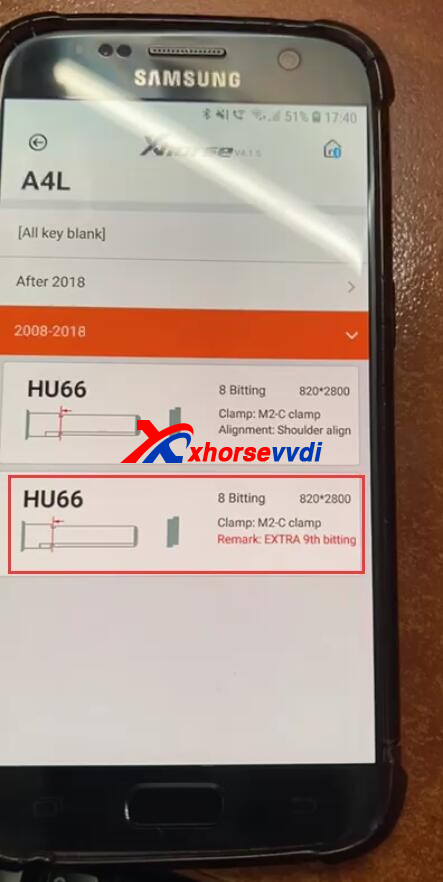
Select key blade option marked by EXTRA.
(Path: vehicle database>>Audi>>A4L>>2008-2018>>EXTRA 9th bitting)
*The cutter will address the part that the probe doesn't decode
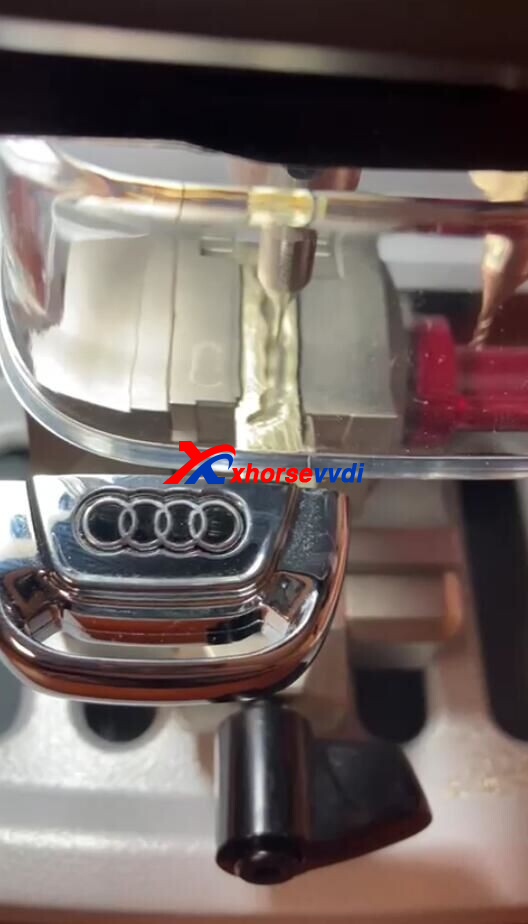
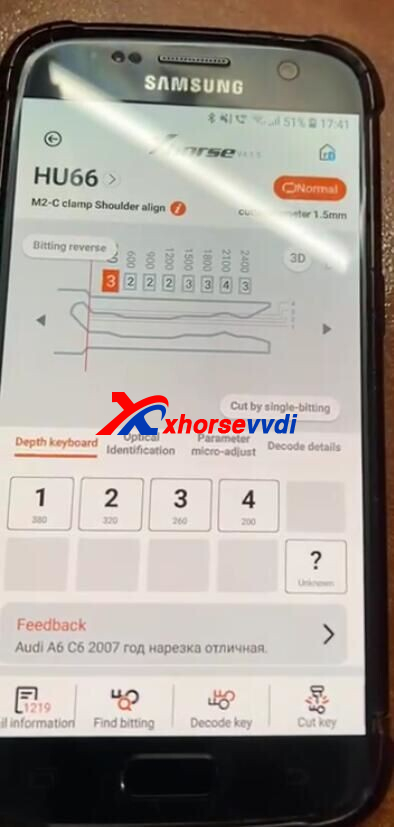
Or you can use with key reader together with dolphin xp-005 key cutting machine.
http://blog.xhorsevvdi.com/fixed-dolphin-xp005-not-finishing-cutting-audi-a4l-2008-2018-hu66/
Posted by: xhorsevvdi at
07:19 AM
| No Comments
| Add Comment
Post contains 80 words, total size 2 kb.
One customer wondered how to connect Key Tool Max Pro to Toyota 8A Blade Key Adapter.
After connection, the tool said "Toyota 8A adapter not found".
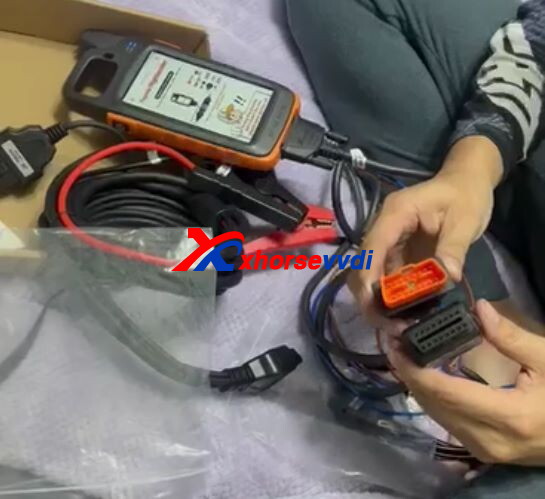
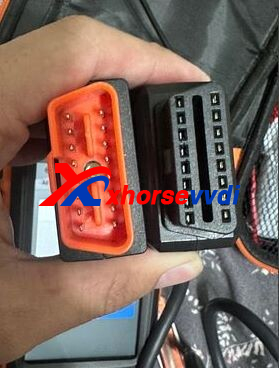
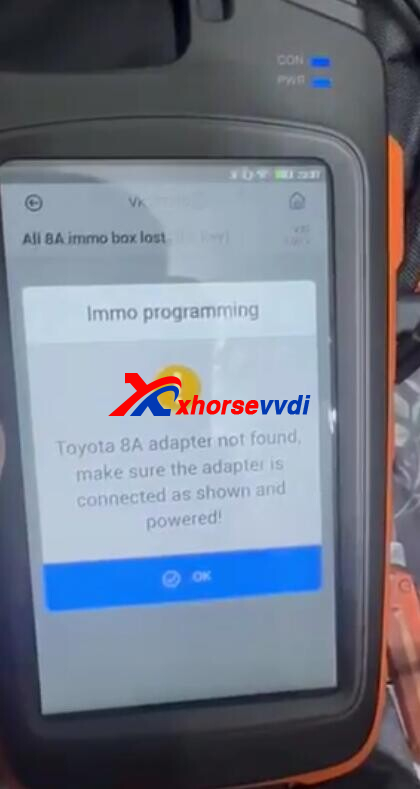
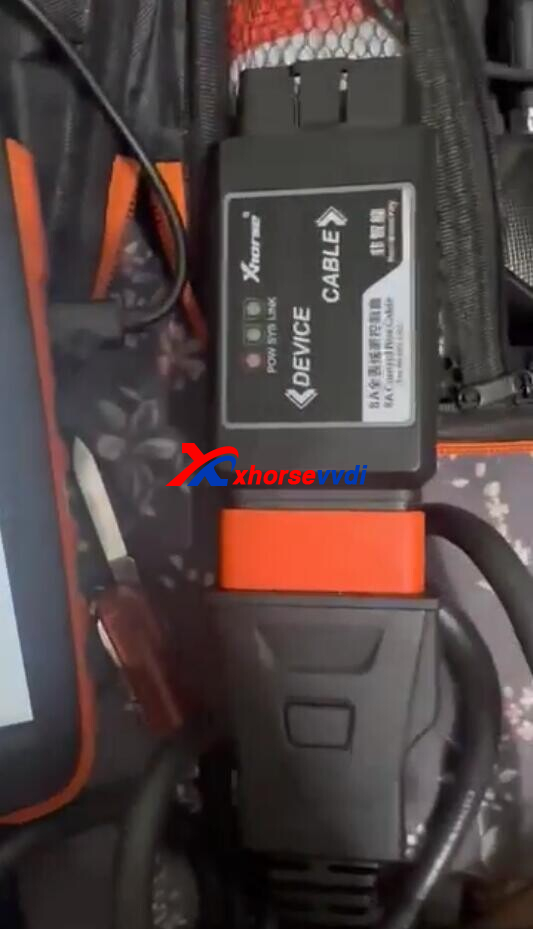
Here is the Solution:
Supply 12V power to 8A AKL Adapter.
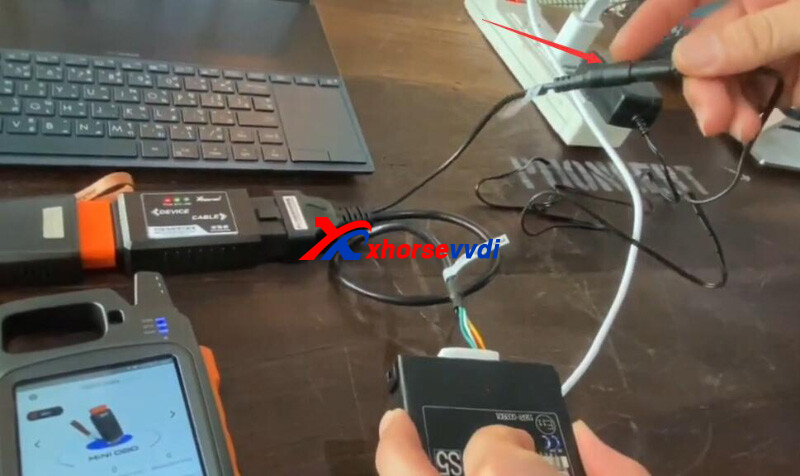
Check connection by diagrams.
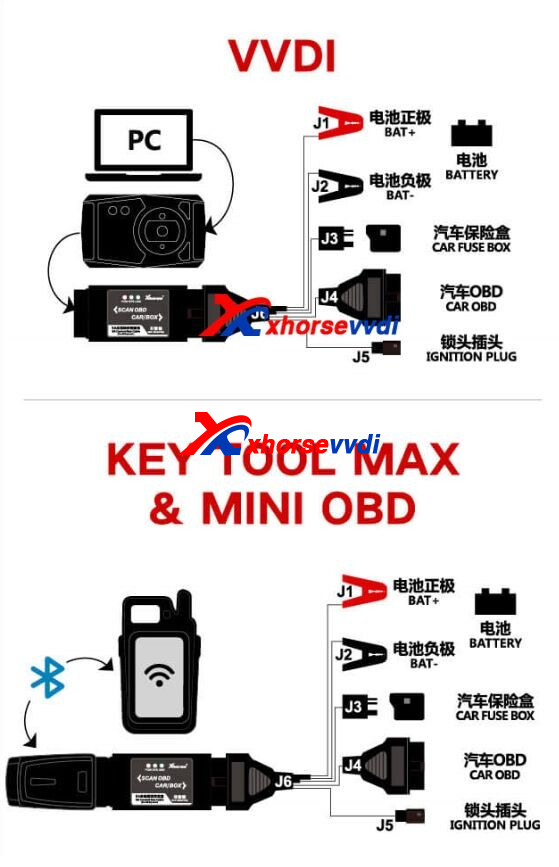
Posted by: xhorsevvdi at
07:18 AM
| No Comments
| Add Comment
Post contains 55 words, total size 2 kb.
Xhorse VVDI Universal Benz FBS3 Smart Key is suitable for Benz keys with one battery type only.
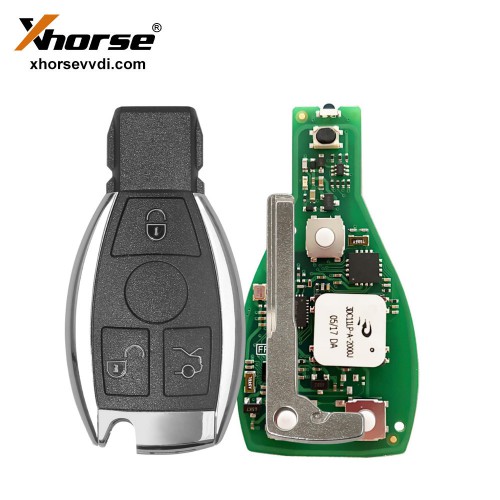
Vehicle: Mercedes C200 2013
Xhorse VVDI Keyless Go Smart Key operates normally after registration.
But 3 days later
3V battery discharges.
I would like to ask for a solution because the discharge continues even after replacing the new 3V battery.
And the new Xhorse VVDI Benz FBS3 Smart Key PCB
Even if you check the registration, the symptoms are the same.
Confirmed using version upgrade and the symptoms are the same
Number 1 is ver:1.0.5
Number 2 is ver:1.1.4
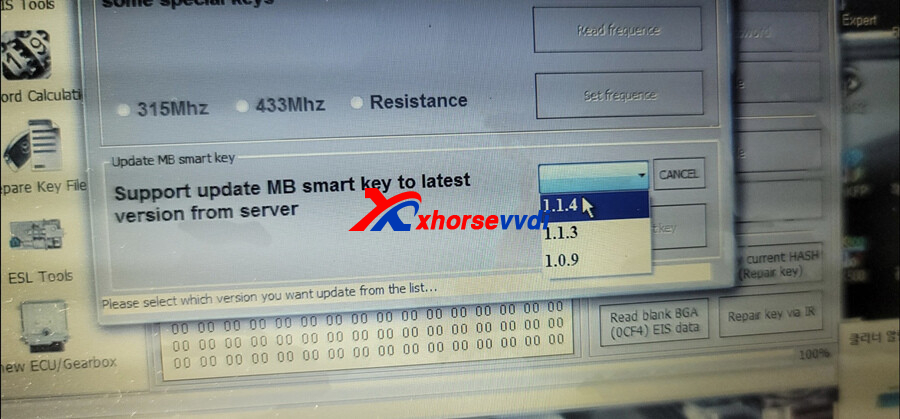
* After 3 days, it will be discharged to 3V unconditionally.
Solution from Xhorse Engineer:
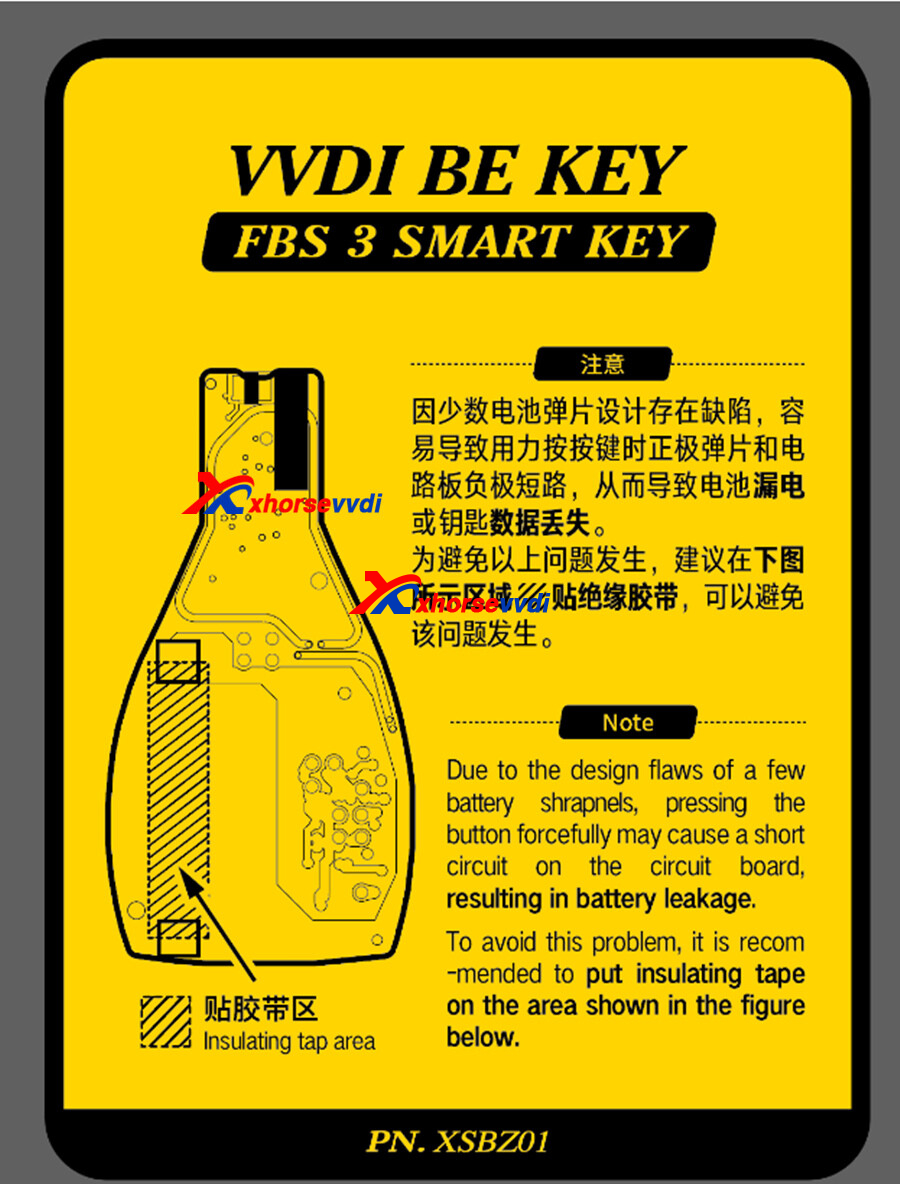
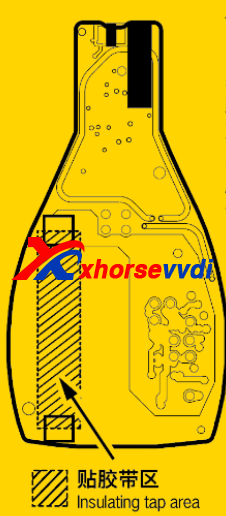
Due to the design flaws of a few battery shrapnels,pressing the button forcefully may cause a short circuiton the circuit board resulting in battery leakage.
To avoid this problem, it is recommended to put insulating tapeon the area shown in the figure below.
Posted by: xhorsevvdi at
07:18 AM
| No Comments
| Add Comment
Post contains 164 words, total size 2 kb.
For ID48 function, VVDI MINI, VVDI Key Tool Max, Key Tool Max Pro, all need you generate 10 new vvdi remotes, then after 2 hours you will get automatically.
But we receive some customer feedback that
Generated 26remotes, id 48 not activate as yet. Cheers
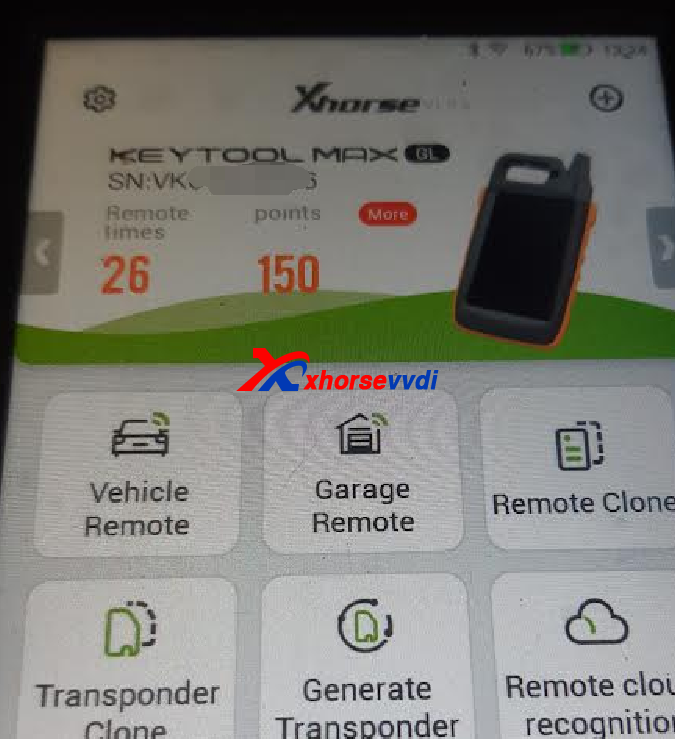
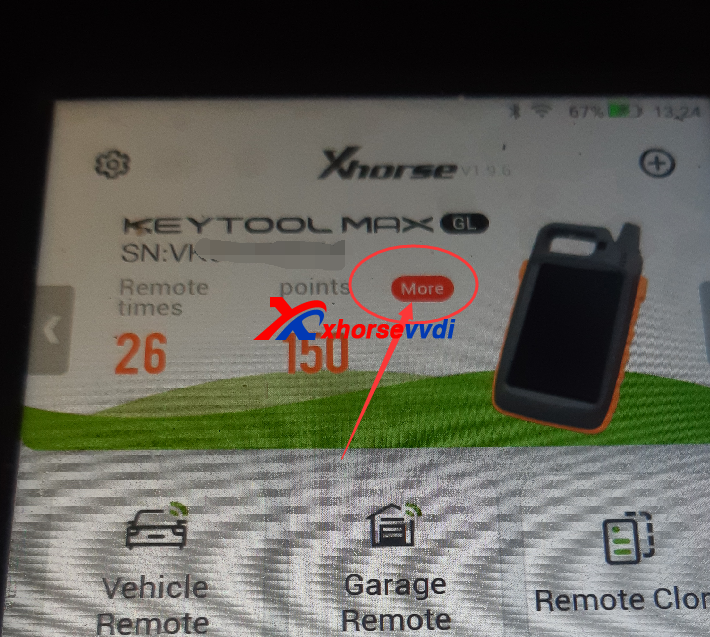
Solution:
Click more and collect points,then check the license page
http://blog.xhorsevvdi.com/vvdi-key-tool-max-pro-id-48-not-activated-tips/
Posted by: xhorsevvdi at
07:17 AM
| No Comments
| Add Comment
Post contains 66 words, total size 1 kb.
Key Tool Max pro covers the function of key tool max, mini obd tool, ft-obd toyota. And it is good tool for diy user of key programming.
And we received feedback that
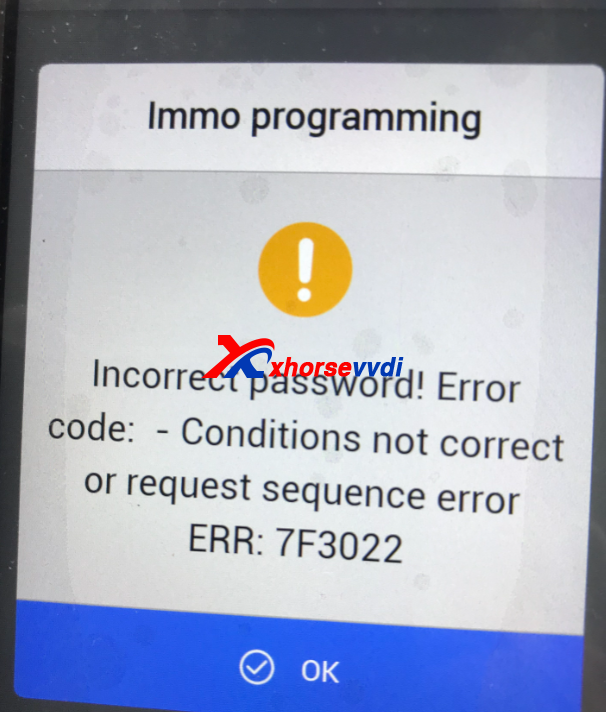
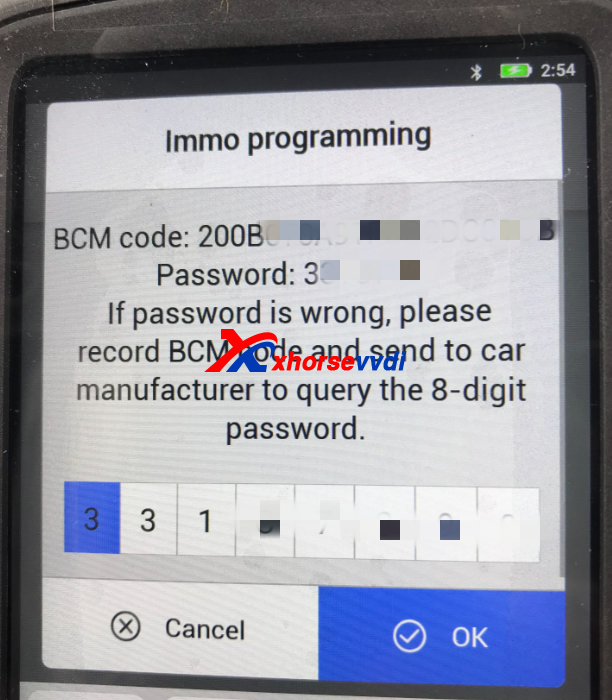
I connected the Key Tool Max Pro via OBD cable provided selected immo Programming selected Suzuki Wagon 2008- 2017 after that I get a code not correct message code is provided by the Key Tool Max Pro
Engineer reply:
The pass not right,you need find third party to get the pass.
The algorithm for this car's password is different.Then the one is not right, You need to check the password yourself.
http://blog.xhorsevvdi.com/how-to-solve-vvdi-key-tool-max-pro-7f3022-error/
Posted by: xhorsevvdi at
07:17 AM
| No Comments
| Add Comment
Post contains 114 words, total size 1 kb.
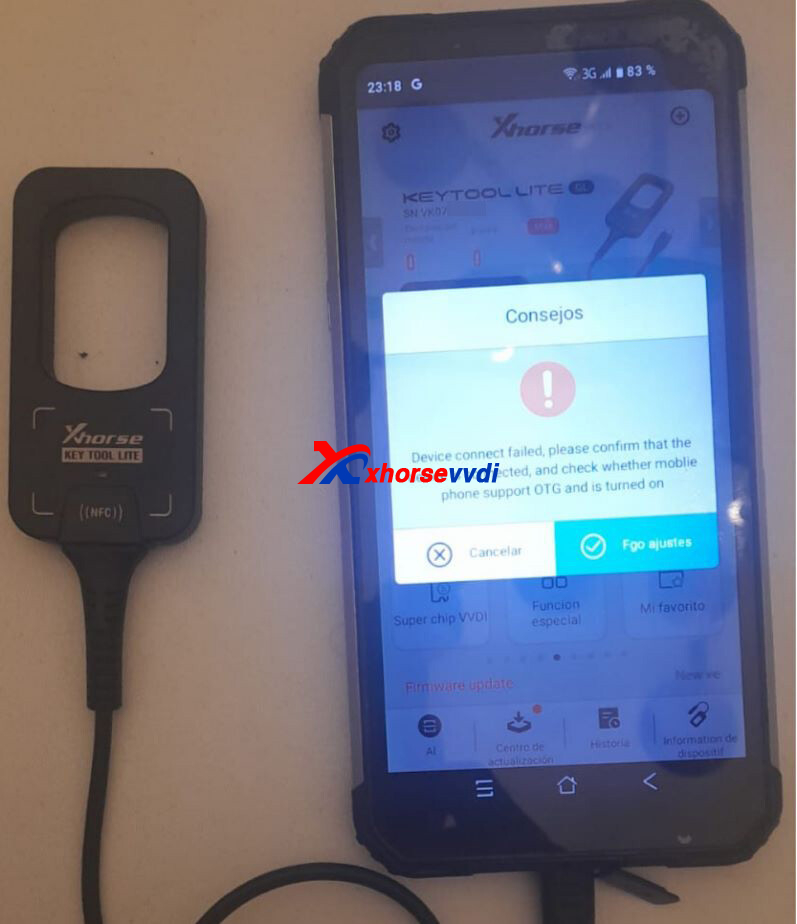
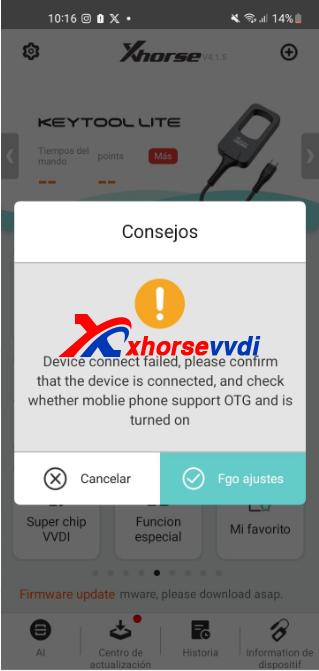
One customer gave feedback that he cannot connect VVDI Key Tool Lite to his phone. And Xhorse app said "Device connect failed" and asks if the phone supports OTG function.
Here is the Solution:
1)Check OTG function in phone settings.
2)If OTG is supported, go to
Settings>>Other Network and Connection
Turn on OTG function
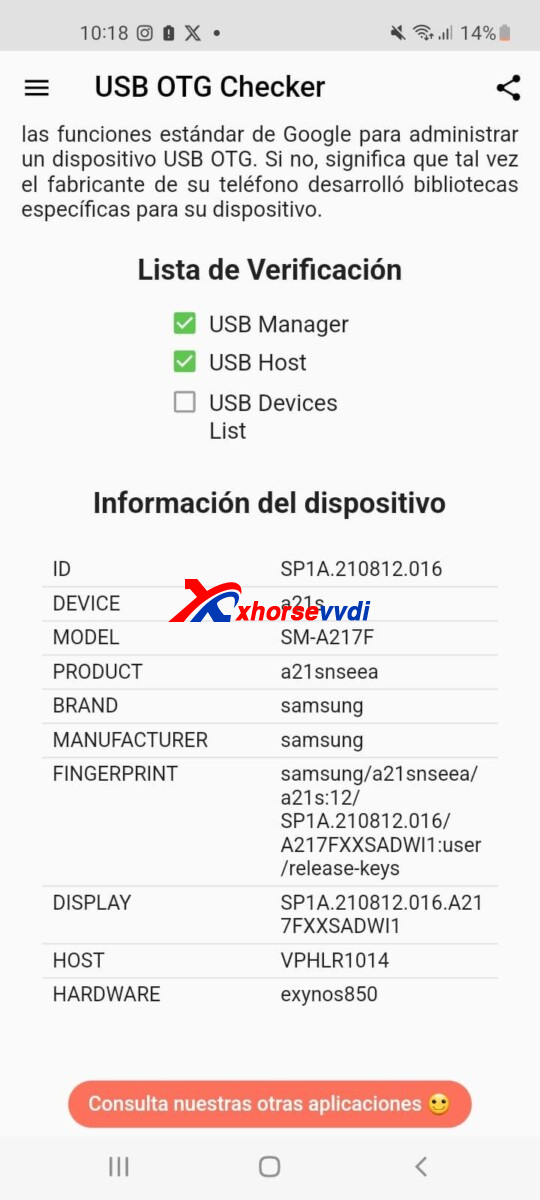
*OTG is automatically turned on in some phones, but also not supported in some others.
http://blog.xhorsevvdi.com/how-to-solve-xhorse-vvdi-key-tool-lite-device-connect-failed/
Posted by: xhorsevvdi at
07:16 AM
| No Comments
| Add Comment
Post contains 81 words, total size 2 kb.
Question:
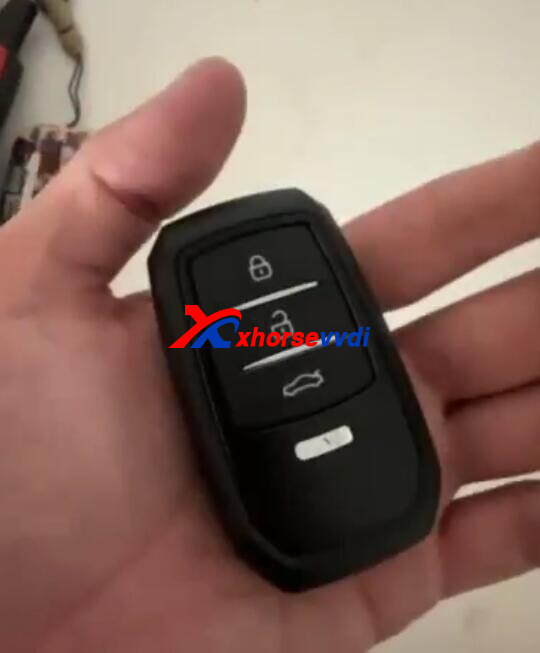
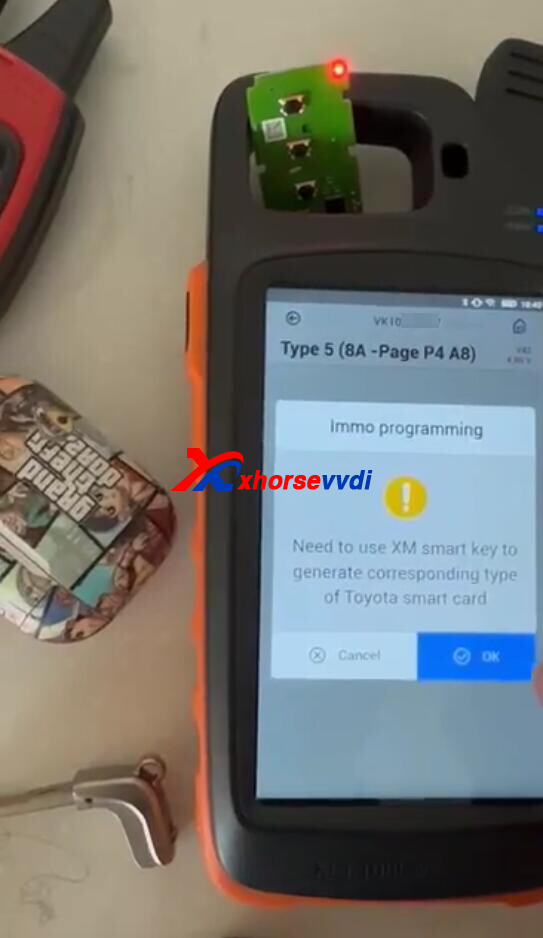
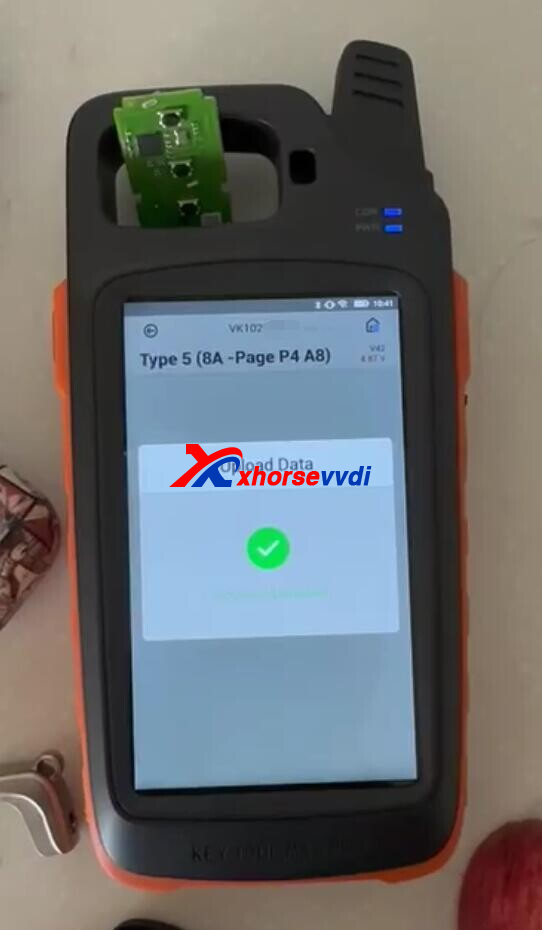
How to Fix the problems that Xhorse Key Tool Max Pro does not copy the new key car file? I used XM38 Smart Key.
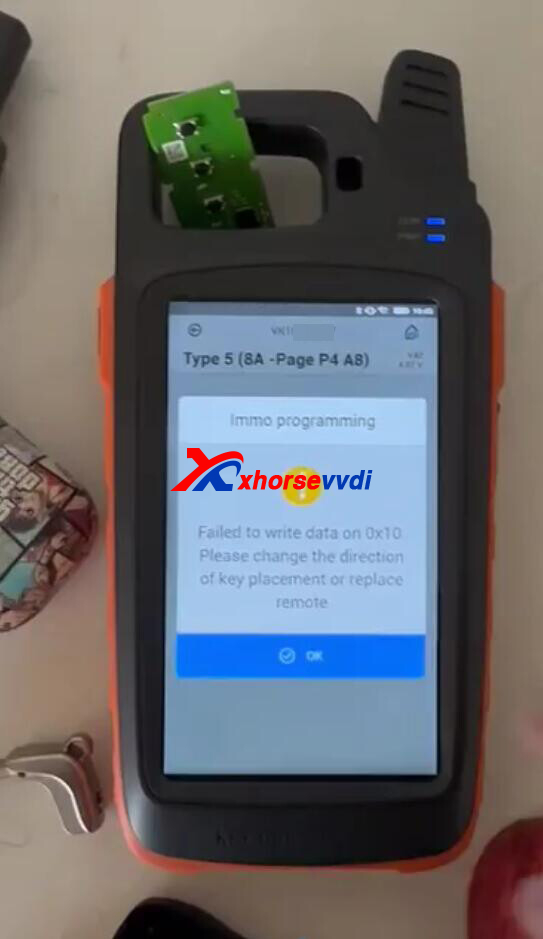
Here Xhorsevvdi tech shares the
Solution:
1)Generate the remote control for 8A-A8
2)Copy (Load) EEPROM file
3)Prepare dealer key
4)Add new key
Posted by: xhorsevvdi at
07:16 AM
| No Comments
| Add Comment
Post contains 59 words, total size 2 kb.
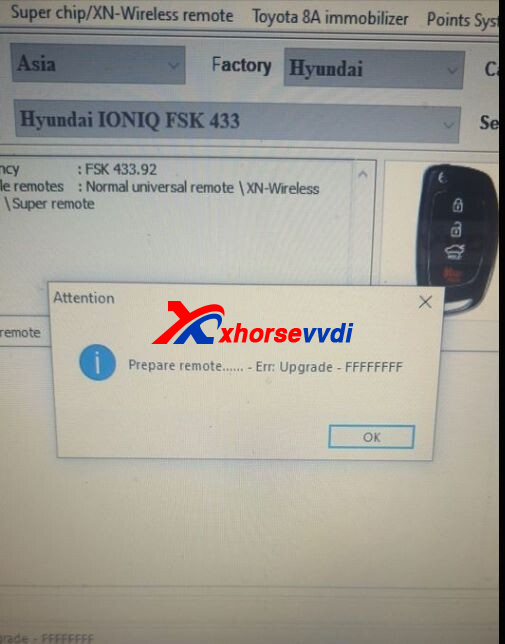
One Xhorse VVDI2 user gave feedback that he upgraded everything and still get this message.
Here is the Solution:
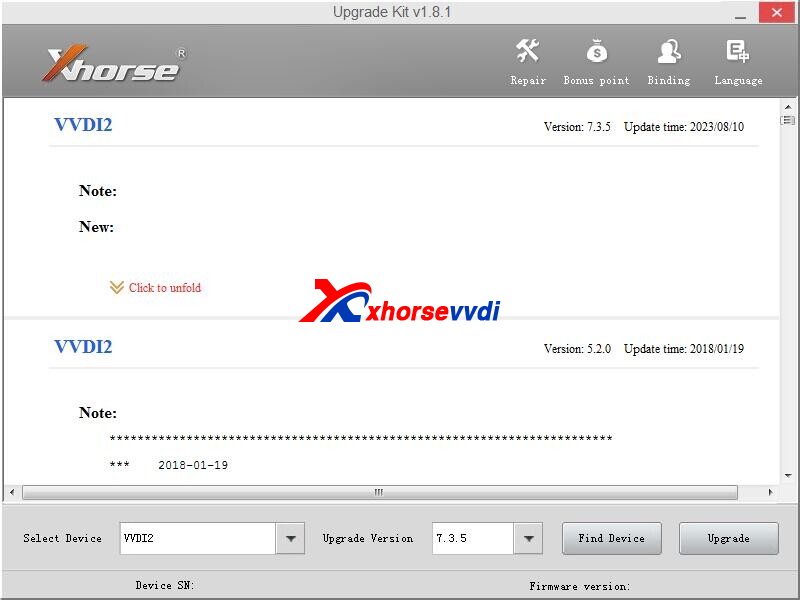
Update Software and Firmware to the latest version and try again.
Software: Download V7.3.5 VVDI2
Firmware: Update to V7.3.5 by Xhorse Upgrade Kit
Posted by: xhorsevvdi at
07:15 AM
| No Comments
| Add Comment
Post contains 54 words, total size 2 kb.
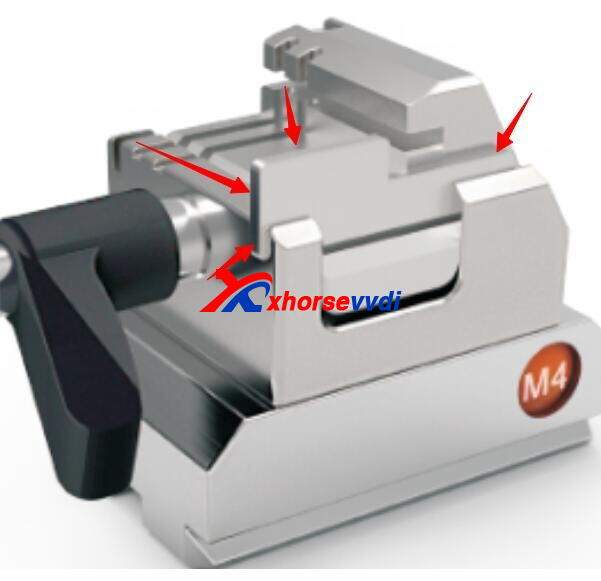
M4 Clamp shim could help fix blades on Xhorse Dolphin Machine, but what replacements can we use if we lose it?
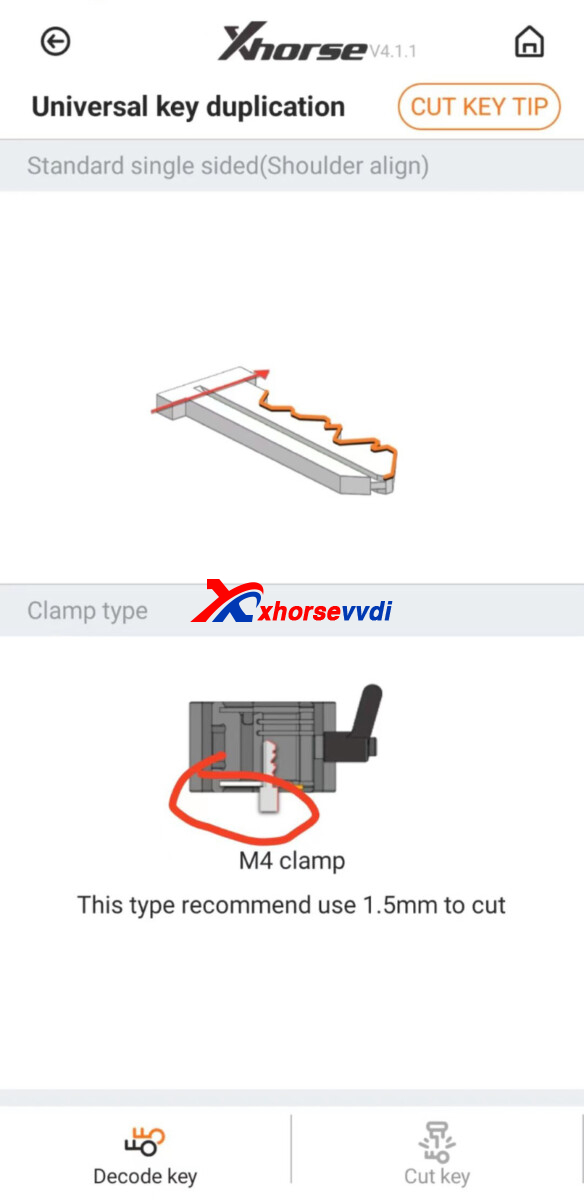
Here is the Answer:
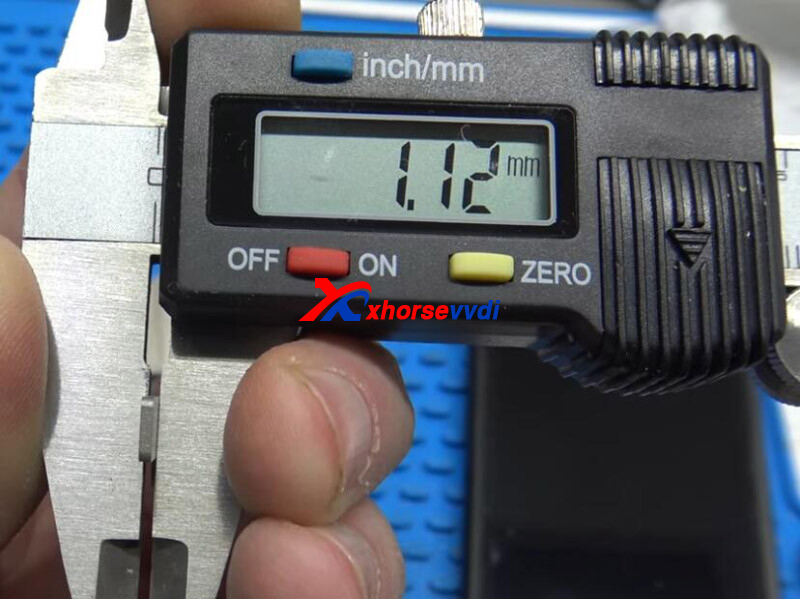
The shim is around 1.12mm thick, use something of the same or close thickness.
Battery packet cardboard, credit card, utility knife blade, or match book cover may work.
Posted by: xhorsevvdi at
07:15 AM
| No Comments
| Add Comment
Post contains 63 words, total size 1 kb.
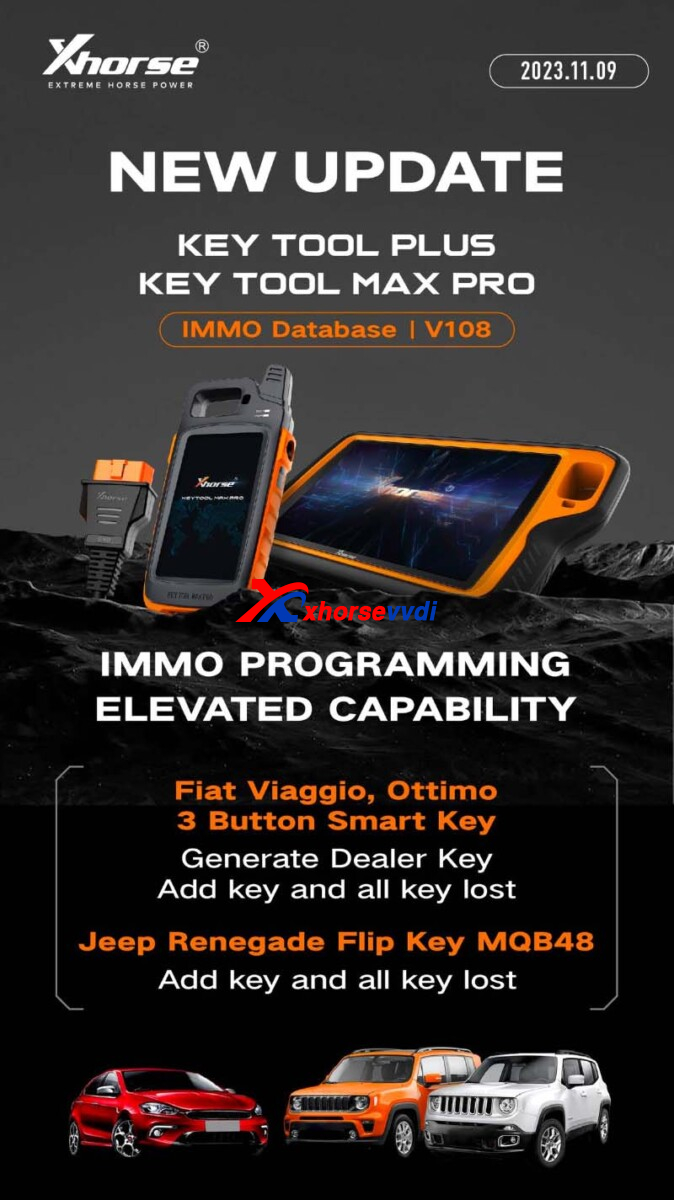
Xhorse V108 IMMO Database adds Fiat smart key and Jeep Renegade MQB48 key!
Database Available in:
Update Info:
1)Fiat Viaggio, Ottimo 3 Button Smart Key
Generate Dealer Key
Add Key and All Key Lost
2)Jeep Renegade Flip Key MQB48
Add Key and All Key Lost
http://blog.xhorsevvdi.com/xhorse-v108-immo-database-add-jeep-renegade-mqb48-key/
Posted by: xhorsevvdi at
07:14 AM
| No Comments
| Add Comment
Post contains 62 words, total size 1 kb.
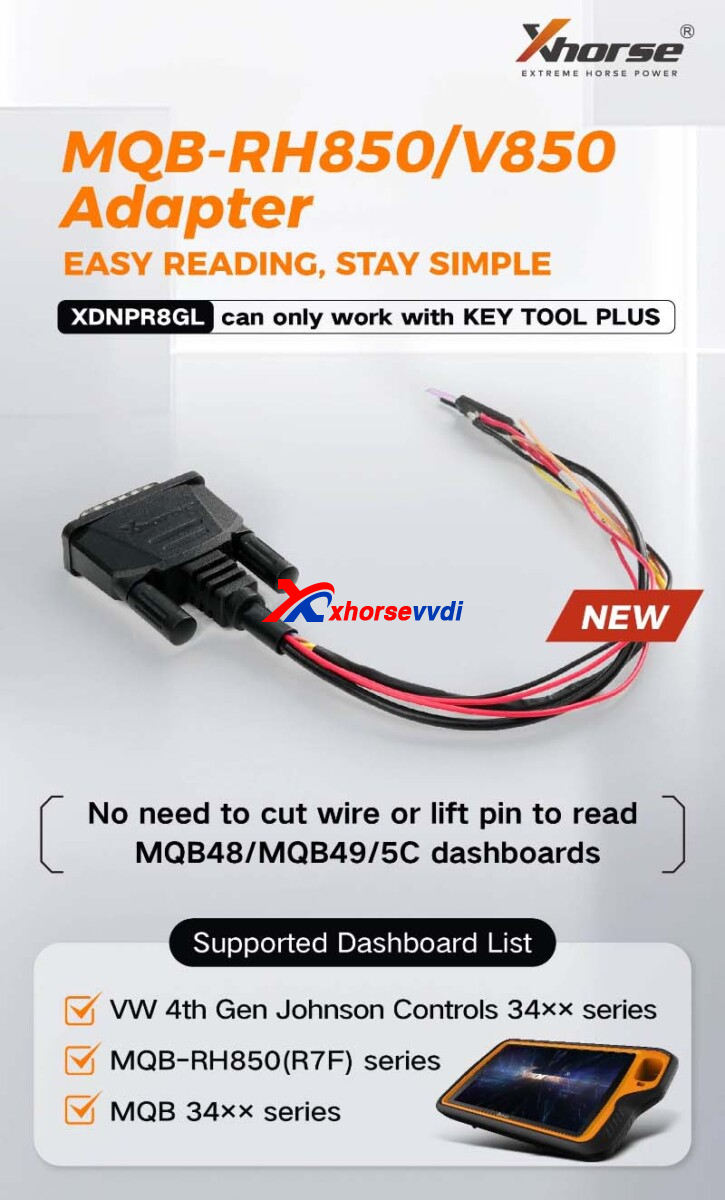
New Xhorse XDNPRBGL MQB-RH850/V850 Adapter is released!
Here have collected FAQs about the new item.
Check them out!
FAQs:
1.Only Key Tool Plus? VVDI PROG or Mini Prog?
Now RH850 Cable only works with Key Tool Plus.
Please wait for VVDI PROG updates later.
2.Support list? Support read encrypted data from this dash? Crafter 2019 MCU r7f701402?
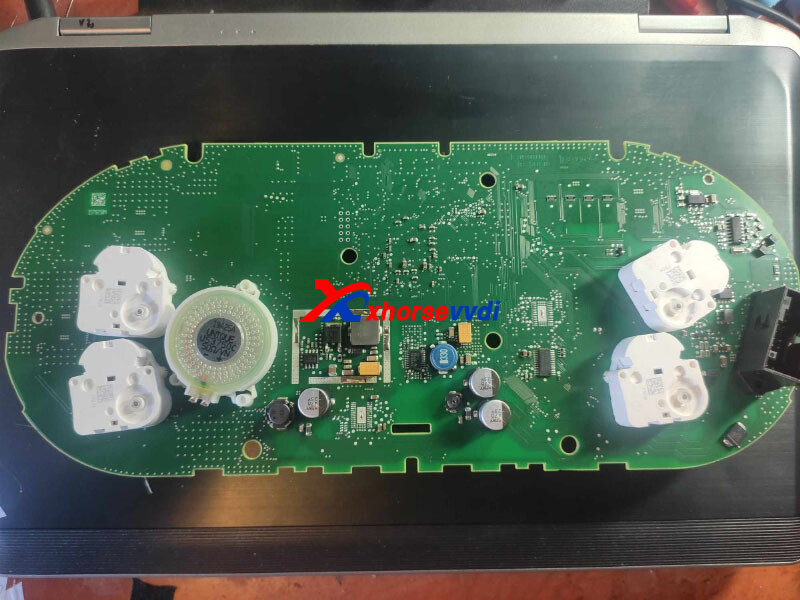
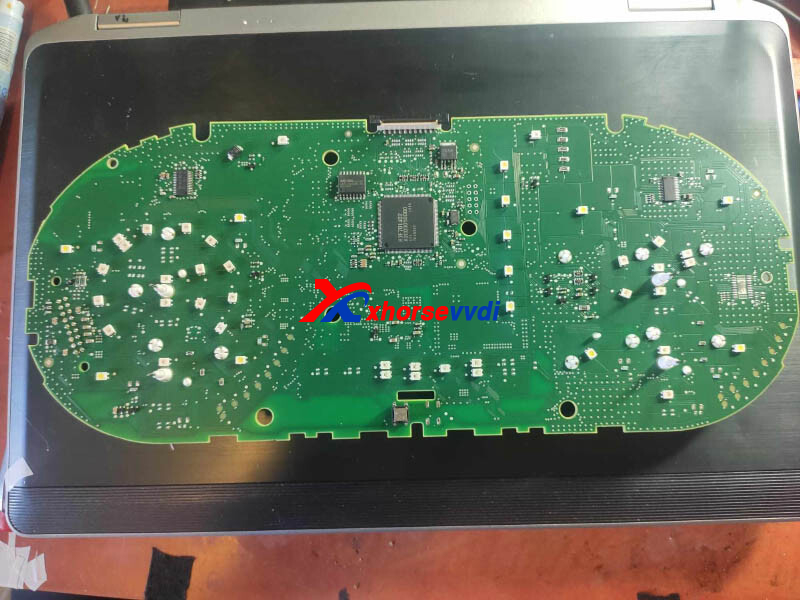
Yes it requires MQB License and new RH850 Adapter.
Supported Types:
D70F3426
D70F3524
D70F3525
D70F3526
D70F3529
D70F3532
D70F3537
R7F701401
R7F701402
R7F701407
3.Still need sync file when akl?
Yes, synchronization file is still needed when all key lost.
http://blog.xhorsevvdi.com/xhorse-xdnprbgl-mqb-rh850-v850-adapter-faqs/
Posted by: xhorsevvdi at
07:14 AM
| No Comments
| Add Comment
Post contains 100 words, total size 2 kb.
Question:
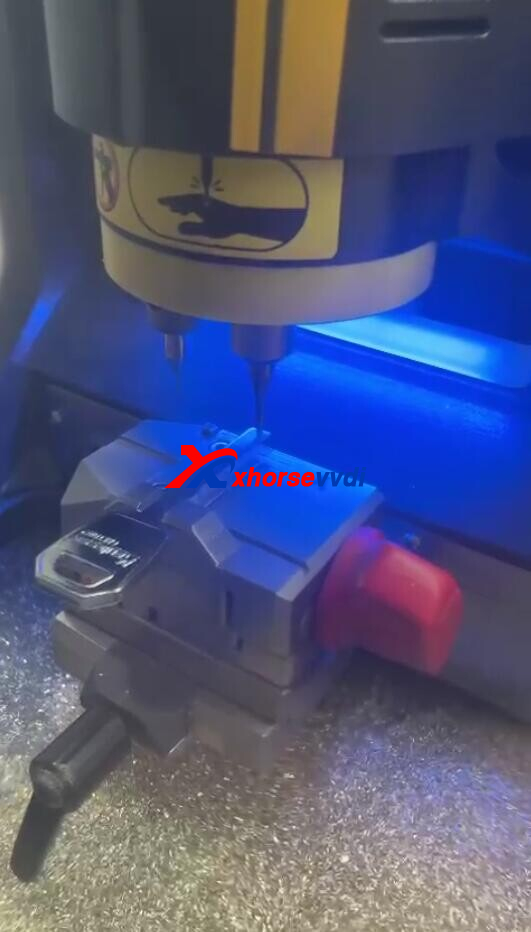
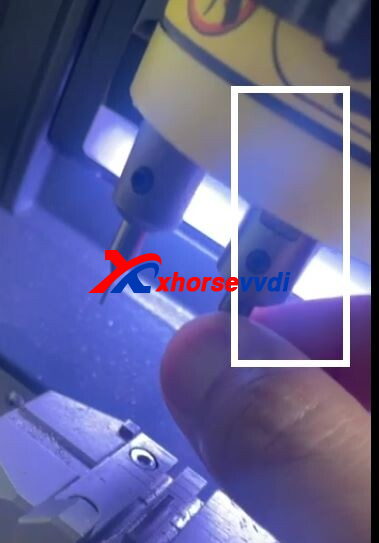
Xhorse Condor Mini Plus II Machine,No error it’s just make weird noise.
The it starts shaking.
Only the cutting side.
Feel like I have to tie it up from inside.
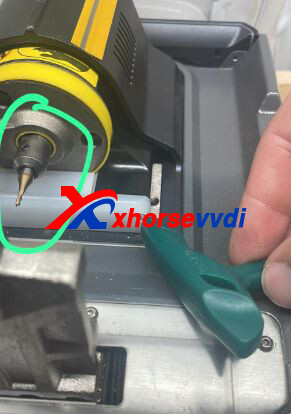
Here Xhorsevvdi tech shares the
Solution 1:
Tighten screws for fixing main axis.
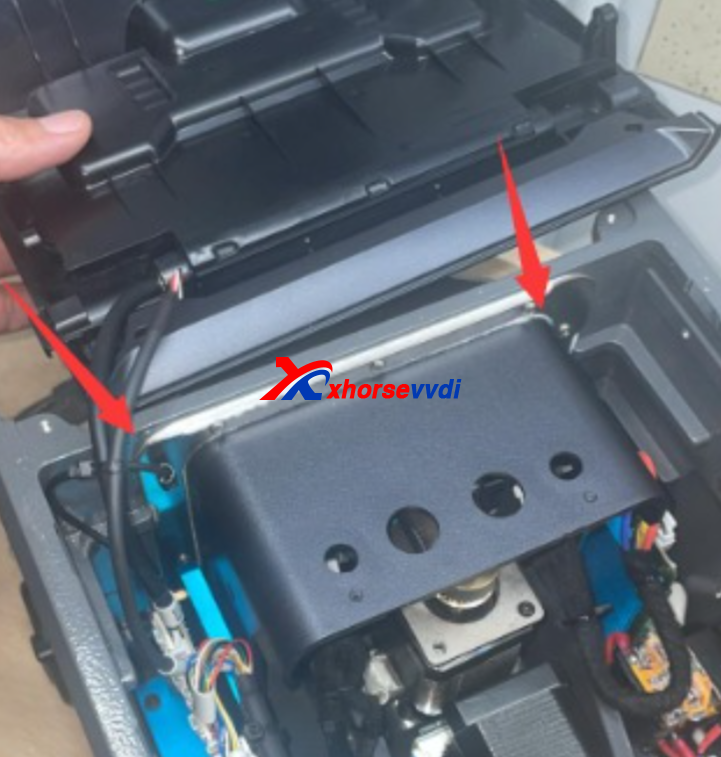
1)Open Condor II Machine
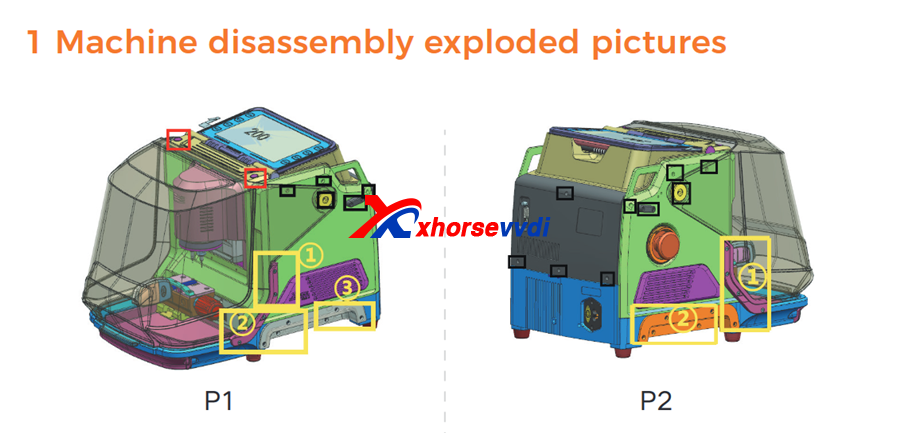
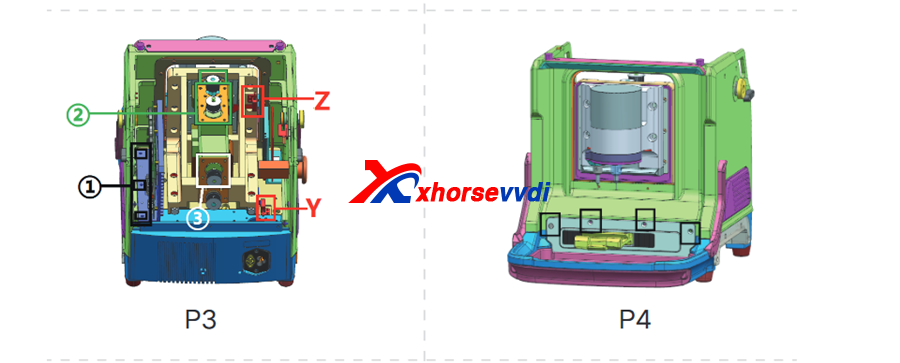
For detailed steps:
remove the screw in the red cricle
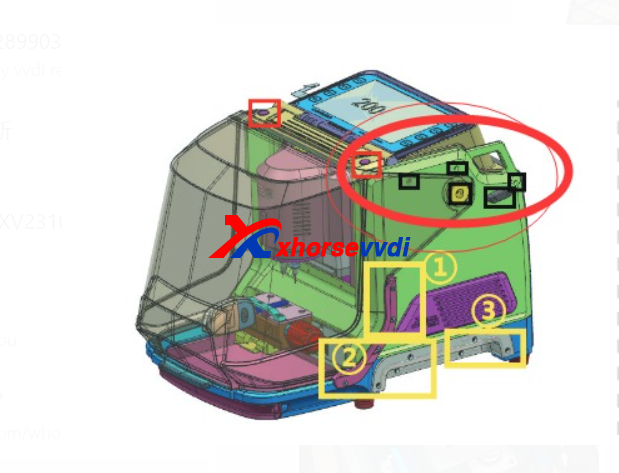
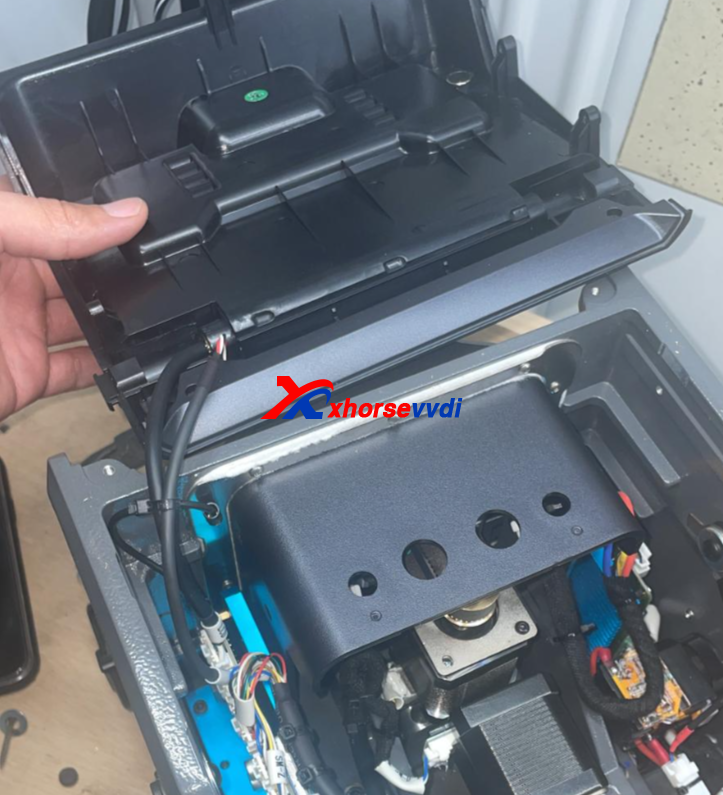
Unplug the screen cable first
The cover can be removed by removing the corresponding screws on the outside.
Remove two or three screws on each side
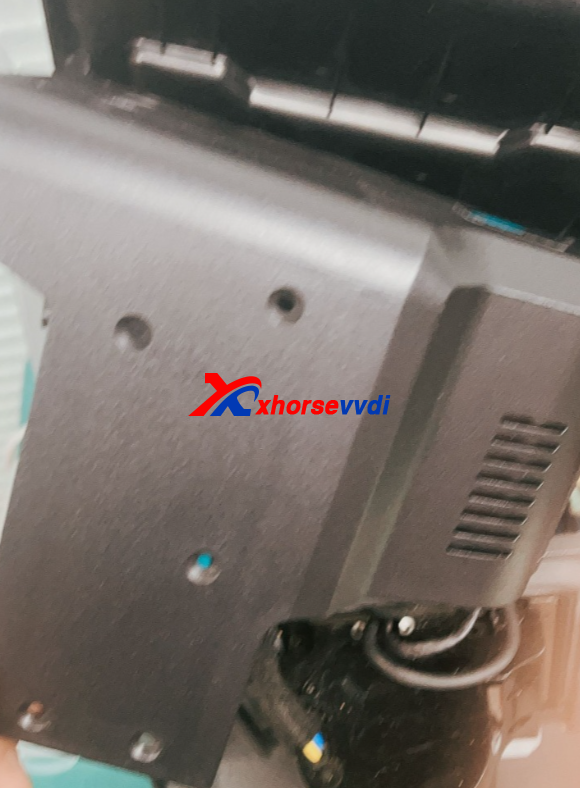
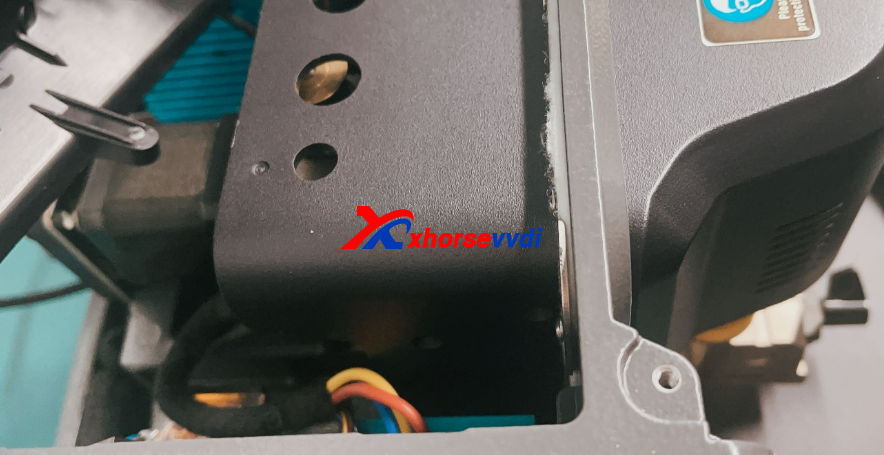
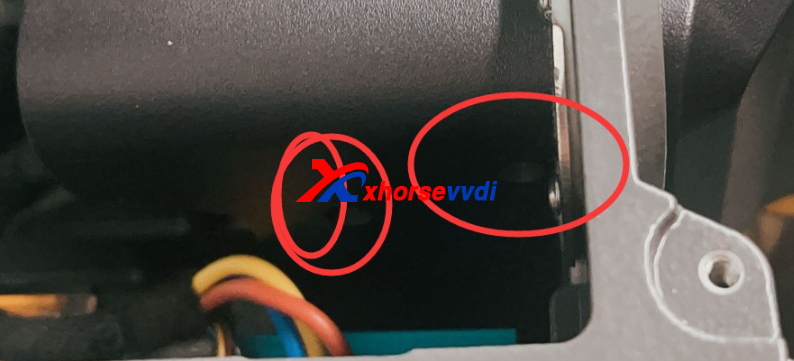
2)After step 1, then tighten these screws
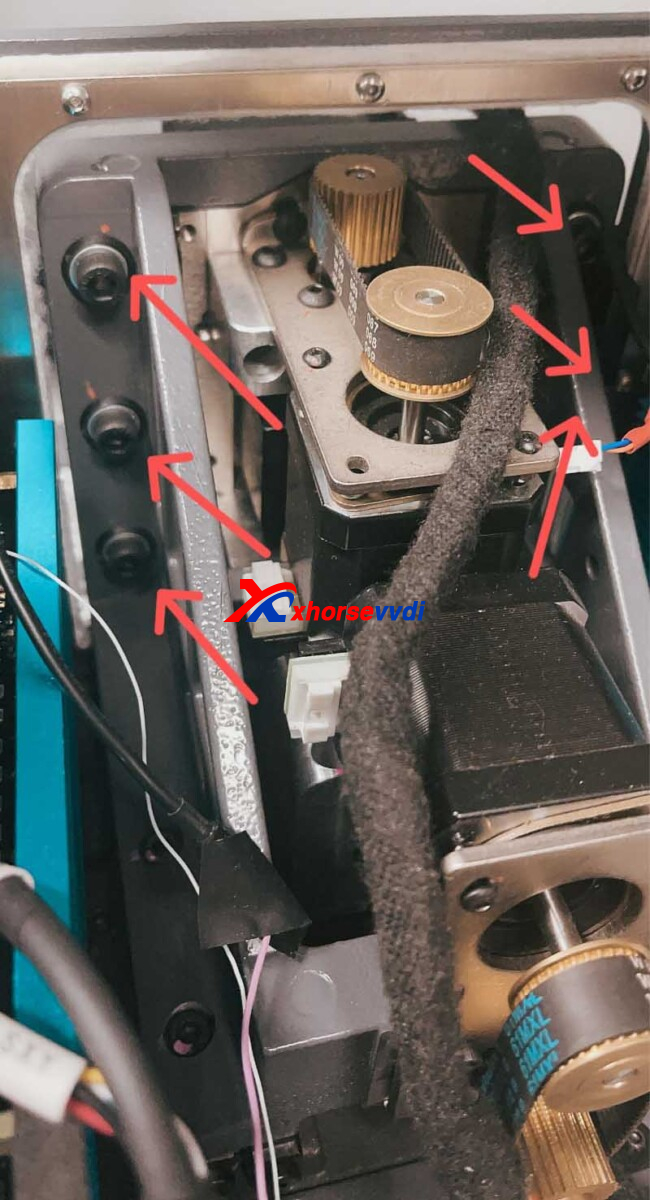
Usually the first suggestion will solve the problem.
But if this still not working, it is the spindle motor proble, you need contact your seller to get new part
Please do like the condor mini plus 2 repair guide to replace spindle part
https://www.xhorsevvdi.com/upload/pro/23111617001916069037.pdf
2.5.1 Replace the spindle motor and the cutter shaft
When the motor makes abnormal noise, it needs to be replaced. Refer the chapter 2.5.4 to remove the Z-axis screw shaft motor first, and remove the screws in the red frame below.
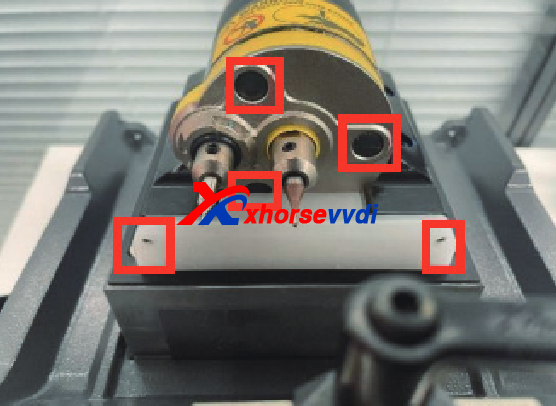
Then remove the spindle shaft to replace, insert the port according to the wire harness label
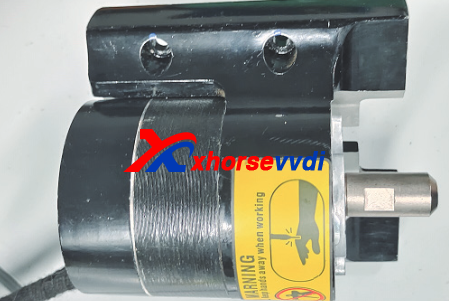
Posted by: xhorsevvdi at
07:13 AM
| No Comments
| Add Comment
Post contains 204 words, total size 6 kb.
Question:
Xhorse Key Tool Max Pro keeps showing "Request failed, try again later" during id48 calculation.
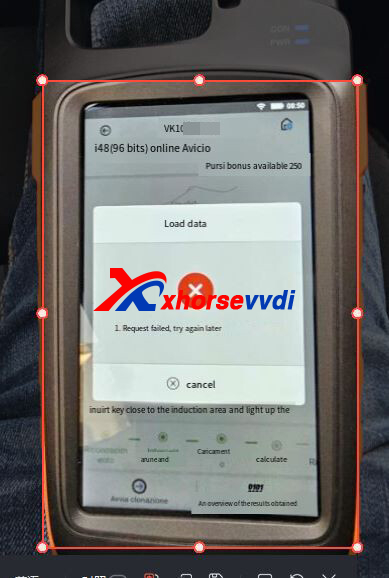
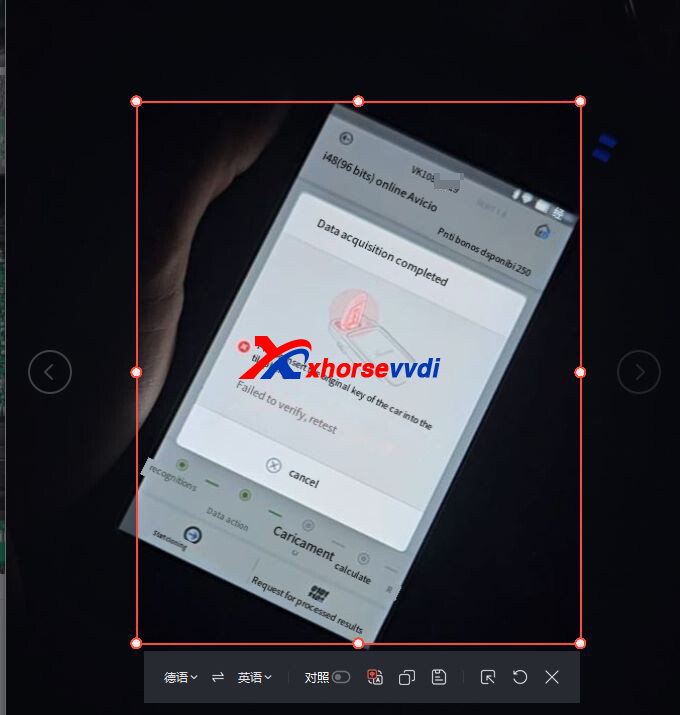
Here is the Solution:
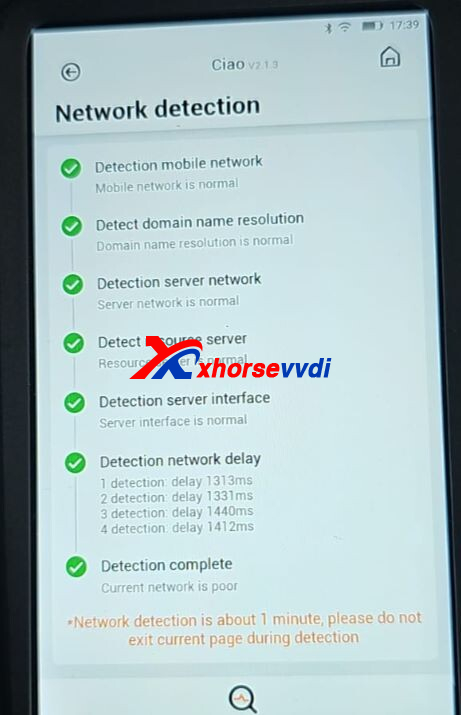
1)Test network
Switch to X-boy page.
Select
Support Centre>>Network Detection
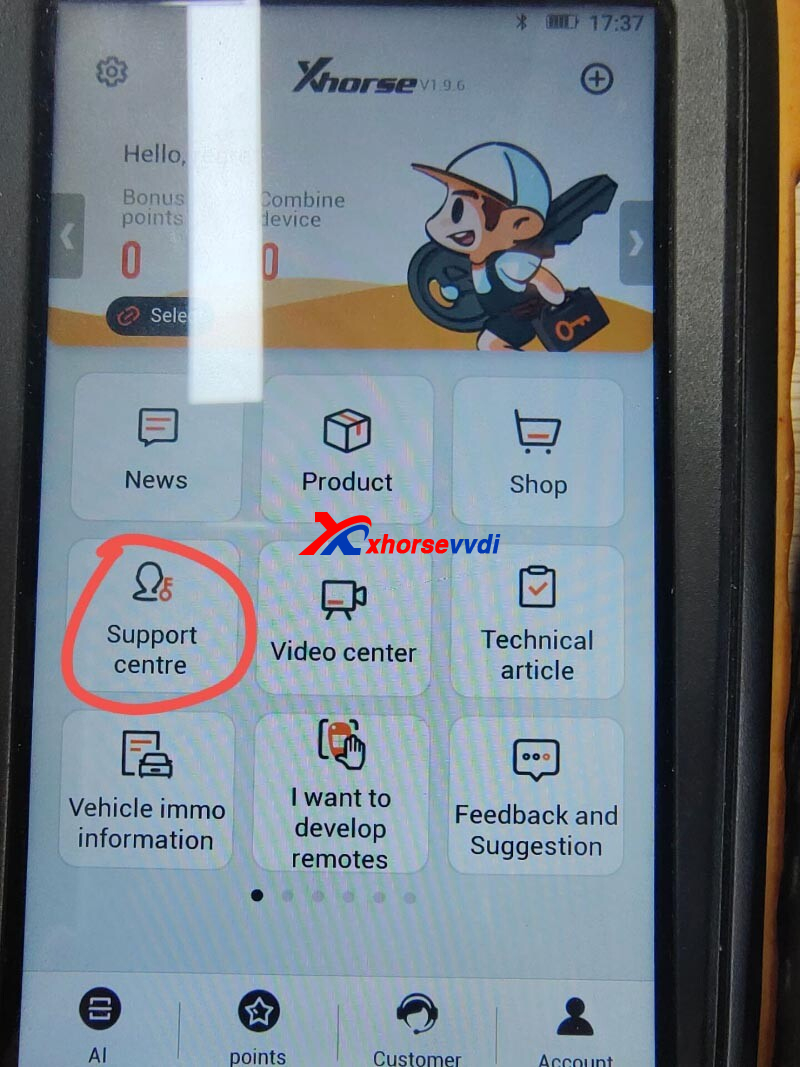
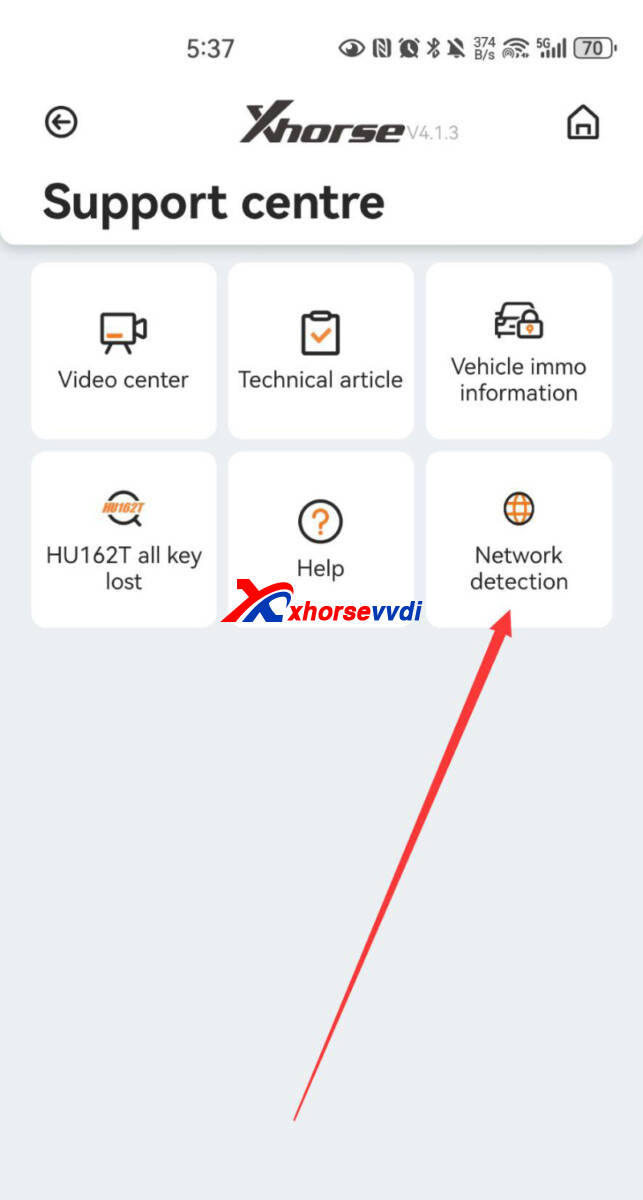
2)Try hotspot according to results
Posted by: xhorsevvdi at
07:13 AM
| No Comments
| Add Comment
Post contains 48 words, total size 2 kb.
Question:
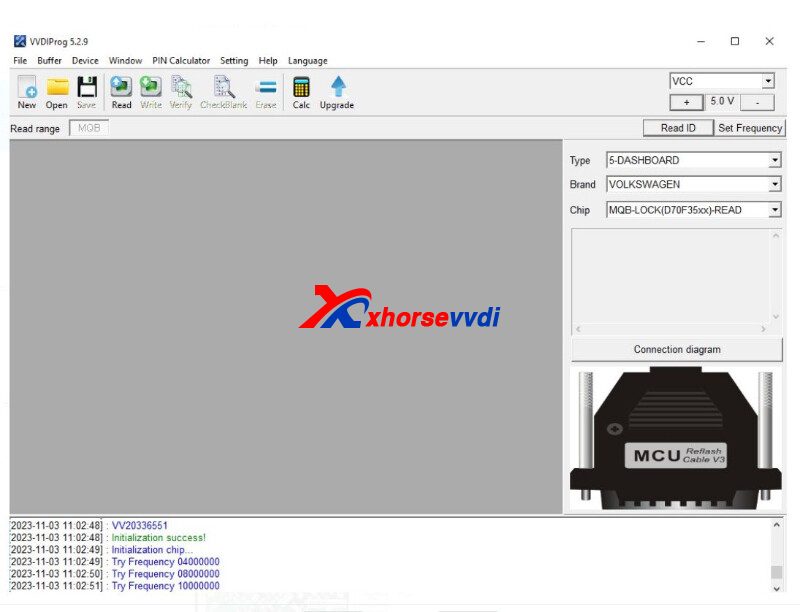
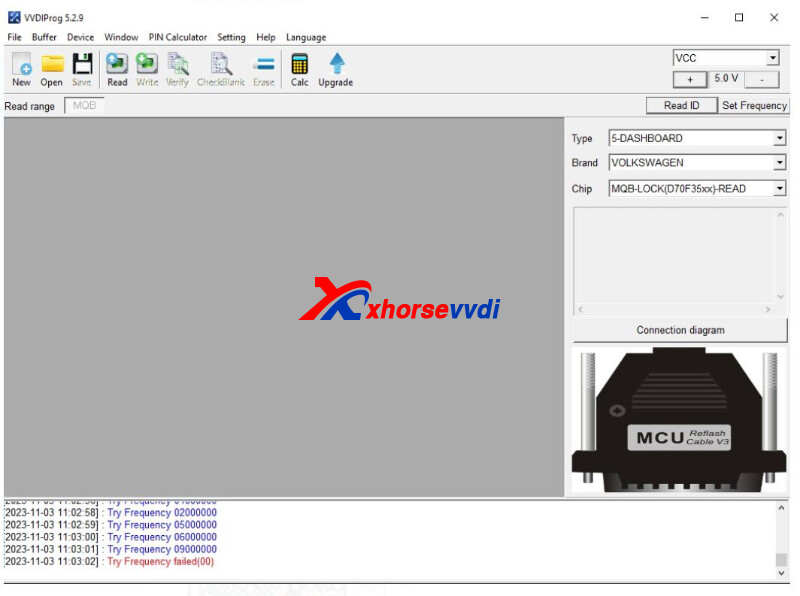
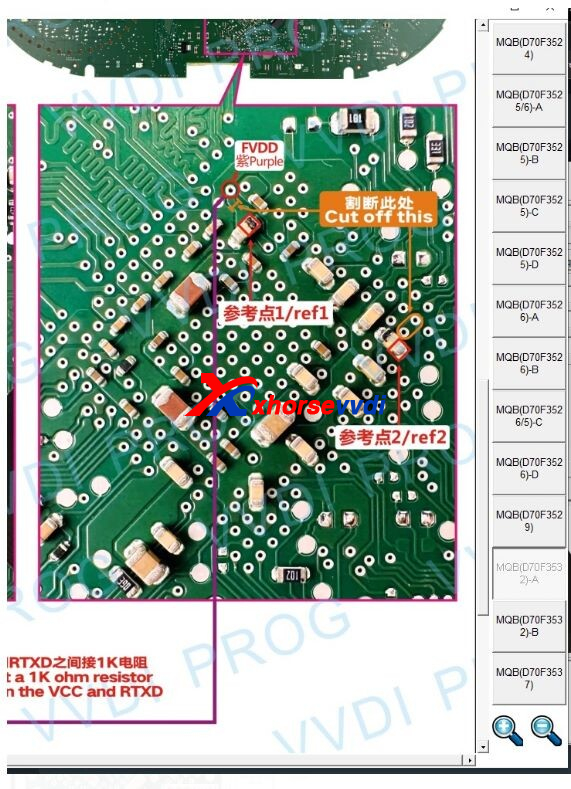
Bought Xhorse MQB Cluster License. Cluster is 3g0920751a and it matches with the VVDI PROG Programmer instruction for d70f3532-a, I have cut tracks but purple still connected to reference points indicated, FVDD still connected to ref1 and ref2 even after cutting tracks.
Here Xhorsevvdi tech answers
Reason:
"Try Frequency Fail (00)" is caused by wrong connection or pin cutting.
Solution:
Carefully follow the two orange tracks: one is I-shaped; the other is oval.
Posted by: xhorsevvdi at
07:12 AM
| No Comments
| Add Comment
Post contains 86 words, total size 2 kb.
Question:
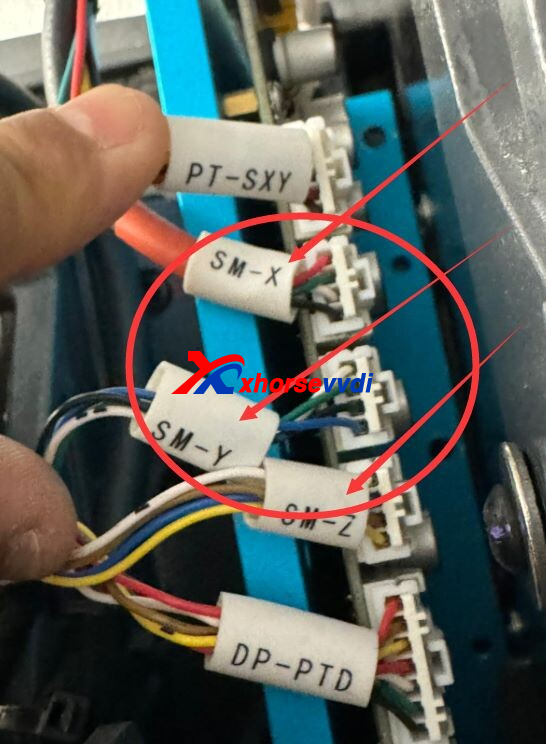
Condor Mini Plus II, The machine was working fine for a few weeks after placing mother board. It has broken probe and cutter because it brakes when machine doesn’t wanna go up. Maybe Z axis motor idk.
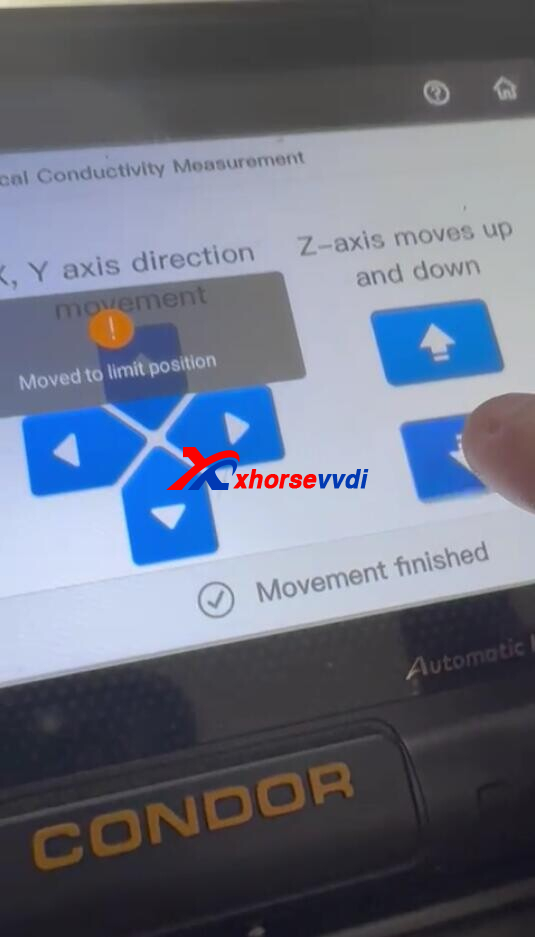
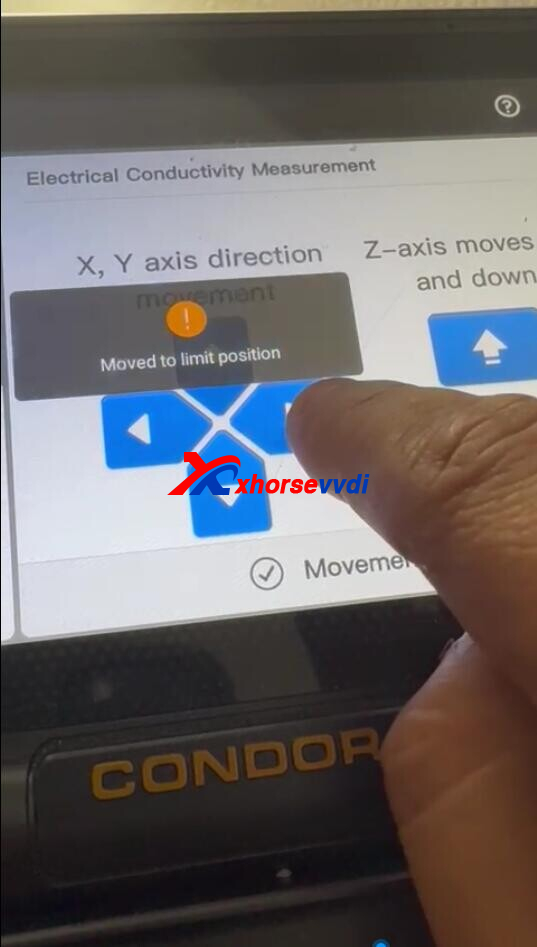
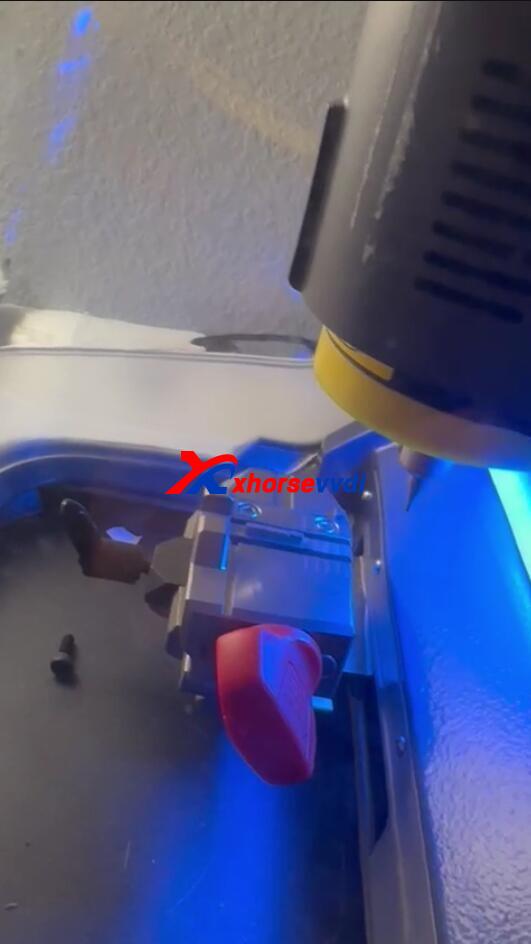
Motor Measurement Results:
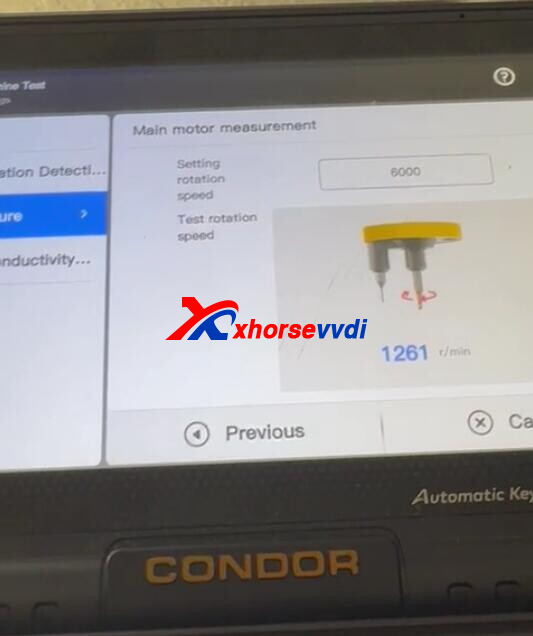
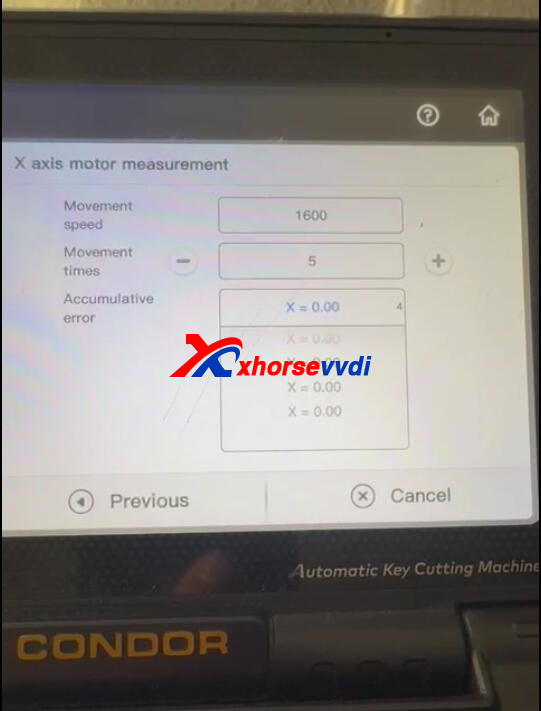
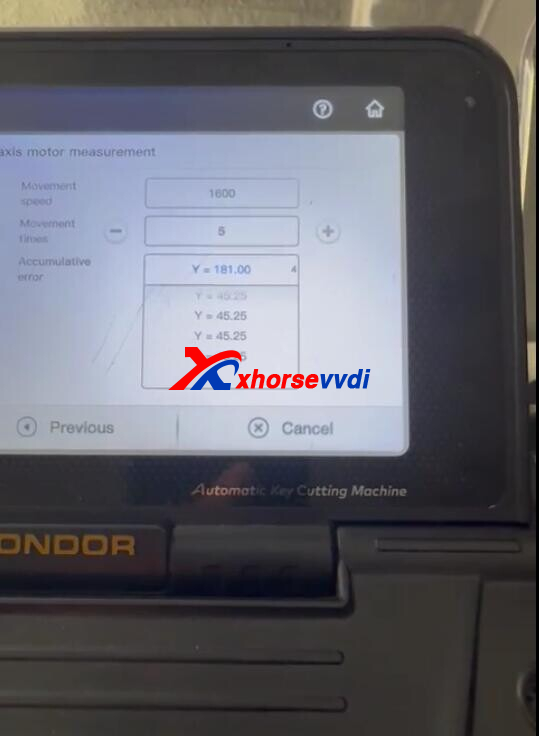
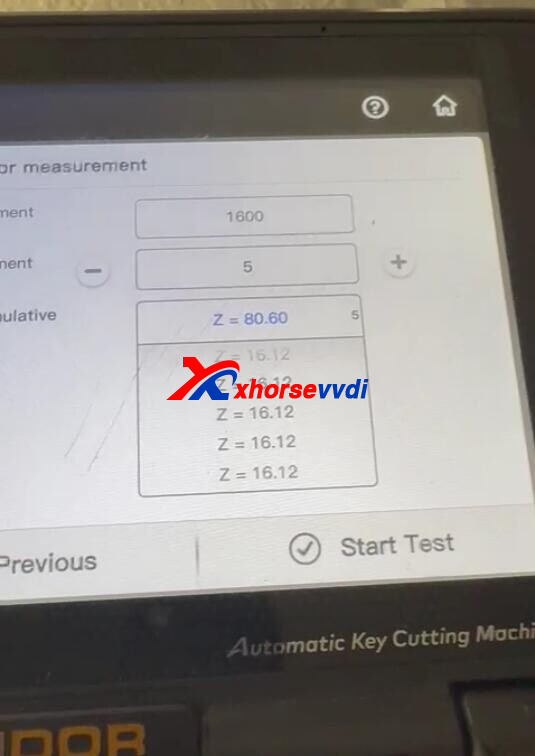
Here is the
Reason:
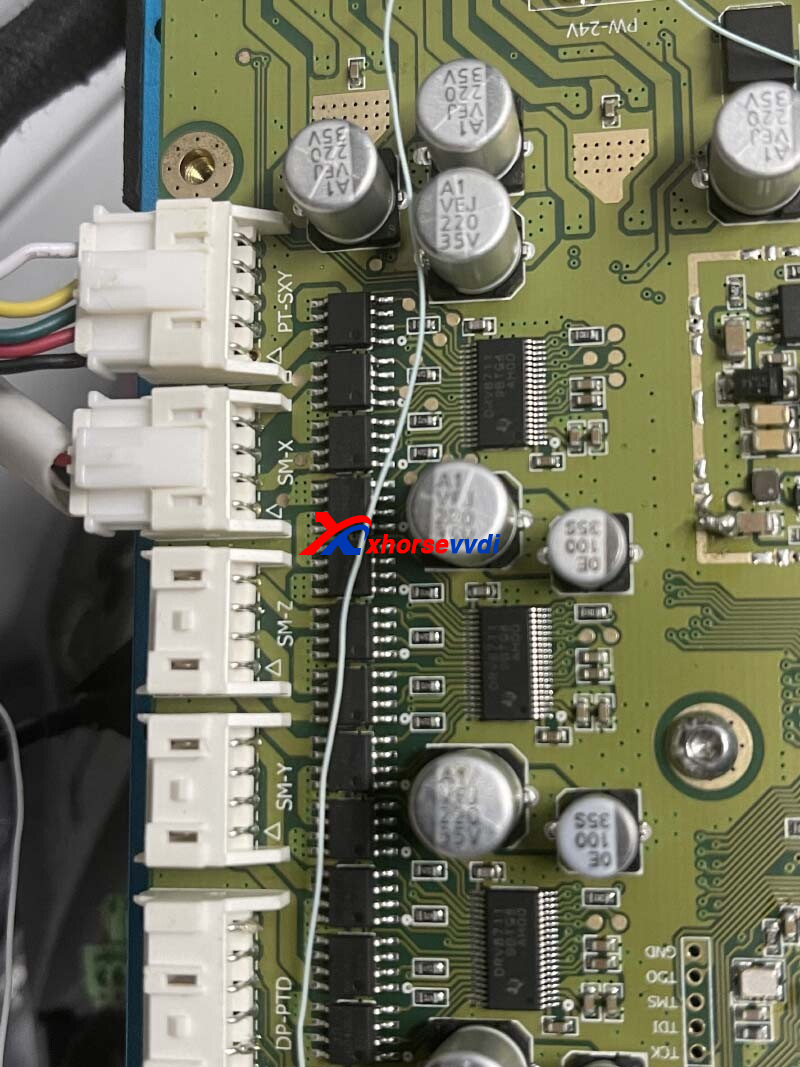
Wrong connections of Y-axis and Z-axis cables.
Solution:
Reverse Y-axis and Z-axis cable.
Posted by: xhorsevvdi at
07:12 AM
| No Comments
| Add Comment
Post contains 70 words, total size 3 kb.
32 queries taking 0.0621 seconds, 131 records returned.
Powered by Minx 1.1.6c-pink.

