



July 17, 2023
With Xhorse VVDI PROG to read/ write data and other software or devices to edit data, users could reset odometer for their vehicles.
Here we will show you how to reset odometer for I20 Elite.
Tools:
UPA
Procedures:
Original odometer -- 104414km.
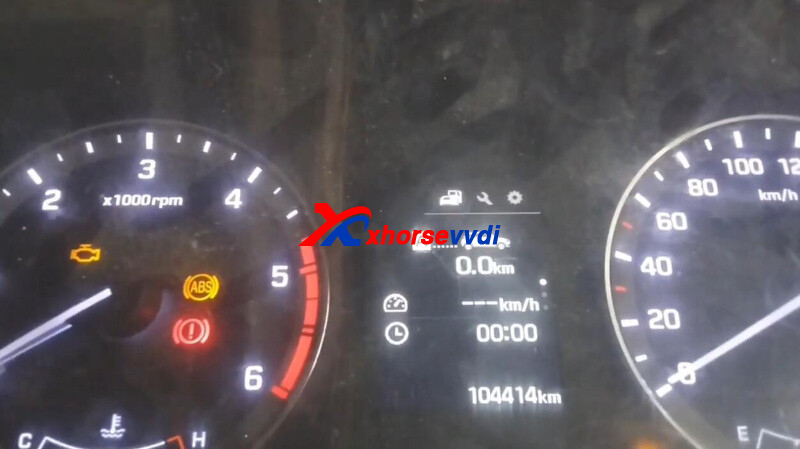
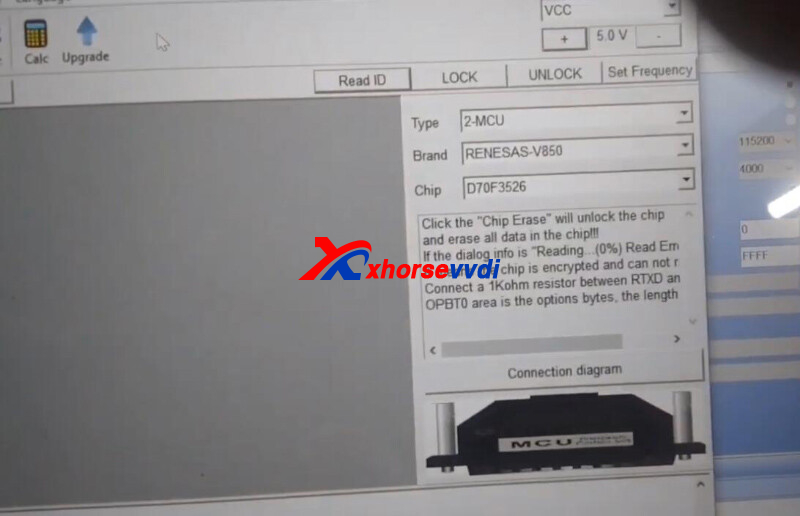
Run VVDI PROG software,
Select
2-MCU>>RENASAS-V850>>D70F3526
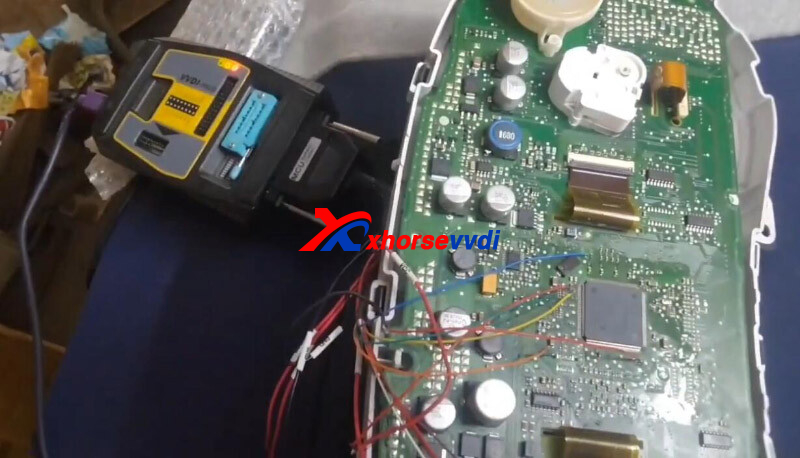
Connect device to dashboard as diagrams.
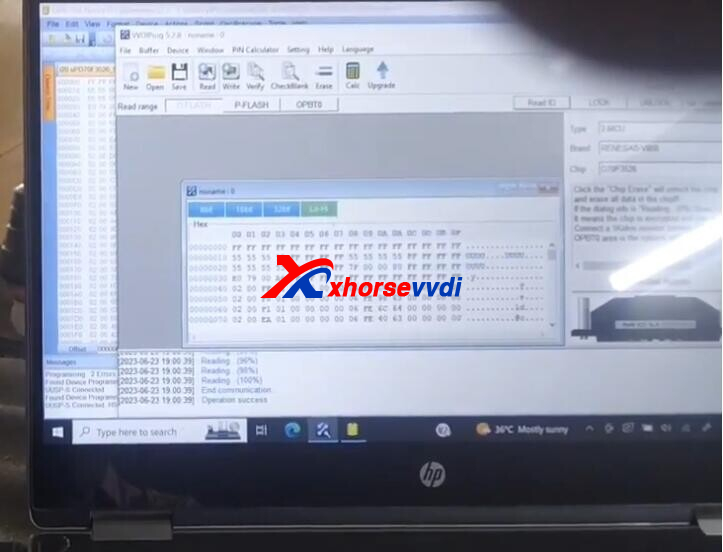
Read D-Flash data.
Run UPA software.
Load D-Flash data and edit odometer.
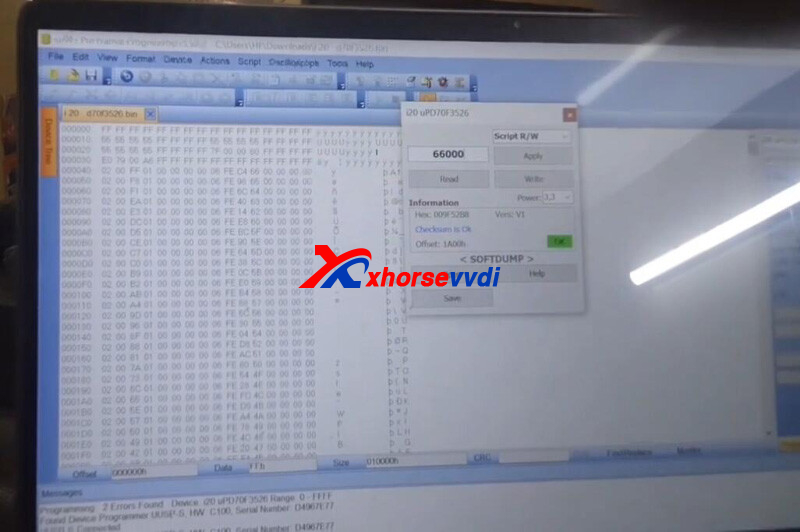
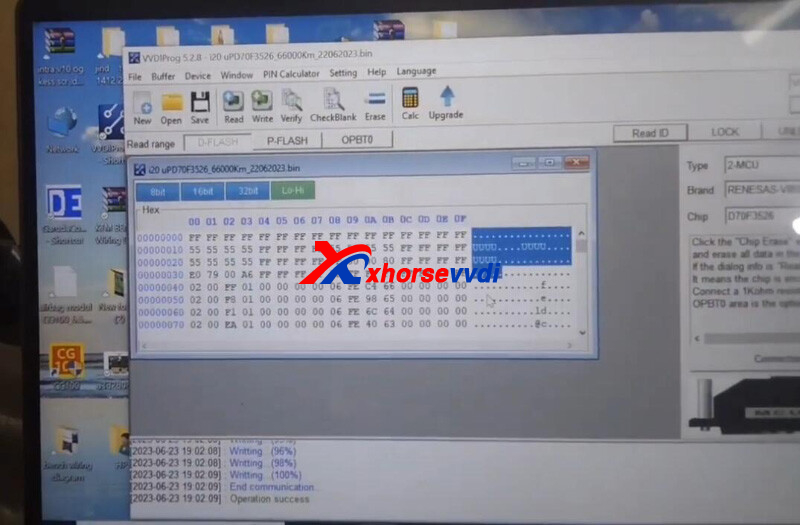
Load new D-Flash data into VVDI PROG software.
Write data into dashboard,
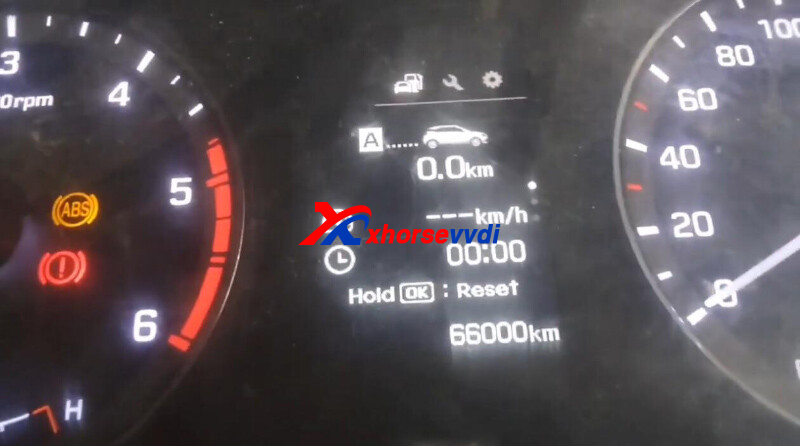
Odometer changes to 66000km.
Done! That's how to reset I20 Elite odometer using VVDI PROG.
http://blog.xhorsevvdi.com/vvdi-prog-hyundai-i20-elite-odometer-reset-no-problem/
Posted by: xhorsevvdi at
09:57 AM
| No Comments
| Add Comment
Post contains 105 words, total size 3 kb.
Question:
Xhorse Dolphin XP005L, the errors I have seen were 43, and 5. The cutter diameter was the one selected during set up. When told failed, try again, I tried again a few times and got error 5 then after a couple more attempts error 3.
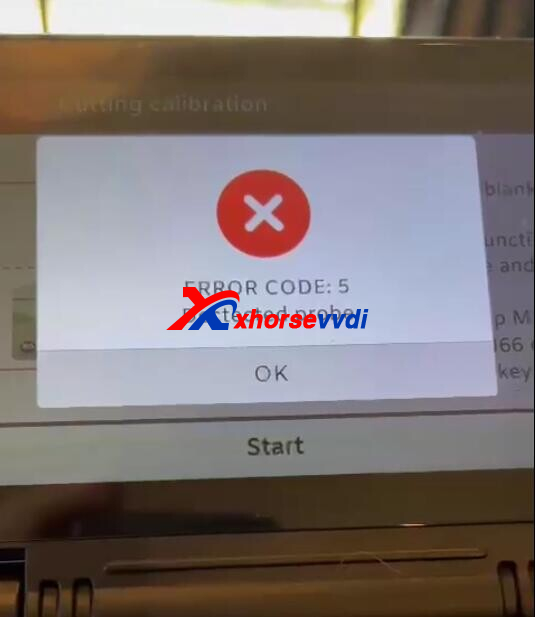
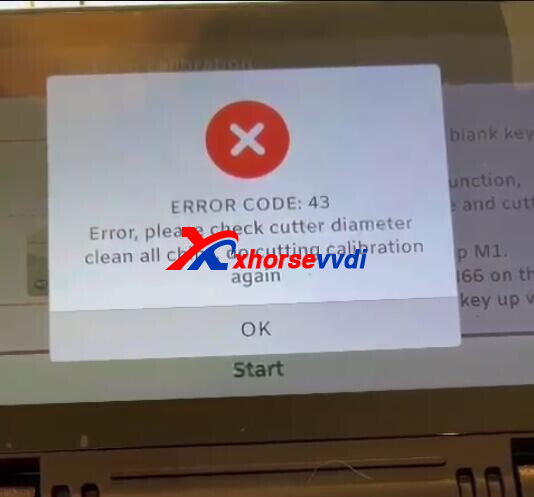
Here Xhorsevvdi tech answers:
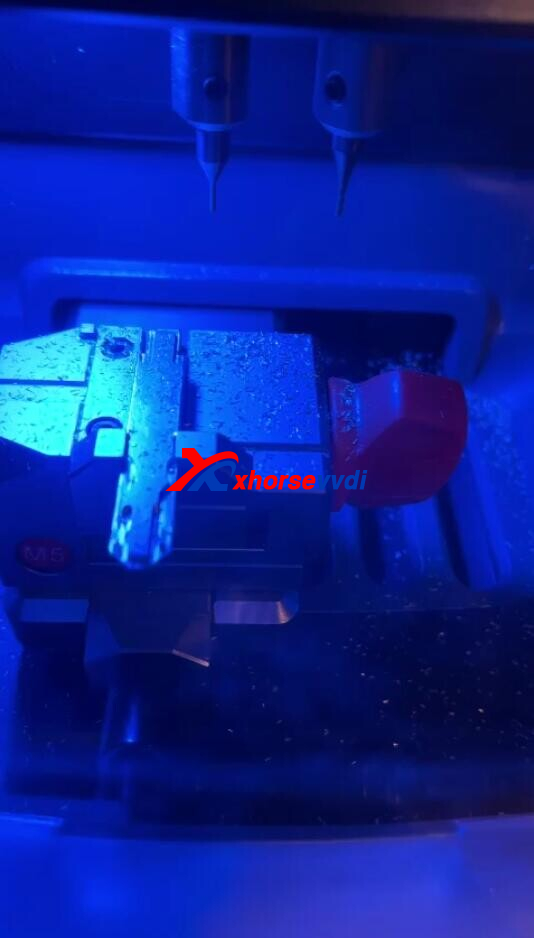
1.Insert key blade correctly (wrong way round)
2.Clean up filings after cutting
Posted by: xhorsevvdi at
09:56 AM
| No Comments
| Add Comment
Post contains 74 words, total size 2 kb.
Question:
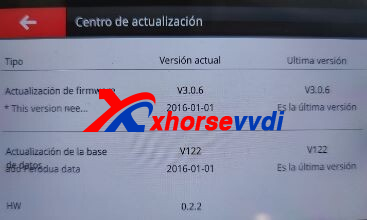
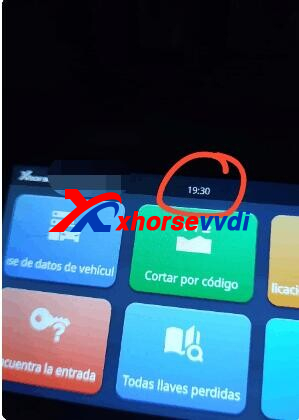
Xhorse XP-005L Machine, how to set time? It changed to 2016 year and 00:00 hour once he reset the machine.
Time Setting Path:
System>>System Setting>>General Setting
Here is the Solution:
1.Make sure database is the latest version
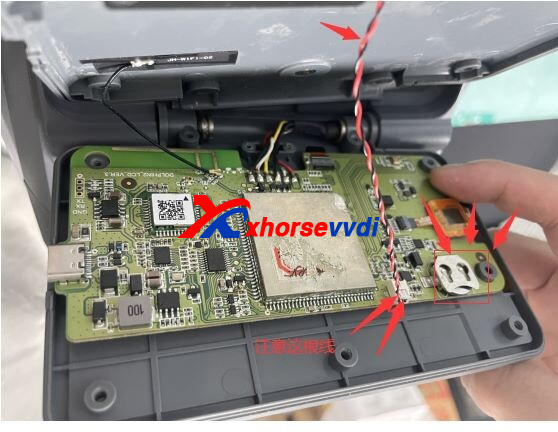
2.Open back case of screen and replace knot battery
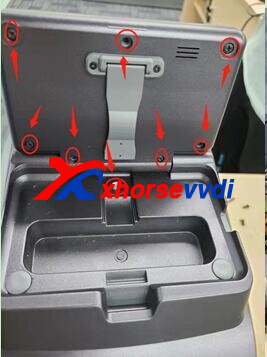
*Watch the wire when opening back case
Feedback:
I already changed the battery like that, and the time and day no longer returns.
Posted by: xhorsevvdi at
09:56 AM
| No Comments
| Add Comment
Post contains 79 words, total size 2 kb.
Xhorse Programmable Dual-Frequency TPMS Sensor is coming!
With free updates on Key Tool Max Pro, users could generate and program new Xhorse TPMS sensors.

Xhorse TPMS Sensor Features:
- AG Material
Use Automotive-Grade material and perform strictquality control
- 315/433 MHz
Dual frequency makes easy stock and budgetmanagement
- 98% Coverage
Powerful 98% coverage of vehicle with the tire pressure system
- Reprogrammable
Universal for worldwide vehicles
- Angle-adjustable
Meet different wheel hub installation needs
- Durable Battery
A reliable battery with a lifespan of 5 years
Read Also:
http://blog.xhorsevvdi.com/xhorse-key-tool-max-pro-update-tpms-function/
Posted by: xhorsevvdi at
09:55 AM
| No Comments
| Add Comment
Post contains 94 words, total size 2 kb.
V5.2.9 VVDI Prog software is released now, get free download link V5.2.9 VVDI Prog software from XhorseVVDI.com.
1.Free Download V5.2.9 VVDI Prog Software
Password:123456
2.V5.2.9 VVDI Prog Update Info
* This version DON’t need update firmware
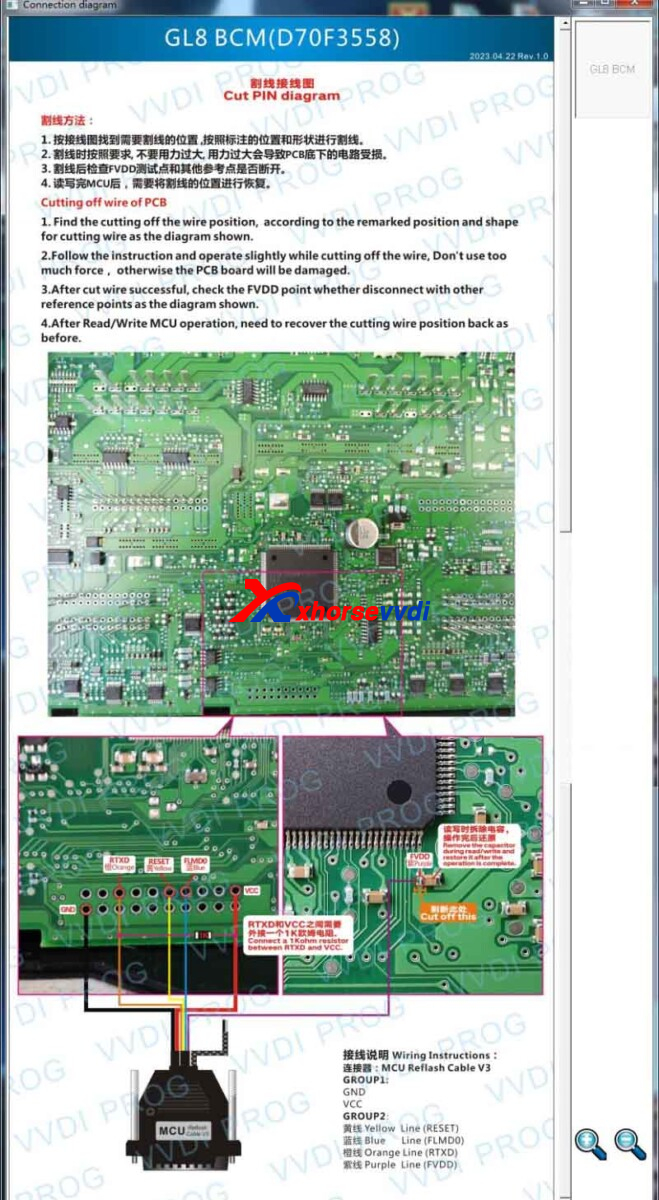
*ModifyGL8BCM(2017--)-READ, GL8BCM(2017--)-WRITE, optionsin <4-IMMOBILIZER>-><BUICK>: Optimizetheprocess
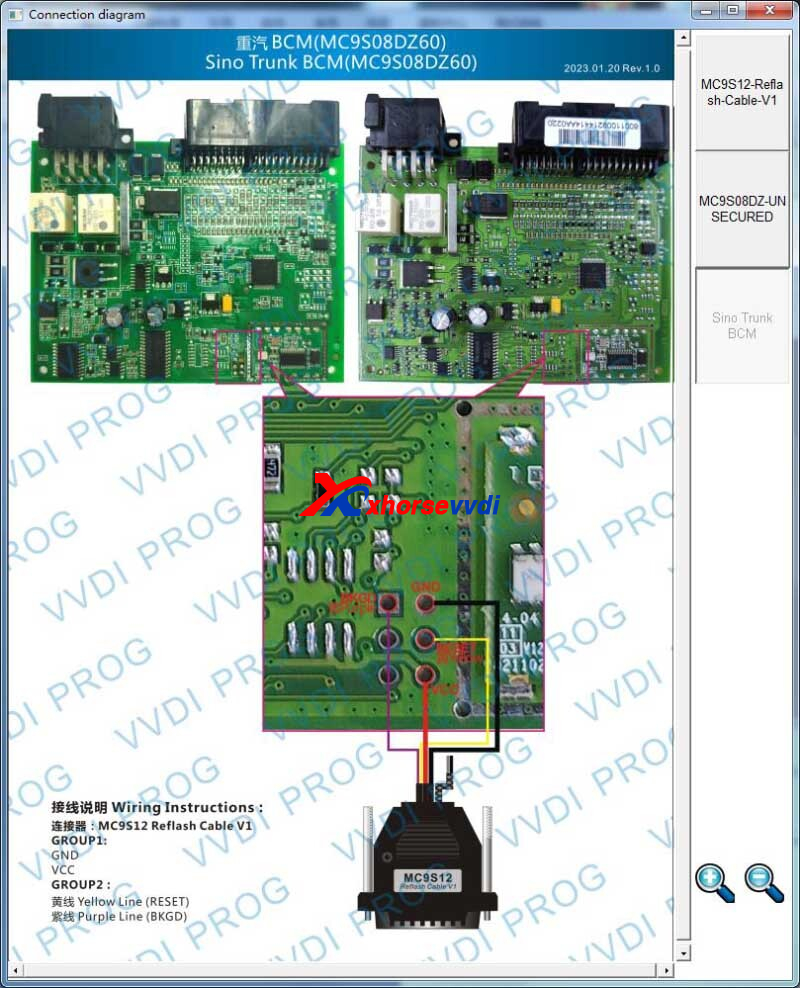
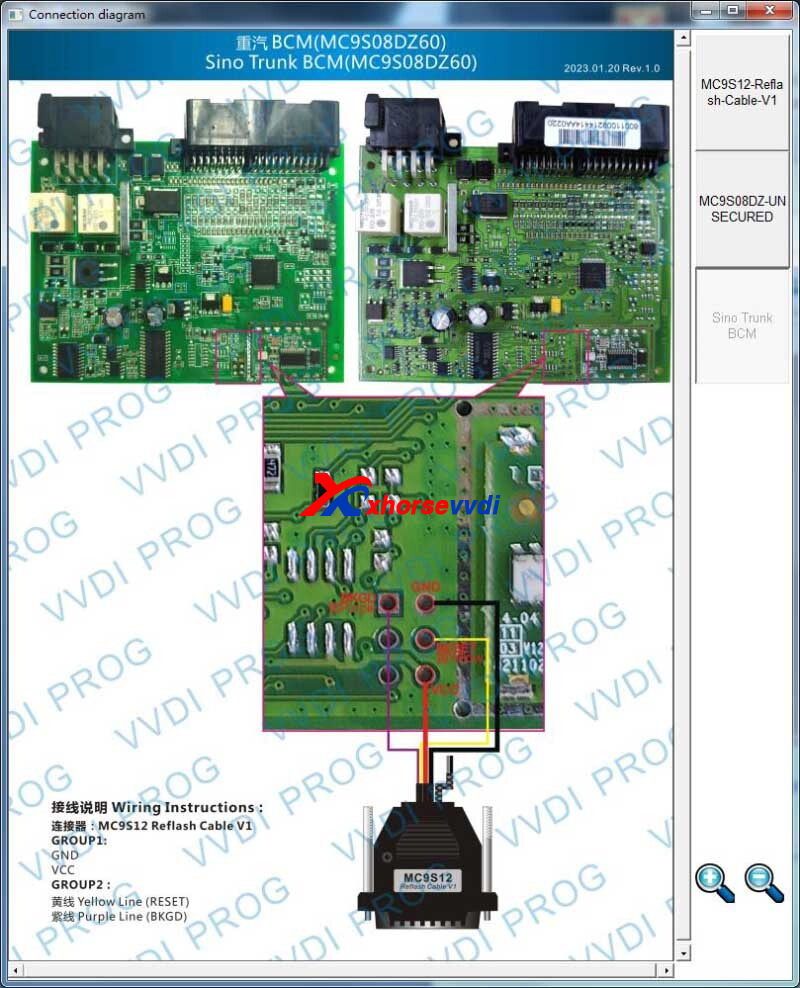
* ModifyHOWOA7, HOWOSITRAK2083, HOWOT5, HOWOT5H, HOWOT7H, HOWOTX, SinoTrunk2083, SITRAK6011, SITRAK6021, SITRAKC5HSQUAREREMOTE, SITRAKC7H, SITRAKC7HB5, SITRAKRHOMBUSREMOTE, SITRAKT7Hoptionsin <8-OTHER>-><SinoTrunk>: Optimizetheprocess
+AddXINGMA315 optionin<8-OTHER>-><CAMC>
+AddQILINVH optionin<8-OTHER>-><FAW>
+AddSITRAKC7H540 optionin <8-OTHER>-><SinoTrunk>
Posted by: xhorsevvdi at
09:54 AM
| No Comments
| Add Comment
Post contains 79 words, total size 2 kb.
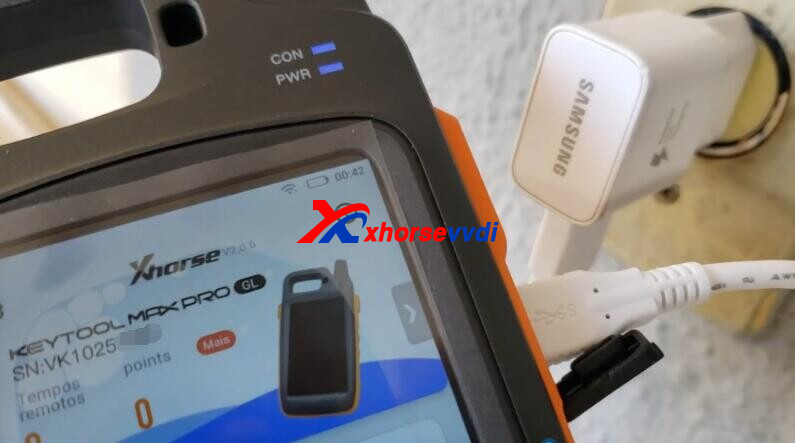
One customer gave feedback that his Key Tool Max Pro was not charged.
Machine has unloaded and is defective to load.
Here is the Solution:
1.Test main power supply and chargers with other devices
Ensure cables are normal.
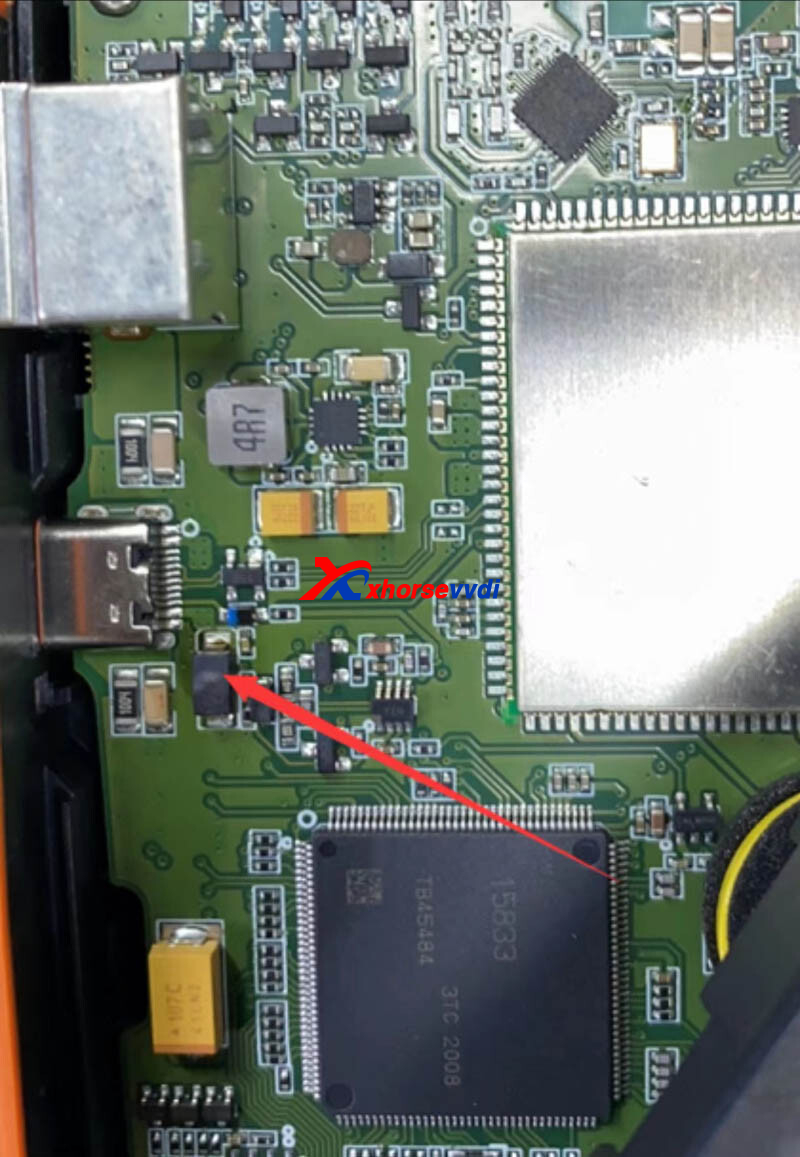
2.Replace the diode
Ask for a diode replacement or send VVDI Key Tool Max Pro back.
Posted by: xhorsevvdi at
09:54 AM
| No Comments
| Add Comment
Post contains 64 words, total size 1 kb.
With Xhorse MQB License activated, users could program keys for VW/Audi with MQB48 system by VVDI Key Tool Plus/ VVDI2+VVDI PROG.
Here is a review:
Add smart key Passat B8 2018 Success.
Simple check the process:
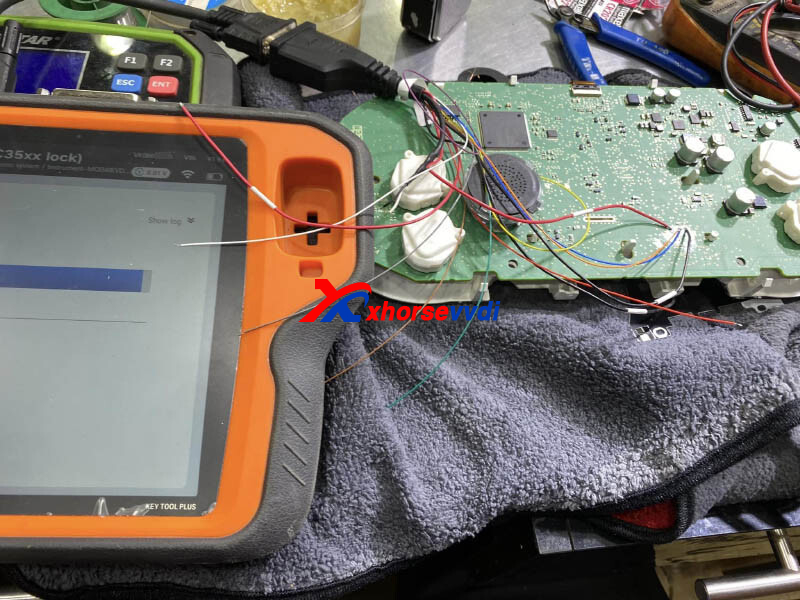
Dashboard Johnson.
Remove dashboard, read immo data, and collect immo data from server.
Use cut method.
Add one key and identify system.
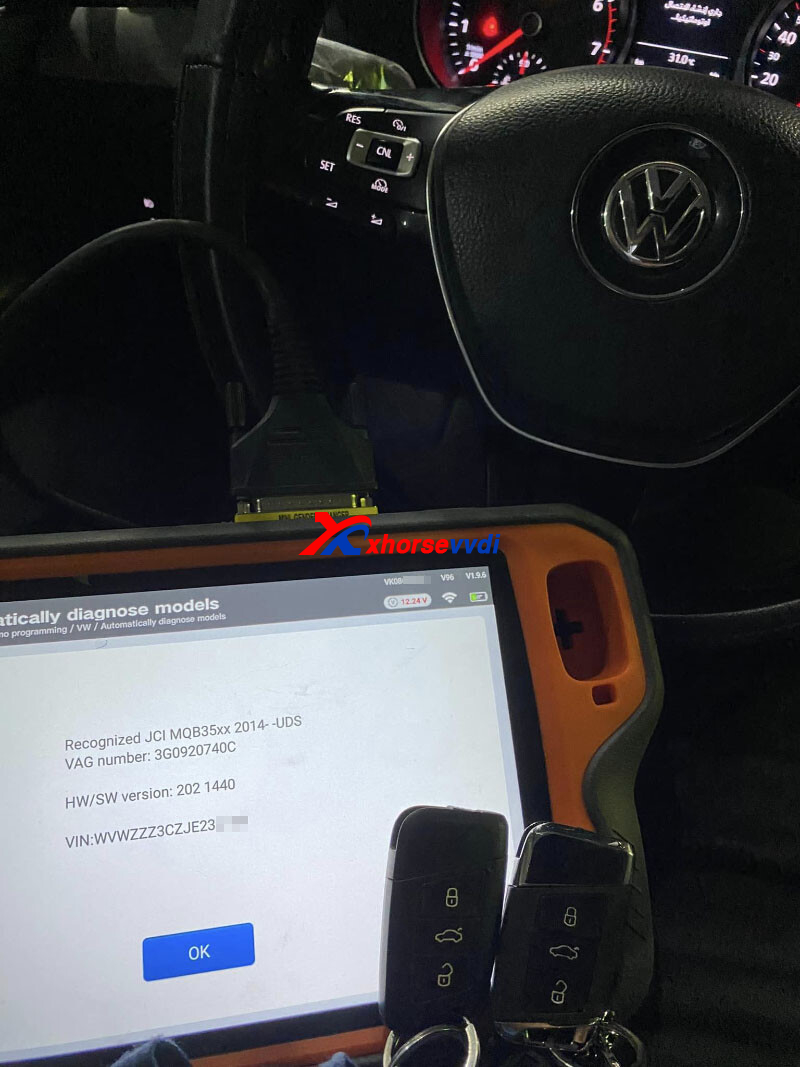
Remote tests ok.
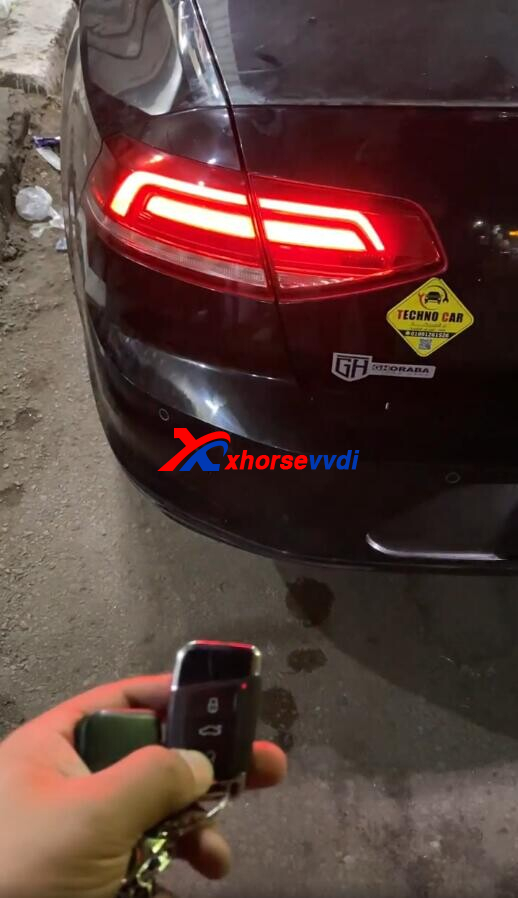
http://blog.xhorsevvdi.com/vvdi-key-tool-plus-vw-passat-b8-2018-add-smart-success/
Posted by: xhorsevvdi at
09:54 AM
| No Comments
| Add Comment
Post contains 73 words, total size 2 kb.
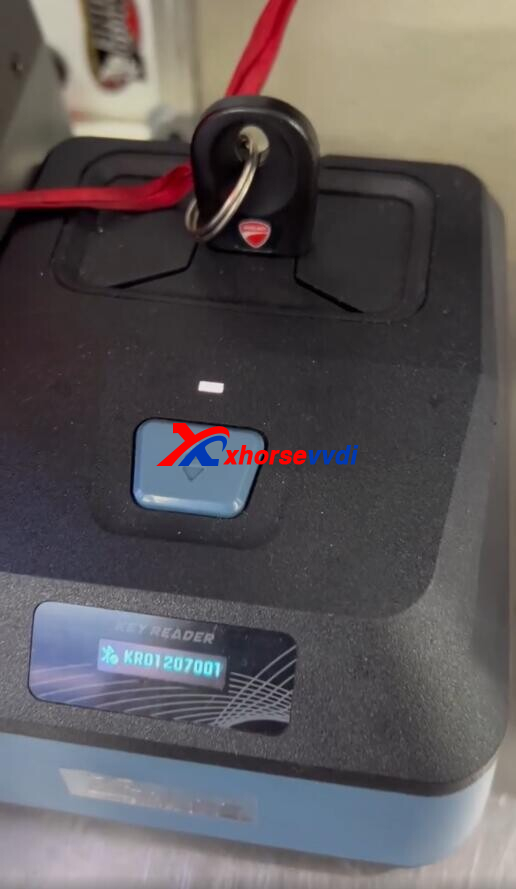
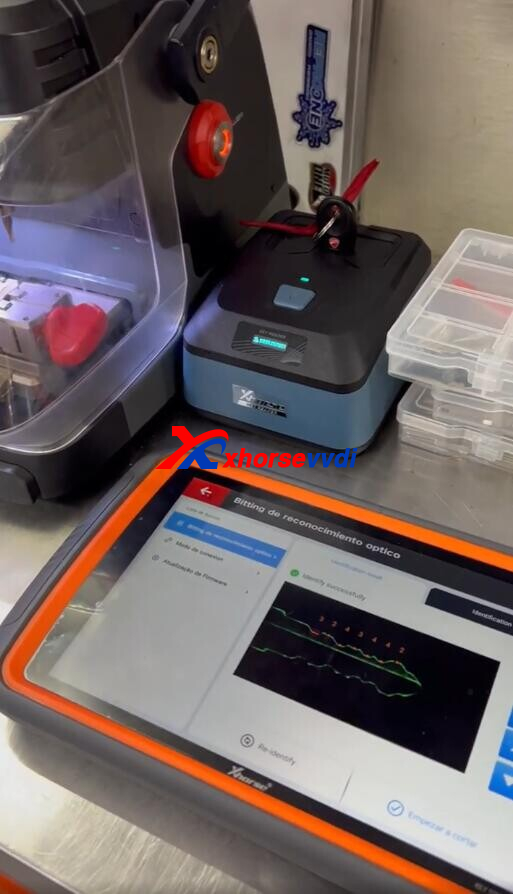
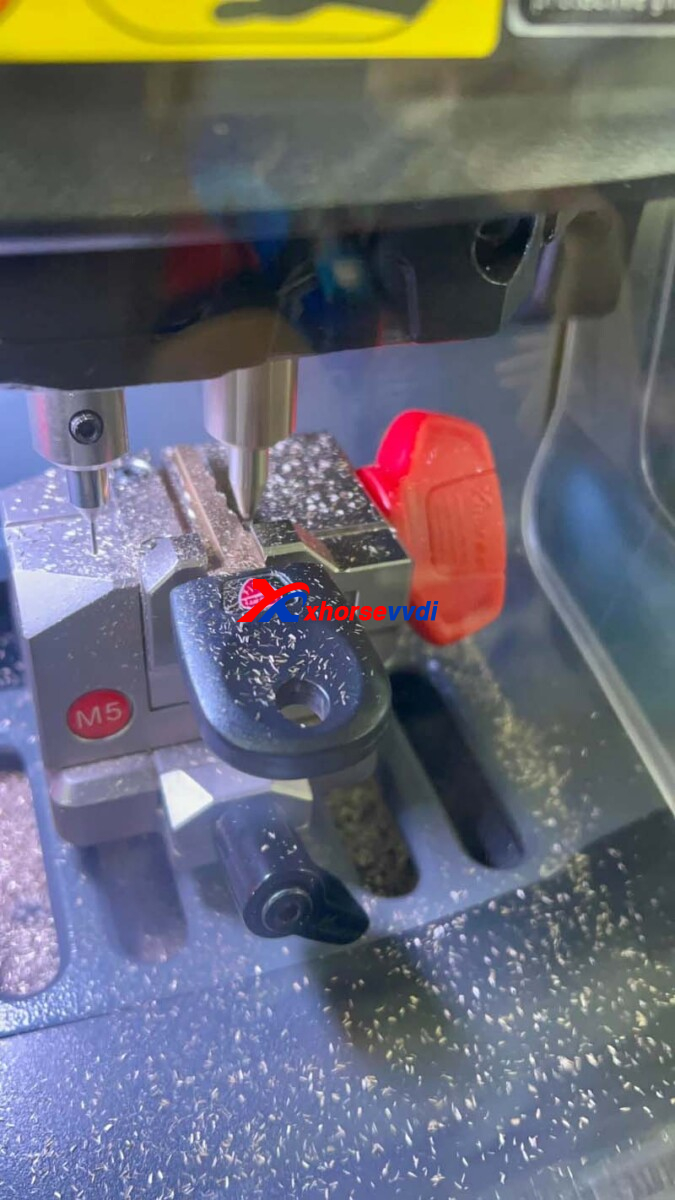
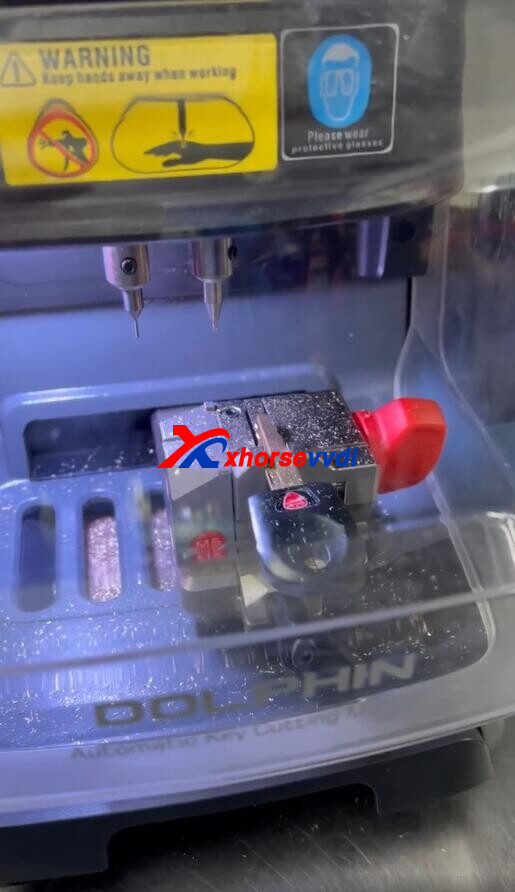
With Xhorse Key Reader to decode original keys easily, users could duplicate key by an Xhorse Key Cutting Machine.
Here is a review:
Xhorse Combo works, making a Ducati key.
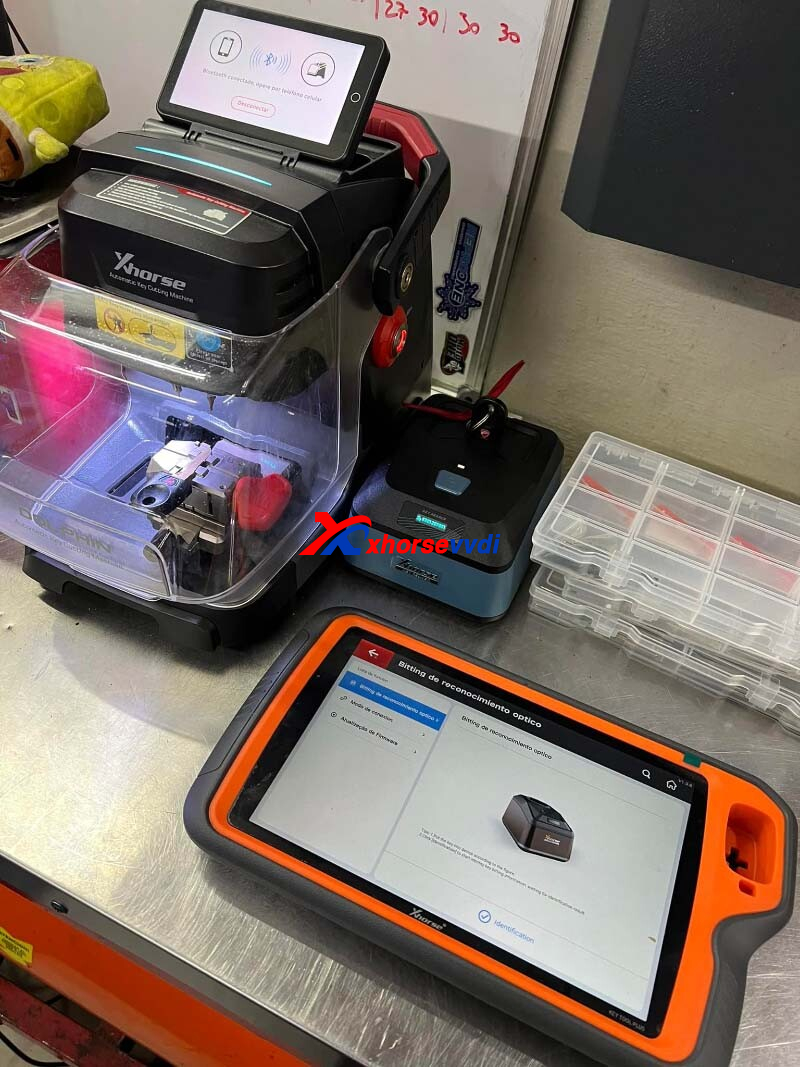
(From the left: Dolphin XP005L, Key Reader, Key Tool Plus Tablet)
Control cutting machine on tablet.
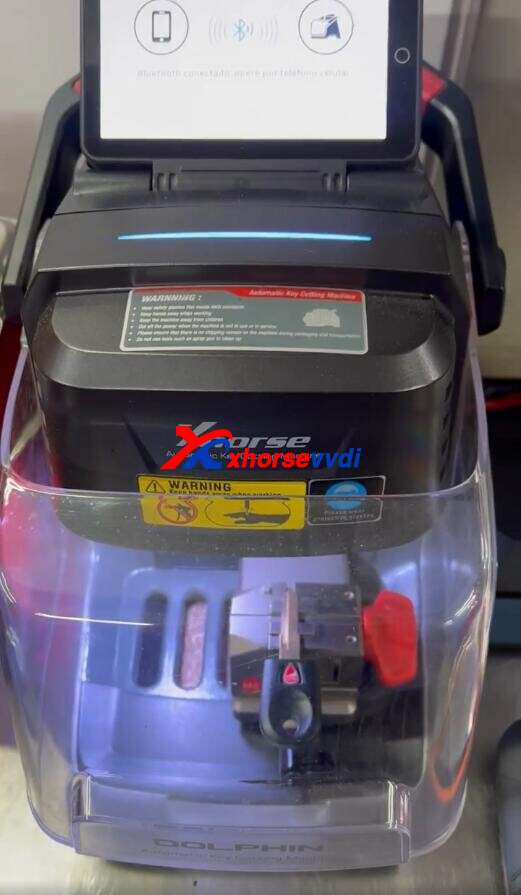
Insert original key for key reader to decode it.
Cut key.
Complete.
Posted by: xhorsevvdi at
09:50 AM
| No Comments
| Add Comment
Post contains 67 words, total size 2 kb.
June 29, 2023
Xhorse VVDI2 is a professional tool on key programming for VW, Audi, Skoda...
This is a review of VVDI2:
2016 Volkswagen Jetta All Keys Lost (PROX) with VVDI2 OK.
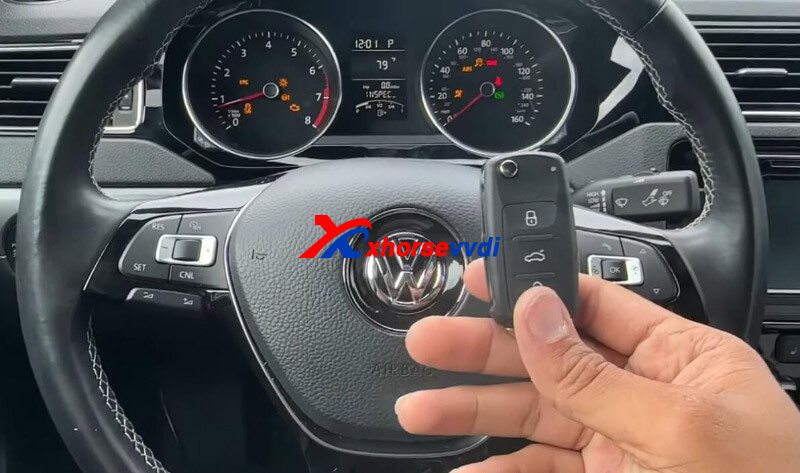
Let's take a look at the process:
Take out dashboard.
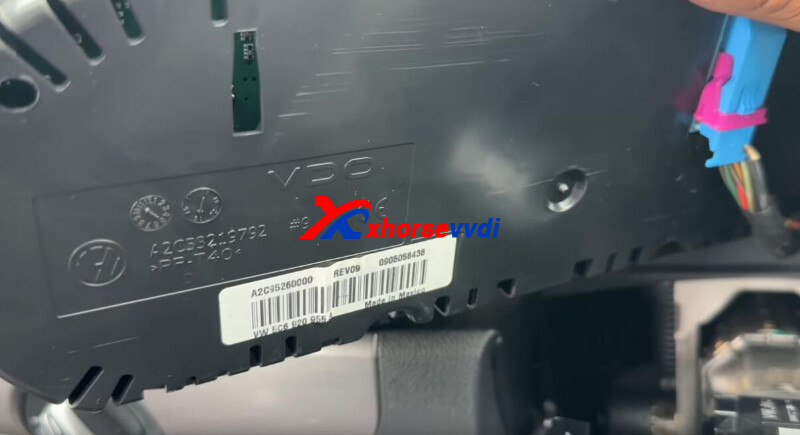
Switch dashboard into service mode using pogo pin.
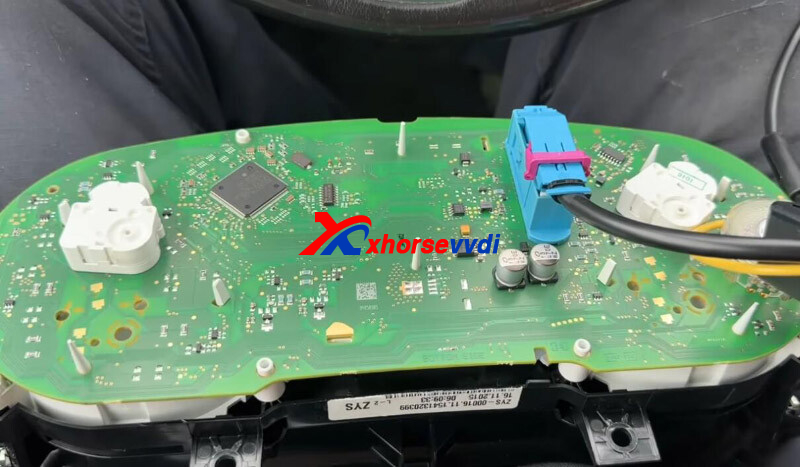
Read and save EEPROM data.
Read and save IMMO data.
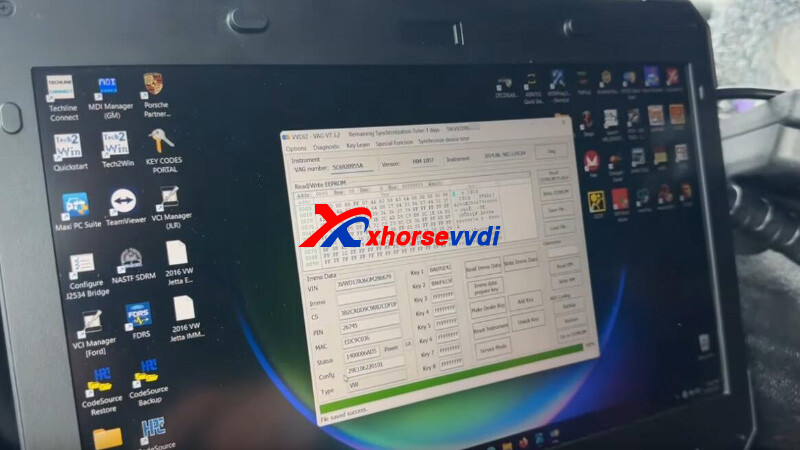
Load immo file to prepare a dealer key.
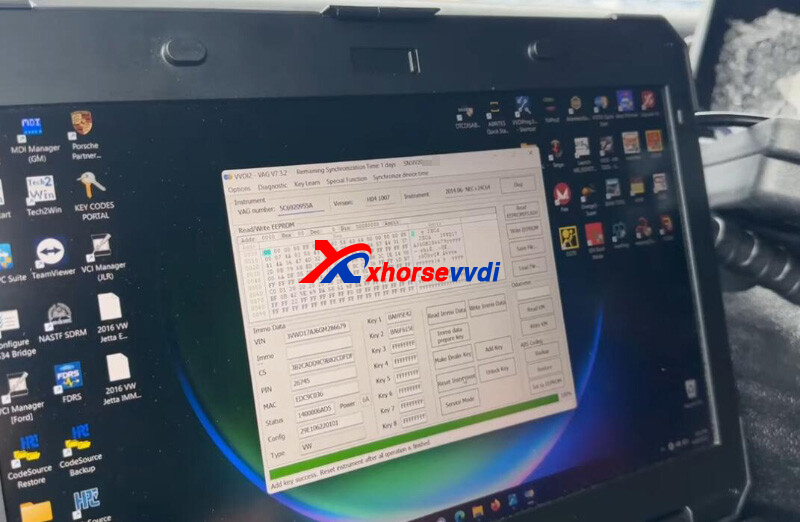
Install back dashboard.
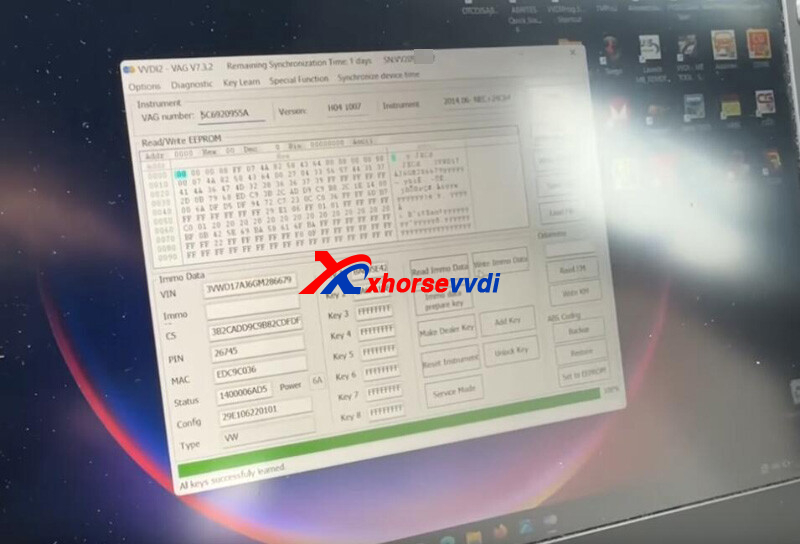
Connect VVDI2 to vehicle via OBD port.
Learn new key.
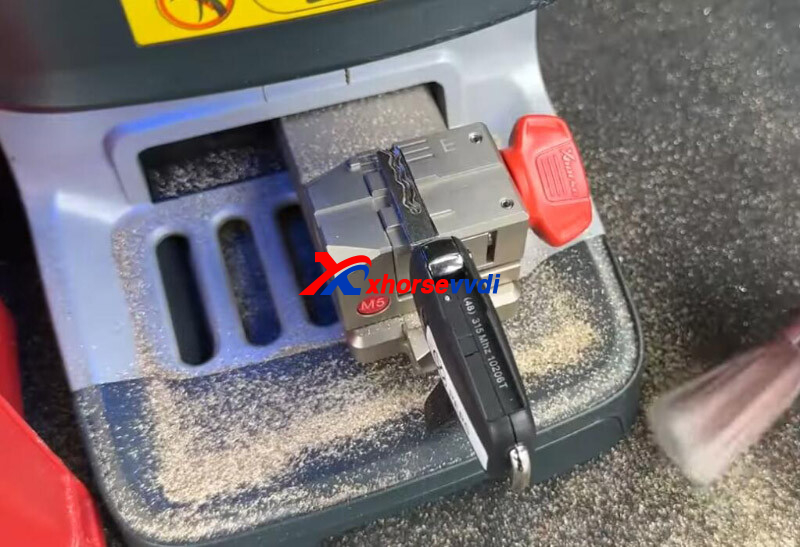
Cut blade using Dolphin XP005 Machine.
All done!
That's how to do AKL programming for Jetta 2016 by VVDI2 Full Version.
http://blog.xhorsevvdi.com/how-xhorse-vvdi2-program-2016-vw-jetta-all-keys-lost/
Posted by: xhorsevvdi at
08:35 AM
| No Comments
| Add Comment
Post contains 110 words, total size 3 kb.
Question:
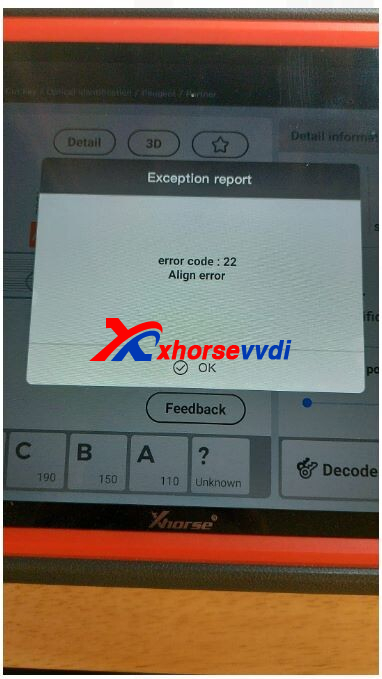
Xhorse Dolphin, When I try to cut a key this error code pops up in my VVDI Tablet, error code 22 and 36.
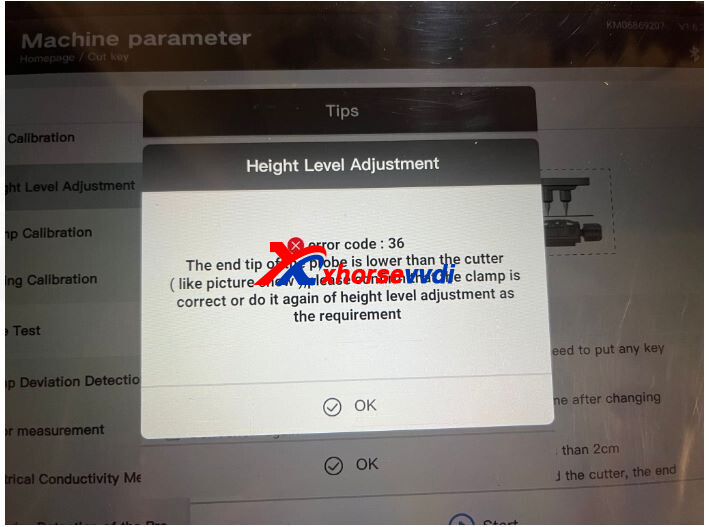
Here is the
Reason:
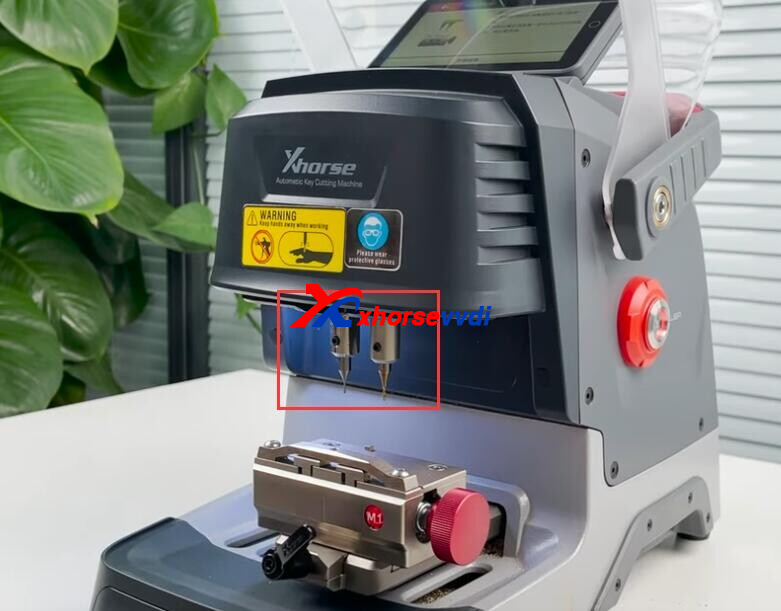
Probe and cutter are not at the same height.
Solution:
Install and fix probe& cutter at the highest level.
Posted by: xhorsevvdi at
08:35 AM
| No Comments
| Add Comment
Post contains 59 words, total size 2 kb.
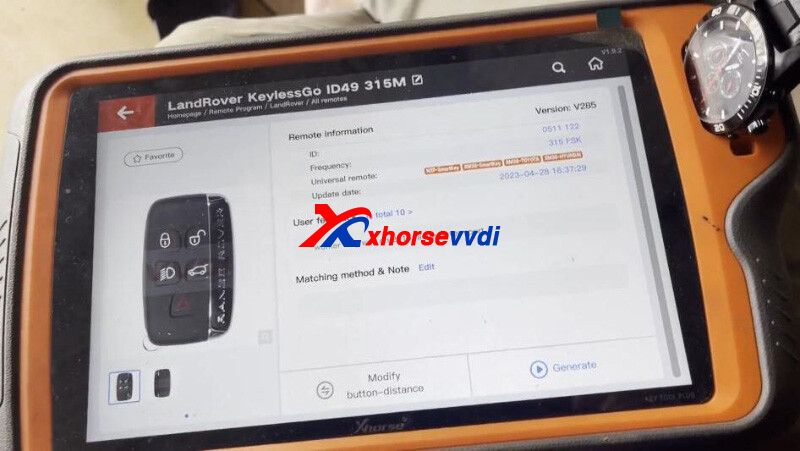
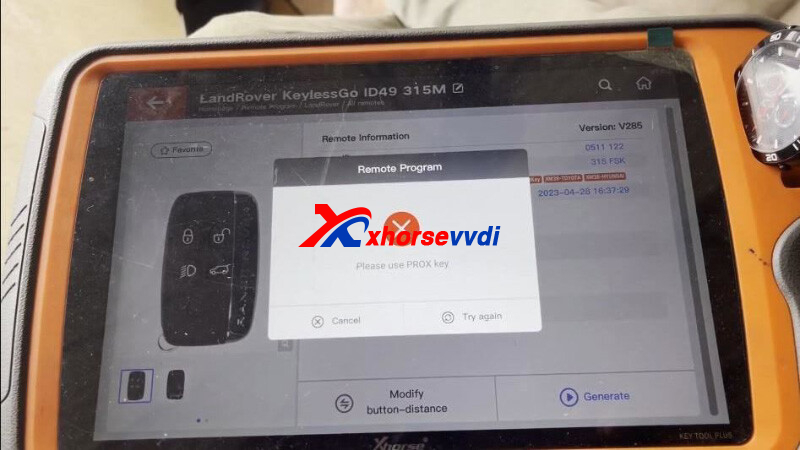
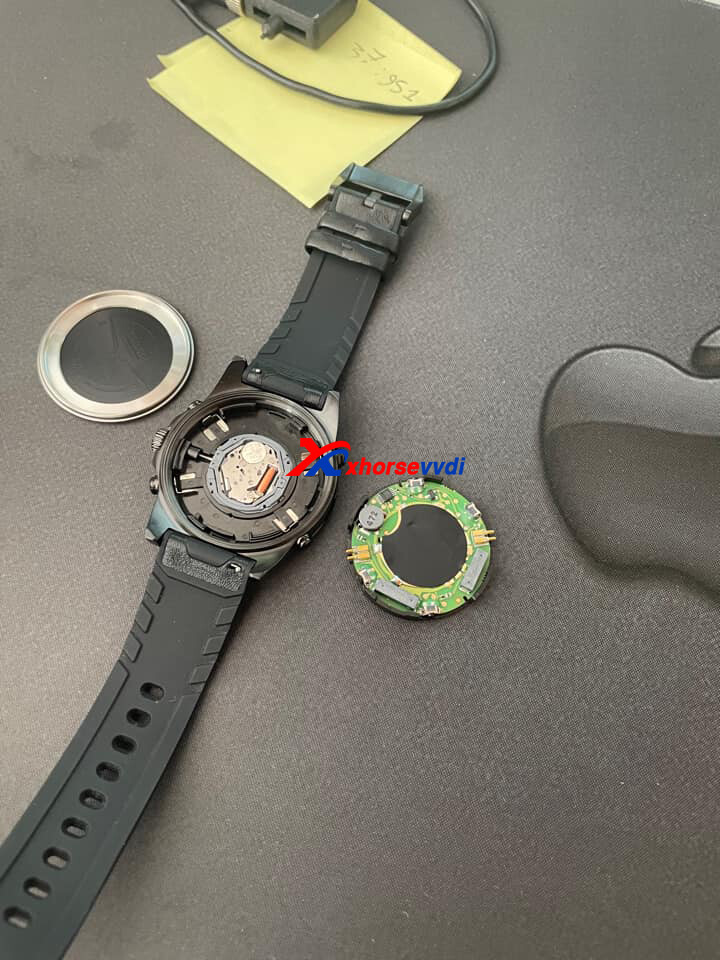
One customer wondered how to generate LandRover ID49 315MHZ remote using Xhorse Key Tool Plus Tablet. It gives "please use PROX key" but Smart Watch is normally running.
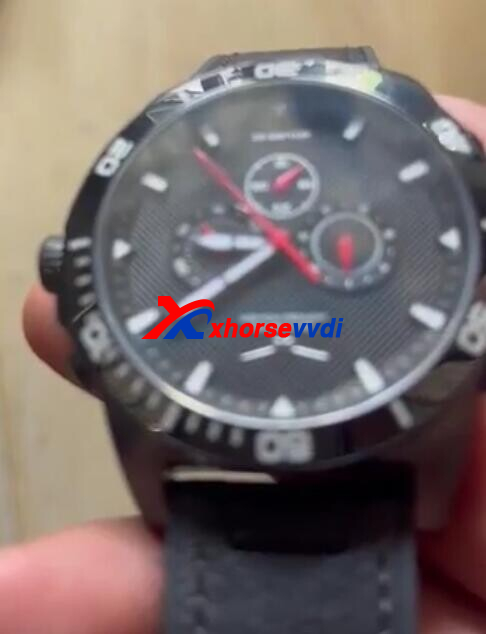
Here Xhorsevvdi tech answers:
Take out PCB, install batteries (one for remote, one for watch), and generate again.
Posted by: xhorsevvdi at
08:34 AM
| No Comments
| Add Comment
Post contains 58 words, total size 2 kb.
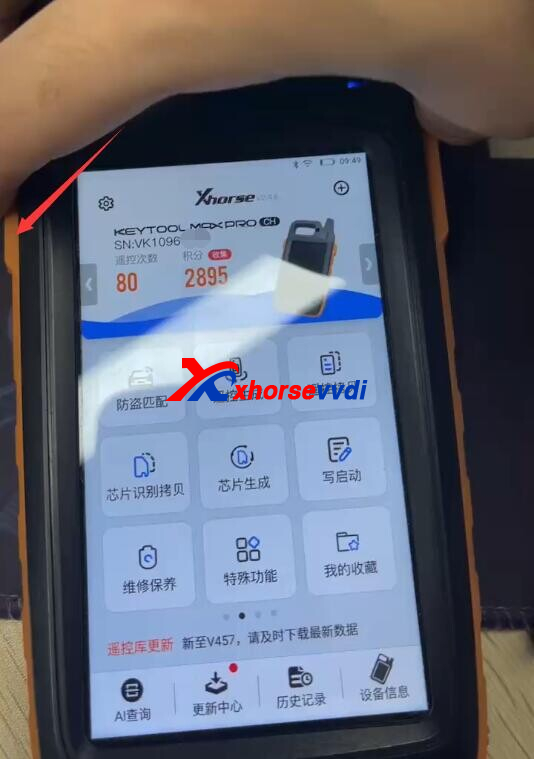
In this article, we are going to show you how to reset Key Tool Max/ Key Tool Max Pro.
If the screen of your device gets stuck, you may try this method.
Hold down home button for seconds, and quick launch bar will show.
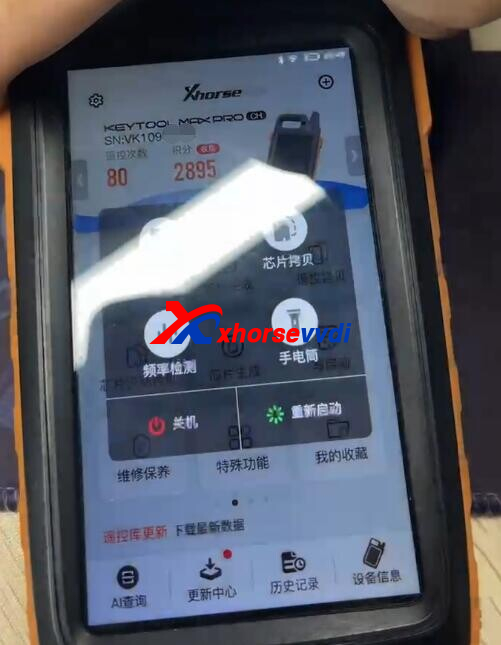
Hold down central part for half a minute to enter system setting.
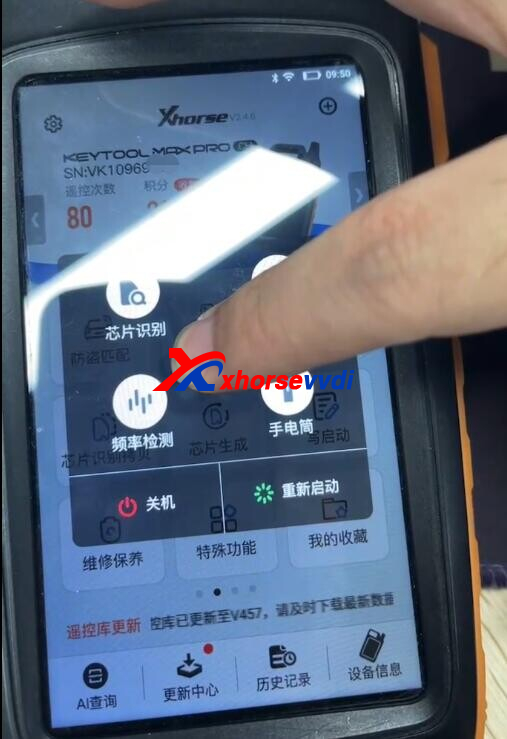
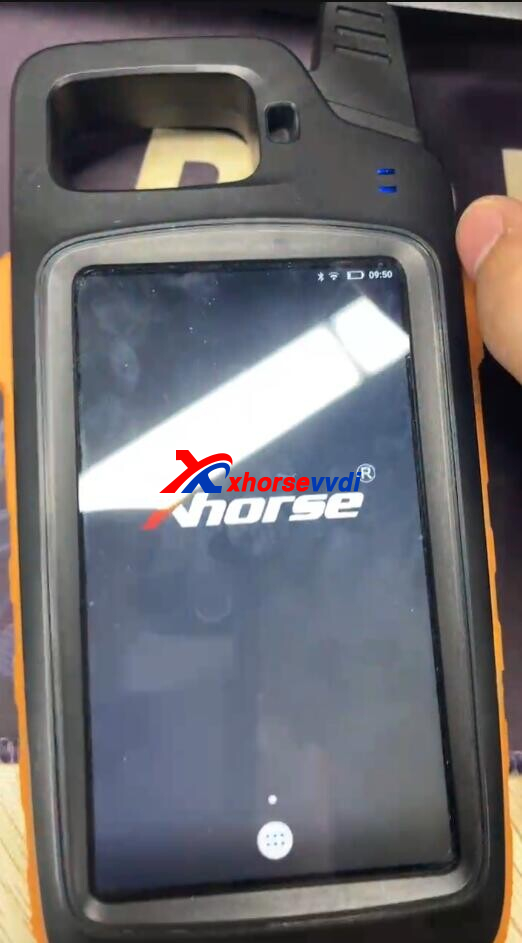
Select
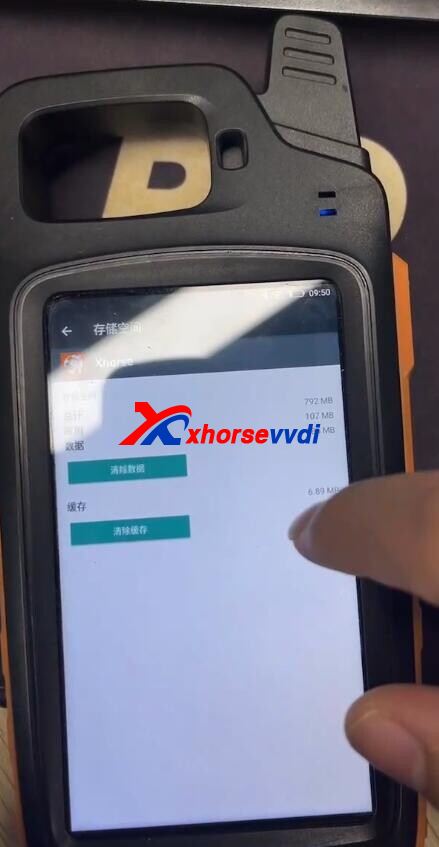
Six-dot icon>>System>>Application>>Xhorse>>Storage
Backup data if you need.
Then clear data and cache to reset your device.
Posted by: xhorsevvdi at
08:34 AM
| No Comments
| Add Comment
Post contains 84 words, total size 2 kb.
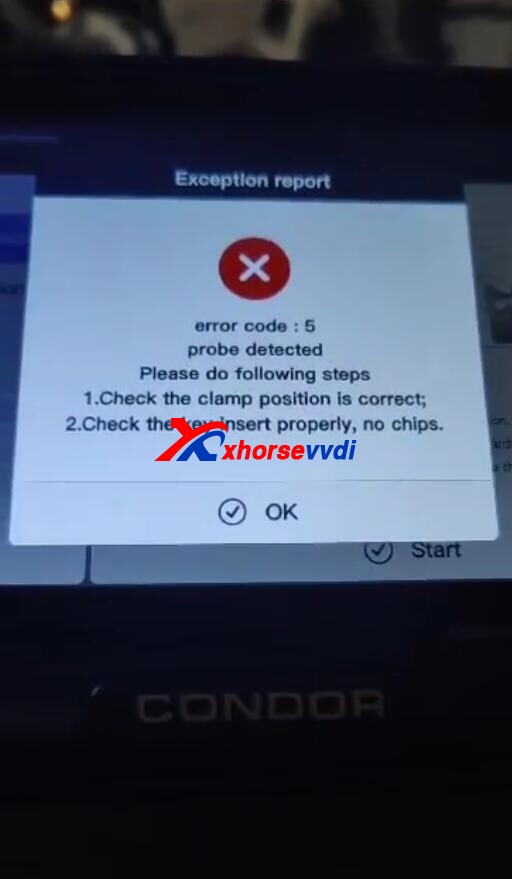
One customer gave feedback that he received his Xhorse Condor Mini Plus II but the probe can't go more inside.
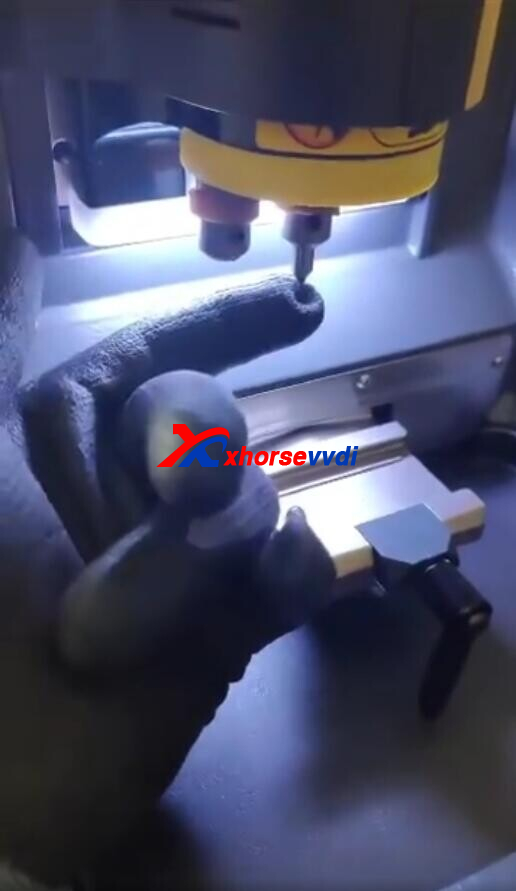
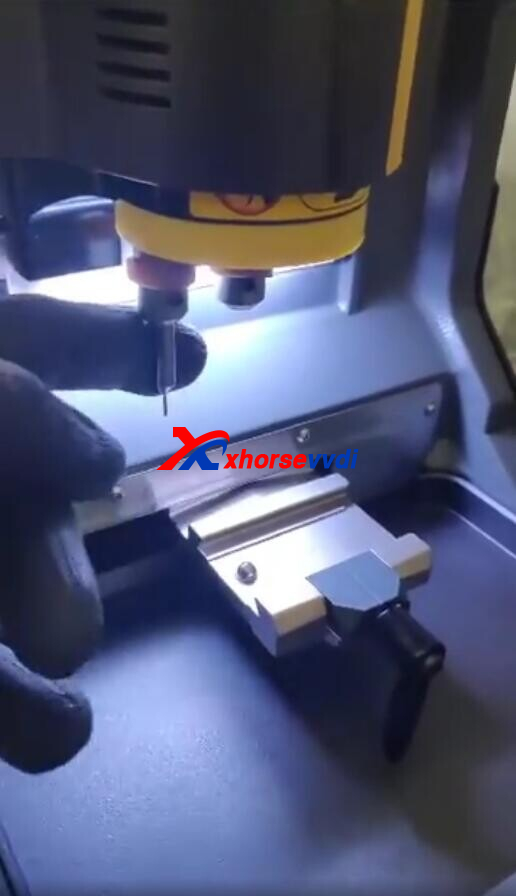
If he just fixed the probe and run machine, it will give error code 5.
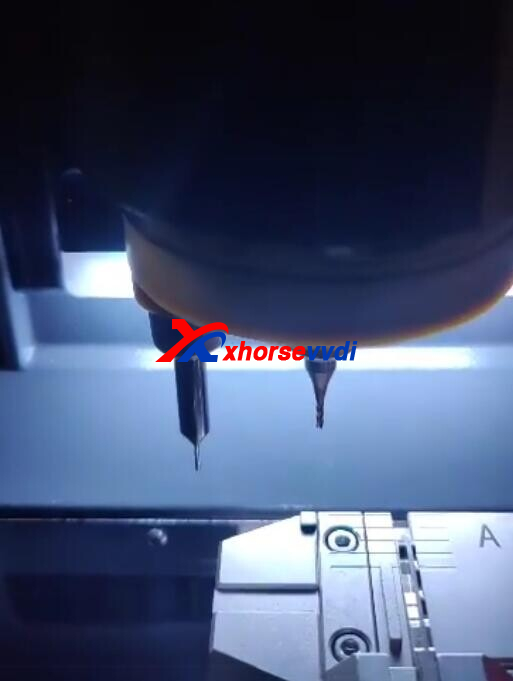
Here is the Solution:
1.Check if there is material or crack metal inside
2.Roll it with sandpaper and stuff it in to polish it
http://blog.xhorsevvdi.com/solved-cant-install-xhorse-condor-mini-plus-ii-probe/
Posted by: xhorsevvdi at
08:33 AM
| No Comments
| Add Comment
Post contains 69 words, total size 2 kb.
One customer wonder if he has to purchase tokens for VVDI IR Adapter.
He found on a website that IR Reader is only for Xhorse Tablet and "this product has a lead time".
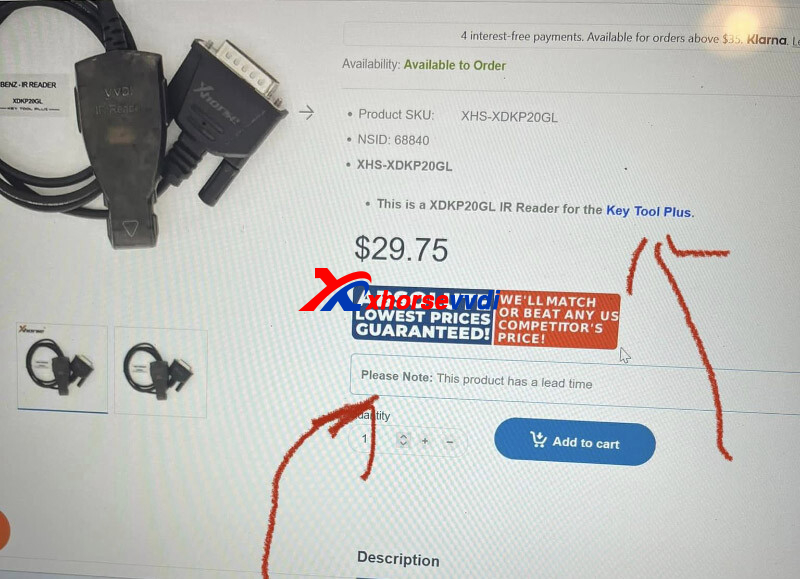
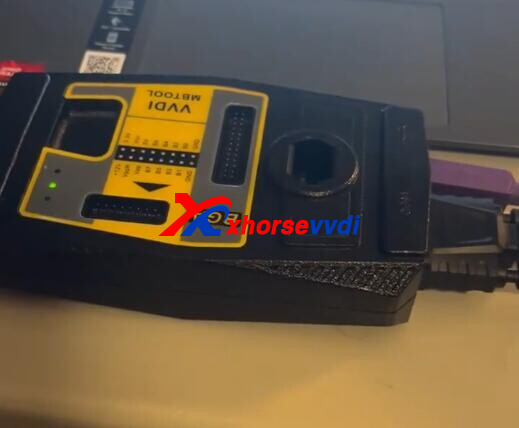
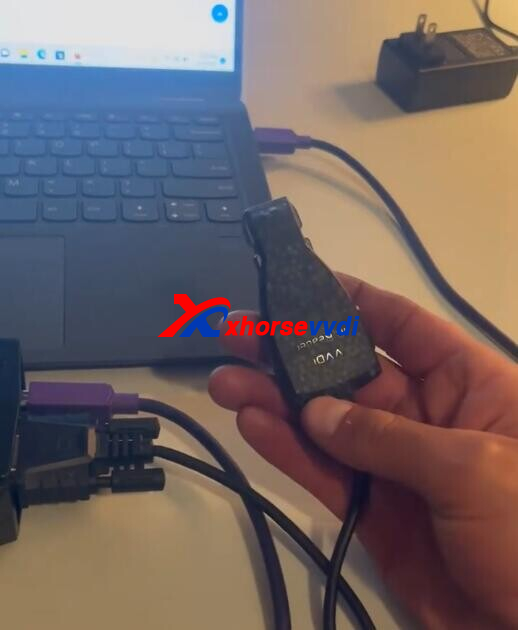
Here is the Answer:
No token is required, the adapter in picture 1 is only for Key Tool Plus not for VVDI MB.
For MB Tool part number is XDMB01GL.
Read Also:
http://blog.xhorsevvdi.com/how-to-check-and-get-vvdi-key-tool-plus-tokens-and-points/
Posted by: xhorsevvdi at
08:33 AM
| No Comments
| Add Comment
Post contains 74 words, total size 2 kb.
One customer gave feedback that his Xhorse Tablet can't add a key for 2014 Hilux. He tried Type3 and Type2, neither of them made it.
No communication via Type3, and key being registered already.
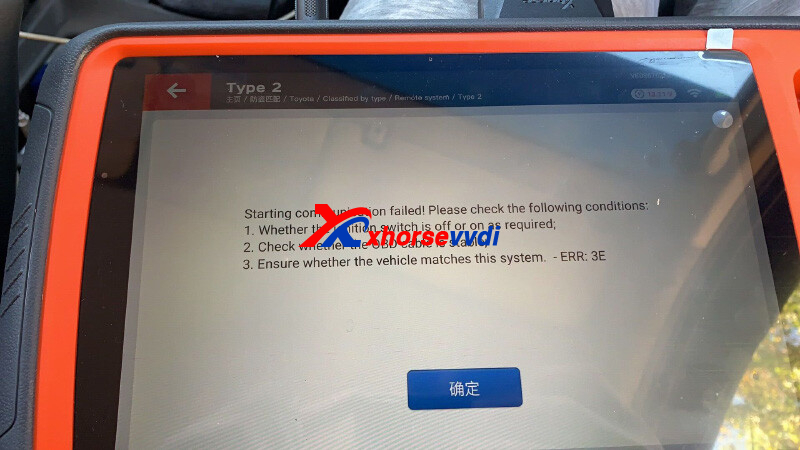
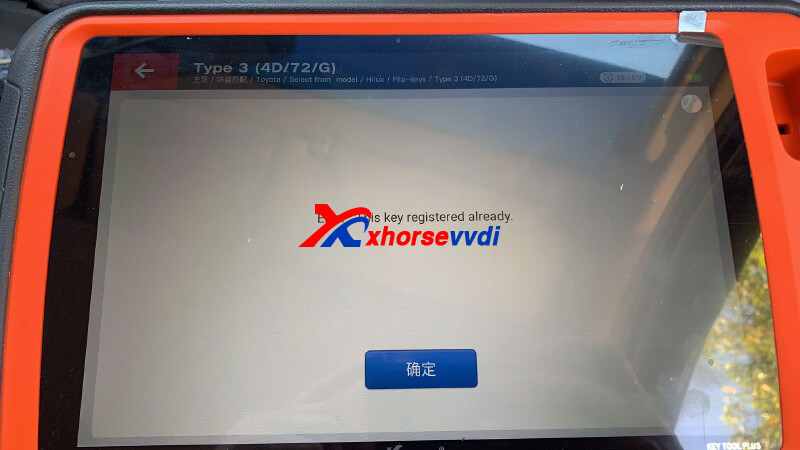
Remotes: Wire Remote XKTO04EN
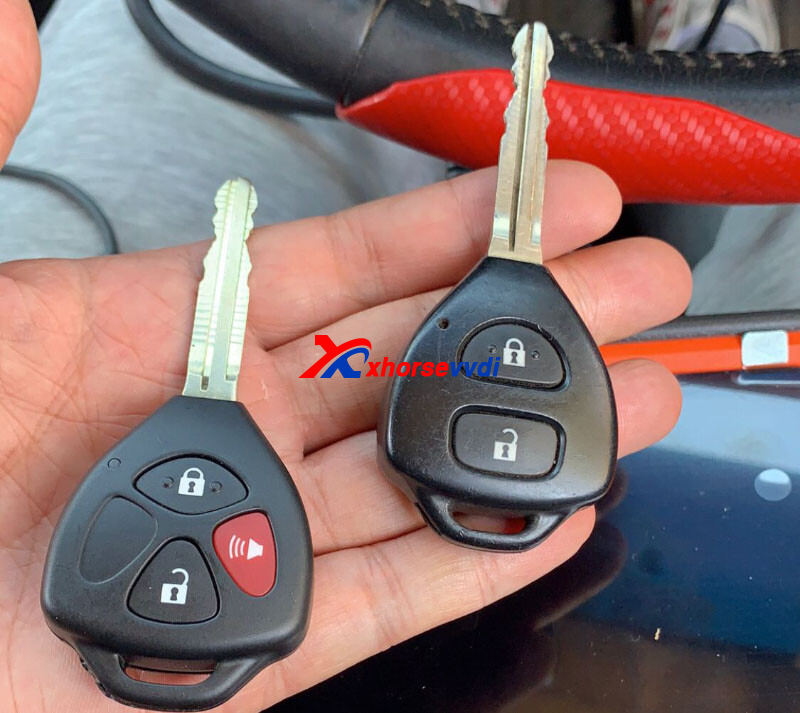
Remote Control: Hilux/ Fortuner/ Tacoma 735
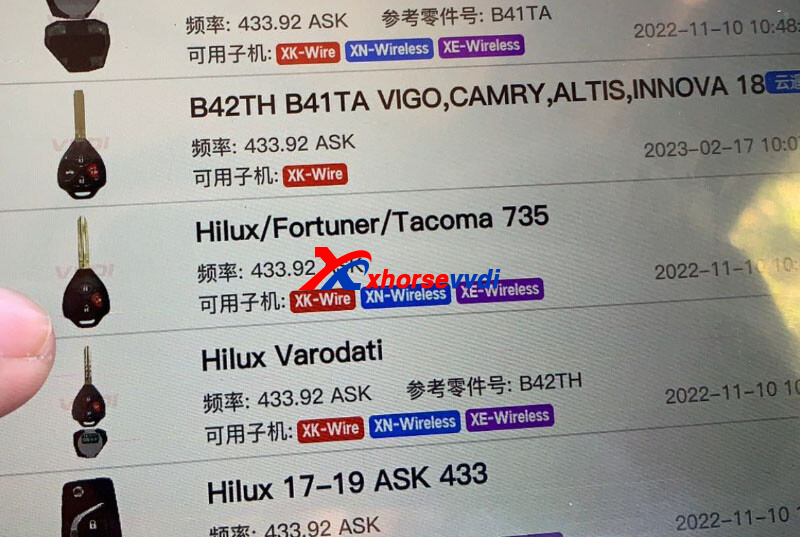
Here is the Possible Solution:
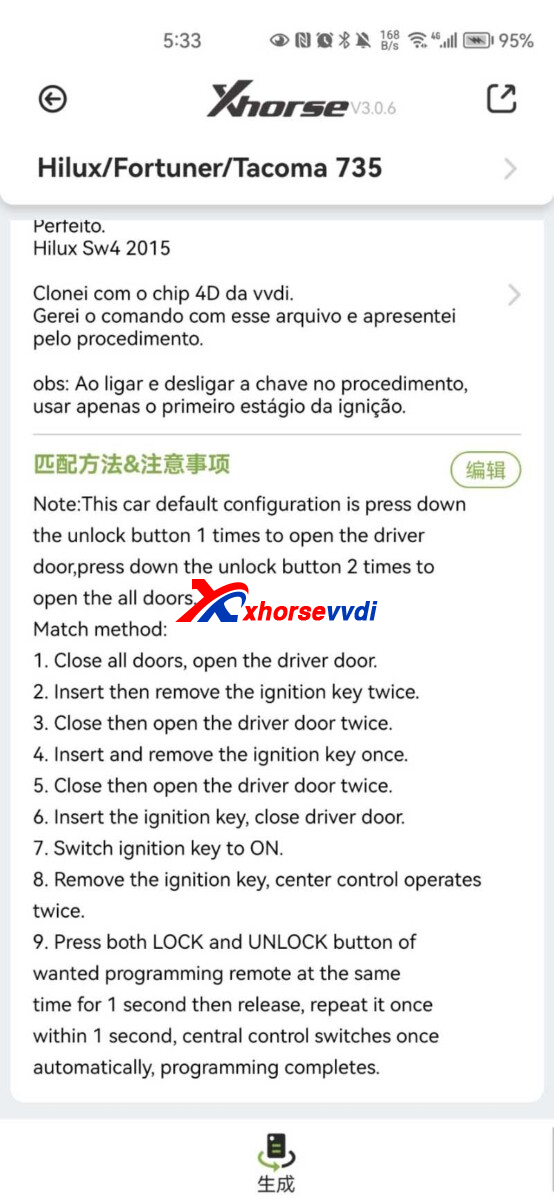
Try Manual Programming by the guide,
Note:
This car default configuration is press down the unlock button 1 times to open the driver door, press down the unlock button 2 times to open the all doors.
Match method:
1.Close all doors, open the driver door.
2.Insert then remove the ignition key twice.
3.Close then open the driver door twice.
4.Insert and remove the ignition key once.
5.Close then open the driver door twice.
6.Insert the ignition key, close driver door.
7.Switch ignition key to ON.
8.Remove the ignition key, center control operates twice.
9.Press both LOCK and UNL OCK button of wanted programming remote at the same time for 1 second then release, repeat it once within 1 second, central control switches once automatically, programming completes.
Posted by: xhorsevvdi at
08:32 AM
| No Comments
| Add Comment
Post contains 187 words, total size 3 kb.
Question:
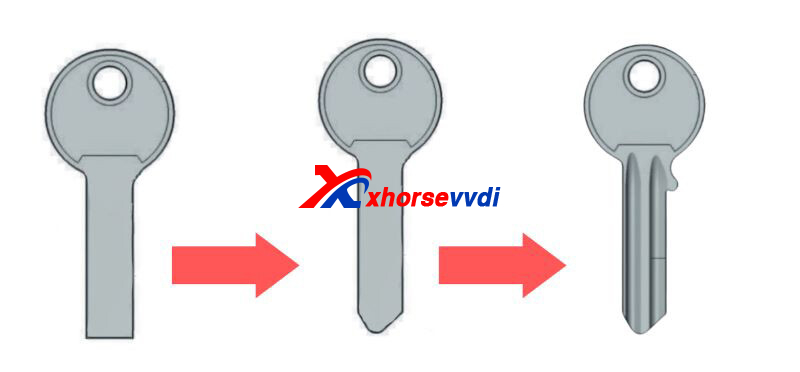
Cylinder door keys all lost, and will Dolphin XP005L cover all kinds of tips and article (code) I attached a picture?
Answer:
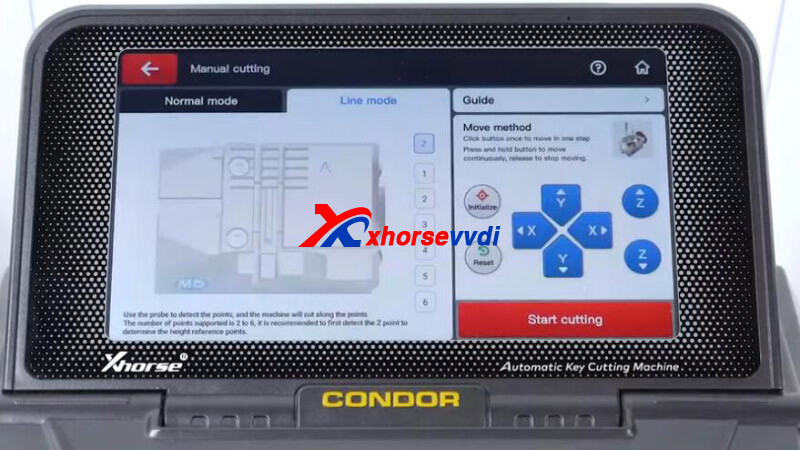
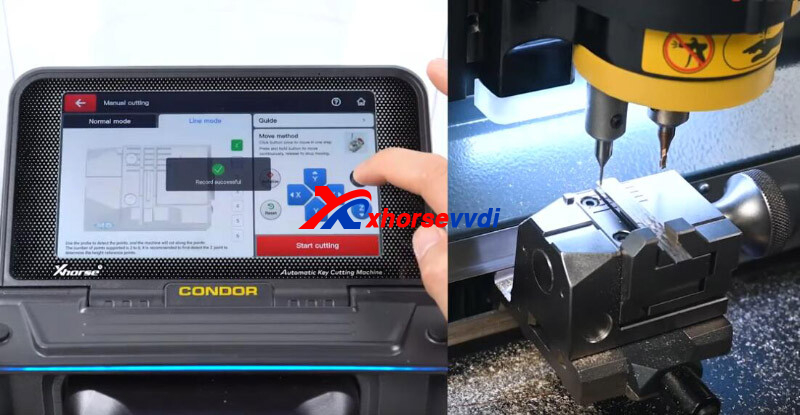
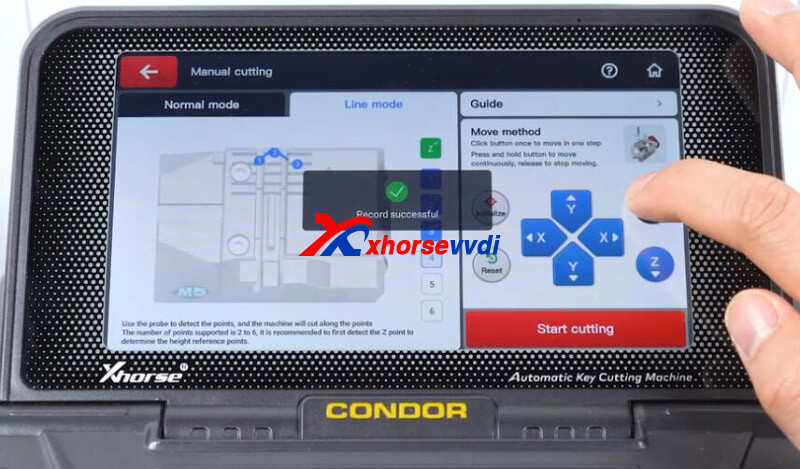
No. Tip cutting requires manual cutting, which is only available on Condor XC MINI Plus II.
Simple Guide on Manual Cutting:
Line mode>>Initialize>>Insert Key>>Record 3 Cutting Points by Z-axis>>
Posted by: xhorsevvdi at
08:32 AM
| No Comments
| Add Comment
Post contains 60 words, total size 2 kb.
VVDI2 Full Version supports ECU flashing after module replacement.
Here we are going to show you how to program ECU and TCU from Skoda Octavia using VVDI2.
Modules:
ECU Simos7.1
TCU 09G
Steps:
1.ECU/ Engine:
Run VVDI2 software and go to Skoda menu.
Go to "01 Engine".
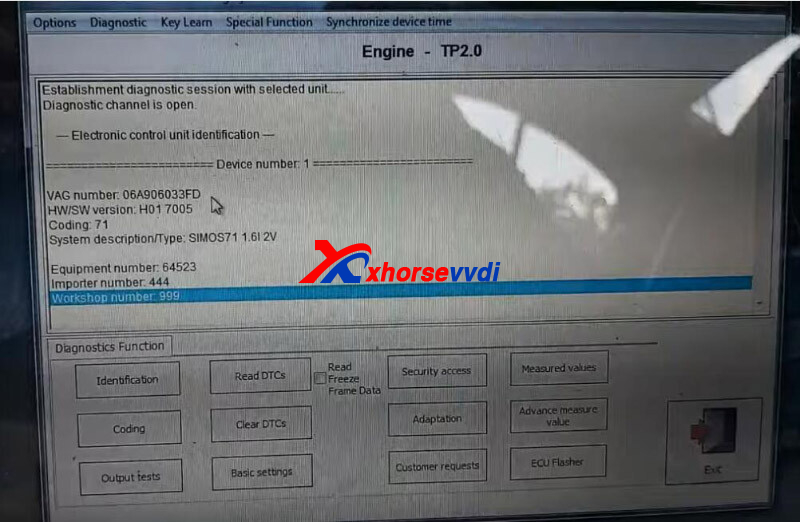
Read DTC.
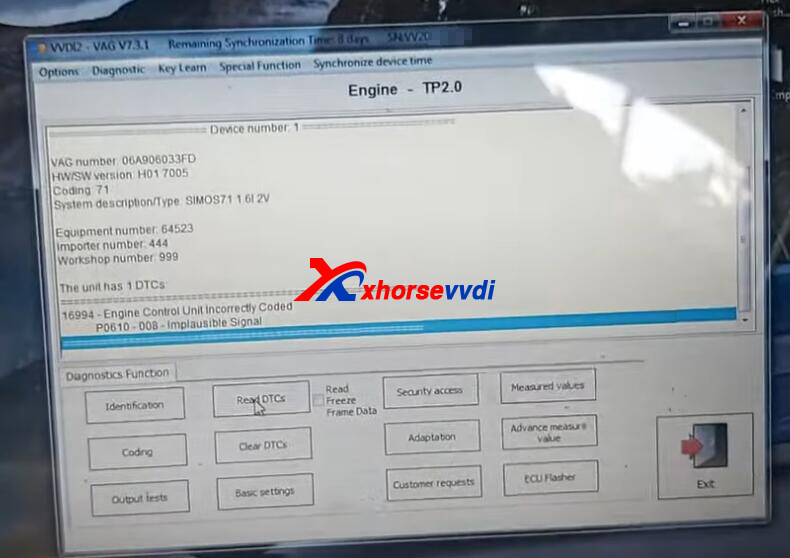
Select "ECU Flasher".
Load file to flash ECU.
Switch ignition OFF then ON as required.
ECU flash done.
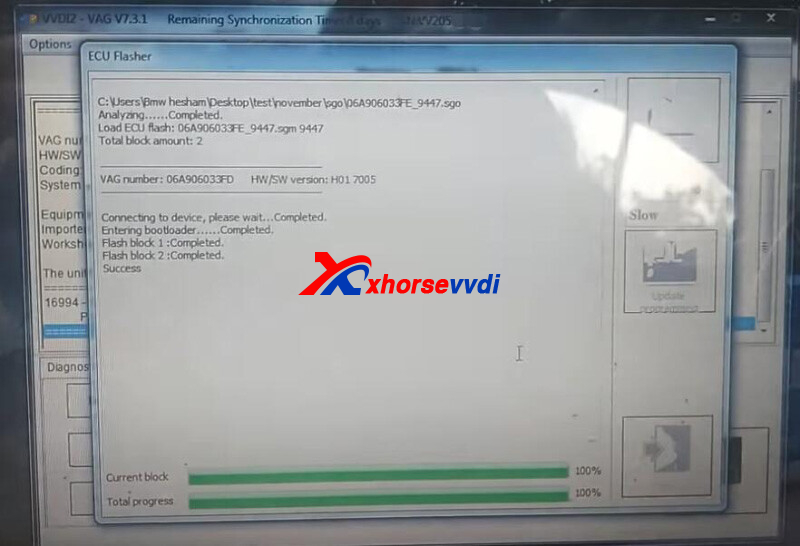
Switch ignition OFF then ON as required.
Select "Coding".
Set new coding from "5" to "75".
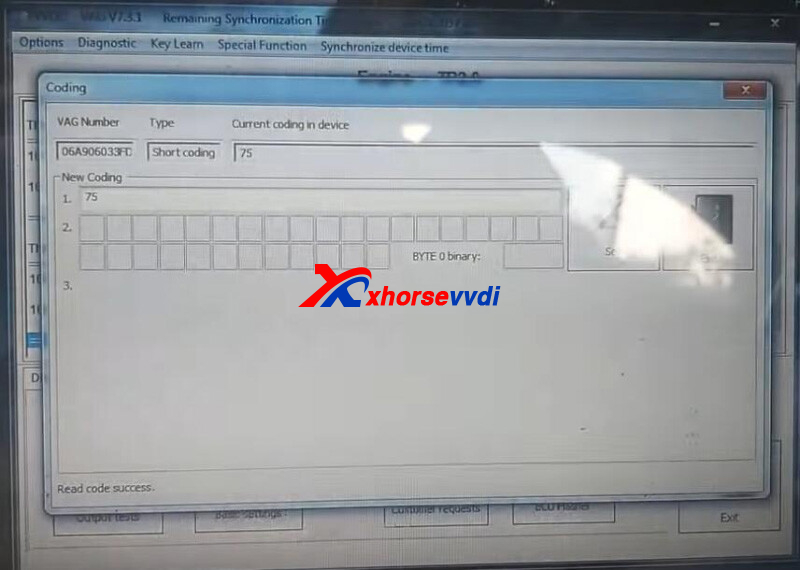
2.TCU/ Gearbox:
Go to "02 Gearbox".
Select "ECU Flasher"
Load file to flash TCU.
TCU flash done.
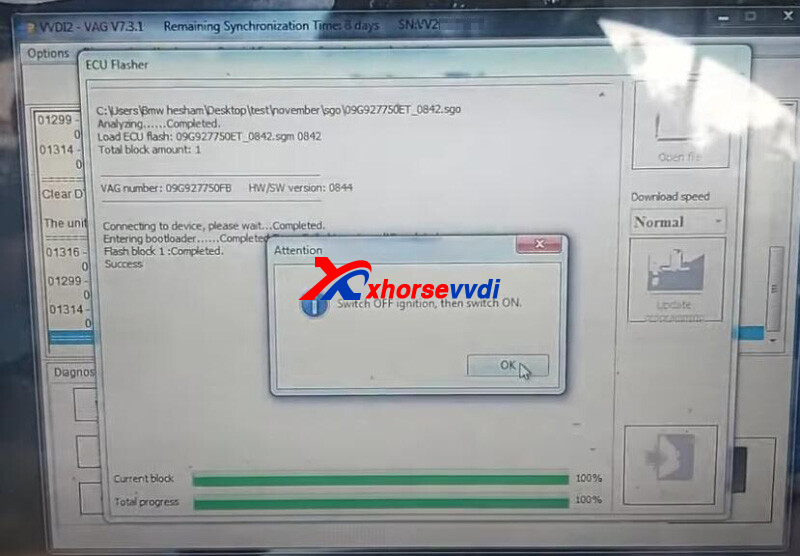
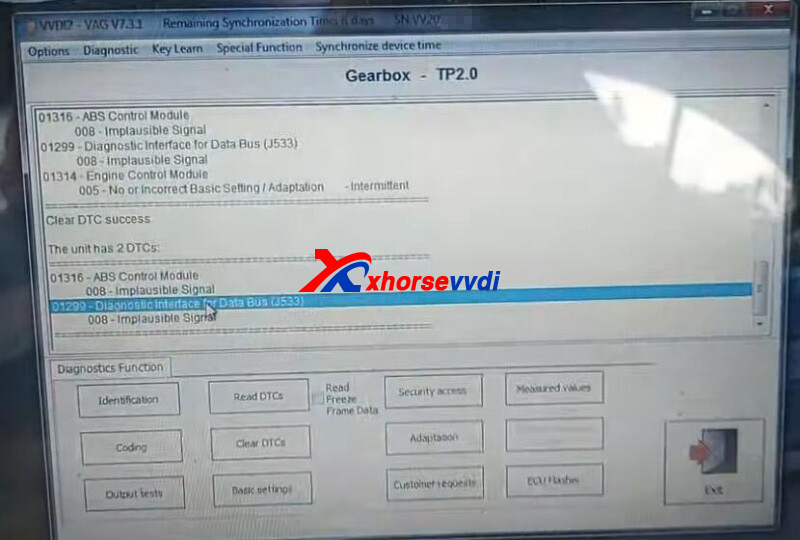
Read and clear DTCs.
Posted by: xhorsevvdi at
08:31 AM
| No Comments
| Add Comment
Post contains 114 words, total size 3 kb.
Question:
W211 hc12 AKL
Key Tool Plus- crack failed
VVDI PROG- empty file
Any suggestions?
Here Xhorsevvdi answers:
Solution:
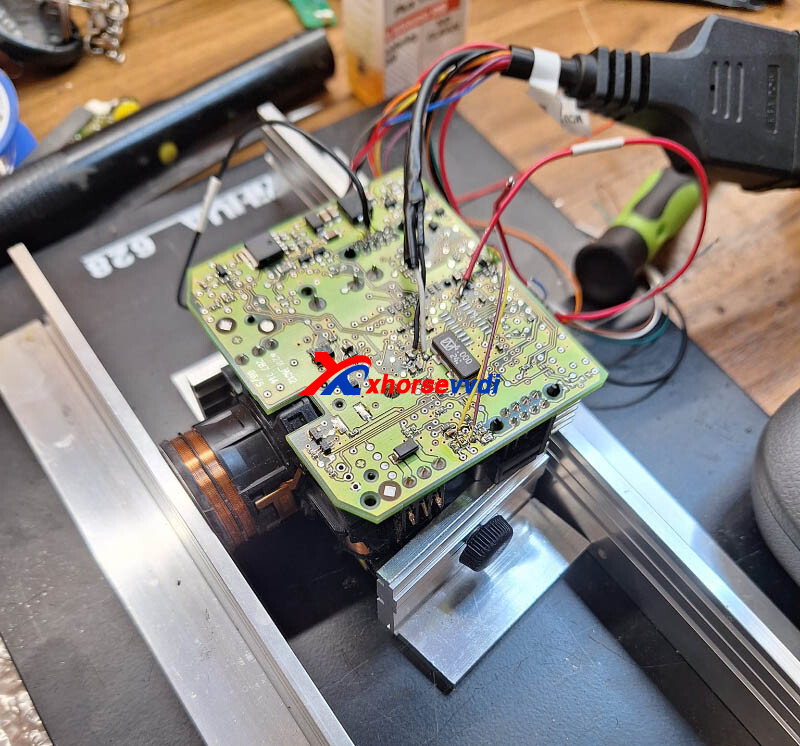
For Xhorse Tablet, use 9s12xE cable to read/ write Motorola 9S12 series chip; MCU cable in pic is for MCU chip.
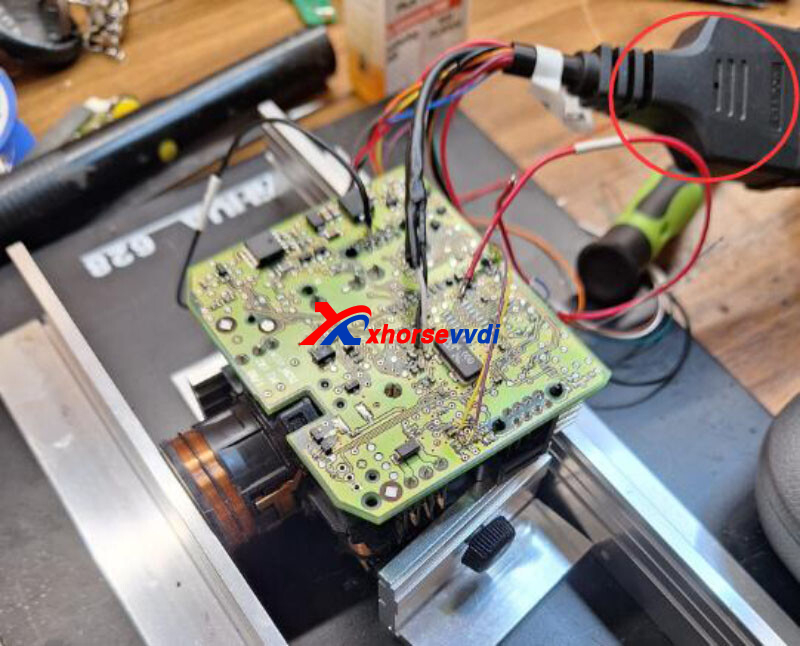
For VVDI Programmer use reflash cable v2.
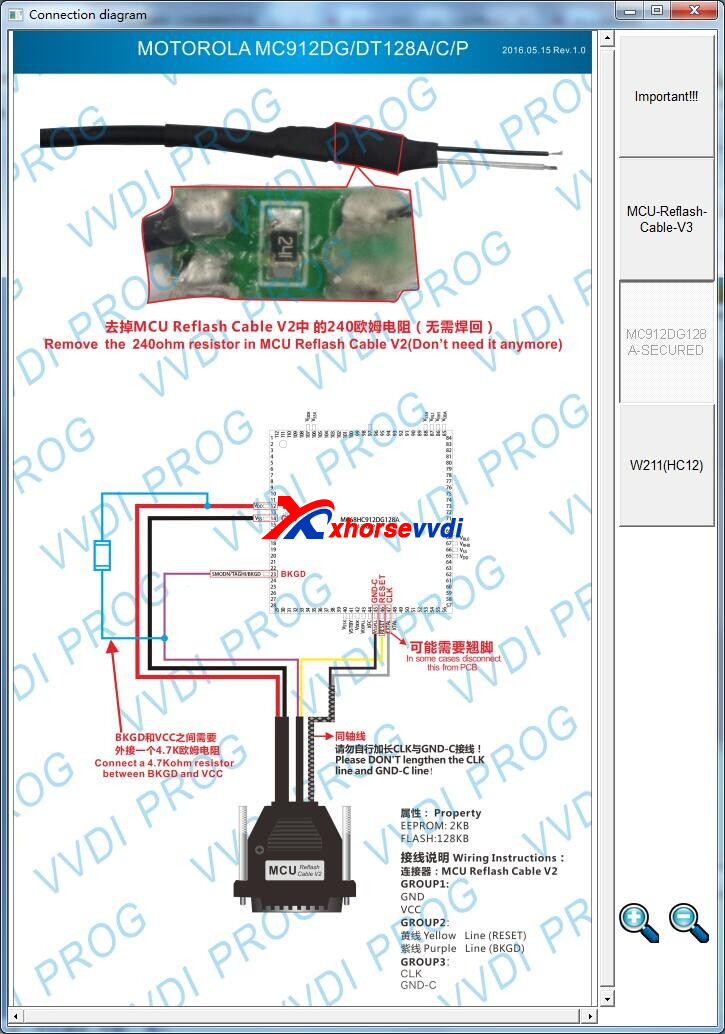
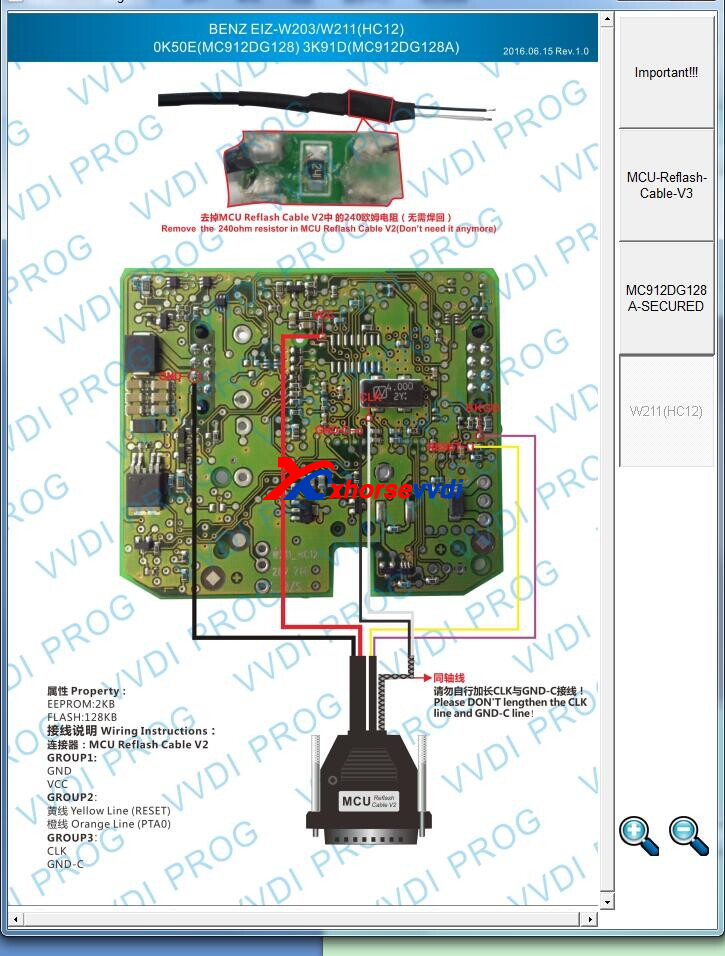
or try reading data from engine computer. Obtaining HASH and based on SSID in instrument panel, a set of data can be restored for you to start vehicle normally.
http://blog.xhorsevvdi.com/how-to-solve-key-tool-plus-crack-eis-w211hc12-fail/
Posted by: xhorsevvdi at
08:30 AM
| No Comments
| Add Comment
Post contains 87 words, total size 2 kb.
V1.8.8 VVDI BimTool software is released! Get V1.8.8 VVDI MB Tool software free download link from Xhorsevvdi.
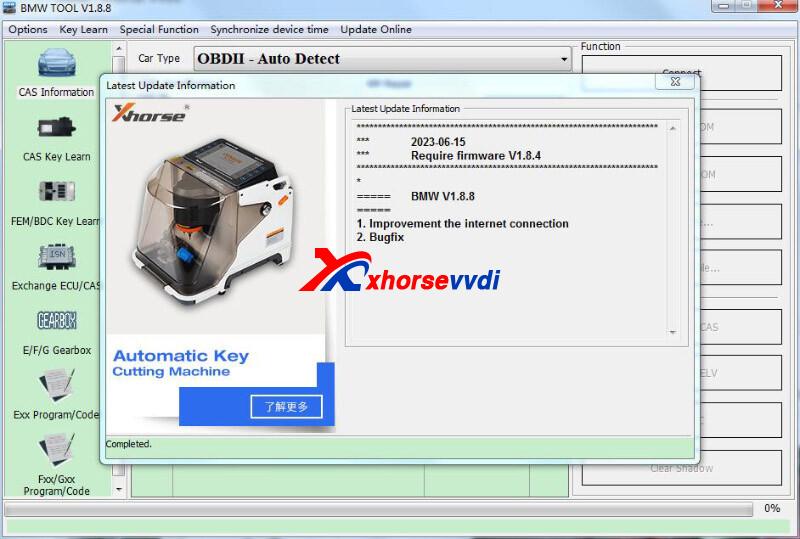
1.Free Download V1.8.8 VVDI Bim/BMW Tool Software:
2.V1.8.8 VVDI BIM Tool Software Update
*** 2023-06-15 ***
*** Require firmware V1.8.4
===== BMW V1.8.8 =====
1.Improvement the internet connection
2.Bugfix
Posted by: xhorsevvdi at
08:30 AM
| No Comments
| Add Comment
Post contains 57 words, total size 1 kb.
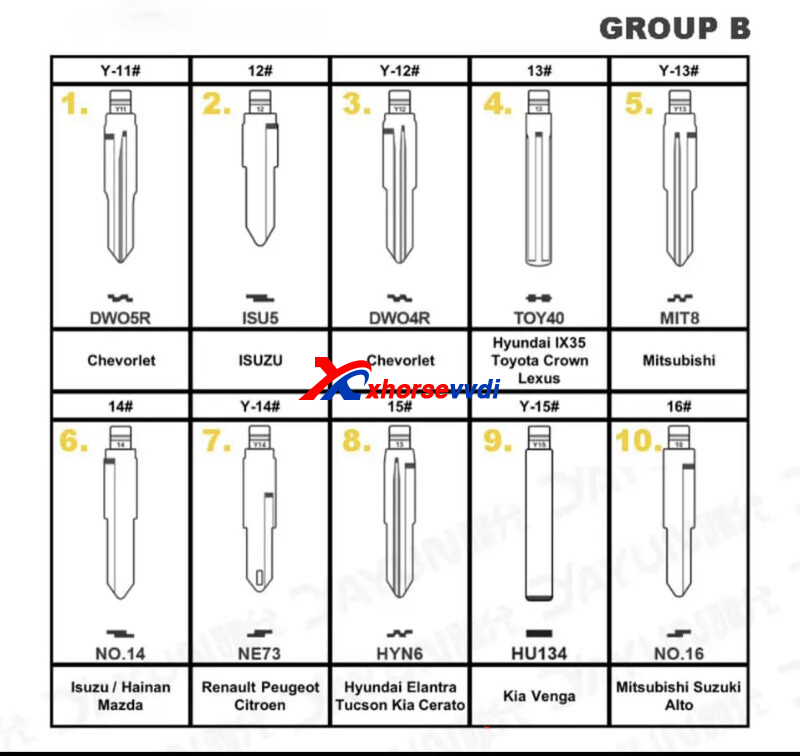
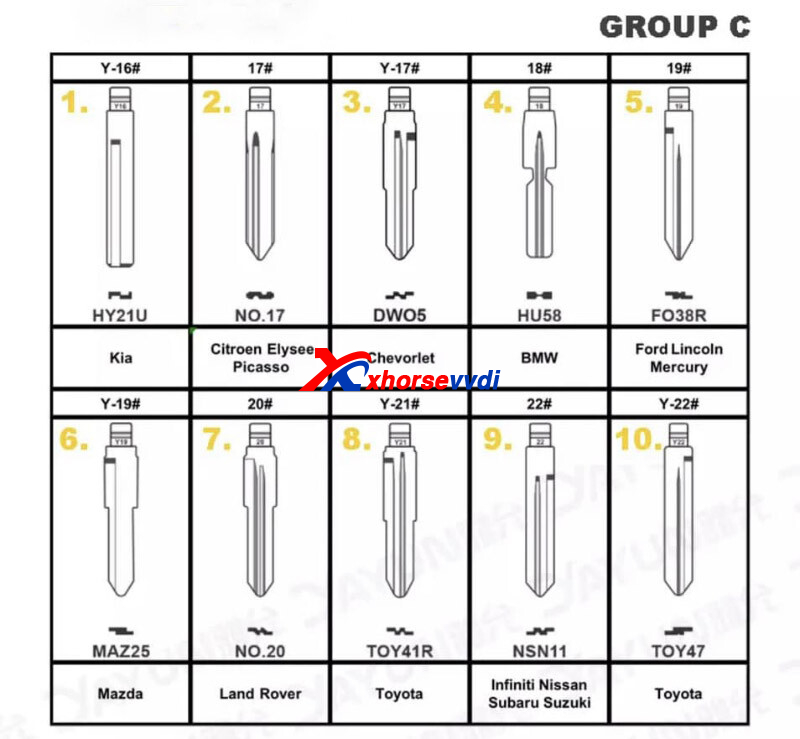
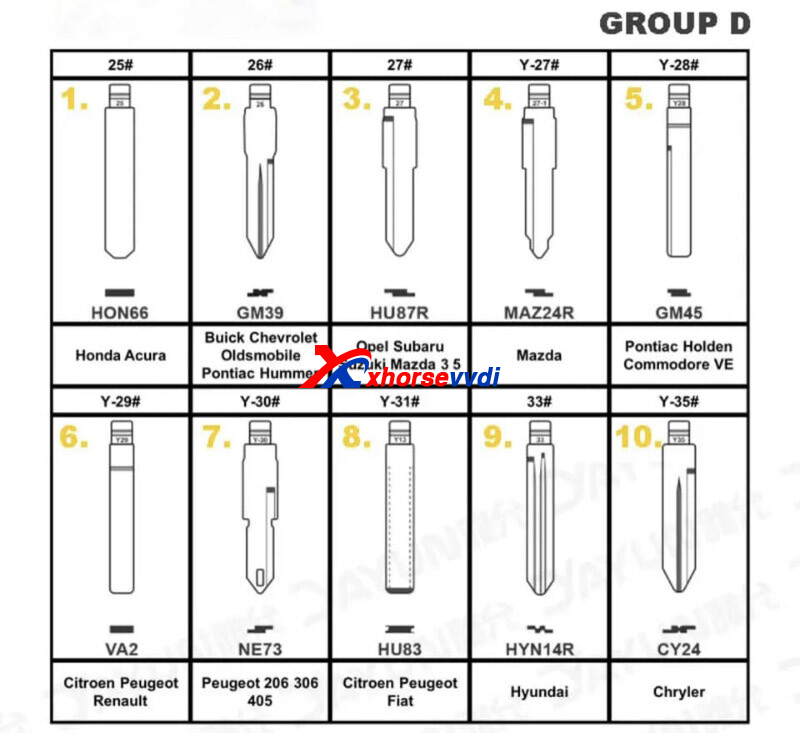
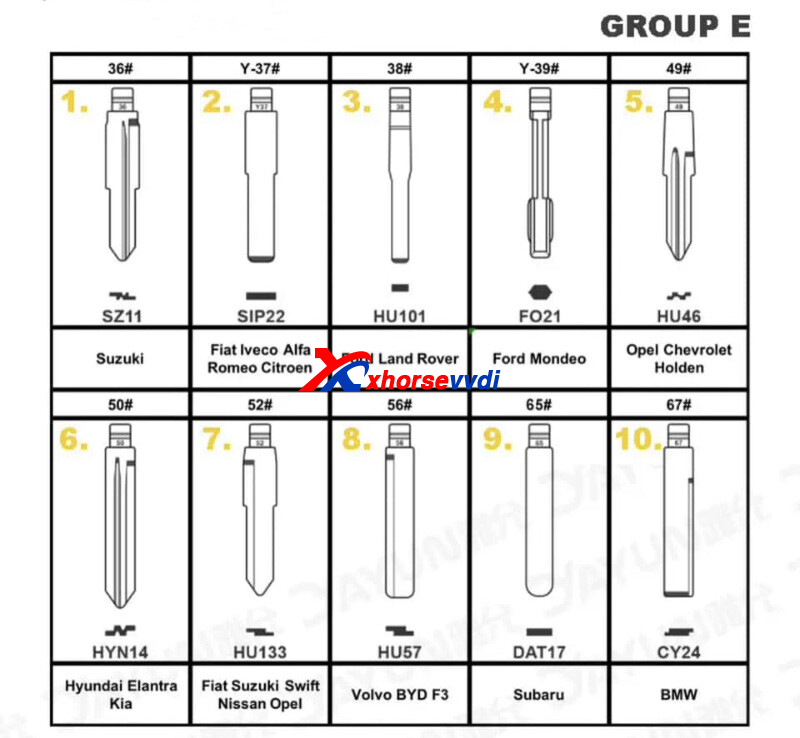
Question:
To purchase the universal blades how do I identify them? Because on the Xhorse Dolphin application I read example: SIP22, when I have to buy it I read numbers 1# 2# 3#, etc.
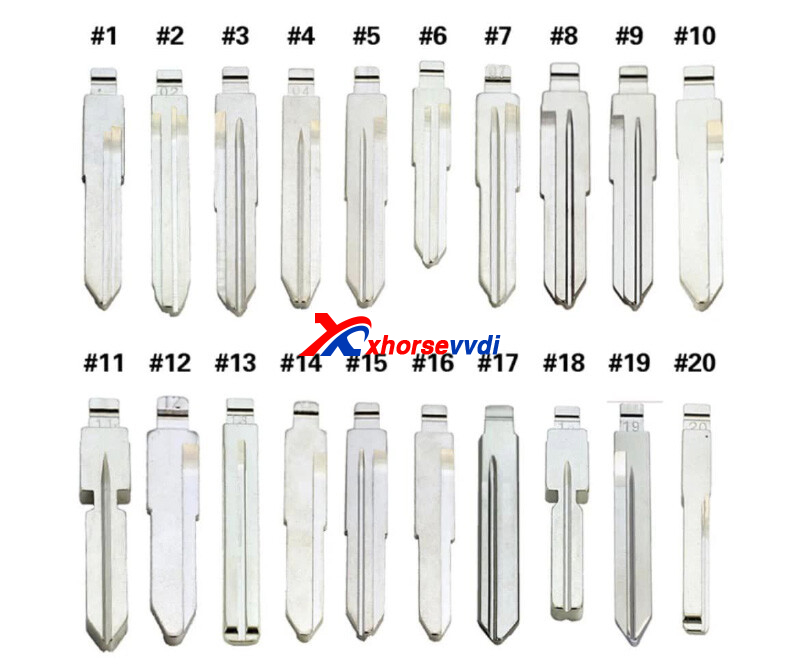
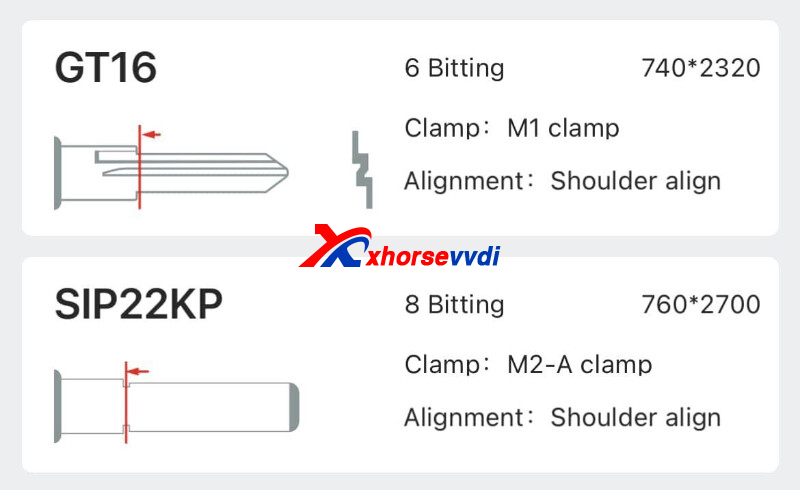
Answers:
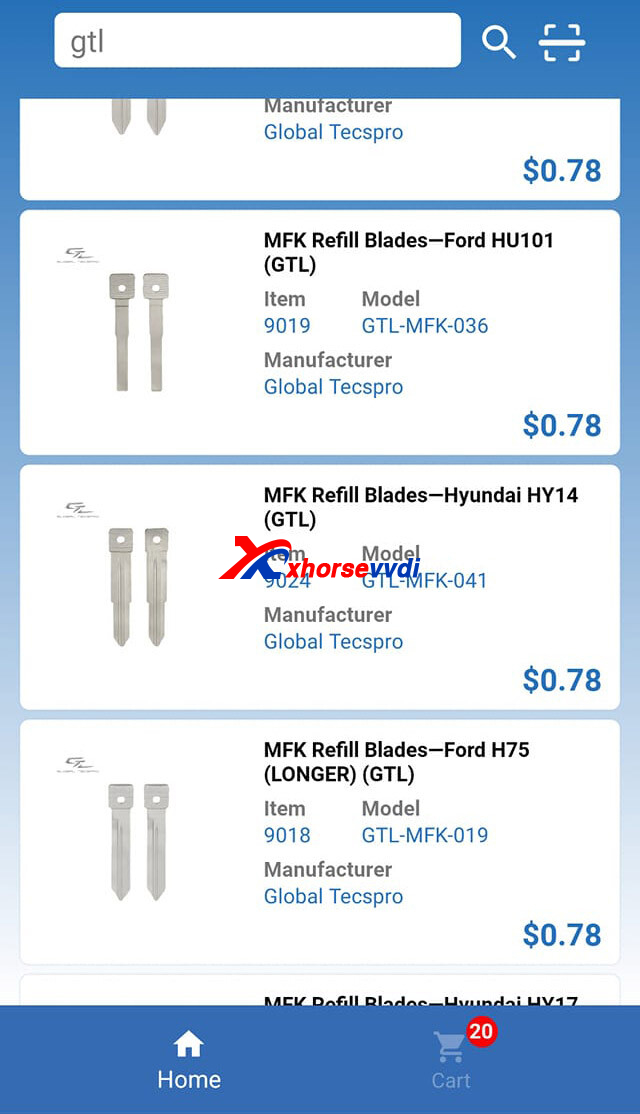
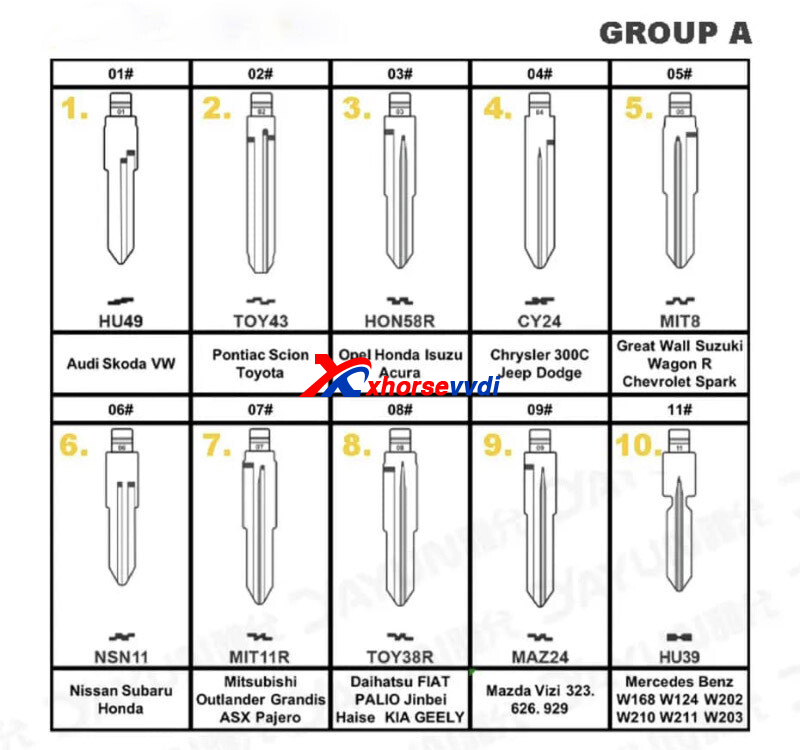
Universal key blades are based on GTL numbers
(e.g. Sip22 = #67)
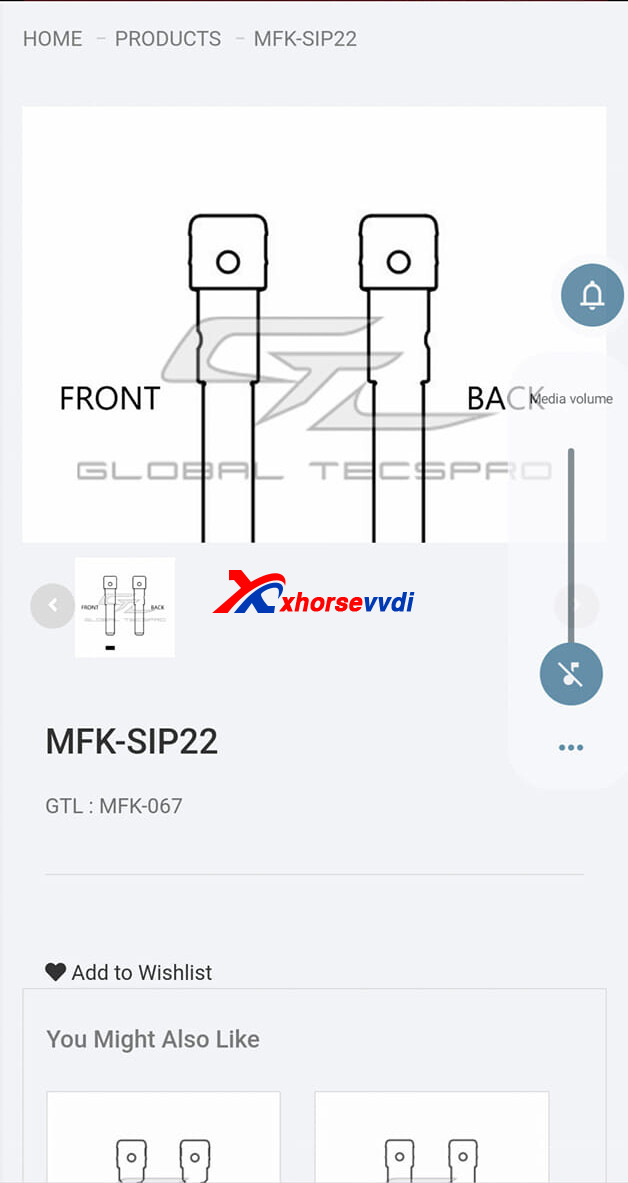
How to Select Universal Key Blade?
Key supplier should have a list showing each number references to key type.
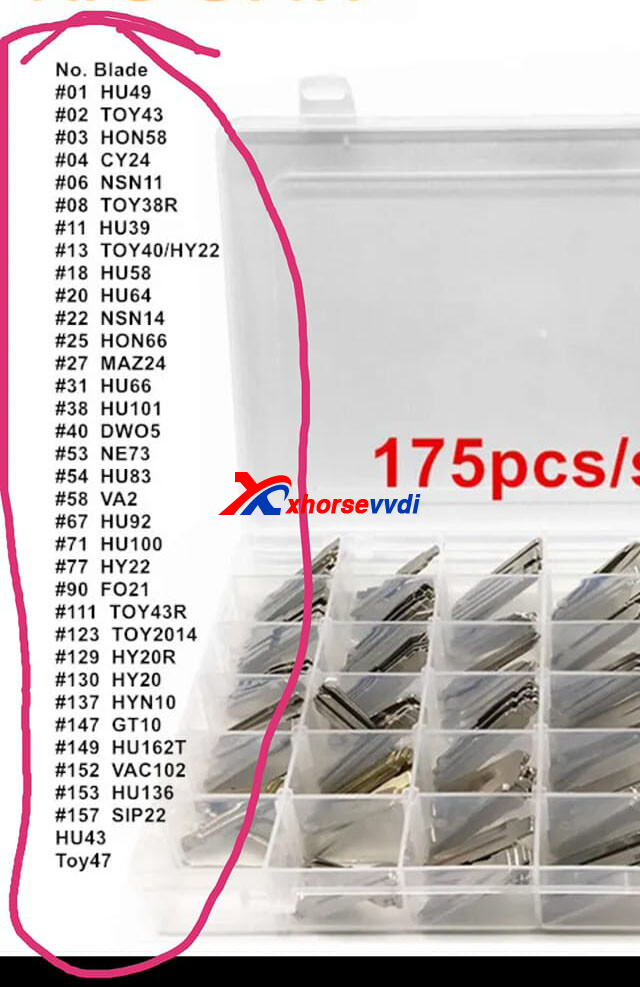
Or order blades by key numbers.
Universal Key Blade List:
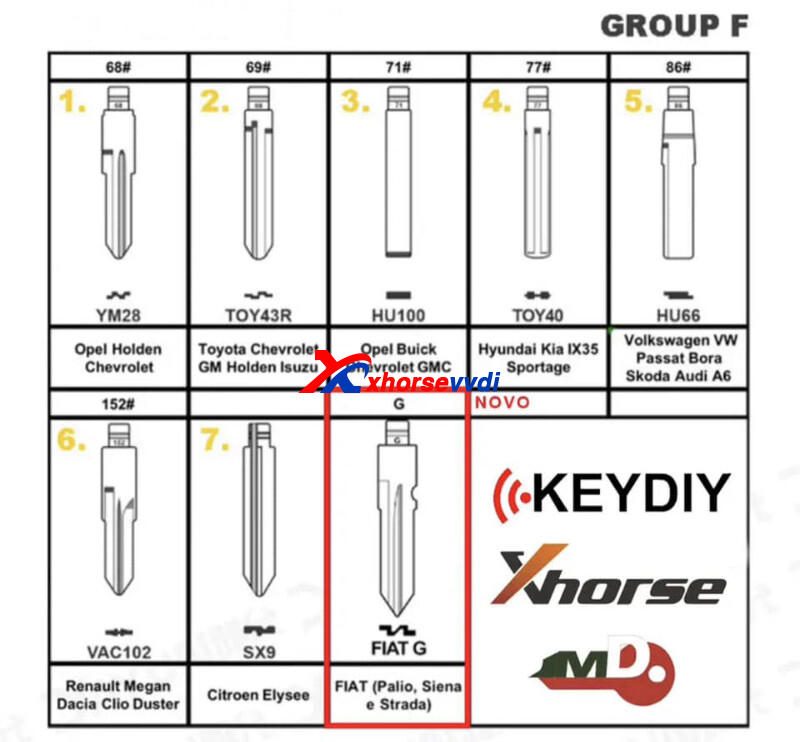
Key Cutting Machines to Cut Universal Blades:
Posted by: xhorsevvdi at
08:29 AM
| No Comments
| Add Comment
Post contains 96 words, total size 4 kb.
30 queries taking 0.0624 seconds, 131 records returned.
Powered by Minx 1.1.6c-pink.

