



November 01, 2023
How to Add Proton X50 Smart by Key Tool Max Pro?
In this article, we will show you how to add Xhorse King Card Remote to Proton X50 Smart via OBD.
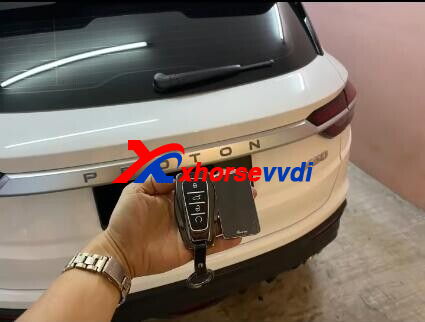
Tools:
Process:
Turn on Max Pro,
Select
IMMO Programming>>Proton>>Select from model>>X50
Select "Read Password".
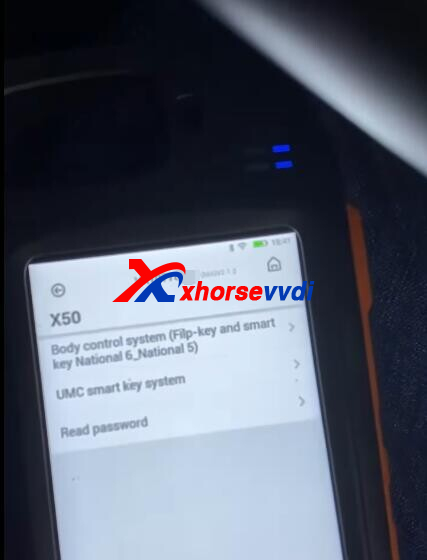
Ensure network connection.
Read password.
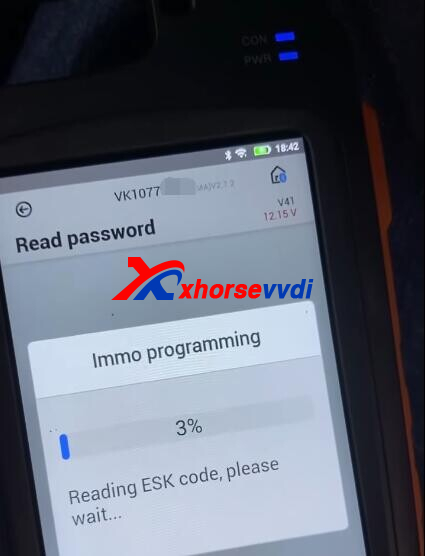
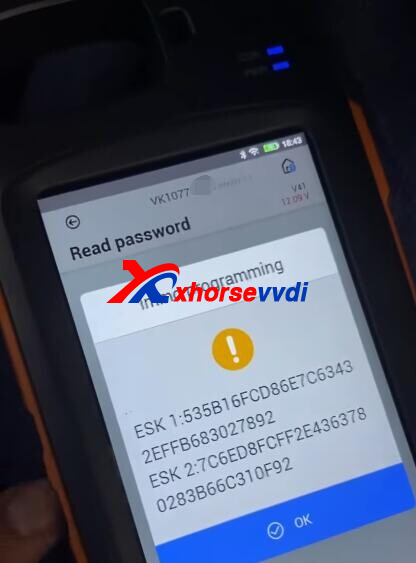
Select
UMC smart system>>Key Programming
Automatically enter password.
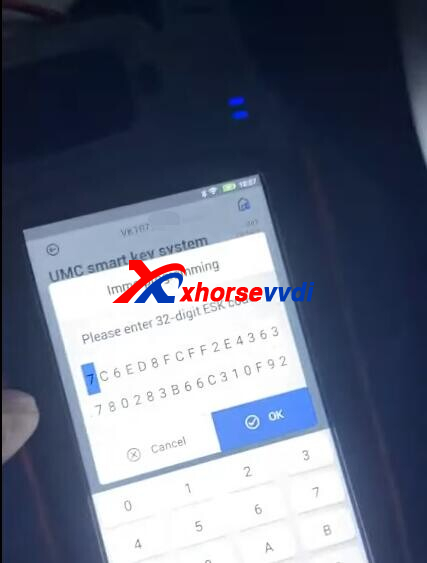
Put original key to induction area.
Put king card to induction area.
Programming done.
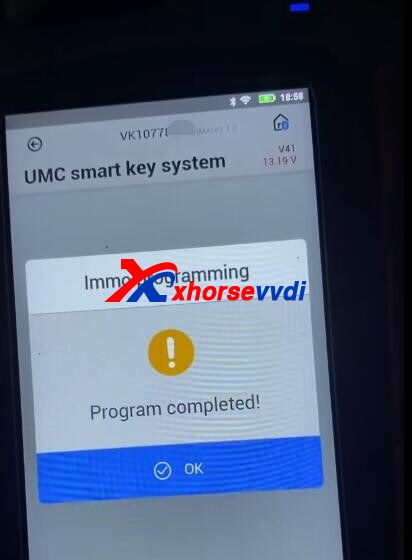
Test remote and start car.
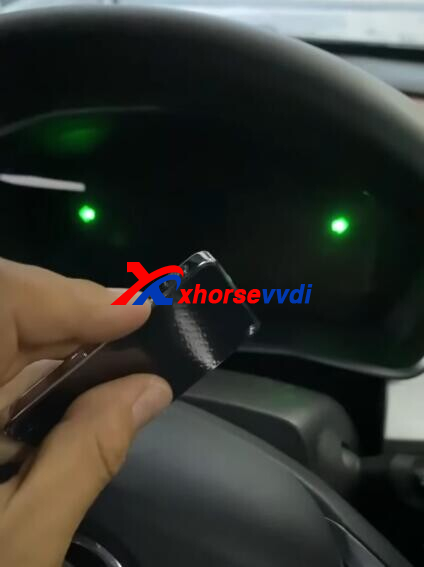
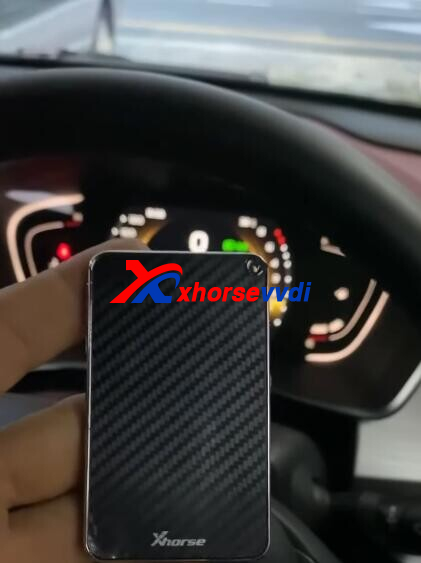
Done! Nice and Simple!
http://blog.xhorsevvdi.com/how-to-add-proton-x50-smart-by-key-tool-max-pro/
Posted by: xhorsevvdi at
07:30 AM
| No Comments
| Add Comment
Post contains 90 words, total size 3 kb.
14kb generated in CPU 0.0143, elapsed 0.052 seconds.
35 queries taking 0.0428 seconds, 97 records returned.
Powered by Minx 1.1.6c-pink.
35 queries taking 0.0428 seconds, 97 records returned.
Powered by Minx 1.1.6c-pink.

