



March 25, 2022
Issue:
Mini OBD Tool can't update Wi-Fi firmware. The update screen hangs for seconds then disappears.
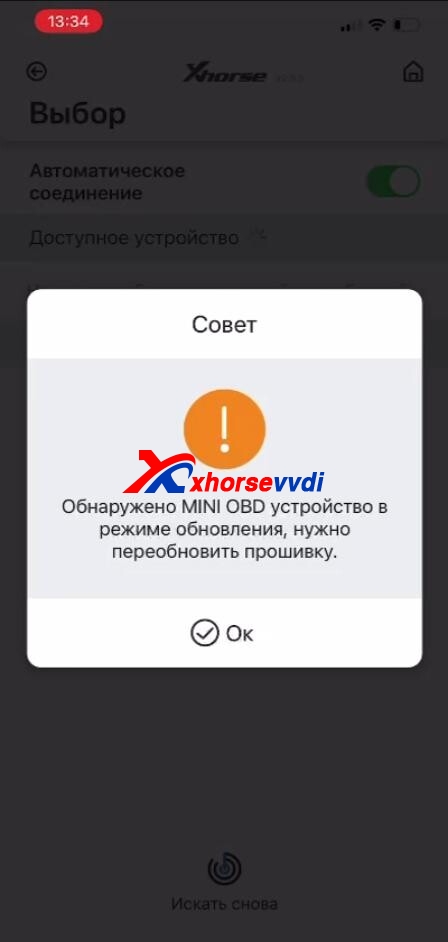
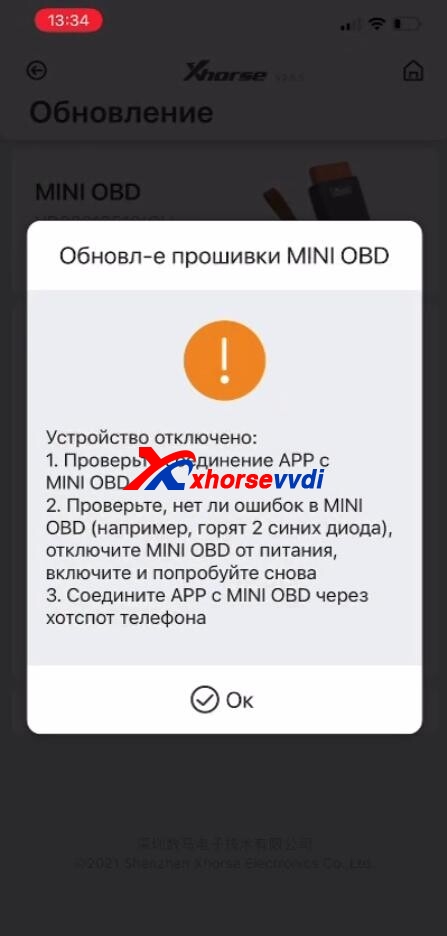
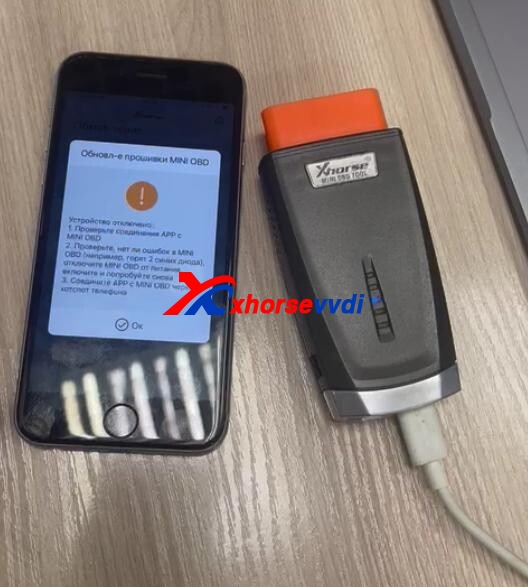
Solution:
Update Mini OBD Wi-Fi firmware. (A PC is required.)
Repair program download link: https://mega.nz/file/C10CUTaJ#32G8GgasV1uK-llQMUpF1tYUVgephXlMzxjWT5nmuNs
Procedure
Step 1
Run "factoryTest _V1.8.exe" on PC, connect Xhorse Mini OBD to your PC, and select device port number.
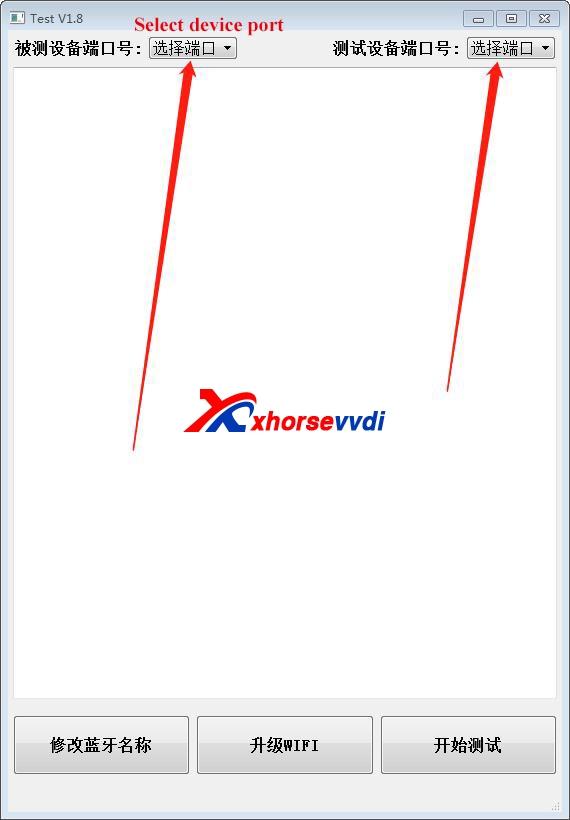
Step 2
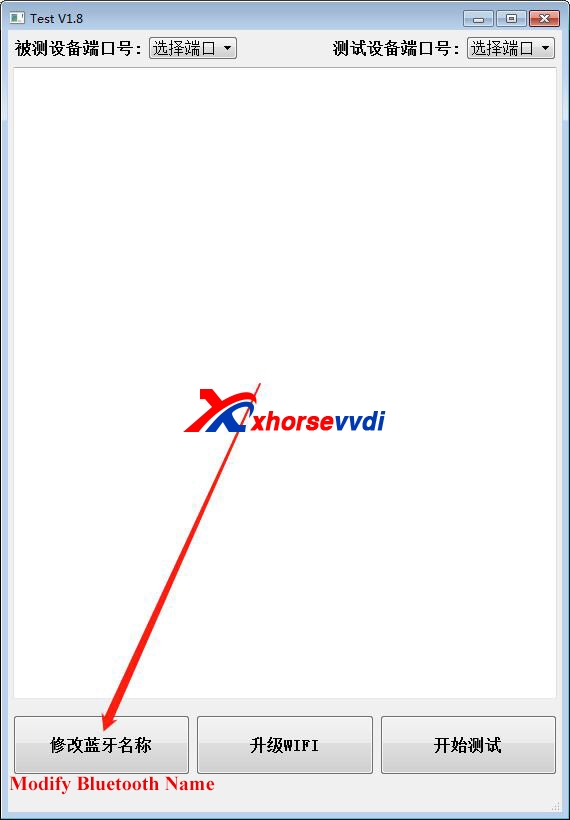
Click this button asbelow.
Step 3
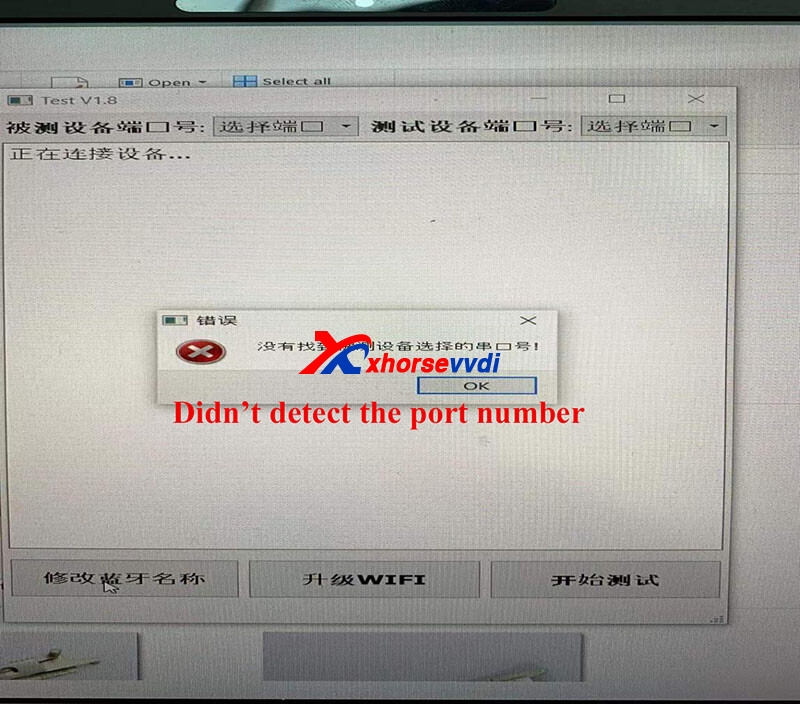
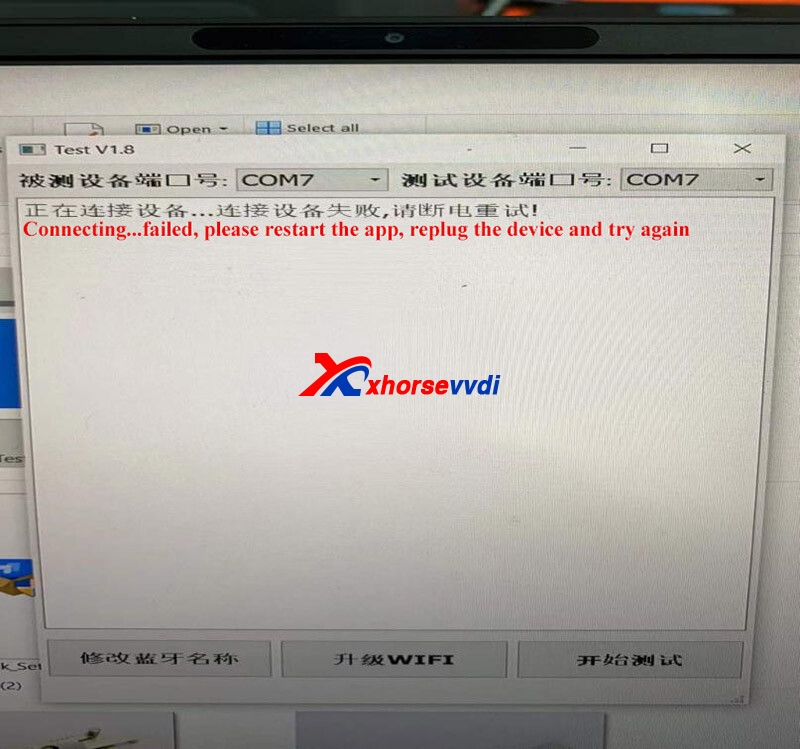
If it has these errors, please restart the software, re-plug yourdevice, and try agian.
Step 4
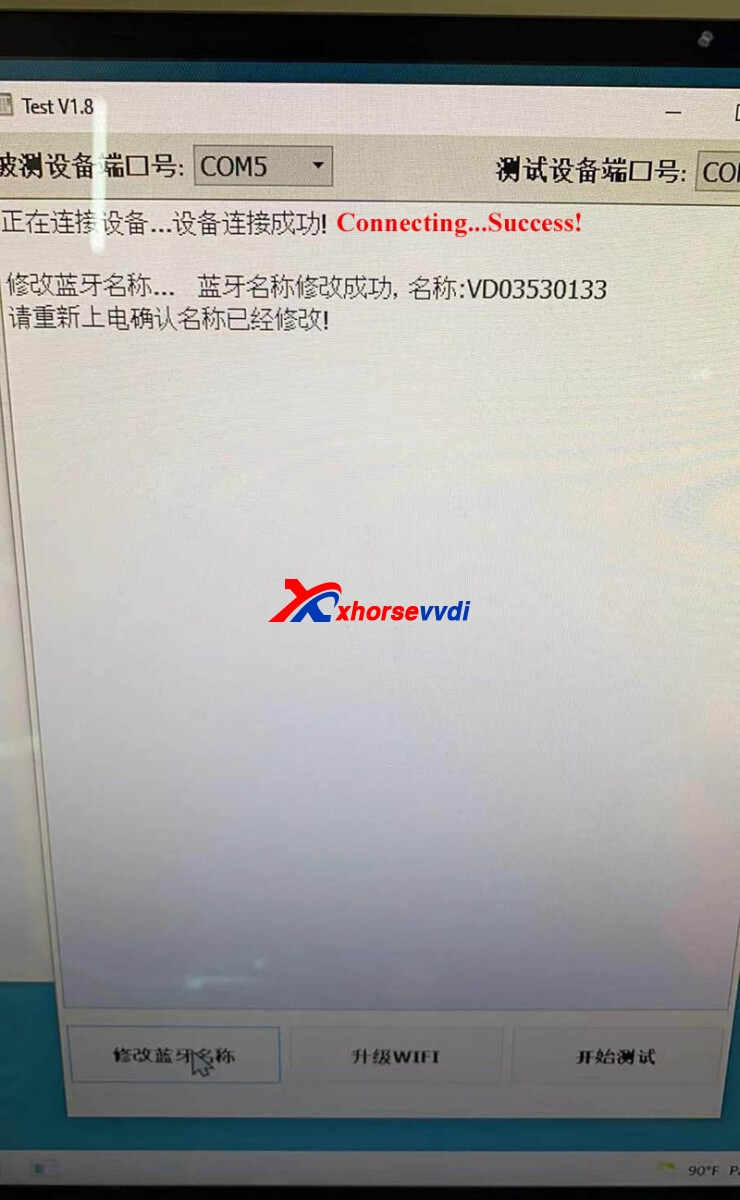
This prompt below means the device is connected.
Then unplug the device and use a phone to update the device's Wi-Fi firmwarebythe Wi-Fi connection method. You need to use the phone to connect another Wi-Fior hotspot (don't use this phone's hotspot) to update the device's Wi-Fi firmware.
Source: http://blog.xhorsevvdi.com/solved-mini-obd-tool-cant-connect-to-xhorse-app-via-wi-fi/
Posted by: xhorsevvdi at
09:19 AM
| No Comments
| Add Comment
Post contains 134 words, total size 4 kb.
35 queries taking 0.07 seconds, 97 records returned.
Powered by Minx 1.1.6c-pink.

