



August 15, 2025
How to Read BMW G-Chassis IMMO with Xhorse BDC2 Adapter & Key Tool Plus
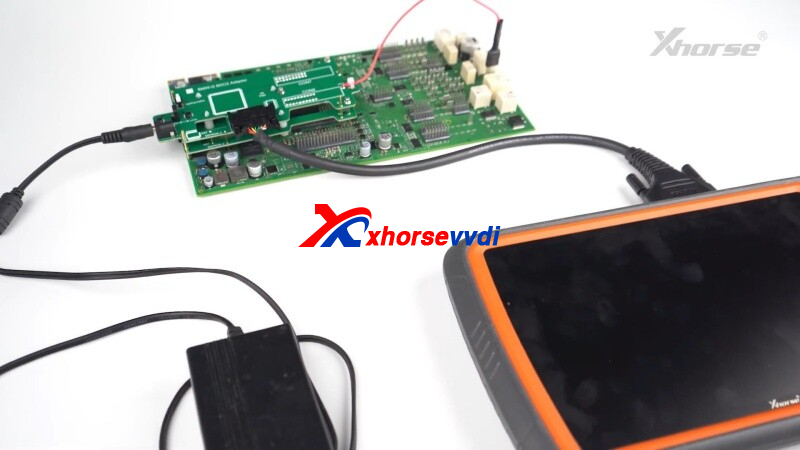
This guide provides step-by-step instructions for using theXhorse BDC2 AdapterwithVVDI KEY TOOL PLUS Tablet(orXhorse VVDI2) to read BMW immobilizer (immo) data.
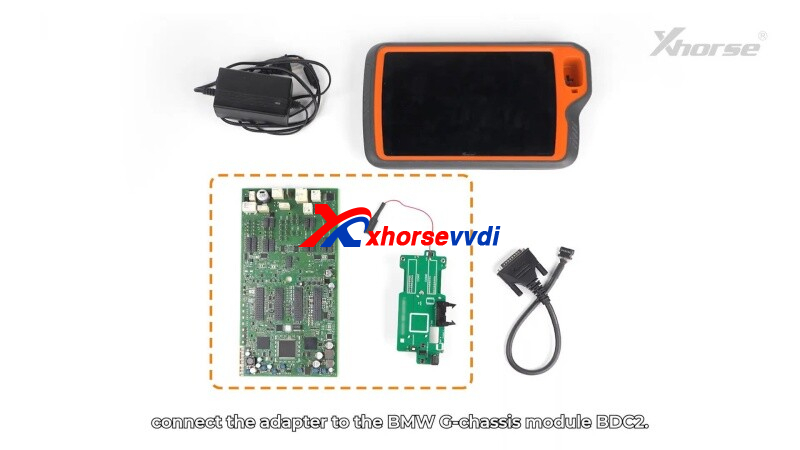
Step 1: Connect the Adapter
- Locate theBDC2 modulein BMW G-chassis vehicles.
- Align the adapter’s3 positioning pointswith the module’s pins.
- Secure the clip and ensureno misaligned pins.
- Use ananti-static wristbandto prevent damage.
- Connect the BDC2 Adapterto KEY TOOL PLUS(or VVDI2) via BMW-G cable.
- Supply12V power- white light confirms proper connection.

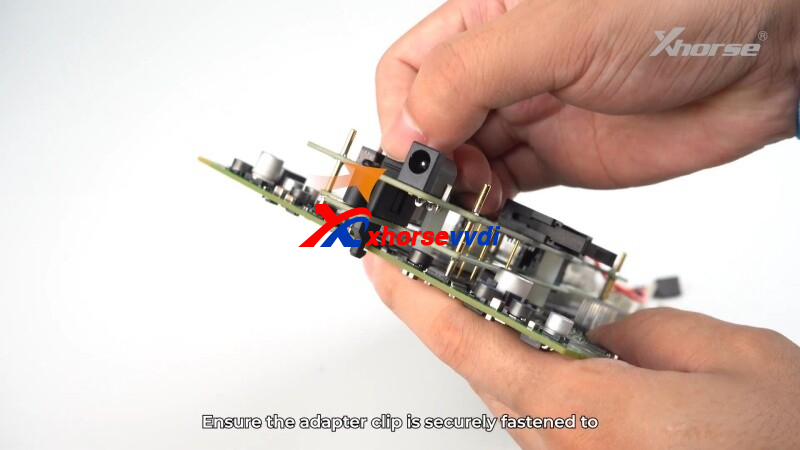
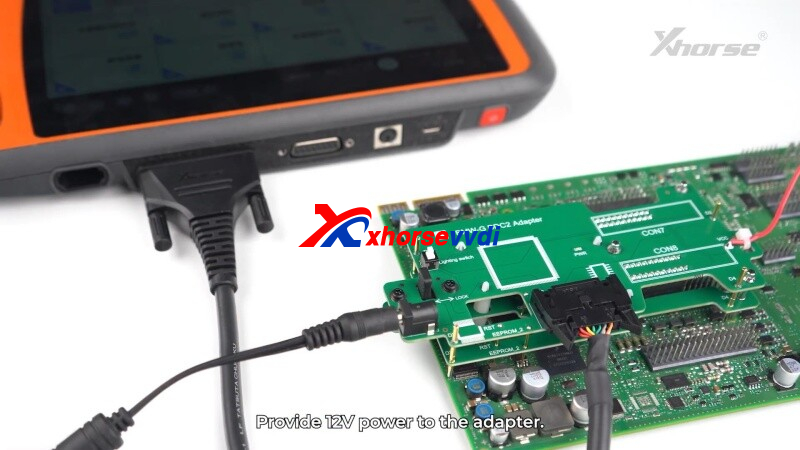
Step 2: Read Immobilizer Data
- OpenIMMOprogrammingin the key tool software.
- Read vehicle info→ ClickOKwhen successful.
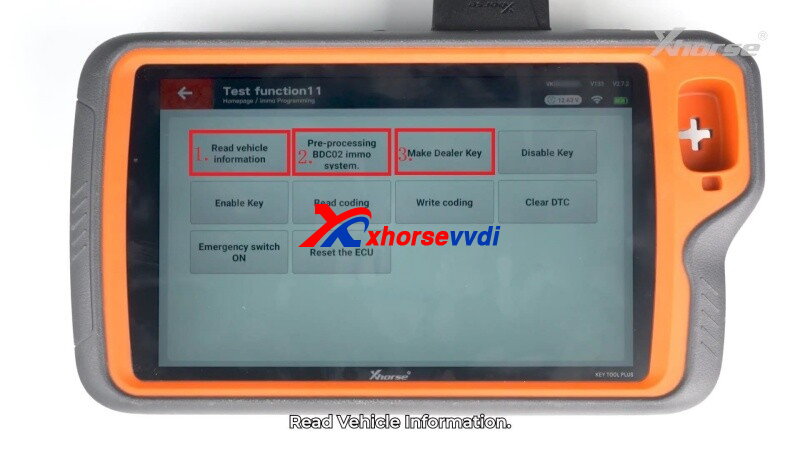
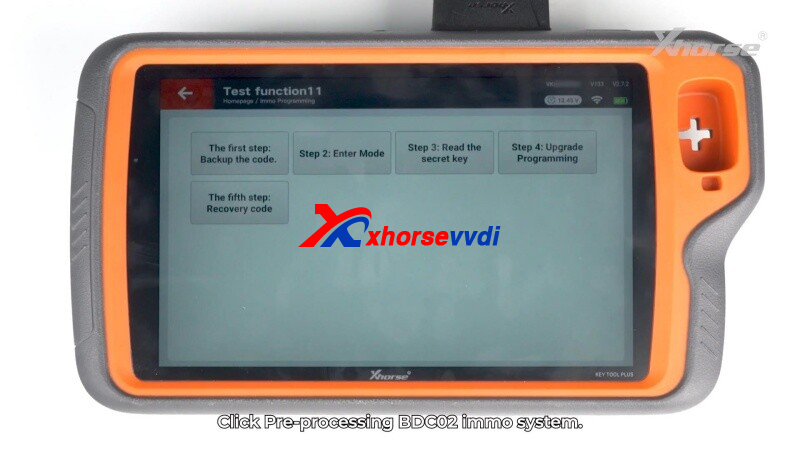
Step 3: Pre-processing BDC2 IMMO System
- Backup the code→ Save securely.
- Enter mode→ Confirm to proceed.
- Read thesecret key→ Save BDC2 key data.
- Upgrade Programming→ Follow the on-screen instructions.
- Recovery Code→ Restore the module’s coding.
Step 4: Program a New Key
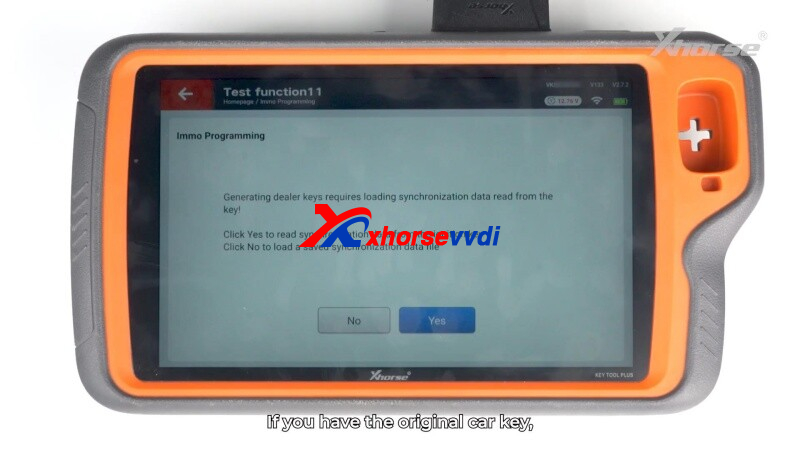
- Generate dealer key→ SelectYes(original key) orNo(load backup).
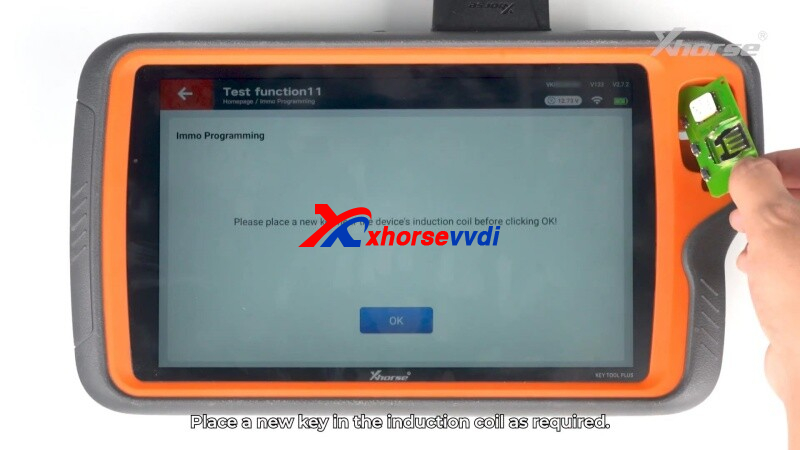
- Place ablank keyin the induction coil.
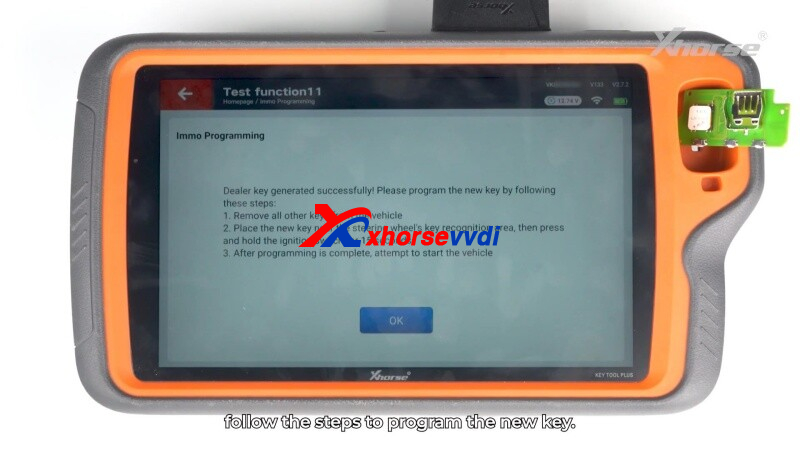
- Follow prompts to complete programming.
 " width="460" height="350" />
Safety & Tips
✔ Alwaysbackup databefore coding.
✔ Verify pin alignment to avoid errors.
✔ Test the new key before disconnecting.
Efficient, Reliable& Secure- Perfect for BMW key programming!
Skype: xhorsevvdi.com
Whatsapp: https://wa.me/8613983756354
Posted by: xhorsevvdi at
09:41 AM
| No Comments
| Add Comment
Post contains 192 words, total size 5 kb.
16kb generated in CPU 0.0313, elapsed 0.0696 seconds.
35 queries taking 0.0569 seconds, 97 records returned.
Powered by Minx 1.1.6c-pink.
35 queries taking 0.0569 seconds, 97 records returned.
Powered by Minx 1.1.6c-pink.

