



February 20, 2024
How to Solve Xhorse Multi-Prog "Failed to load VPA!" Error?
One customer gave feedback that his Multi Prog won't read d70f3634 cluster chip. And the tool said "Failed to load VPA! Error code: ffff55aa. The number of times used is 0. Please synchronize..."
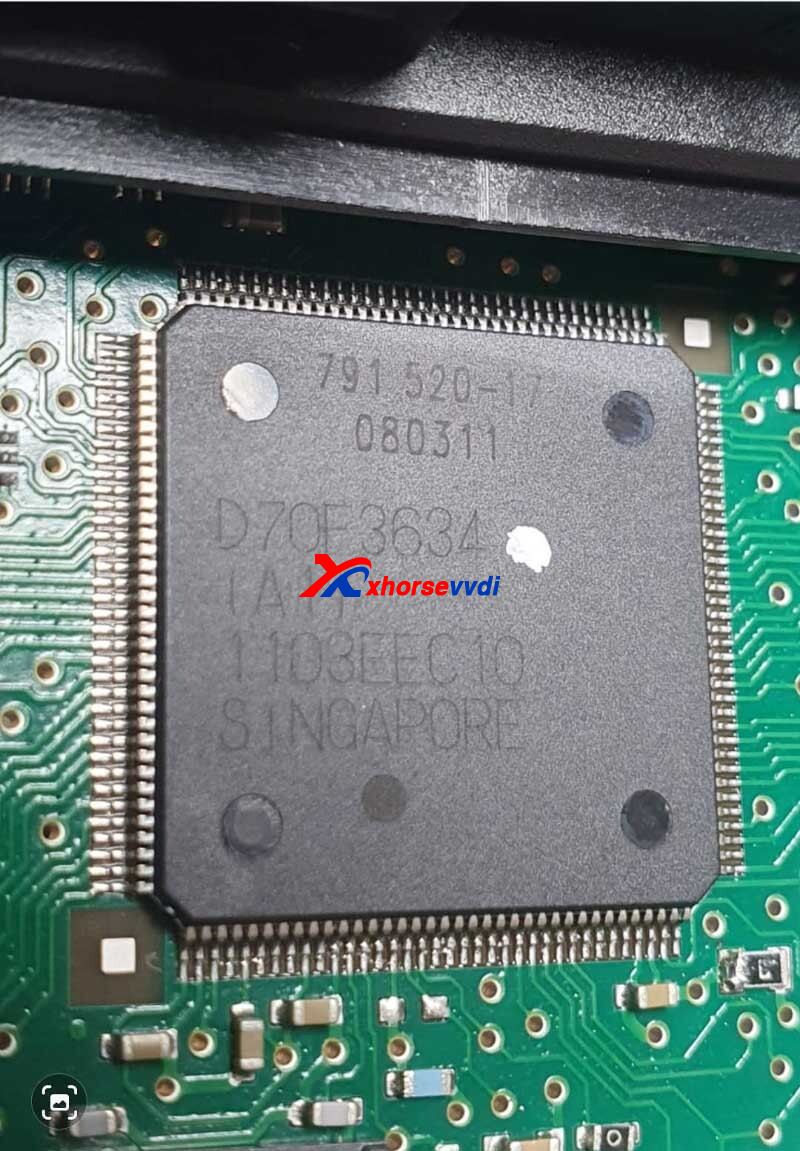
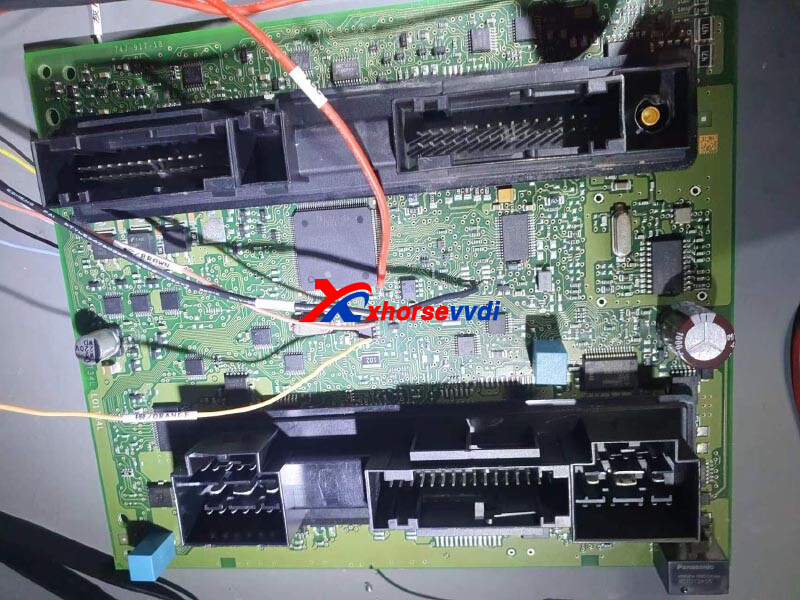
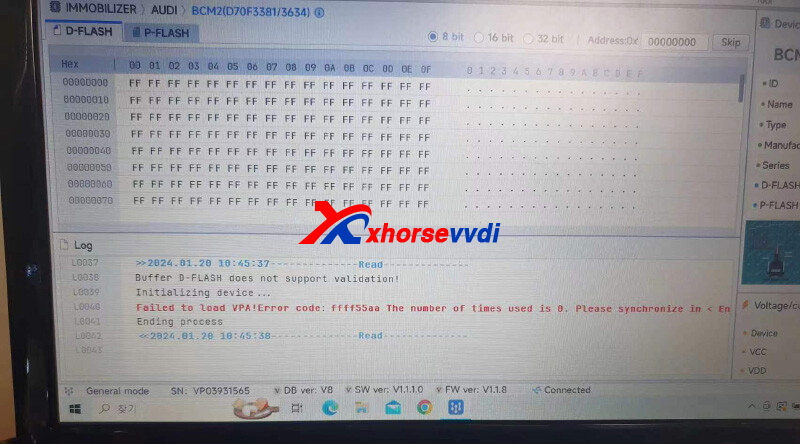
Here is how to find out the solution:
1)Synchronize Xhorse Multi Prog
(i.e. Re-update firmware)
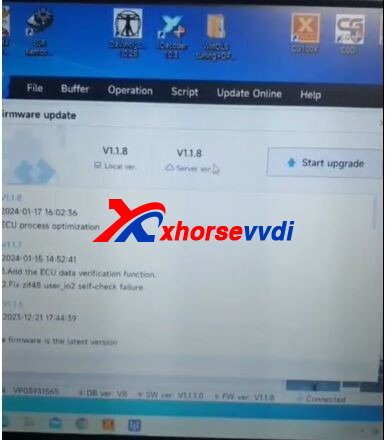
2)Send Multi Prog diagnostic report to your seller
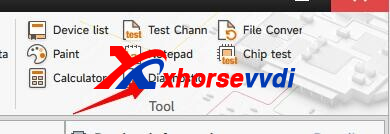
File path:
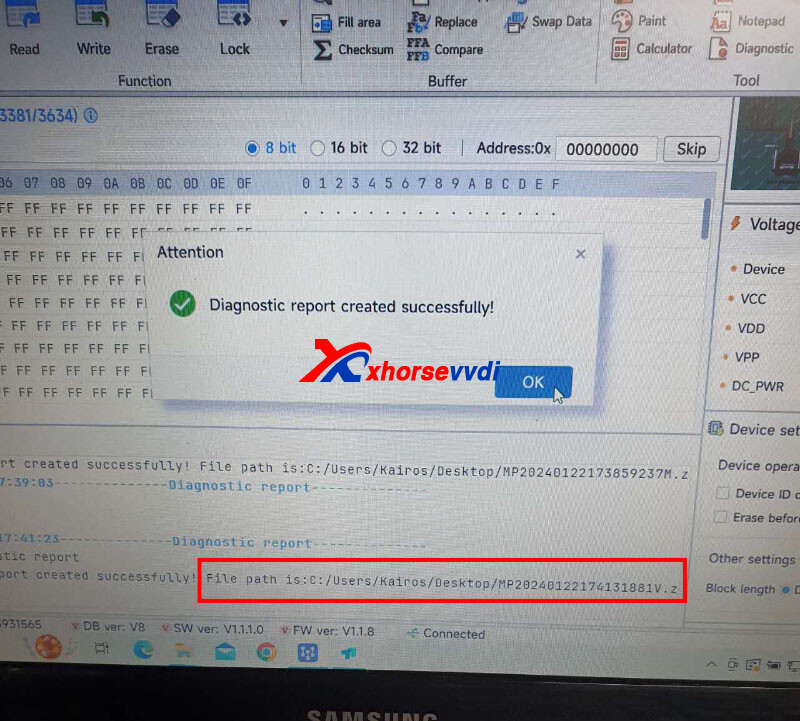
Then Xhorse tech will figure out the solution.
http://blog.xhorsevvdi.com/how-to-solve-xhorse-multi-prog-failed-to-load-vpa-error/
Posted by: xhorsevvdi at
09:21 AM
| No Comments
| Add Comment
Post contains 77 words, total size 2 kb.
13kb generated in CPU 0.0098, elapsed 0.0328 seconds.
35 queries taking 0.0268 seconds, 97 records returned.
Powered by Minx 1.1.6c-pink.
35 queries taking 0.0268 seconds, 97 records returned.
Powered by Minx 1.1.6c-pink.

