



November 24, 2023
How to Solve Xhorse VVDI Key Tool Lite "Device connect failed"?
One customer gave feedback that he cannot connect VVDI Key Tool Lite to his phone. And Xhorse app said "Device connect failed" and asks if the phone supports OTG function.
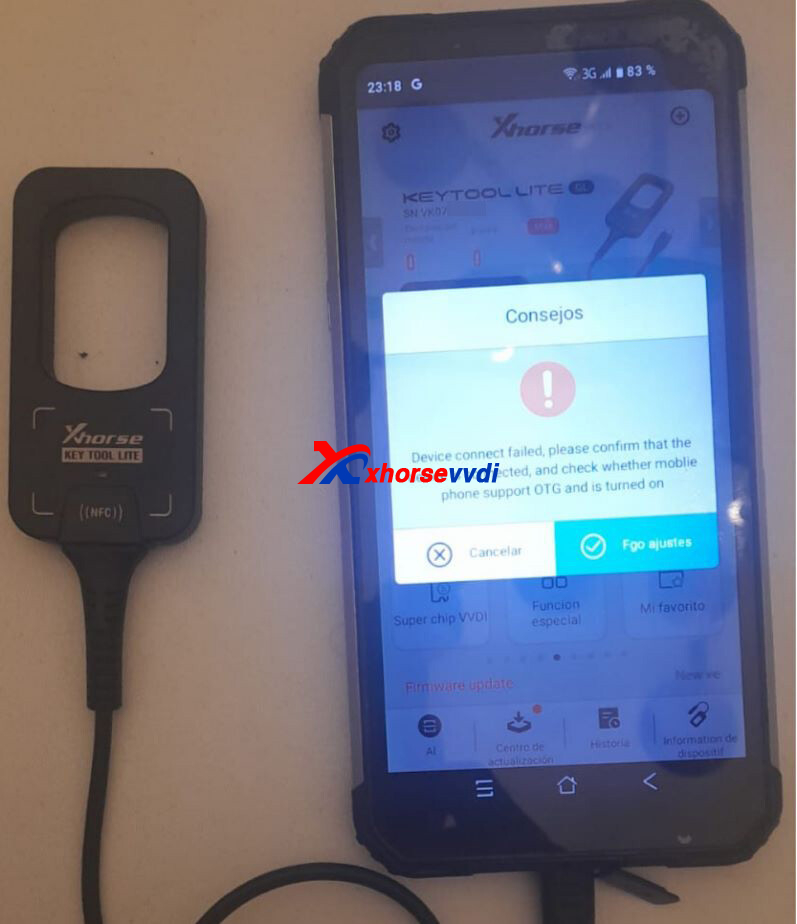
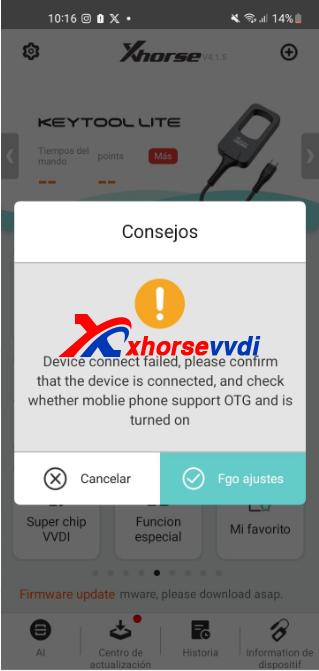
Here is the Solution:
1)Check OTG function in phone settings.
2)If OTG is supported, go to
Settings>>Other Network and Connection
Turn on OTG function
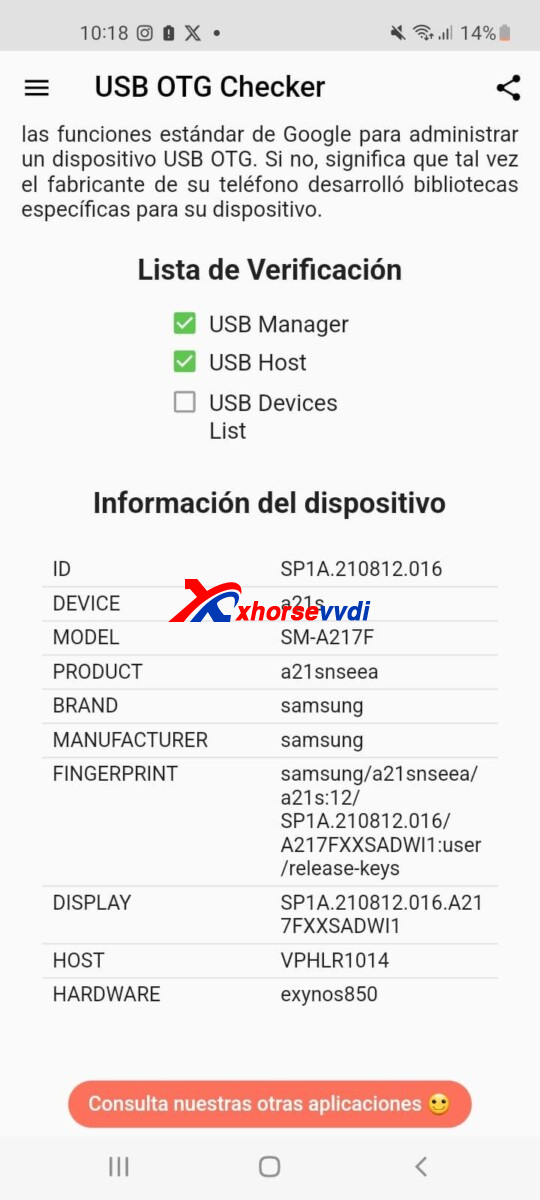
*OTG is automatically turned on in some phones, but also not supported in some others.
http://blog.xhorsevvdi.com/how-to-solve-xhorse-vvdi-key-tool-lite-device-connect-failed/
Posted by: xhorsevvdi at
07:16 AM
| No Comments
| Add Comment
Post contains 81 words, total size 2 kb.
13kb generated in CPU 0.0156, elapsed 0.0593 seconds.
35 queries taking 0.0495 seconds, 97 records returned.
Powered by Minx 1.1.6c-pink.
35 queries taking 0.0495 seconds, 97 records returned.
Powered by Minx 1.1.6c-pink.

