



October 25, 2022
How to Switch Xhorse VVDI2 Frequency Test Display to English?
One customer gave feedback that his VVDI2 screen showed Chinese when he pressed frequency test button.
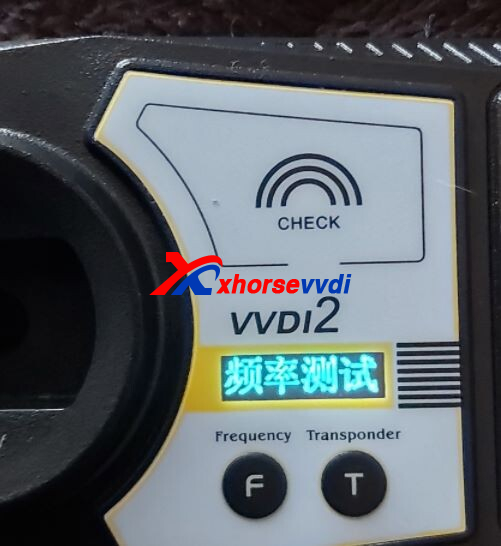
Here Xhorsevvdi tech shares the
Solution:
Hold two buttons (F and T) for 3 seconds, the display will switch to English.
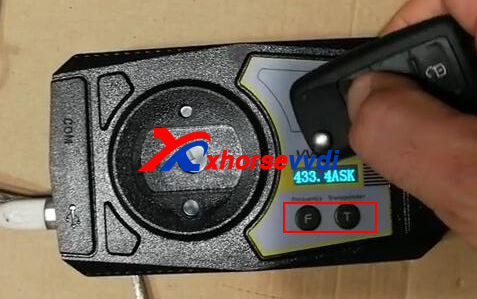
Frequency Test Tips:
1.Close to test area
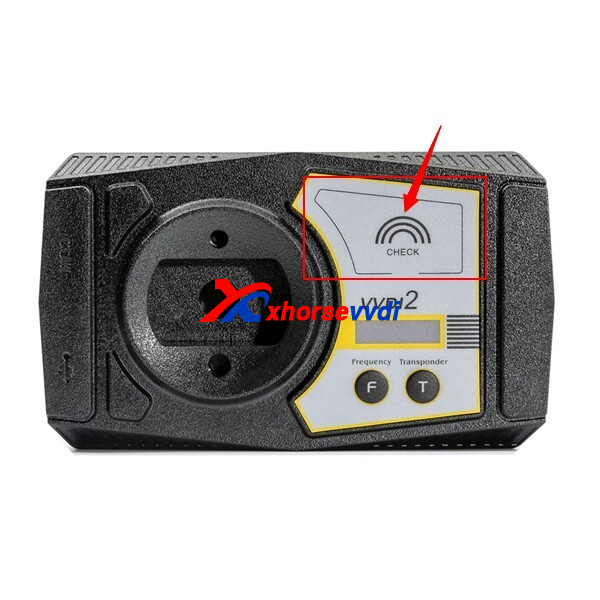
2.Avoid cold temperatures
3.Take out key PCB for test if signal is not enough
Hope this could help!
http://blog.xhorsevvdi.com/how-to-switch-xhorse-vvdi2-frequency-test-display-to-english/
Posted by: xhorsevvdi at
09:52 AM
| No Comments
| Add Comment
Post contains 73 words, total size 2 kb.
13kb generated in CPU 0.1522, elapsed 0.1953 seconds.
35 queries taking 0.1799 seconds, 97 records returned.
Powered by Minx 1.1.6c-pink.
35 queries taking 0.1799 seconds, 97 records returned.
Powered by Minx 1.1.6c-pink.

