



March 30, 2023
This article is going to show you how to add a key for VW Passat (B6) via OBD using VVDI Key Tool Plus.
Procedures:
Go to
Immo programming>>VW>>Select by Type>>4th immo system - Volkswagen/Skoda/Seat>>VW Passat/ CC Key Learn
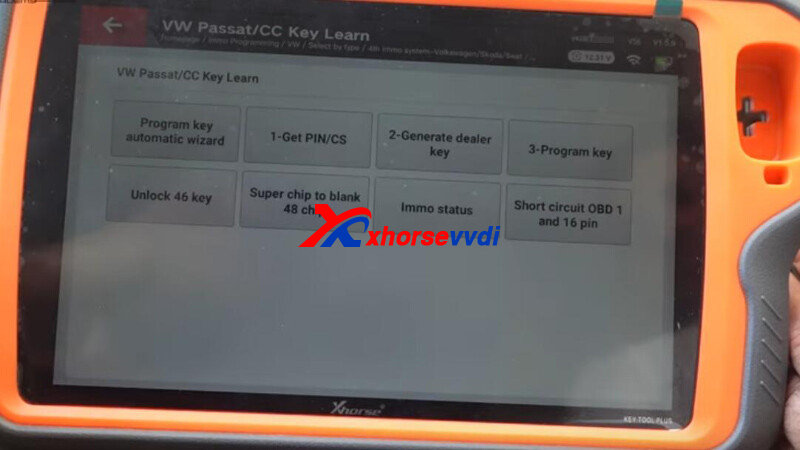
Step 1. Get CS and PIN
Select
1-Get PIN/CS>>Fread from engine (read by OBDII)
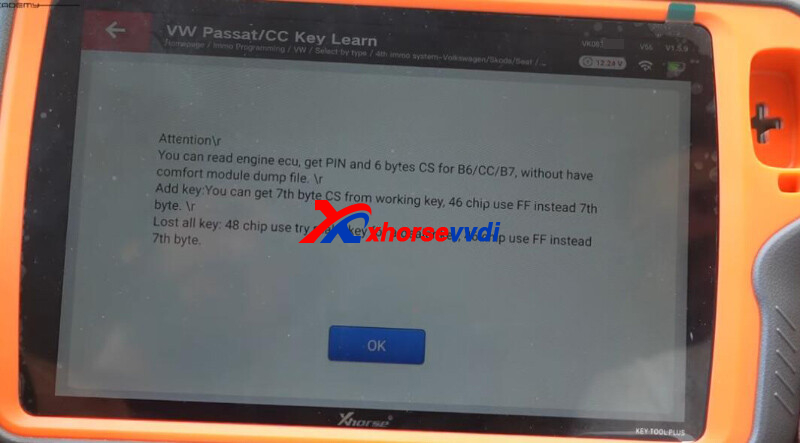
Get PIN and CS code.
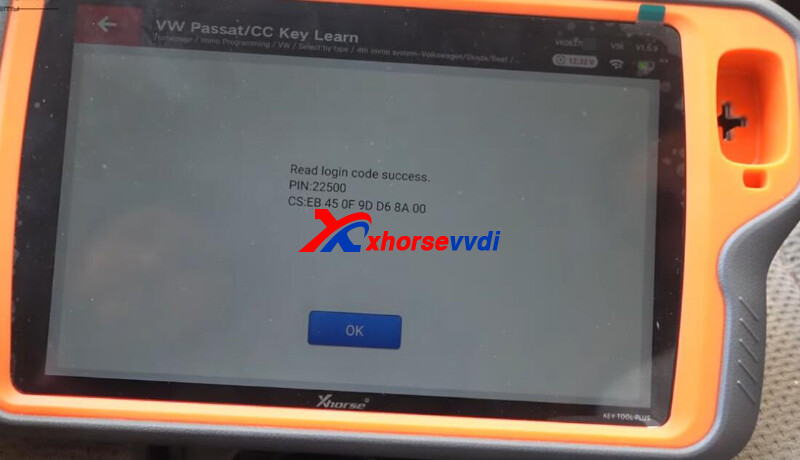
Step 2. Generate Dealer Key
Select
2-Generate dealer key>>48-generate dealer key>>Generate dealer keys with the help of ignition key
Input CS code and insert working key.
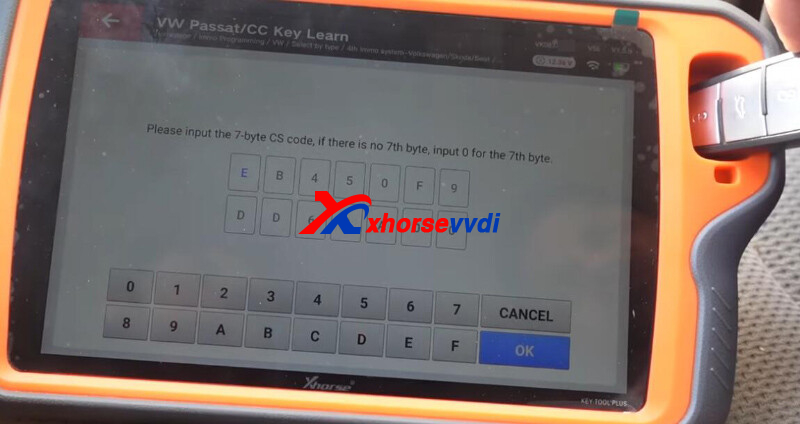
Get 7-digit CS code.
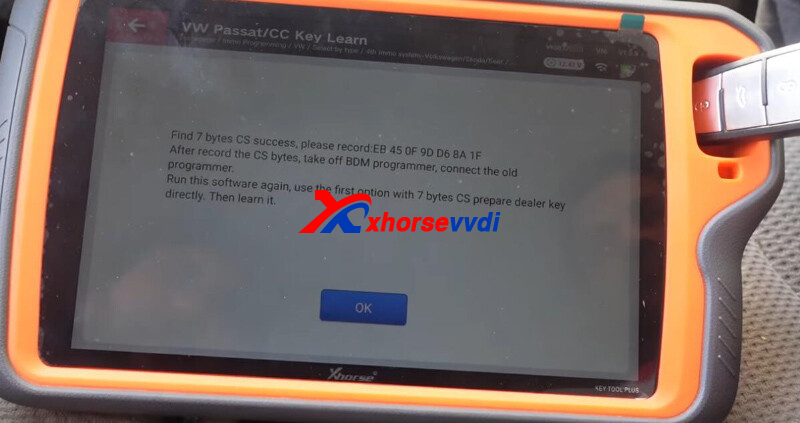
Back and select "7-byte CS is known, generate dealer key".
Input CS and PIN code to generate dealer key.
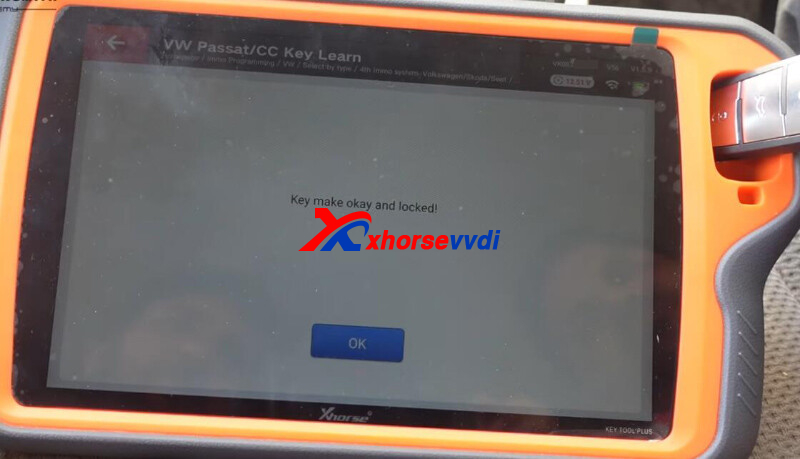
Step 3. Learn Key
Select "3-Program key".
Input PIN code and insert keys in turn to learn them.
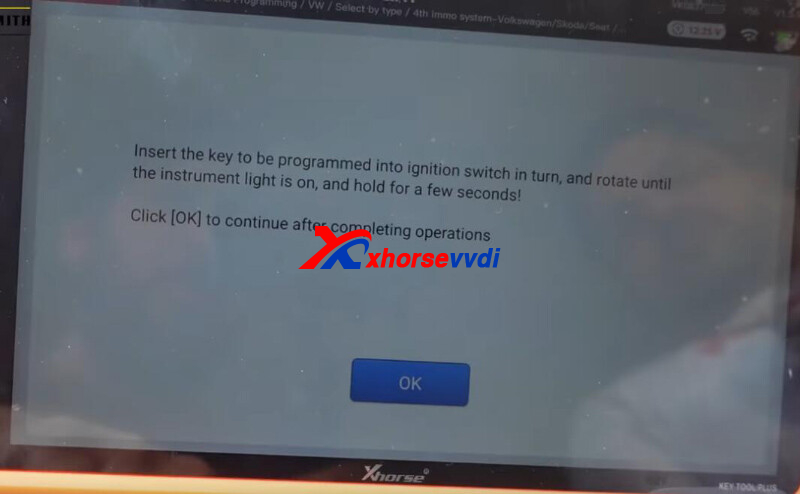
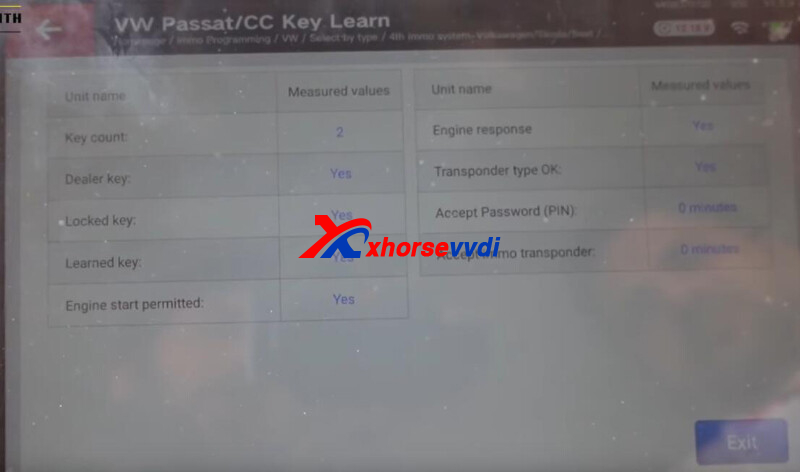
Step 4. Learn Remote
Back to VW menu,
Select
Remote system>>46 central comfort system (CANBUS Magotan/CC)>>Program a remote>>
Press unlock button to program remote.
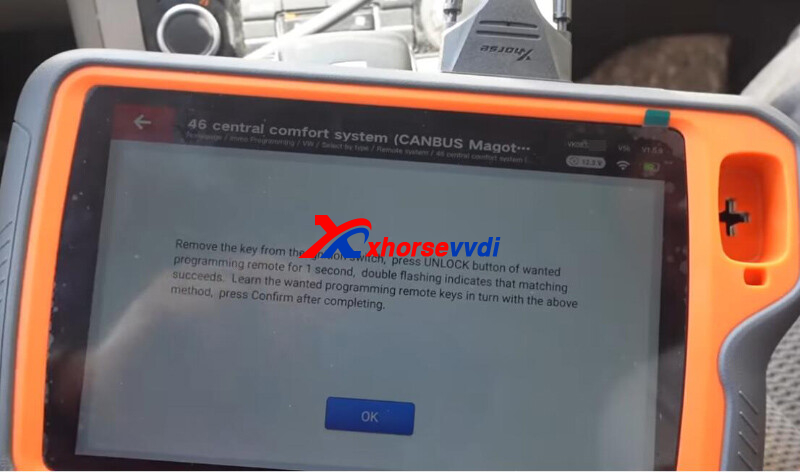
Done! That's how Xhorse Tablet add a spare for VW Passat B6.
http://blog.xhorsevvdi.com/how-vvdi-key-tool-plus-add-key-for-vw-passat-b6/
Posted by: xhorsevvdi at
09:10 AM
| No Comments
| Add Comment
Post contains 172 words, total size 4 kb.
35 queries taking 0.0557 seconds, 97 records returned.
Powered by Minx 1.1.6c-pink.

