



September 07, 2023
Xhorse FT-OBD Tool Unboxing, Binding, and First Impression
This article is about simple tests on new Xhorse FT-OBD MINI OBD Tool on bench.
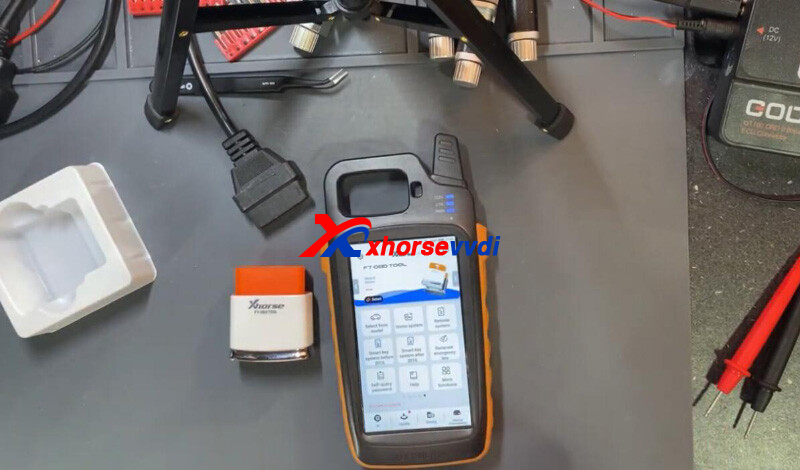
1.Unboxing
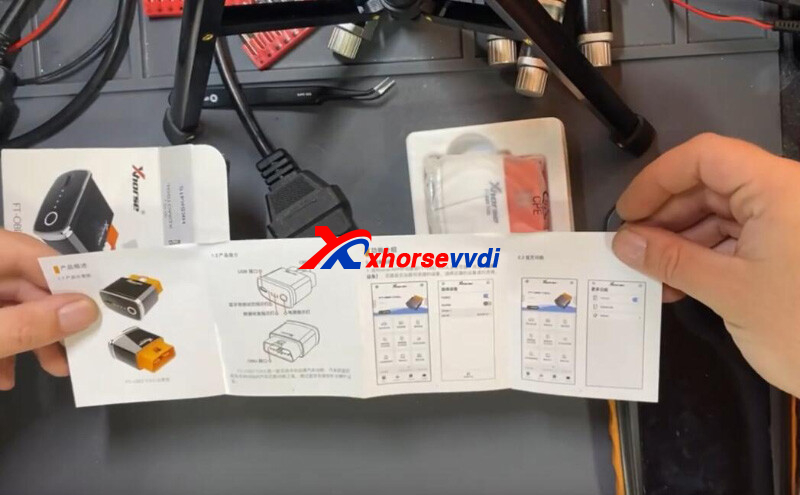
The user manual.
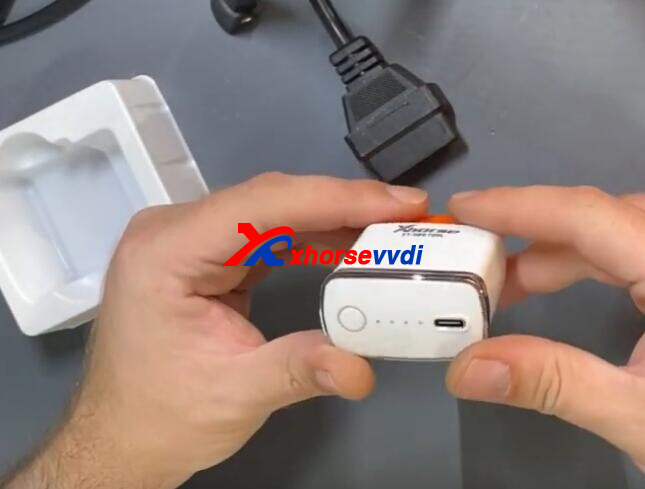
The white tool with a USB connector, one button.
2.Binding
Turn on Key Tool Max, and switch to FT-OBD page.
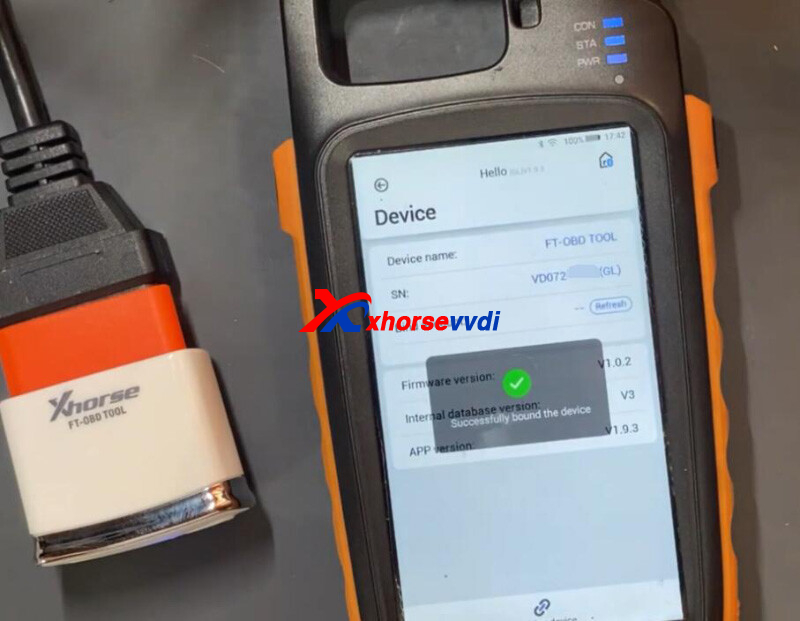
Connect it to FT-OBD Tool.
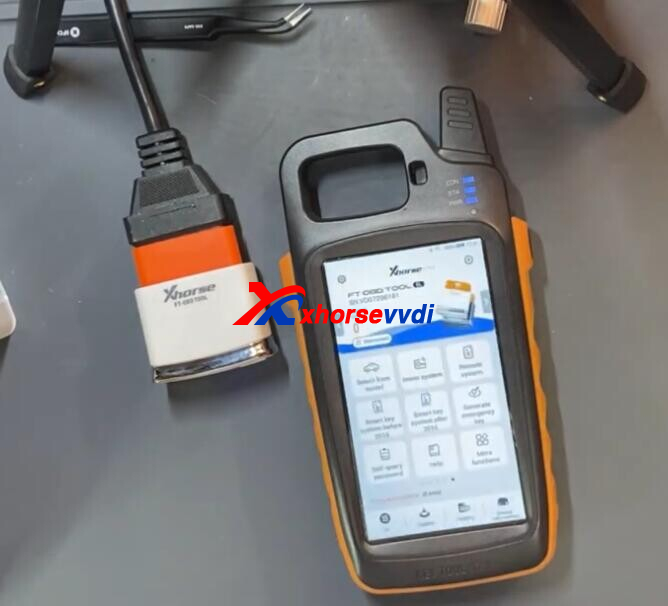
Select
Device Information>>Combine Device
Bind device to account by the code.
3.Function Menu
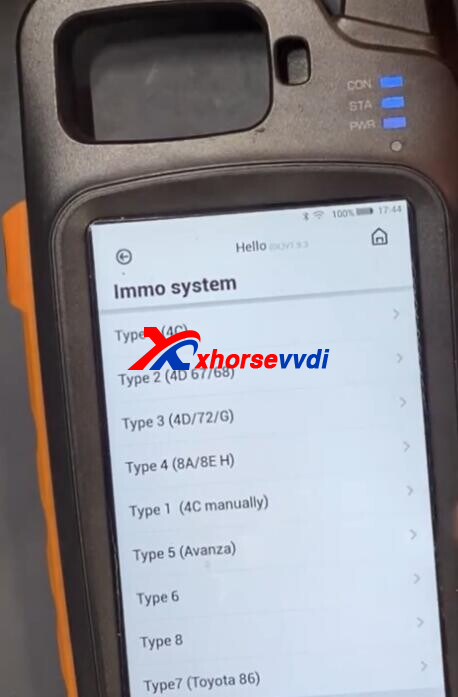
Immo system.
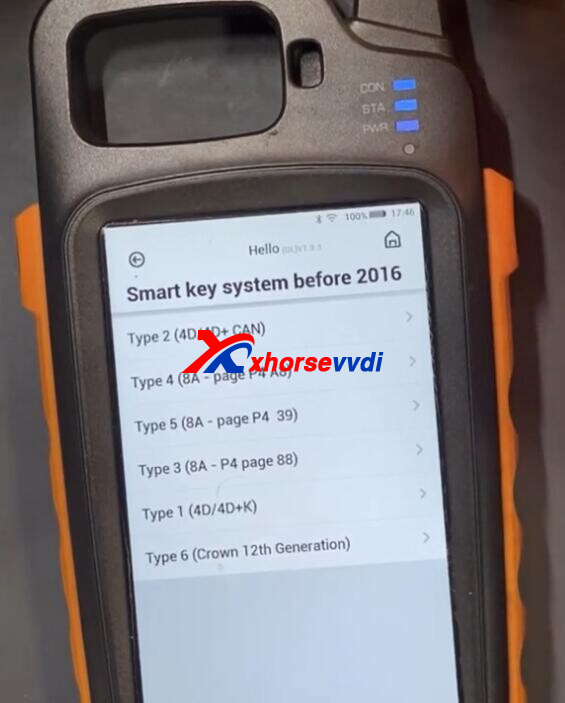
Smart key before 2016.
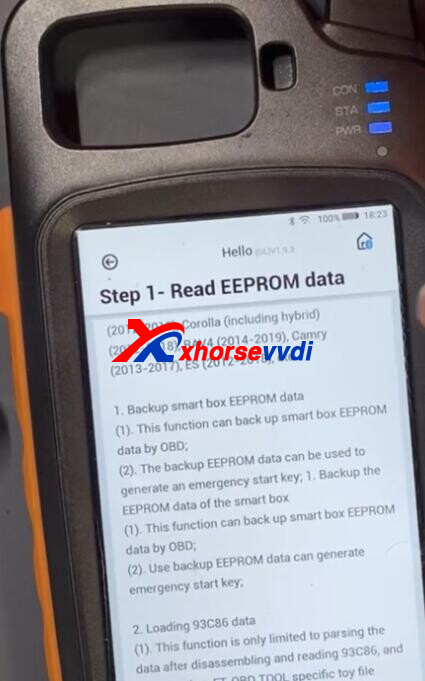
8A - P4 88.
Smart key after 2016.
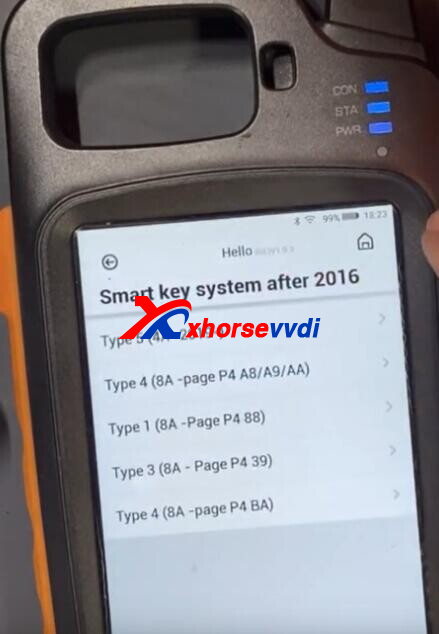
8A - P4 A8/A9/AA.
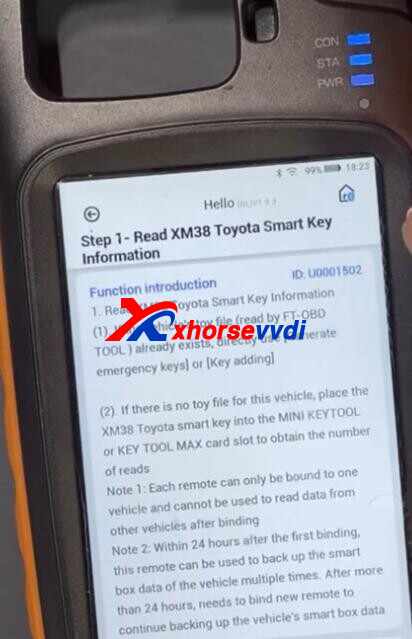
Directly use XM38 Remote, no emulators needed.
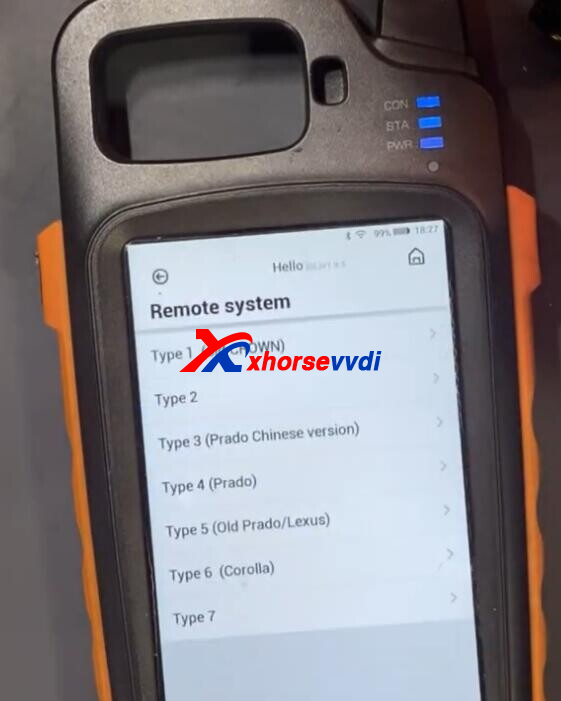
Remote system for Toyota/ Lexus.
http://blog.xhorsevvdi.com/xhorse-ft-obd-tool-unboxing-binding-and-first-impression/
Posted by: xhorsevvdi at
09:04 AM
| No Comments
| Add Comment
Post contains 96 words, total size 4 kb.
15kb generated in CPU 0.0107, elapsed 0.0373 seconds.
35 queries taking 0.031 seconds, 97 records returned.
Powered by Minx 1.1.6c-pink.
35 queries taking 0.031 seconds, 97 records returned.
Powered by Minx 1.1.6c-pink.

