



July 22, 2024
VVDI MLB Tool is a professional tool in key adding for MLB Models of VW, Audi, Porsche...
This article is a tutorial on how to use this tool with Key Tool Plus/ VVDI2.
Part 1. VVDI MLB Tool + VVDI2
1.Calculate key data
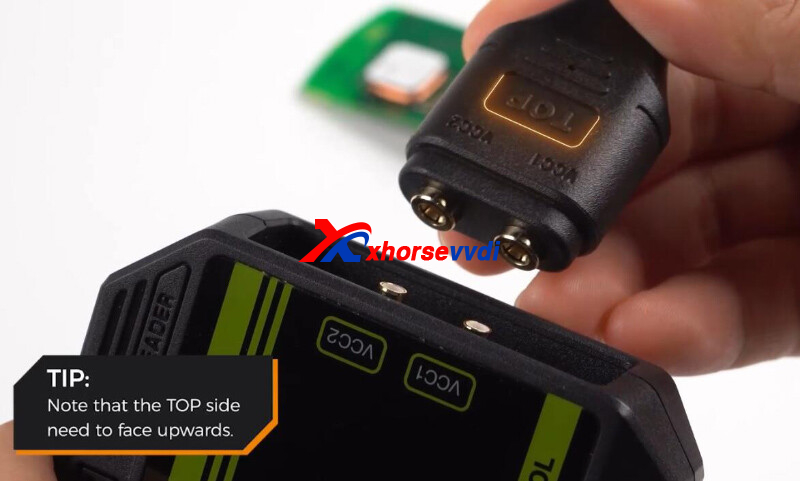
Connect VVDI2 to VVDI MLB, with "TOP" side upwards.
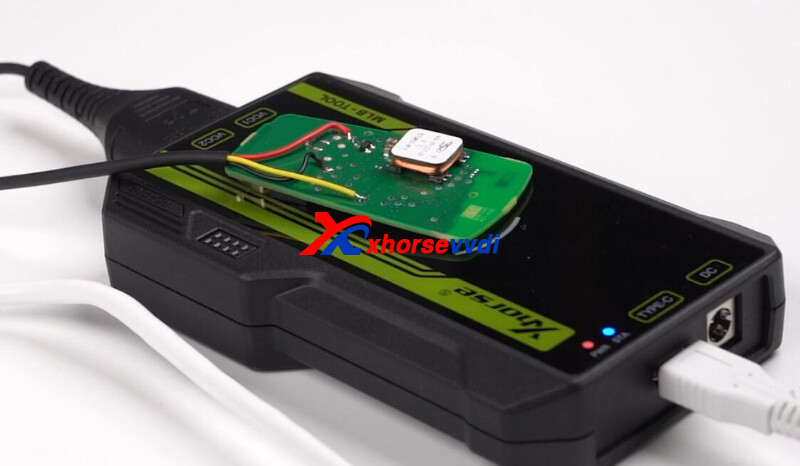
Put original key on sensing area.
Turn on VVDI MLB Tool software.
Select "Identification key" to identify original key.
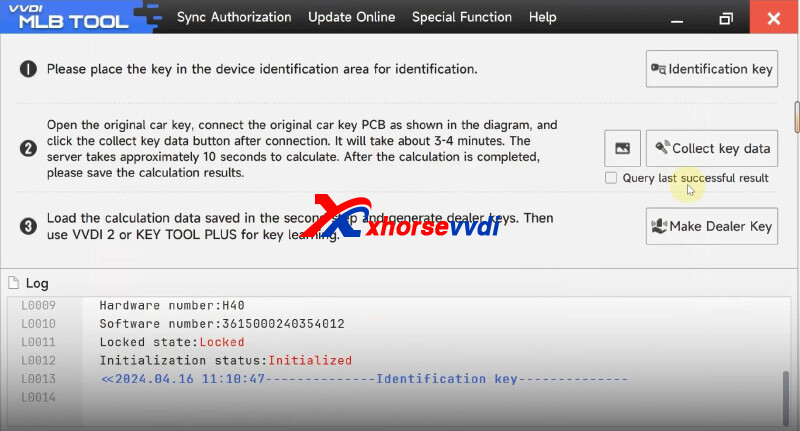
Select "Collect key data" to calculate key data.
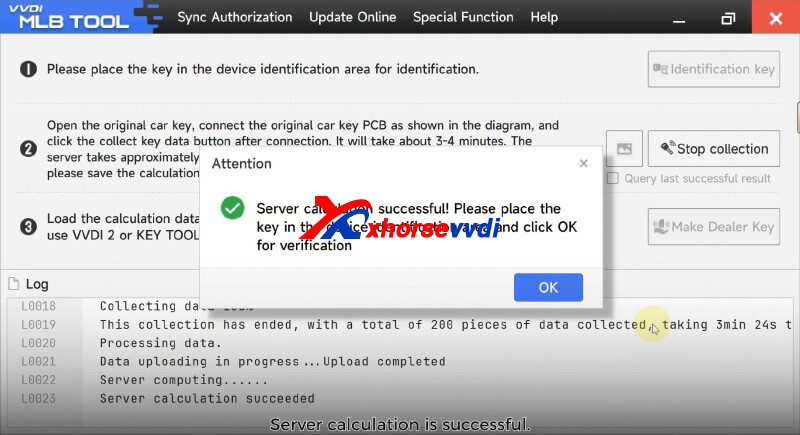
Select "Make Dealer Key" and load key data.
2.Key Learn
Turn on ignition.
Connect vehicle to VVDI2.
Put key close to sensing area.
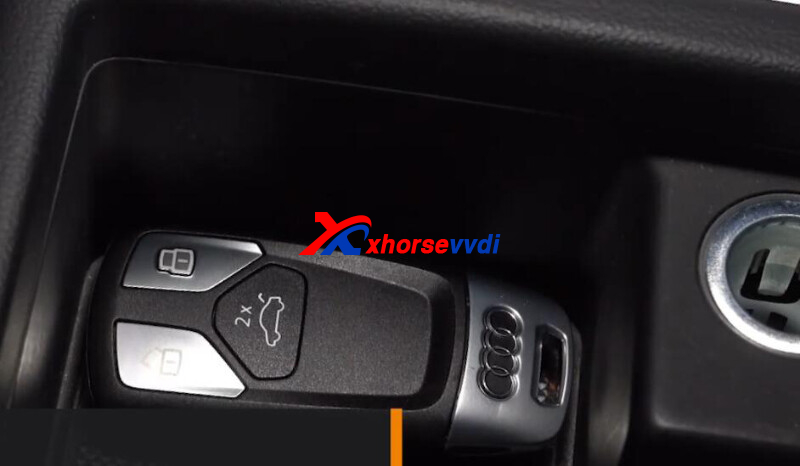
Turn on VVDI2 software.
Select
Audi>>Key learn>>MLB Immobilizer system
Select "Read vehicle information".
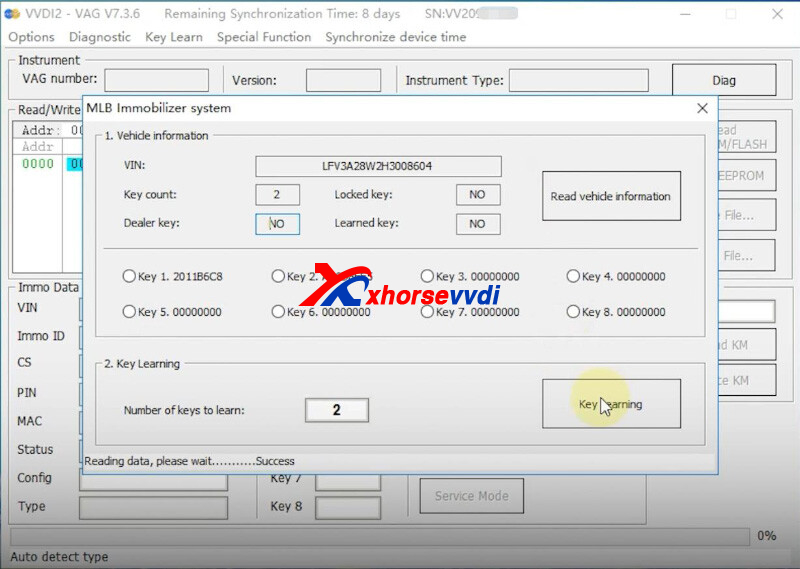
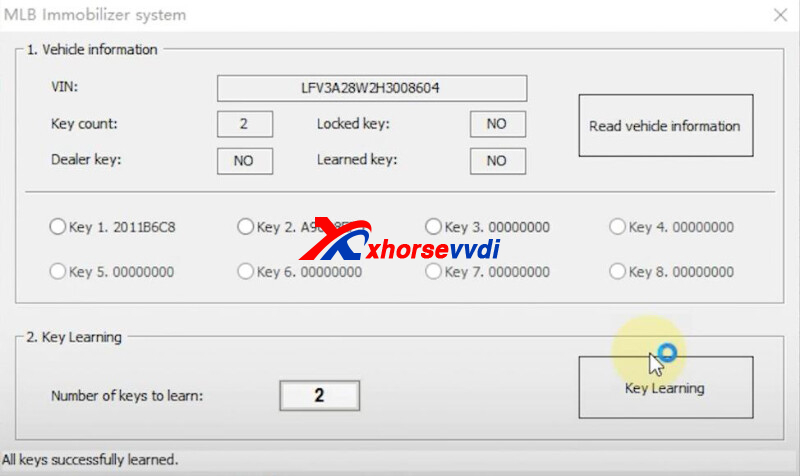
Select "Key learning" and load data.
Key learn complete.
Part 2.VVDI MLB Tool + Key Tool Plus
1.Calculate key data
Connect Key Tool Plus to VVDI MLB.
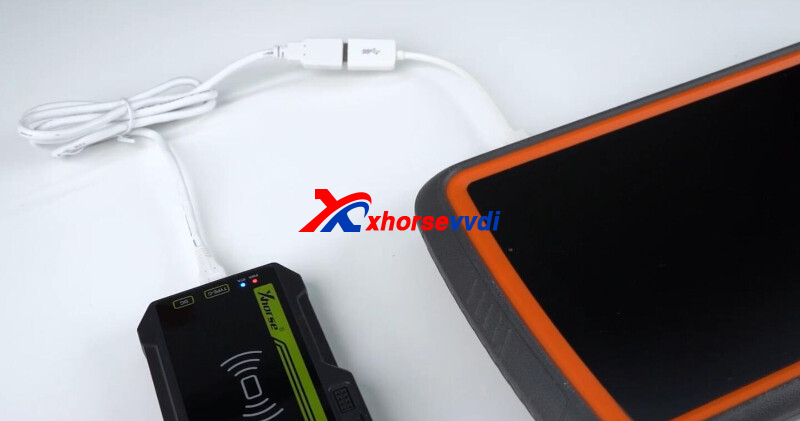
Turn on Key Tool Plus,
Select
Immo programming>>Audi>>Select by type>>MLB immobilizer systems
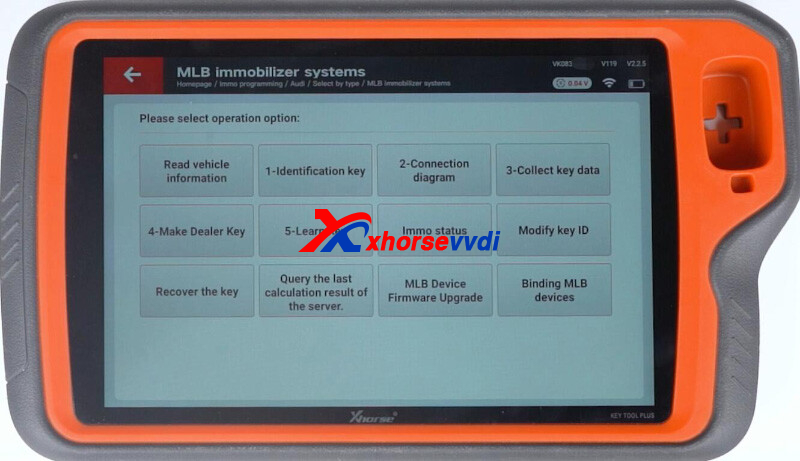
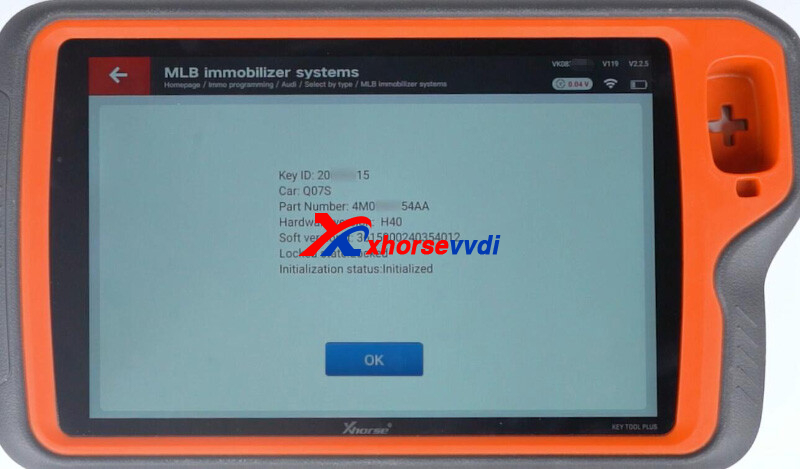
Select "1-Identification key" to identify original key.
Select "2-Connection diagram".
Select "3-Collect key data" to calculate key data.
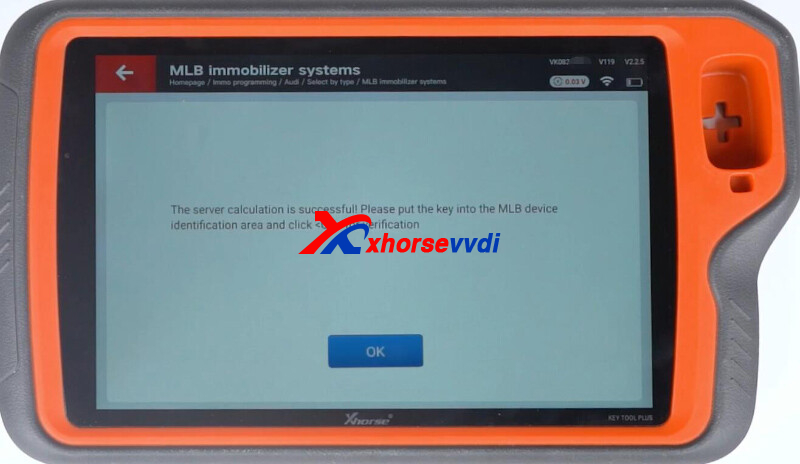
Select "4-Make Dealer Key" and load key data.
2.Key Learn
Connect vehicle to Key Tool Plus.
Put key close to sensing area.
Select "5-Learn Key" and load key data.
Key match complete.
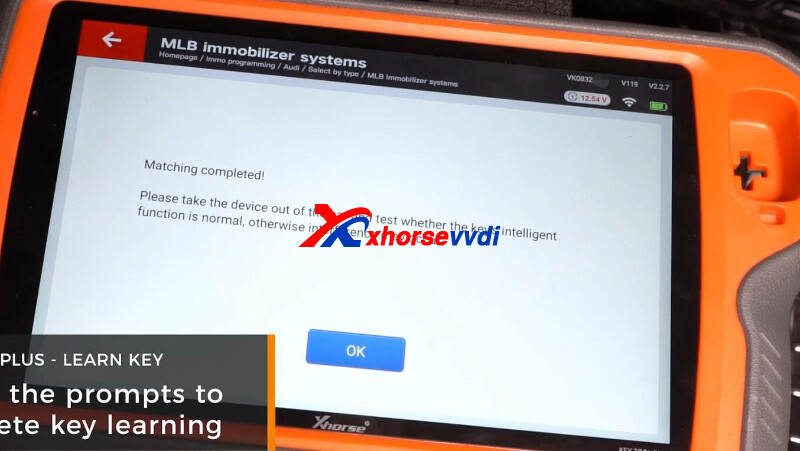
Done! That's how to use VVDI-MLB Tool.
http://blog.xhorsevvdi.com/xhorse-vvdi-mlb-tool-add-key-tutorial/
Posted by: xhorsevvdi at
07:29 AM
| No Comments
| Add Comment
Post contains 219 words, total size 5 kb.
35 queries taking 0.0476 seconds, 97 records returned.
Powered by Minx 1.1.6c-pink.

