



December 15, 2022
One customer gave feedback that his VVDI Key Tool Max Pro needed to replace a screen.
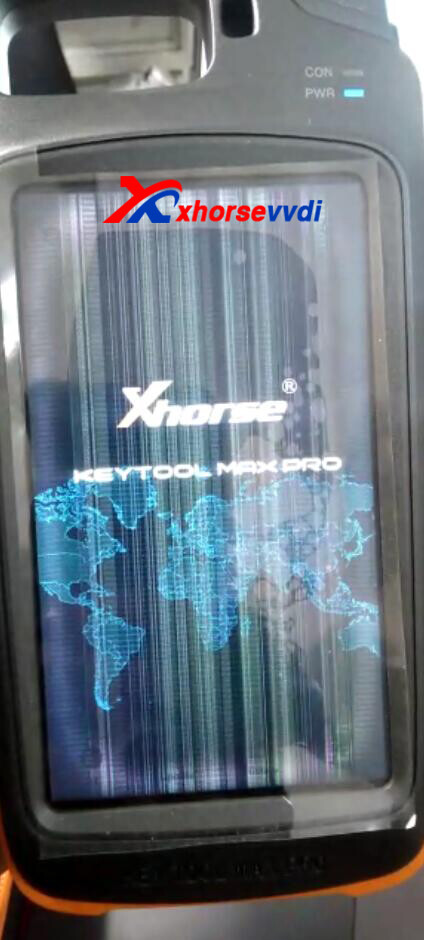
Here is how to replace the screen:
1.Remove 4 screws on the back
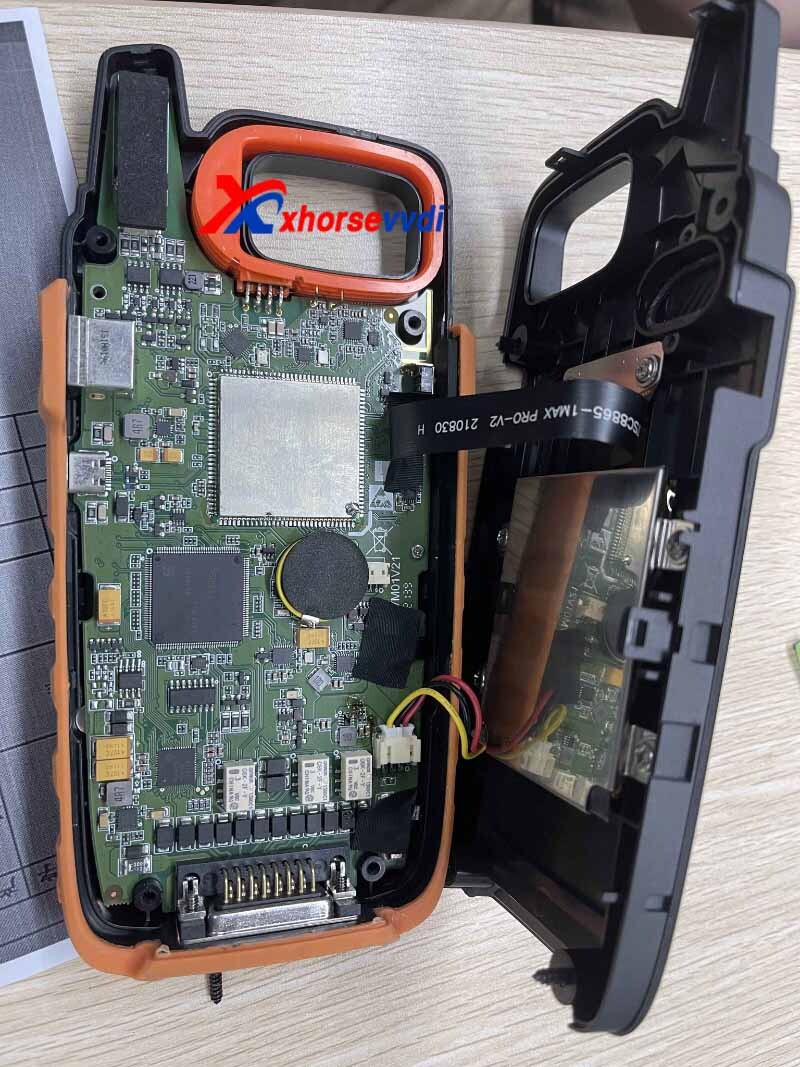
2.Remove 4 screws on the mother board
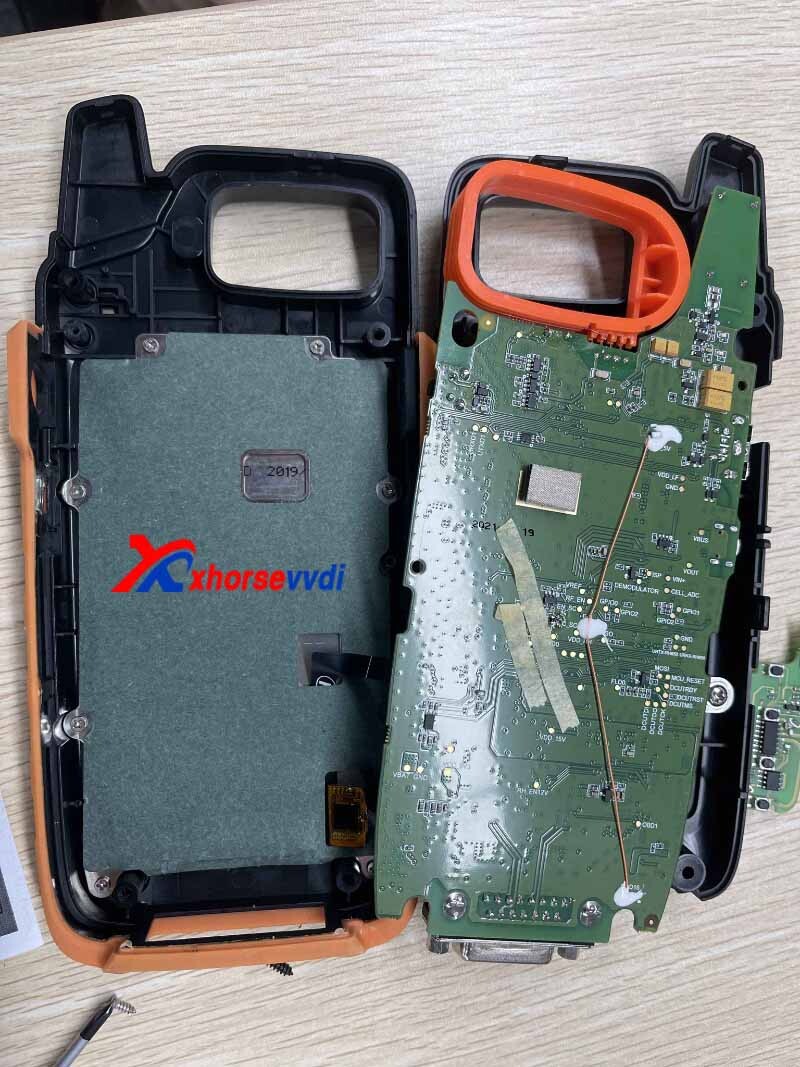
Hope this could help!
http://blog.xhorsevvdi.com/how-to-replace-vvdi-key-tool-max-pro-screen/
Posted by: xhorsevvdi at
09:00 AM
| No Comments
| Add Comment
Post contains 50 words, total size 1 kb.
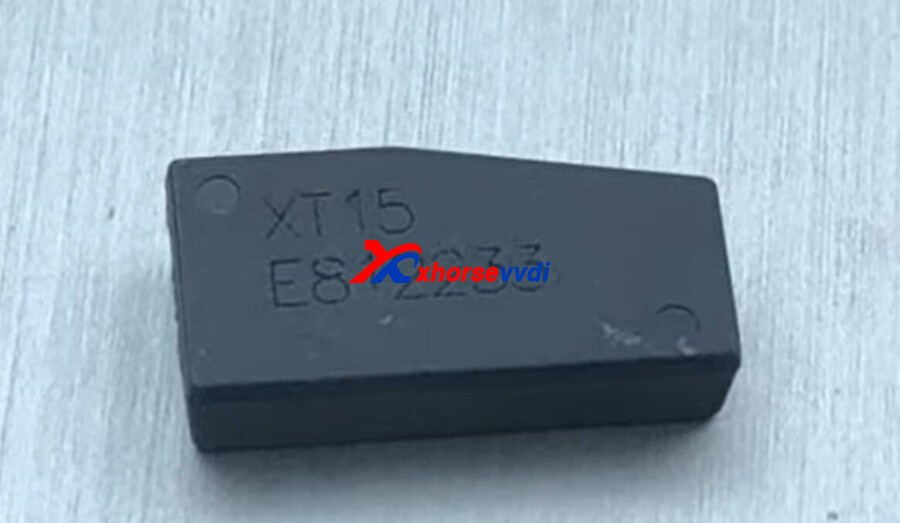
VVDI 7935 Chip XT15 can work like original PCF7935 chip, here is the review about vvdi2 program caddy 1997 with Xhorse 7935 XT15 chip.
VVDI 7935 Chip XT15 Chip:
VVDI2 software>>transponder programmer>>immo data tool>>EUR0>VW>IMMO BOX>Motorola based
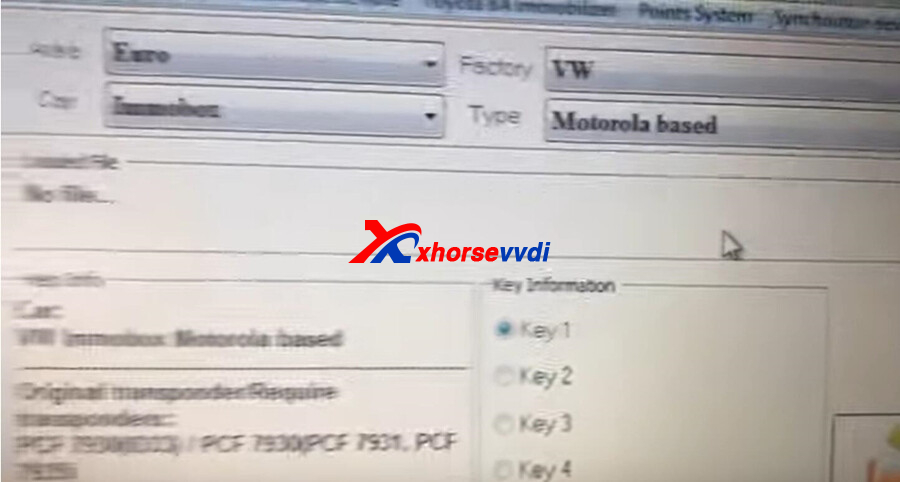
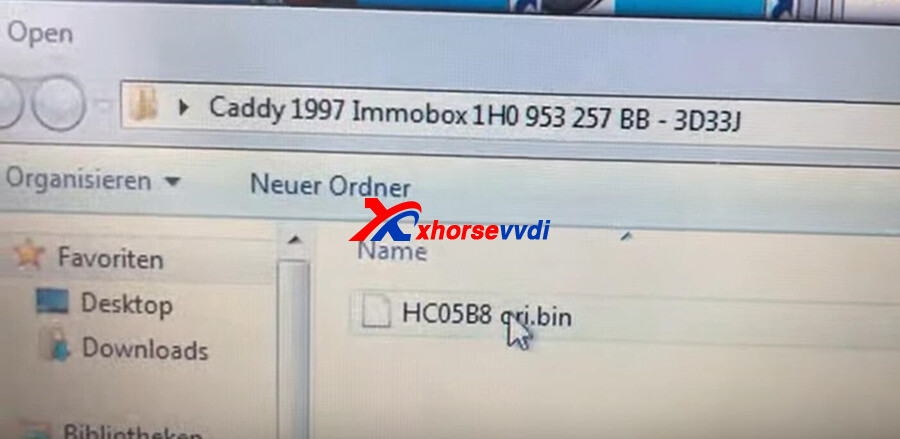
Load the immo data
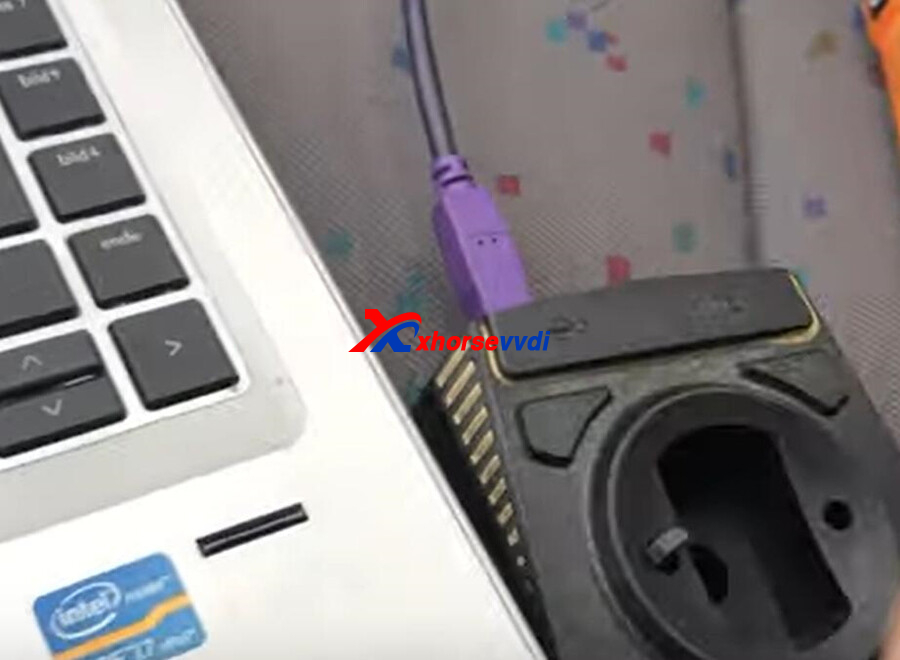
Put the 7935 XT15 chip into VVDI2 coil.
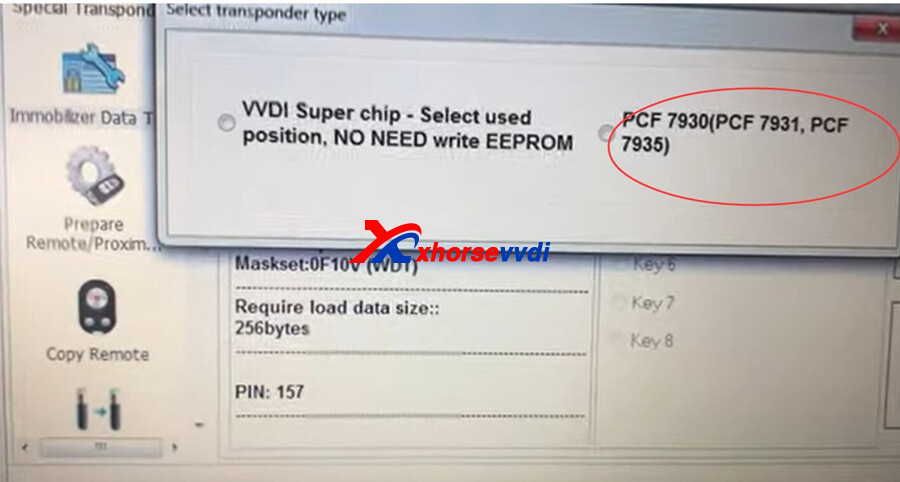
Select the transponder type
Prepare OK
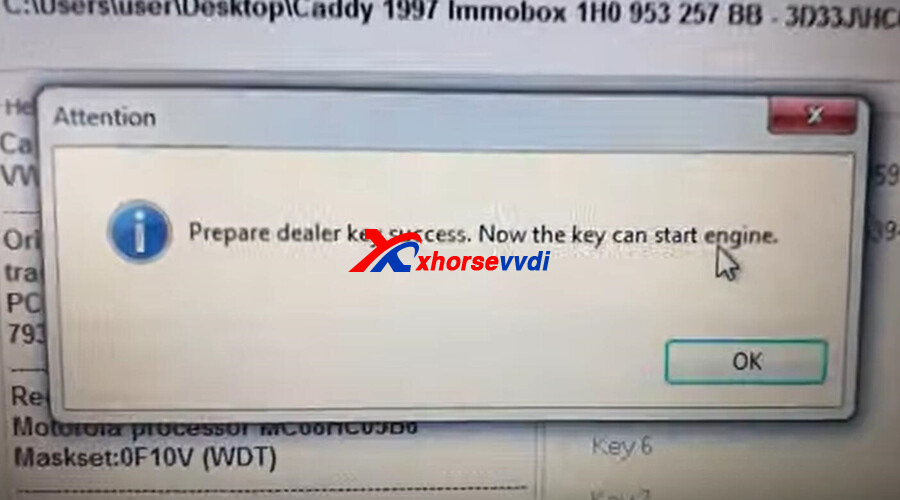
After prepare OK, put the chip close the key to test.
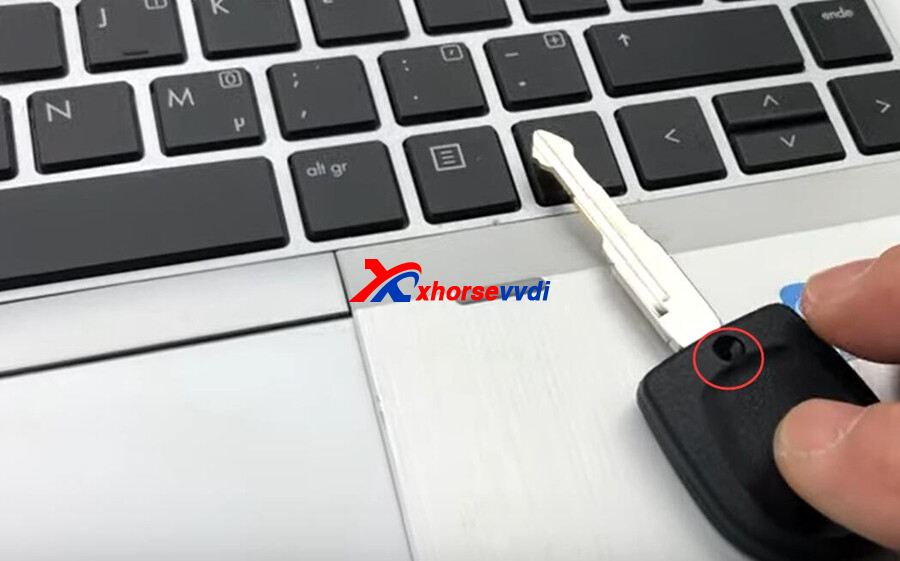
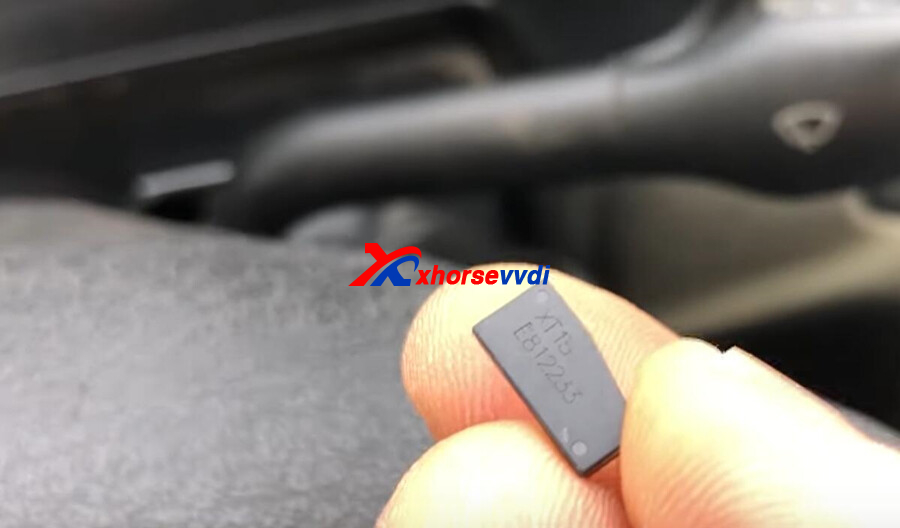
http://blog.xhorsevvdi.com/xhorse-vvdi-7935-chip-xt15-work-as-pcf7935-caddy-1997-ok/
Posted by: xhorsevvdi at
08:59 AM
| No Comments
| Add Comment
Post contains 76 words, total size 2 kb.
Question:
I bought Xhorse XSADJ1GL VVDI Universal Smart Remote Key for Audi (Immo5, BCM2 system) I can't prepare 868 MHz. 315 and 433 MHz prepared ok. But when I try to create 868Mhz I get key with 433 MHz. but work good after programming. I tried with my Mini Key Tool.
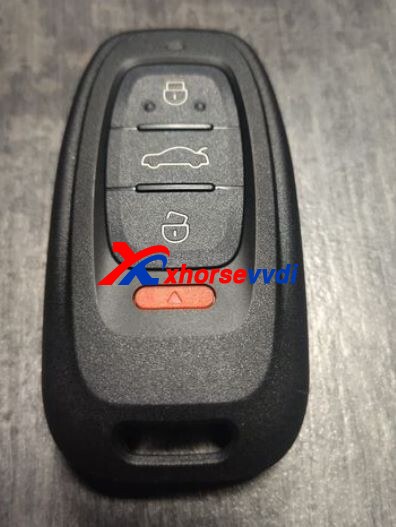
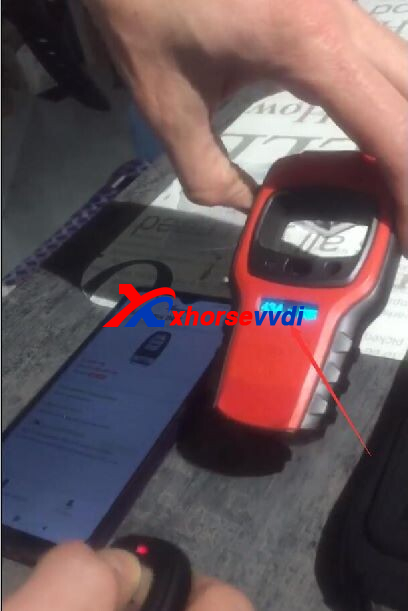
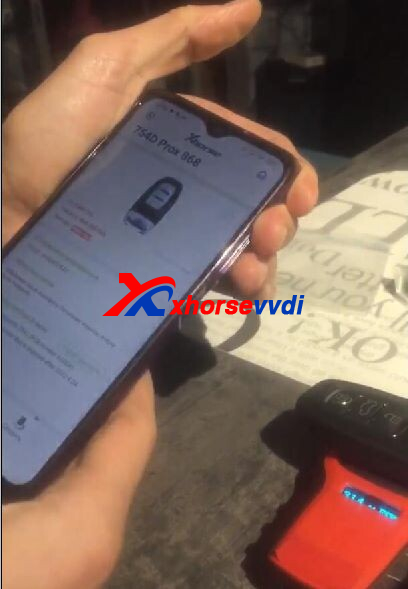
Here Xhorsevvdi tech
Answer:
1.VVDI Mini may not identify the frequency of 868MHz due to its weak signal
2.Program the new 754J Remote after successful remote generation
http://blog.xhorsevvdi.com/fixed-vvdi-audi-754j-remote-generate-868mhz-ok-but-stay-at-433mhz/
Posted by: xhorsevvdi at
08:58 AM
| No Comments
| Add Comment
Post contains 91 words, total size 2 kb.
The latest V7.2.7 VVDI2 Software is released! Get the free download link from Xhorsevvdi.
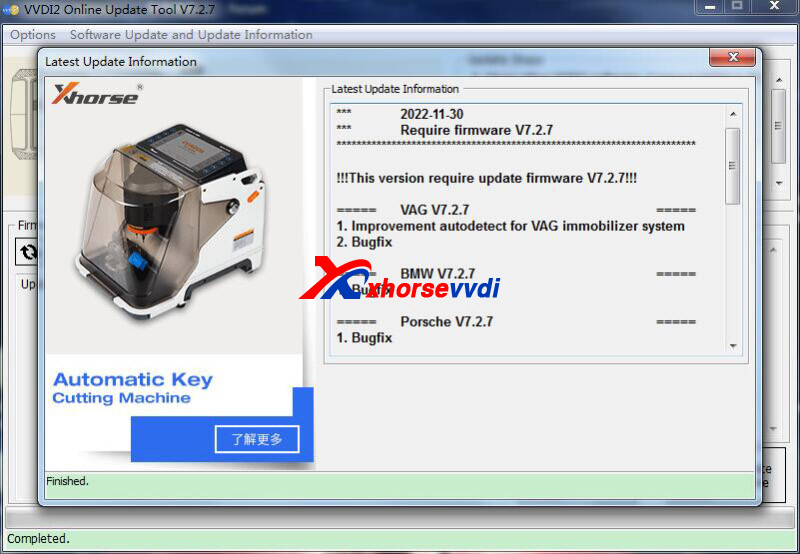
1. Free Download VVDI2 V7.2.7 Software
2. V7.2.7 VVDI2 Update Info:
***RequirefirmwareV7.2.7***
=====VAGV7.2.7=====
1.ImprovementautodetectforVAGimmobilizersystem
2.Bugfix
=====BMWV7.2.7=====
1.Bugfix
=====PorscheV7.2.7=====
1.Bugfix
=====PSAV7.2.7=====
1.Bugfix
=====TransponderProgrammerV7.2.7=====
1.Improvementprepareremotefunction
2.Immobilizerdatatool:Euro->BMW->Motorcycle->Immobox(R1200,C650,K1600,K1300,C600,F800)bugfix
3.Immobilizerdatatool:Euro->BMW->Motorcycle->K19bugfix
4.Bugfix
=====Copy48(96bits)V7.2.7=====
1.Bugfix
=====J2534V7.2.7=====
1.Bugfix
=====OnlineUpateToolV7.2.7=====
1.Bugfix
=====QuickStartV7.2.7=====
1.Bugfix
Posted by: xhorsevvdi at
08:57 AM
| No Comments
| Add Comment
Post contains 62 words, total size 2 kb.
One customer asked how to generate his Toyota 4D smart remote by his Key Tool Max Pro. Besides, there is no info about P4 page of the remote on transponder reading screen.
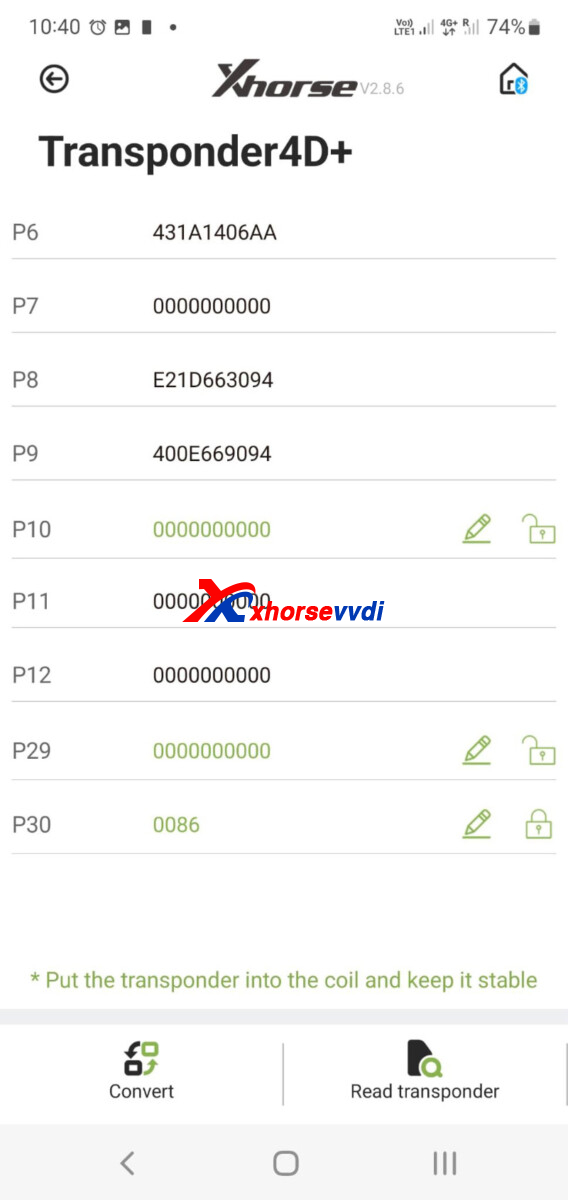
Usually, we need P4 page info to identify what remote control to generate, but how to do like in this case, here is the
Solution:
1.Go back to the last screen, and confirm if it's ASK or FSK.
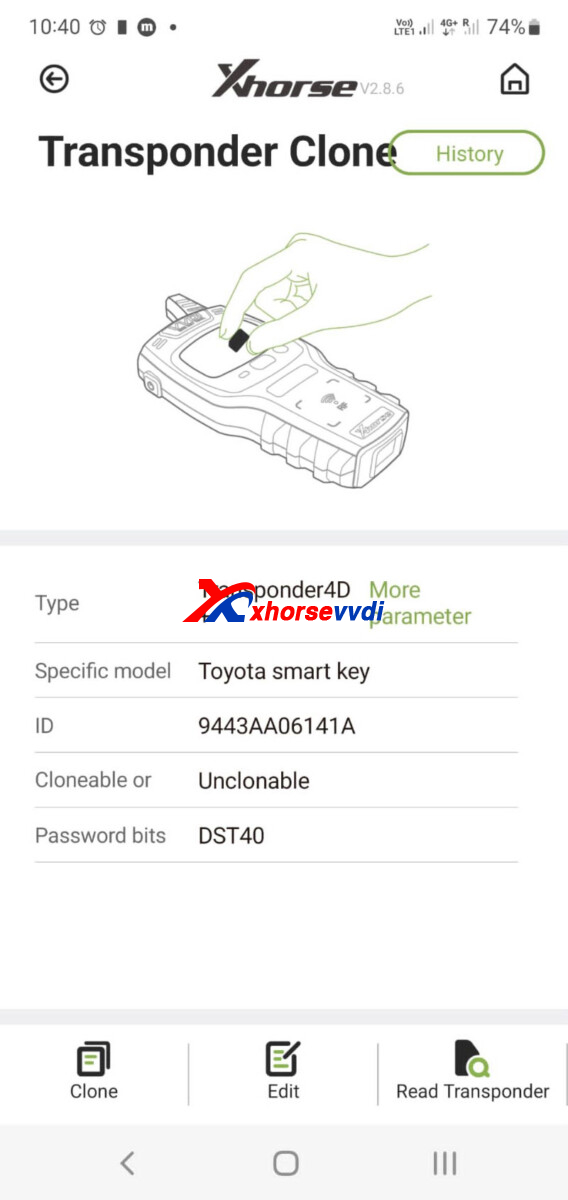
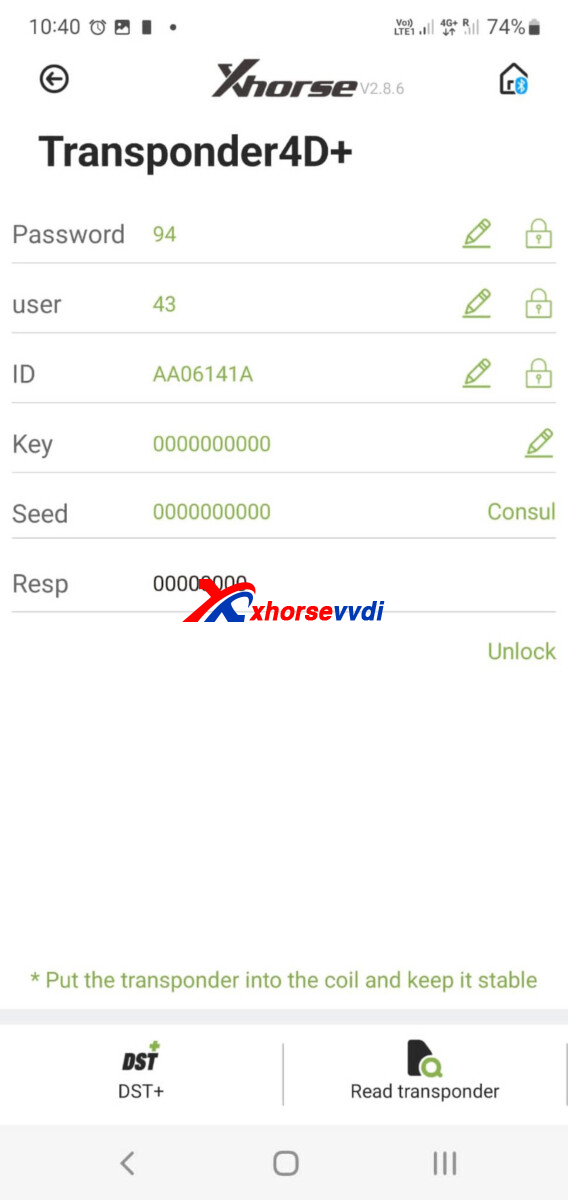
Frequency is FSK.
2.Generate the 0031 remote control
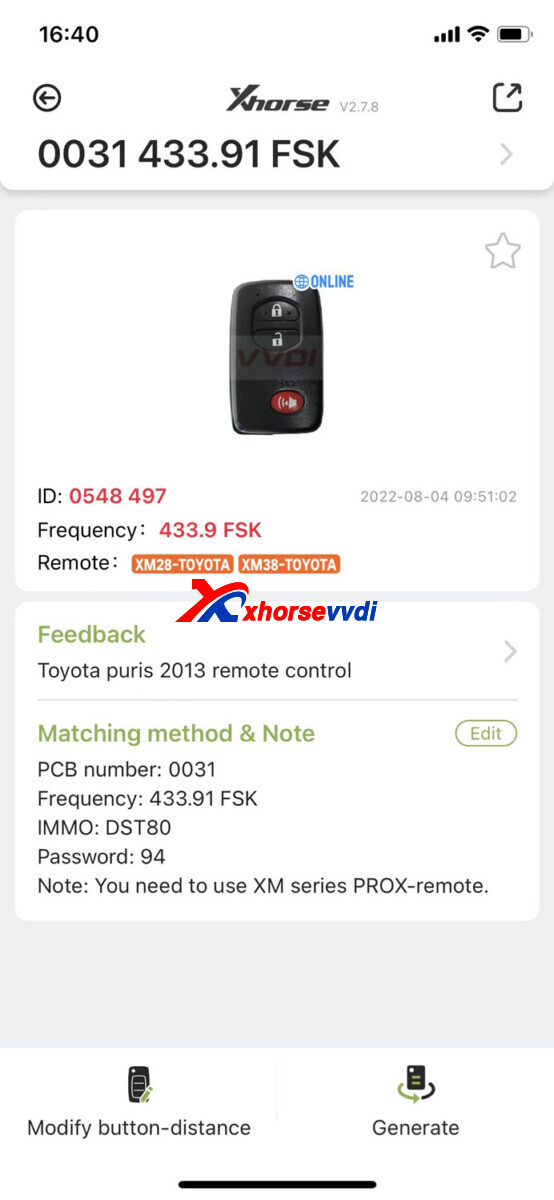
3.If the frequency is incorrect, switch it in setting
(Path: Special Function>>VVDI remote function>>Toyota smart key setting)
But after generate, it has the problem
It can generate but cannot detect when in passenger seat.
Is it power too low?
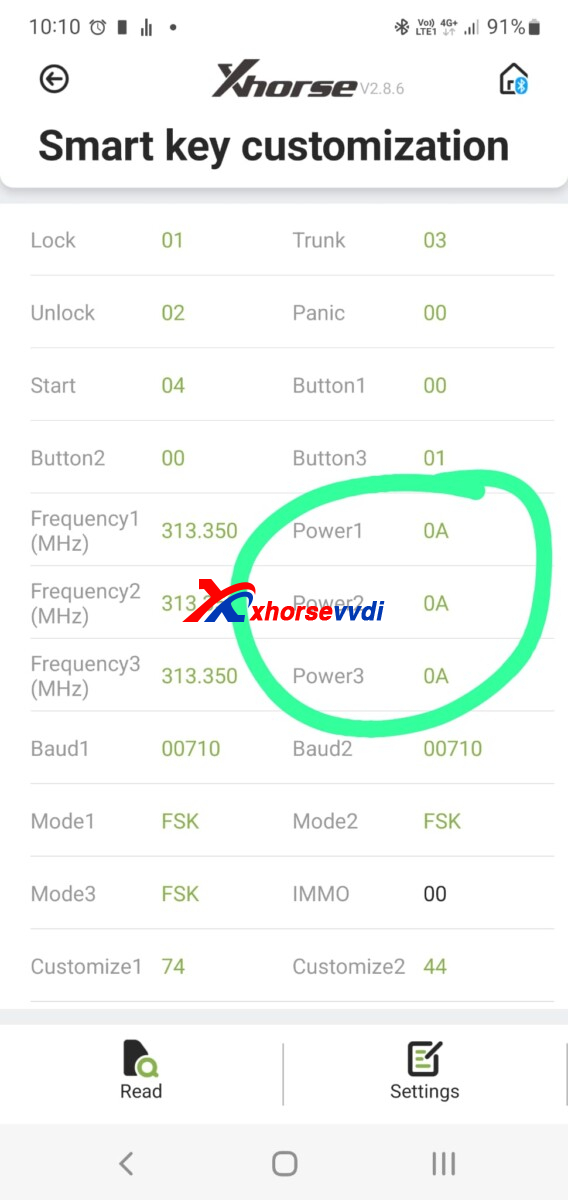
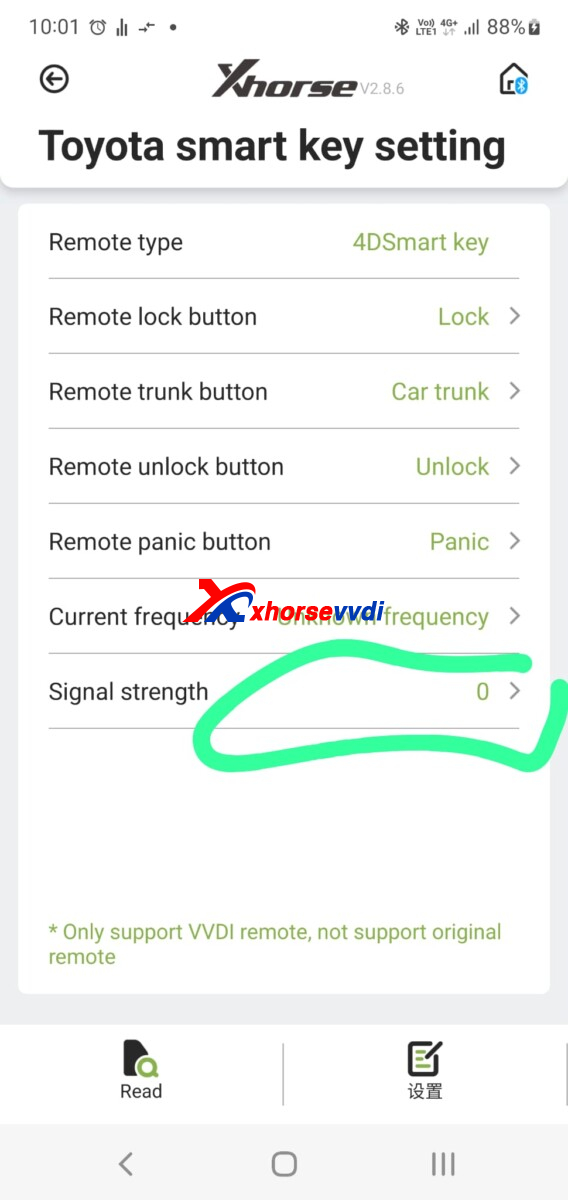
Engineer please adjust the signal strength
The maxi is 7
Try to find suitable number
Posted by: xhorsevvdi at
08:56 AM
| No Comments
| Add Comment
Post contains 142 words, total size 2 kb.
December 14, 2022
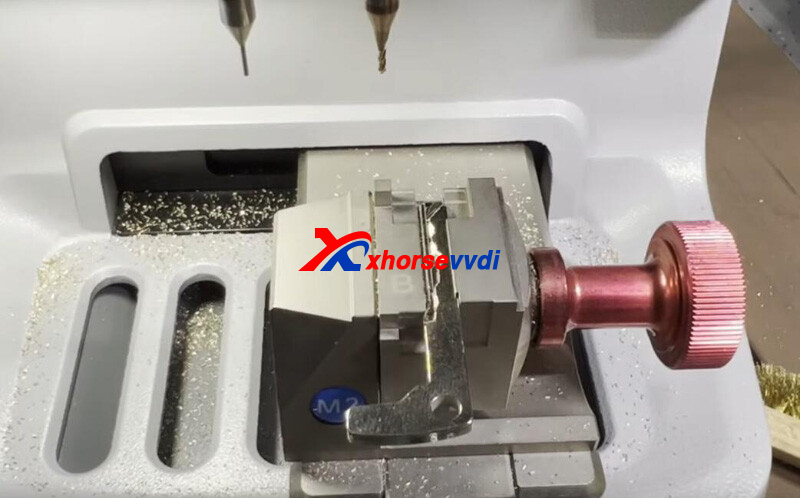
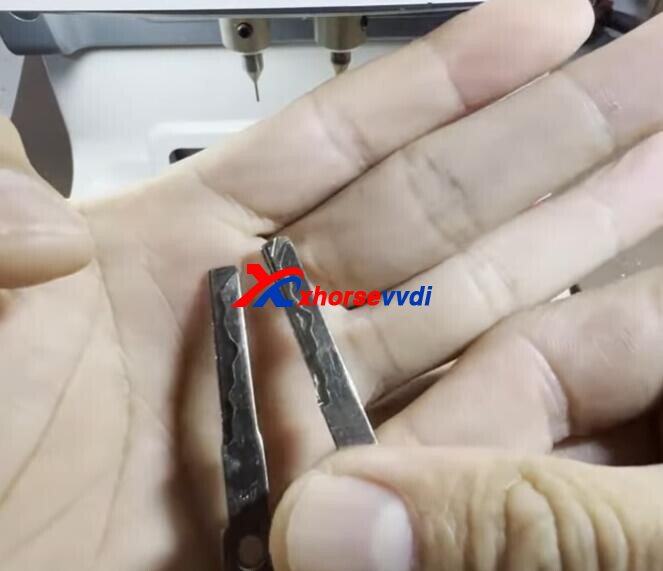
Here is a review of Dolphin XP005 and Key Tool Max:
Mercedes C350 2009 cut/ duplicate emergency blade OK
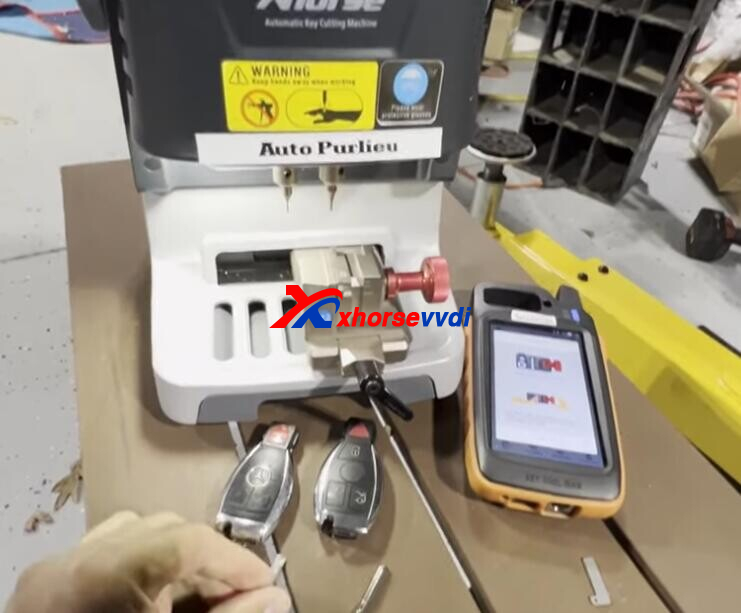
Let's start it.
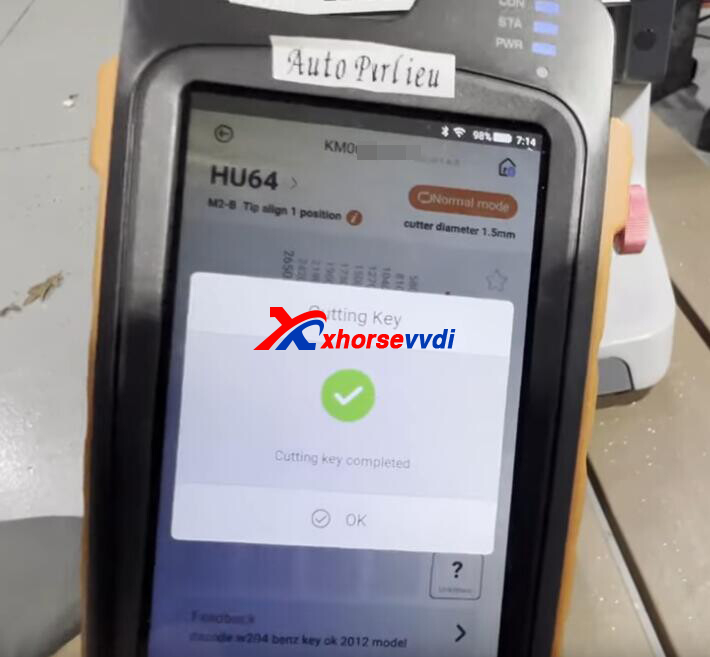
On Key Tool Max,
Go to
Find Bitting>>Mercedes>>HU64
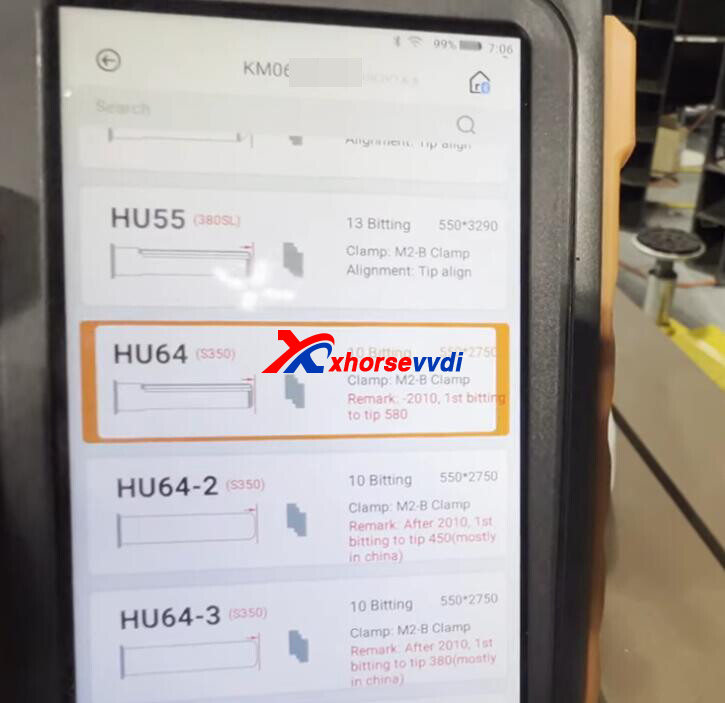
M2-B Clamp, align to position 1.
Put original key on XP005 Machine as required.
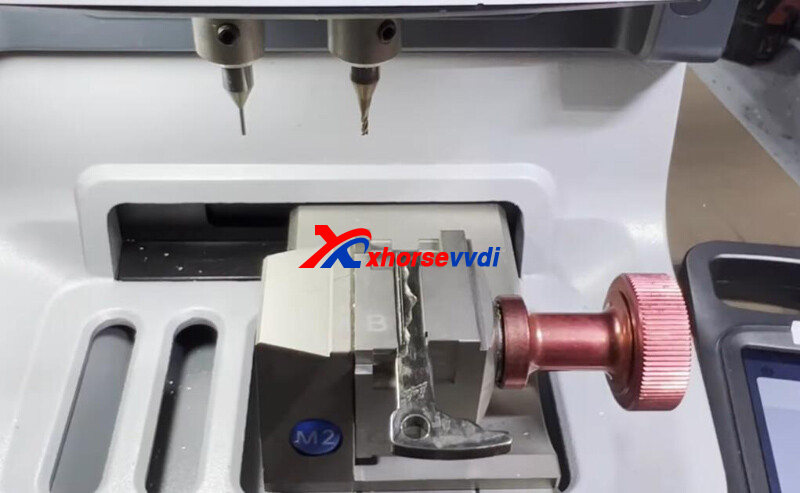
Decode key.
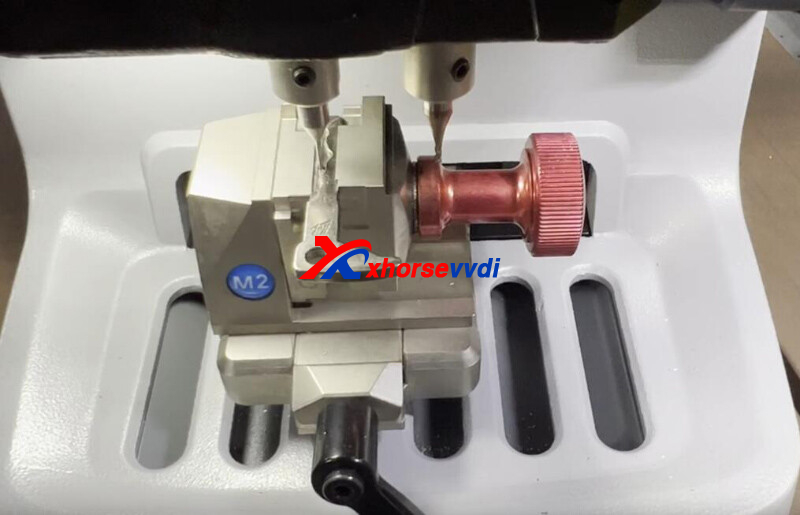
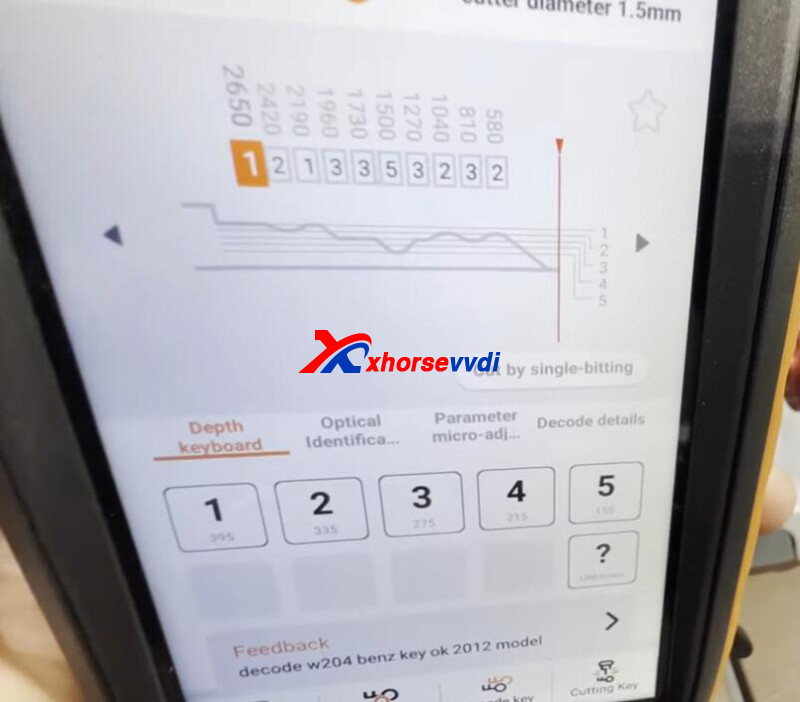
Then remove original key and put on the new one.
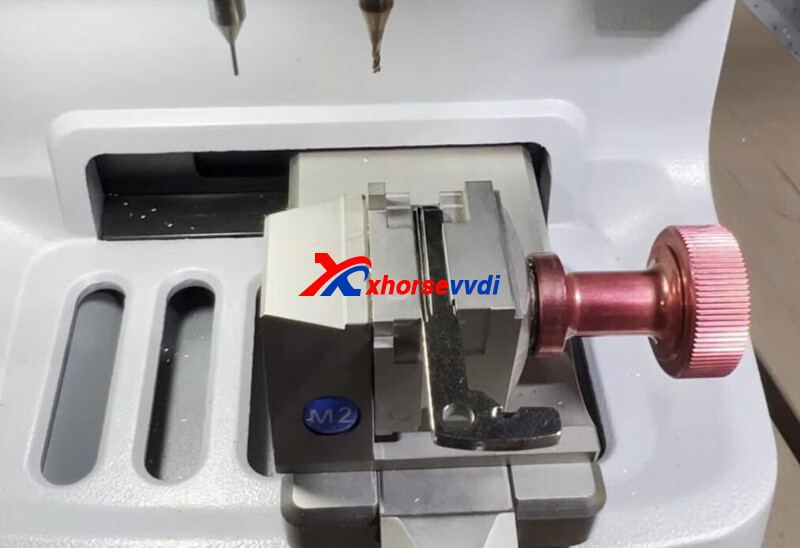
Cut key.
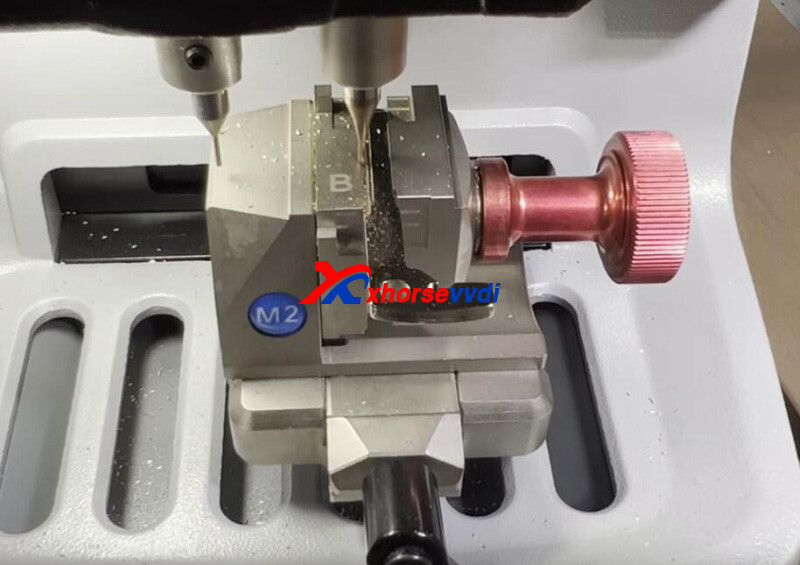
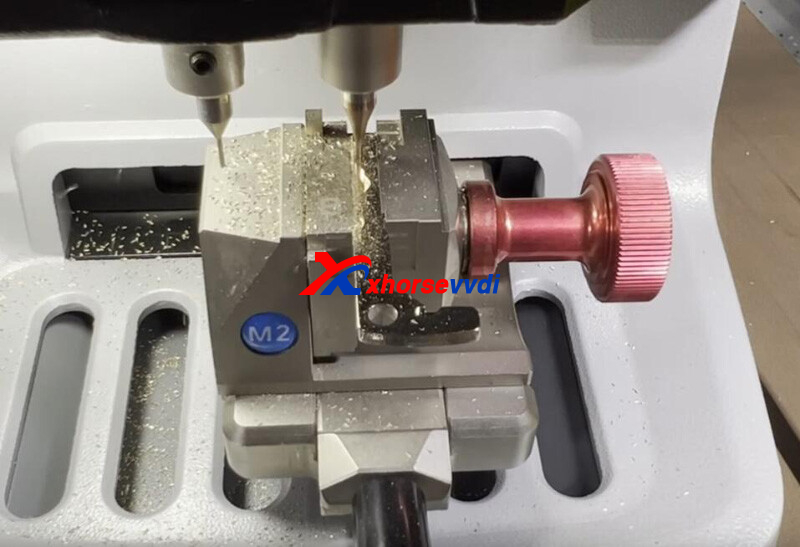
Complete.
Posted by: xhorsevvdi at
10:39 AM
| No Comments
| Add Comment
Post contains 71 words, total size 3 kb.
One customer gave feedback that his Dolphin XP007 couldn't move back and forth and it could only rotate.
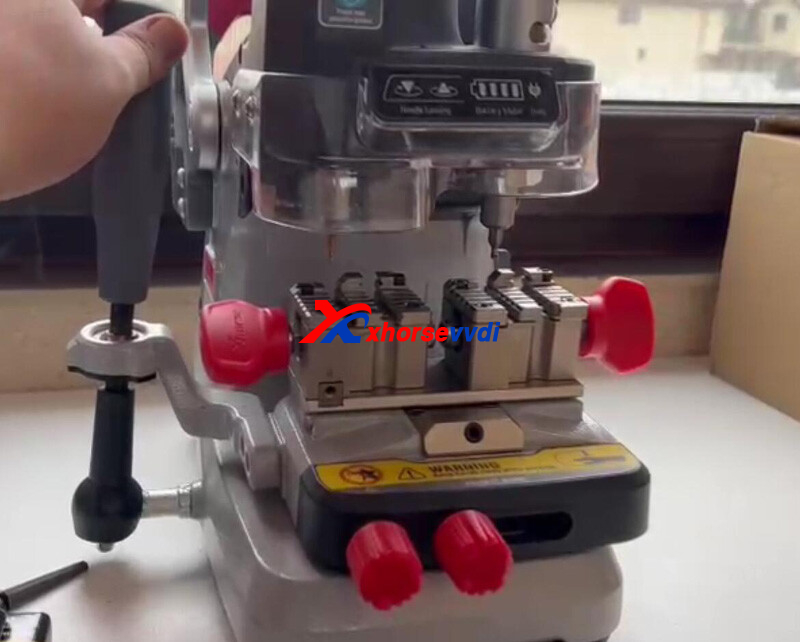
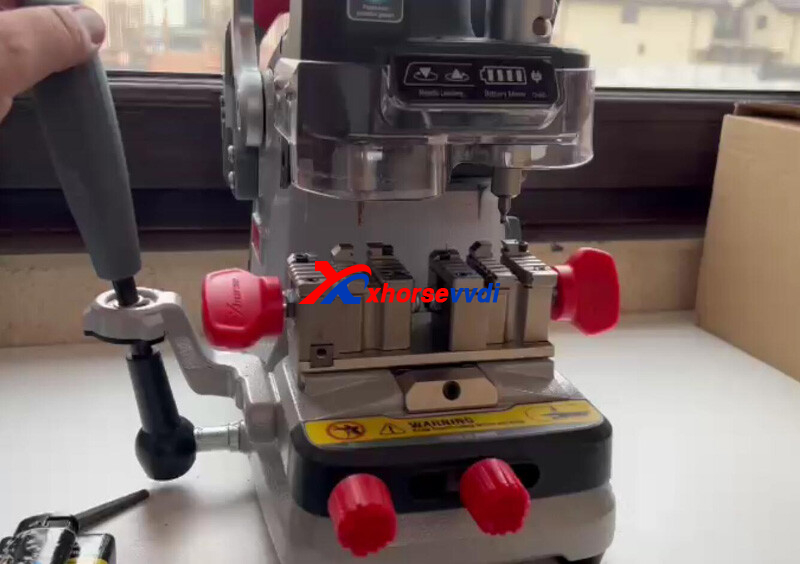
Here Xhorsevvdi tech shows
How to Solve:
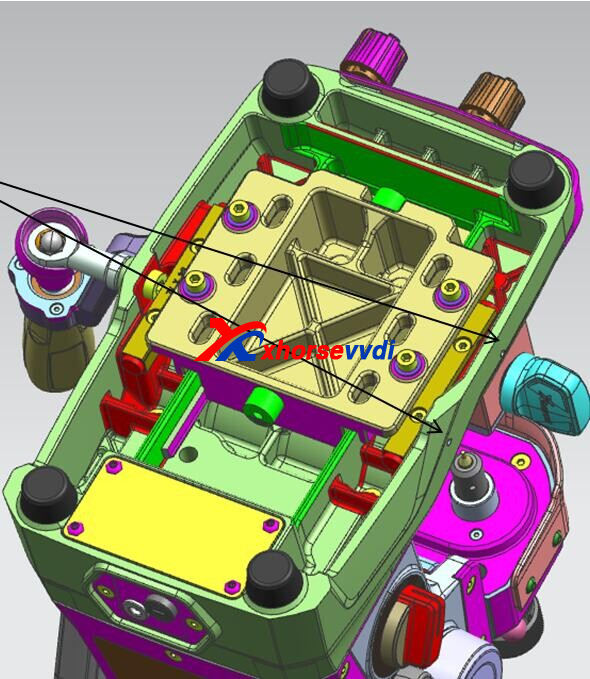
1.Turn XP007 around, and check if something is stuck at the bottom and remove it.
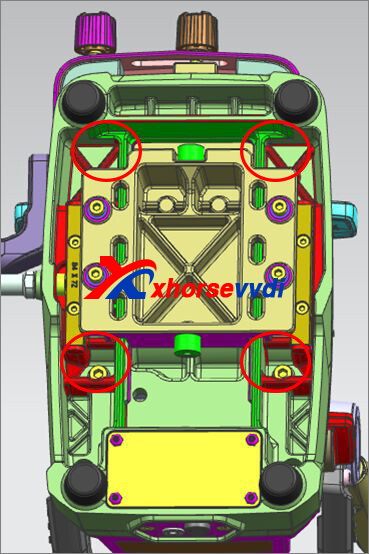
2.Adjust the 2 screws and move the machine back and forth.
When it moves smoothly, fix the 8 screws marked
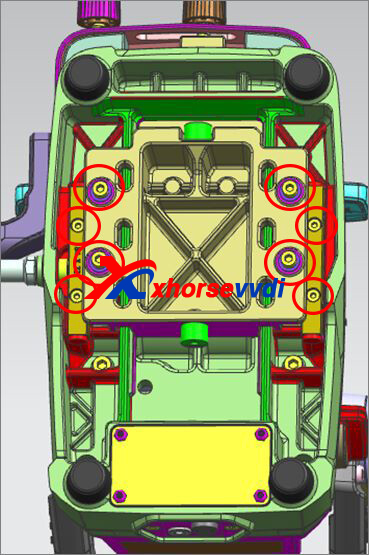
3.Slightly loosen the 2 screws
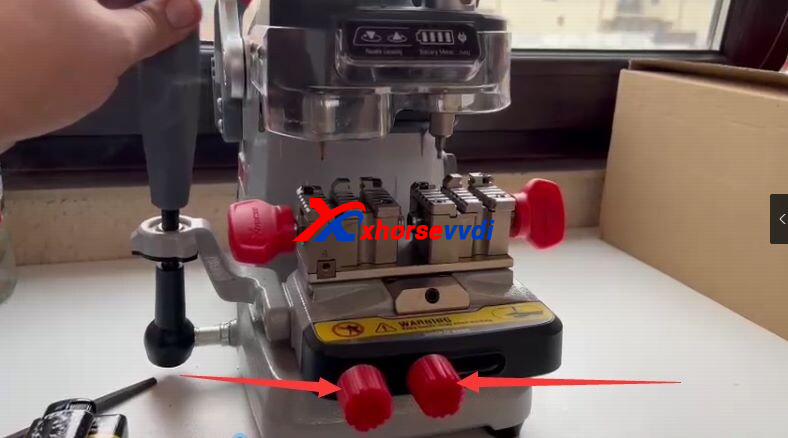
Then XP007 Machine should move and work fine.
http://blog.xhorsevvdi.com/solved-dolphin-xp007-cant-remove-back-and-forth/
Posted by: xhorsevvdi at
10:39 AM
| No Comments
| Add Comment
Post contains 80 words, total size 2 kb.
V5.2.2 VVDI PROG is released, get free download link from Xhorsevvdi.
1. Free Download V5.2.2 VVDI PROG Software
Password: 123456
2.V5.2.2 VVDI Prog Update (2022-11-2
* This version DON't need update firmware
+ Add R5F212K2,
R5F212K4,
R5F21344,
R5F21345,
R5F21346,
R5F21364,
R5F21365,
R5F21366,
R5F21367,
R5F21368,
R5F2136A,
R5F2136C,
options in <2-MCU>-><RENESAS-R8C>
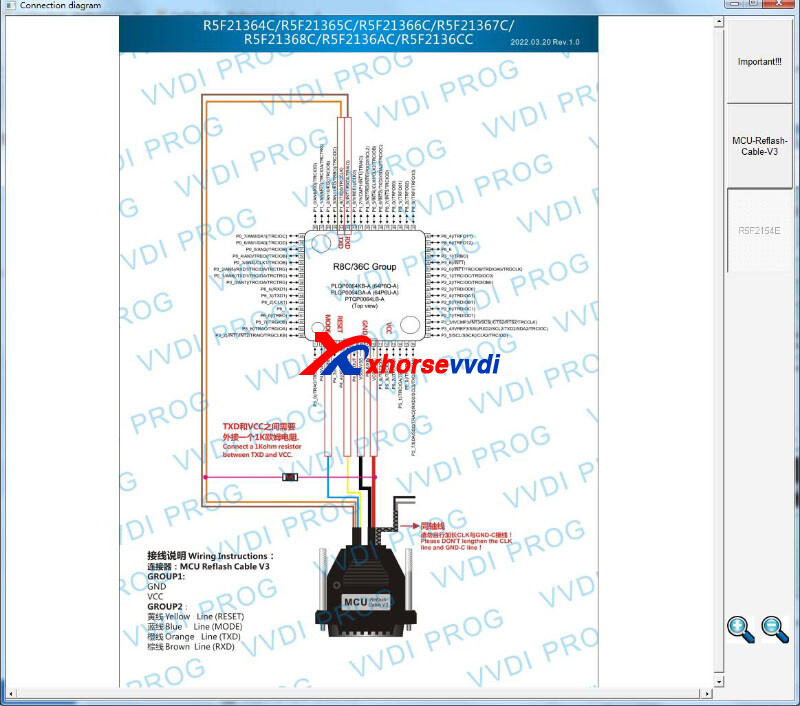
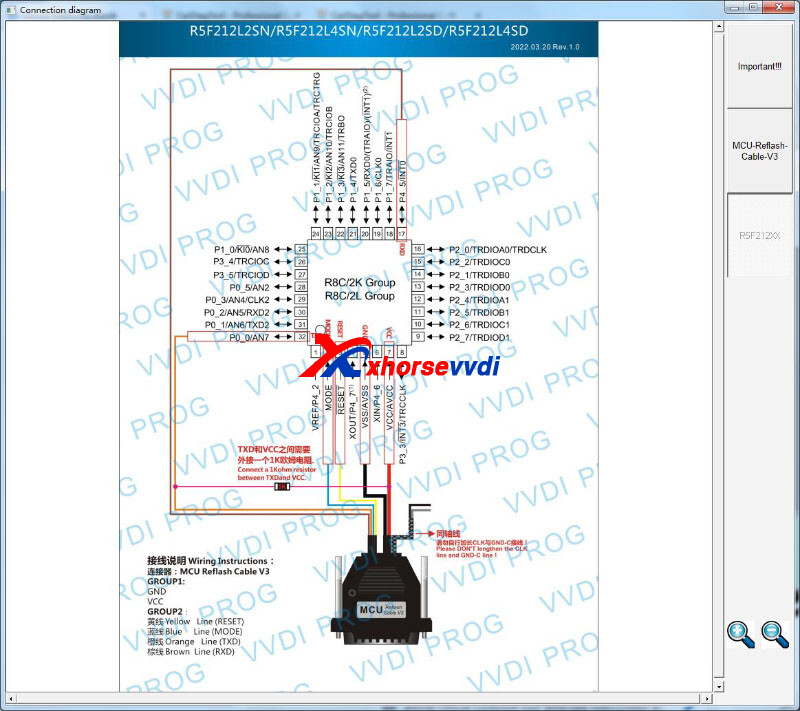
https://www.xhorsevvdi.com/
Posted by: xhorsevvdi at
10:38 AM
| No Comments
| Add Comment
Post contains 61 words, total size 1 kb.
One customer gave feedback that he couldn't login in Mini Key Tool and he couldn't find Xhorse app on Google Store after uninstallation.
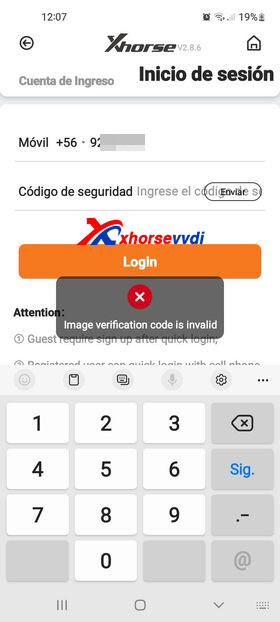
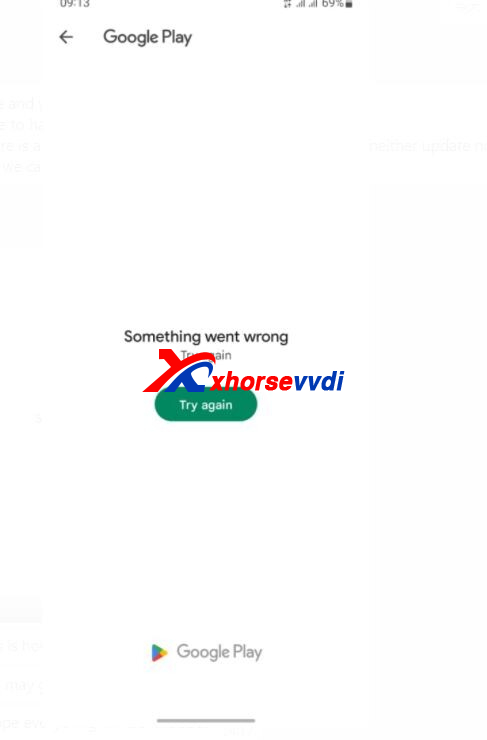
Here is the
Solution:
1.Scan QR code to download Xhorse app currently.

2.Login in by account and password if Quick Login don't work.
If you don't have a password, click "Forget Password" to create one.
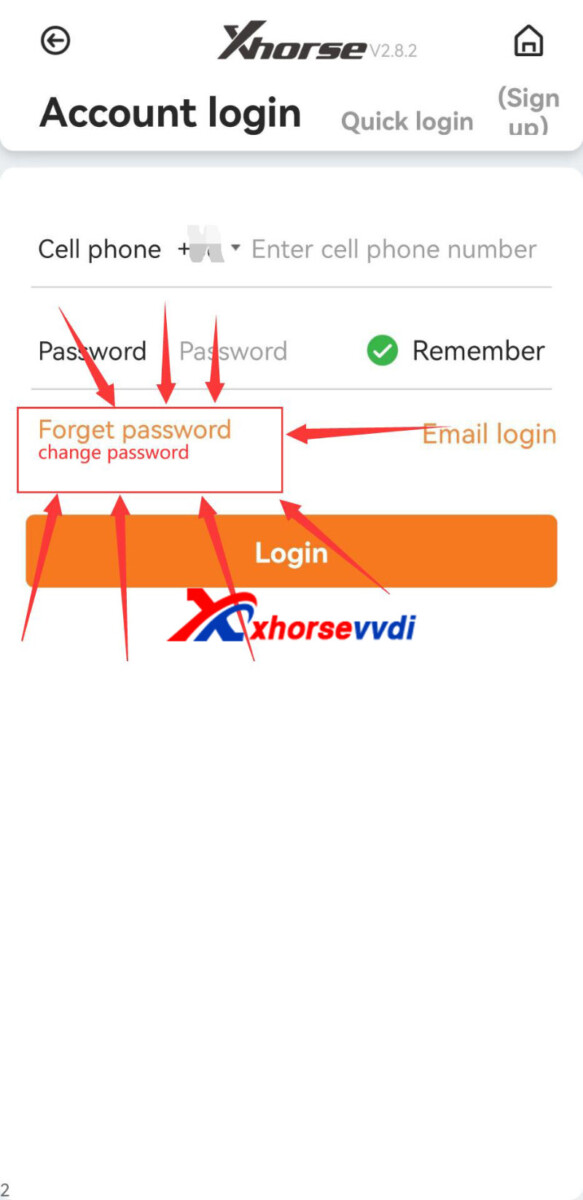
Hope this could help!
http://blog.xhorsevvdi.com/solved-cant-find-and-login-in-xhorse-app/
Posted by: xhorsevvdi at
10:38 AM
| No Comments
| Add Comment
Post contains 75 words, total size 1 kb.
One customer wondered what did he need to buy to do an all key lost on a MB CLS (W219), and his Key Tool Plus got this message.
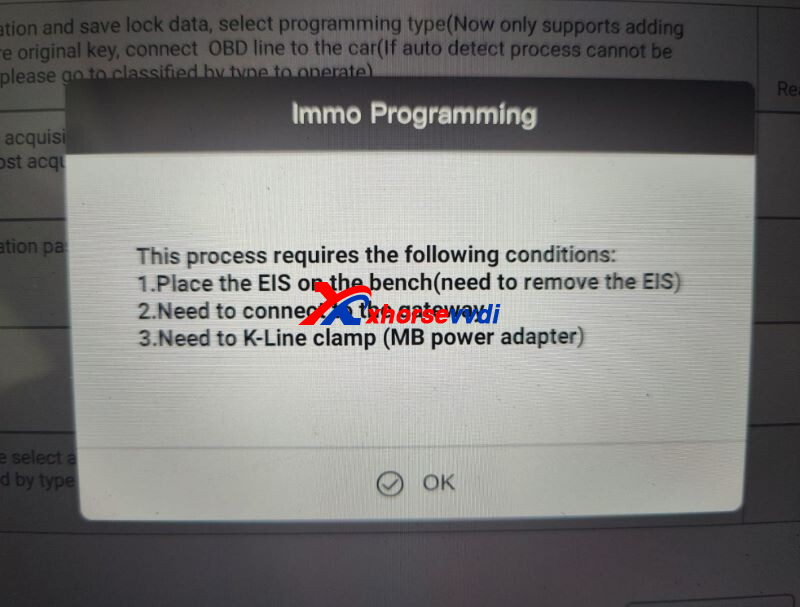
Here Xhorsevvdi tech answer:
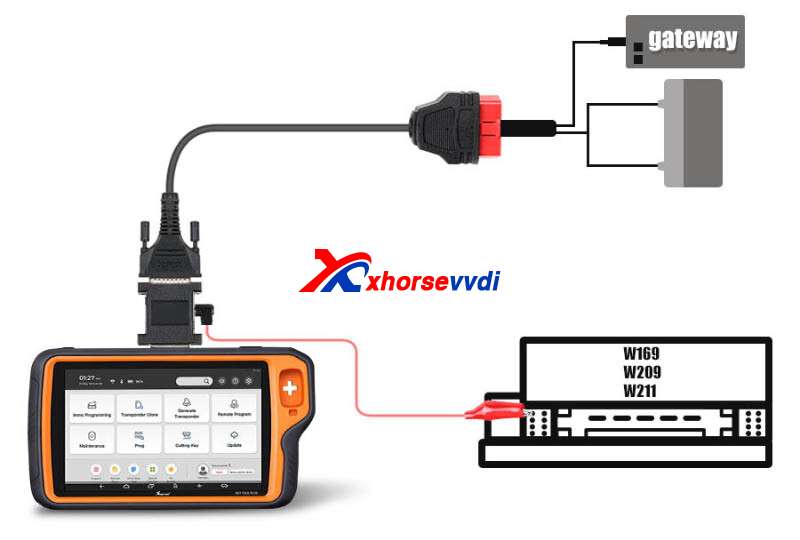
1.Gateway
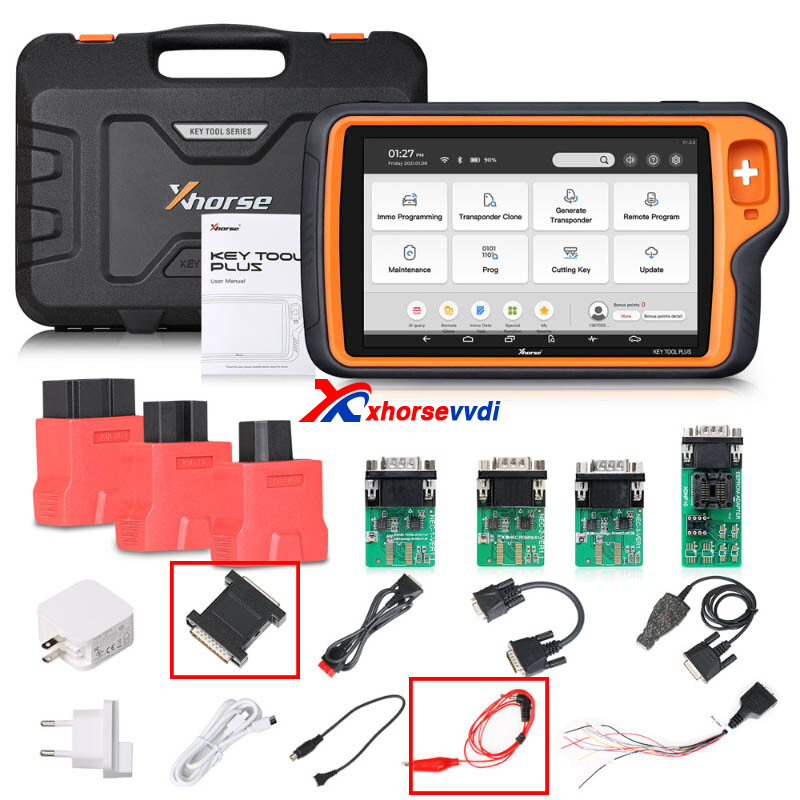
2.Power Adapter
3.K-Line Clip
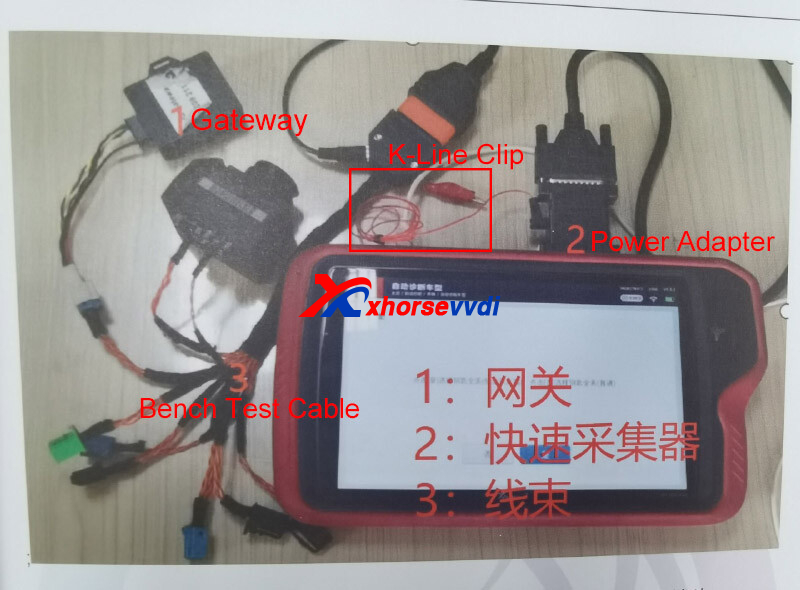
Note:
1.Power Adapter and K-line Clip are in Key Tool Plus Package
2.K-Line Clip is needed for MB W169
Posted by: xhorsevvdi at
10:35 AM
| No Comments
| Add Comment
Post contains 69 words, total size 2 kb.
One customer gave feedback that he could not write 93C56 dump into super chip using vvdi key tool max pro.
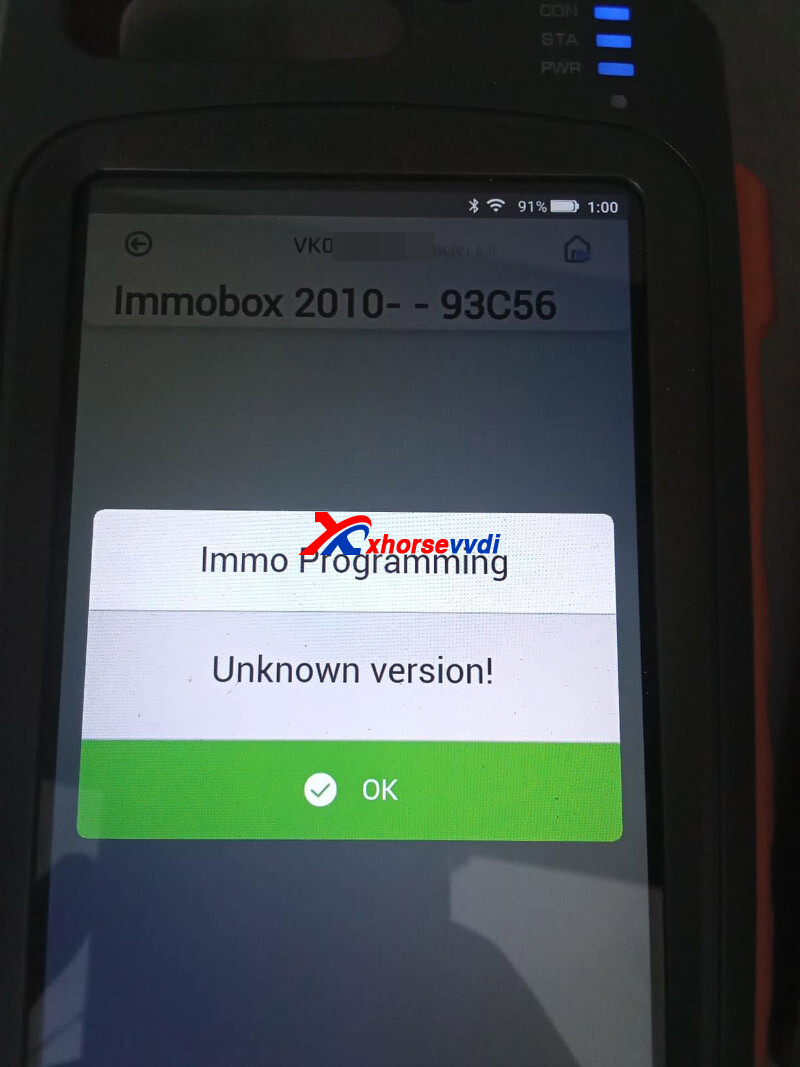
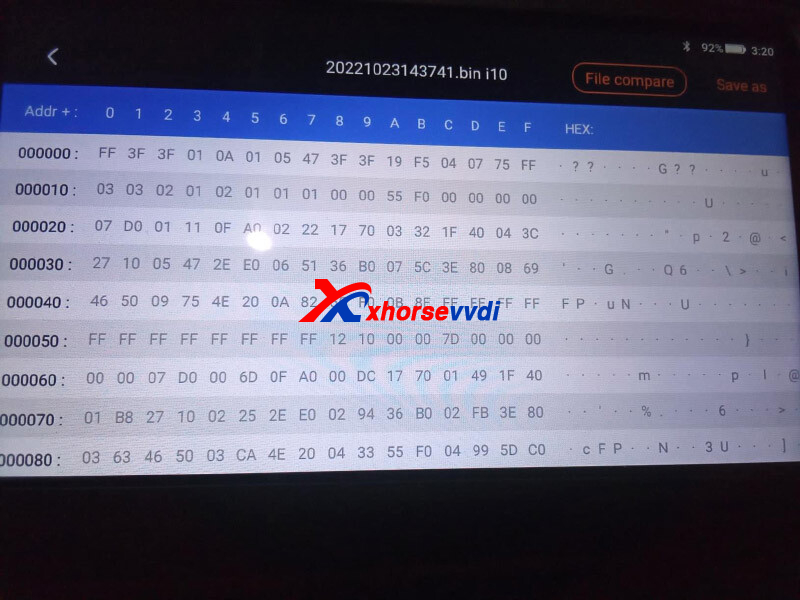
Here is the
Solution:
Key Tool Max/ Key Tool Max Pro don't support 93C56 file.
http://blog.xhorsevvdi.com/fixed-key-tool-max-pro-write-93c56-dump-unknown-version/
Posted by: xhorsevvdi at
10:34 AM
| No Comments
| Add Comment
Post contains 52 words, total size 1 kb.
This is a review of VVDI Key Tool Plus with Toyota 8A Non-smart Adapter:
Today I did a Toyota auris 2013 all key lost. Blade key.
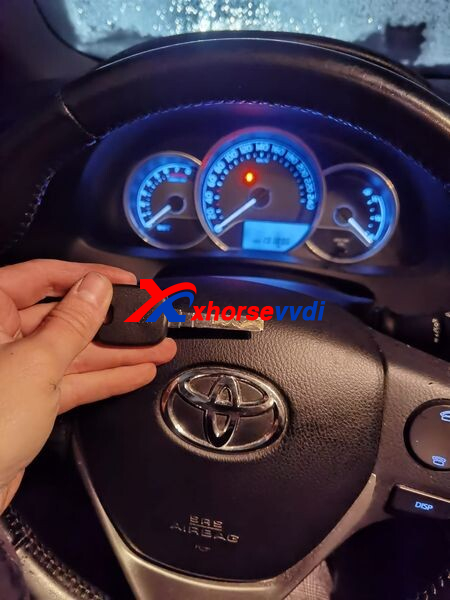
Blade
Cut toy51 blade on Xhorse Machine.
Toy51 is the same as va2. Got keycode from toyota, you also have the keycode on the car papers.
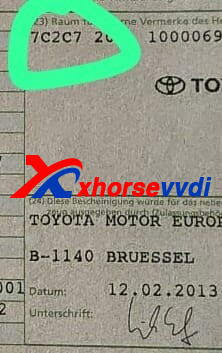
1st Try
Ignition coil read as 4d. I tried all tools like zedfull, Im608, londor, xhorse tablet to do smart box reset nothing worked.
2nd Try
When choose g chip 72 system i got a connection but it was stuck on communicating... When trying to do Smartbox reset.
3rd Try
Then I took 8a adapter but auris schema was nowhere discribed, found a ign2 relay took it out and connected battery and ignition coil.
I got a successful read and was able to program XT27 Super Chip.
xhorse tablet and 8A non smart cable
Car started!
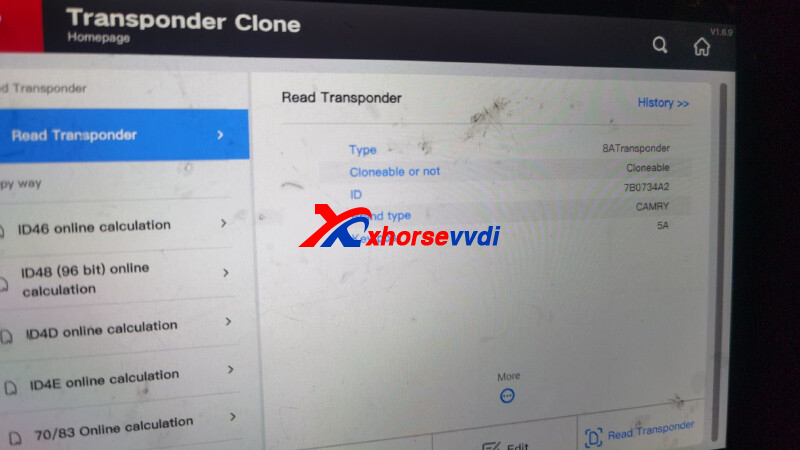
Posted by: xhorsevvdi at
10:33 AM
| No Comments
| Add Comment
Post contains 158 words, total size 2 kb.
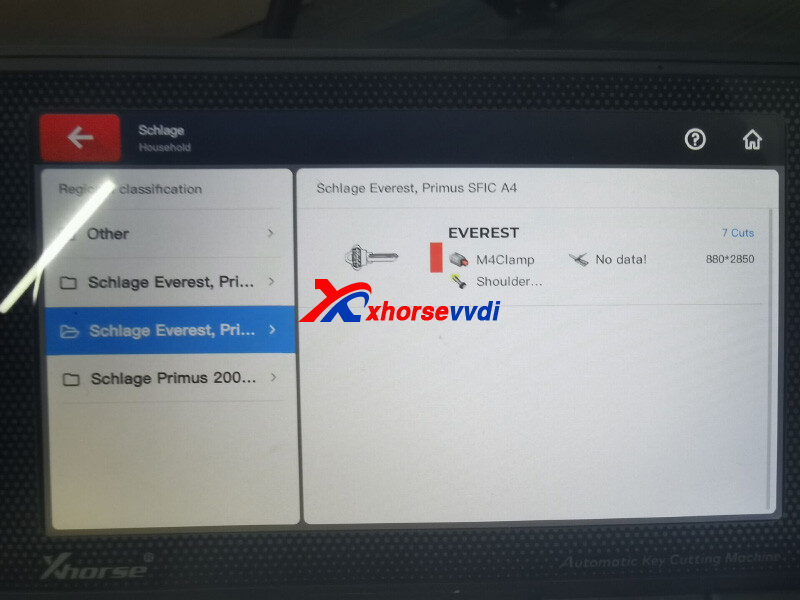
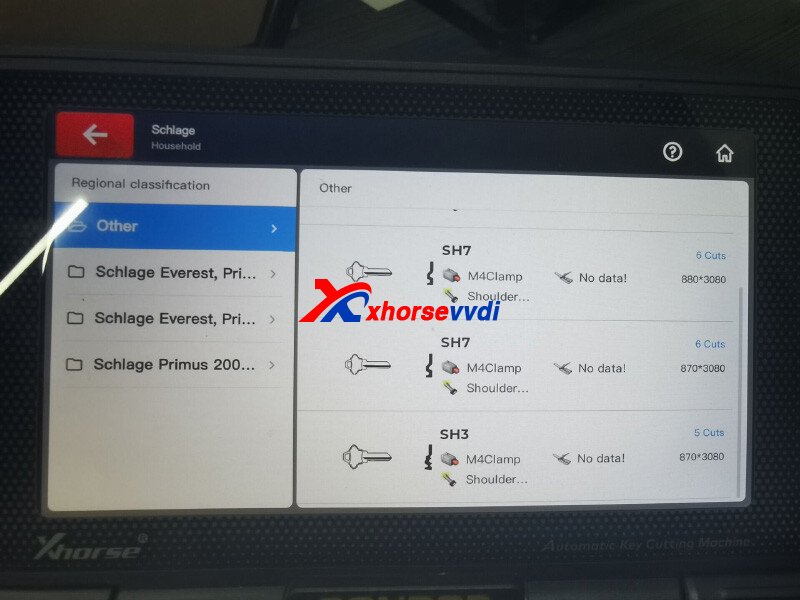
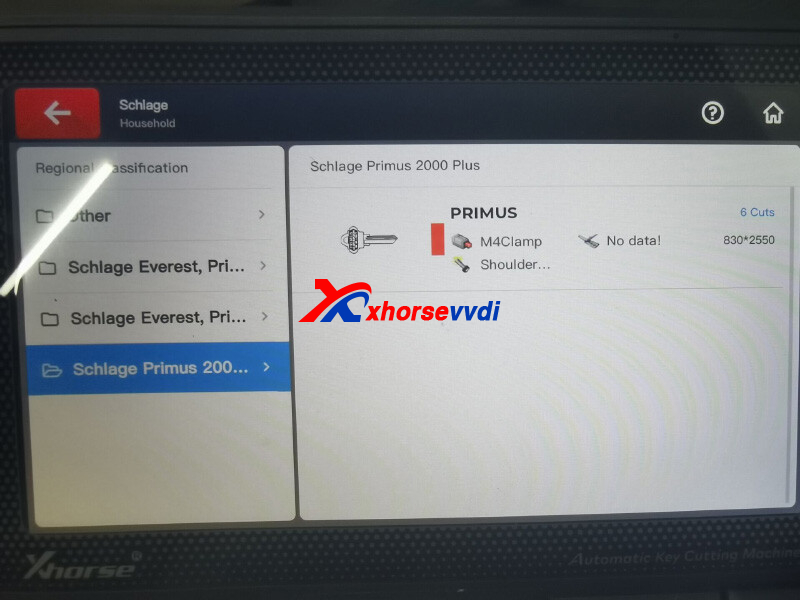
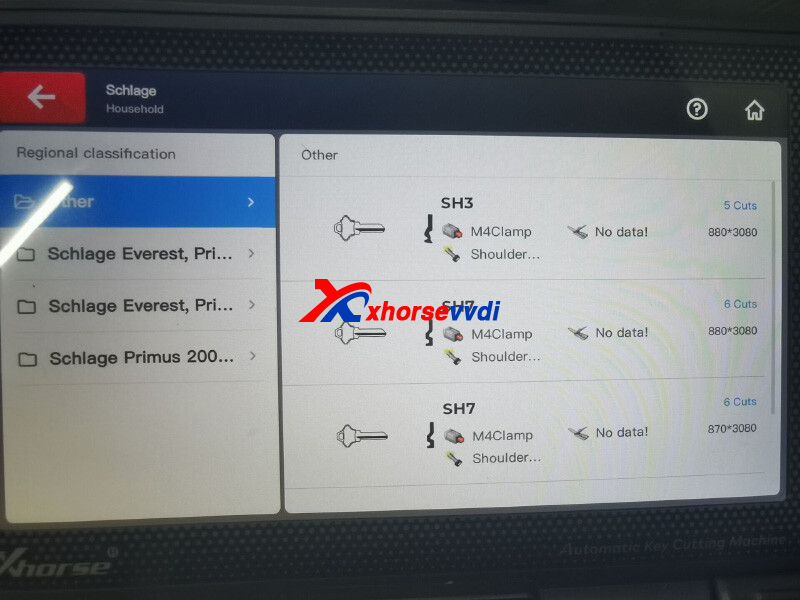
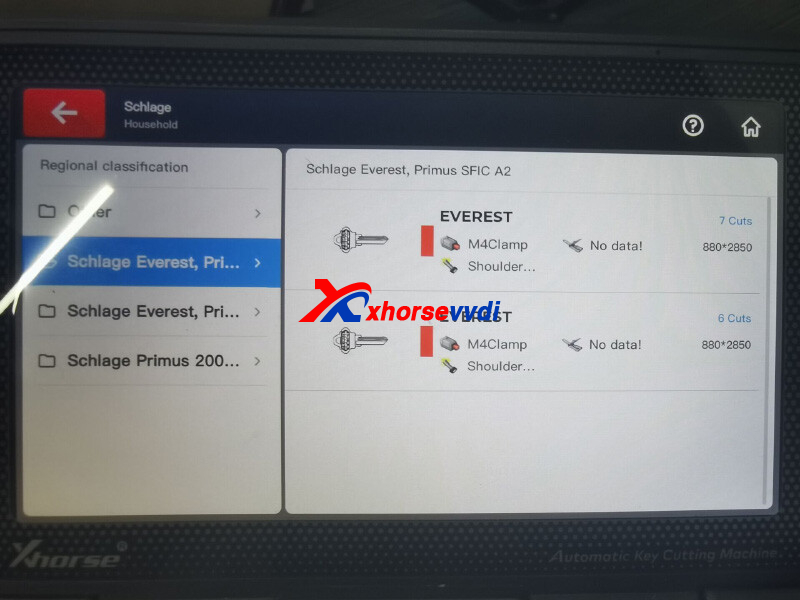
One customer wondered that if Xhorse Dolphin is able to cut an original key blank for Schlage and Kwikset. If not, what models can do that job.
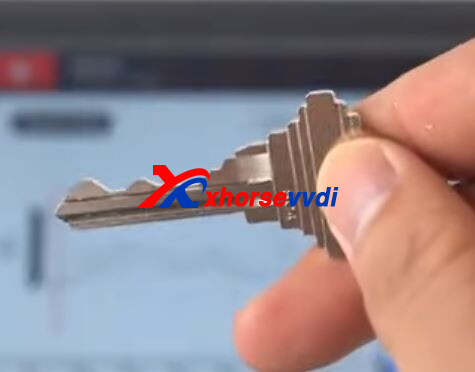
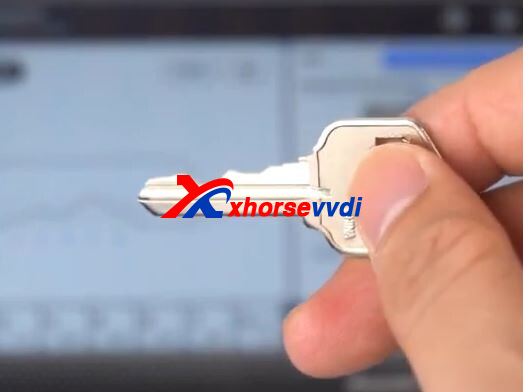
Here Xhorsevvdi tech answers:
Dolphin XP005/ XP005L don't support cut Schlage and Kwikset key by code, but support duplication for some Schlage key blade.
Path: Universal key duplication>>Standard single sided
What Xhorse Key Cutting Machine Support?
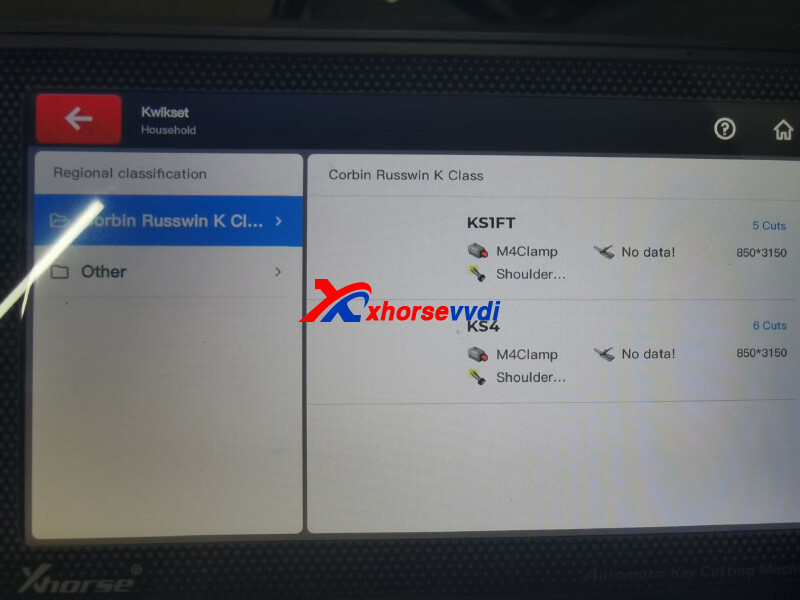
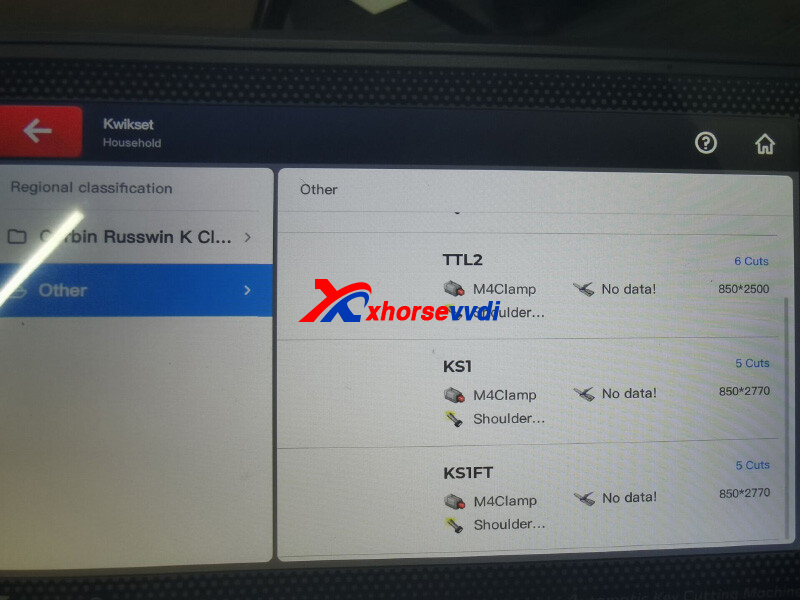
Condor XC-Mini Plus II. (*Modify Bitting don't support keys without an option)
1.Options for Kwikset
2.Options for Schlage
Posted by: xhorsevvdi at
10:32 AM
| No Comments
| Add Comment
Post contains 92 words, total size 4 kb.
This article is going to show you how to program Audi S5 2010 AKL via OBD using VVDI Key Tool Plus Pad.
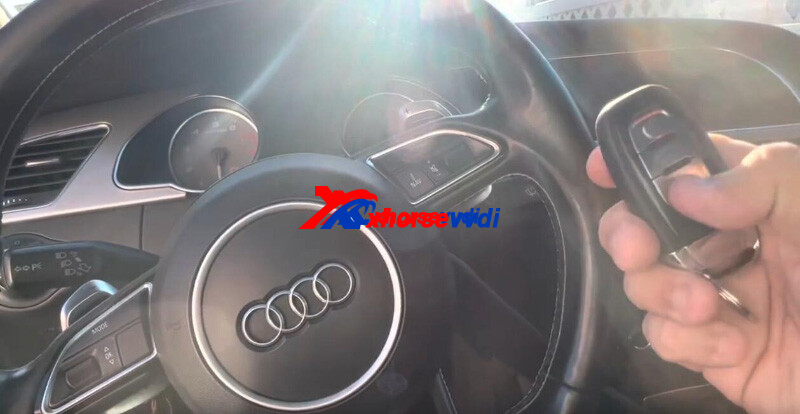
Process:
Select
Immo Programming>>Europe>>Audi>>Automatically diagnose models
5th immo system.
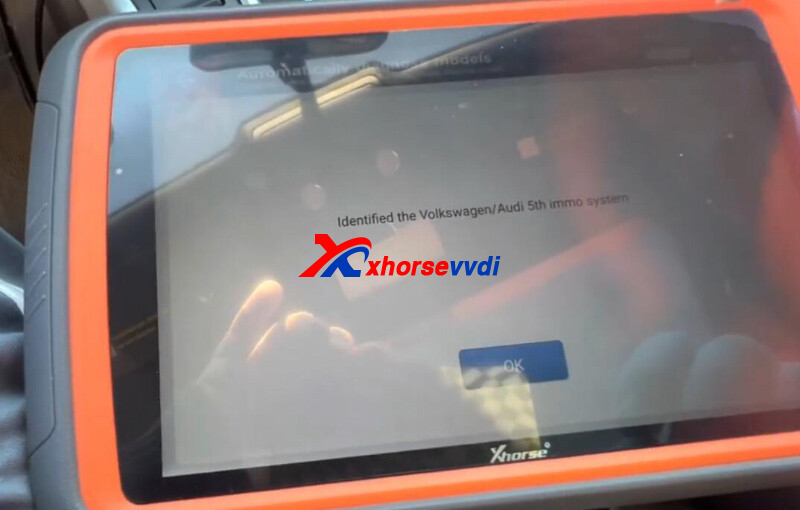
Select
Read BCM2 Data>>OBD Identify BCM2 Type
Connect Key Tool Plus Pad to OBD port.
This model supports data reading via OBD.
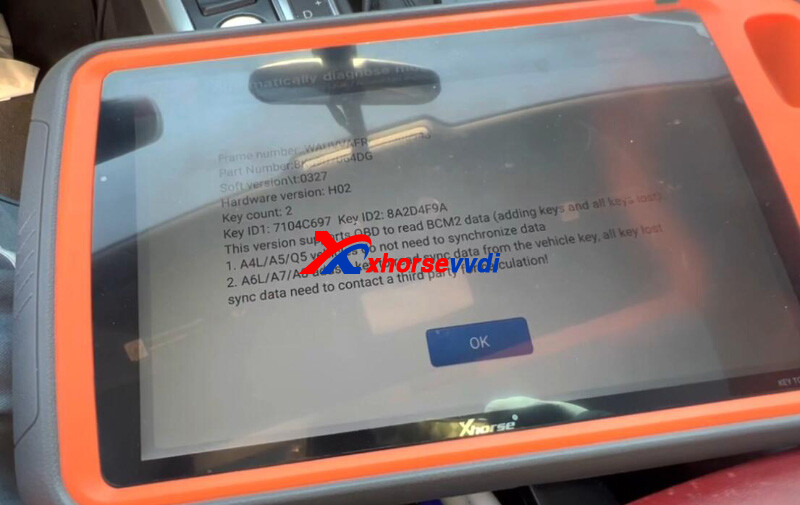
Select
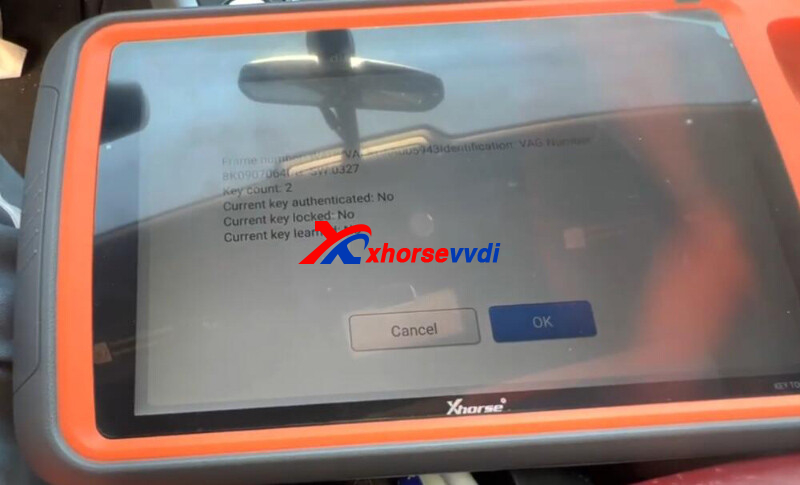
Read by OBDII>>Read BCM2 Data (OBD II)
Key count 2.
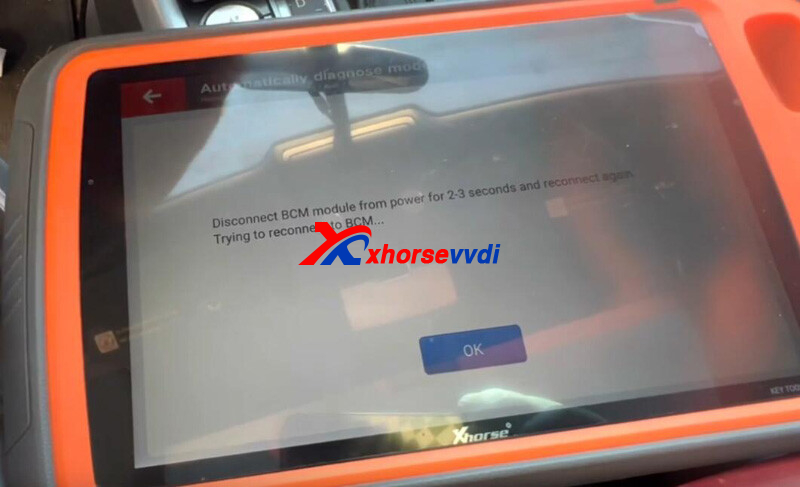
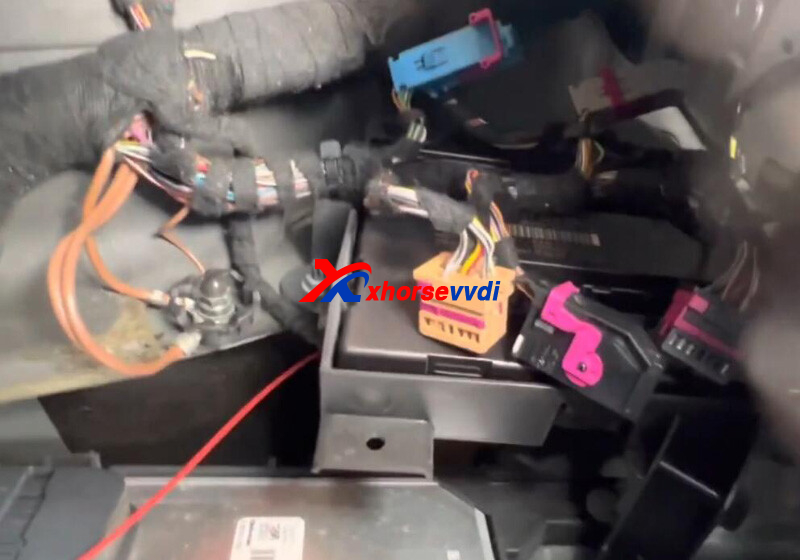
Disconnect BCM module for 2-3 seconds
Perform "Read BCM2 Data (OBD II)" function again.
Read and save BCM2 data.
Enter "Make Dealer Key".
Select car model and load BCM2 data.
Put a new key into coil and write data in.
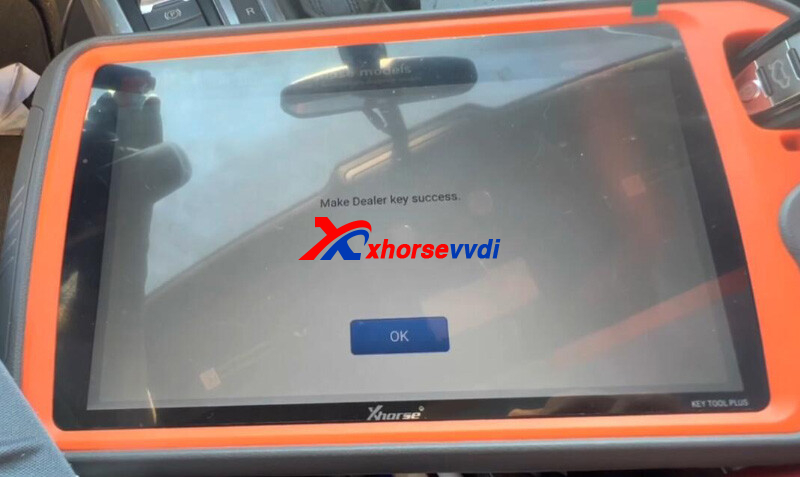
Enter "Learn Key".
Load BCM2 data again.
Insert new key into/ close to ignition, turn on headlamp, and hold down brake.
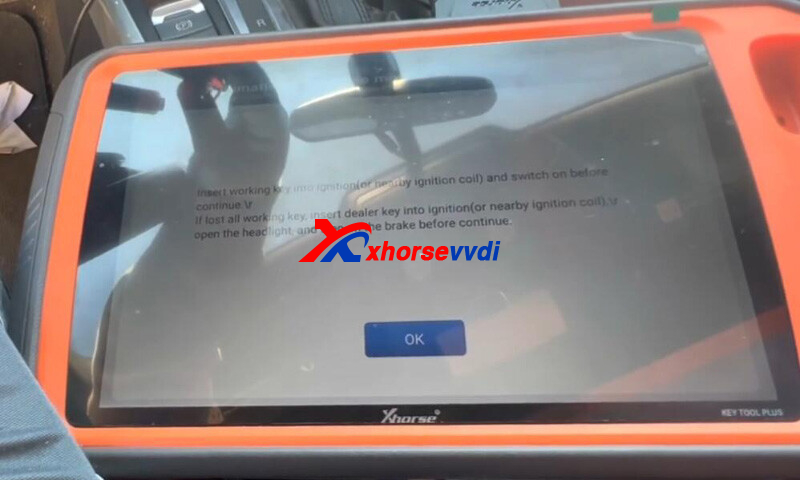
Learn success.
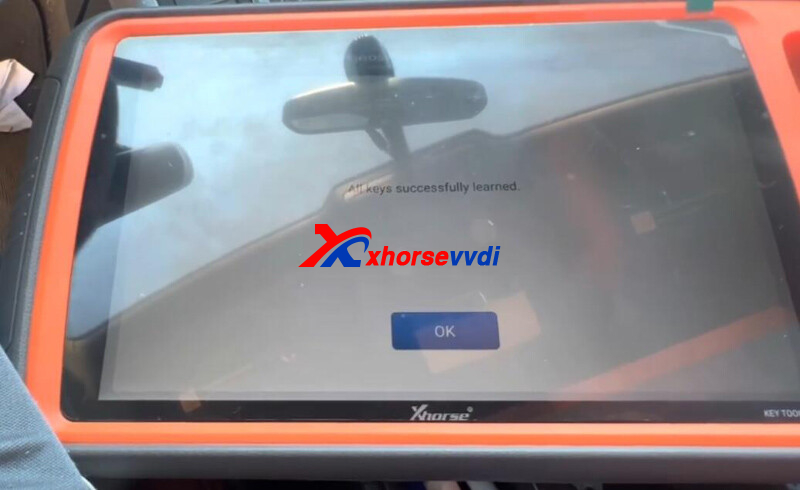
That's how Key Tool Plus Tablet programs 2010 Audi S5 AKL via OBD.
http://blog.xhorsevvdi.com/key-tool-plus-audi-s5-2010-akl-programming-via-obd-guide/
Posted by: xhorsevvdi at
10:31 AM
| No Comments
| Add Comment
Post contains 153 words, total size 4 kb.
2009 Toyota Corolla all key lost and original keys remote keyhead, have added one key using Xhorse Super Remote Ford Style. Is it possible to clone the added one by Key Tool Max Pro and Dolphin XP-005?
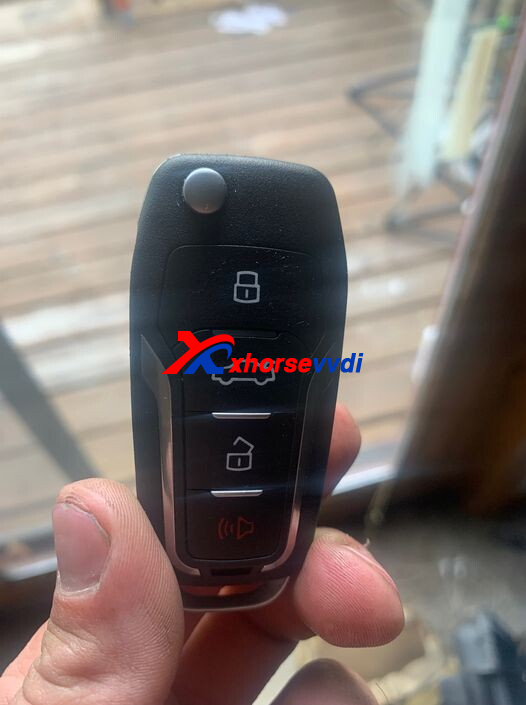
Here is the Answer:
Yes, clone chip by Key Tool Max Pro, program remote manually, and prepare the blade using Dolphin XP005.
How to Program Remote Manually?
Toyota Corolla 2009 (Smart System)
1.Locate an automotive locksmith in your area using the phone number or find on the internet.
2.If your vehicle is still mobile, it may save you money by driving to the locksmith instead of having them come to you.
3.The locksmith will then hook up specialized computer equipment to your vehicle in order to program the smart key remote fob.
If your Corolla has a remote head key you can use the following instructions to program the remote portion of the remote key but you will need to have a Locksmith program the key portion.
IF TEN SECONDS OR MORE ELAPSE BETWEEN ANY OF THE FOLLOWING STEPS,YOU WILL NEED TO START ALL OVER AGAIN.PREPARE VEHICLE BY CLOSING AND LOCKING ALL DOORS EXCEPT DRIVER'S DOOR SHOULD BE OPEN AND UNLOCKED.
1)STICK KEY IN AND OUT OF THE IGNITION CYLINDER TWICE WITHOUT TURNING IT.
2)CLOSE AND OPEN DRIVER'S DOOR TWICE ENDING IN OPEN DOOR.
3)STICK KEY IN AND OUT OF THE IGNITION CYLINDER ONCE WITHOUT TURNING IT.
4)CLOSE AND OPEN DRIVER'S DOOR TWICE ENDING IN OPEN DOOR.
5)STICK THE KEY IN THE IGNITION CYLINDER.(DO NOT REMOVE OR TURN KEY)
6)CLOSE DRIVER'S DOOR.
7)TURN THE KEY IN THE IGNITION ON AND OFF TWICE AND REMOVE KEY FROM THE IGNITION.
(AT THIS POINT IF EVERY STEP WAS DONE CORRECTLY,ALL DOORS WILL LOCK AND UNLOCK TWICE TO LET YOU KNOW THE SYSTEM ENTERED THE ADD MODE)
PRESS BOTH LOCK AND UNLOCK BUTTONS ON YOUR REMOTE SIMULTANEOUSLY FOR ONE SECOND.
9)WITHIN THREE SECONDS PRESS THE LOCK BUTTON ON YOUR REMOTE FOR ONE SECOND AND RELEASE.
(VEHICLE WILL BEEP TWICE TO LET YOU KNOW IT HAS ACCEPTED THE NEW REMOTE.)
TO EXIT ADD MODE OPEN AND CLOSE DOOR AND TEST REMOTE OPERATION.
Toyota Corolla 2001 - 2014 (CANADA TMC)
*Make sure the driver's door is open and unlocked and Key is out of the ignition.
1.INSERT and REMOVE the key from the ignition key cylinder twice within 5 seconds.
2.CLOSE and OPEN the driver's door twice within 40 seconds.
3.INSERT the key into the ignition and remove it, do not turn.
4.CLOSE and OPEN the driver's door twice within 40 seconds.
5.INSERT the key into the ignition.
6.CLOSE the door.
7.Turn the ignition switch from LOCK to ON and back to LOCK at about 1 second intervals
to select the desired mode :
NOTE: 1 time for ADD.
NOTE: 2 times for REWRITE.
NOTE: 3 times for CONFIRMATION.
NOTE: 5 times for PROHIBITION.
8.Remove the key from the ignition.
NOTE : To confirm your selection of all modes except CONFIRMATION, the power locks
will now cycle LOCK to UNLOCK a number of times corresponding the mode selected.
NOTE : If CONFIRMATION mode has been selected, the power door locks will now cycle
in 2 seconds intervals) a number of times corresponding to the number of transmitters currently registered.
Opening the door will complete the procedure.
NOTE : If PROHIBITION mode has been selected, opening the door will complete the procedure.
- For ADD or REWRITE modes, within 20 seconds of Door Lock confirmation proceed as follows :
(a) Press both transmitter LOCK and UNLOCK buttons simultaneously between 1 and 1.5 seconds and release.
(b) Within 3 seconds of step (a), press the transmitter LOCK button for more than 1 second and release.
(c) If the transmitter has been successfully programmed, the power locks will cycle LOCK to UNLOCK
once at this time. If there are problems with the procedure up to this point, the locks
will cycle twice, in which case you must go back and repeat the above steps (a) and (b).
(d) If multiple transmitters are to be programmed, repeat the above steps (a) to (c).
- Open the driver's door to complete the procedure.
Hope this could help!
http://blog.xhorsevvdi.com/vvdi-key-tool-max-pro-2009-toyota-corolla-key-clone-guide/
Posted by: xhorsevvdi at
10:31 AM
| No Comments
| Add Comment
Post contains 703 words, total size 5 kb.
This article is going to show you how to use Remote Cloud Recognition function on Xhorse Key Tools.
Xhorse Smart Remote is able to generate aftermarket keys, but we cannot identify the type and the producer from its appearance and receiver.
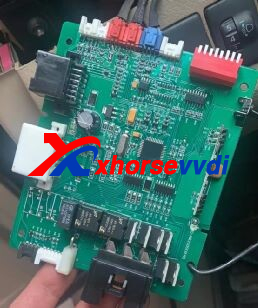
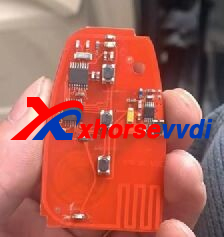
How to use Remote Cloud Recognition?
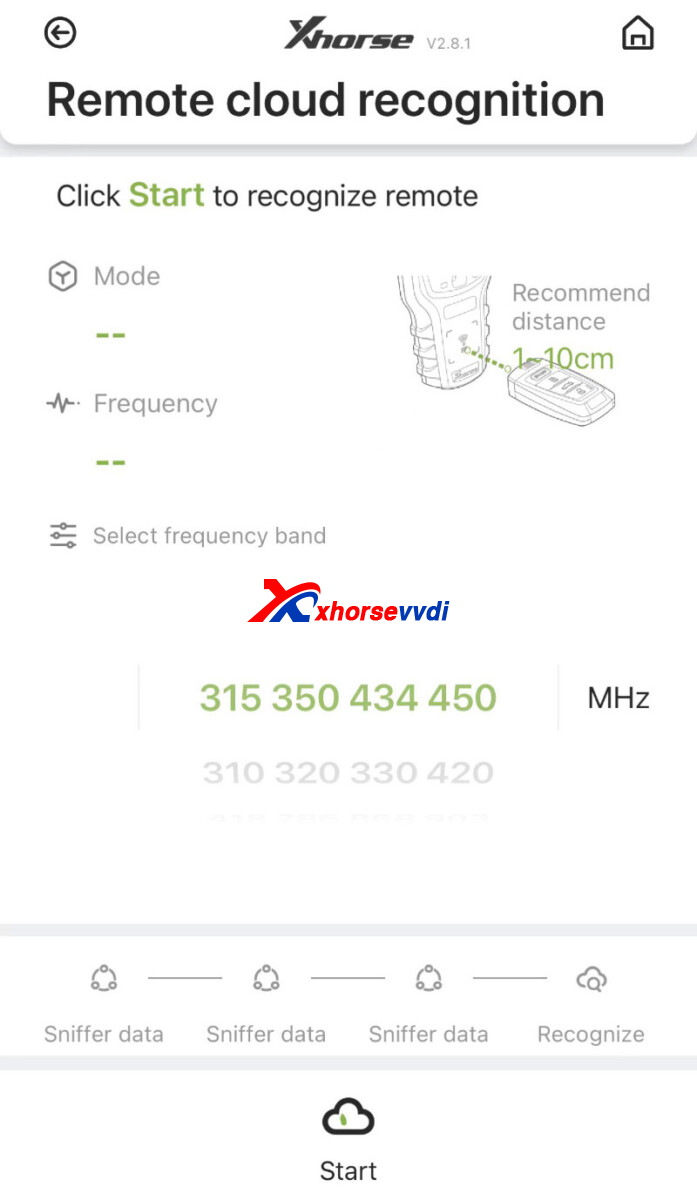
Network support is required.
Press buttons beside the sensing area by prompts so device collect signals several times.
It will show the type and the remote control, and then we generate remote by prompts.
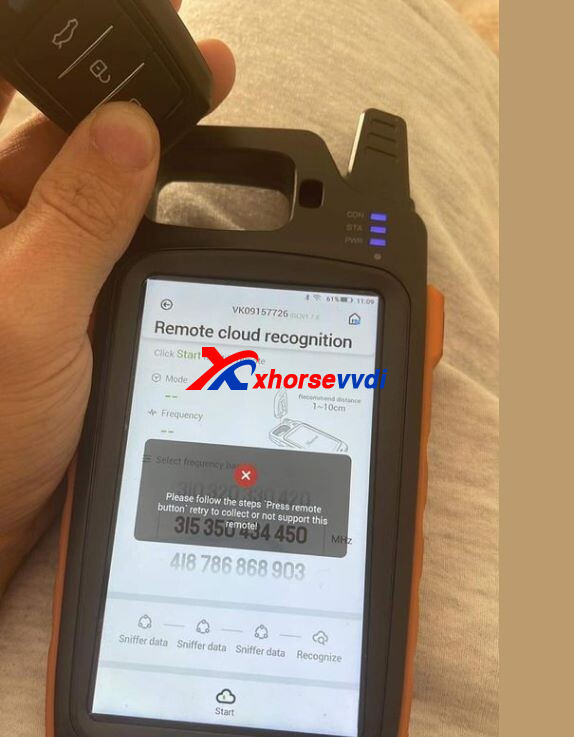
If it shows error, retry by prompts, or the remote is not recorded so it is not supported.
Posted by: xhorsevvdi at
10:30 AM
| No Comments
| Add Comment
Post contains 108 words, total size 2 kb.
To program keys of old BMW with N46 engine, ISN is required. If all keys are lost, we can't get ISN via OBD on part of cars, so we may read it on bench.
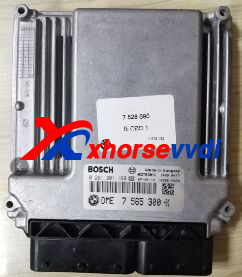
VVDI PROG Programmer and VVDI BIM Tool don't have a pinout for N46 eninge, here is a way:
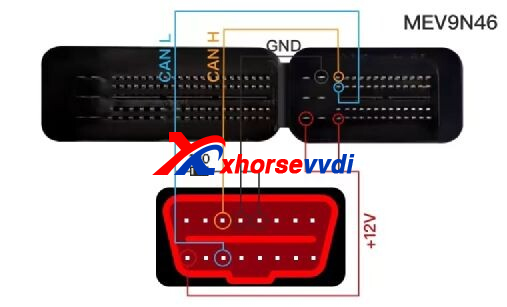
Notes:
1.Connect pins on OBD port of device and on engine ECU
2.GND and +12V mean extra power supply
3.Add a 120ohm resistor between CAN-H and CAN-L
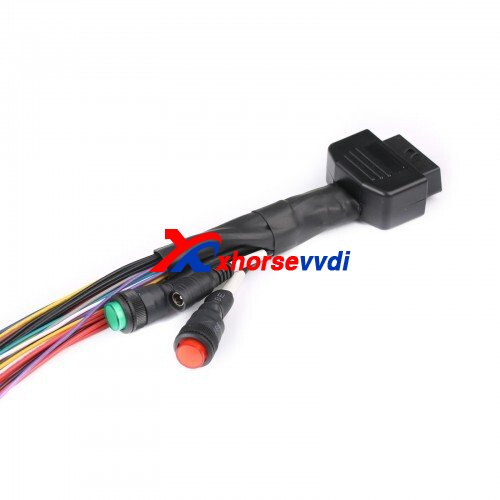
We can also use Godiag Full-Protocol Cable. With short-circuit button on GND 4-5, process will be easier.
Posted by: xhorsevvdi at
10:29 AM
| No Comments
| Add Comment
Post contains 105 words, total size 2 kb.
November 14, 2022
Purpose:
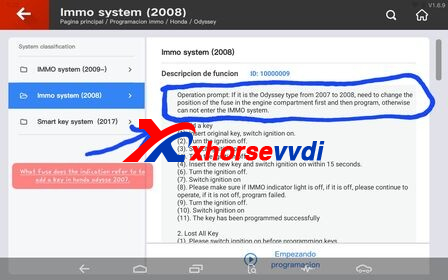
To add key on 2007-2008 Honda Odyssey using Xhorse Key Tool Plus

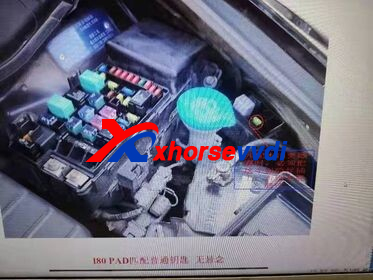
Preparation:
Before programming keys, plug in this fuse in the engine to make Key Tool Plus Pad communicate with IMMO system.
Process:
1.Switch on the ignition by original key
2.Switch the ignition off
3.Switch the ignition on
4.Switch the ignition off
5.Switch on the ignition by new key within 15 seconds
6.Switch the ignition off
7.Switch the ignition on
8.If IMMO light is off, continue the process; if not, programming failed
9.Switch the ignition off
10.Switch the ignition on
11.Key programmed successfully
Posted by: xhorsevvdi at
09:49 AM
| No Comments
| Add Comment
Post contains 106 words, total size 2 kb.
Question:
For a 2009 honda civic which id46 used for a VVDI Super Chip 7936/7937?
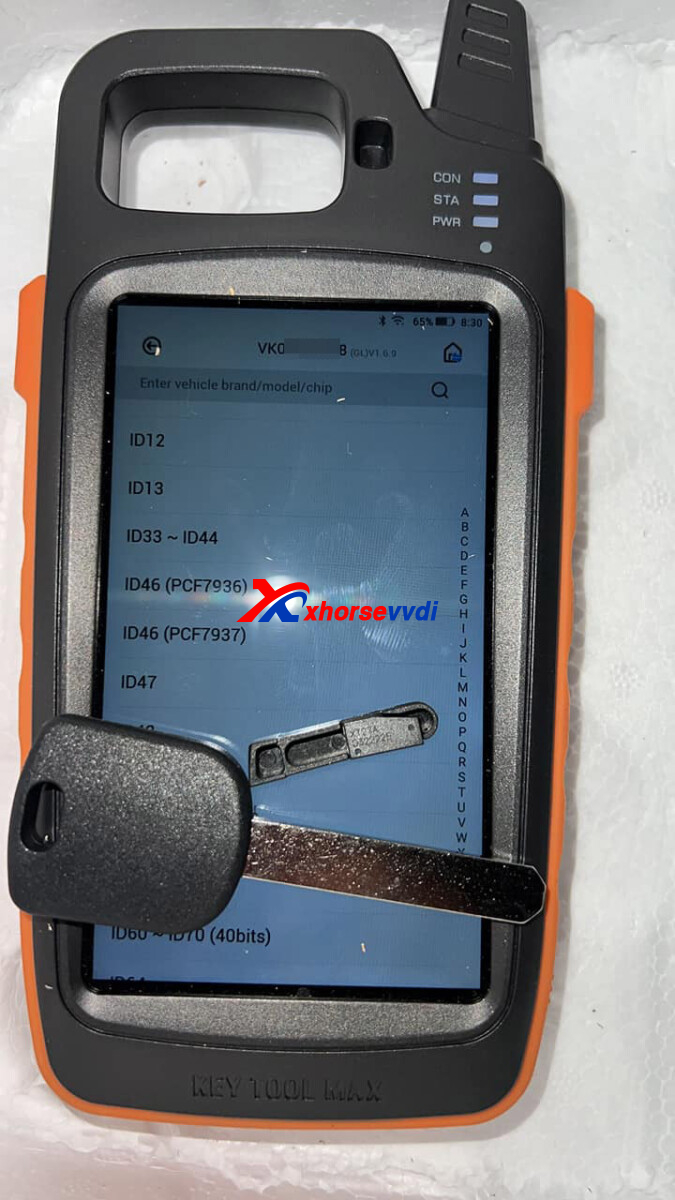
Answer:
PCF7936 for Honda Civic 2006-2011.
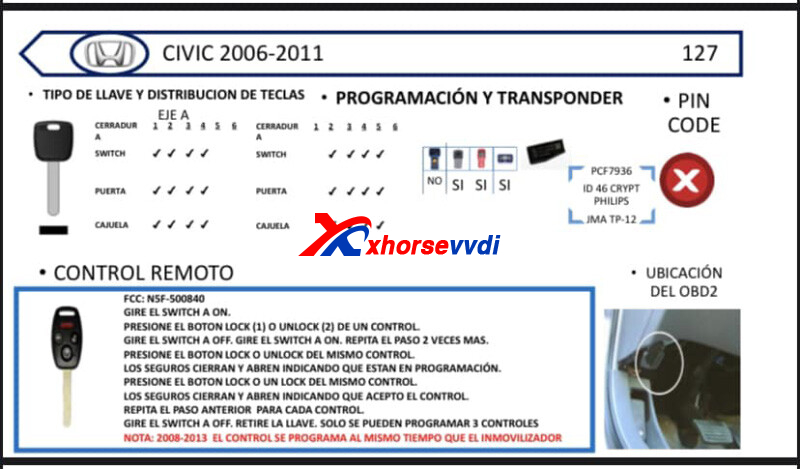
To Generate, Select
Generate Transponder>>ID46 (PCF7936)>>New 7936 chip
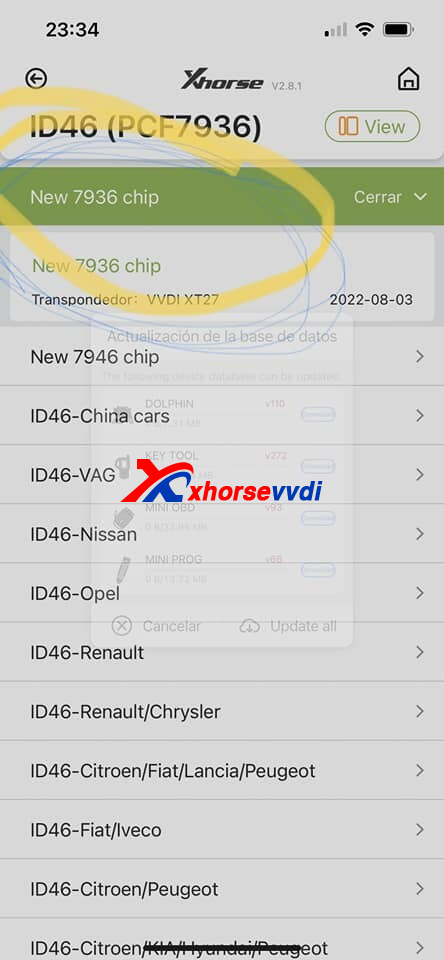
Reviews:
1.Generate transponder, pcf7936, New 7936. Works perfectly, just used for a 2010 Civic AKL job, both the flip and spare key work fine.
2.Already come configured for programming, but I still do not recommend super chip for honda, the frequency is very weak
3.Better use 7936 original so you don't have battles in programming
4.For honda and nissan you can program with the superchip without needing to generate anything, as they come are good
Note:
For Honda, Super Chip is not recommended since it may not support
http://blog.xhorsevvdi.com/vvdi-super-chip-generate-2009-honda-civic-id46-pcf7936-or-pcf7937/
Posted by: xhorsevvdi at
09:49 AM
| No Comments
| Add Comment
Post contains 128 words, total size 2 kb.
Question:
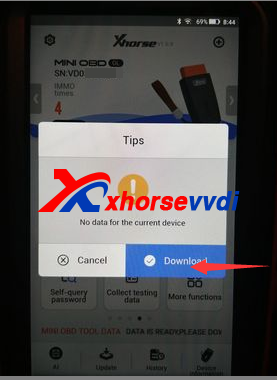
Connected MINI OBD tool to Key Tool Max add new keys and got this error "No data for the current device". I Updated all the software and still get this error. Internet connection active, VVDI MINI OBD showing blue connection light.
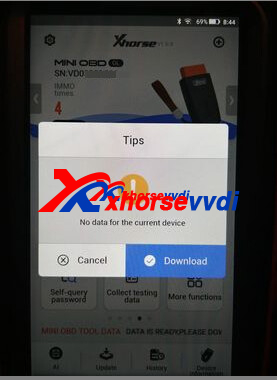
Here Xhorsevvdi tech share the
Solution:
1.Click Download to update Mini OBD
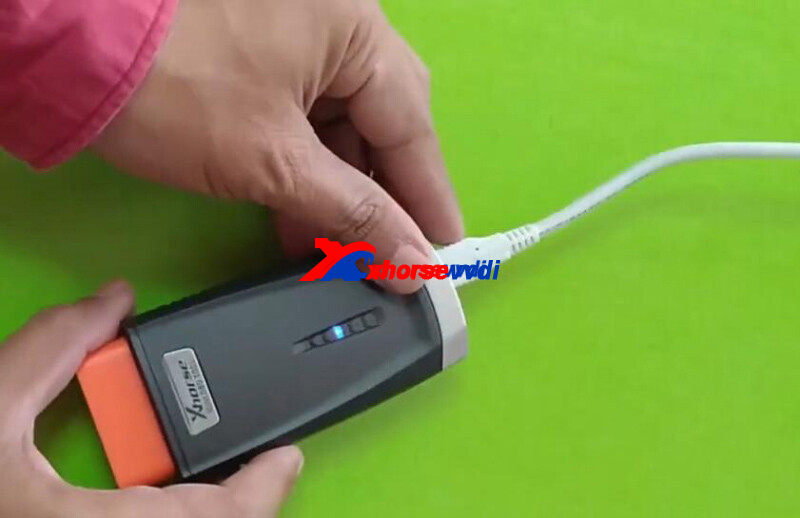
2.If it prompts "all software is up to date", connect MINI OBD to a computer and update it by Upgrade Kit
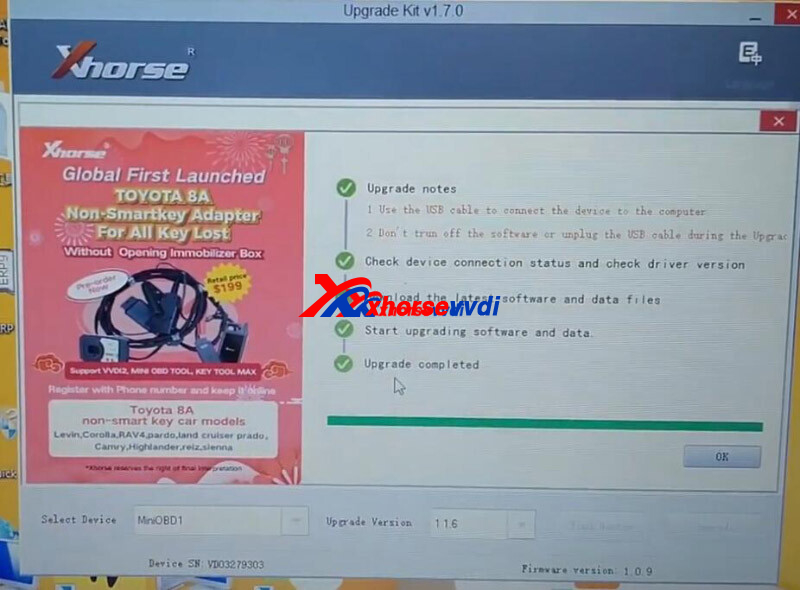
Hope this could help!
http://blog.xhorsevvdi.com/xhorse-mini-obd-add-key-no-data-for-the-current-device-solution/
Posted by: xhorsevvdi at
09:48 AM
| No Comments
| Add Comment
Post contains 92 words, total size 2 kb.
30 queries taking 0.0756 seconds, 131 records returned.
Powered by Minx 1.1.6c-pink.

