



November 14, 2022
This article is going to show you how to add a key for Ford Figo ID49 using Xhorse Key Tool Max Pro.
Connect Key Tool Max Pro to OBD port and start the process.
Go to
Immo Programming>>Ford>>China market>>Select by system>>Immo System>>Type 2
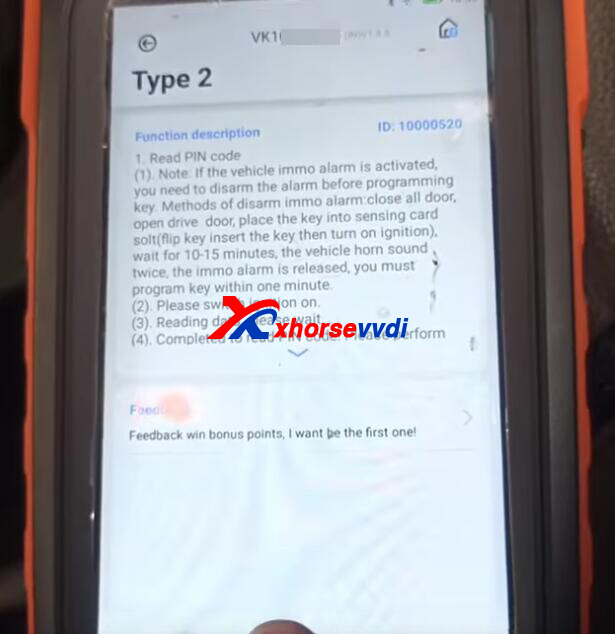
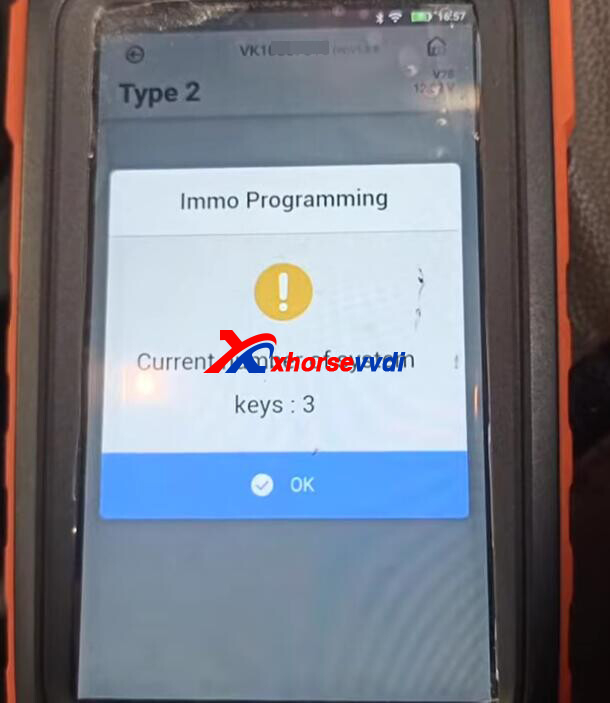
Key number.
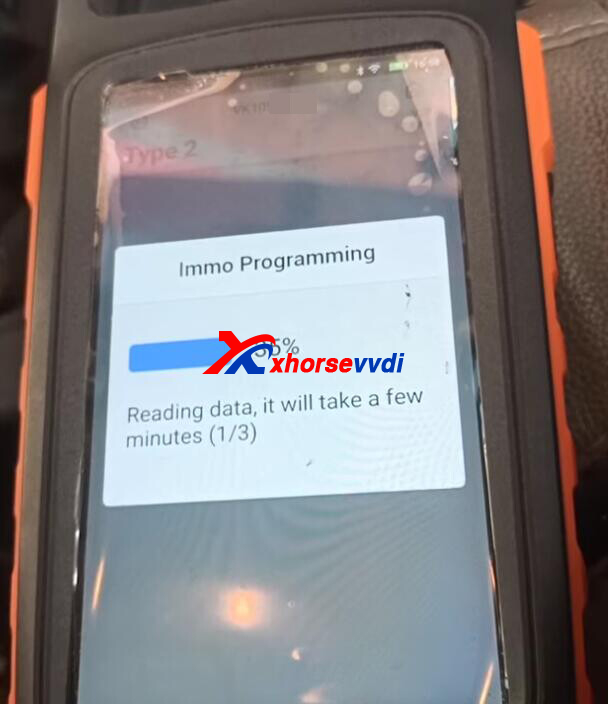
1.Read PIN code
Switch ignition on.
Dashboard may turn to dark during data reading, but not this time.
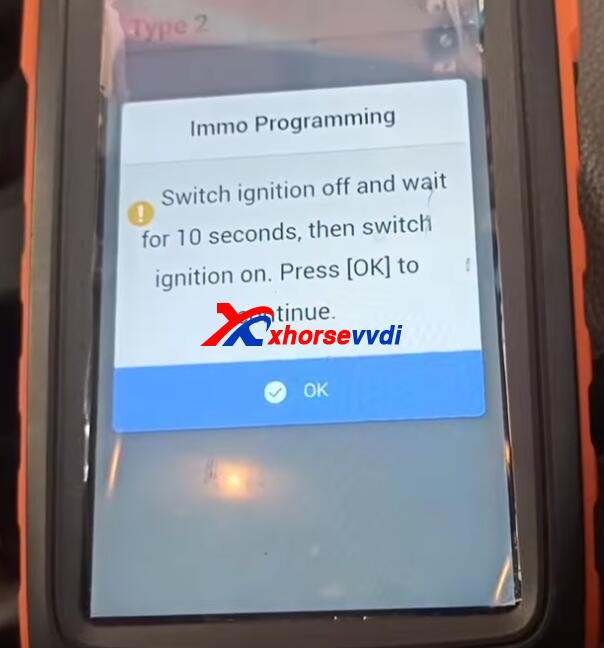
Switch off ignition, wait 10 seconds and switch it on again.
Read PIN code successfully.
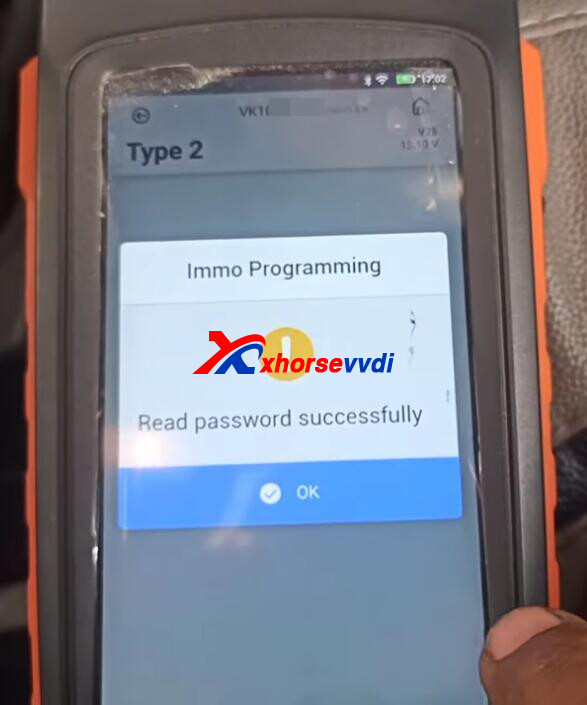
2.Add Key
Switch ignition on.
Insert the new key to turn on ignition.
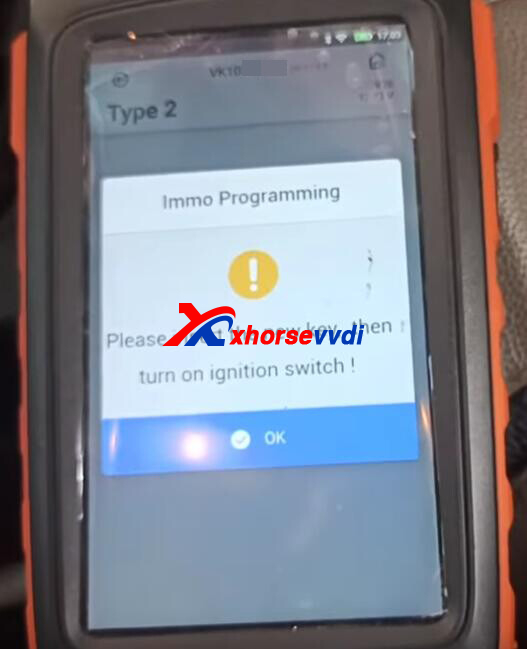
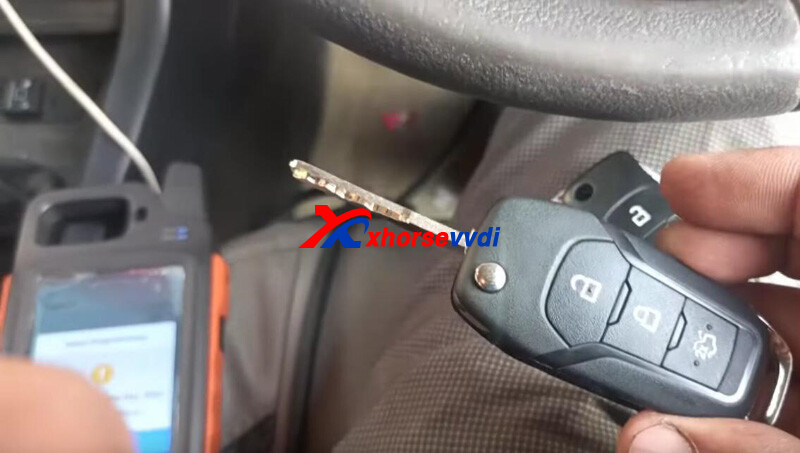
Key programming success.
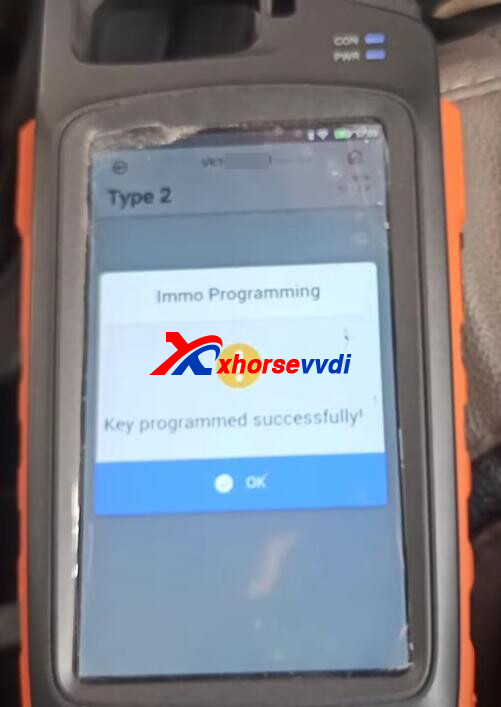
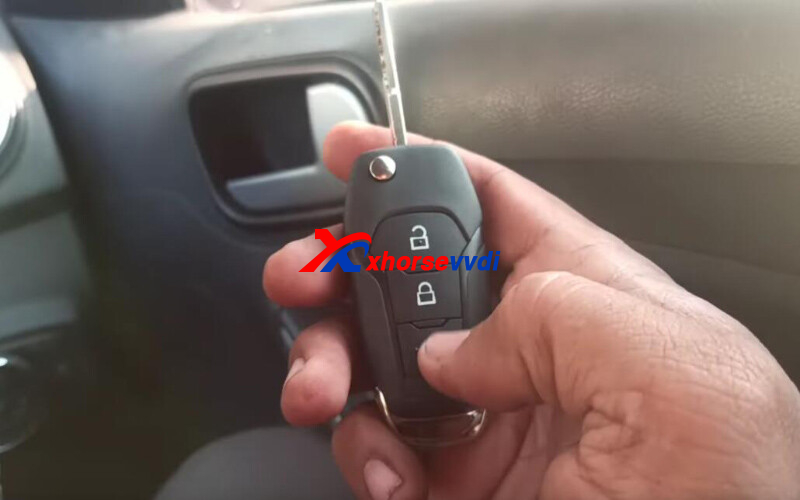
That's how Key Tool Max Pro Key Programmer add ID49 key for Ford Figo.
http://blog.xhorsevvdi.com/xhorse-key-tool-max-pro-ford-figo-id49-add-key/
Posted by: xhorsevvdi at
09:46 AM
| No Comments
| Add Comment
Post contains 119 words, total size 3 kb.
One customer gave feedback that he did not find an XM38 Remote option to generate for Toyota 0050 part number on VVDI Key Tool Max Pro.
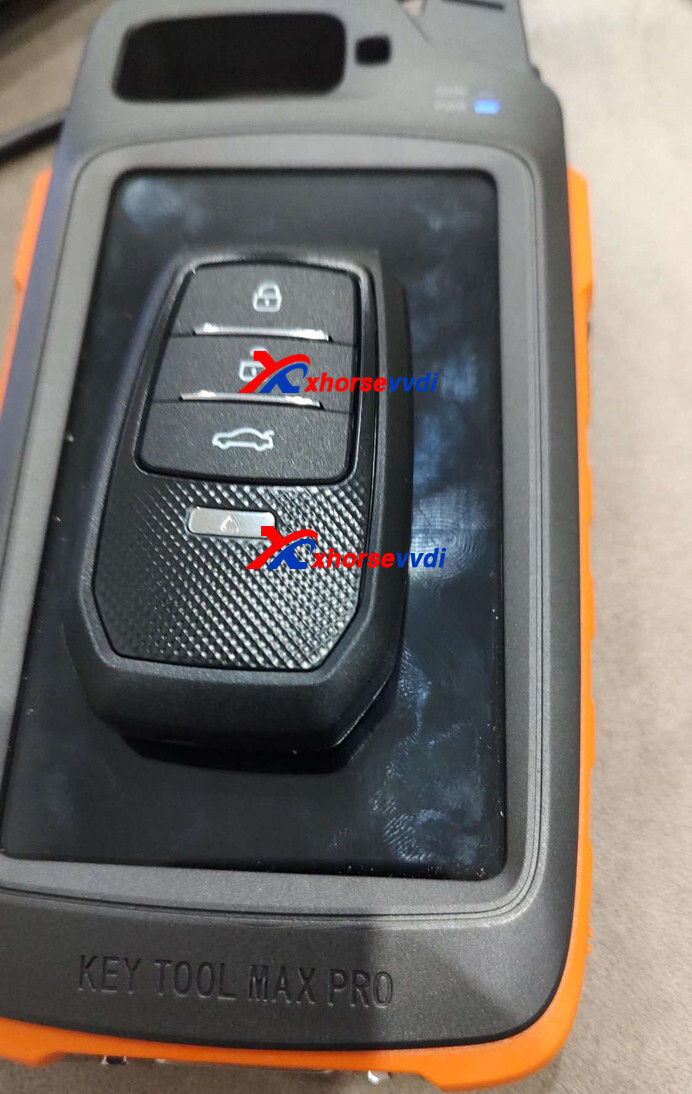
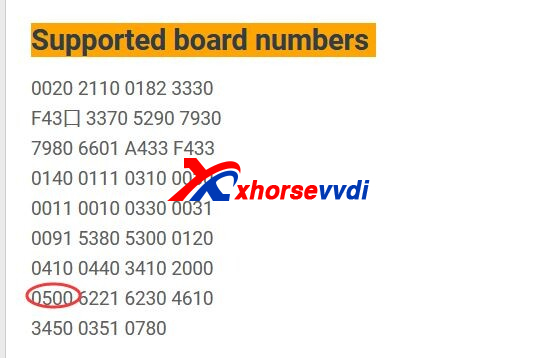
Here Xhorsevvdi tech shows the
Solution:
Step 1
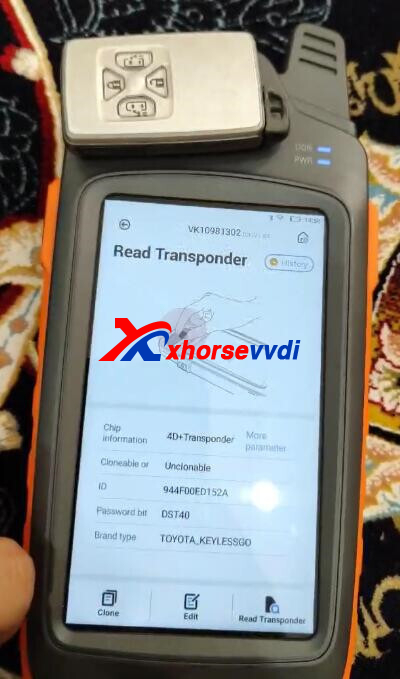
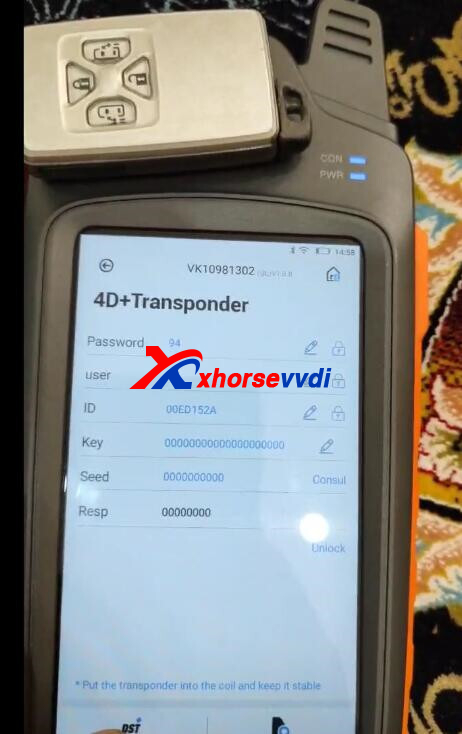
Read original transponder, and judge by the number on line p4
(if there is no p4 line, skip this step)
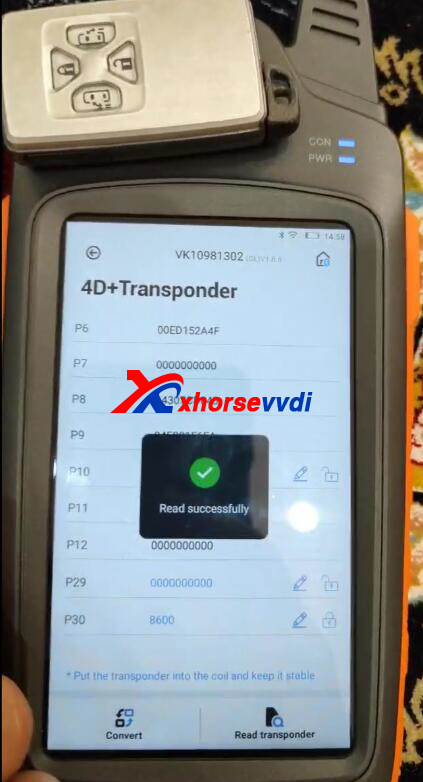
Read transponder result
Step 3
Confirm your key is ASK or FSK? And key frequency.
ASK:
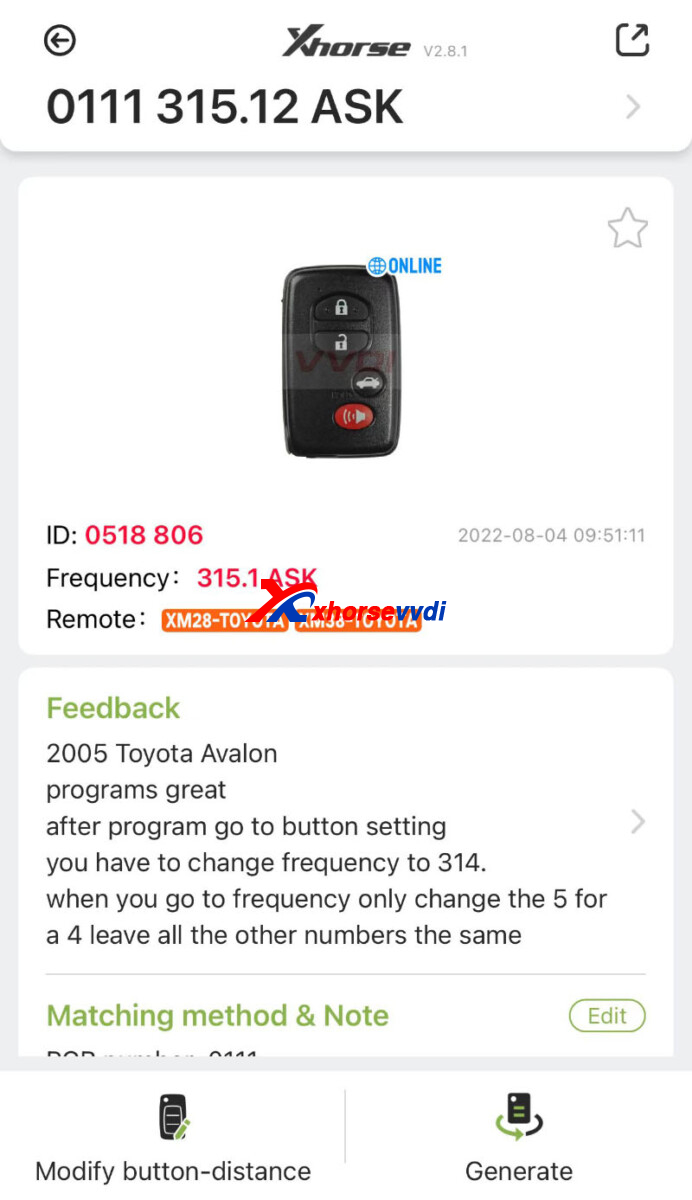
If the frequency of original key is 315MHZ, select the option of 0111.
If it is 433MHZ, select the option of 0140 433.92.
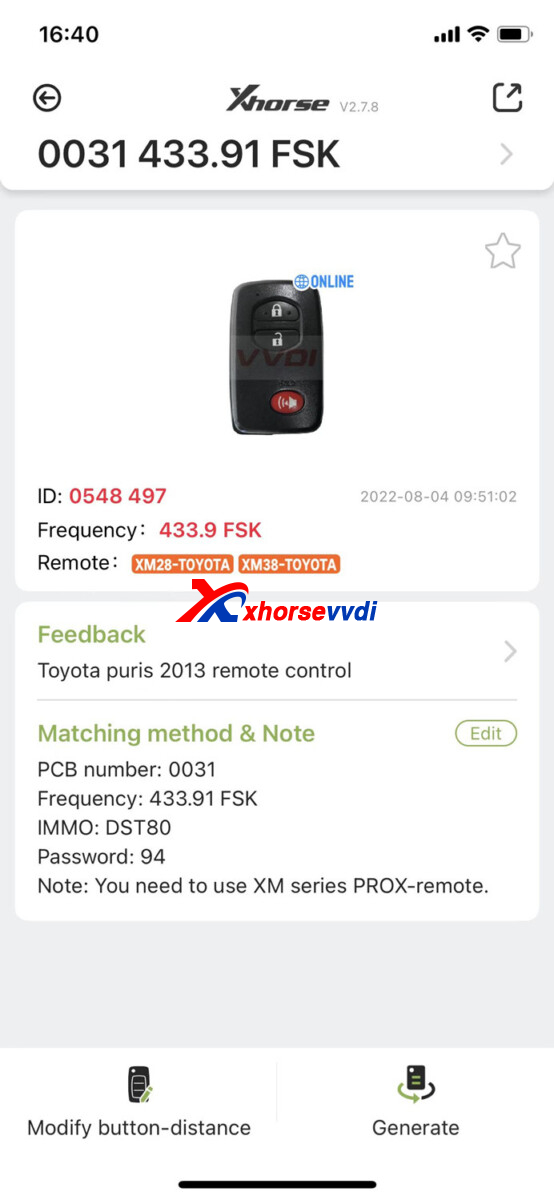
FSK:
And customer replied frequency is 312mhz
Then try 0031 Option

Then change frequency in Special Function>>VVDI Remote Function>>Toyota Smart Key Setting
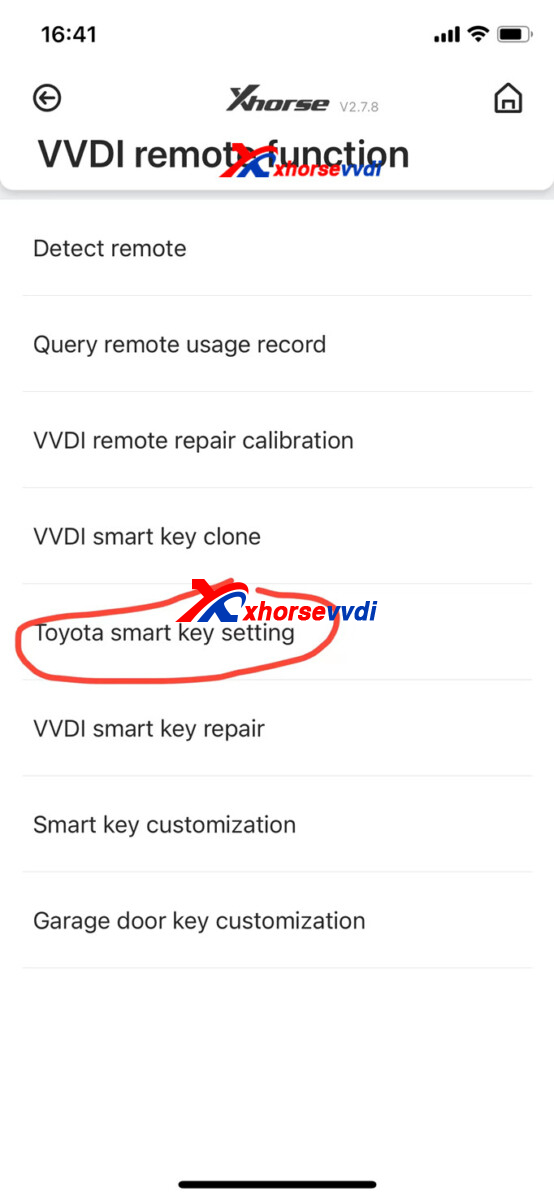
After you generate OK, and change the frequency OK, please do key programming process.
That's how to generate Toyota 0050 smart card using Xhorse XM38 Remote and Key Tool Max Pro.
http://blog.xhorsevvdi.com/how-to-generate-toyota-0050-smart-card-by-key-tool-max-pro/
Posted by: xhorsevvdi at
09:45 AM
| No Comments
| Add Comment
Post contains 156 words, total size 4 kb.
Here is a review of Condor XC-Mini Plus II Machine:
Note this blade is okay for Renault cars!
Tested and work | Reading key and cutting ok
Support Reanult Cars:
Scenic 2 year 2002 -2008
Megane 2 year 2002 -2008
Espace 4 year 2002 -2008
Laguna 2 year 2002 -2008
Key Blade Option:
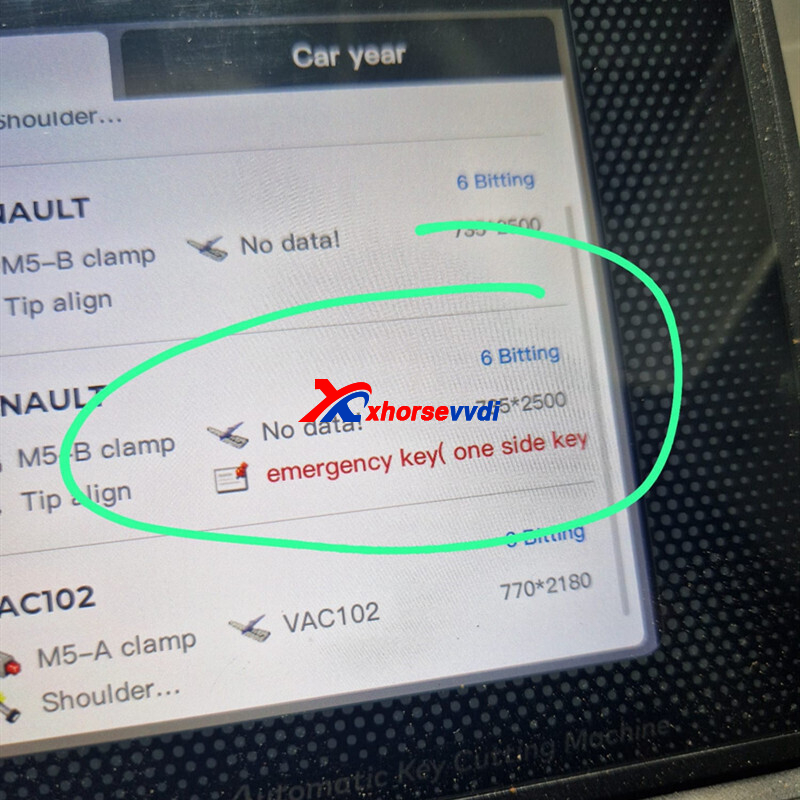
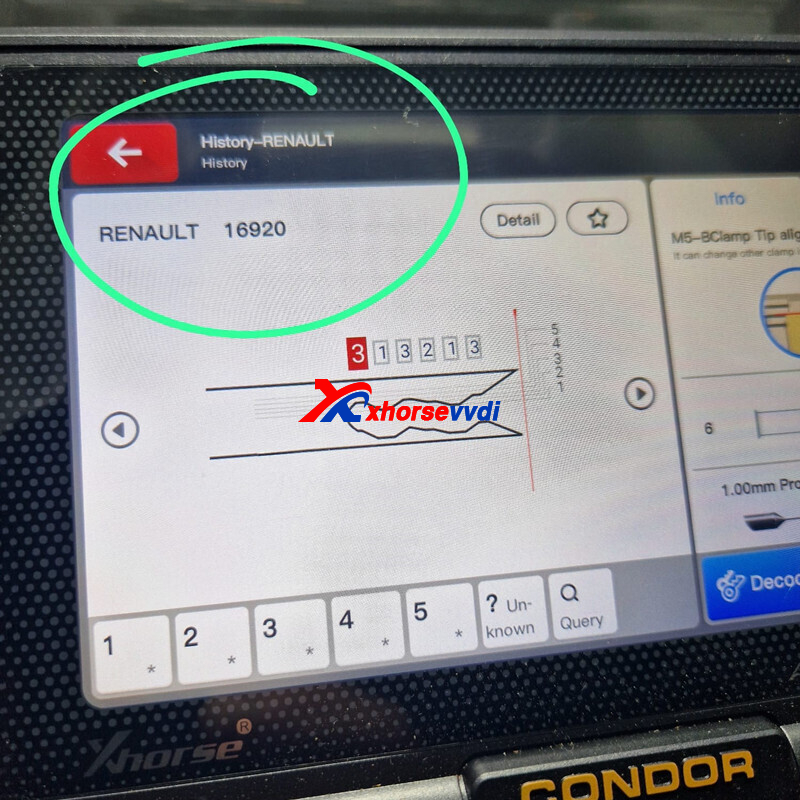
Renault 16920 emergency key (one side key), 735*2500.
M5-B Clamp
Posted by: xhorsevvdi at
09:44 AM
| No Comments
| Add Comment
Post contains 73 words, total size 1 kb.
Xhorse XKTO00EN wire remote key, support multi-types. And here is one review from Stas Baramidze
VVDI Key Tool MAX Generate
Toyota Camry 75 2021 successfully
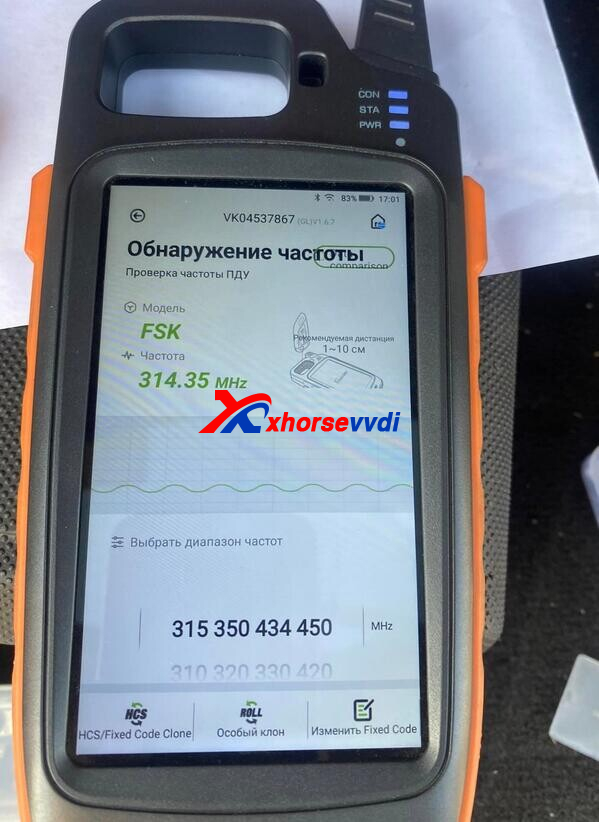
Xhorse XKTO00EN Key:
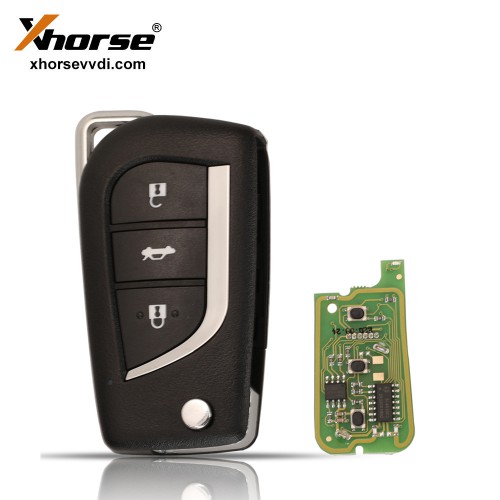
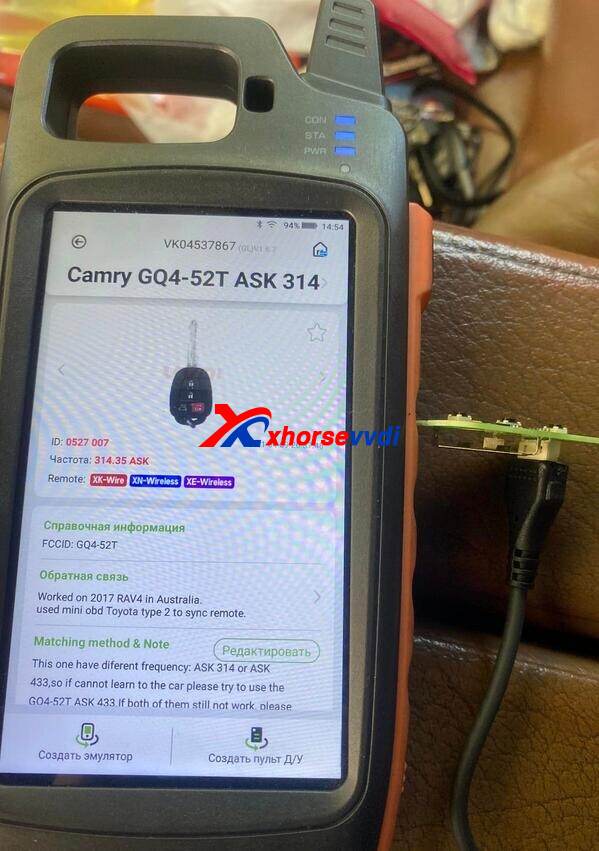
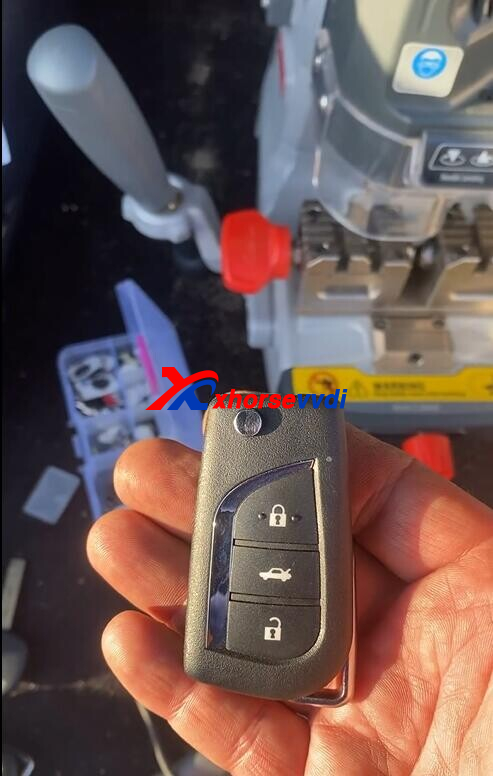
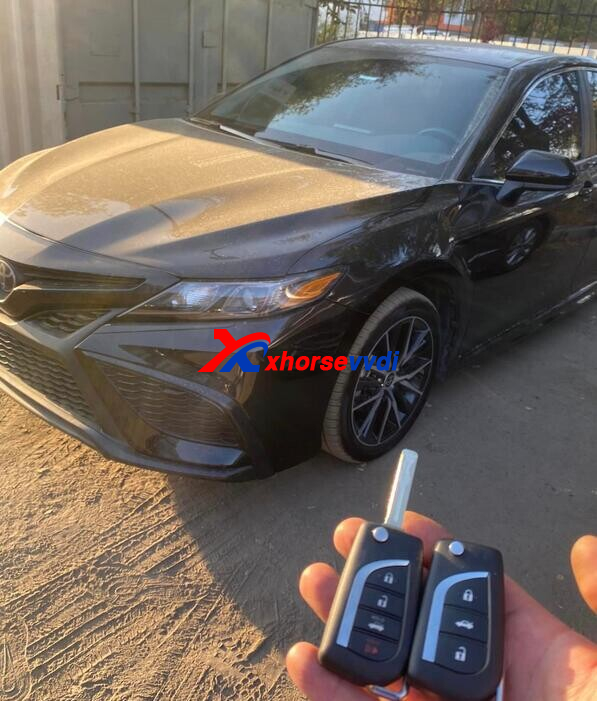
2014 corolla successfully , also prepared key via xhorse
http://blog.xhorsevvdi.com/vvdi-key-tool-max-generate-toyota-camry-75-2021-with-xhorse-xkto00en-remote-ok/
Posted by: xhorsevvdi at
09:44 AM
| No Comments
| Add Comment
Post contains 49 words, total size 2 kb.
November 04, 2022
Question:
To program key to Peugeot Bipper (Fiat Fiorino Qubo) 2015. Got the code with VVDI Key Tool Plus, precode the key and all was okay but remote didn't work. Car starts, and there is no error codes. I was using normal Fiat 10 pin smd key.
Solution:
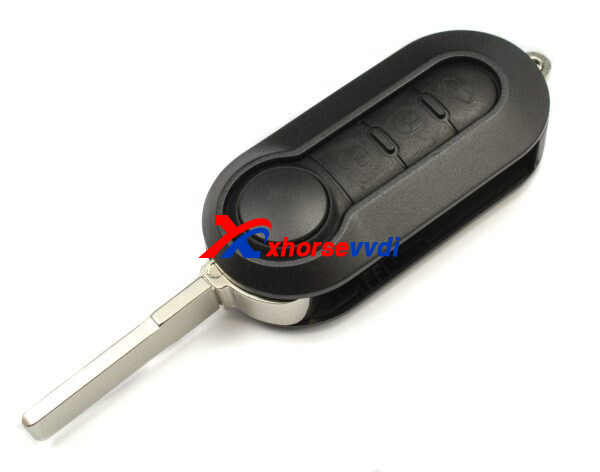
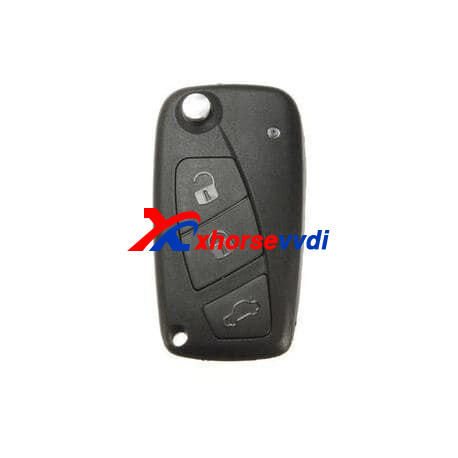
Use the right remote.
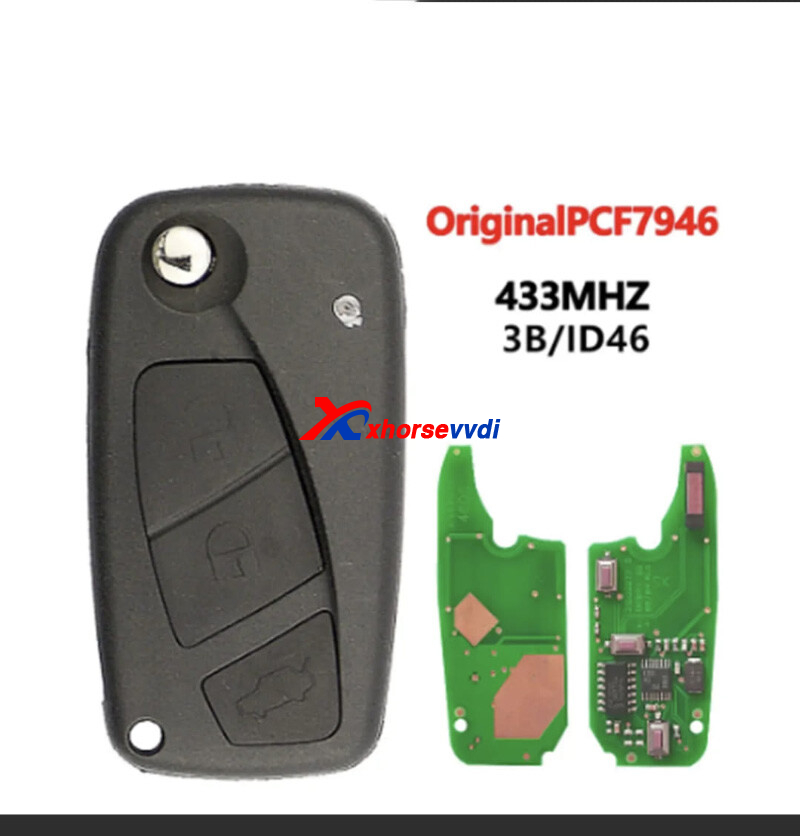
Peugeot Virgin key 3 buttons
433 mhz virgin key with ID46 transponder
Delphi key pcf7946 the transponder must precode with being programmed.
Blade : SIP22
- Peugeot Bipper (2007-2016)
Good to Know:
Different PSA remotes.
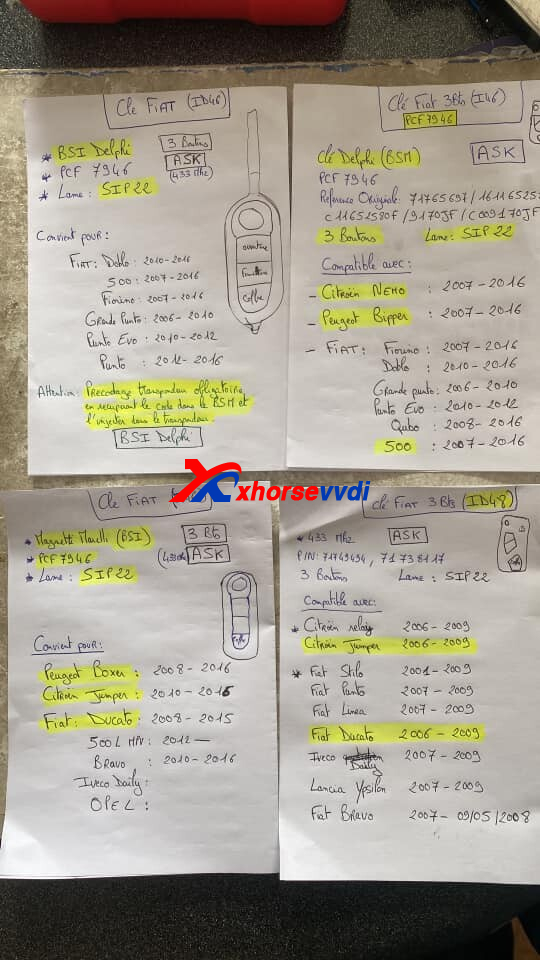
Cre: Mickey Ced and Sigmund Aikio
Read Also:
http://blog.xhorsevvdi.com/what-is-the-difference-between-marelli-and-delphi-of-fiat-bsi-system/
Posted by: xhorsevvdi at
09:54 AM
| No Comments
| Add Comment
Post contains 107 words, total size 2 kb.
Question:
What is VVDI PROG connection to this ECU with one ST10?
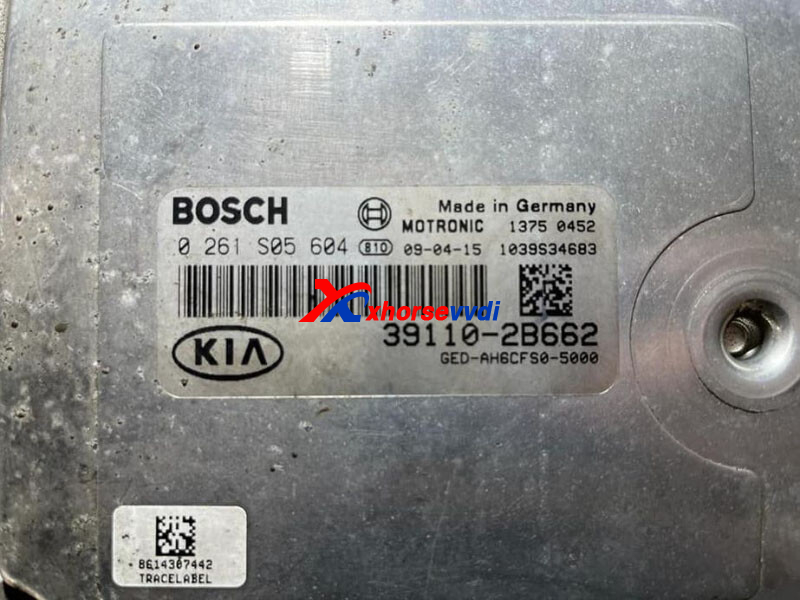
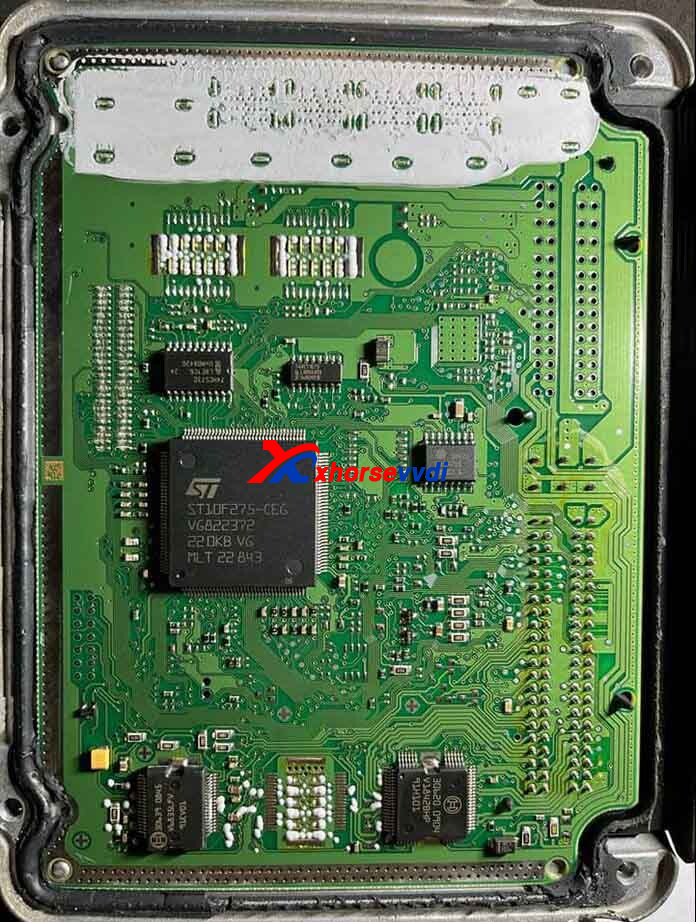
Here Xhorsevvdi shares 2 ways:
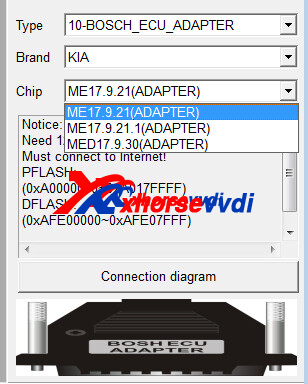
Connection 1 (Bosch Adapter is required)
Type - 10 Bosch Adapter
Brand - KIA
Chip - ME17.9.21(ADAPTER)
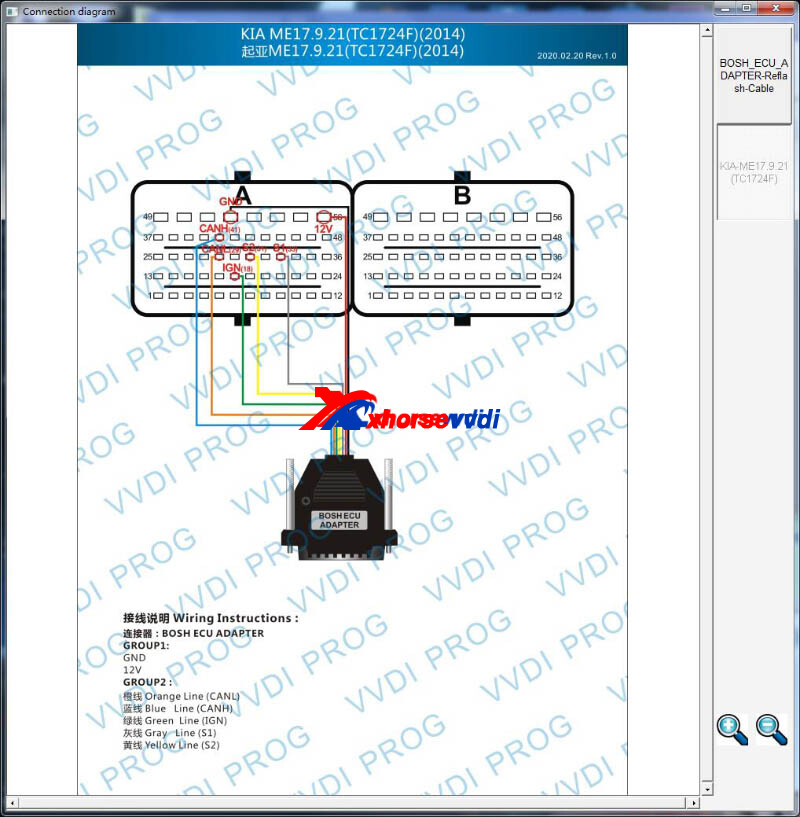
A PIN18 - IGN
A PIN31 - S2
A PIN33 - S1
A PIN29 - CANL
A PIN41 - CANH
A PIN52&56 - +12V
Connection 2 (Extra 12v power is required)
Type - 3 ECU
Brand - KIA
Chip - KIA(2005-200 (29F400BB)
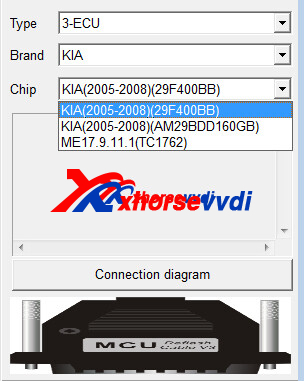
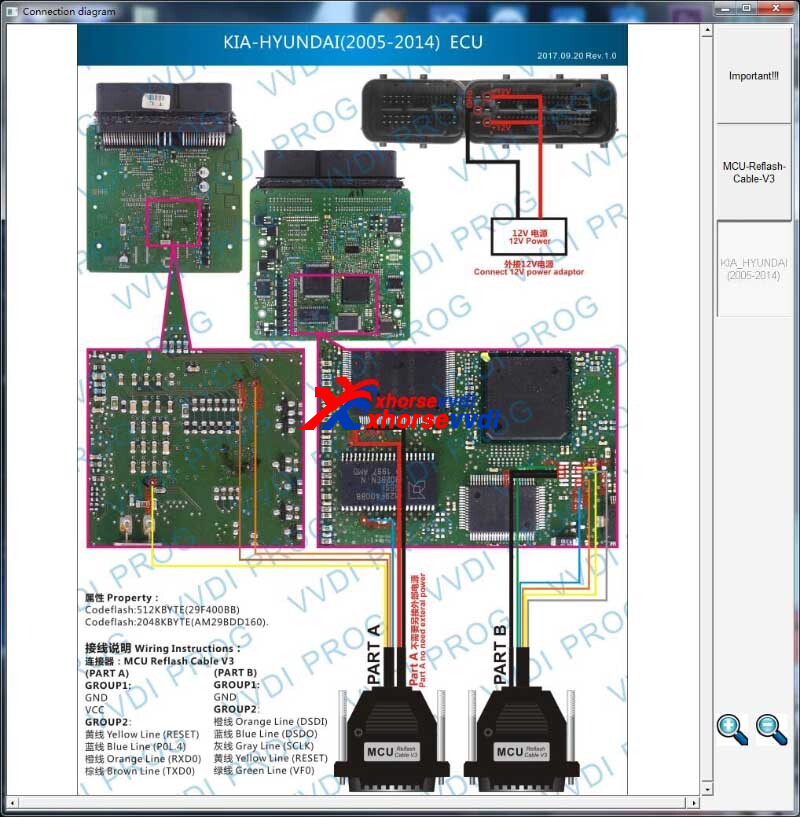
Hope this could help!
http://blog.xhorsevvdi.com/can-vvdi-prog-read-kia-bosch-st10f275/
Posted by: xhorsevvdi at
09:53 AM
| No Comments
| Add Comment
Post contains 87 words, total size 2 kb.
V5.2.1 VVDI PROG is released, get free download link from Xhorsevvdi.
1. Free Download V5.2.1 VVDI PROG Software
Password: 123456
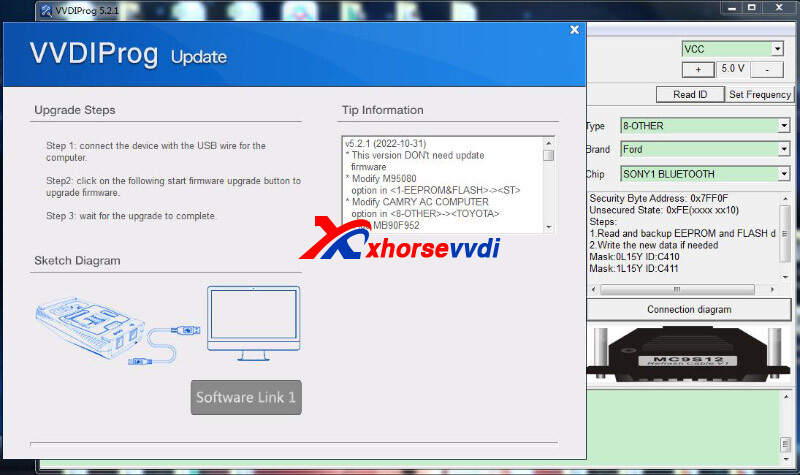
2.V5.2.1 VVDI Prog Update (2022-10-31)
This version DON't need update firmware
* Modify M95080 option in <1-EEPROM&FLASH>->
* Modify CAMRY AC COMPUTER option in <8-OTHER>->
+ Add MB90F952 option in <2-MCU>->
+ Add D78F0441, D78F0442, D78F0443, D78F0444, D78F0445, D78F0451, D78F0452, D78F0453, D78F0454, D78F0455, D78F0461, D78F0462, D78F0463, D78F0464, D78F0465, D78F0471, D78F0472, D78F0473, D78F0474, D78F0475, D78F0481, D78F0482, D78F0483, D78F0484, D78F0485, D78F0491, D78F0492, D78F0493, D78F0494, D78F0495 options in <2-MCU>->
+ Add 39106-26810(ST10F275) option in <3-ECU>->
+ Add FORTHING T5 option in<5-DASHBOARD>->
+ Add ACCORD AIRBAG(SPC560P50L3) option in <7-AIRBAG>->
+ Add ACCORD EPS(2022) option in <8-OTHER>->
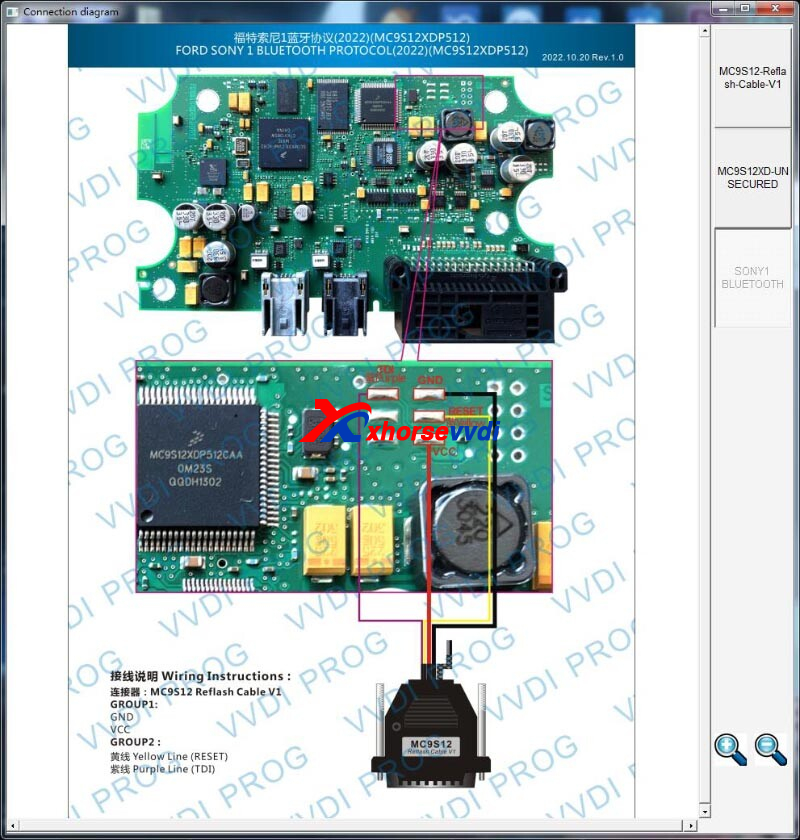
+ Add SONY1 BLUETOOTH option in <8-OTHER>->
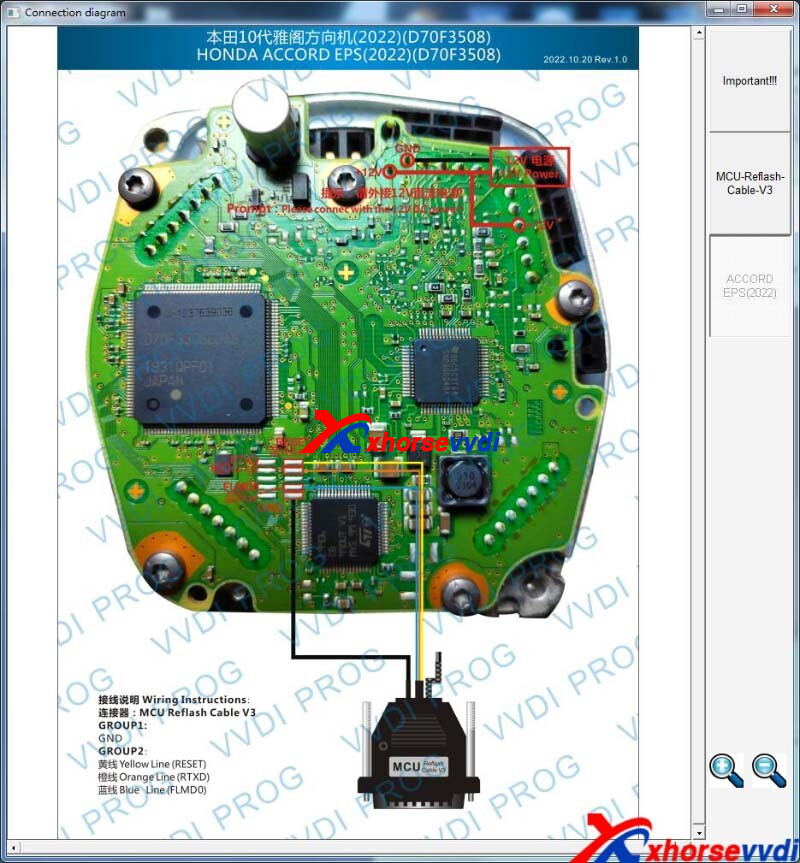
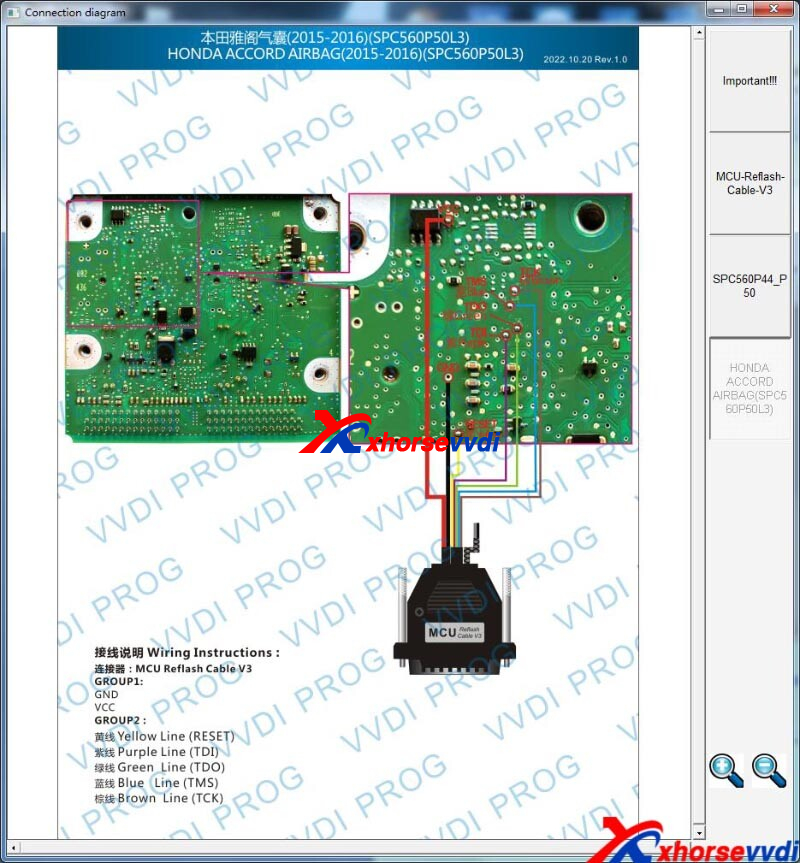
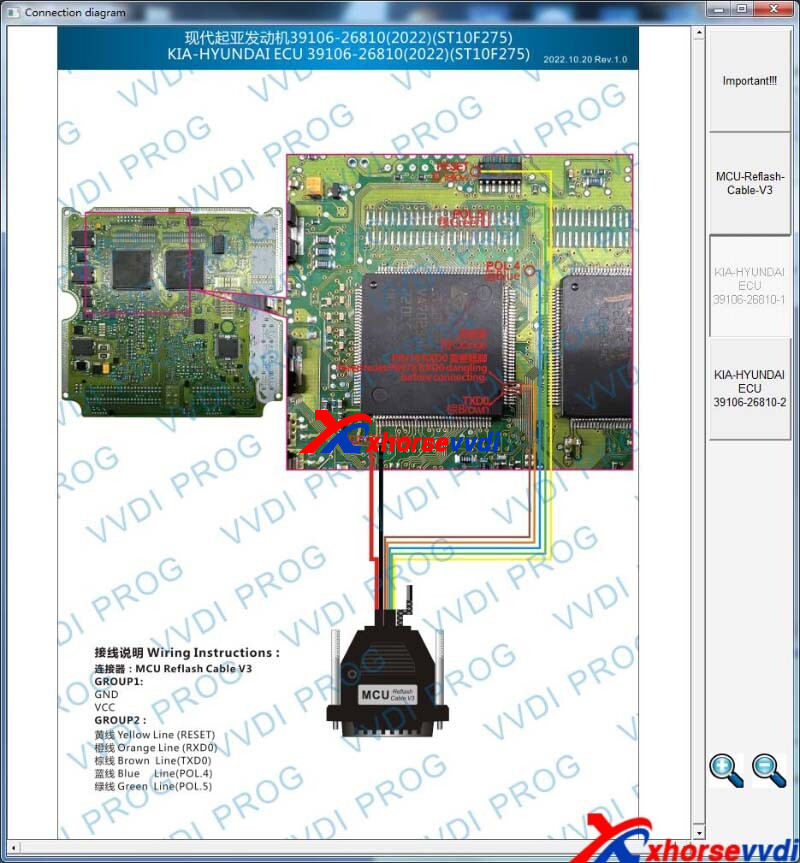
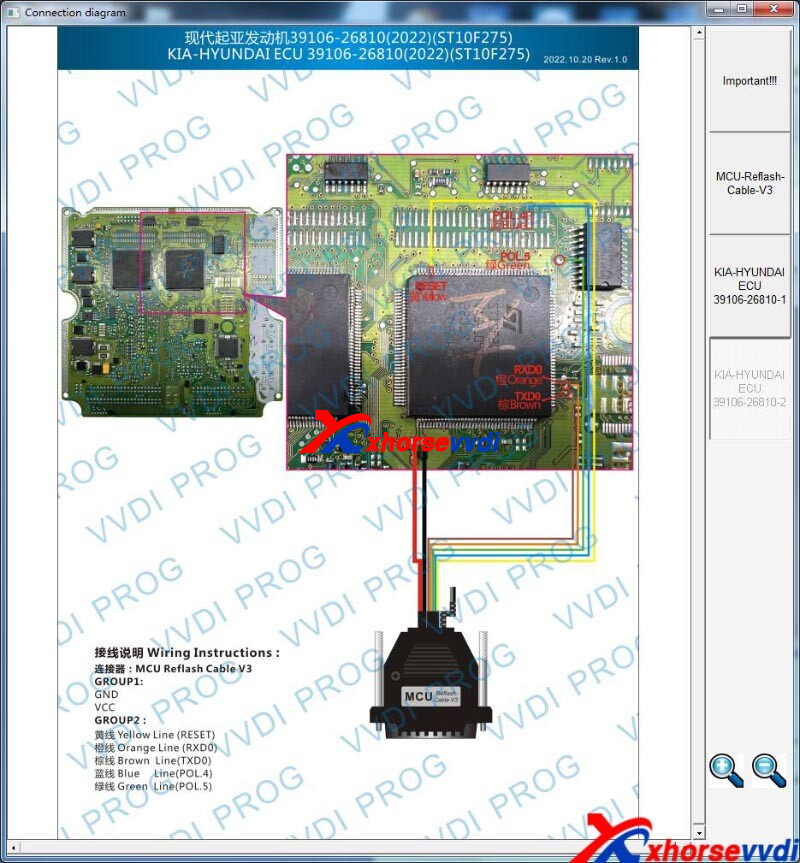
Posted by: xhorsevvdi at
09:53 AM
| No Comments
| Add Comment
Post contains 132 words, total size 3 kb.
One customer asked how his Dolphin XP005 Machine cut HU162T Golf7 key blade.
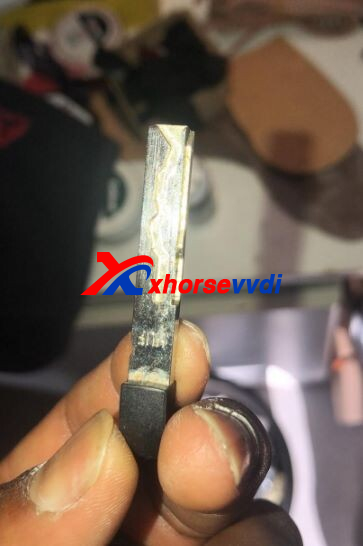
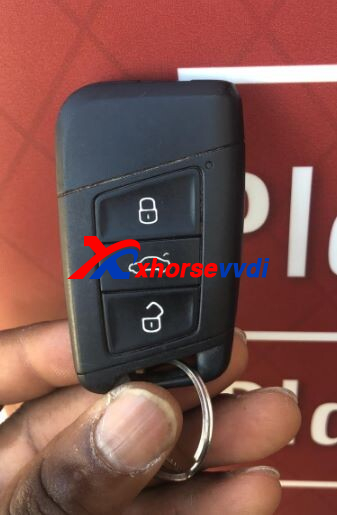
Here we will show you.
HU162T 9 Bitting and HU162T 10 Bitting:
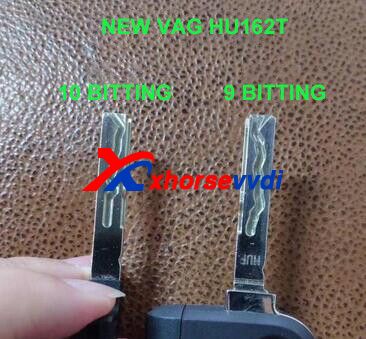
How to Cut VAG HU162T Blade?
Tools
Step 1
Go to
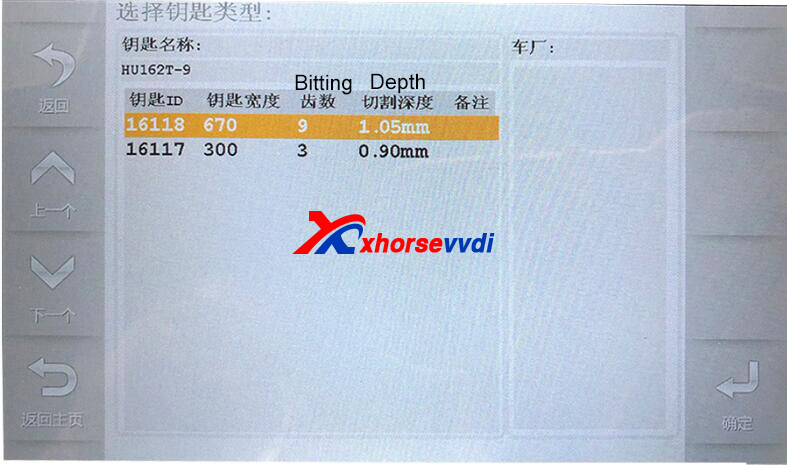
Cut by Bitting>>HU162T>>HU162T-9 (or HU162T-10, here we take 9 bittings as the example)
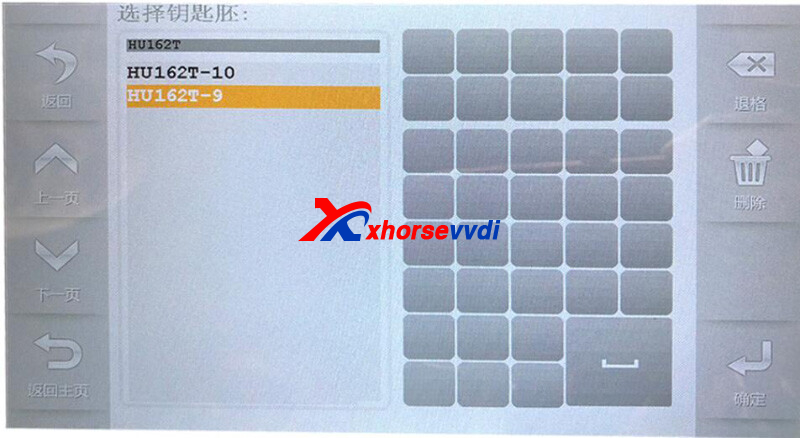
Step 2
Click "Decode", or input 9 bittings of the front side
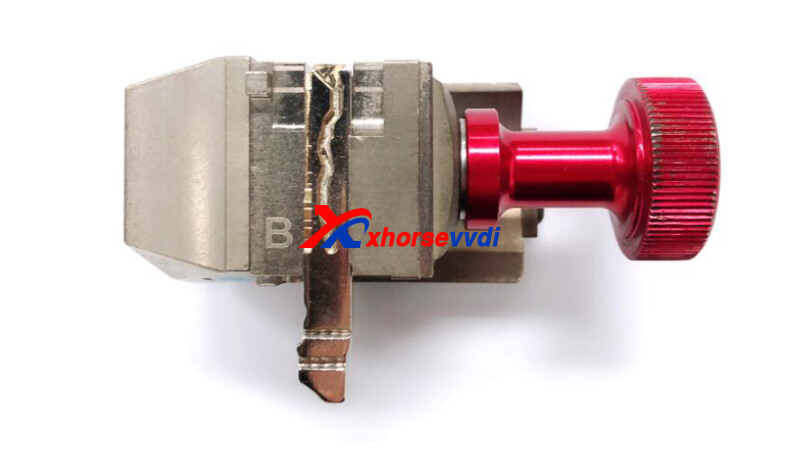
Select M2 clamp, side B.
Decode, input bittings, and cut.
Step 3
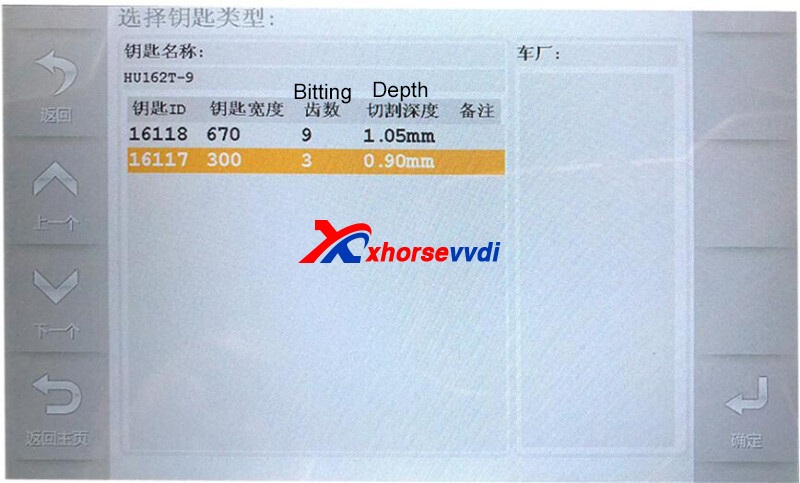
After the front side is complete, back to "HU162T-9", and select the option of 3 bittings.
Decode or input the 3 bittings on the side.
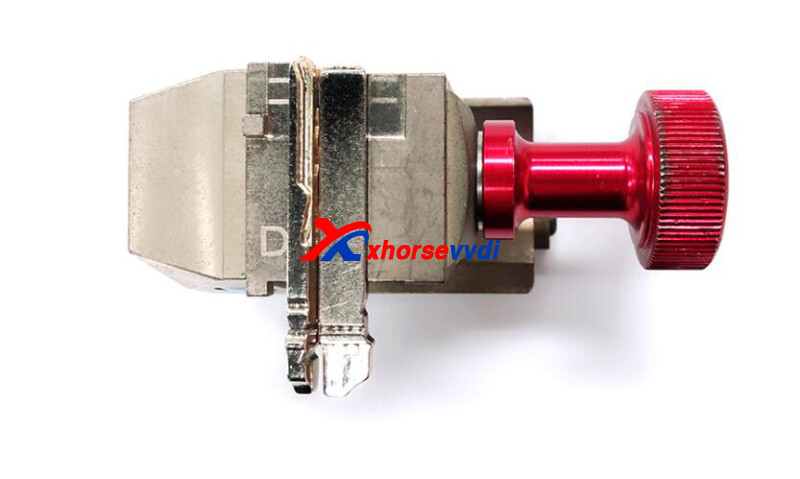
Select M2 clamp, side D.
Now a HU162T blank is required to help tighten the key.
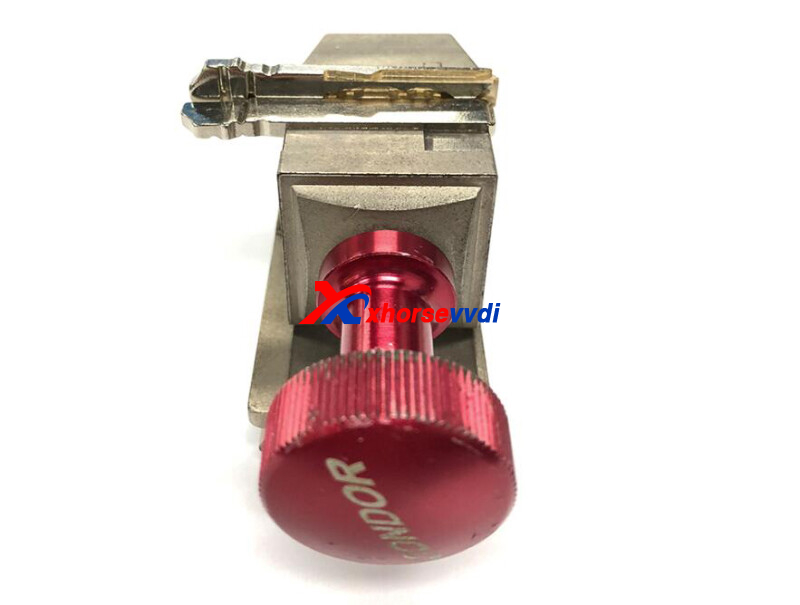
Read Also:
http://blog.xhorsevvdi.com/how-to-choose-lishi-vw-hu162t-tools/
Posted by: xhorsevvdi at
09:52 AM
| No Comments
| Add Comment
Post contains 131 words, total size 4 kb.
We received feedback that when use VVDI MB BGA Tool to read key pass failed. Here is the details:
I'm Struggling to produce an Ignition key for this 2003 W230 vehicle.
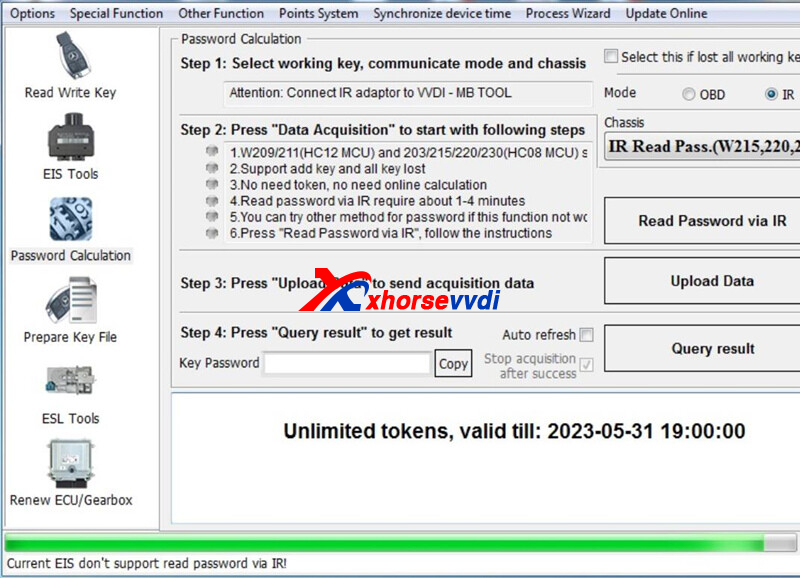
In password calculation it ends the process at the 50% green dot .
Can't read EIS it says
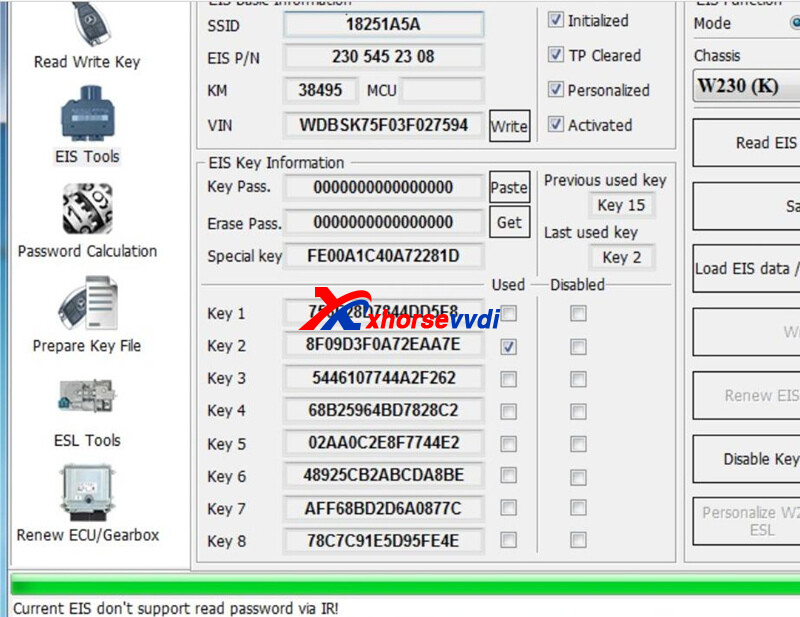
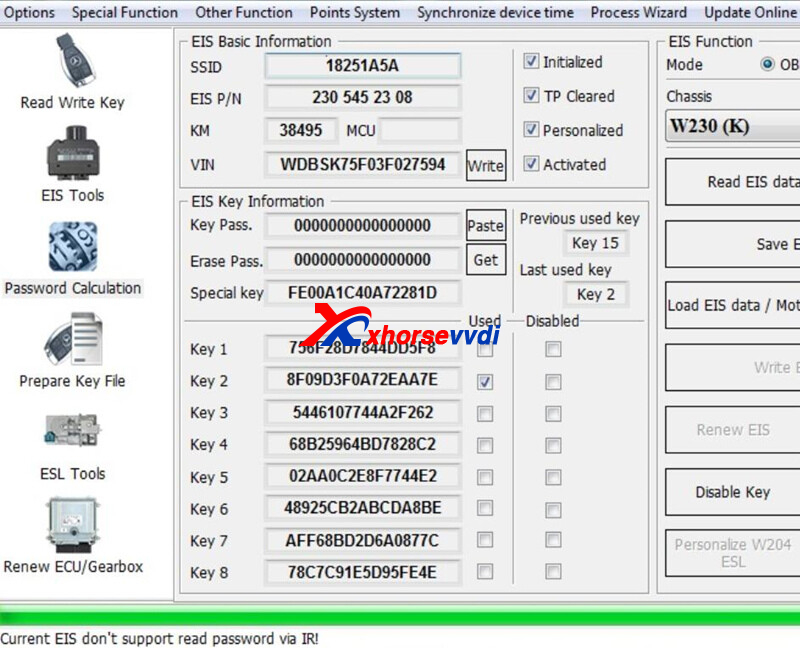
The EIS
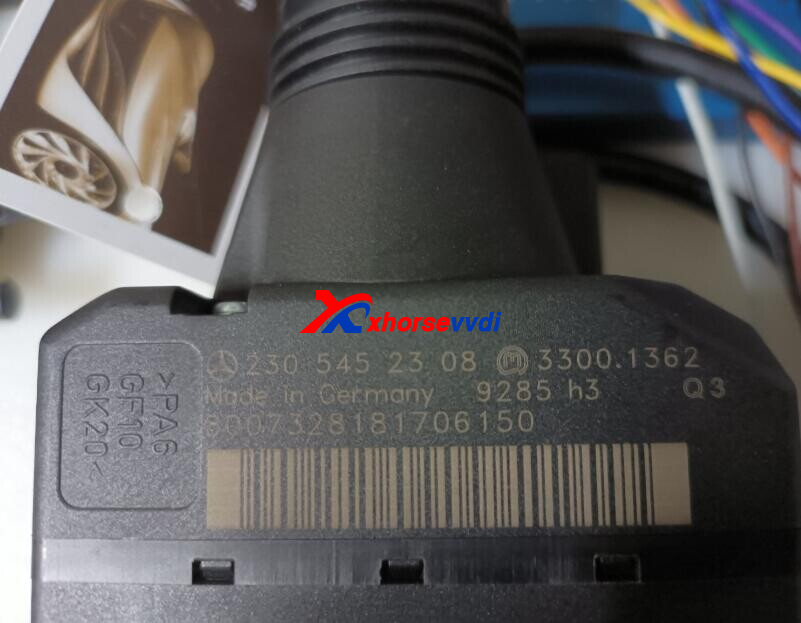
Suggestion 1:
Only little part of Benz key pass can be read directly in EIS tools, most needs to read in password calculation
Reply:
In password calculation,it resulted in the same result via IR way. OBD way failed either.
Suggestion 2:
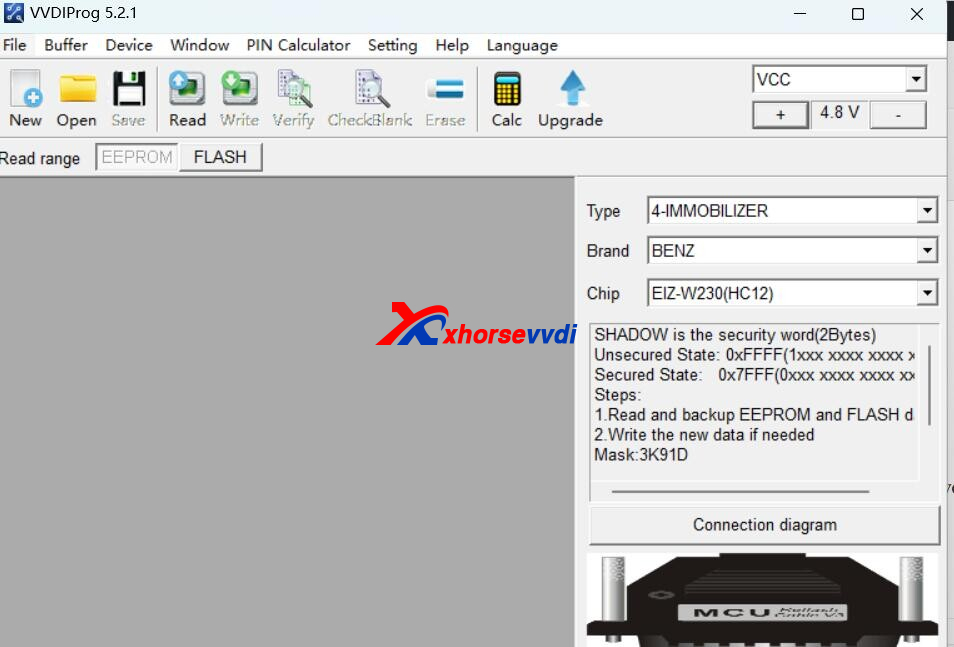
Engiener replied if obd and IR both failed, please remove the immo,and use vvdi prog to read immo data, then use vvdi mb to load data to add new key.
http://blog.xhorsevvdi.com/xhorse-vvdi-mb-tool-read-w230-2003-key-pass-failed-error-tips/
Posted by: xhorsevvdi at
09:52 AM
| No Comments
| Add Comment
Post contains 135 words, total size 2 kb.
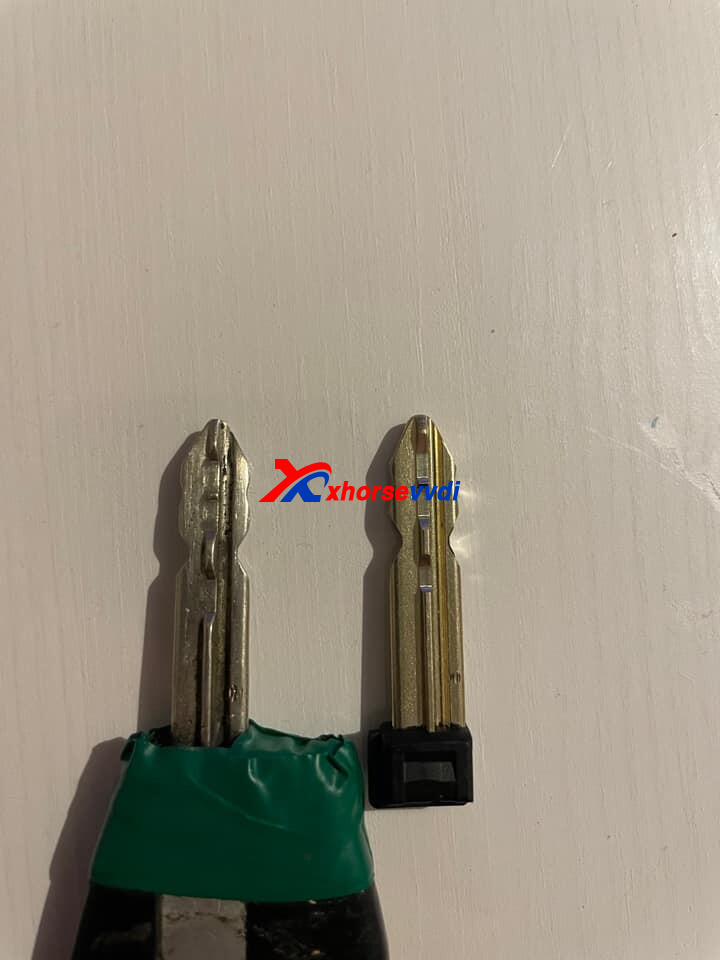
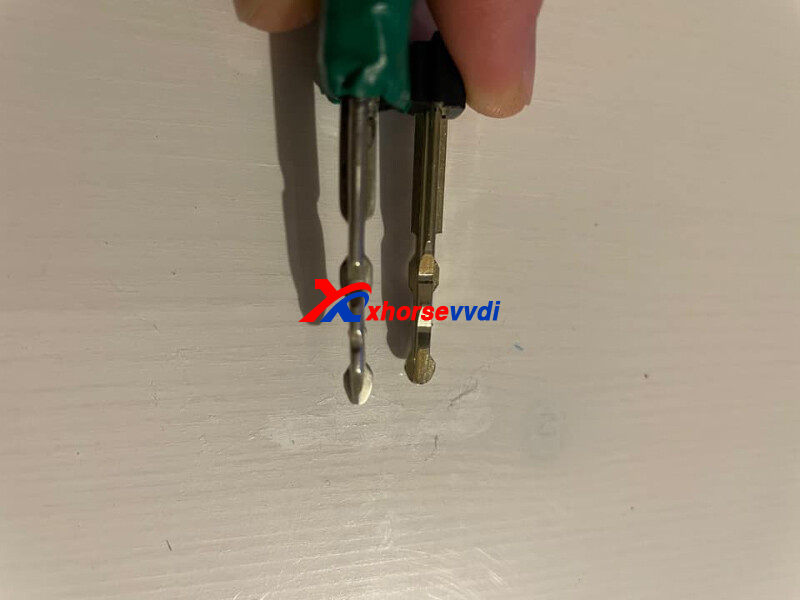
One customer wonder what is the best way to cut key PSA with SX9 blade using Dolphin XP005 Machine.
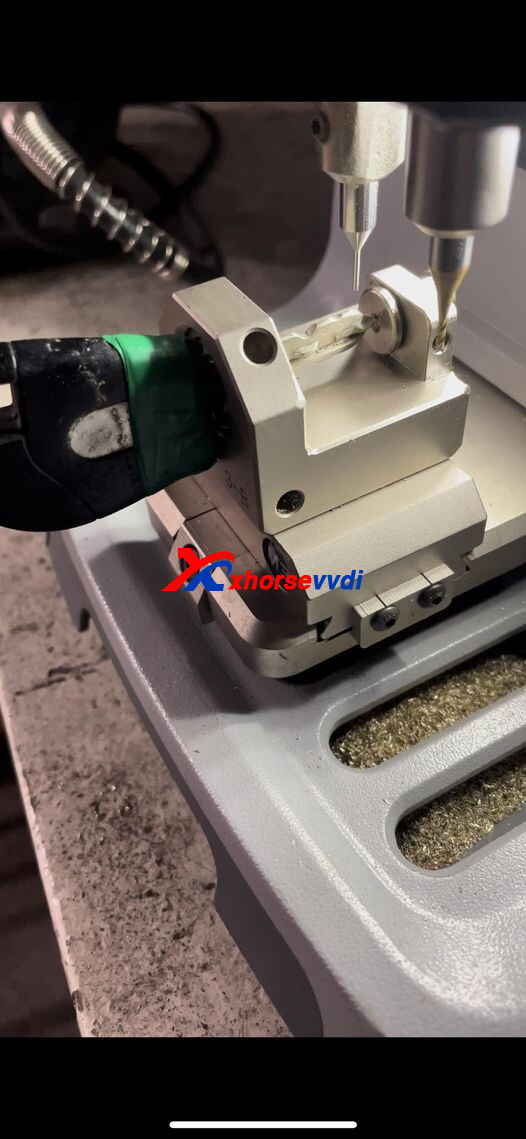
He tried more 5 blank blades with M3 Clamp and bad result….
Here are methods shared by our customers:
Method 1
For the cut on top I have use this clamp.
For side cute I have use universal duplication
Method 2
Install only the key blade without the plastic head
(so the machine to decode correctly)
Method 3
Use the XP005 for the 2 first sides
And then use a manually XC009 for the 2 other sides, work perfect
You can move the new key for better cutting
Method 4
2 programs on the tablet
1st stage I cut only the edges with the program 5 bitting by decoding
2 stage program 4-5 bits I manually entered the bits to strawberry, and in the middle of the program when it asks you to turn the key I simply stopped
it works the key turns perfect in the neiman
Posted by: xhorsevvdi at
09:51 AM
| No Comments
| Add Comment
Post contains 183 words, total size 3 kb.
One customer gave feedback that all cutting on Clamp M1 is out of center. Xhorse Dolphin I, HU 46 direct bitting, manual paste code.
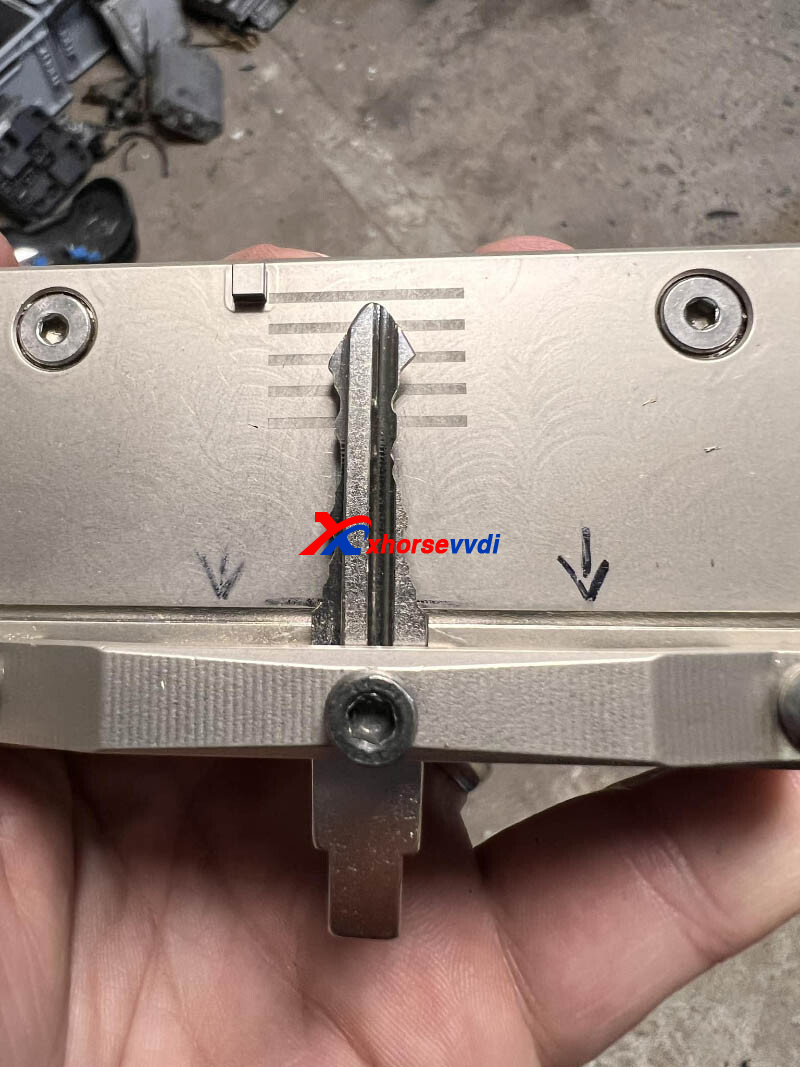
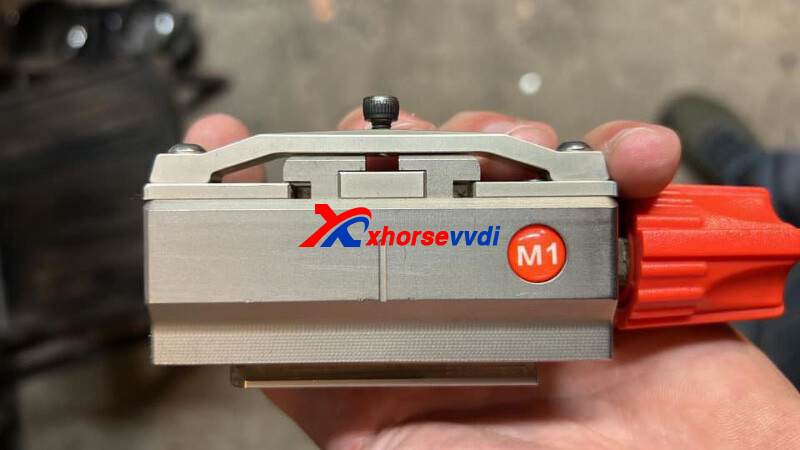
Here Xhorsevvdi shares the
Solution:
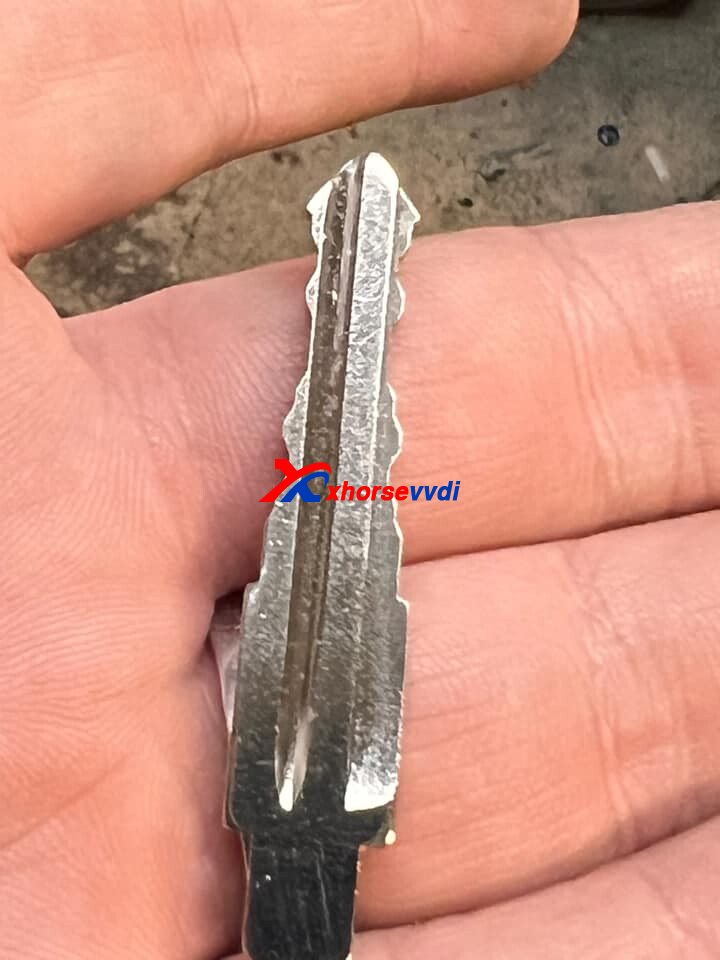
Connect Dolphin I Machine to PC, and update firmware via Upgrade Kit
Posted by: xhorsevvdi at
09:50 AM
| No Comments
| Add Comment
Post contains 51 words, total size 1 kb.
Question:
Tried to convert a ford 4d60 remote control to 4d83, but now Xhorse VVDI MINI Key Tool wont detect the transponder?
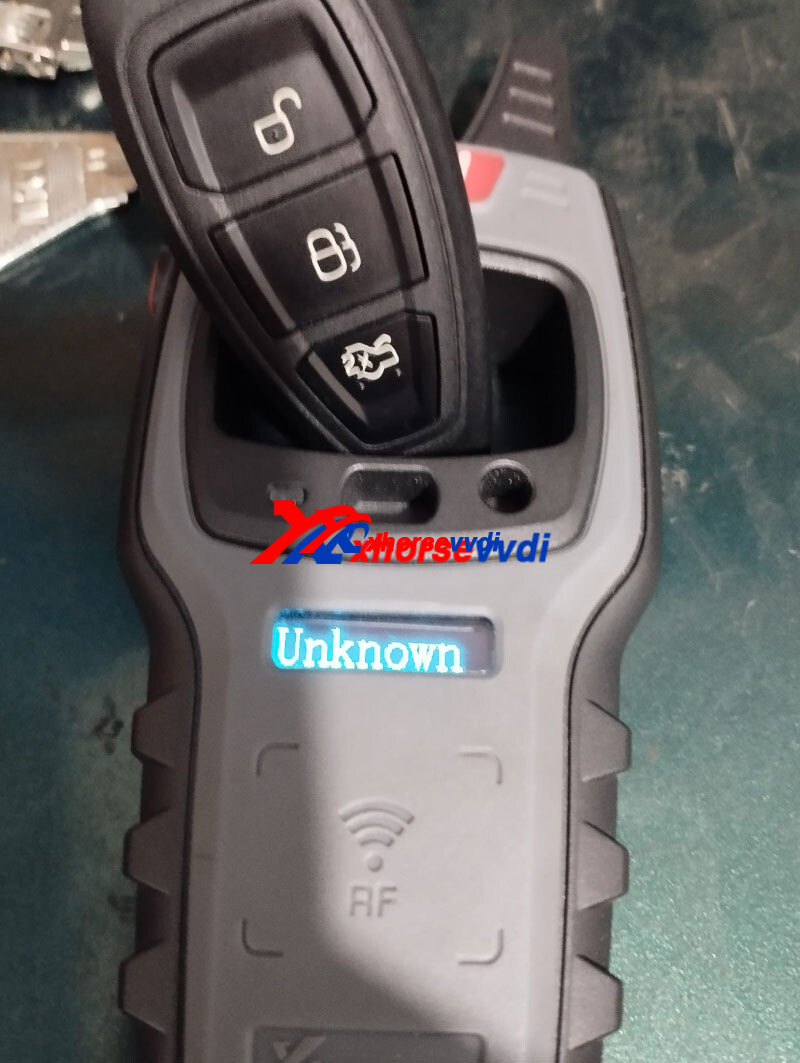
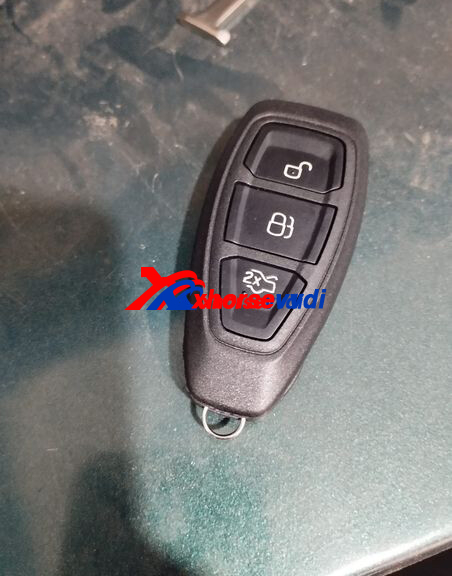
Here Xhorsevvdi shares the
Solution:
Rotate key upside down. Chip is near unlock button
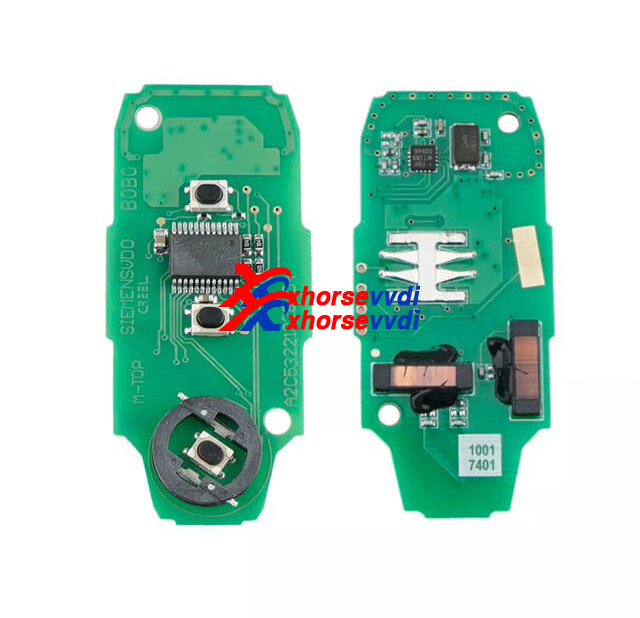
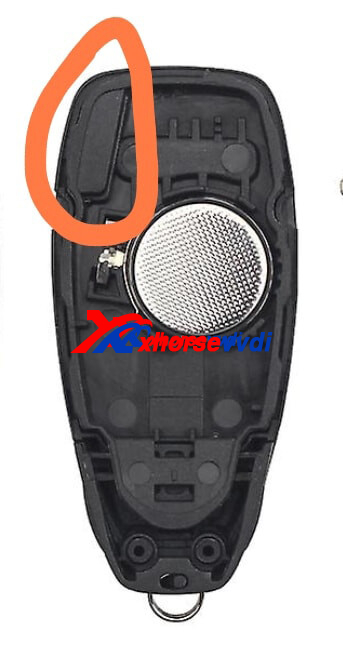
Feedback:
Managed to locate the transponder and replaced it with a VVDI XT27 Chip.
http://blog.xhorsevvdi.com/solved-vvdi-mini-key-tool-detect-ford-4d83-fail/
Posted by: xhorsevvdi at
09:45 AM
| No Comments
| Add Comment
Post contains 61 words, total size 2 kb.
Question:
VVDI Key Tool Max Pro Programmer saying "Internal error, please resync then retry", I restore the system and it’s not working.
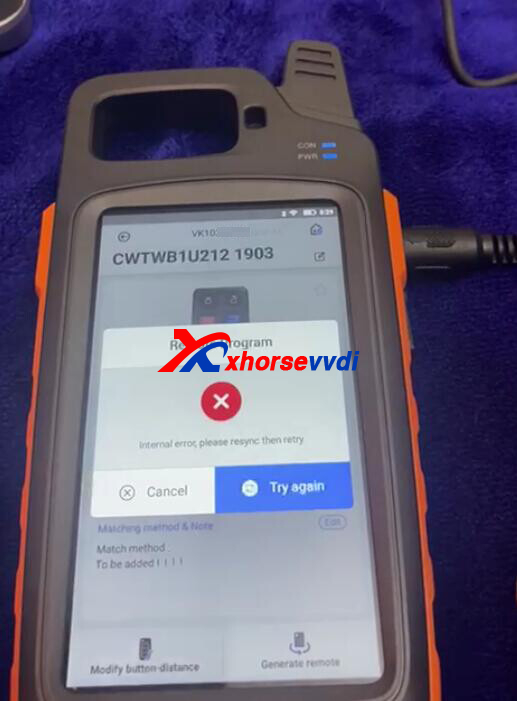
And all update to newest version
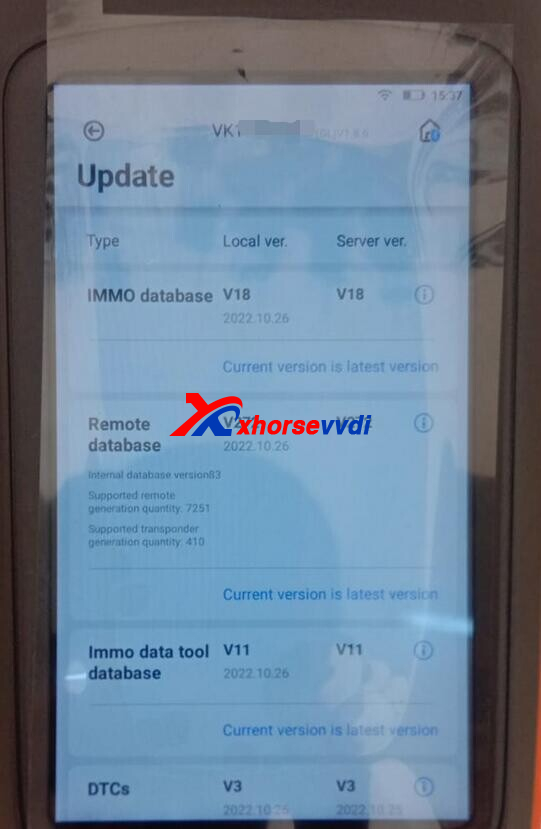
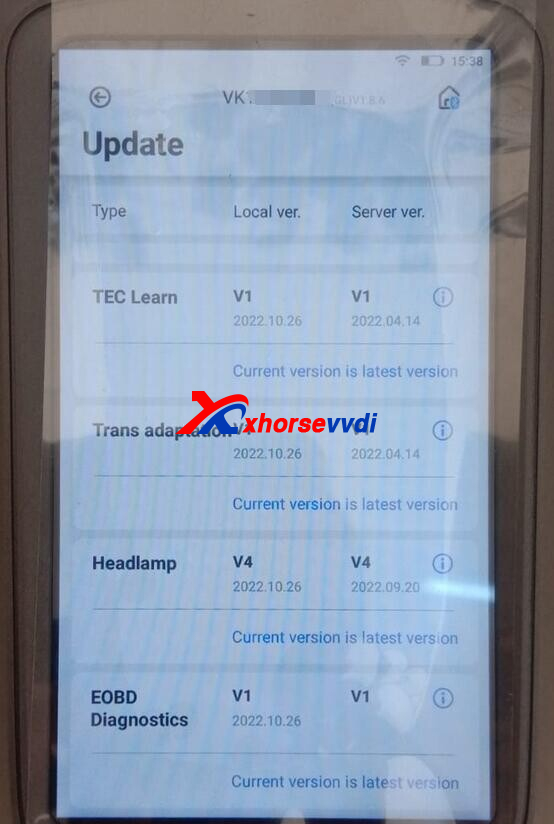
All possible option are try. But not sucess
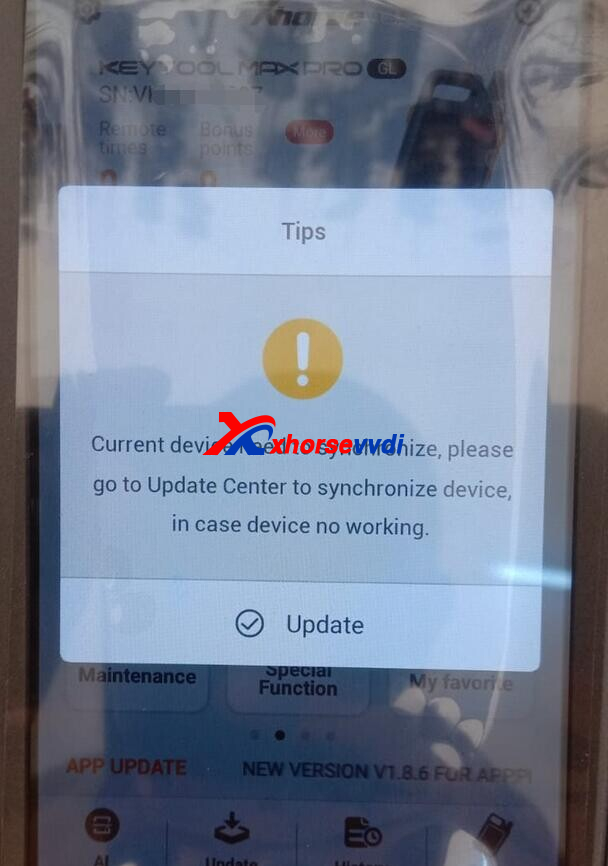
Here Xhorsevvdi tech shows the
Solution:
Synchronize device.
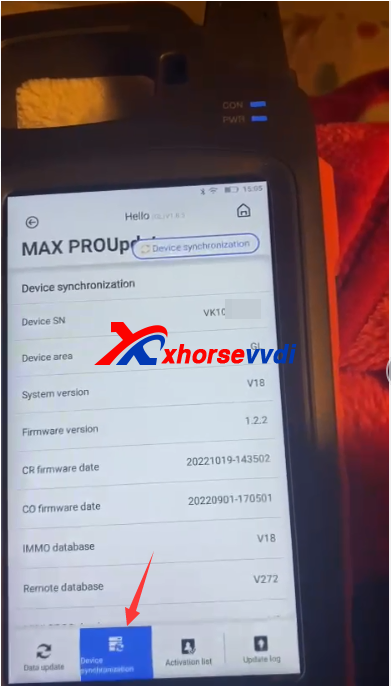
If the error remains, please log out and then log in to account again to check.
Solved!
http://blog.xhorsevvdi.com/how-to-solve-vvdi-key-tool-max-pro-internal-error/
Posted by: xhorsevvdi at
09:44 AM
| No Comments
| Add Comment
Post contains 71 words, total size 2 kb.
October 25, 2022
One customer gave feedback that his VVDI2 screen showed Chinese when he pressed frequency test button.
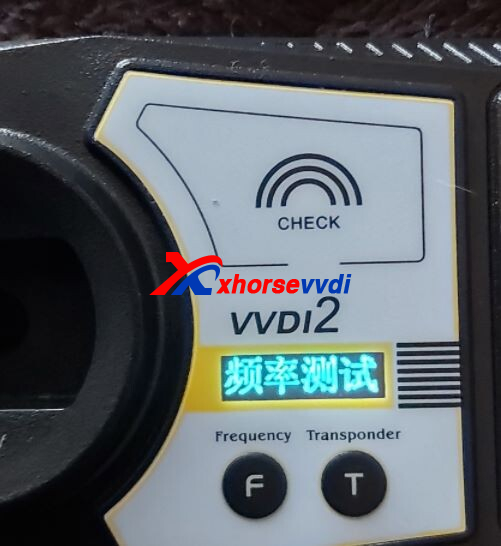
Here Xhorsevvdi tech shares the
Solution:
Hold two buttons (F and T) for 3 seconds, the display will switch to English.
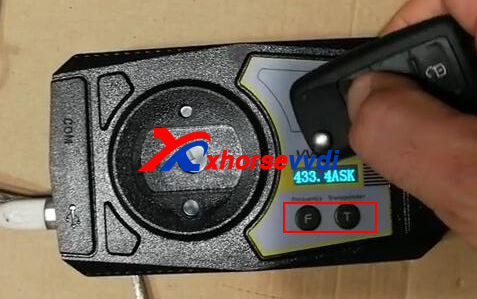
Frequency Test Tips:
1.Close to test area
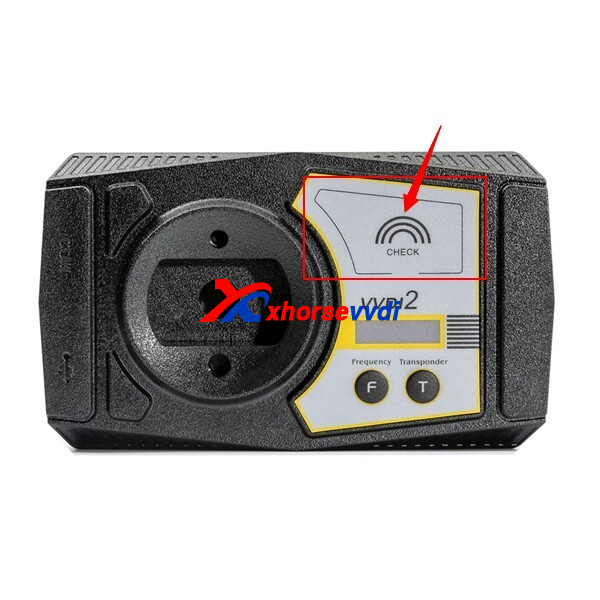
2.Avoid cold temperatures
3.Take out key PCB for test if signal is not enough
Hope this could help!
http://blog.xhorsevvdi.com/how-to-switch-xhorse-vvdi2-frequency-test-display-to-english/
Posted by: xhorsevvdi at
09:52 AM
| No Comments
| Add Comment
Post contains 73 words, total size 2 kb.
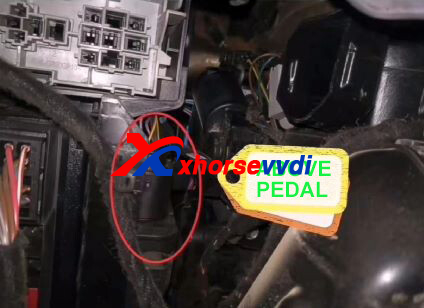
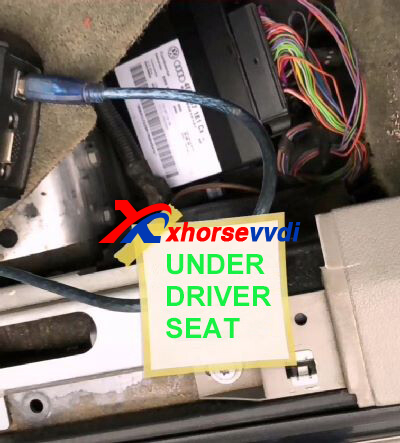
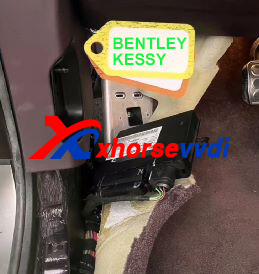
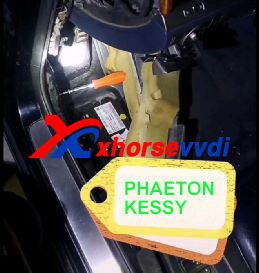
If a VAG/ Porsche car has flip keys with ID46 chip, then this car is equipped with Kessy system. Due to different models, the locations of Kessy module vary. Here we collect Kessy module's locations and share with you.
1.Porsche/ Touareg
On the top right of pedal on the driver side.
Pull out the cover.
2.Audi A8
Under the driver seat.
Pull out the ground pad.
3.Bentley/ VW Phaeton
On the lower left on the driver side.
Pull out adhesive strips and ground pad.
After removing Kessy module, read 93C86 eeprom data.
If data is not encrypted, then load it into key programmers to get password for key adding; if the password is incorrect, then we may read data via special diagrams or pay to 3rd party for decryption.
Good Key Programmer for Kessy system:
Posted by: xhorsevvdi at
09:52 AM
| No Comments
| Add Comment
Post contains 146 words, total size 2 kb.
Due to different remote databases, the version of Xhorse Key Generator must match to that of Xhorse Remote, id est GL to GL, CN to CN.
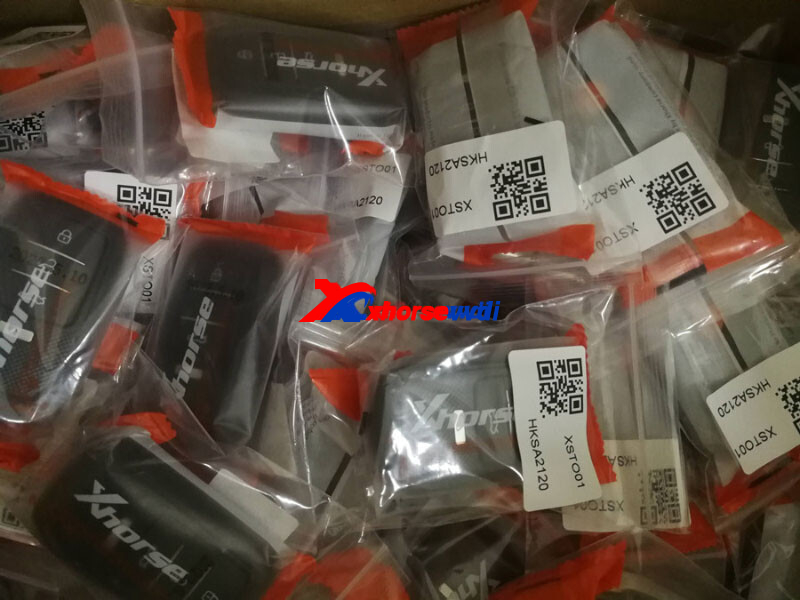
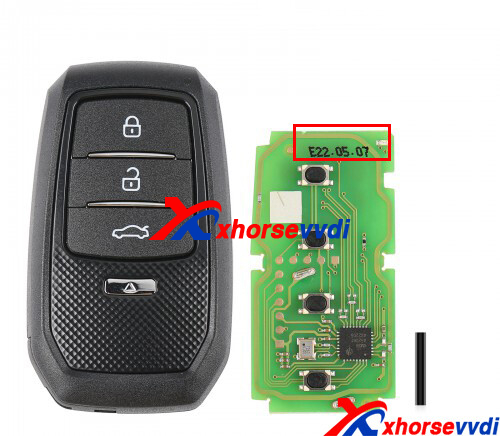
How to know if a Xhorse Key is GL or CN version?
GL remotes feature:
1.Numbers on pcb begins with "E"
2.White numbers on package are in English
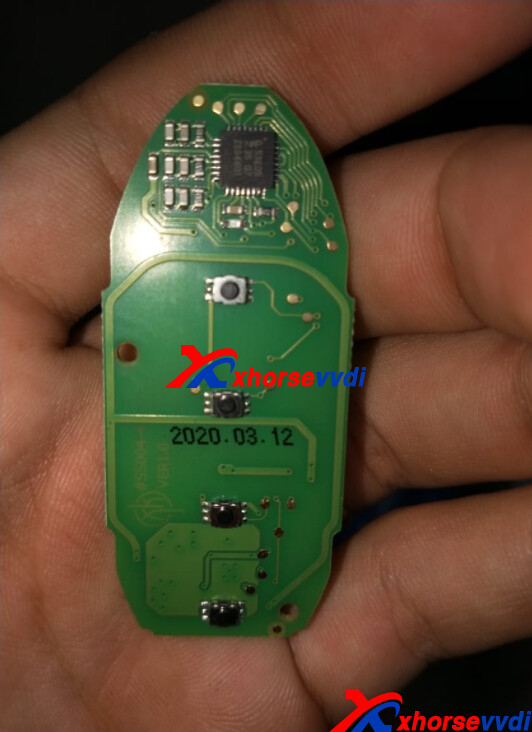
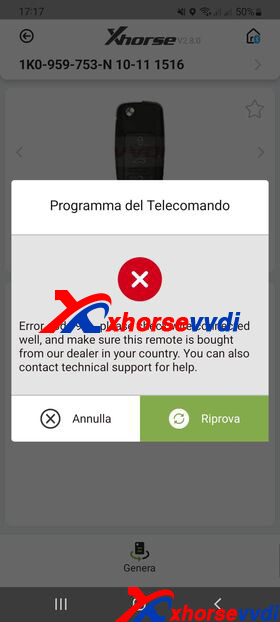
If remote version doesn't match device version, software will show error code 9A.
Posted by: xhorsevvdi at
09:51 AM
| No Comments
| Add Comment
Post contains 78 words, total size 2 kb.
One customer asked why his VVDI Plus Pad did not have the entrance of 8A immo on Toyota menus while his friend's had.
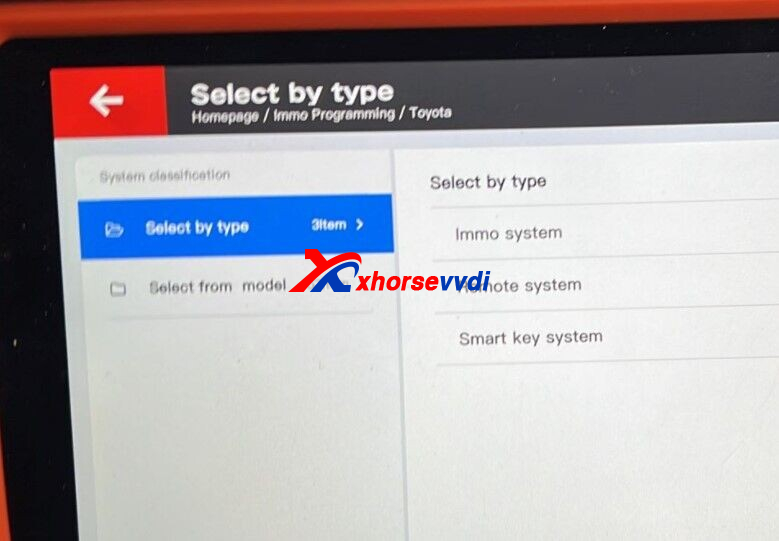
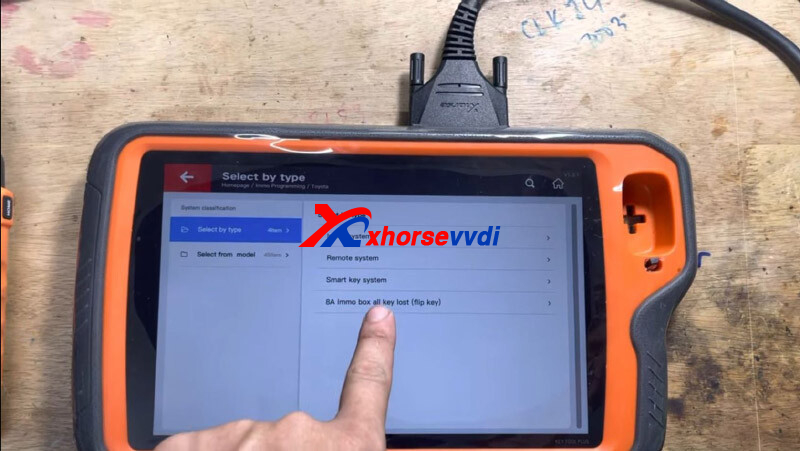
Here Xhorsvvdi tech shares the
Solution:
1.Update firmware, software and database
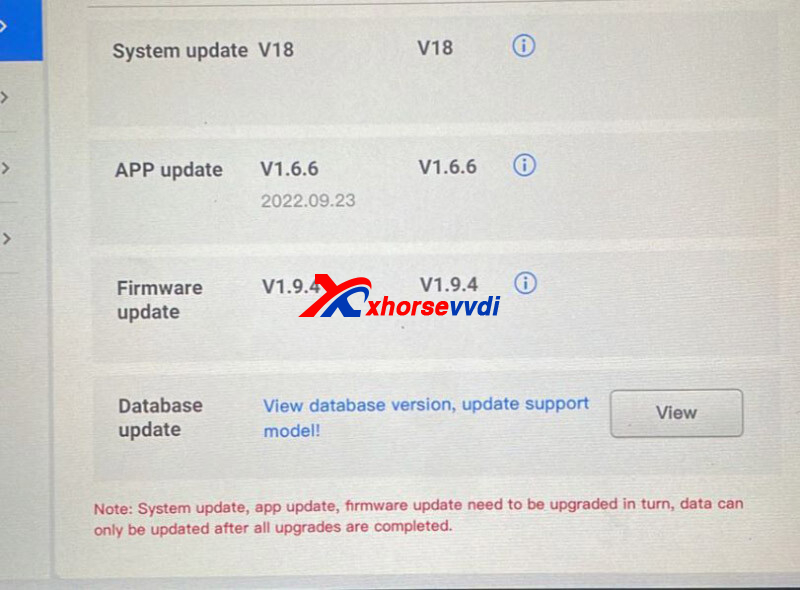
2.
1)Smart System
Select
Smart key system>>All smart remotes lost
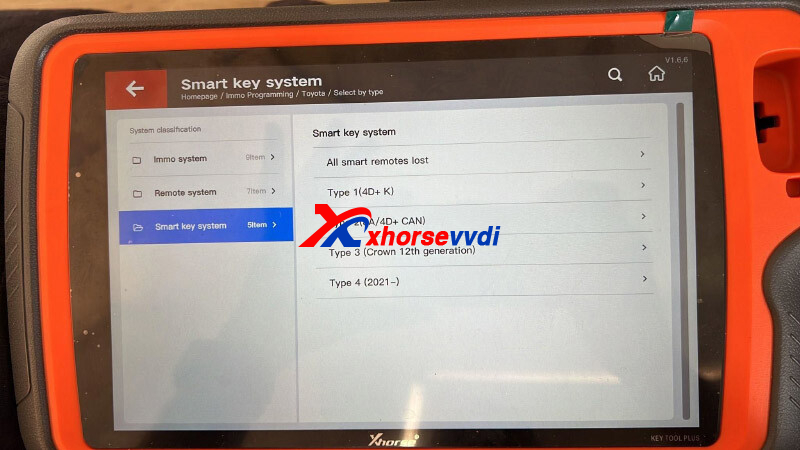
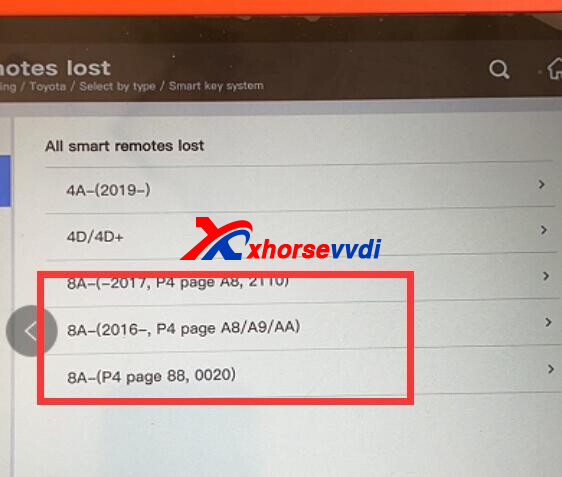
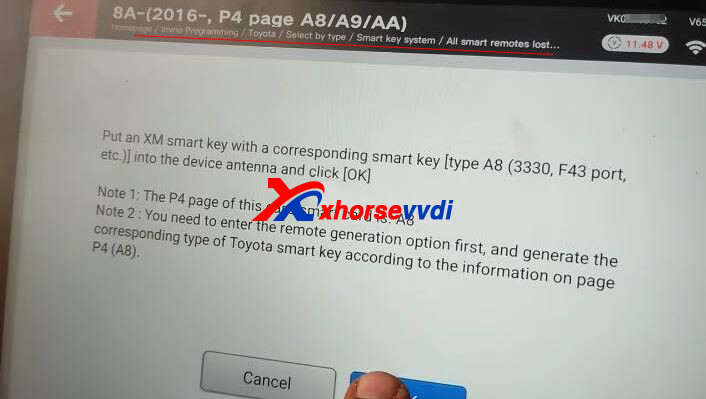
*This function needs Toyota 8A Smart Key Adapter.
2)Non-smart System
Select "Immo system".
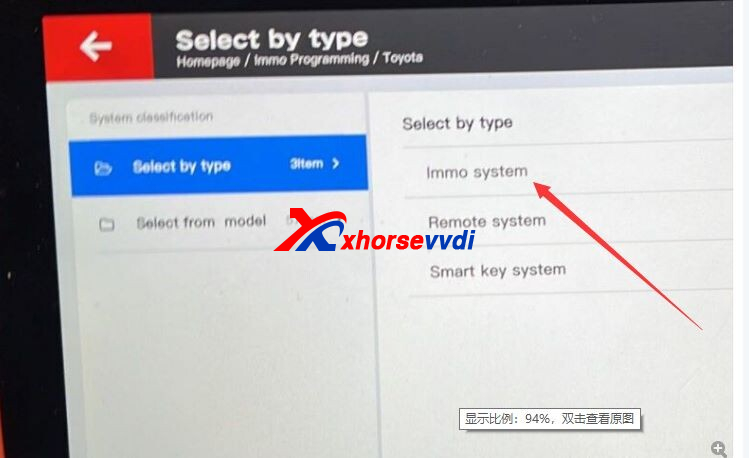
*This function may need Toyota 8A Non-smart Key Adapter.
Hope this could help!
http://blog.xhorsevvdi.com/where-to-find-toyota-8a-entrance-on-vvdi-key-tool-plus/
Posted by: xhorsevvdi at
09:51 AM
| No Comments
| Add Comment
Post contains 82 words, total size 3 kb.
Here is a review of two Xhorse Key Cutting Machine - Dolphin XP005 and Dolphin XP007.
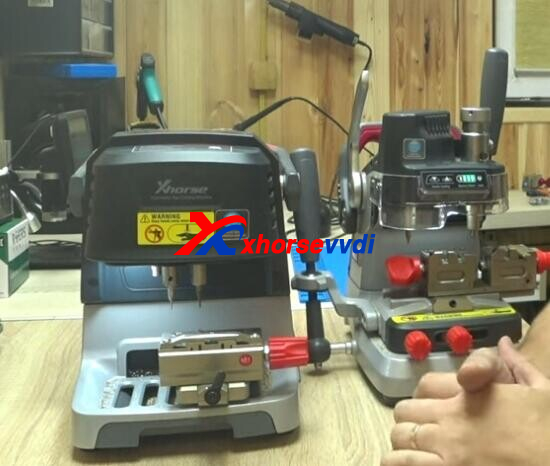
1.XP007
Bought it because it has such a clamp, which is one of the most versatile.
This also comes with a battery not on the market, no wires are charged.
It has a light on by switch here.
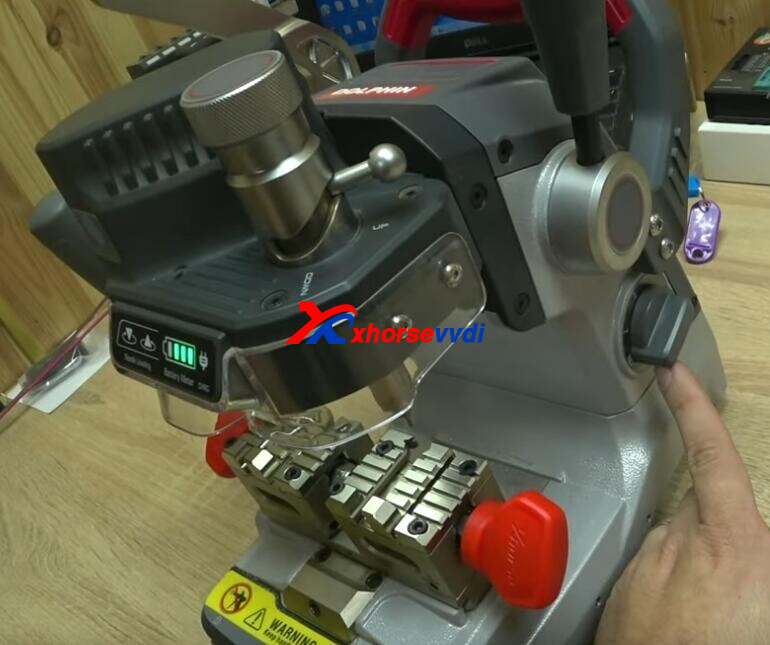
In the kit,
Everything is simple to use.
This helps stop the key, and then clamp it.
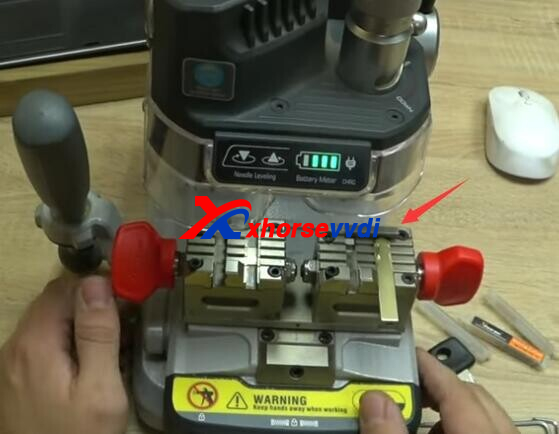
There are 3 hexagons, so we can first change or turn over the clamp. Not very convenient, but if something went wrong you just can't adjust the setting.
One screw here, and the other one in the back, you can adjust it to make the part of the clamp higher or lower in order to align with the other part.
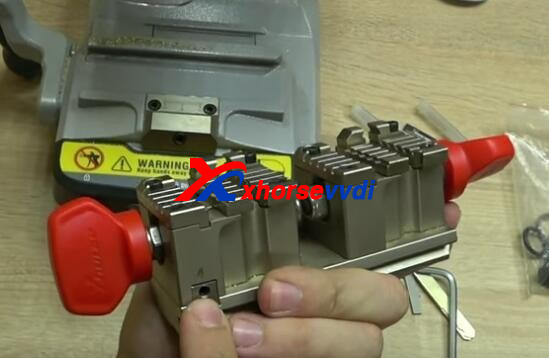
You clamped two keys, and they have to be the same since it is accurate.
2.XP005
Bought it because I know price suits quality.
This comes with 2 clamps, M2 with 4 sides are selected for a certain type of blade up to a, b, c, d, and they all have the information on the program to show how to work.
When you buy it, everything in the setting on phone is turned off, you need to do the 3 adjustment (height, clamp, cutter). You need to specify which cutter thickness you use, of course each option will give you a suggestion. There are several different cutters in the package, and some are spare ones.
There is no motorcycle on the database, also boats and others. There is a plus that the update comes every 4 days and the database really increases directly.
On top is a display, it shows it is ready, the battery level, and the Bluetooth blinks.
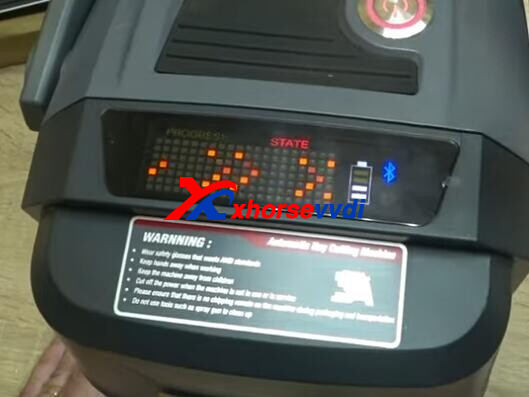
The prices for them have fallen than I bought. In general, one of the best equipment for cutting keys.
http://blog.xhorsevvdi.com/xhorse-dolphin-xp005-and-dolphin-xp007-review/
Posted by: xhorsevvdi at
09:50 AM
| No Comments
| Add Comment
Post contains 318 words, total size 4 kb.
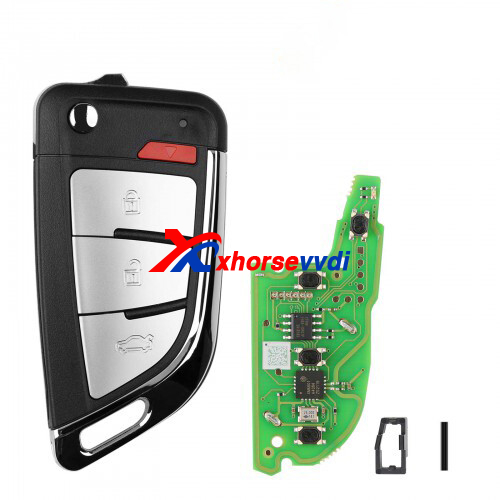
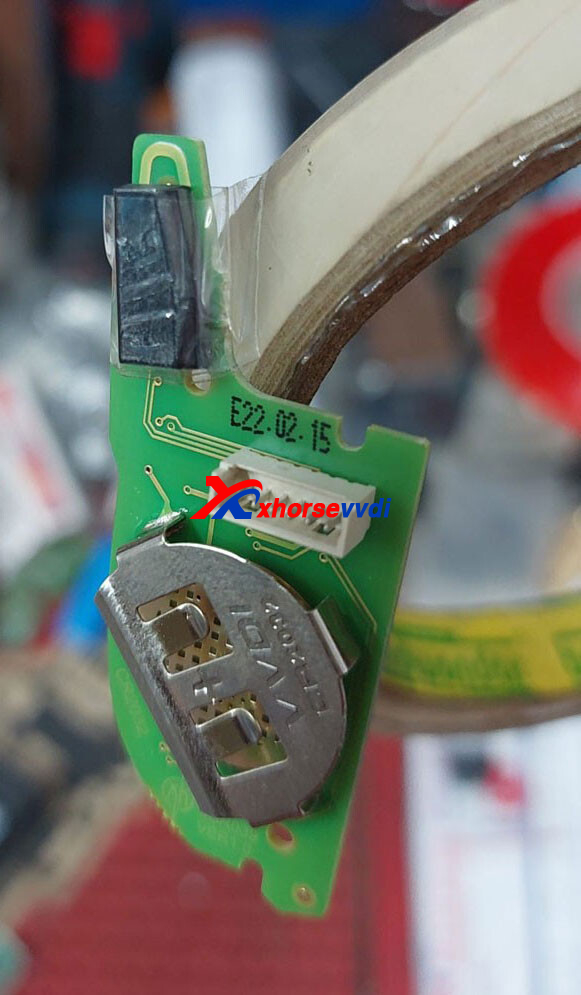
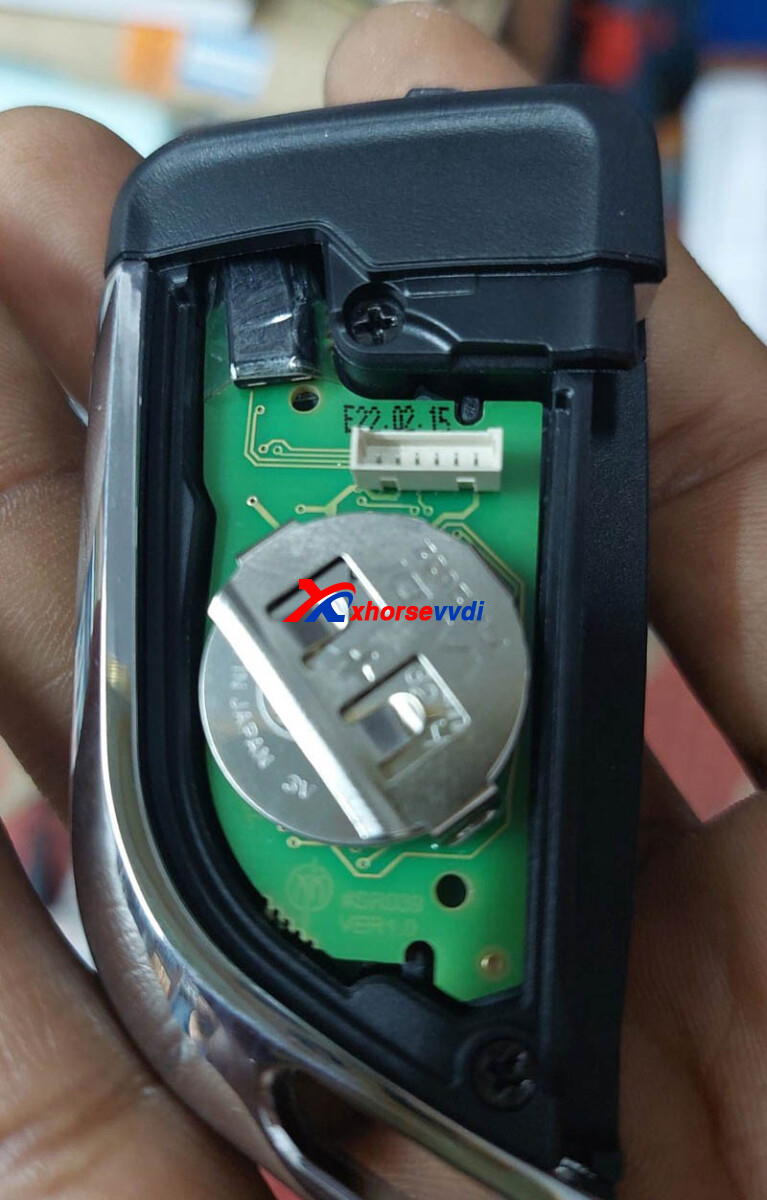
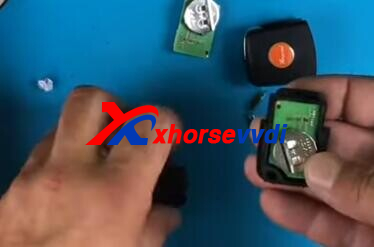
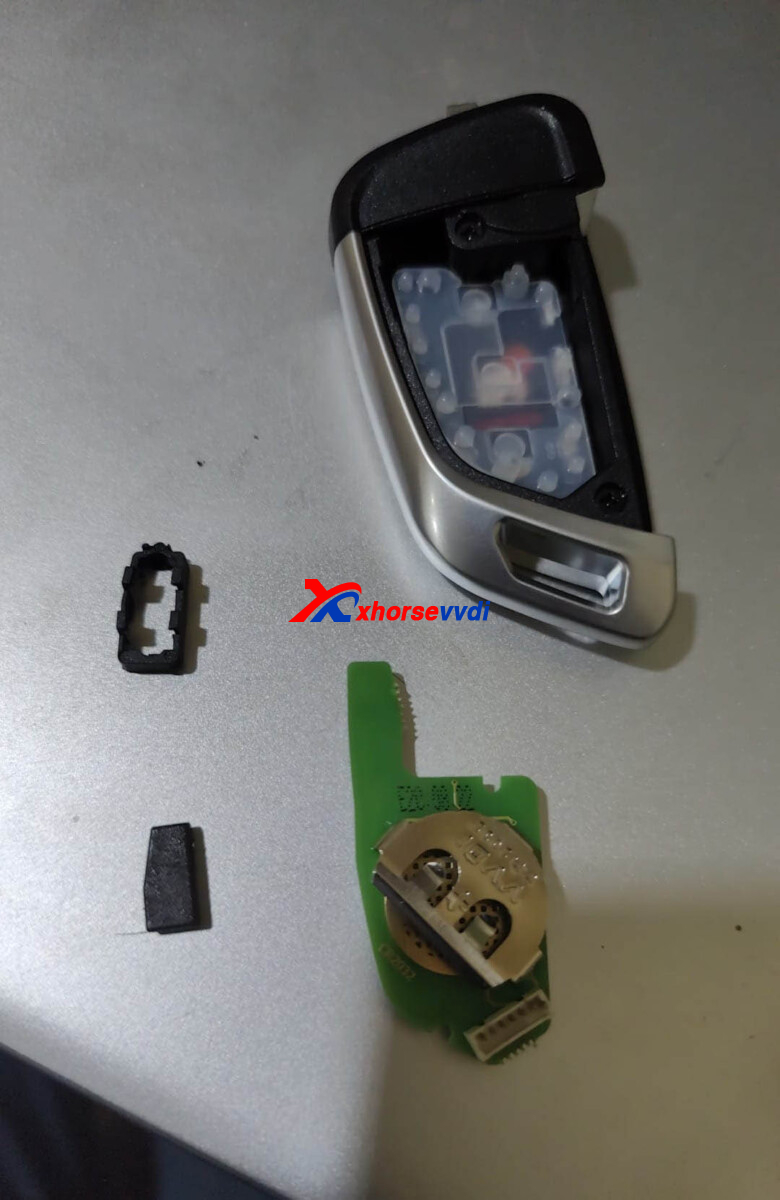
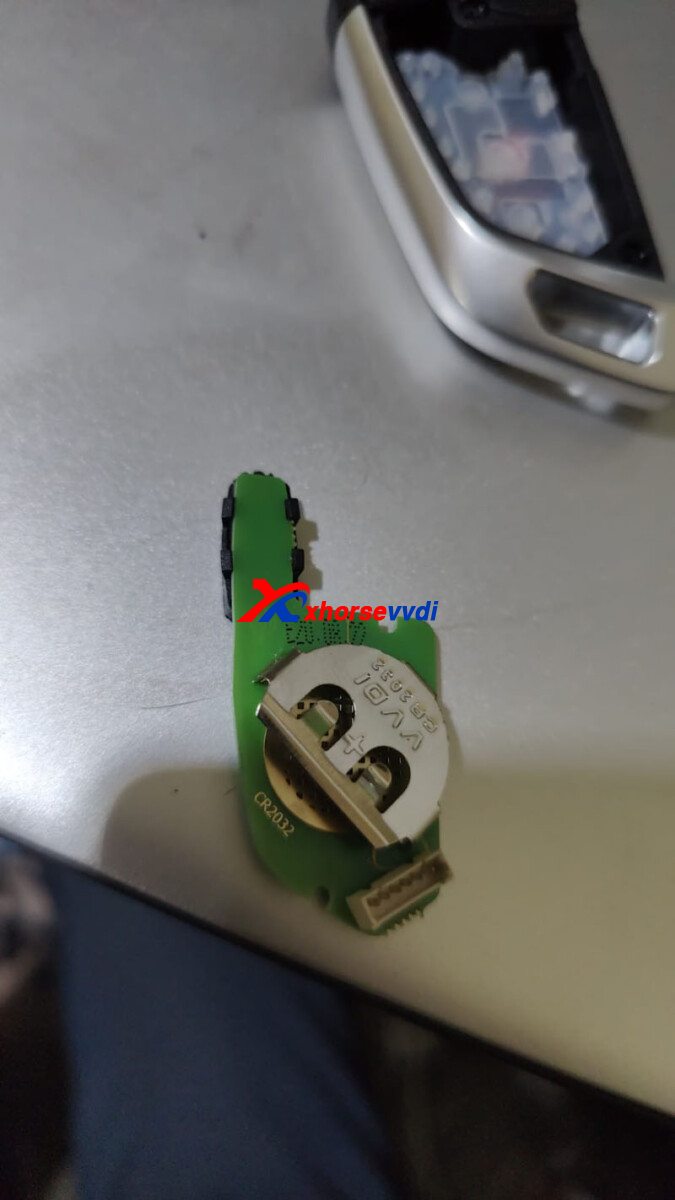
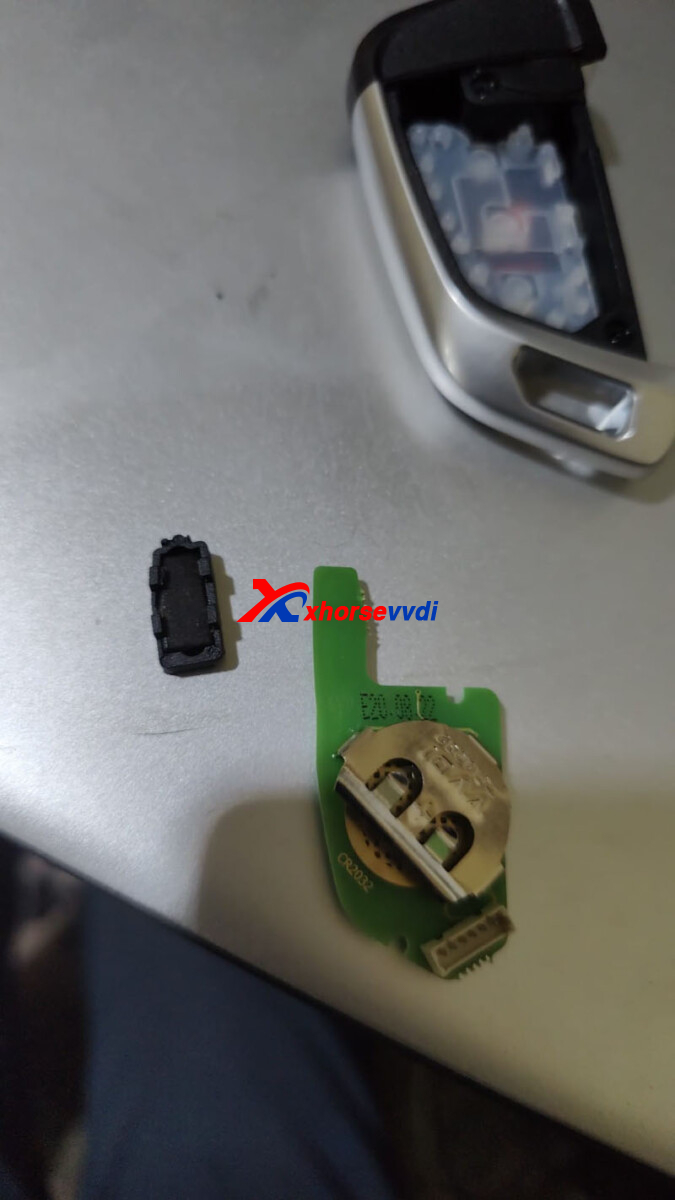
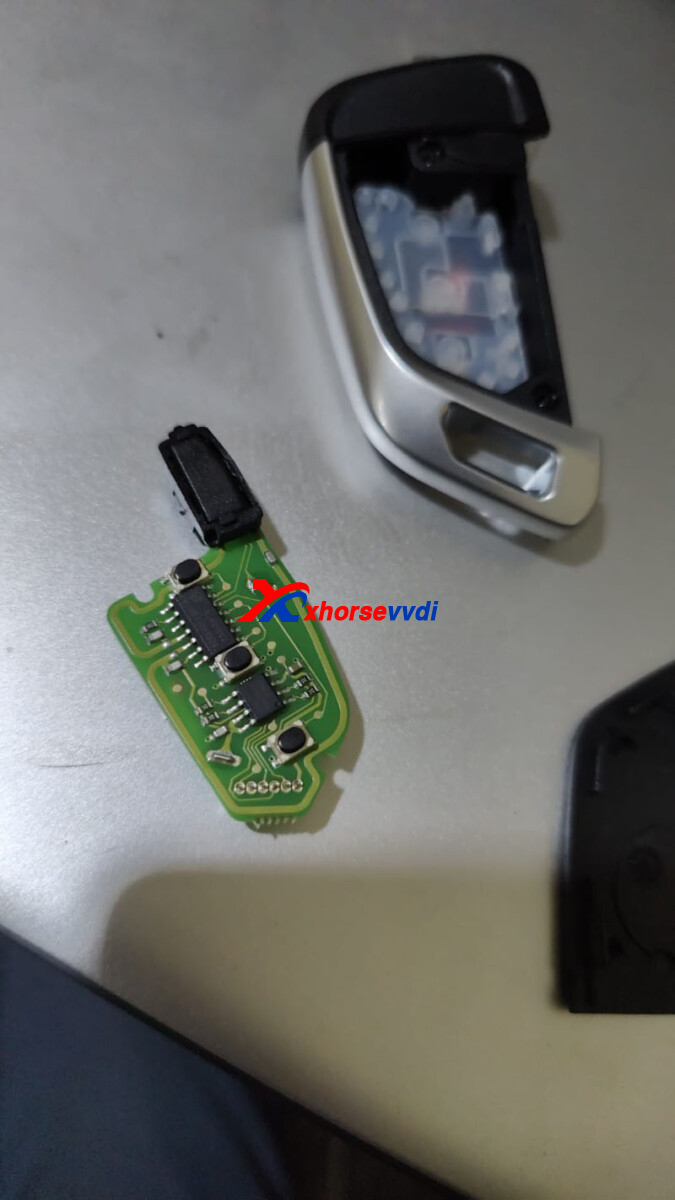
Xhorse Wire Remote does not include a chip inside, but sometimes we have to fit like a VVDI Super Chip in the remote. Here we will show you several ways shared by our customers.
1.Adhesive Tape
e.g. XKKF20EN Remote
Stick super chip to the tip of the remote.
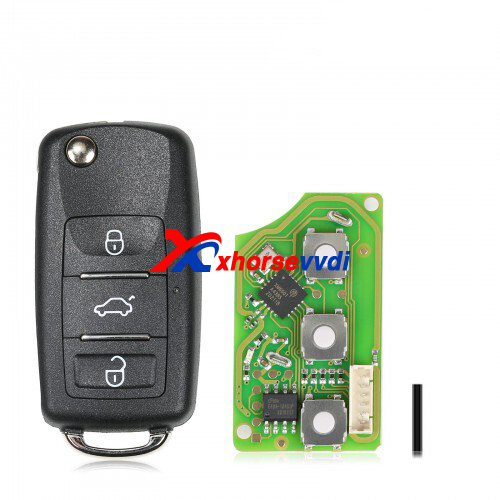
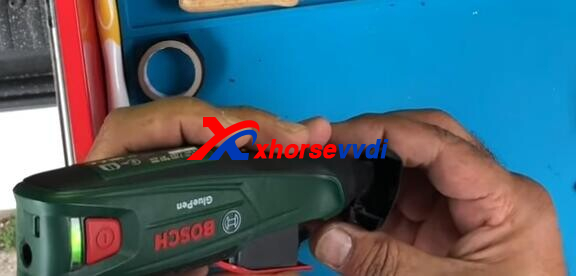
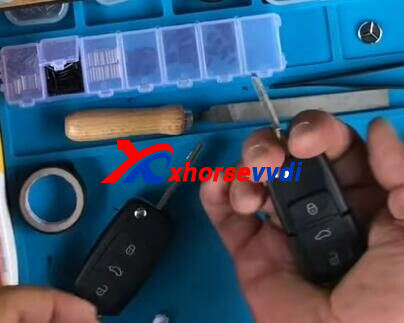
2.Super Glue
e.g. XKB510EN Remote
Assemble half case>>super glue in>>super chip in>>assemble the other half case
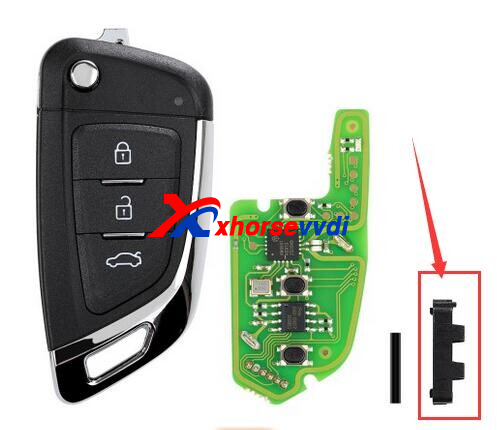
3.Chip holder
e.g. XKKF03EN Remote
For part of Wire Remote, the package has a small chip holder.
Read Also:
http://blog.xhorsevvdi.com/how-to-fix-xhorse-remote-faulty-panic-button-not-press-firmly/
Posted by: xhorsevvdi at
09:50 AM
| No Comments
| Add Comment
Post contains 94 words, total size 4 kb.
VVDI Prog Programmer is supported to read, write, erase. But we received feedback that:
fujitsu mb91f060b mcu writing error
[2022-10-18 08:35:54] : Check Device...
[2022-10-18 08:35:55] : 12V Power Adaptor connected
[2022-10-18 08:35:55] : Initialization device...
[2022-10-18 08:35:55] : Initialization success!
[2022-10-18 08:35:56] : Initialization chip...
[2022-10-18 08:35:59] : Start communication...
[2022-10-18 08:35:59] : Erase length:0x10000
[2022-10-18 08:35:59] : Erasing...(0%)
[2022-10-18 08:36:00] : Erase Error(00)
Error pic is like following pic:
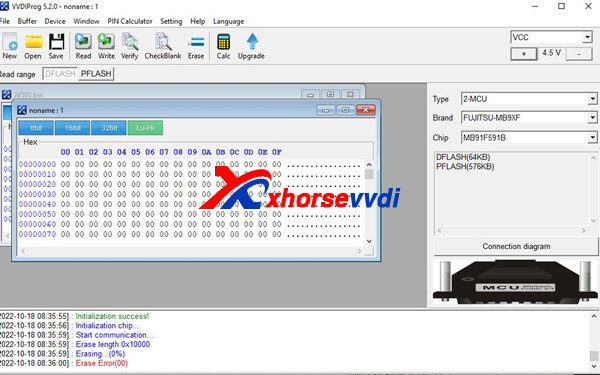
Engineer suggestion:
please try more times
if still the same error
it is not support your type to erase
Newest status:
I solved thanks
after 6. try complated 
Posted by: xhorsevvdi at
09:49 AM
| No Comments
| Add Comment
Post contains 89 words, total size 1 kb.
30 queries taking 0.1194 seconds, 131 records returned.
Powered by Minx 1.1.6c-pink.

