



July 28, 2021
Opel Insignia 2011 year
Body R/W VVDI PROG
Pinout for all of you
Mask 2M42E
MC9S12XDG128MAL


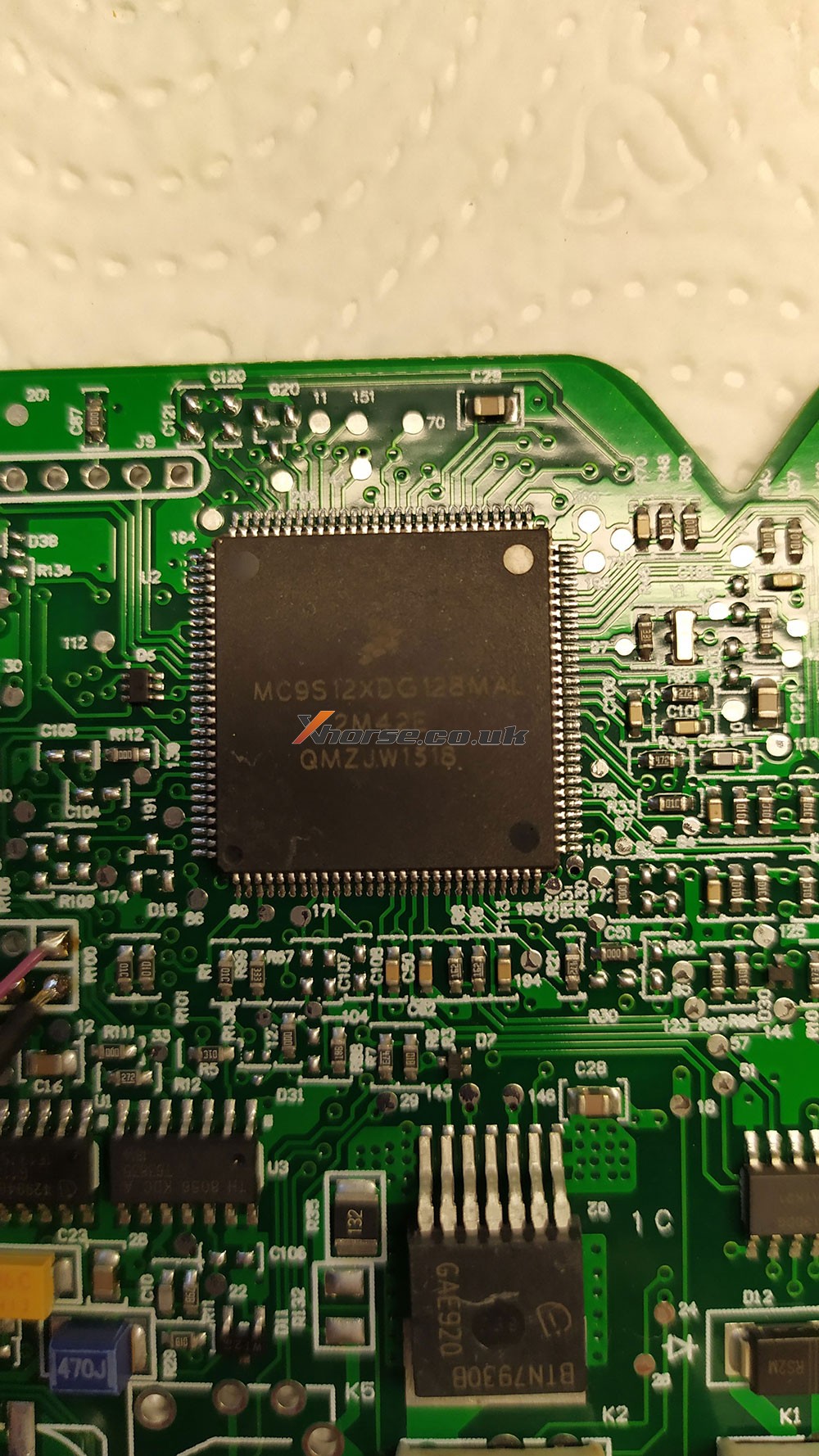

VVDI PROG Ford fiesta 2017 Pinout

VVDI PROG PSA SPC560 Pinout

Renault / Dacia SPC560
Pinout xprog edit for vvdi
Test ok


Opel SPC 56AP54x
Pinout CPT edit for vvdi prog

Fiat 500 L
MPC/SPC
CPT edit for vvdi prog

Dacia / Renault v2
pinout CPT edit for VVDI prog
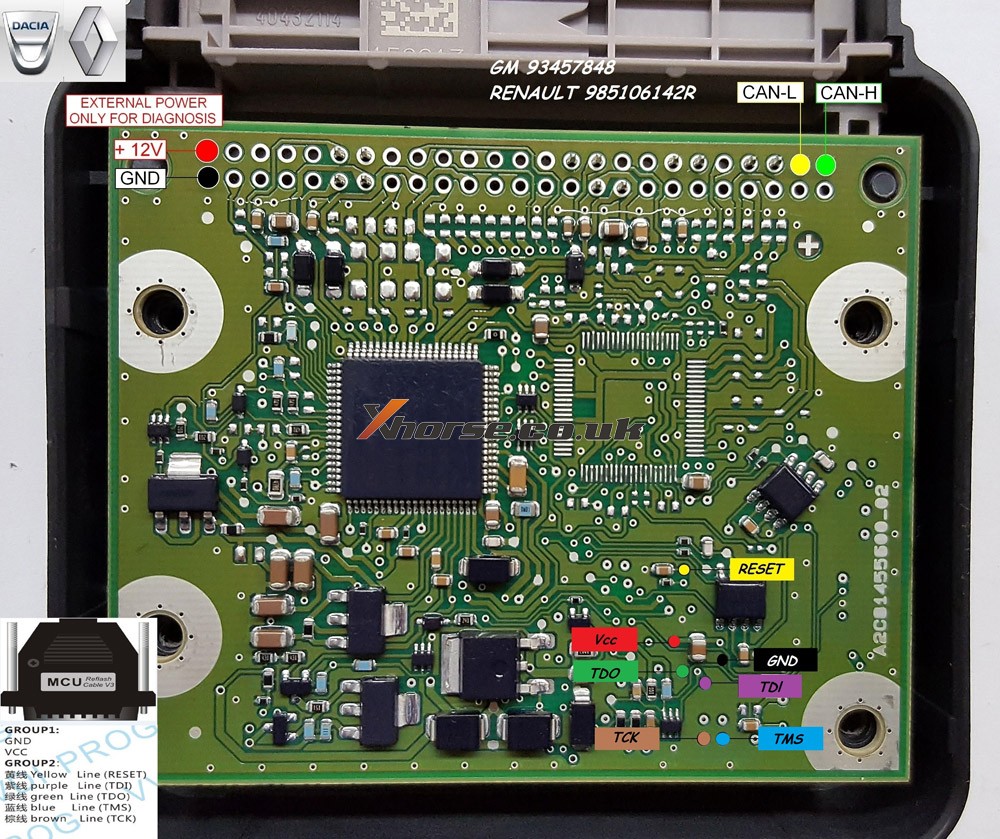
Dacia /Renault v3
pinout CPT edit for vvdi prog
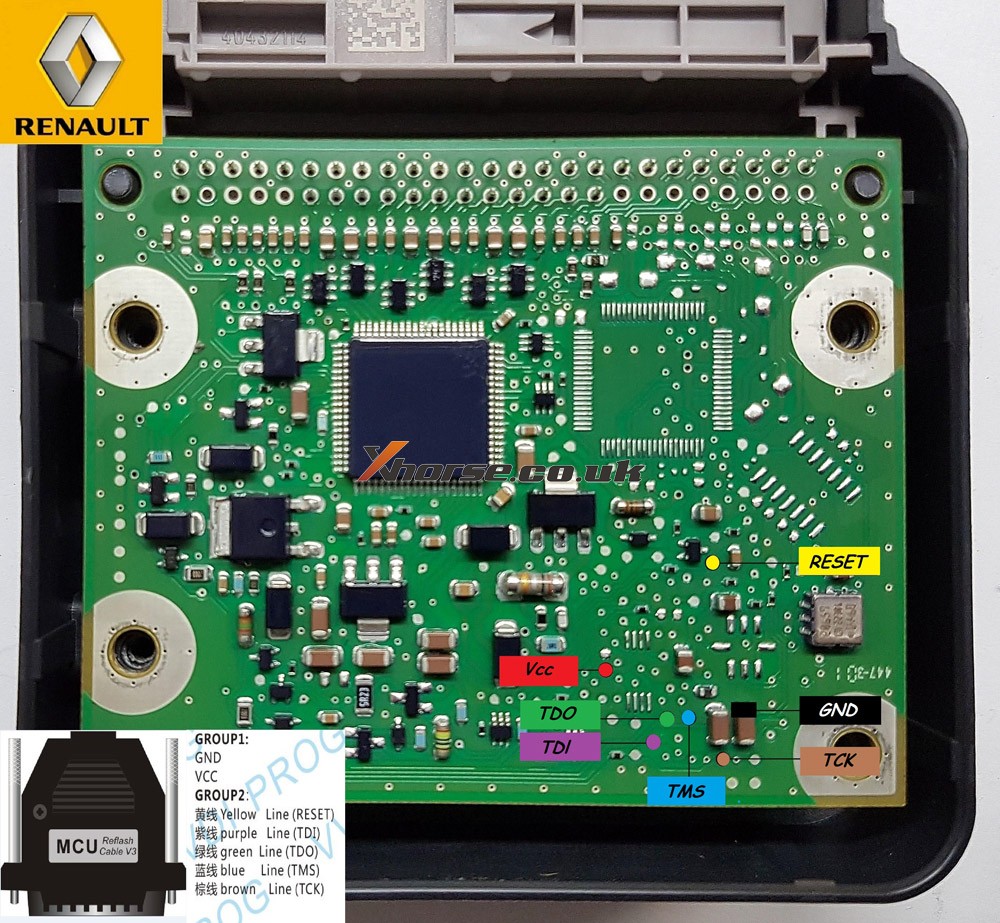
Skoda SPC5604-114pin
pinout CPT edit for VVDI prog

Kia NEC
pinout CPT edit for VVDI prog

VW renesas v850
pinout CPT edit for VVDI prog

Citroen C3 SPC560

MB_W222_SRS_SPC560P5_jtag

Suzuki_SRS_SPC560P50_pinout

Chrysler MPC SRS

Source:http://blog.xhorse.co.uk/vvdi-prog-pinout-for-opel-ford-psa-etc/
Posted by: xhorsevvdi at
02:45 AM
| No Comments
| Add Comment
Post contains 118 words, total size 11 kb.
July 13, 2021
Lost 2 sets of key fobs of my AUDI TT 2003 and I want to have the tools to program the keys and the remote. Which key programmer?
Experience for sharing:
Xhorse iscancar supervag 3.0 (red tool) will both extract the SKC code and add the keys.
If you want a more up to date tool thenXhorse Iscancar MM-007(Grey tool) is the one to get.

Posted by: xhorsevvdi at
02:19 AM
| No Comments
| Add Comment
Post contains 78 words, total size 1 kb.
July 09, 2021
Main Steps:
- Calculate the key password
- Load the EIS data on the ESL interface and paste the key password.
- Tick off "Auto clear TP and personalized†and then click on "Writeâ€, done.
*Except for the calculation of the password, all other steps are operated on the "ESL Tools†interface.
Please program the simulator in the same method of programming the ESL.
When operating on the car, you need to clamp the K-line cable of the ESL. The ESL has a plug connection with four wires on it. Tear the thinnest harness and clamped with the blue clip of the OBD wire before operation. There is no need to clip K-line cable separately on the platform.
Hope it helps!
http://blog.xhorsevvdi.com/vvdi-mb-program-esl-for-09-mercedes-w204/
Posted by: xhorsevvdi at
02:45 AM
| No Comments
| Add Comment
Post contains 146 words, total size 1 kb.
July 06, 2021
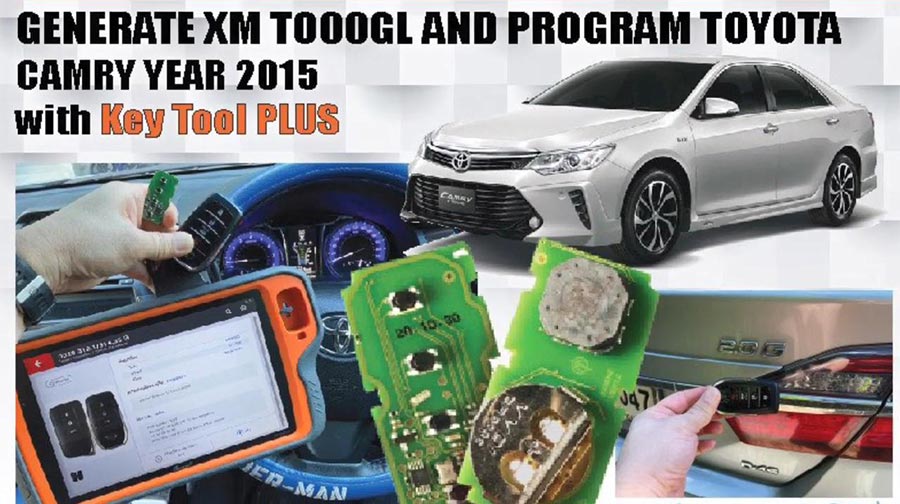
This is a quick demo togenerateremote forToyota Camry 2015
Tool option:Xhorse VVDI Key Tool Plus
Blank key Chip:XM-TOY00GL
Theprocedure:
Next is to check original Toyota Remote.
PS: we have the working key.
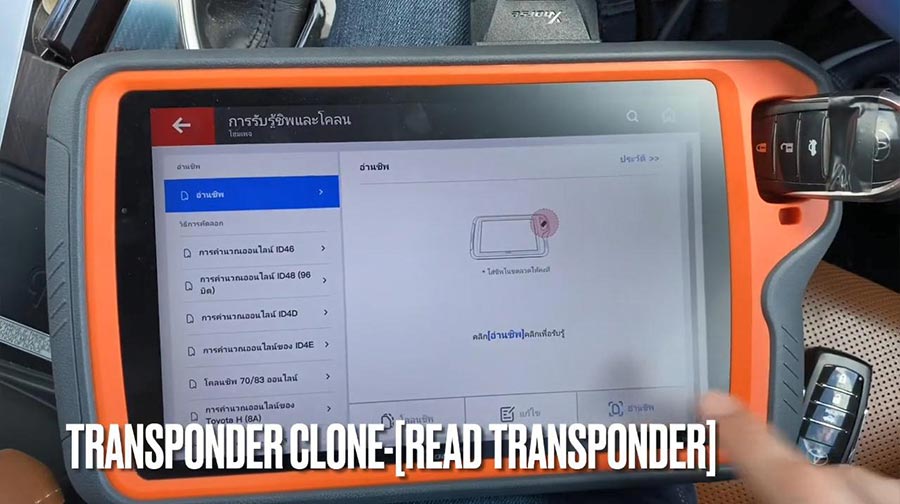
Path:transponder clone -> read transponder.
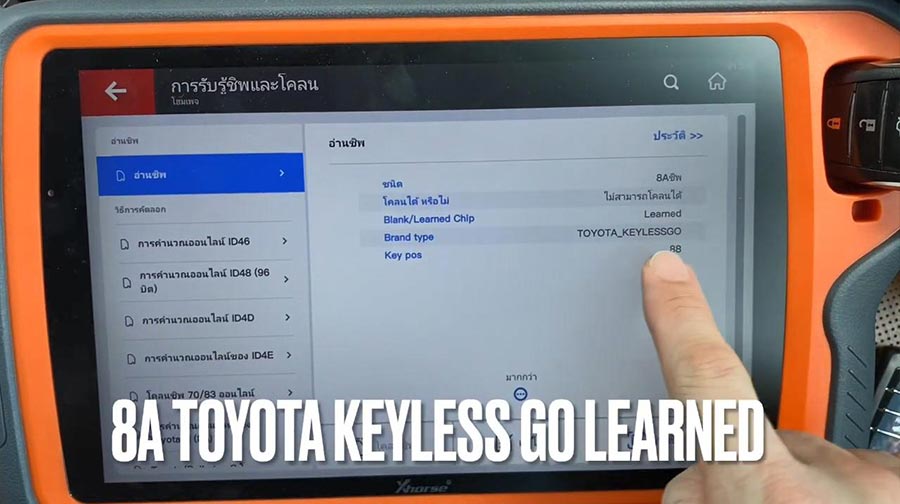
It is 8A Toyota Keyless Go learned.
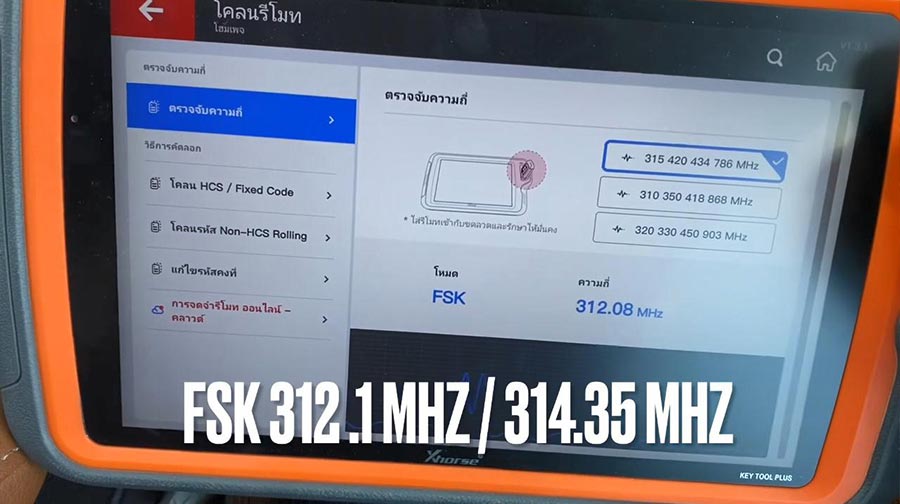
Check frequency.
It isFSK312.1MHZ/314.35 MHZ
Next isremote program - Toyota -All remote - 0020 312.1MHZ/314.35 FSK.
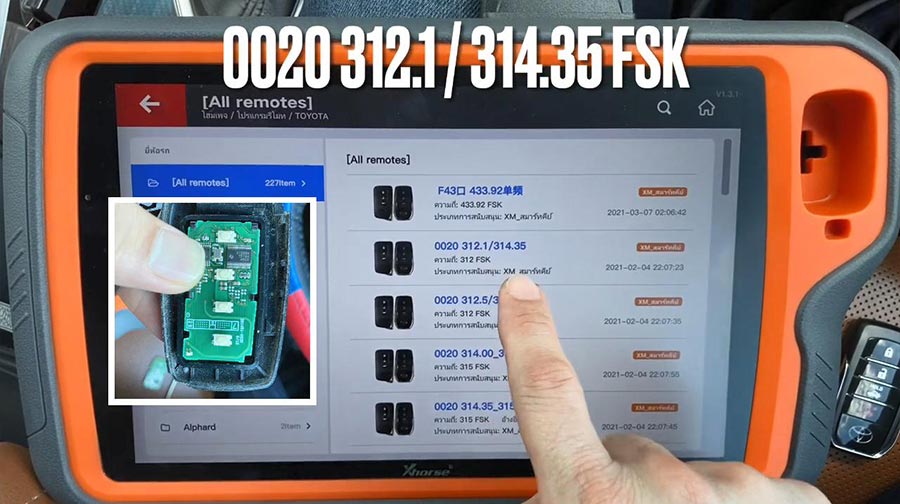
Put XM-Toy00GL PCB into coil antenna hole.
Remote information CB number 0020.
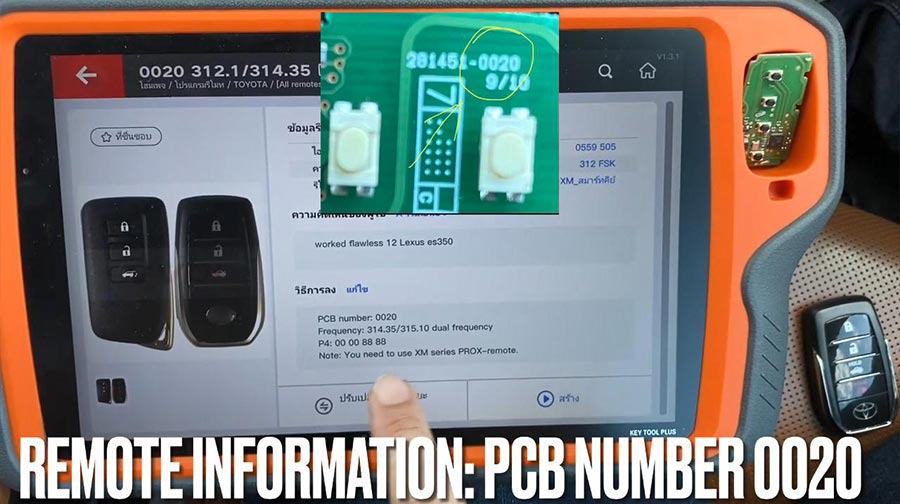
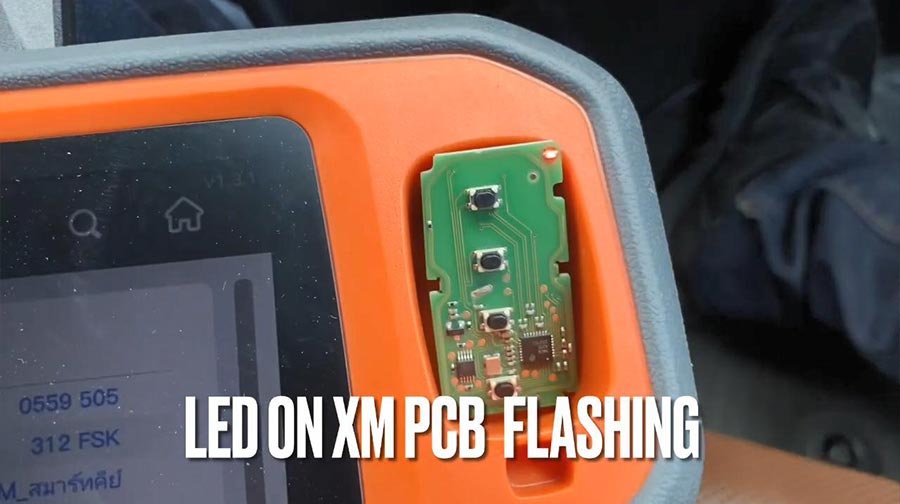
Press [Generate], meanwhile LED on XM PCB flashing.
Calculating required 5 seconds , query after 10 seconds.
Writing data, please wait...
Process time around 1-2 minutes.
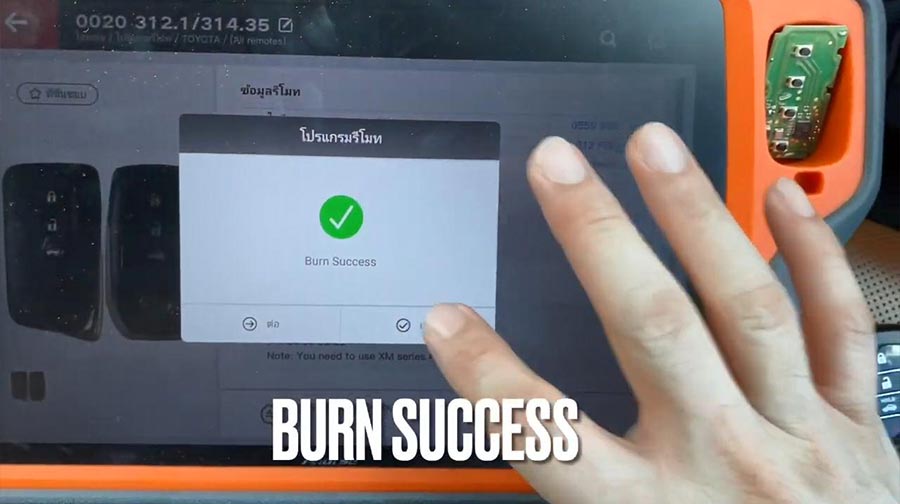
Burn success.
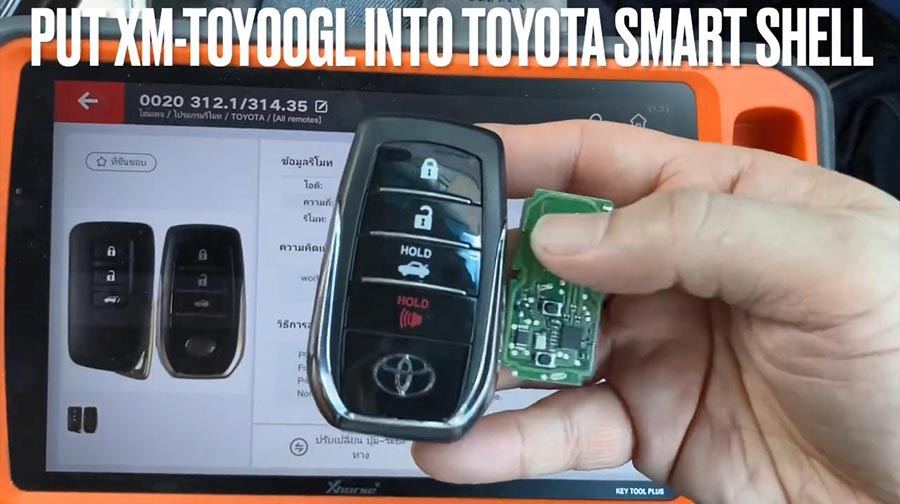
Put XM-TOY001 into Toyota smart shell.
Go to program new smart remote.
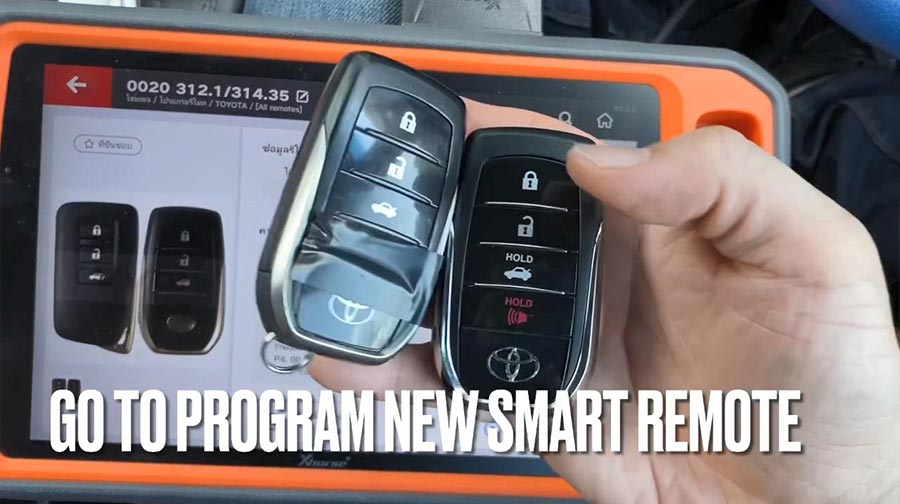
Firstly, test original remote and new remote.
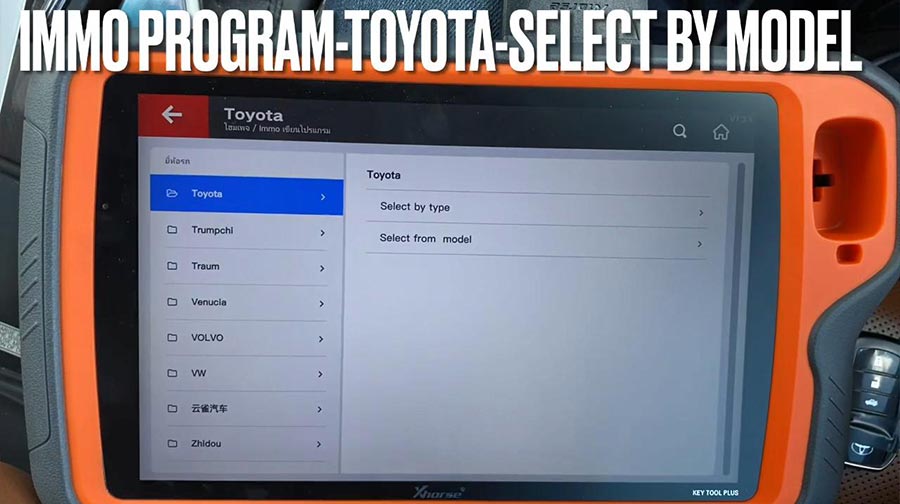
Then go to:IMMO program -Toyota -select by model.
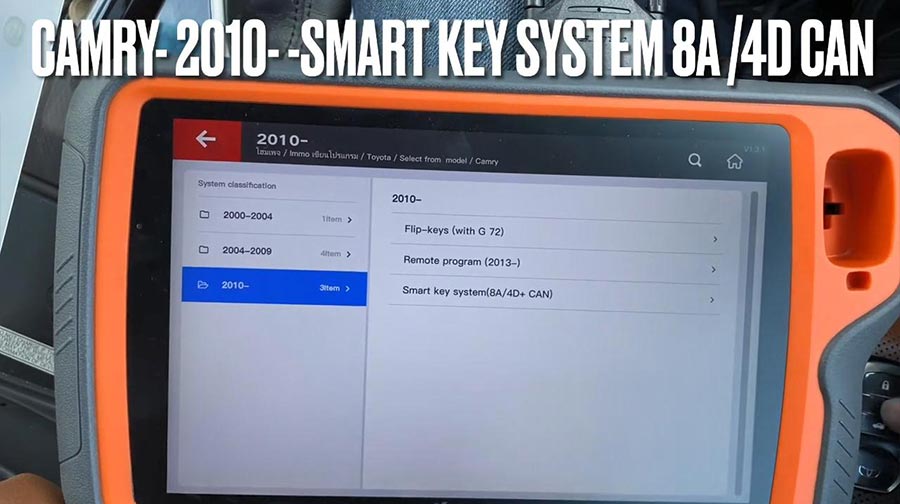
Camry - 2010 -Smart key system 8A /4D CAN.
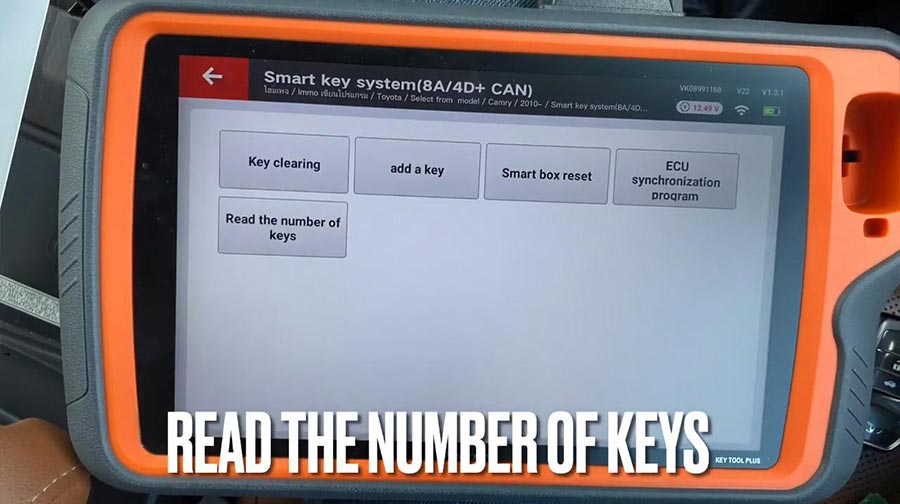
Press "Start program".
Select "Read the number of keys".
Please switch ignition on.
The number of registered key:1
Add key.
Please switch ignition on.
The number of registered key:1 , the number of keys that can also registered: 6
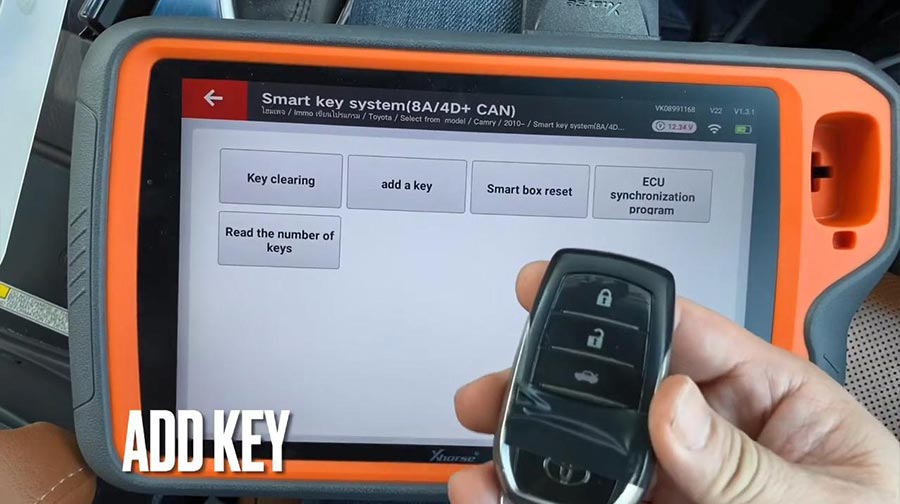
Keep
touching the ignition switch with sign surface of a registered key,
complete the operations within 30 seconds after clicking [OK].
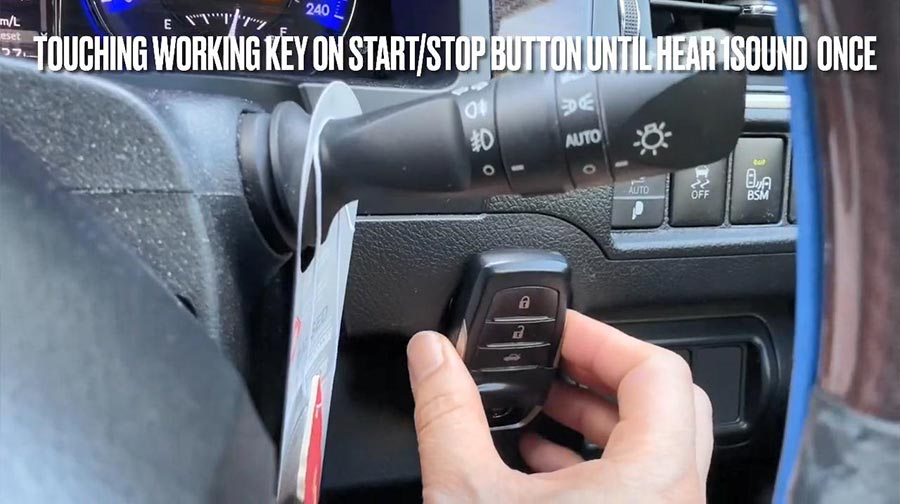
Click [OK] and keep touching the ignition switch with sign surface of a registered key within 30 seconds.
Note: if key sound once, take the key farther away. If key sound twice, it is programmed successfully.
Key registration succeeded!
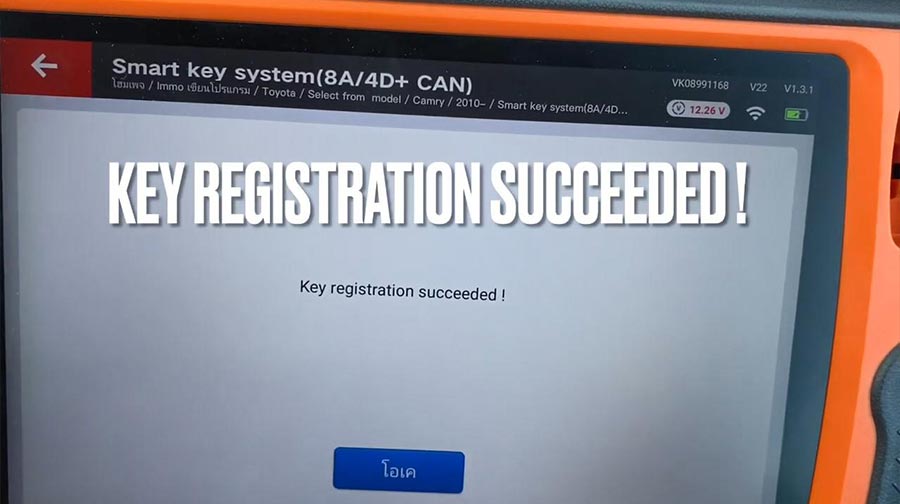
The number of registered key:2 , the number of keys that can also registered: 5.
Please check if function of remote normal.
Remote function is ok and can start.
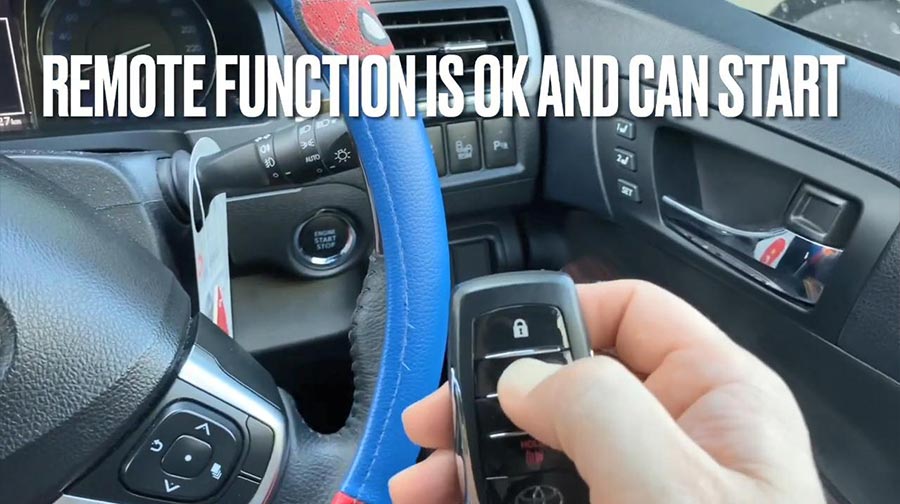
Job is done.
http://blog.xhorsevvdi.com/vvdi-key-tool-plus-generate-xm-toy00gl/
Posted by: xhorsevvdi at
02:11 AM
| No Comments
| Add Comment
Post contains 279 words, total size 4 kb.
June 25, 2021
Issue:I have problem generating proximity remote with Xhorse VVDI Key Tool. I put remote with battery inside antenna and when I push generate it says internal error.


Problem was SOLVED.
I had upgraded firmware from 3.3.2 to 3 3.4 and proximity remotes works perfect.
Alright, although Xhorse VVDI Key Tool discontinue producing and replaced byVVDI MINI Key Tool, if you have any questions, you will be served.
any further questions,please feel free to contact us:
Skype: xhorsevvdi.com
Whatsapp: +86-13983756354
Posted by: xhorsevvdi at
02:25 AM
| No Comments
| Add Comment
Post contains 89 words, total size 2 kb.
June 23, 2021
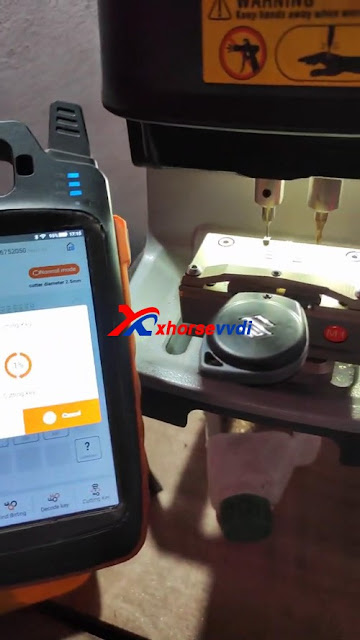
It’s so easy to use Xhorse VVDI Key Tool Max with Dolphin XP005 Key Cutting Machine to Program all keys lost for Suzuki Swift
Here you are:
Connect VVDI Key Tool Max and Dolphin XP005 key cutting machine via Bluetooth for smart control, prepare an original key and a new one for ready, then get to start:
All Key Lost>>Suzuki>>input the number 5024>>SZ21RP


Please follow "Clamp type†to align M1 clamp tip to 2 position, this type recommend use 1.5mm to cut.
Key fixed: clear metal filings and use your finger to press the blank key on the clamp and make sure it is flat

Select "Cutting key†and continue to make sure the cutting depth.


Then Start cutting key using Xhorse Dolphin XP005 automatically.

http://blog.xhorsevvdi.com/xhorse-vvdi-max-dolphin-xp005-program-suzuki-swift-all-keys-lost/
Posted by: xhorsevvdi at
06:09 AM
| No Comments
| Add Comment
Post contains 141 words, total size 8 kb.
June 21, 2021
Confirmed! The Xhorse VVDI KEY TOOL MAX can be used to connect with dolphin xp005 key cutting machine to program Mahindra Bolero all keys lost
Firstly, please bind VVDI Key Tool Max with Xhorse Dolphin XP005 via Bluetooth.
In Key tool max menu, switch to Condor Dolphin XP-005 page, then connect with Dolphin XP005 via Bluetooth.
Part 1. Operate VVDI Key Tool Max:
Tap"Key Lost†->> Mahindra ->> Enter code "5670â€


Please follow "Clamp type†to align M1 clamp tip to 2 position, this type recommend use 1.5mm to cut.

Select "Cutting key†and continue to make sure the cutting depth.

Part 2. Start cutting key using Xhorse Dolphin XP005 automatically.

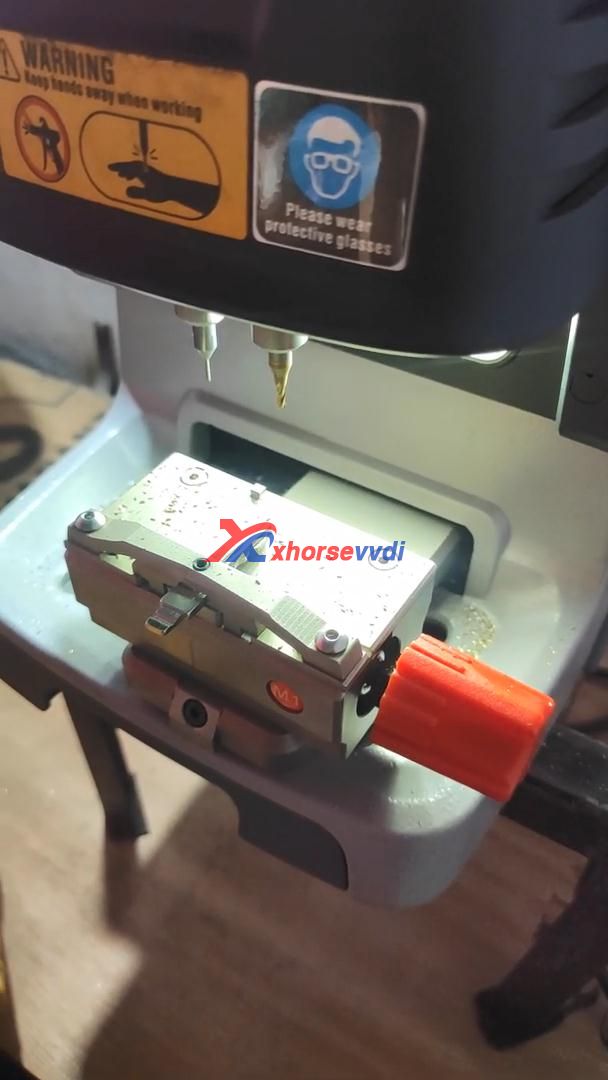
Alright, it’s so easy to useVVDI Key Tool Maxtogether withXhorse Dolphin XP005to cut a key.
http://blog.xhorsevvdi.com/cut-mahindra-bolero-all-key-lost-using-vvdi-key-tool-max-dolphin-xp005/
Posted by: xhorsevvdi at
06:51 AM
| No Comments
| Add Comment
Post contains 139 words, total size 5 kb.
June 17, 2021
Used Xhorse VVDI Key Tool Plus for Range Rover sports 2016/2017 add key successfully by OBD using together with Xhorse Smart Remote.
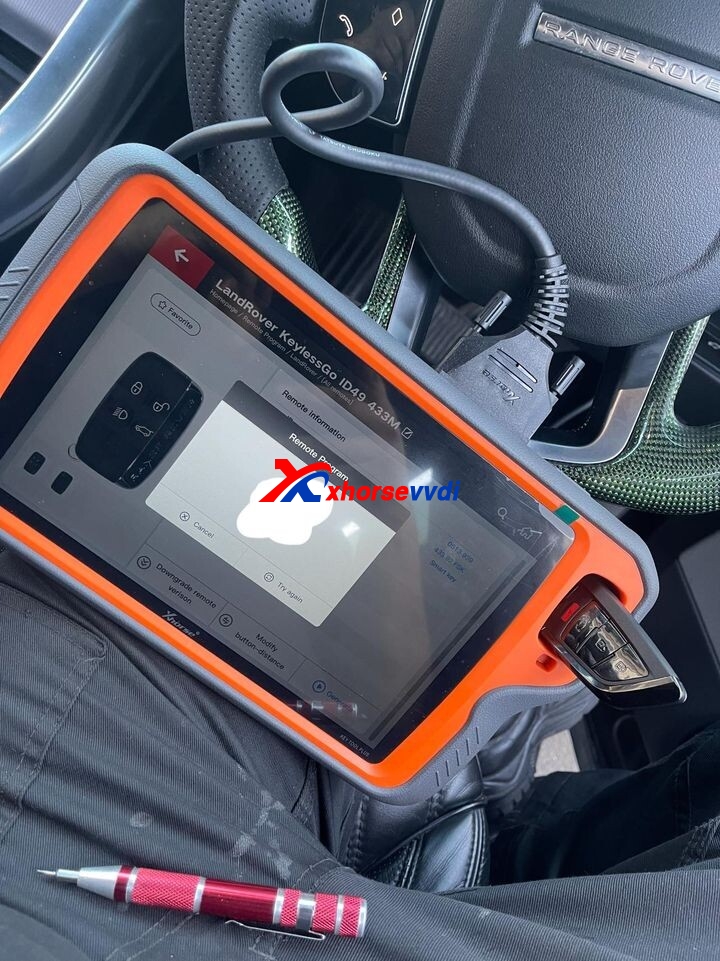
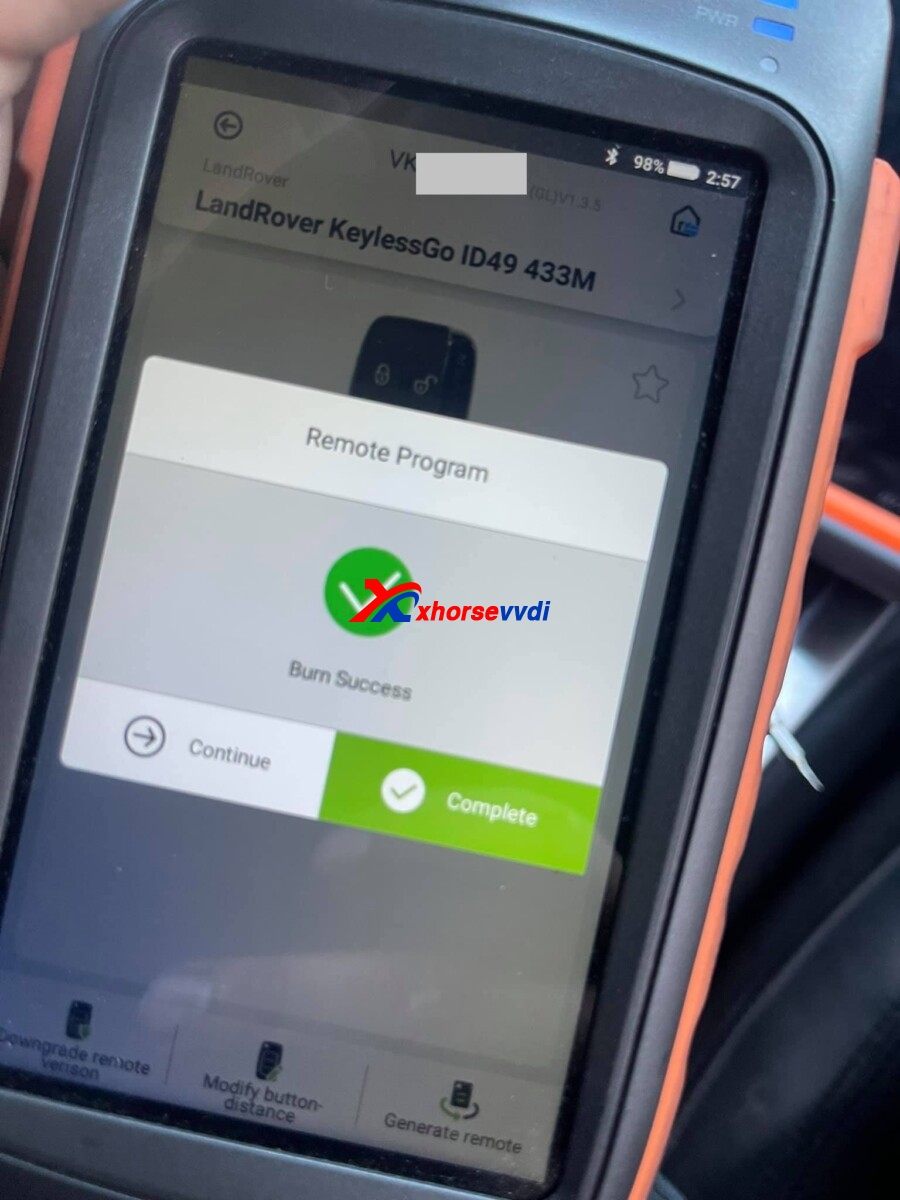
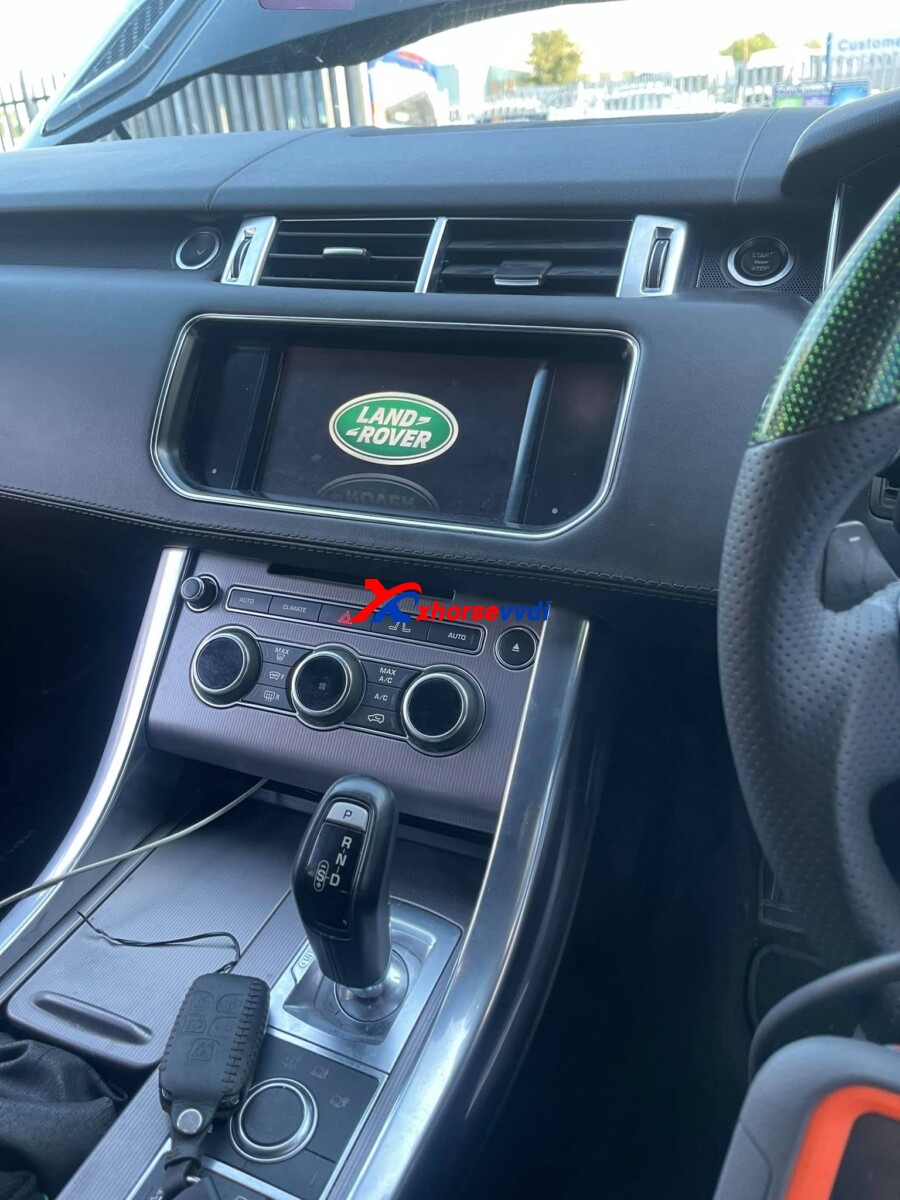
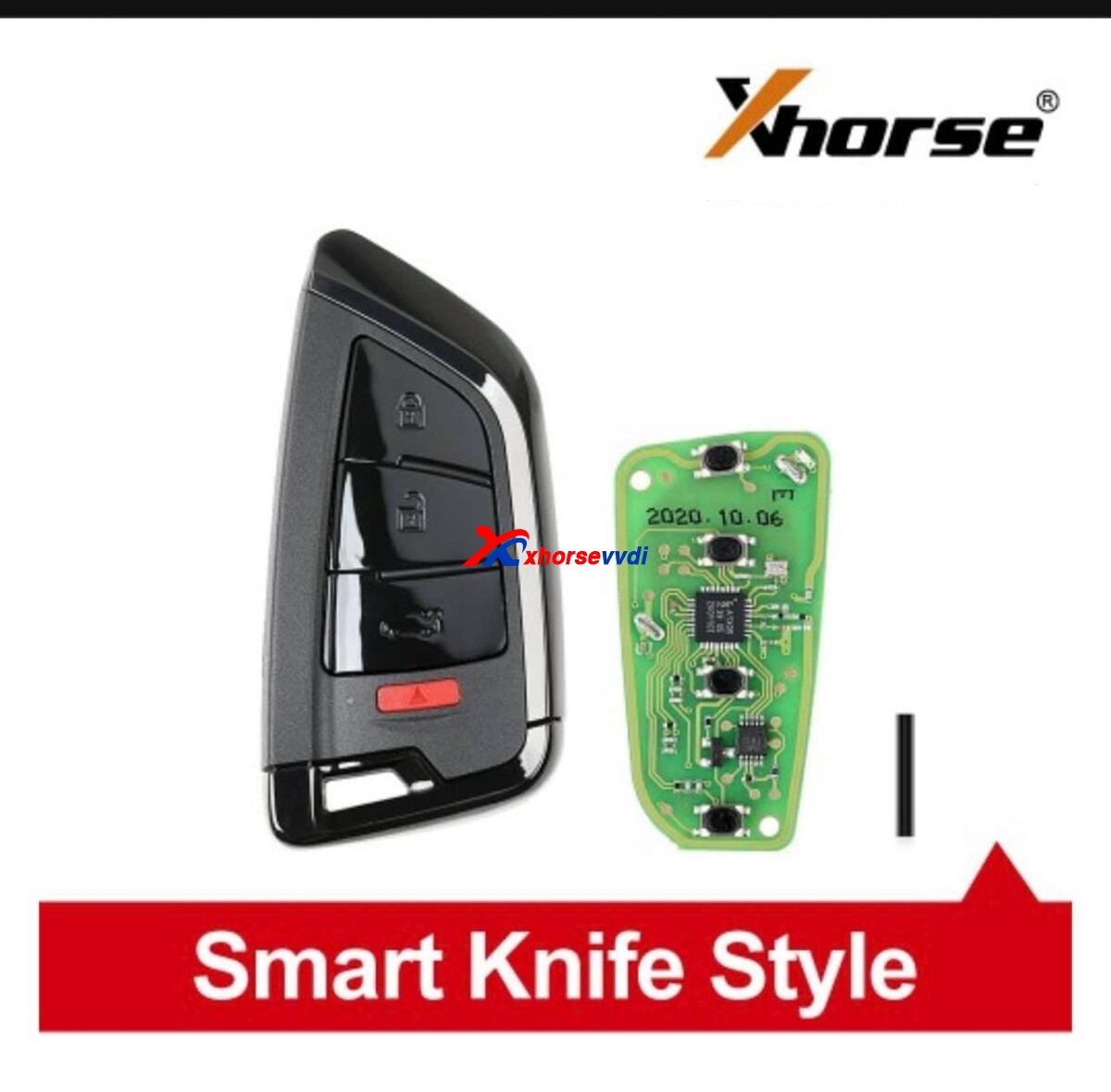
ForXhorse VVDI Key Tool Plus,Key Tool Max,Xhorse smart remote,
contact at Skype: xhorsevvdi.com
Whatsapp: +86-13983756354
http://blog.xhorsevvdi.com/vvdi-key-tool-plus-range-rover-sports-2016-2017-add-key/
Posted by: xhorsevvdi at
09:04 AM
| No Comments
| Add Comment
Post contains 50 words, total size 3 kb.
June 16, 2021
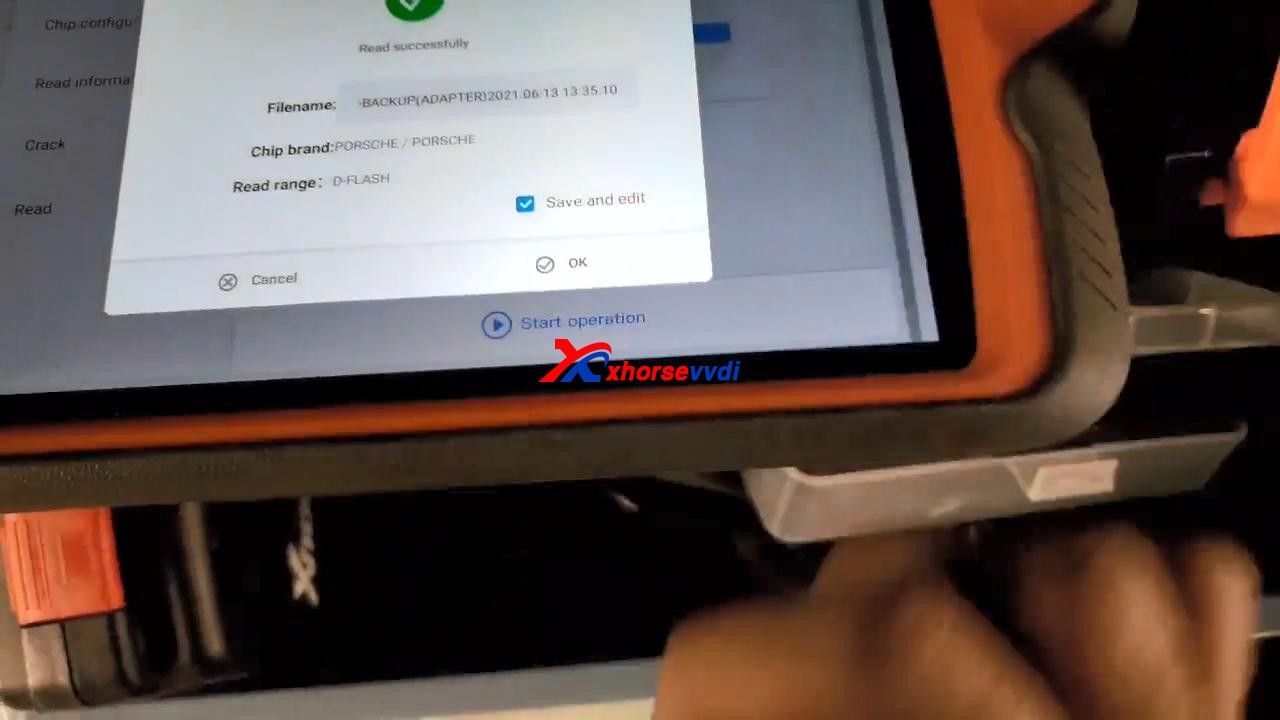
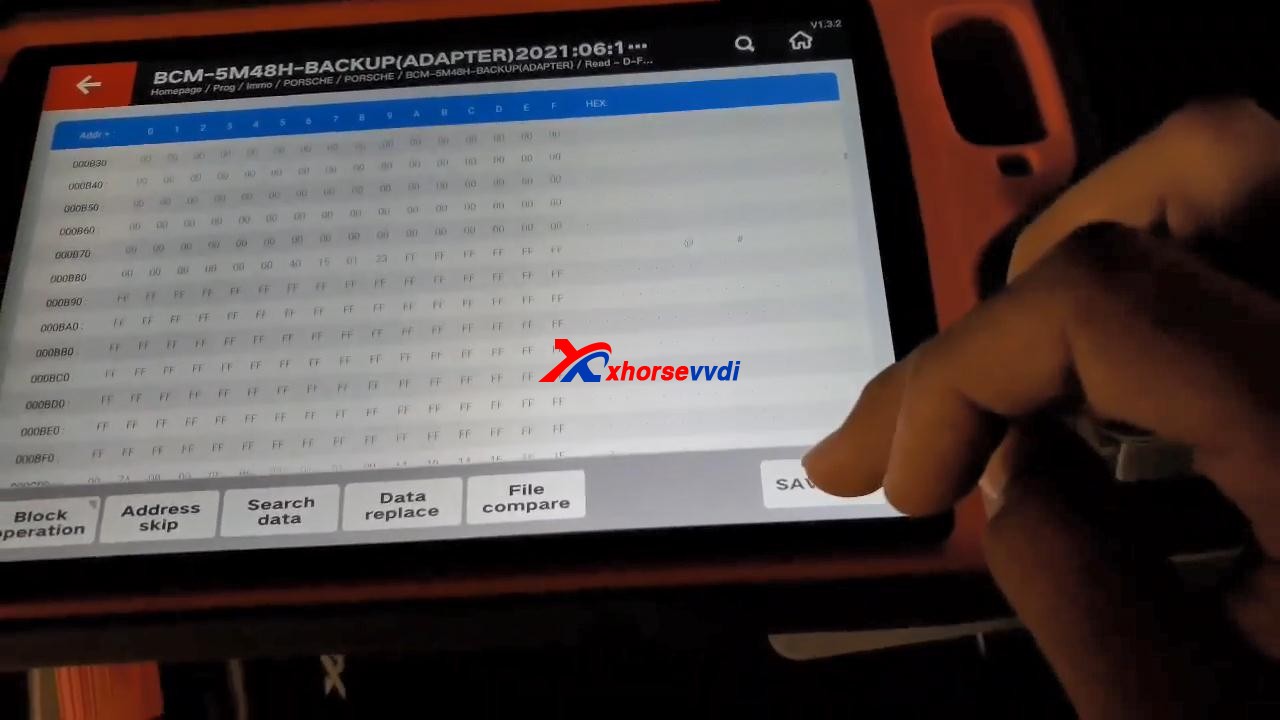
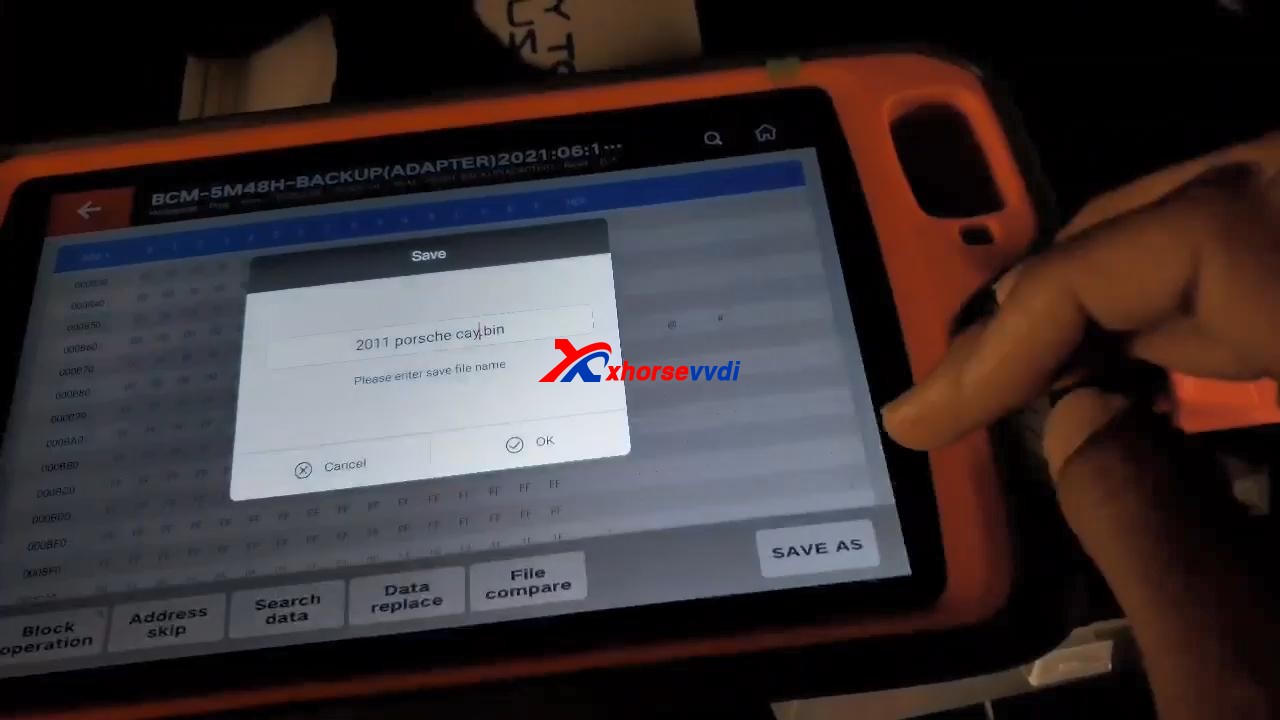
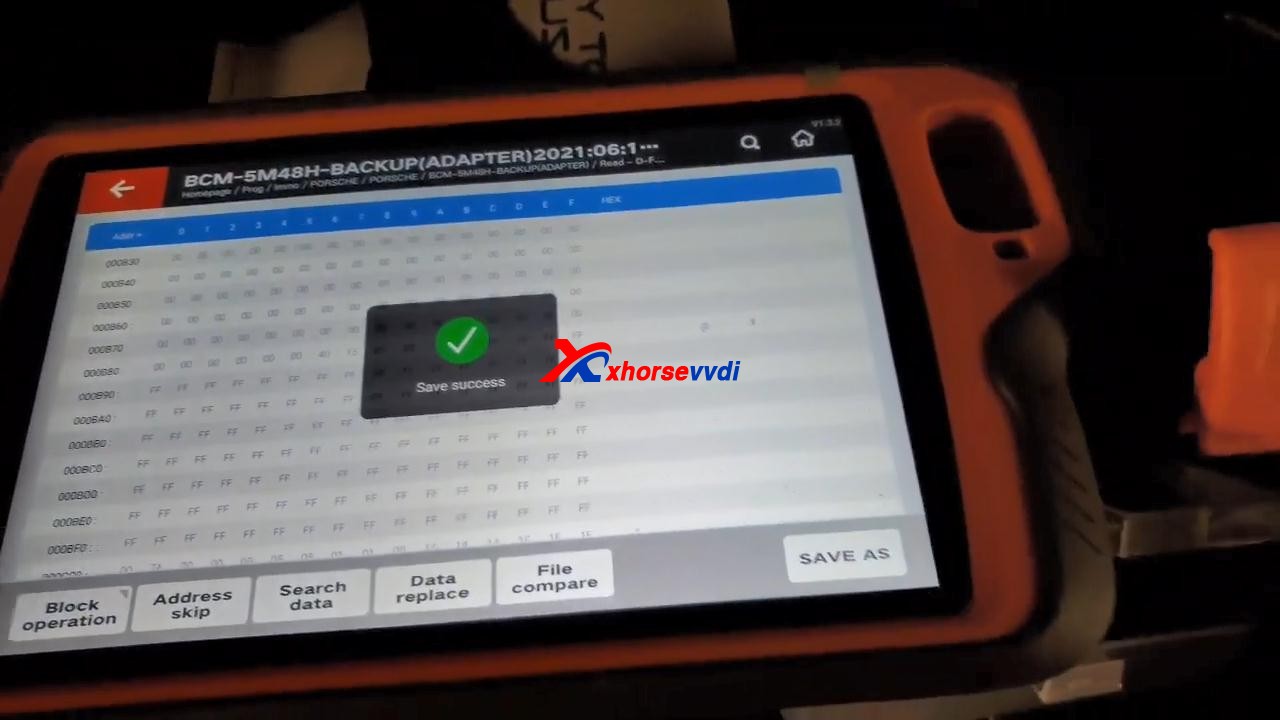
UsedXhorse VVDI Key Tool Plusto program 2011 Porsche Cayenne All Lost Key, take about 25 mins in total!
PreparePorsche BCM adapter XDNP17, which I already put it on the board.
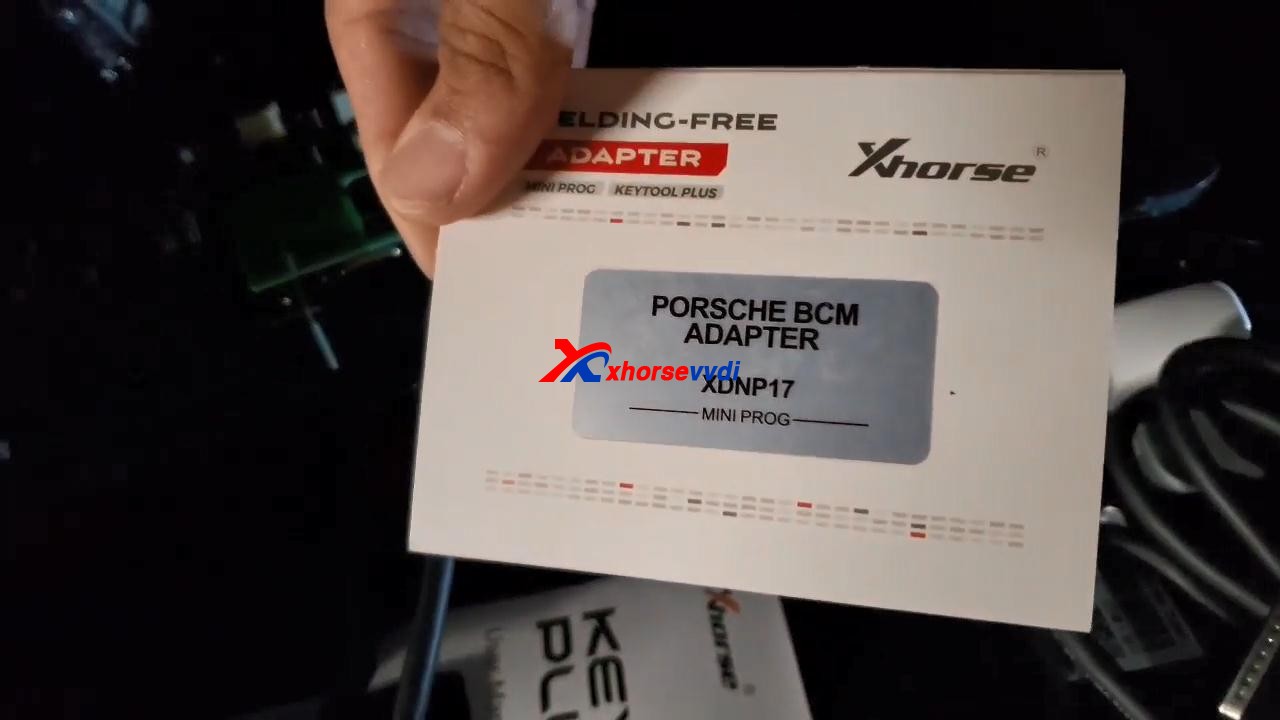
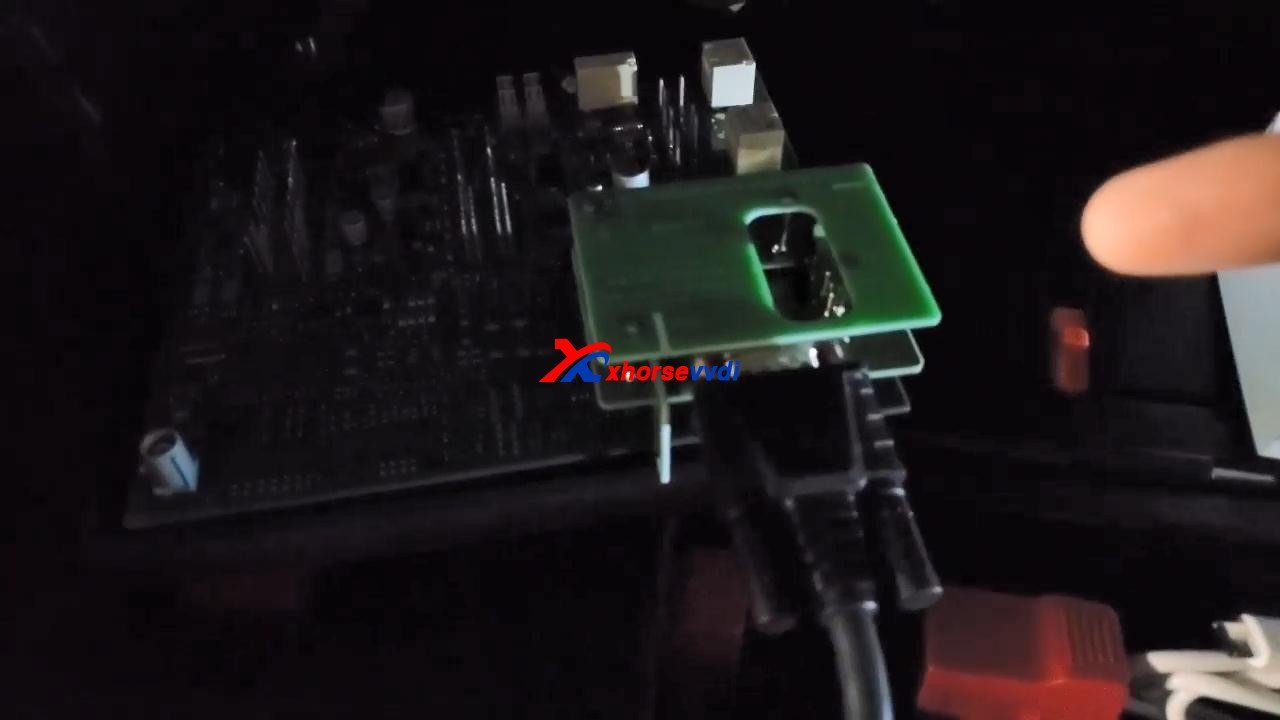
VVDI Key Tool Plus read D-FLASH successfully, and tick off"Save and edit" and then "OK".
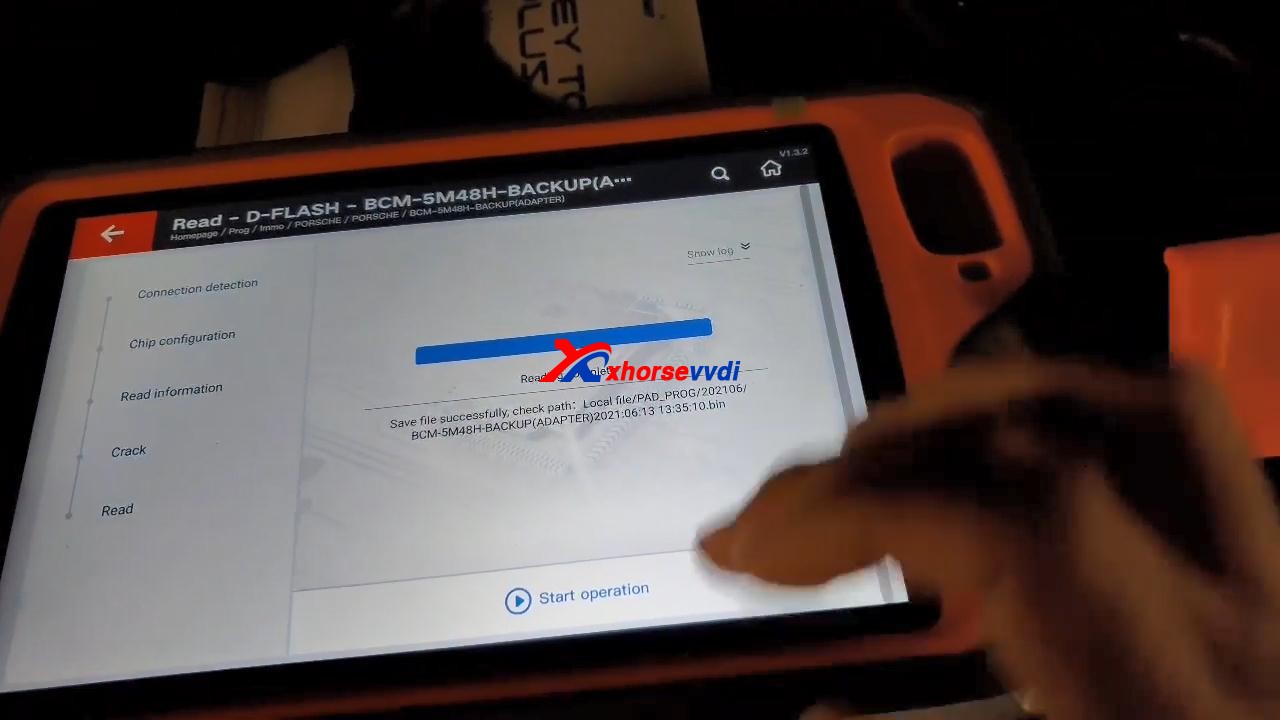
Back to tap "immo programming", then select "Europe" and "Porsche", then "New Porsche key-generate dealer key", tap "Start Programming".
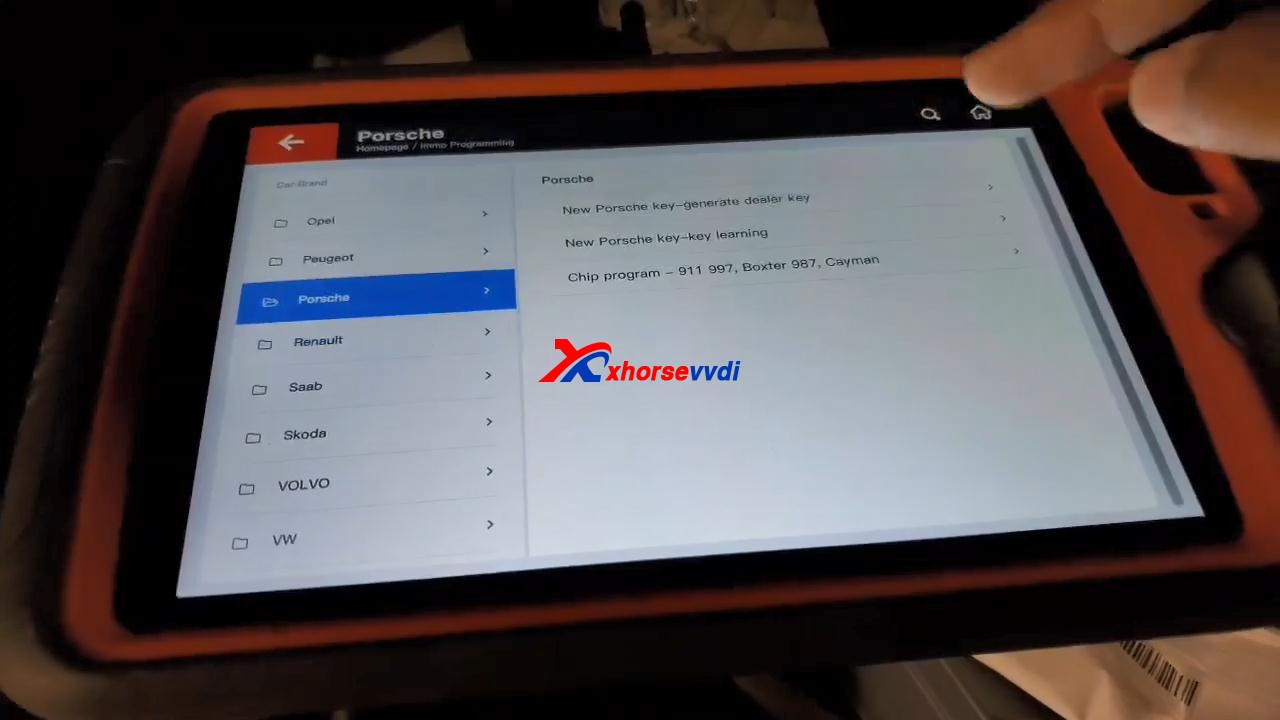
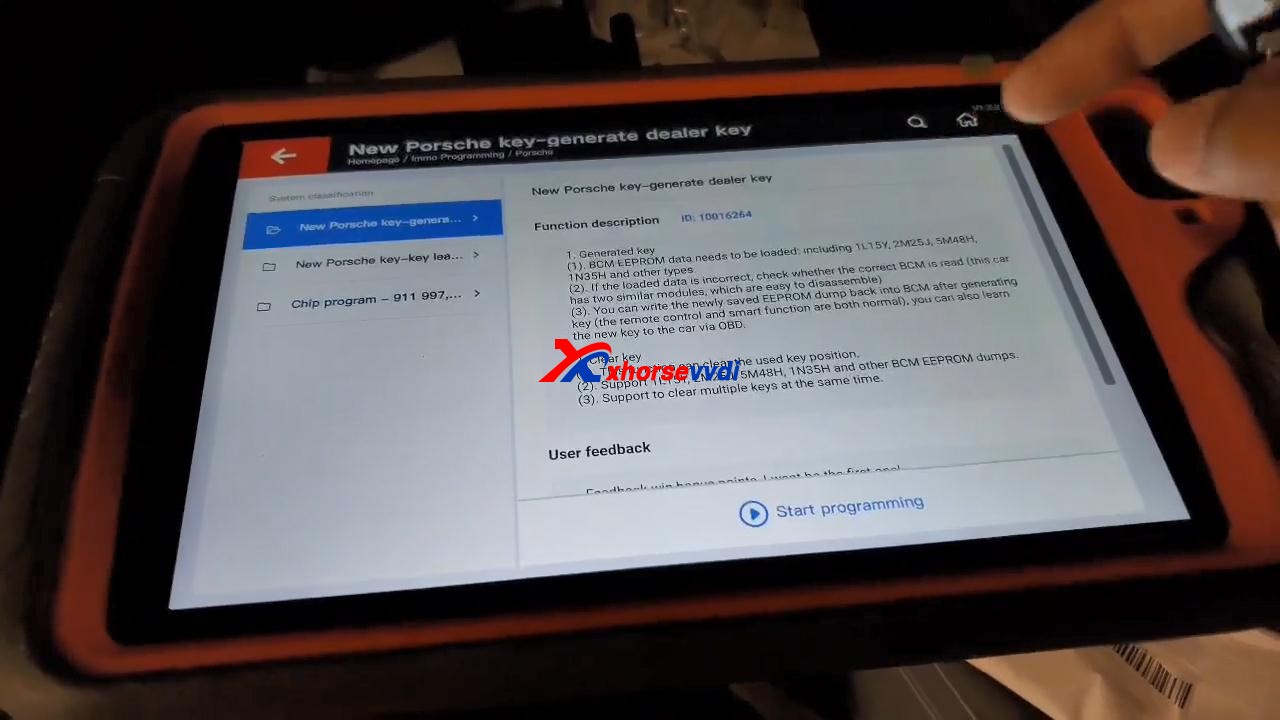
Tap "Generated key", then "EEPROM (5M48H)".
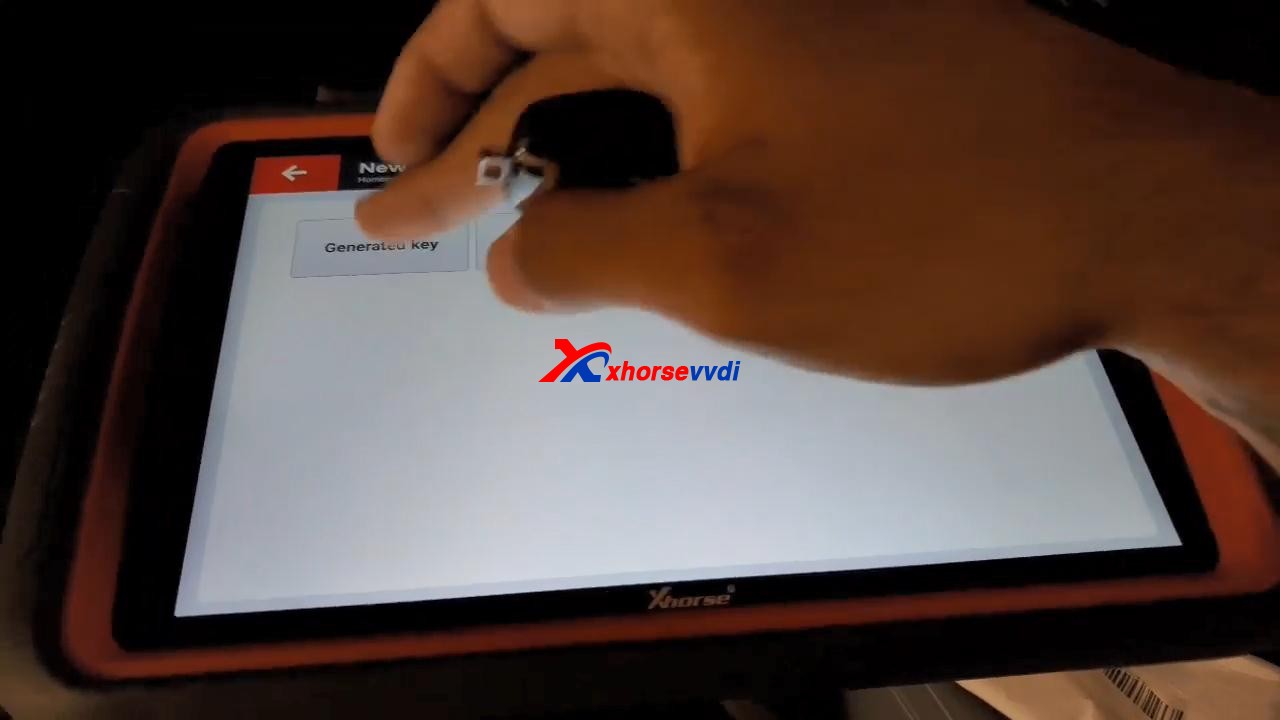
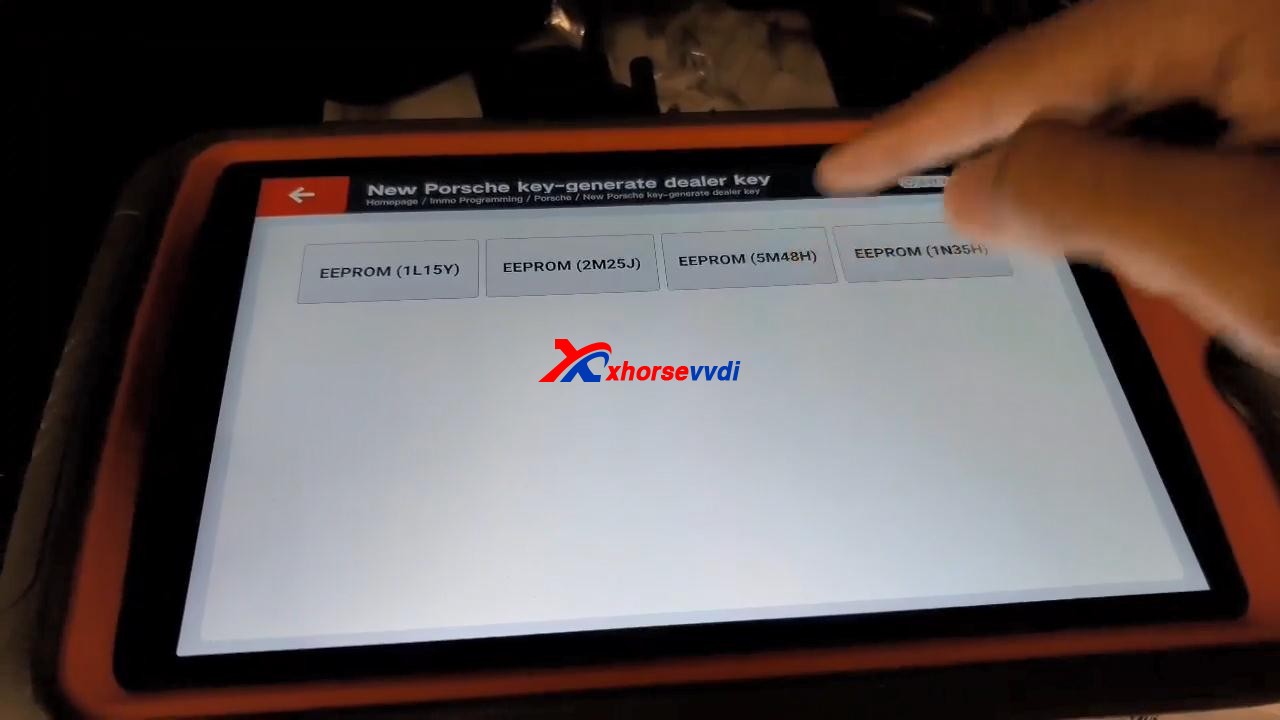
Tap "OK" to load the EEPROM data.
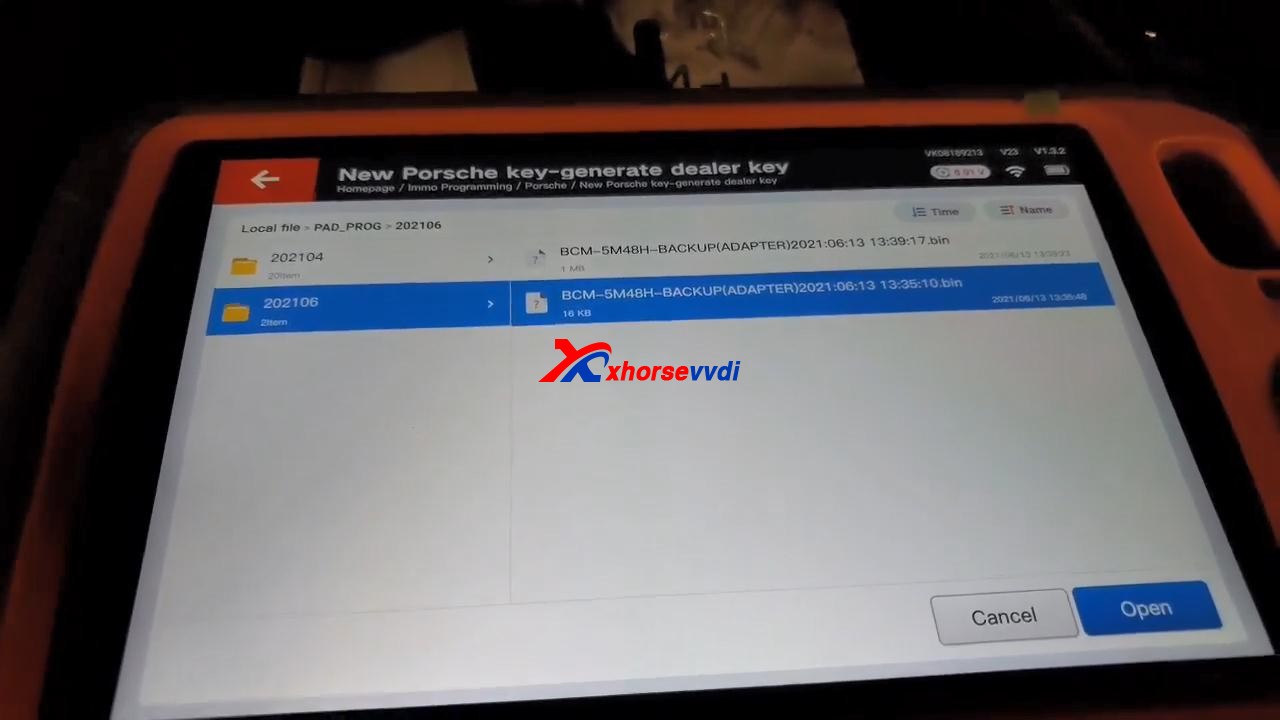
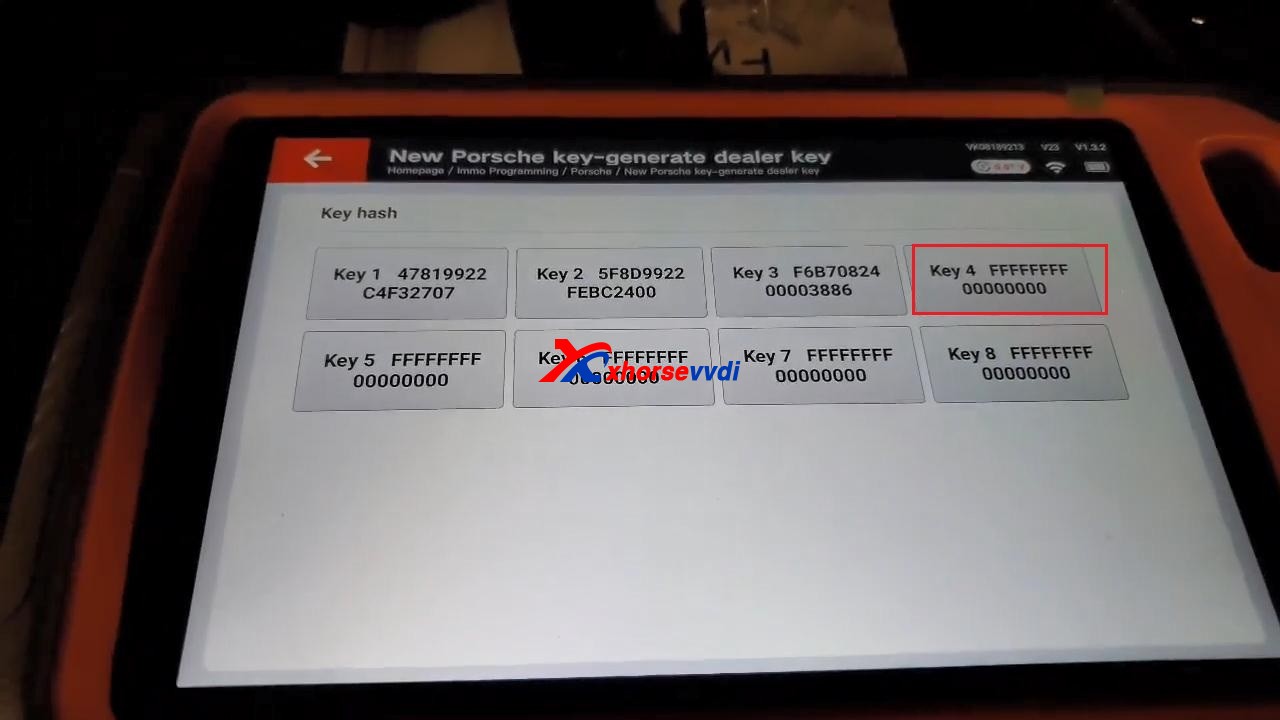
Select "Key 4".
It prompts "Don't detect transponder. Please input key first!".
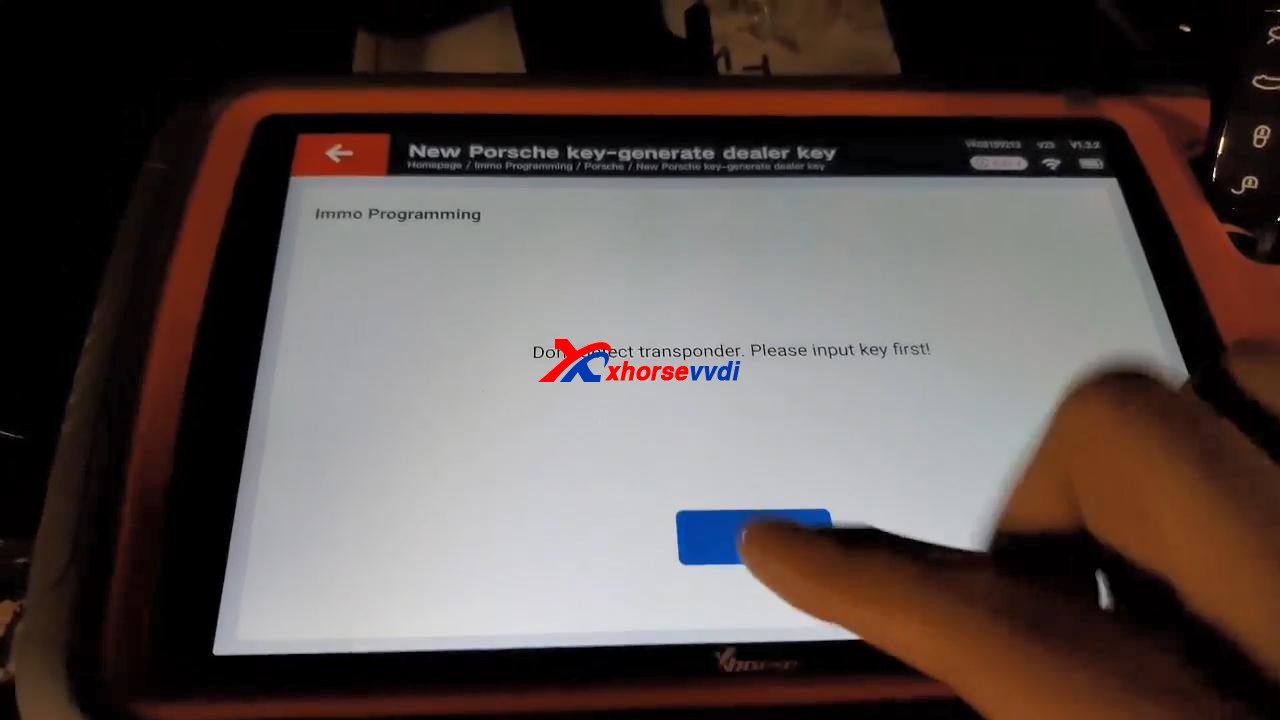
After putting key first, tap "Generated key", then "EEPROM (5M48H)", then tap "OK" to load the EEPROM data.
Select "Key 4" to make key.
Click "OK" to save new eeprom data.
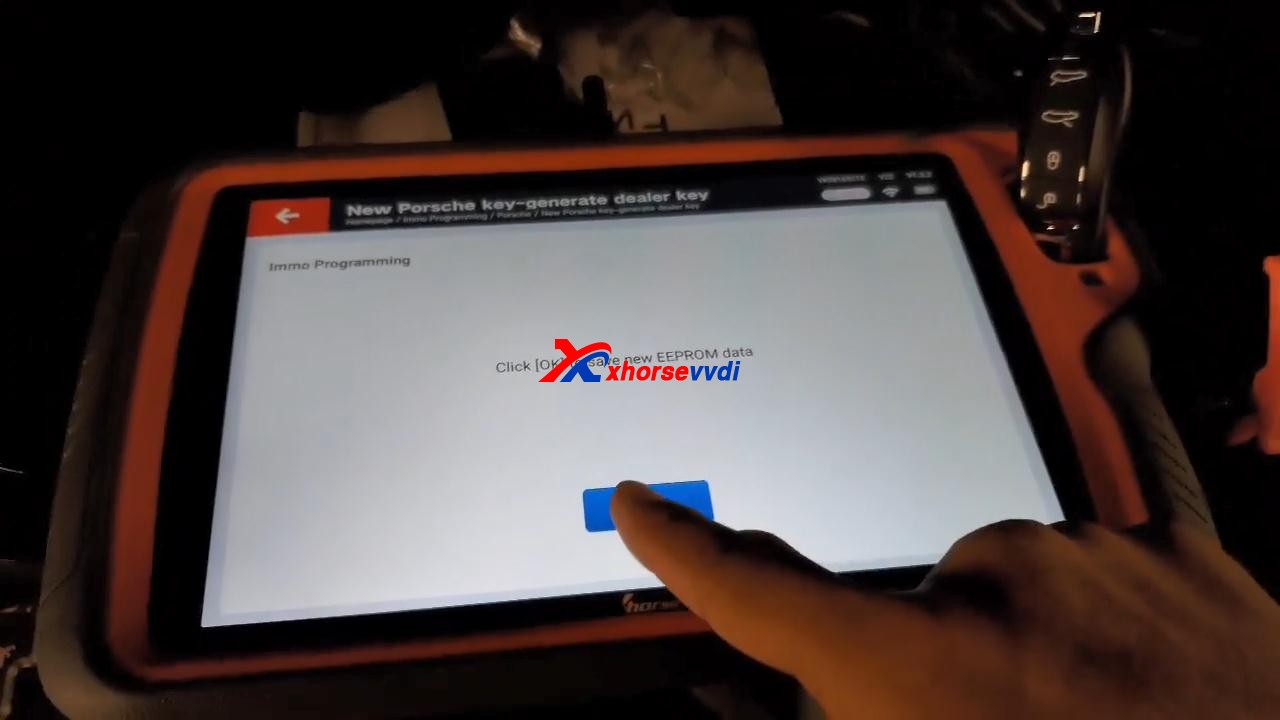
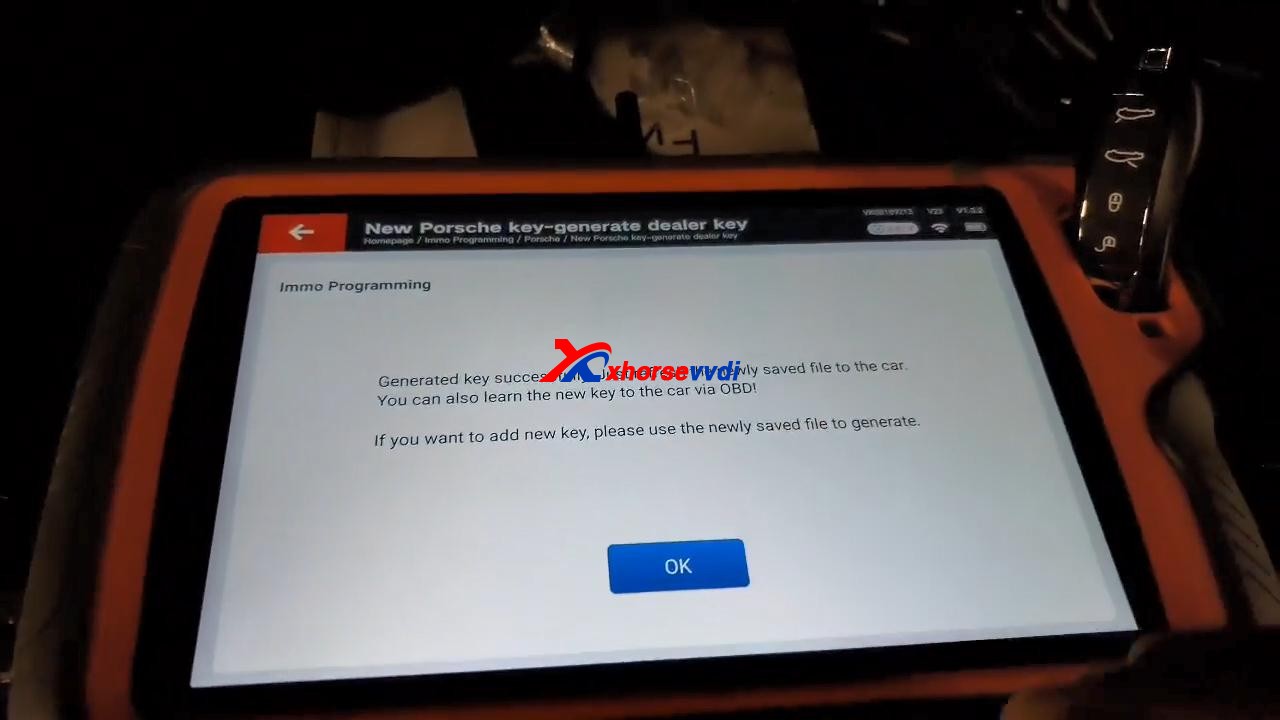
Generated key successfully. Just refresh the newly saved file to the car. You can also learn the new key to the car via OBD!
If you want to add new key, please use the newly saved file to generate.
Job is done!
Source:https://www.xhorsevvdi.com/service/program-2011-cayenne-all-lost-key-by-vvdi-keytool-plus.html
Posted by: xhorsevvdi at
03:13 AM
| No Comments
| Add Comment
Post contains 175 words, total size 4 kb.
June 10, 2021


The answer is 12242124 (key cutting bitting)
Good to know:
The key code is on the tag. Just put it into instacode or the xhorse app.
xhorsevvdi.com wrote an article on how to find bitting with Condor XC-Mini Plus key cutting machine, here you can refer to:
http://blog.xhorsevvdi.com/how-to-find-bitting-with-condor-xc-mini-key-cutting-machine/
There is a option "Find Bitting", enter it and select car make to confirm, then select key type. Enter the bitting you know. Enter the unkown bitting as "?" and click on "Find Bitting Code".
Next part is about how to get cutting bitting with Dolphin XP-005.
Enter Dolphin main menu
Select "Find bitting"
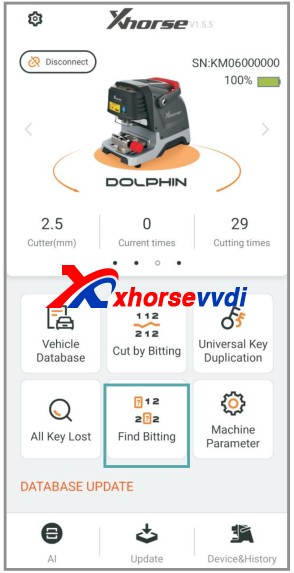
Select a car make.

Select or put in the key blank type.

Put the known bitting and replace unknown bitting as "?".
Then click on "Find Bitting"
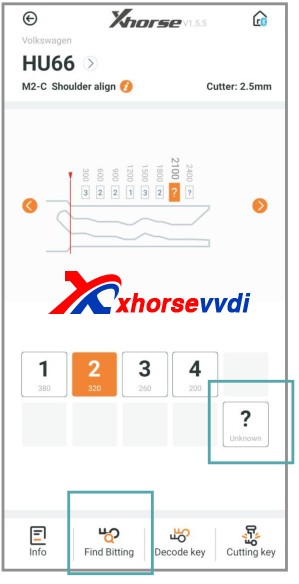
Final part is to use the key bitting to make key, here take Dolphin XP005 for example:
Click on "Cut by Bitting".

Choose a key blank type.
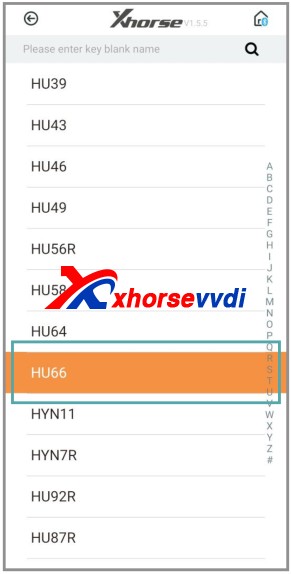
Choose the key type.

Follow the picture show to fix the key.
Select proper side of clamp and fix the key in correct position
Put in the key bitting and check all the information before you click on "Cutting key" for making new key.

Good luck!
Have Condor Mini Plus and Dolphin XP005 at www.xhorsevvdi.com
Posted by: xhorsevvdi at
07:53 AM
| No Comments
| Add Comment
Post contains 233 words, total size 7 kb.
May 26, 2021
Tools option:Xhorse VVDI Key Tool Plus Pad
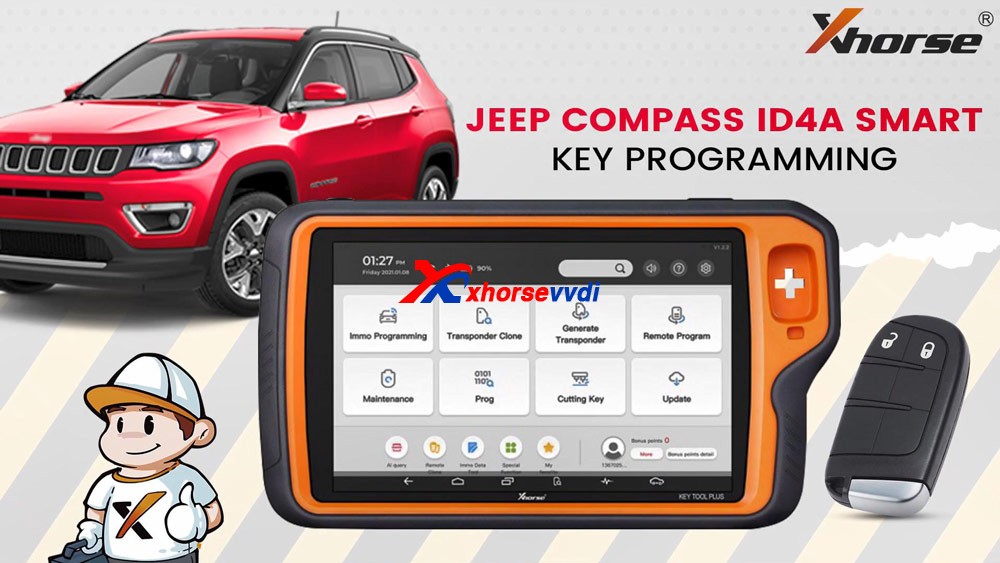
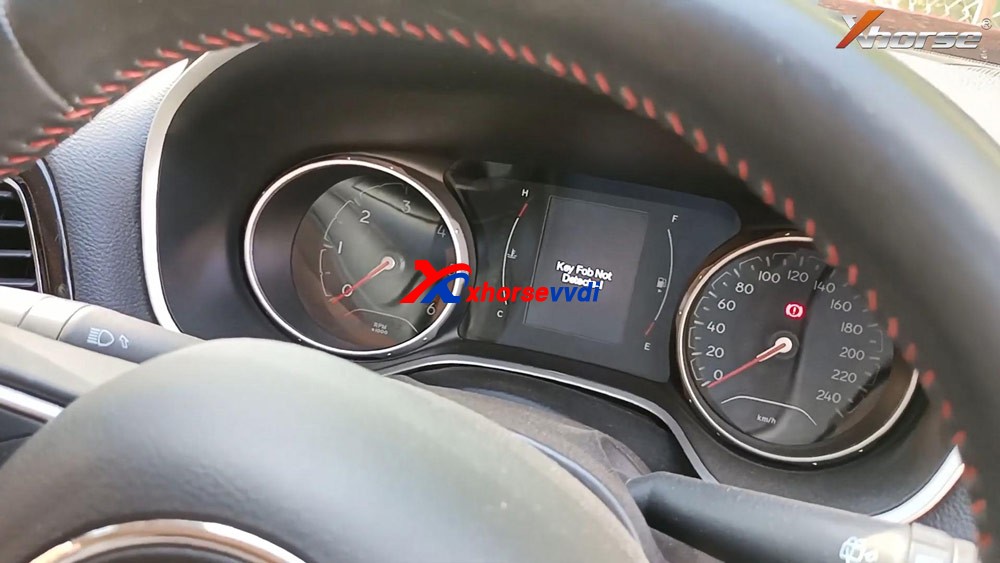
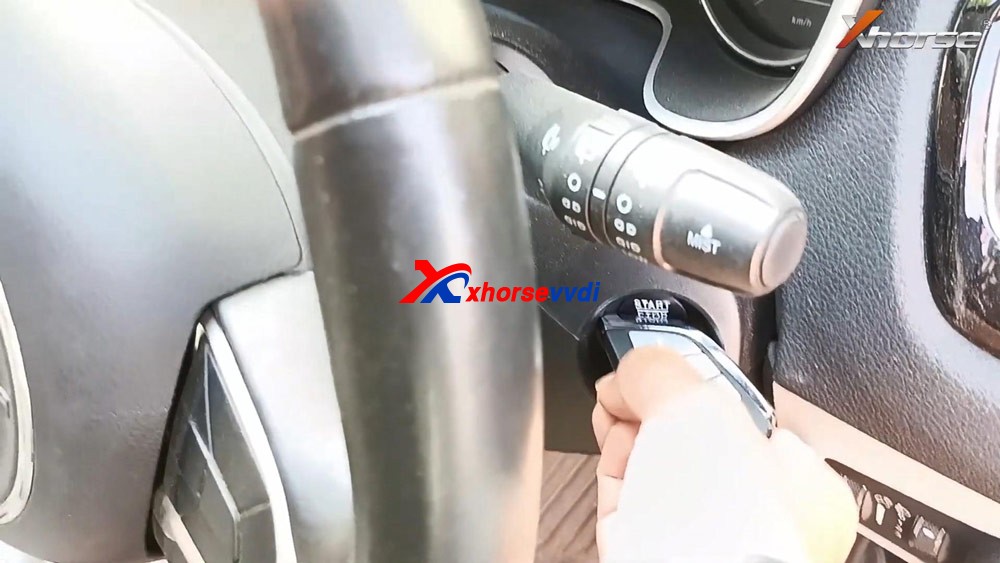
Plug VVDI Key Tool Plus to the car, press the Start /Stop button and you will see "Key Fob no detected" on the dashboard.
Insert the key into the keyhole of pad.
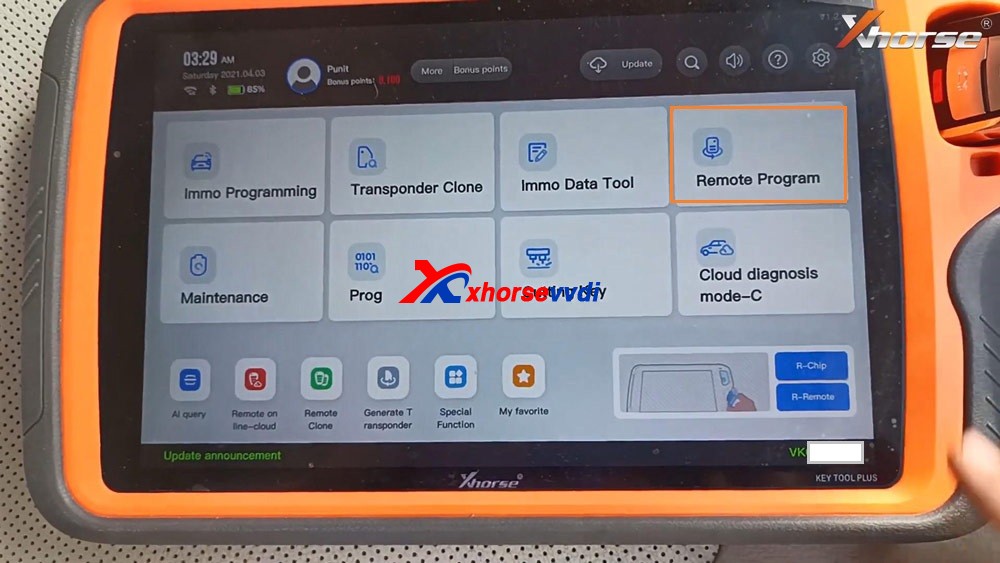
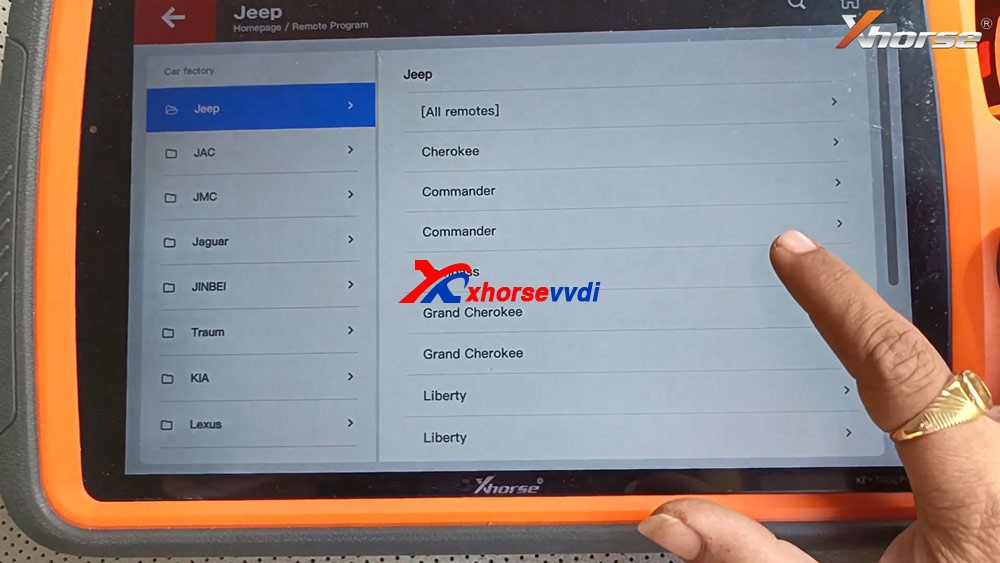
Tap "Remote Program", select "Jeep" and then " Compass".
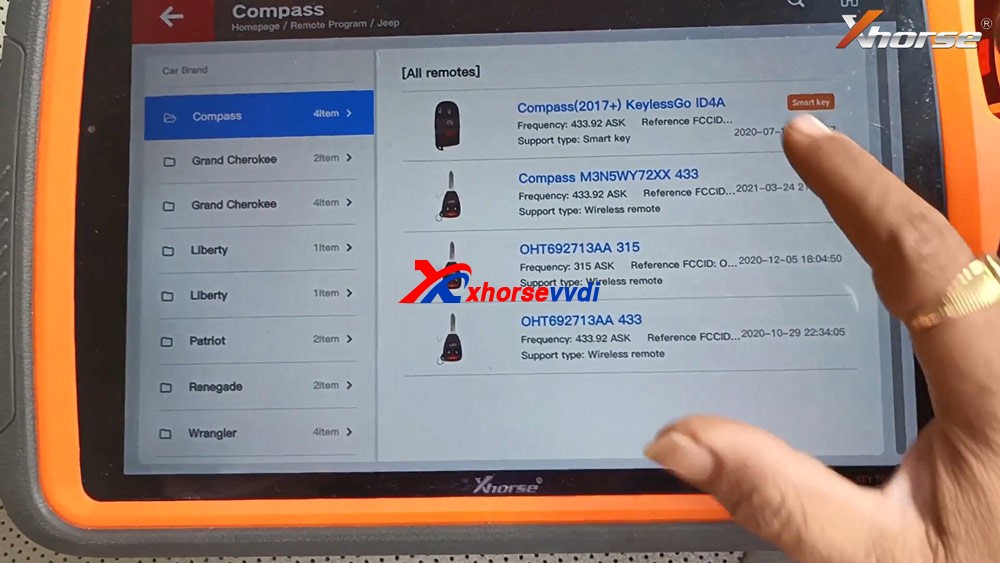
Select "Compass (2017+) KeylessGo ID4A".
Tap "Generate".
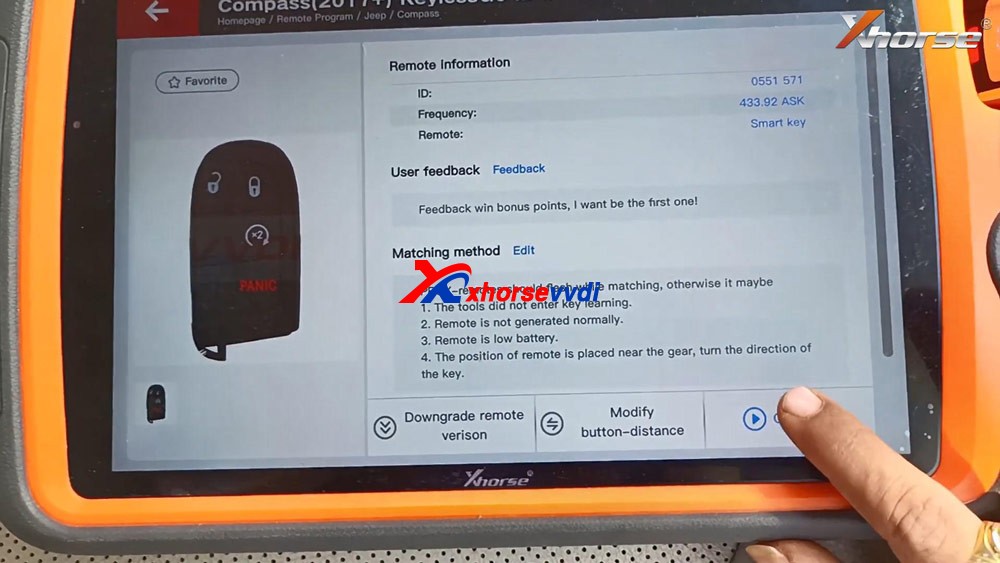
Detecting remote.
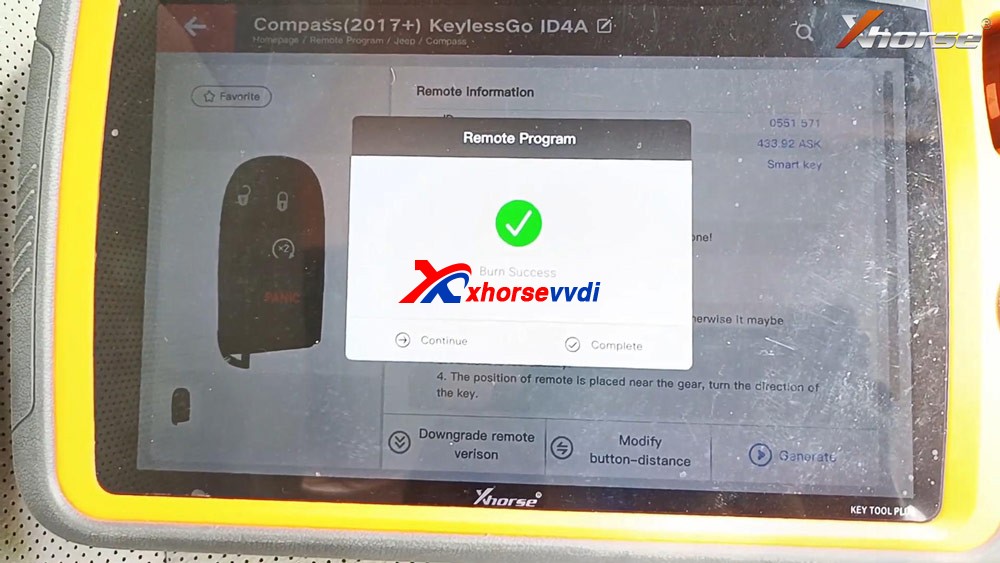
Writing data.
Burn success and tap "Complete".
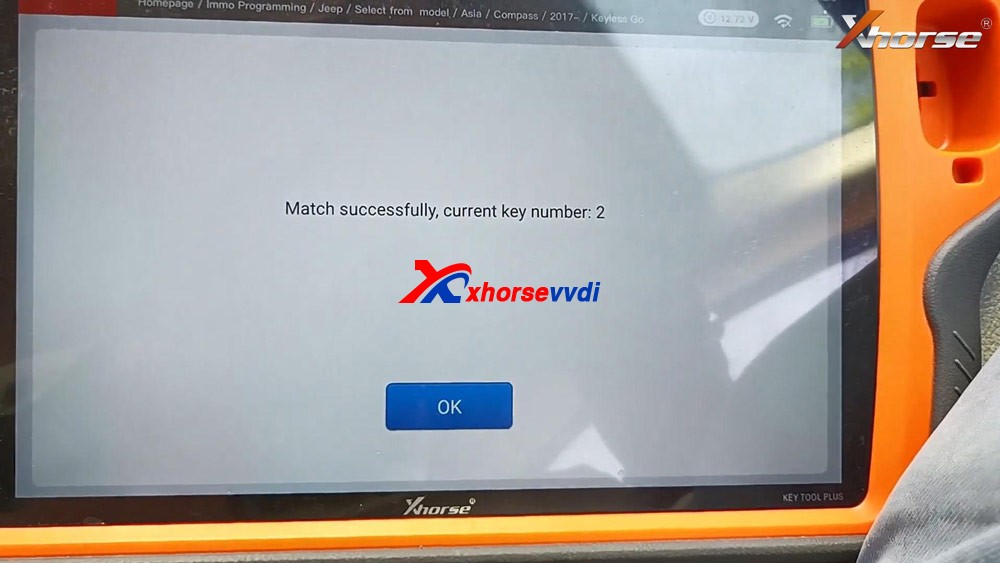
Back to select "Immo Programming", select all brands and "Jeep" and "Select from model" and then "Asia", then "Compass", then "2017 -", then "Keyless Go".
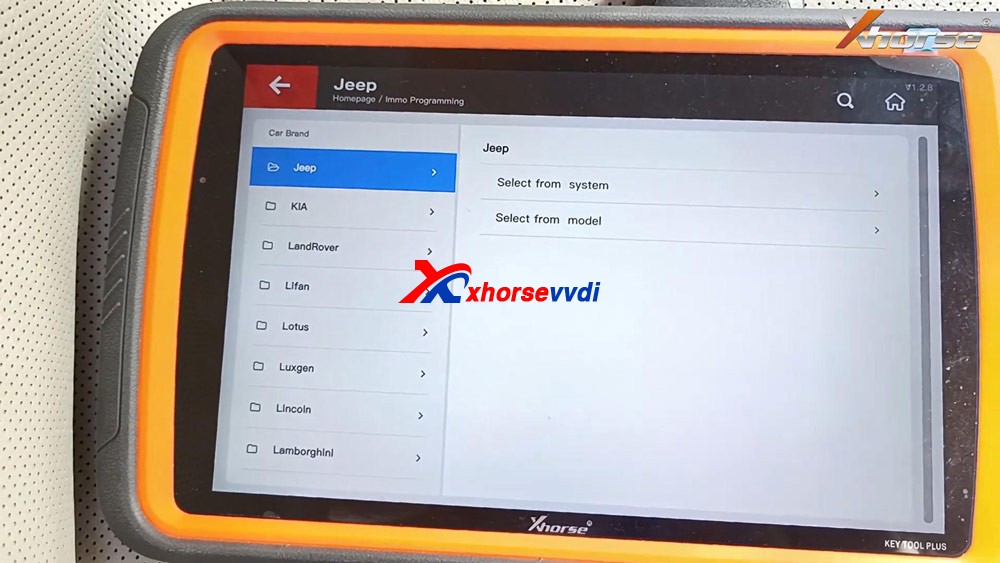
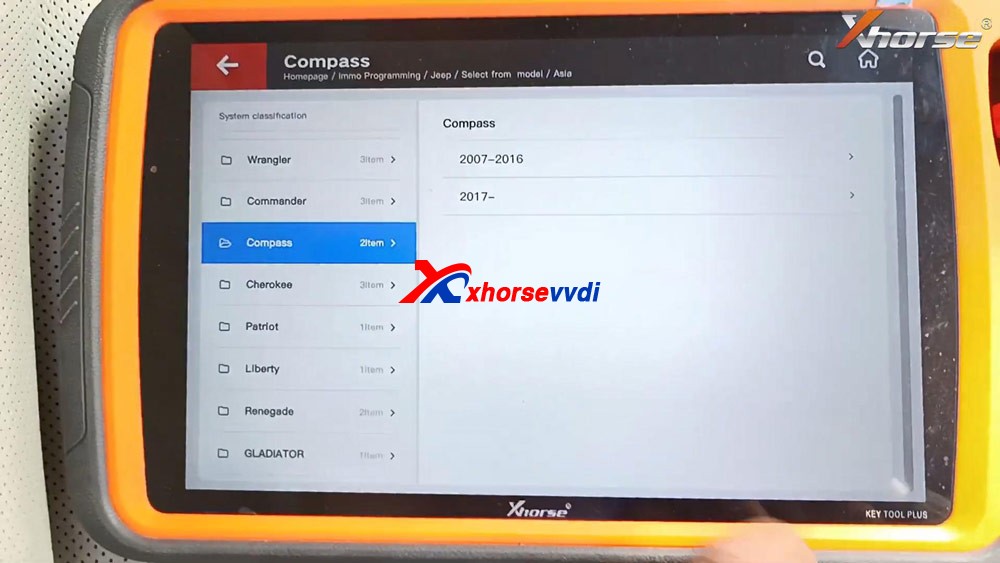
Select "Start programming".
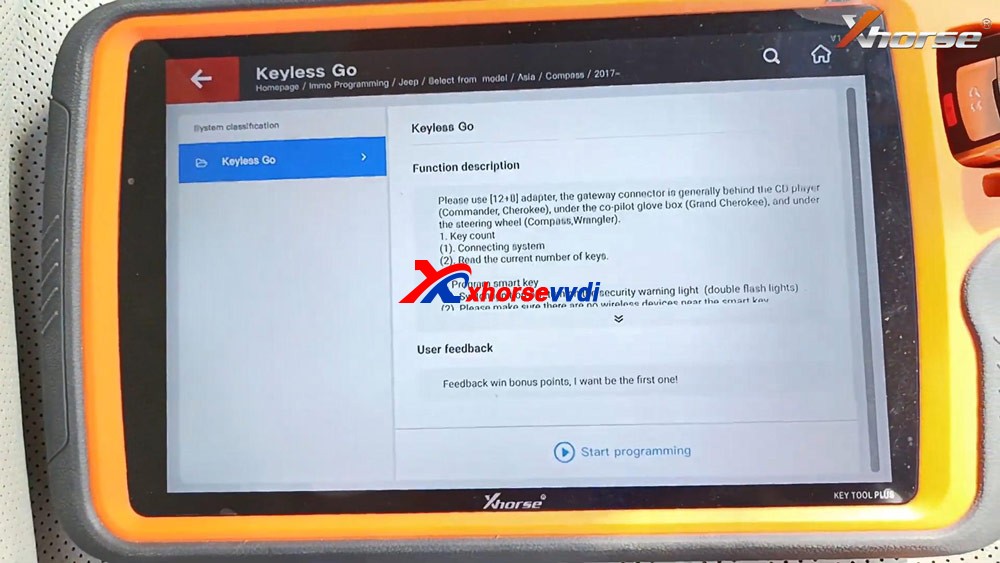
Please use [12+8] adapter, the gateway connector is generally behind the CD player (Commander, Cherokee), under the co-pilot glove box (Grand Cherokee), and under the steering wheel (Compass, Wrangler).
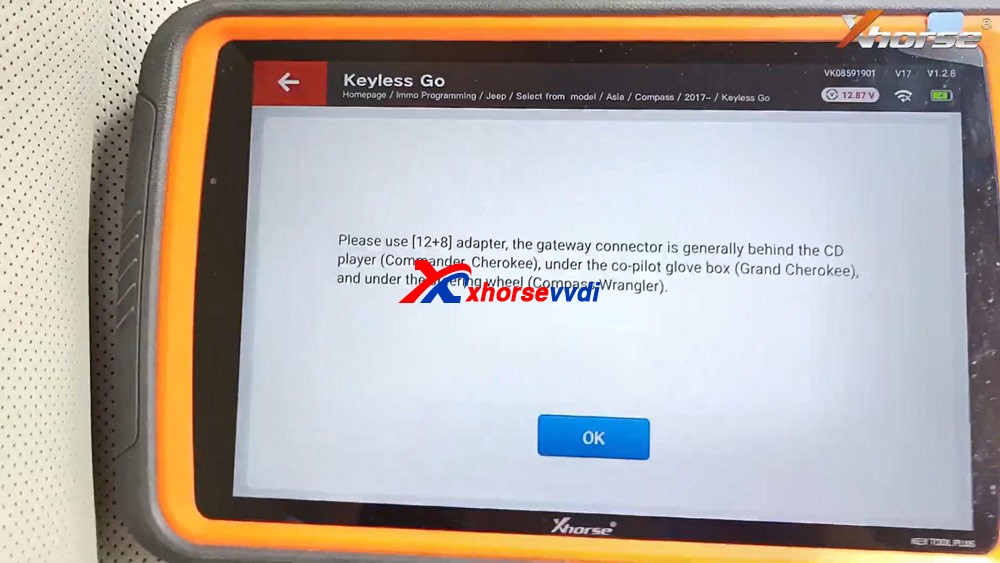
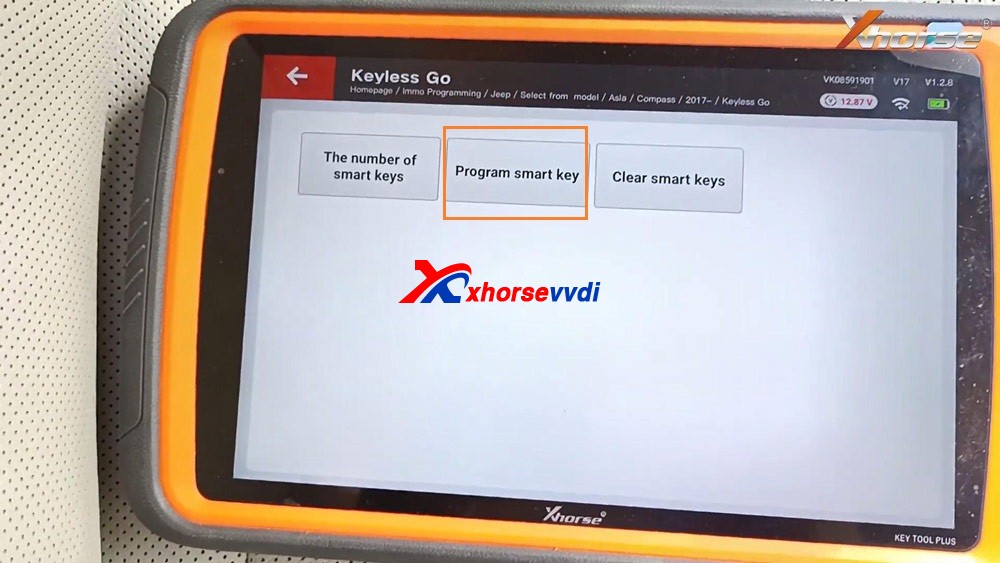
Tap "Program smart key".
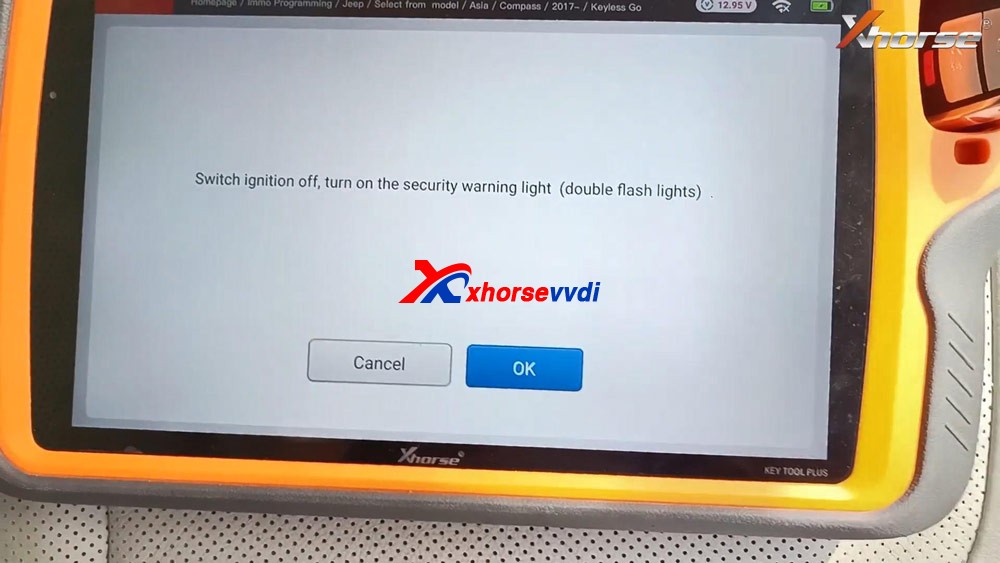
Switch ignition off, turn on the security warning light (double flash lights).
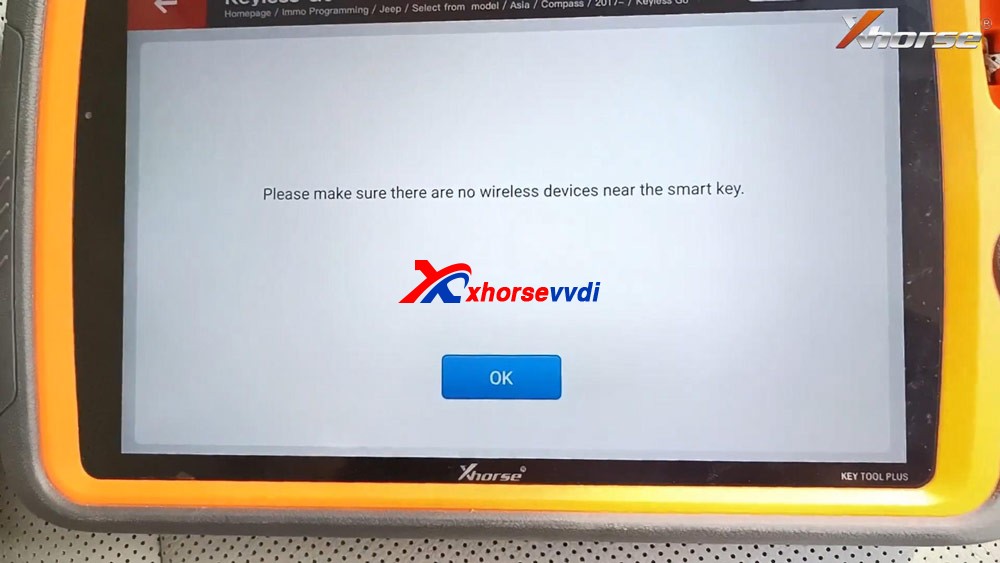
Please make sure there are no wireless devices near the smart key.
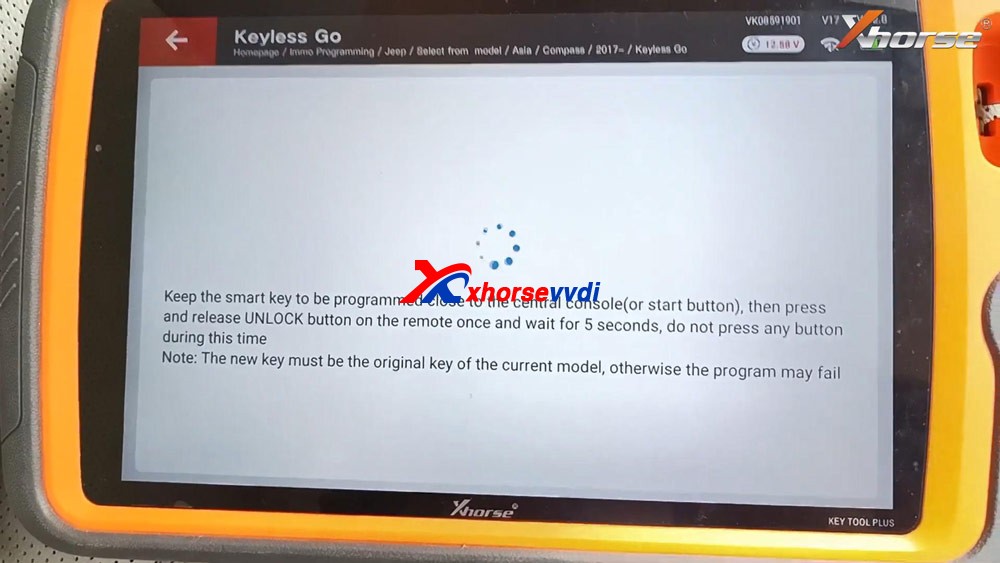
Keep the smart key to be programmed close to the central console (or start button), then press and release UNLOCK button on the remote once and wait for 5 seconds, do not press any button during this time.
Note: the new key must be the original key of the current model, otherwise the program may fail.
Match successfully. current key number: 2
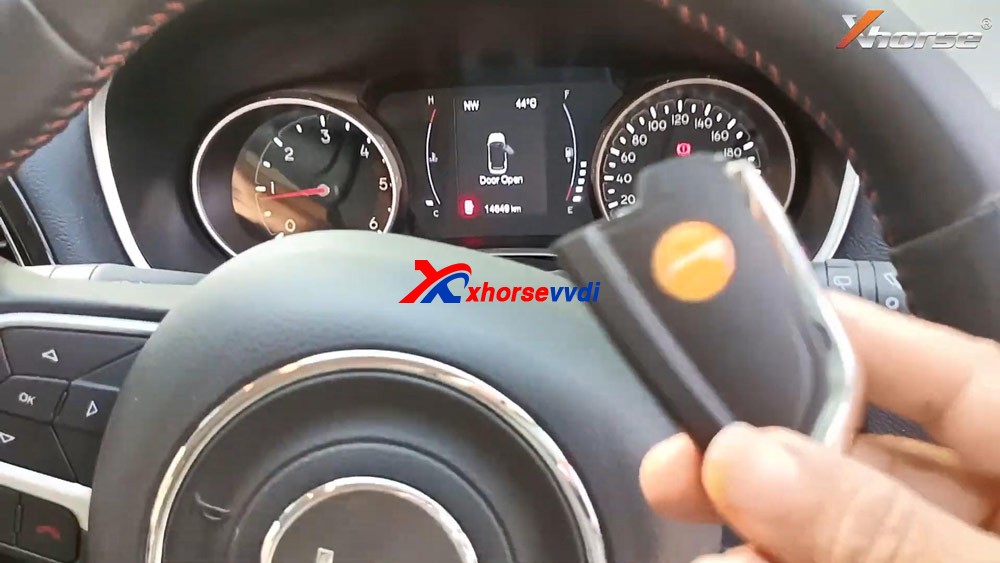
Test if the new key can start the car.
As you can see, the new Xhorse key is programmed successfully.
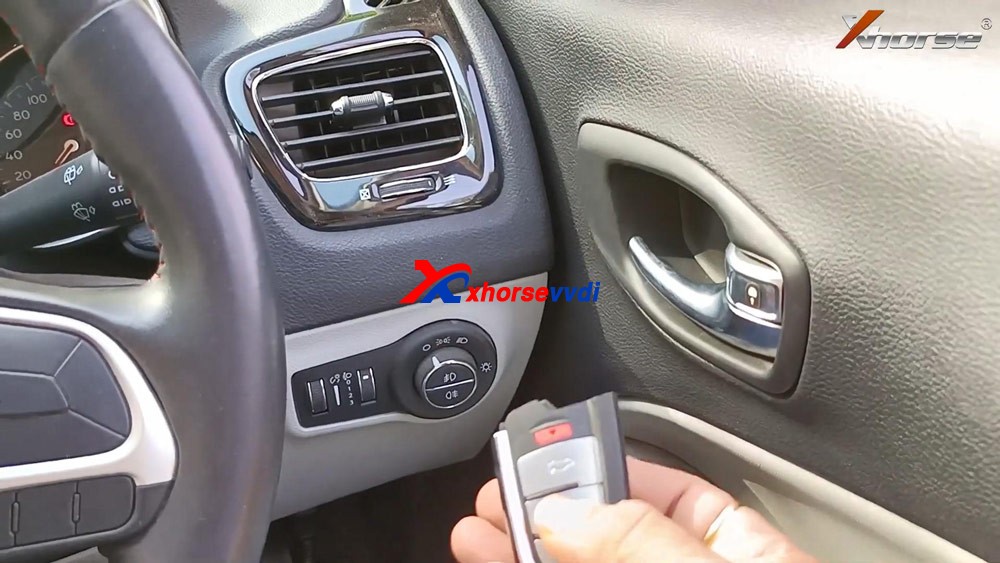
Job is done.
This is how to use VVDI Key Tool Plus to add one new smart key for Jeep Compass ID4A, please keep in mind, you will need 12+8 adapter, xhorse is not available with this adapter, you can try Autel 12+8 adapter for Jeep.
Posted by: xhorsevvdi at
10:07 AM
| No Comments
| Add Comment
Post contains 294 words, total size 5 kb.
May 24, 2021
I just boughtXhorse VVDIKey Tool Max, the problem is I didn’t know how to clone ID48 (96bit) keys, every time it showsâ€Function not activatedâ€, does it have to have the bonus points to make it work? How to get the bonus points?
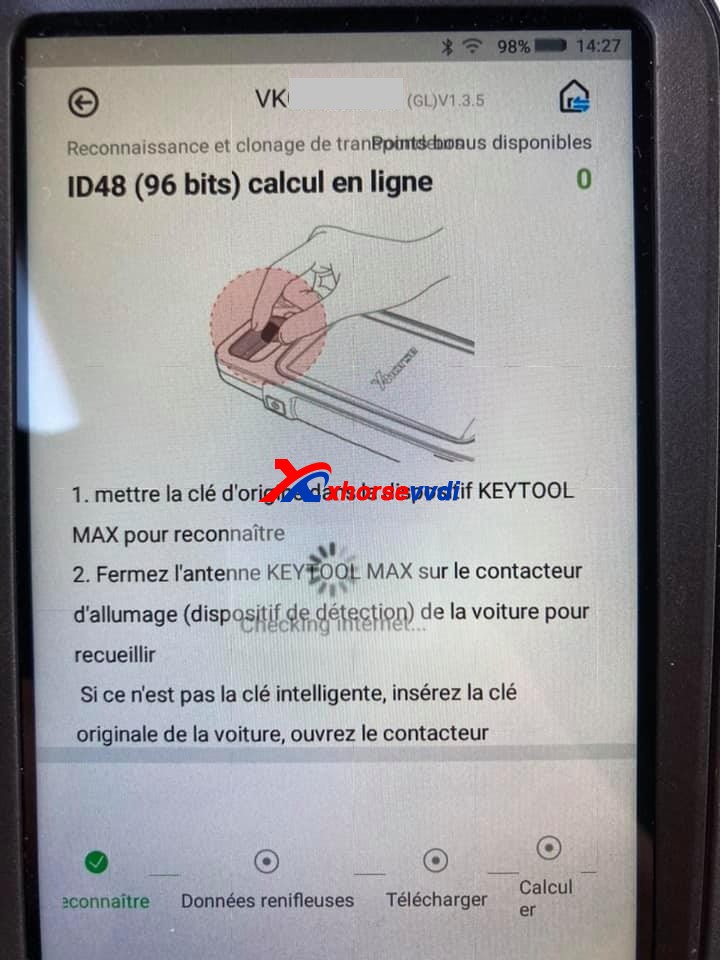
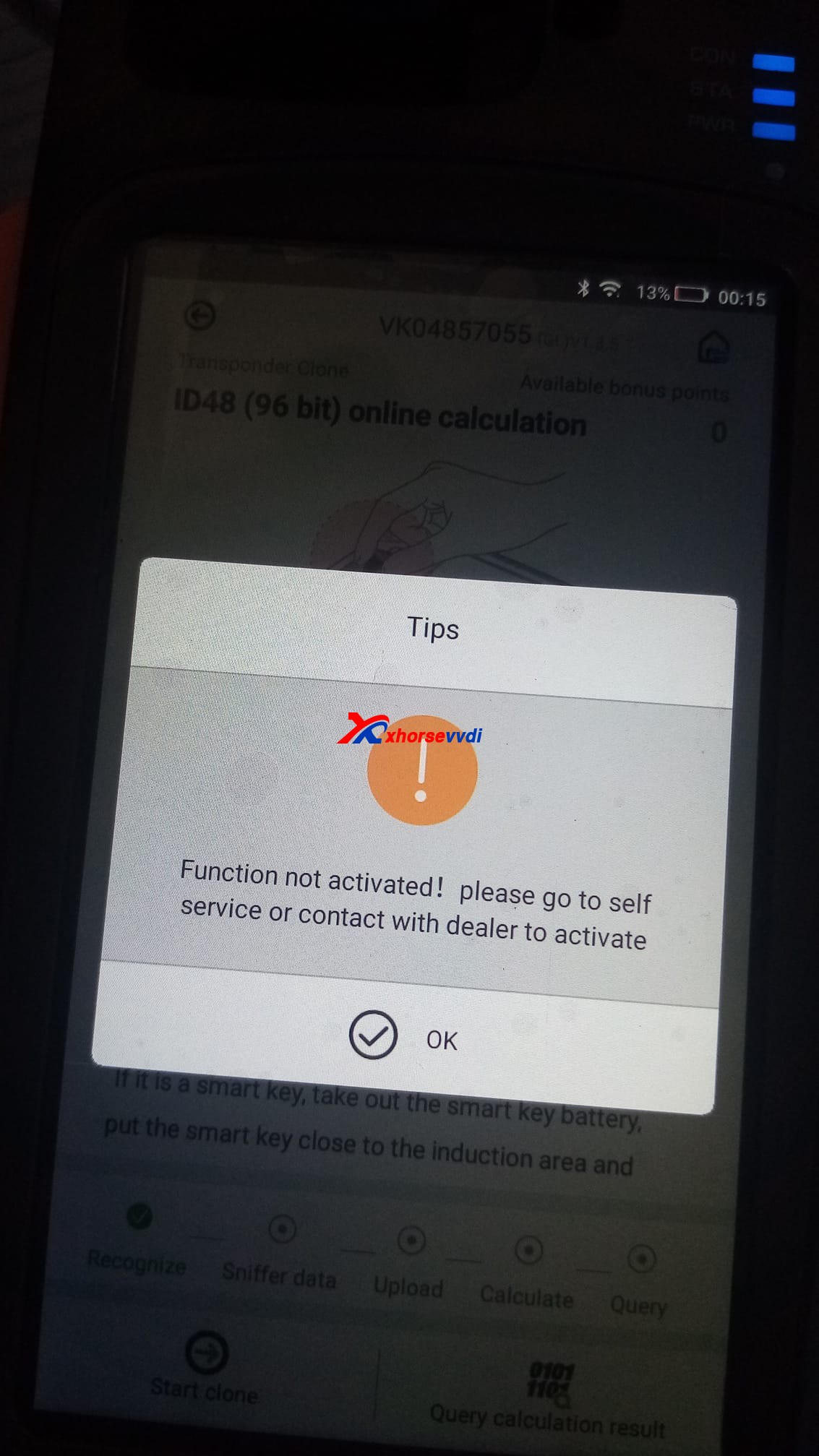
How to Activate Xhorse ID48 (96 Bits) Authorization:
Cheapest option:
The chips 48 are not free. You’ll generate 10 different remote controls(You need to generate keys not clone chips). But no matter what do you generate. This must be programmed 10 of them to collect bonus points and unlock the activation.
You need 10 different keys new from xhorse (Wire,Wireless,Super, Smart Remotes). Generate 10 and then you get this function activated. After that you can use the keys to get them programmed in cars.
Thenthe function automatically activate.
This .pdf file tells how to activate 96bit 48 clone by collecting points:
https://www.xhorsevvdi.com/upload/pro/20052015899636884072.pdf
What type of VVDIremoteshould be generated and how many points to collect:
Wire remote = 25 points
Wireless remote =40 points
Super remote = 40 points
Smart key remote = 60 points
Another option:
Or youbuy ID48 96bit Transponder Copy Authorization Service ($250).
Source of ID48 96bit Transponder Copy Authorization Service ($250):
https://www.xhorsevvdi.com/wholesale/vvdi2-copy-48-transponder-96-bit-authorization.html(It’s the same authorization that is shared with all your combined devices)
Tokens for 48 Cloning = $8
https://www.xhorsevvdi.com/wholesale/1-Token-for-VVDI2-VVDI-Key-Tool-96-bit-ID48-Copy.html
Generate the same for different car brands, 48 chip per token. Everything else is free!
Hope it helps!
Posted by: xhorsevvdi at
06:40 AM
| No Comments
| Add Comment
Post contains 249 words, total size 4 kb.
May 19, 2021
Tutorial on how to add smart key/add key lost for Lexus IS250 2009 - 2013 by using Xhorse VVDI KEY TOOL MAX and MINI OBD TOOL
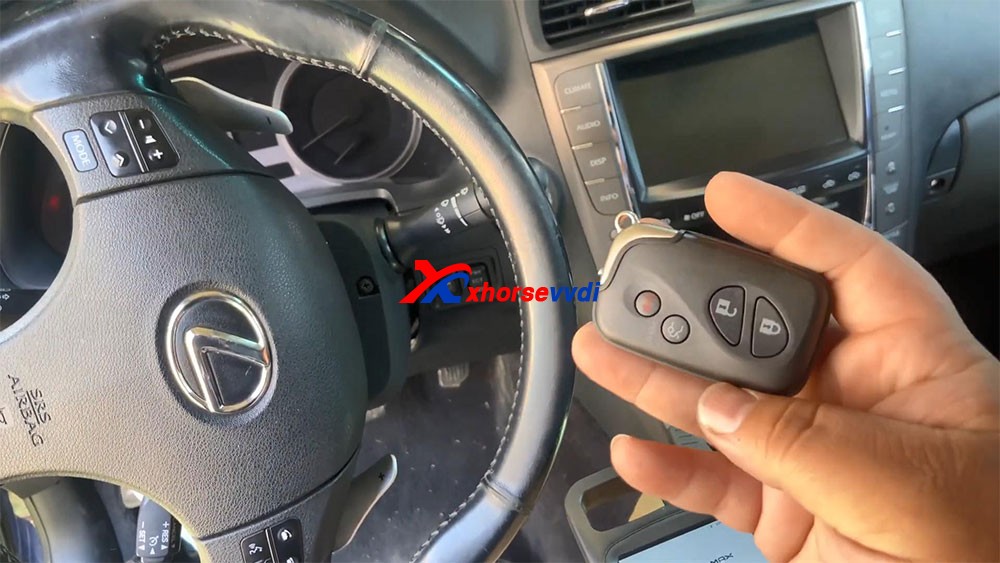
Here you are:
I'm kind of low on battery, so I hooked up the cable to provide for me.
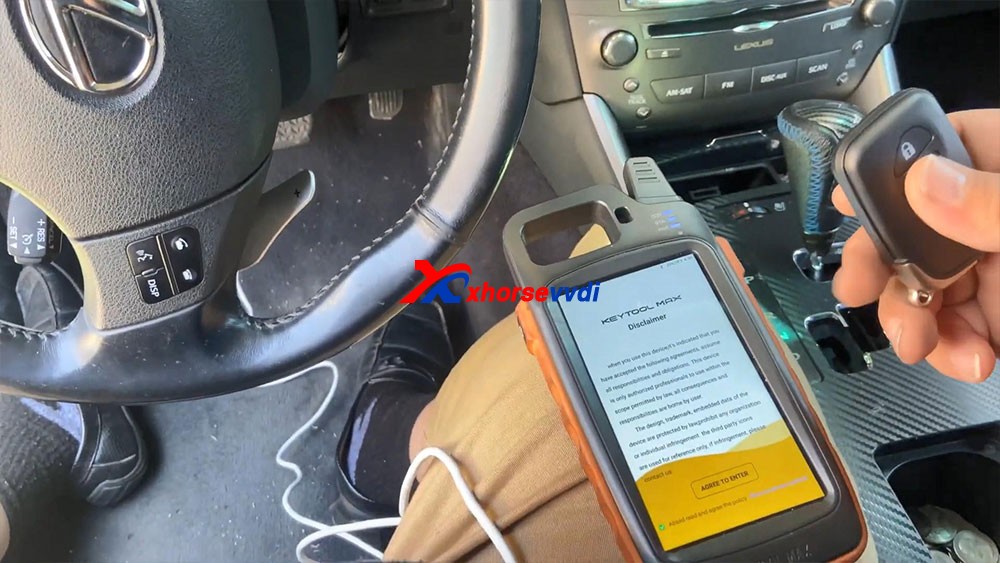
Let's continue guys let's go ahead and program this key that's all smart keys lost.
Okay, so the first thing we're gonna do: agree to enter.
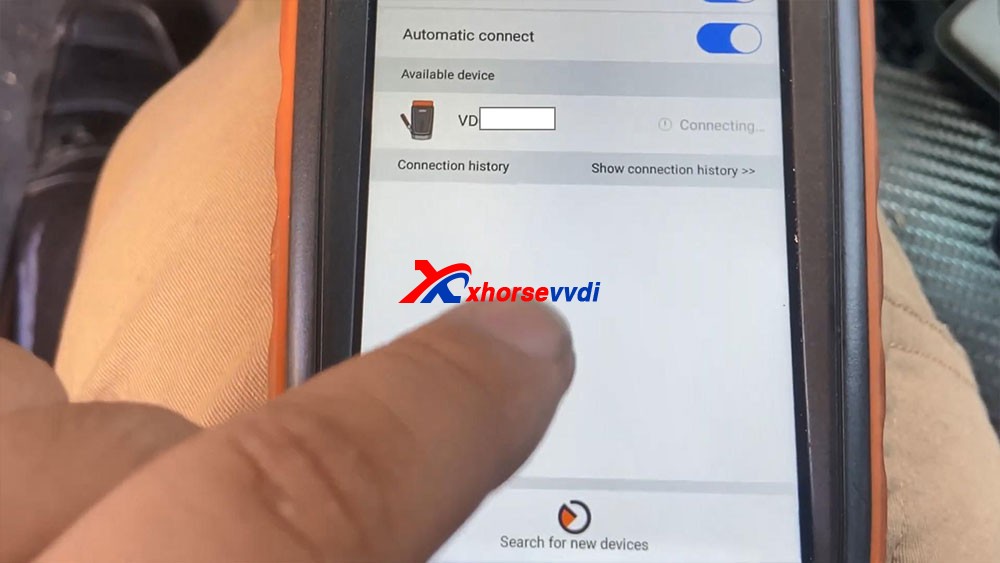
We're gonna go ahead and connect Bluetooth.
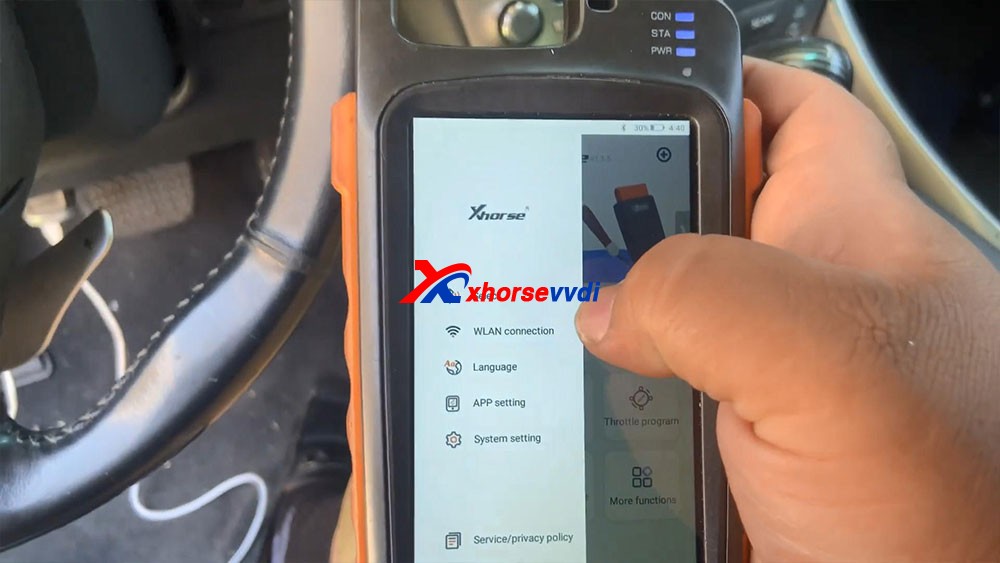
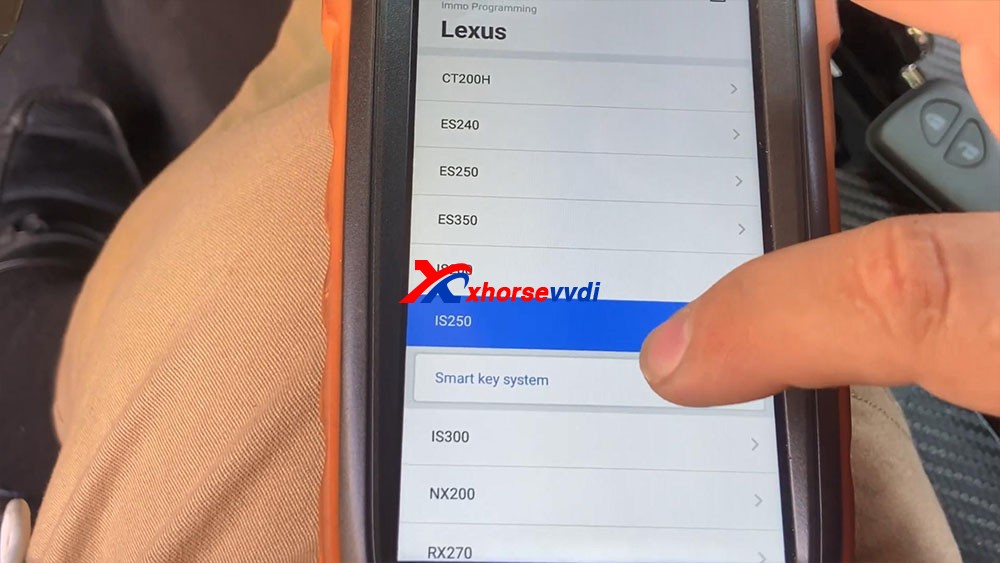
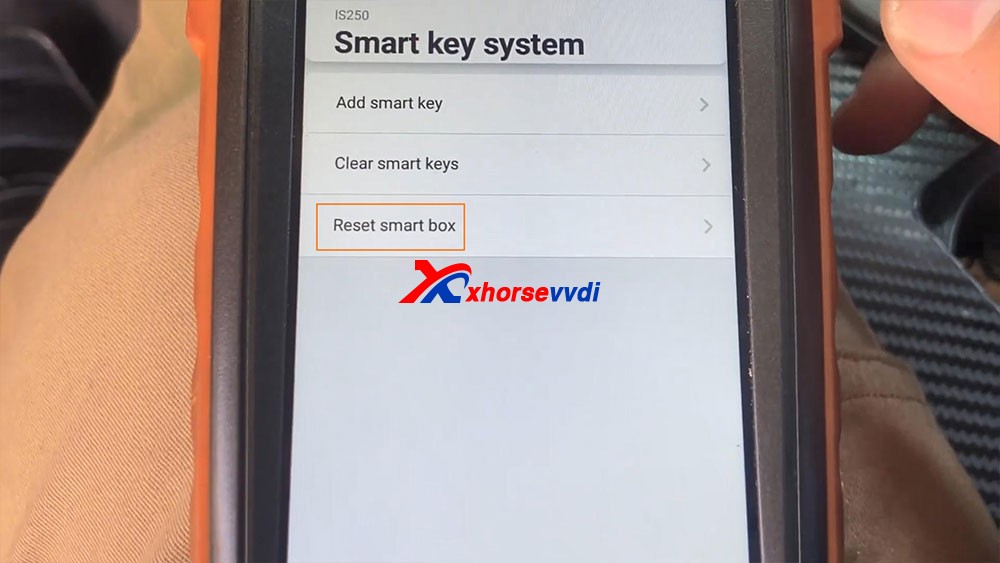
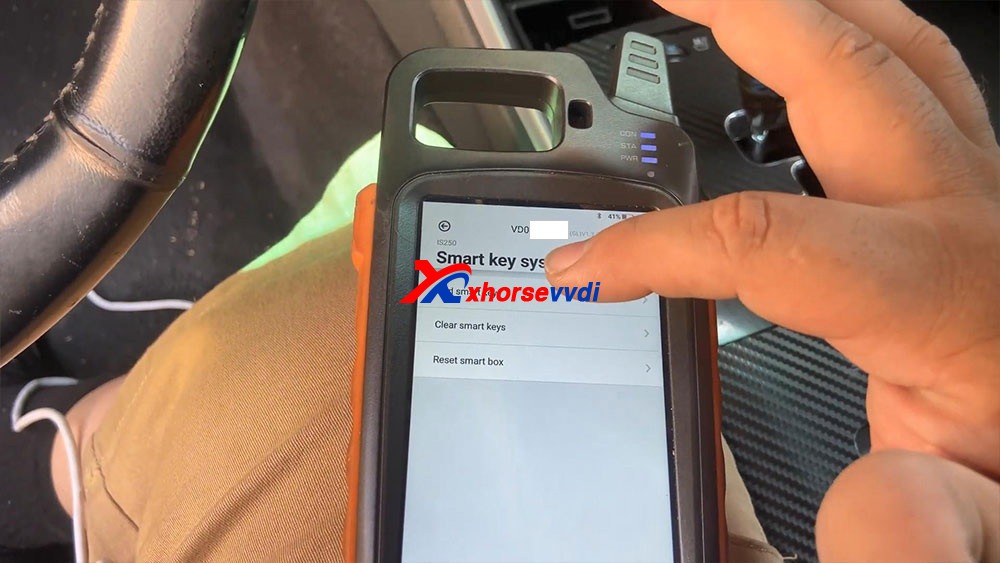
So I just go "Immo programming" -> "Lexus" -> model IS250 -> smart key system -> Start execution.
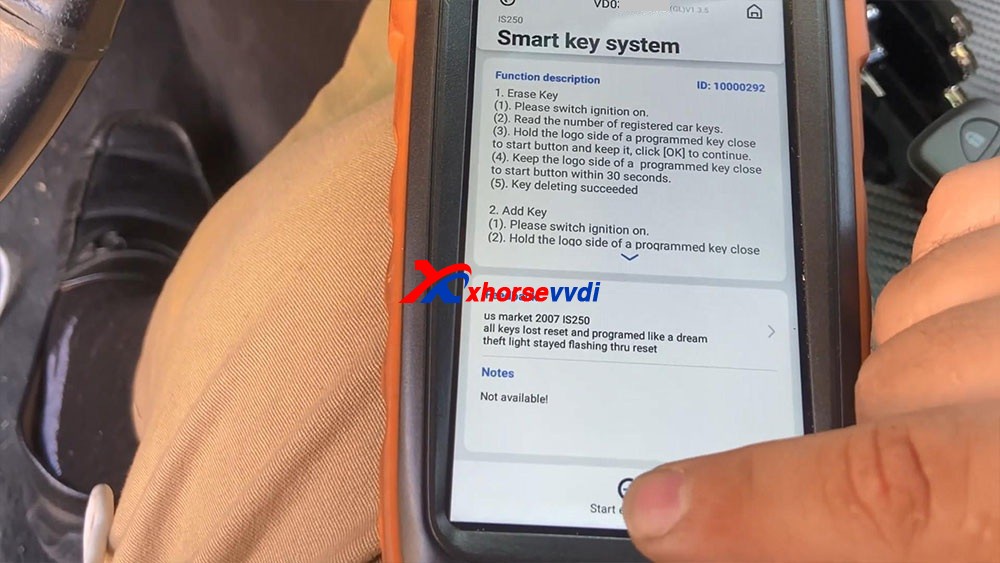
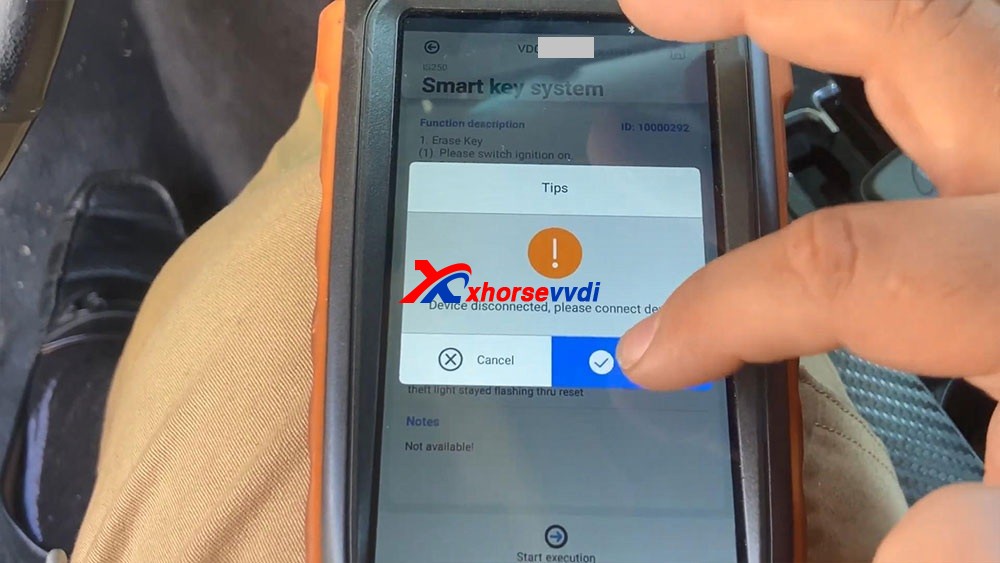
Have tips : The device disconnected, please connect device, just click on"connect", let's connect first, we select the device serial number and it shows connecting and let's try to turn on the ignition, so let's go ahead to select "Start execution".
We select"Reset Smart Box"and it says"Turn on the ignition switch, and open the driver door, until match complete",okay, click on "OK".
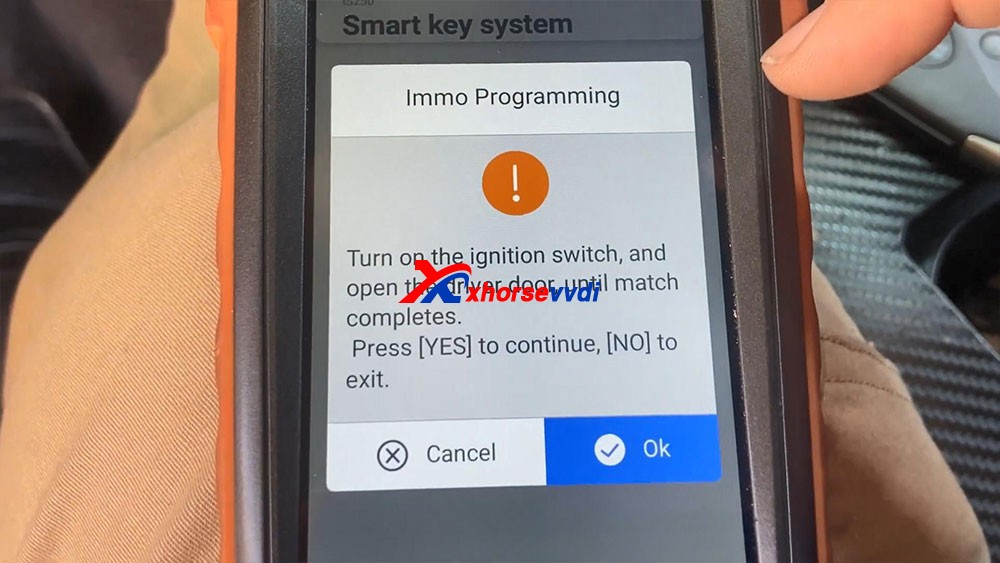
- Connecting system...
- Secure access...
- Communicating...
- Connecting system...
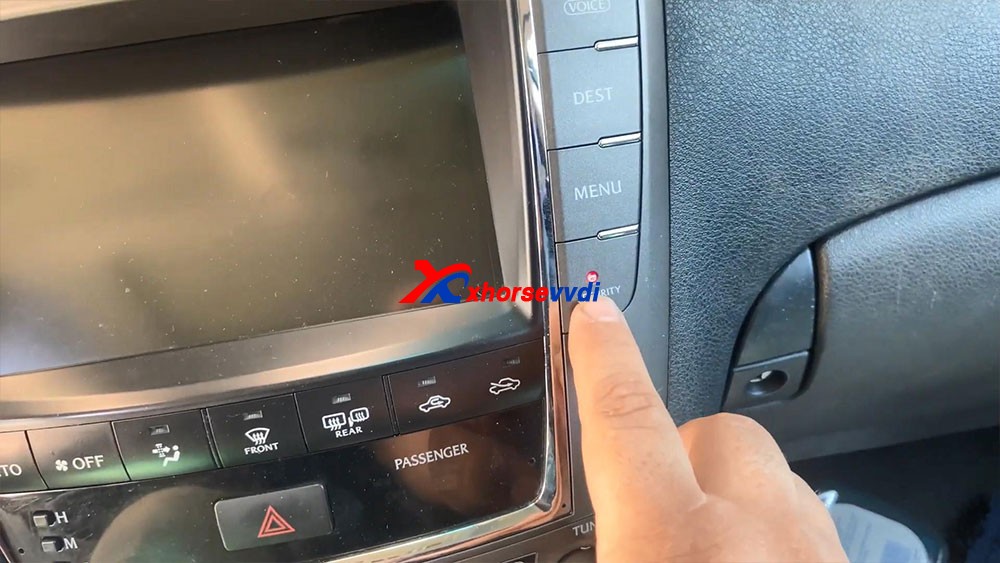
- Communicating, please wait for about 16 minutes, the IMMO light (Security) will change from off to flashing. (the buzzer will beep at the same time for some vehicles.)
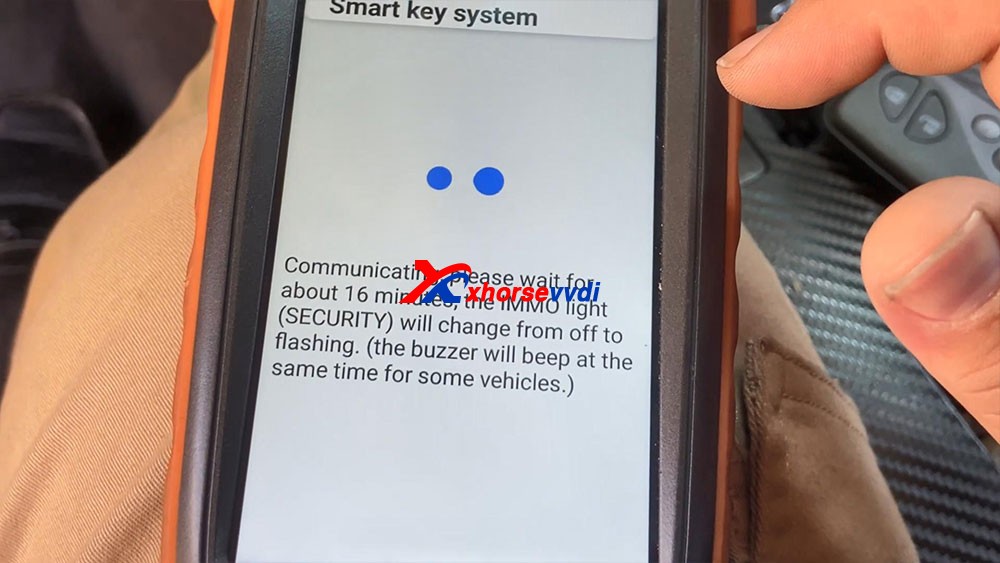
You guys remember waiting for this light to start flashing and last but not least body ad.
Okay so you guys can see the 16 minutes are up and the light and secure light begins to flash.
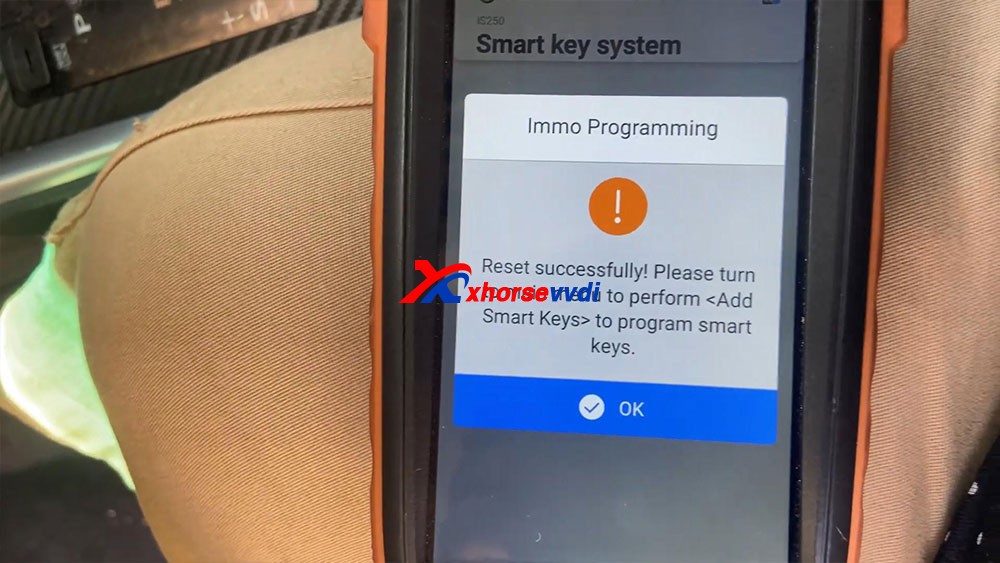
Reset successfully! Please turn to main menu to perform<Add Smart Keys>to program smart keys.
Okay, we're gonna go back to a key.
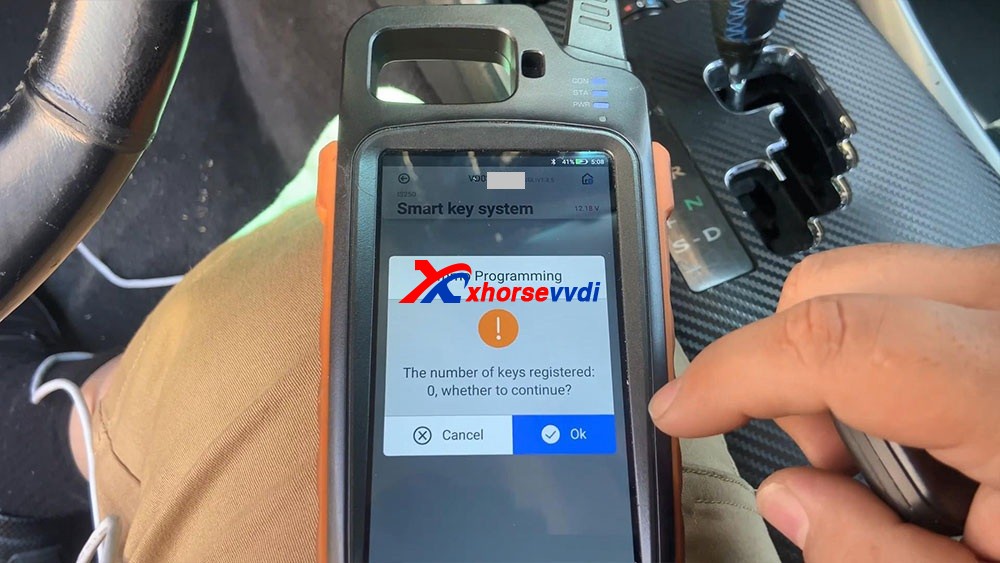
It says "Turn on the ignition switch", to open the switch
It says "The number of keys registered 0" click on "OK" to continue, yes it tells us there's no keys registered.
Hold
he logo side of a programmed key close to start button and keep it,
click [OK] to continue. And you will hear beeps after putting the key
close to the start button.
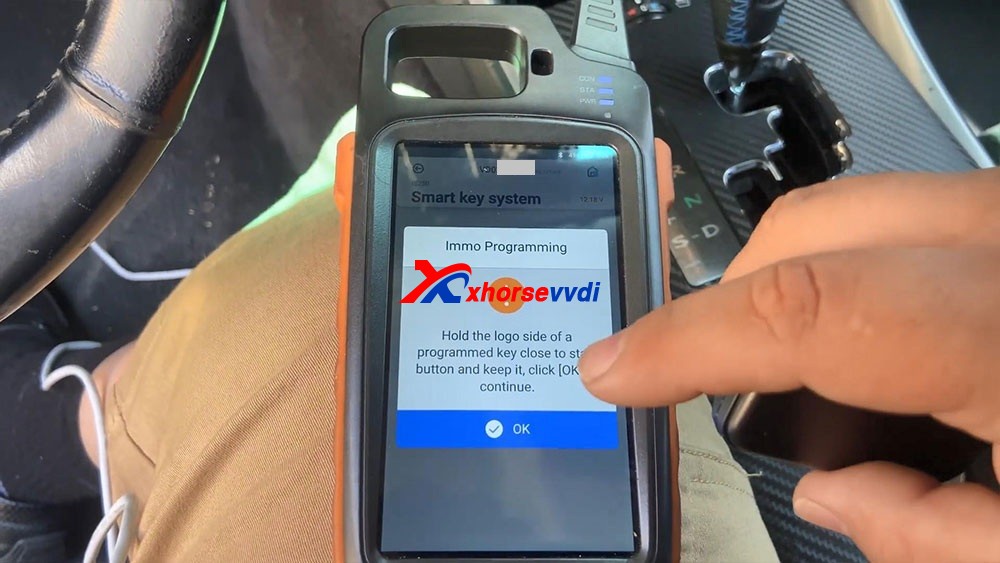
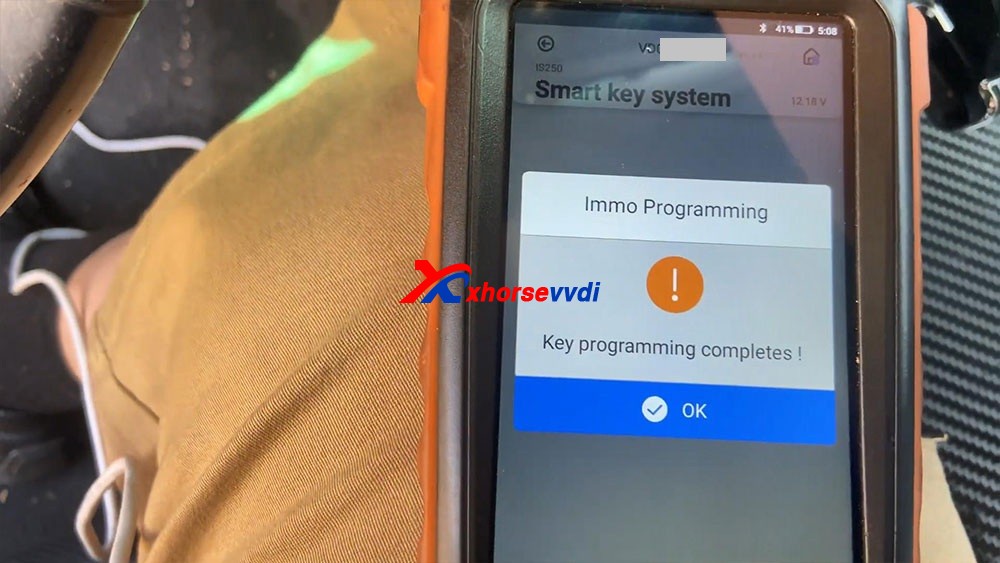
What you see as key programming complete, so we press okay a few times until it actually got the key, and then we press OK.
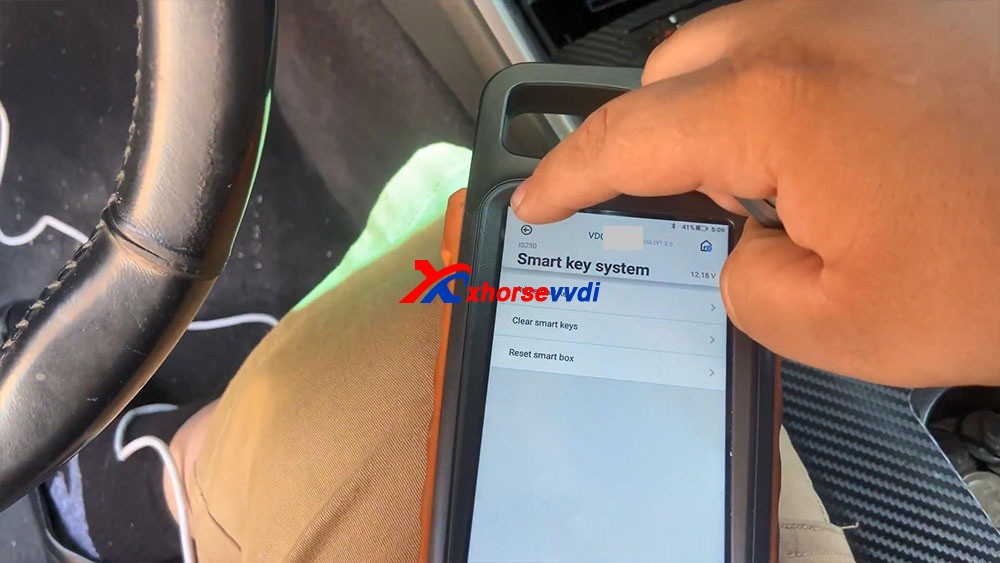
So
let's go ahead and try to test our key, let's disconnect all this stuff
right here, turn off the ignition , we're gonna close the upper left
icon, then it says "Don't forget your Mini OBD Tool".
Let's go ahead and try the key. Are you guys going to see thatthe key successfully turned on the vehicle.
Let's go ahead andtry a remote, it shows that works really good, perfect.
Okay, so that's how we program a key with Xhorse Key Tool Max and Mini OBD Tool programmer.
Posted by: xhorsevvdi at
05:57 AM
| No Comments
| Add Comment
Post contains 461 words, total size 6 kb.
May 18, 2021
Hello guys, I have here 2013 535 F10 with 6wb cluster to do mileage correction. I couldn't modify mileage in dumps, I already wrote the modified in CAS, but I couldn't write the dump 160d0wt in IC, thought VVDI prog cannot do this service. I have VVDI PROG and VVDI BIMTOOL
Update:
VVDI PROG can ERASE the first 2 lines, I do use adapter SOP16.

Tips:
35160D0WT EEPROMis not erasable and has page-id which locks this memory to its own dashboard-micro. you CANNOT erase or substitute original memory with recovered/bought one. You have to emulate the original memory with an emulator and then edit the data. This requires special tooling and emulatoretc.

Hope it helps!
Source:http://blog.xhorsevvdi.com/535i-f10-6wb-cluster-mileage-correction-with-xhorse-vvdi-prog/
Posted by: xhorsevvdi at
01:40 AM
| No Comments
| Add Comment
Post contains 126 words, total size 2 kb.
May 14, 2021
Welcome to another article aboutXhorse VVDI Mini Prog Programmer, this has arrived and we don’t get anything for any of these tools that we review for free, we actually buy them, the reason we bought Mini Prog is because we have the other Xhorse key tool and it pairs up with it and it’s worthwhile to see if this tool will do what it’s meant to do, in the states they had a number of devices like this even going back for some time now, but they were really only suitable for American cars, they only came with the American software, now Xhorse has brought this one out here which is very interesting,it runs off Bluetooth it talks to the key programmer, it has different heads on it.
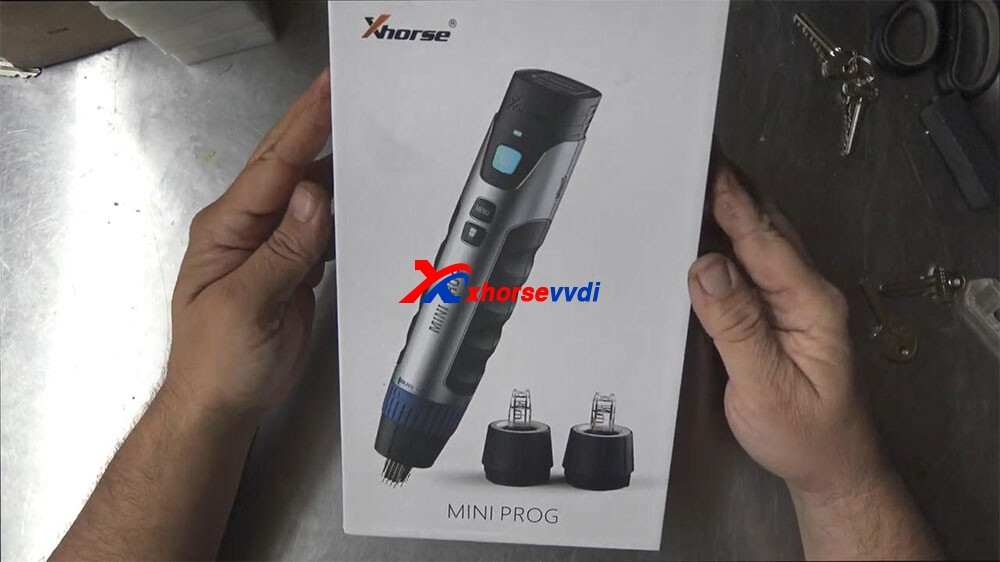
And this is a pick chip or soic chip, this little tiny chip right here on the board so that last little one right up there on the end there, alright, that’s what that is.
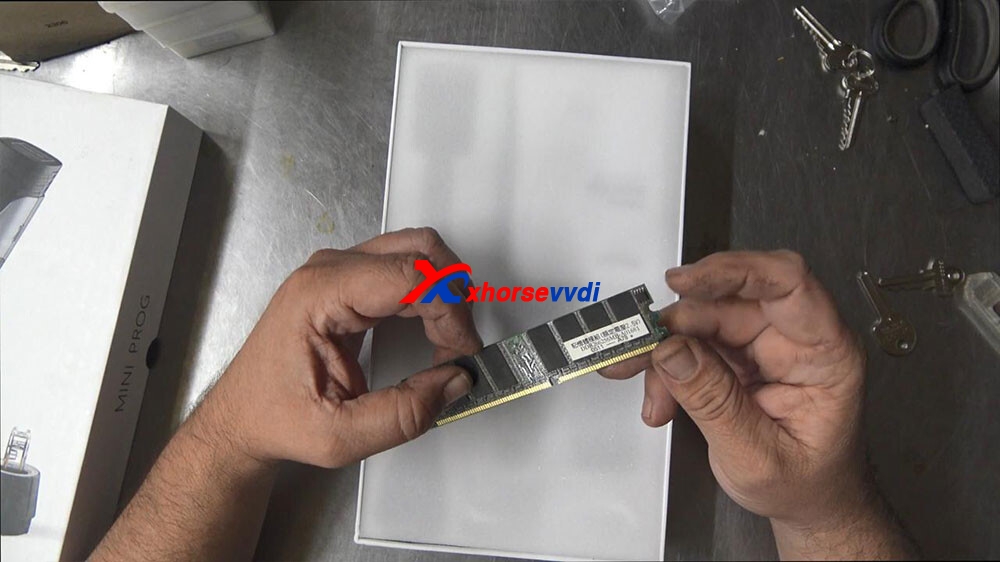
And what that is inside immobilizers speedoes, they’re in all sorts of electronics these days where memories being stored and for us locksmiths, we need to read that chip and actually take the code out of it and put it back into a transponder chip which the car can read, so this is like the brain that holds the code and the car transponder chip is the actual bit that has to have the right code to match with this, in short term.
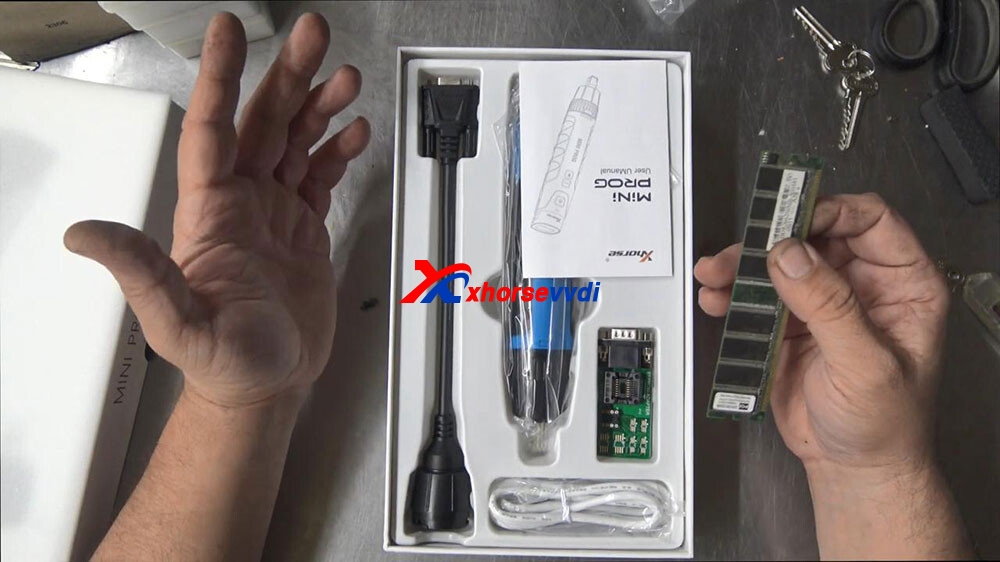
so I thought I’d just give you a quick little unboxing on this one here we’ve got the instructions here.
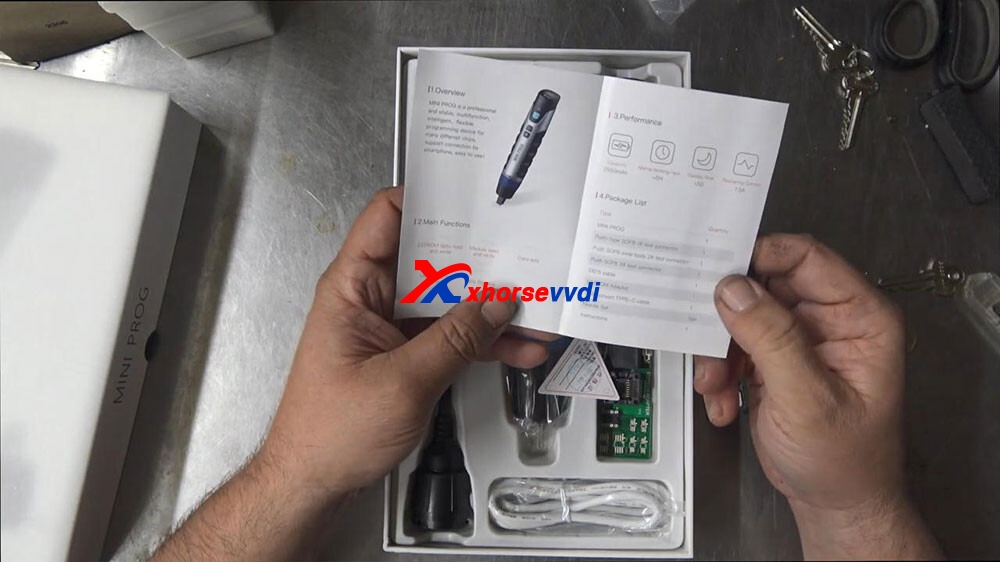
Capacity 200 and 2550 milliamps normal work time, five hours standby time, five days recharge current 1.5 amp, we’ve look at that in the sec, main functions: eeprom data read write, module read and write, data edit mcu, data read write, data storage, so, we’ve got a couple of different adapters here, type mini prog that’s this here, push type SOP8 one tester which I believe is on it, type 2 which would be a one of these ones, type 3 a DB15 cable which will probably be that one or this one eeprom adapter, which is this one right here and a usb and a needle set, we don’t have that and instructions okay, so this right here, dongle I don’t think that’s all that I think that is separate that’s a something else, I’ve just put it in there so it doesn’t get lost.
Alright flicking through now, we have the lead on the top, we have a light indicated tell is on we have it on and off button, a page turning button and a light button, so if this has a light on the front of it, that would be really cool, a start stop button, lithium battery button and a type c charging port on the side of the device, so obviously we would need to use it either with an APP we use it with our other xhorse tool, a key tool Max or Key Tool plus and that should be able to.
So let’s go through and have a look now.
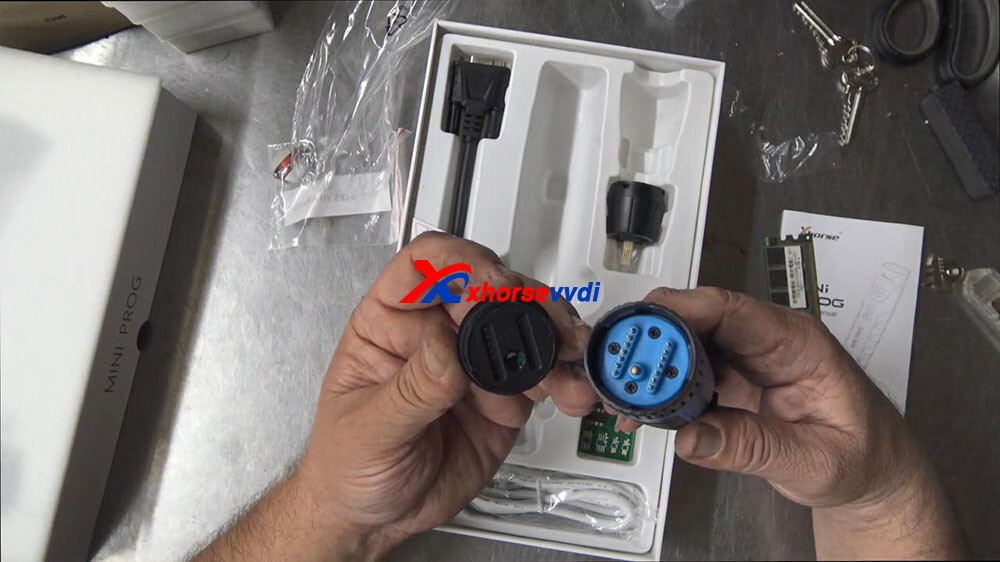
so the design of it is it’s a series of gold pins behind almost like an acrylic front owner and on the back here we can see a row of pins so there’s definitely some sort of push function happening, if I just push this down here you can see that those pins actually come through, if you can see that.
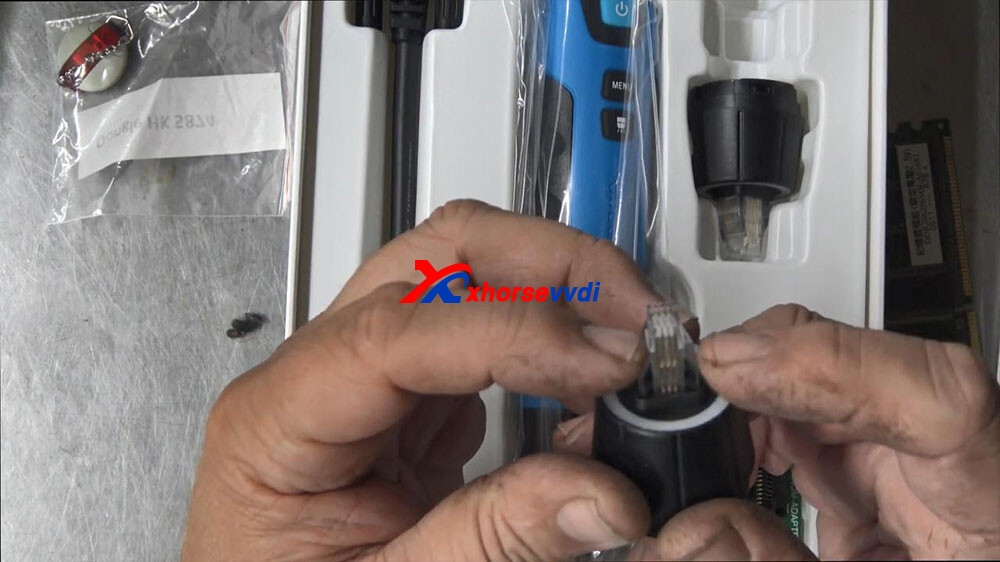
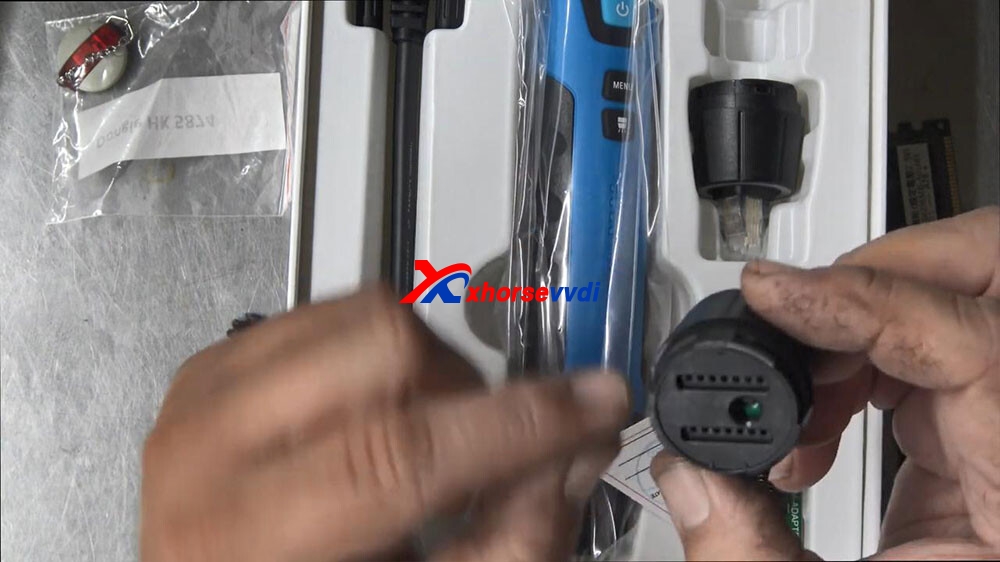
okay that’s how that was working and we’ve got multiple sizes here.
So for my example here, if I was to check this against this,we would come up over the top and push on that and that’s quite a nice push.
Like I can see that that’s good one thing here is I’m not saying I’m not seeing any red spike on the identifying number one leg, on this chip I can clearly see here on the left-hand side but on this ,I can’t see I can only see number three on the front, so and on the back, so I can’t identify number one straight off the BAT which is a little bit unusual gonna push that over the top, so it does fit straight over the top real nice real snug and bang. You can read that chip
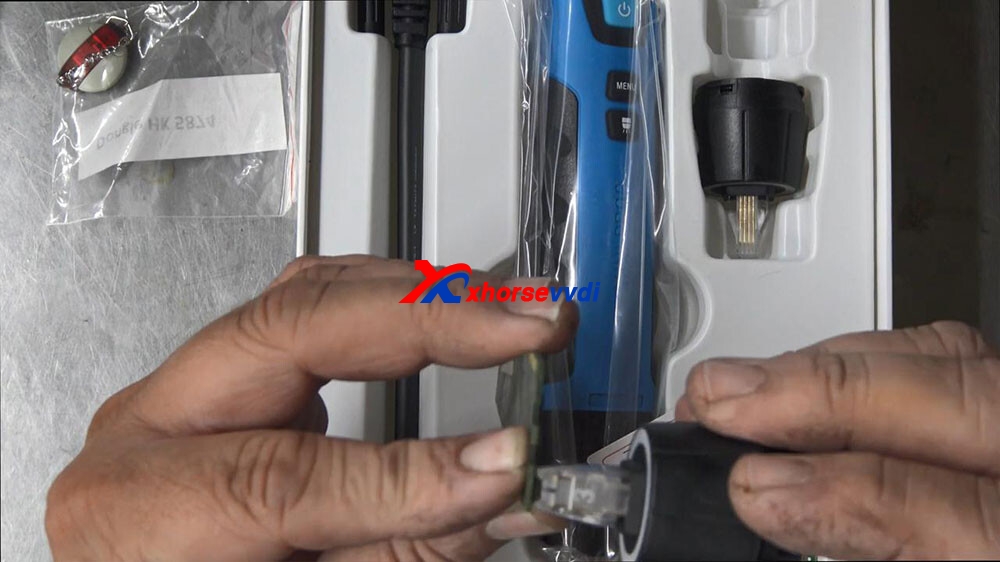
If you’ve got that why do you need this, and this is the question, I’ve been curious about why would you need this, so what you normally do here is you plug this into your computer and you bring up like a little soic program and you would solder on the chips onto here and then you could read it that way, perhaps that’s like a backup plan in case you can’t. You can’t get with this tool.
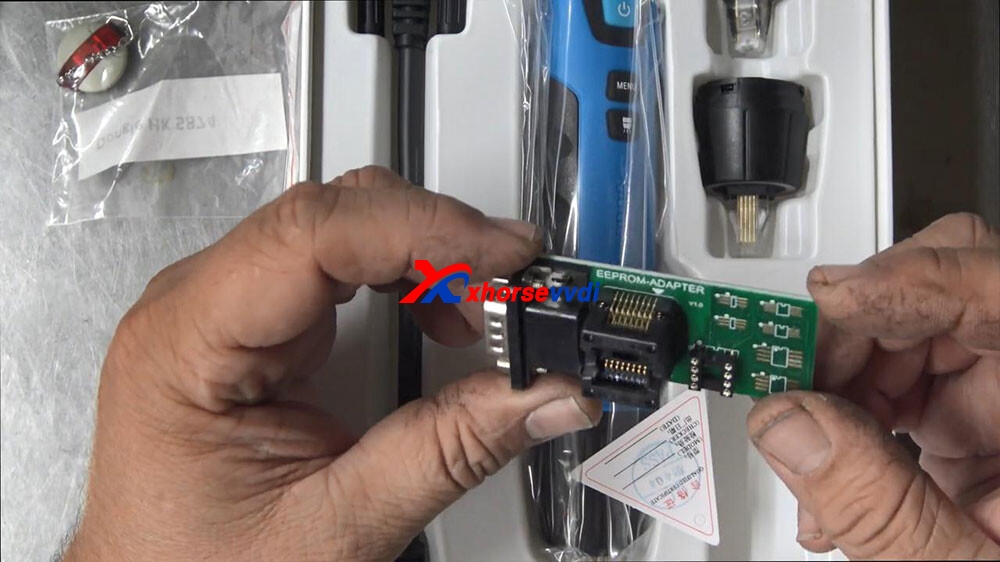
But I would have thought with this tool, you wouldn’t need that isn’t that the whole idea, now this thing does look like a big Ding Dong, but I think for us locksmiths might be a cool tool to have right there, it is there once again that’s for those larger chips that’s there let’s see how hard it is to swap the heads out slight twist and putting on the new head, now there is a center locating golden link in the middle there, so I’m going to push it on top.
Push it on top, push it down push it on top.
No okay push it on top and then twist it around, and now it’s secure, so the battery is located in here that’s fairly straightforward start button to push that on there, holding down the start button three two one nine okay so the start but needs to do the reading obviously.
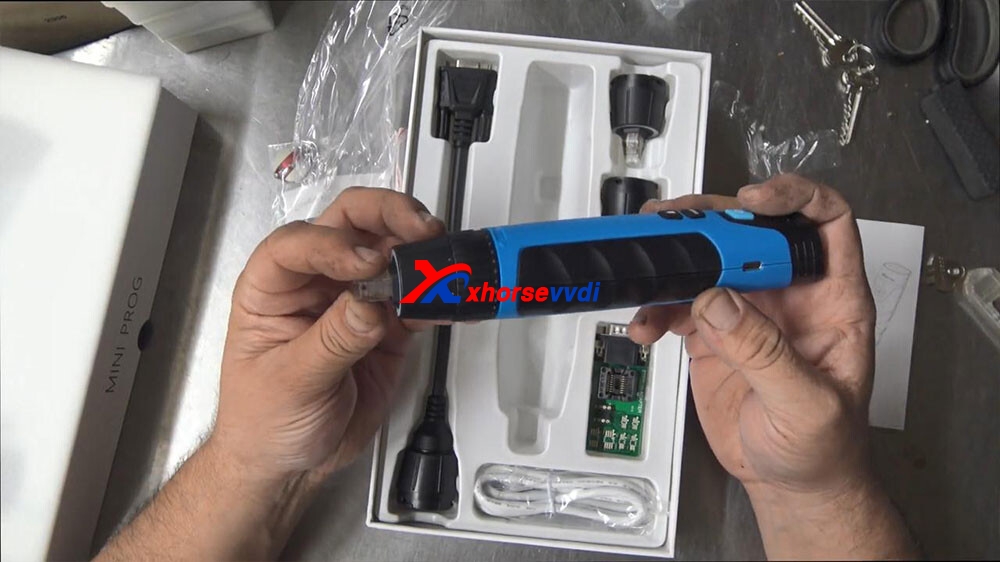
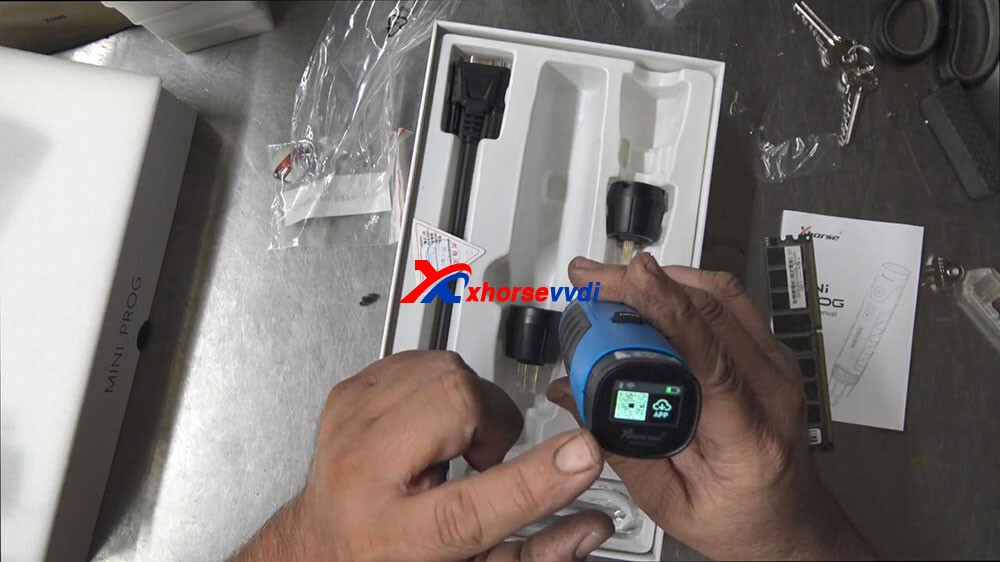
Okay, now we got power on top looks a little LCD screen on there too, which has a QR code for the APP to download before you can start to use it, battery status on how much battery a wi-fi and Bluetooth indicator there as well.
Now it’s got manual here.
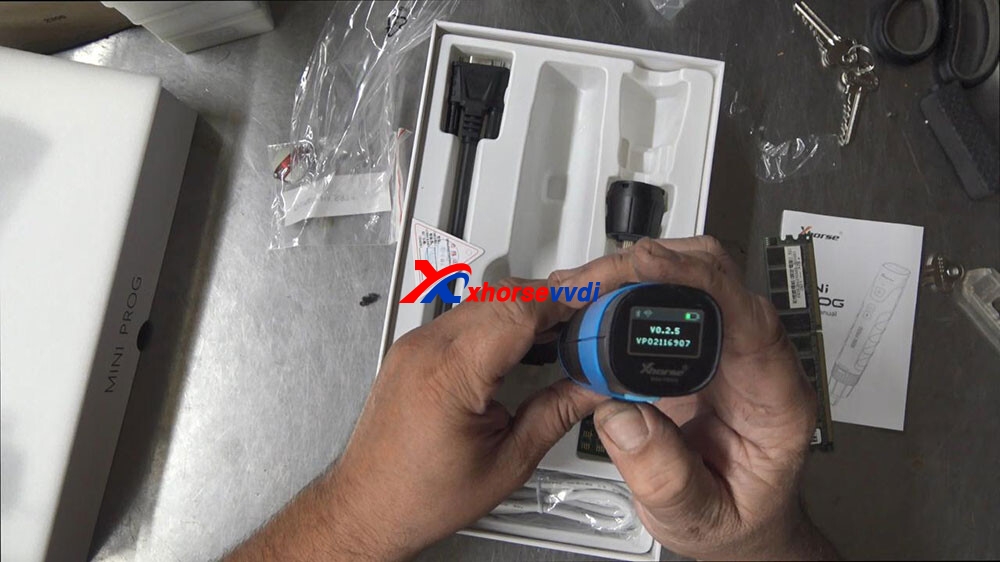
Mini prog version number V0.2.5
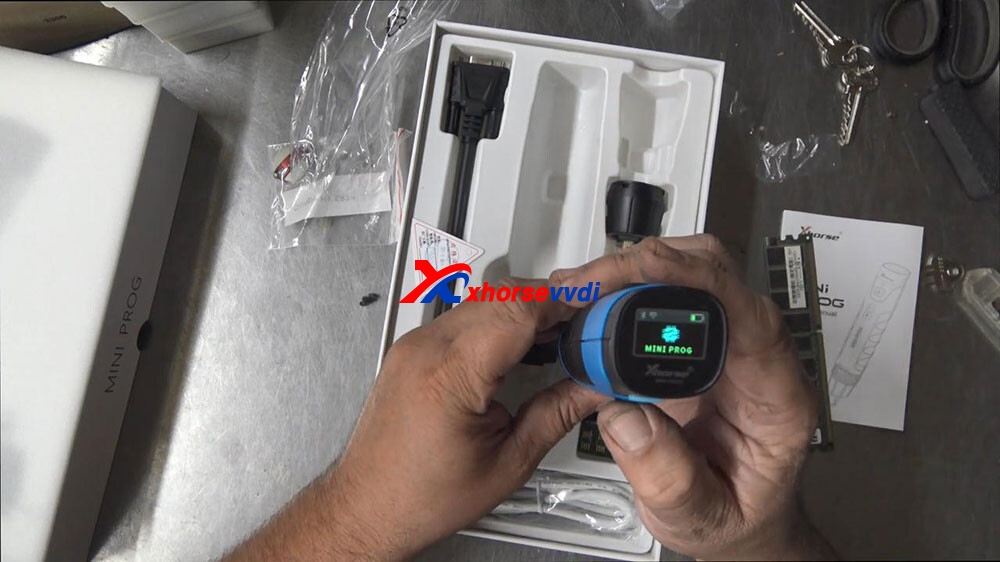
So we’ll probably know more about that later let’s try the light, but now I’ll look at that that’s cool I like that.
Let’s just try that on to a chip now, so that right there is if you can see it.
So the right way around.
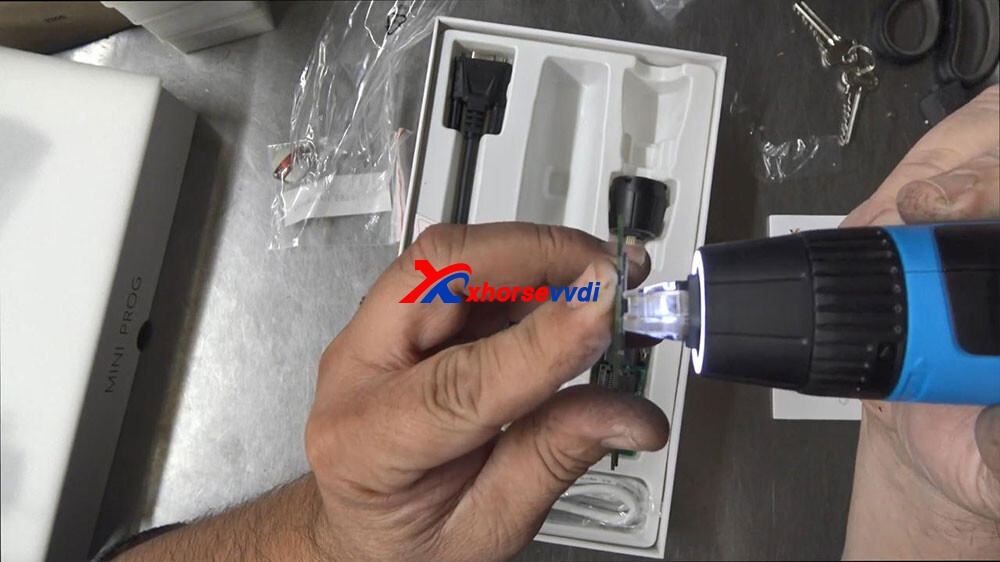
You know that looks good have a look at it from this side that light is pretty cool
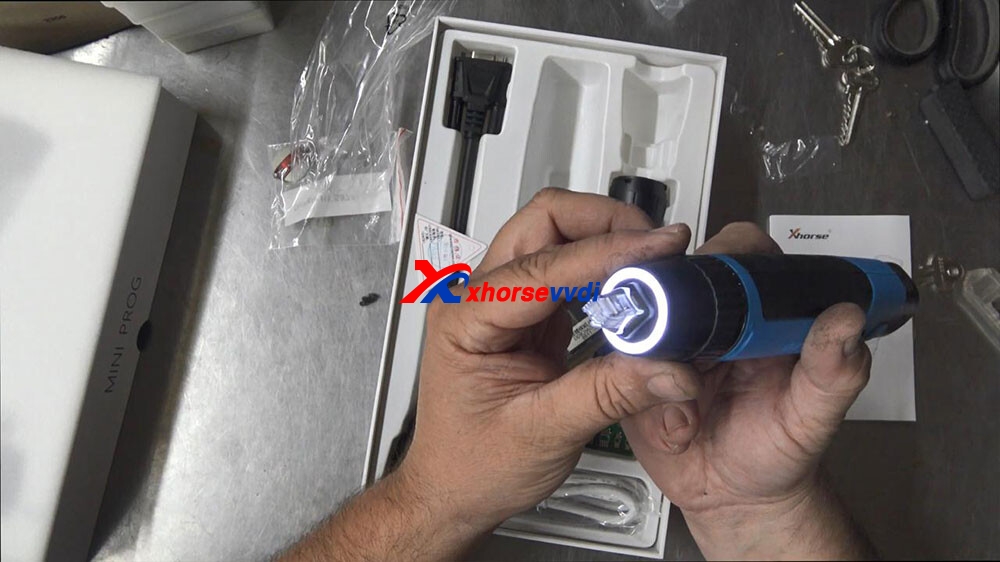
I’m impressed with the menu of the little LCD screen as well I’m impressed with the C connection is what most more modern phones are using now.
The weight of 300 grams, length of it like you know it’s good a 180 long and it’s probably about 40 mil wide all the way around so interesting tool.
So I would really like to see this out in the field and just basically hooking it up and putting it on a chip and seeing if I can get a key from it and I’m just going to turn it off now give it a good charge overnight, hold the switch button for 8 seconds.
There’s your cable on this side which is to fit this adapter, just like a comms port.
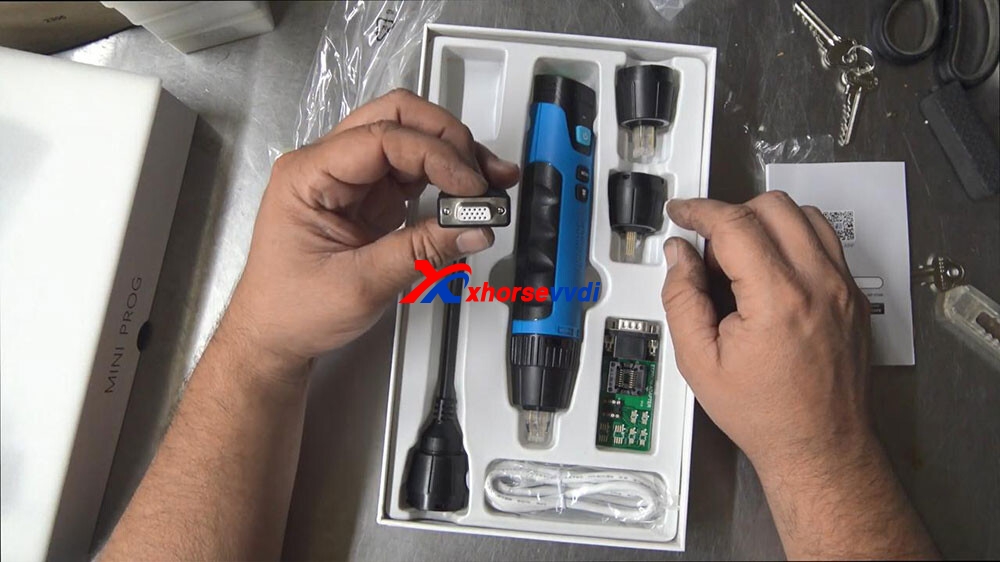
If you want to use this adapter, here you actually have to plug this in like this, twist this on so it’s connected.
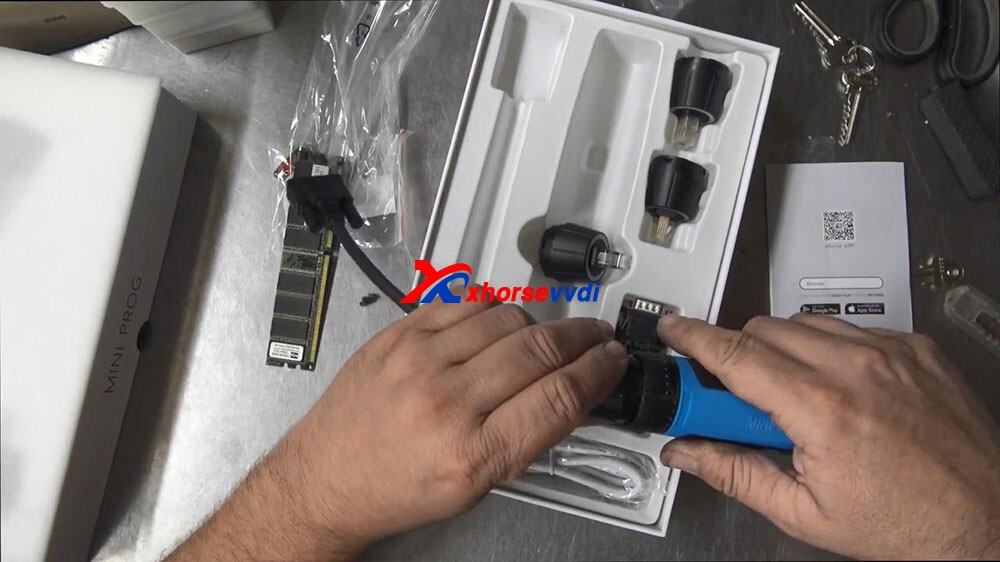
Okay, and then we would have to plug this in like so.
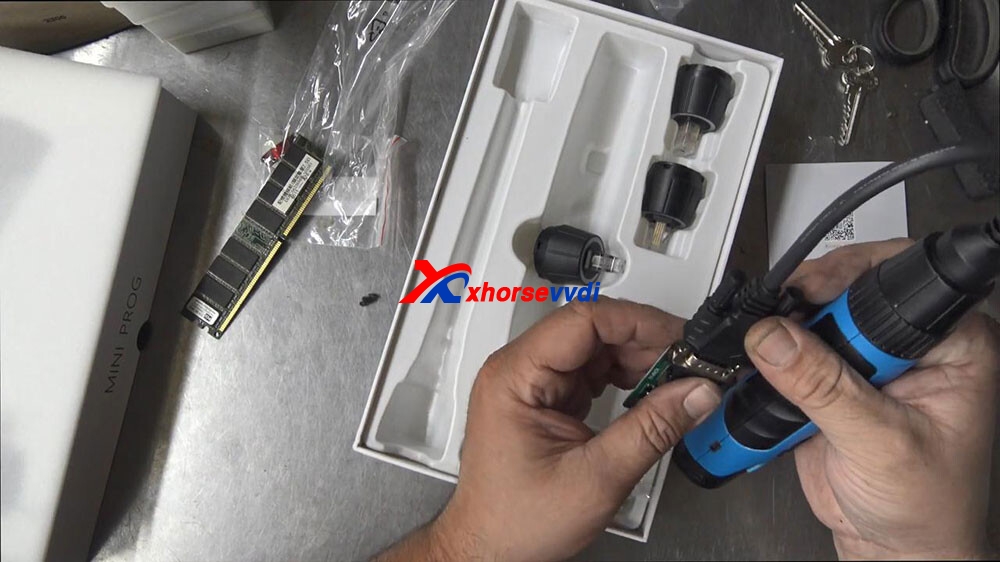
Okay, then we would have to solder or use a clamp or one of these feelings or push the chip in there then we would actually have to push the button on the back and then hopefully that should send the information back to ourXhorse VVDI Smart Tool.
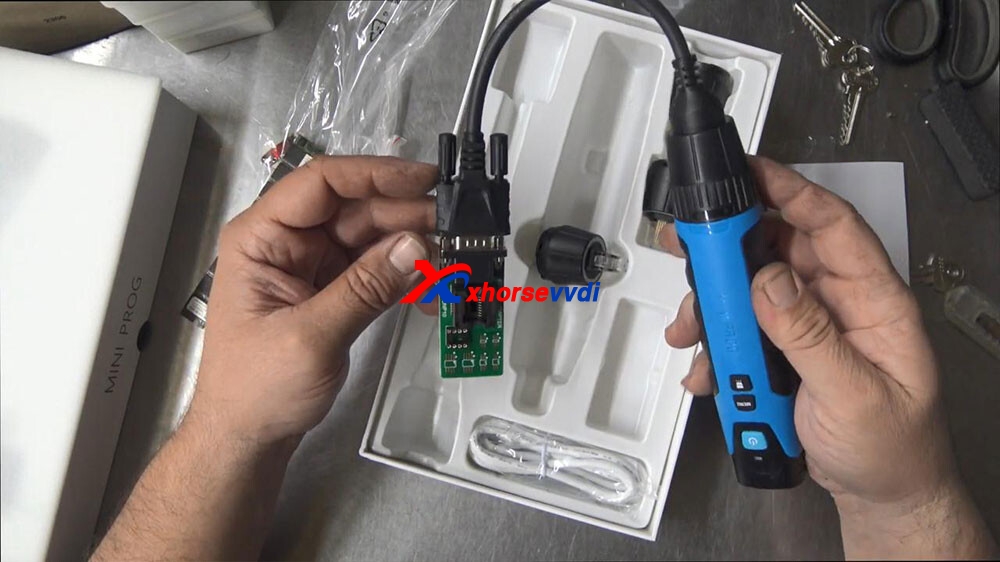
anyway, that’s Xhorse Mini Prog the quick look over it, so that’s just basically what’s in the box.
Video:
Source:http://blog.xhorsevvdi.com/xhorse-vvdi-mini-prog-programmer-soic-quick-overlook/
Posted by: xhorsevvdi at
10:03 AM
| No Comments
| Add Comment
Post contains 1321 words, total size 17 kb.
May 12, 2021
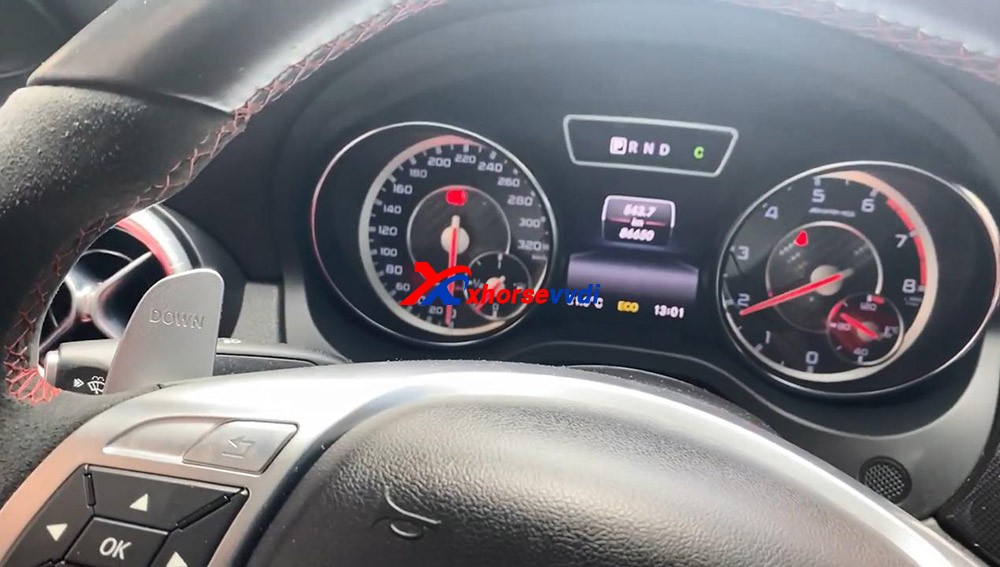
Yes!Add key 2014 w246withVVDI Key Tool PlusSuccessfully, the whole procedure was done by obd2.
It takes about8 minutes to calculate the password. It’s a great key programmer, I’m very happy with it.


Enjoy!
Posted by: xhorsevvdi at
06:23 AM
| No Comments
| Add Comment
Post contains 44 words, total size 4 kb.
May 07, 2021
Look at TOY.T Universal Smart Key :

Open Xhorse VVDI2 software, click on "Prepare proximity remote".
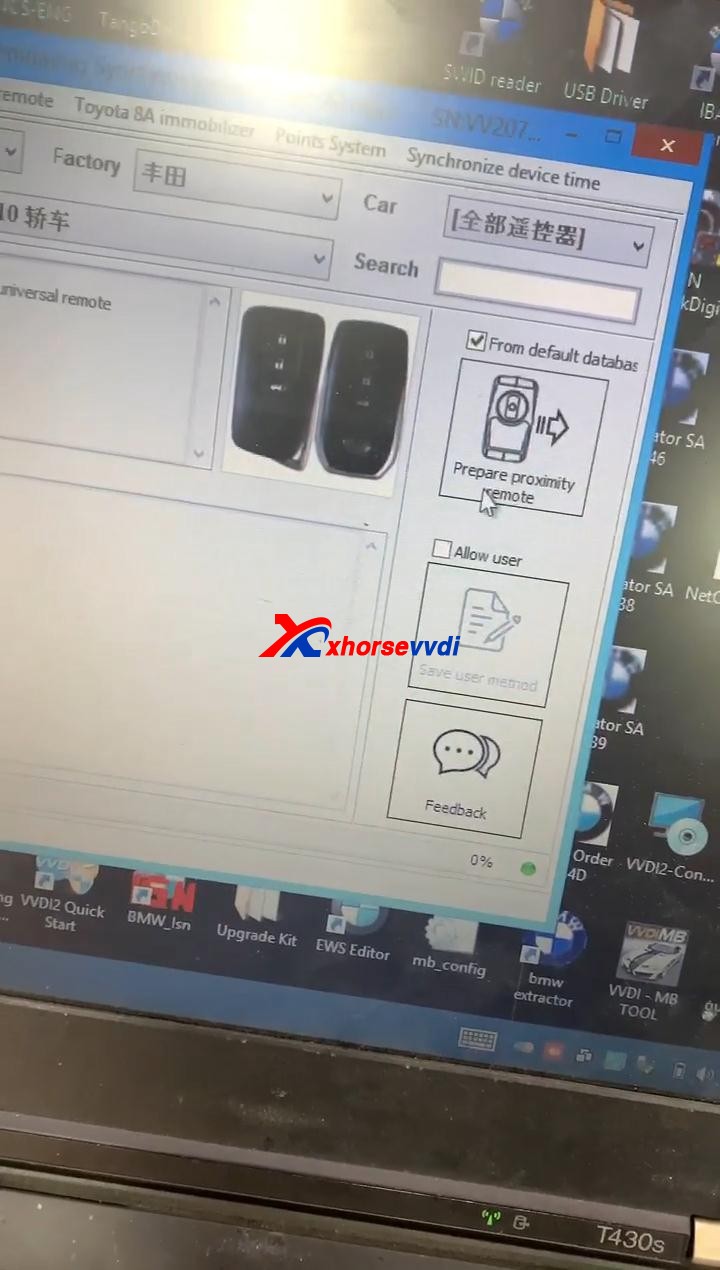
Read the following attentions and follow it:
Attention 1: This type require special Xhorse XM Smart Key, the procedure require internet support.
Attention 2: it needs some bonus points for each XM Proximity remote first use.
Attention 3: Toyota Proximity remote (XM special) don't have bonus points.
Input XM proximity remote to device coil before continue.
After reading the above attention, click on "Yes".


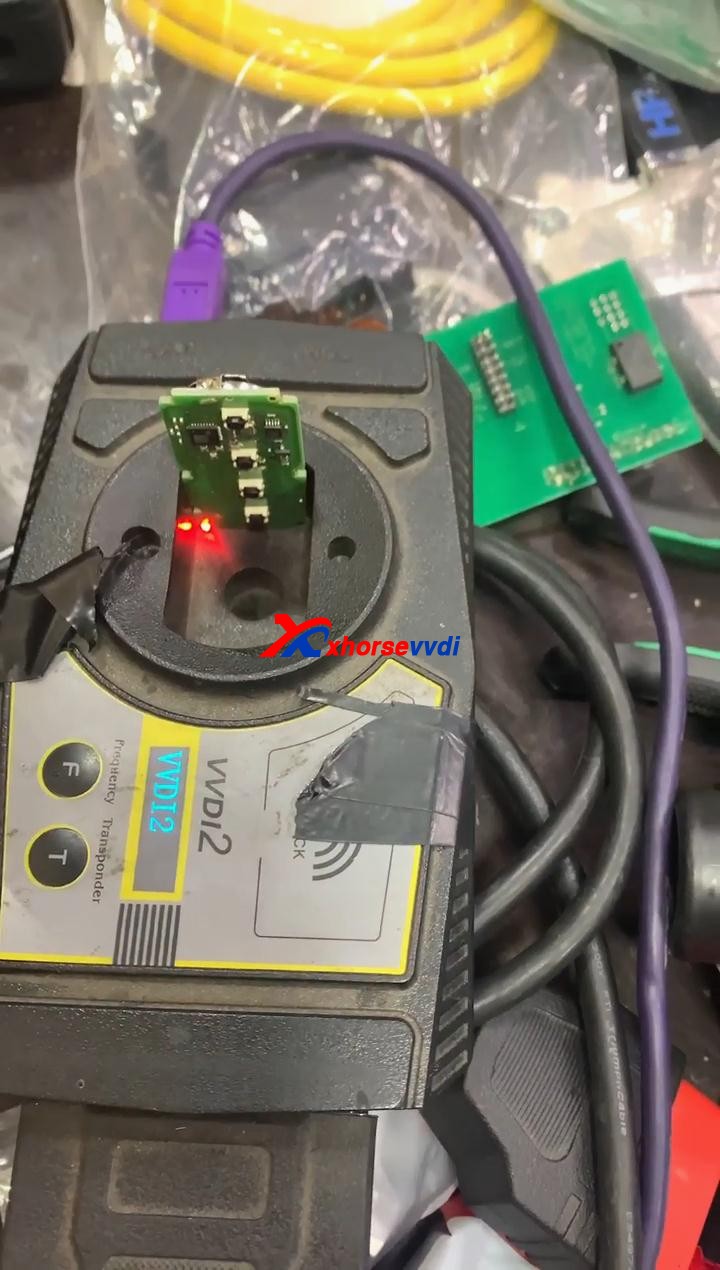
Synchronize with server.
Please wait...
Query result...
Calculating, require 5 seconds, query after 10 seconds... (Cannot be cancelled)
Prepare remote - XM proximity mode...5
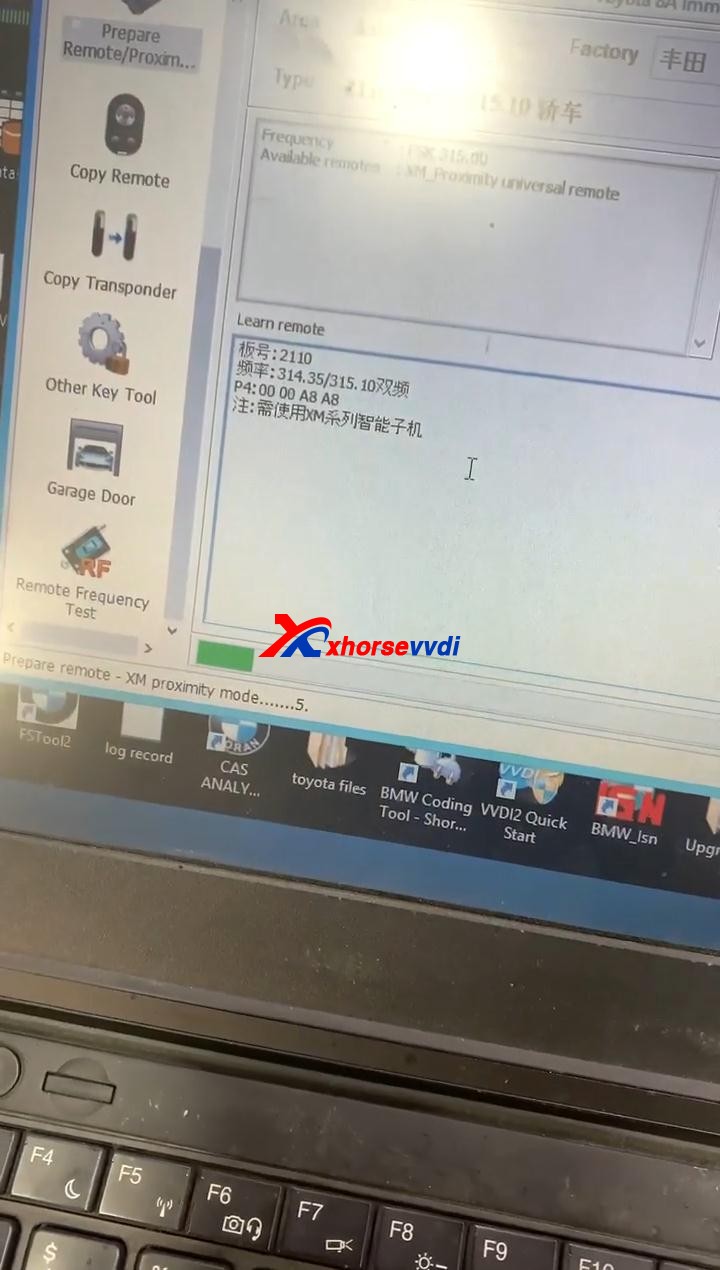
Enjoy!
TOY.T Universal Smart Key is available here:
https://www.xhorsevvdi.com/wholesale/xhorse-smart-key-for-toyota.html
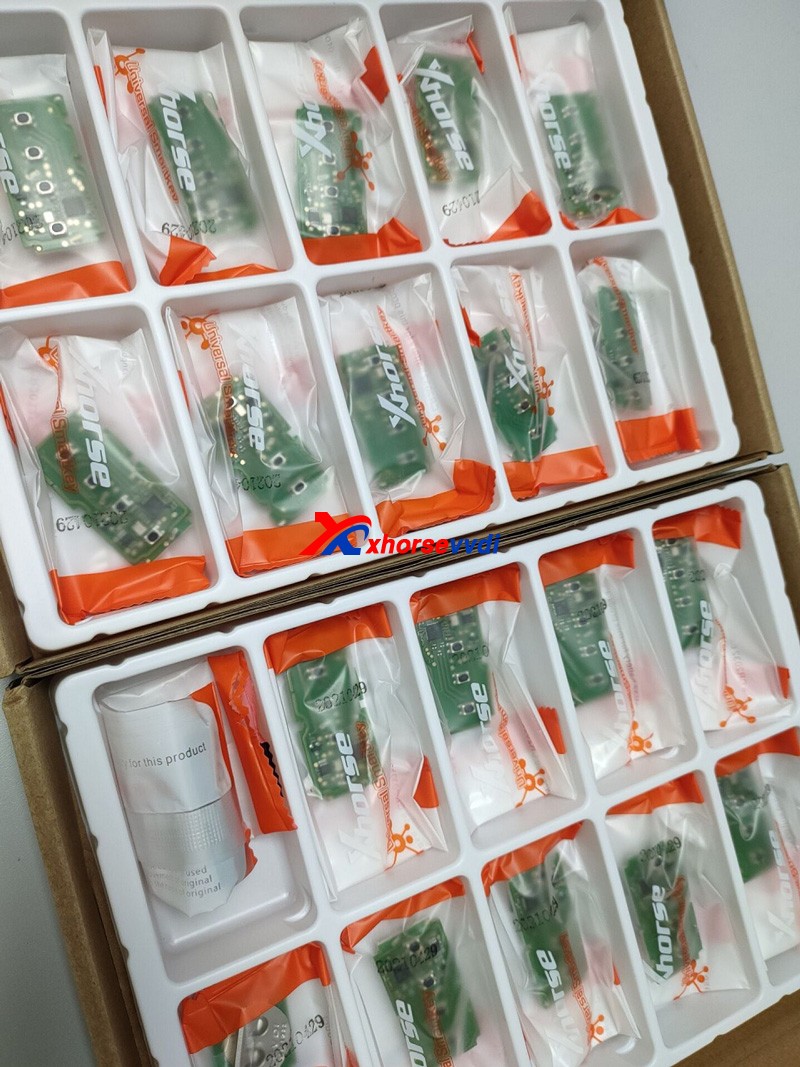

Source:http://blog.xhorsevvdi.com/how-to-generate-toyota-xm-remote-with-vvdi2-and-toyt/
Posted by: xhorsevvdi at
09:33 AM
| No Comments
| Add Comment
Post contains 138 words, total size 6 kb.
April 30, 2021
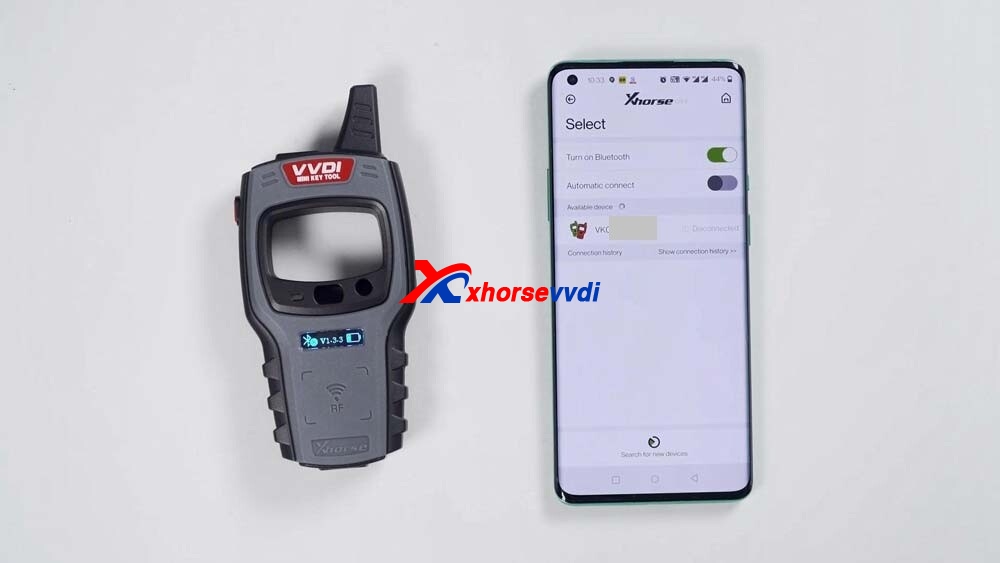
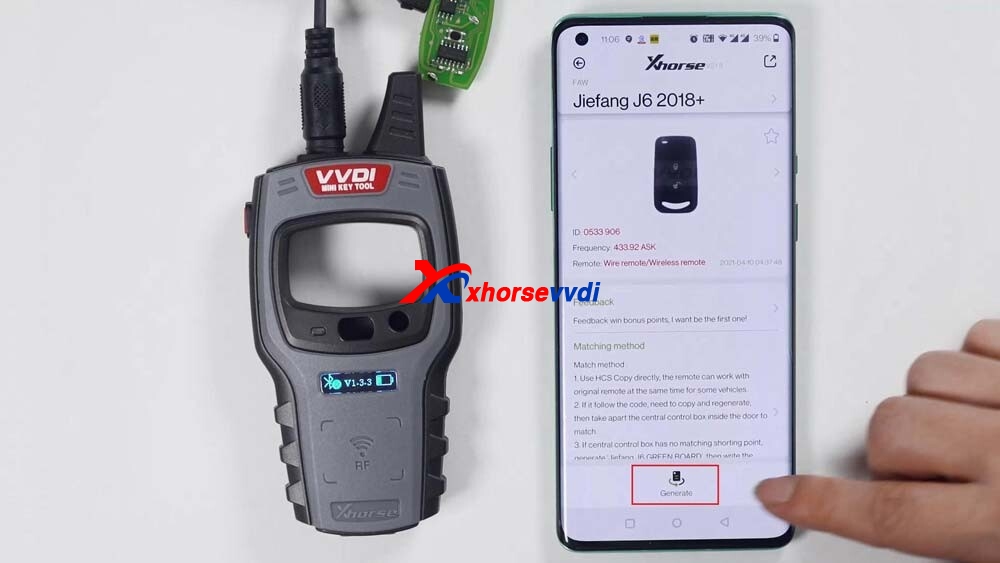
VVDI Mini Key ToolOverview: available with Wireless remote generation, Wired remote generation, Chip generation, the method to change the language and view the newest version number.
First connect VVDI Mini Key Tool
Click "Selectâ€, and it will search for devices.
Long press the power button of the Mini Key Tool, and you can see the serial number on the screen, which means it has been turned on.
Meanwhile, you can see the icon of Mini Key tool in the Xhorse APP, tap the device icon to connect the device.
You will hear two beeps, it means it has been connected.
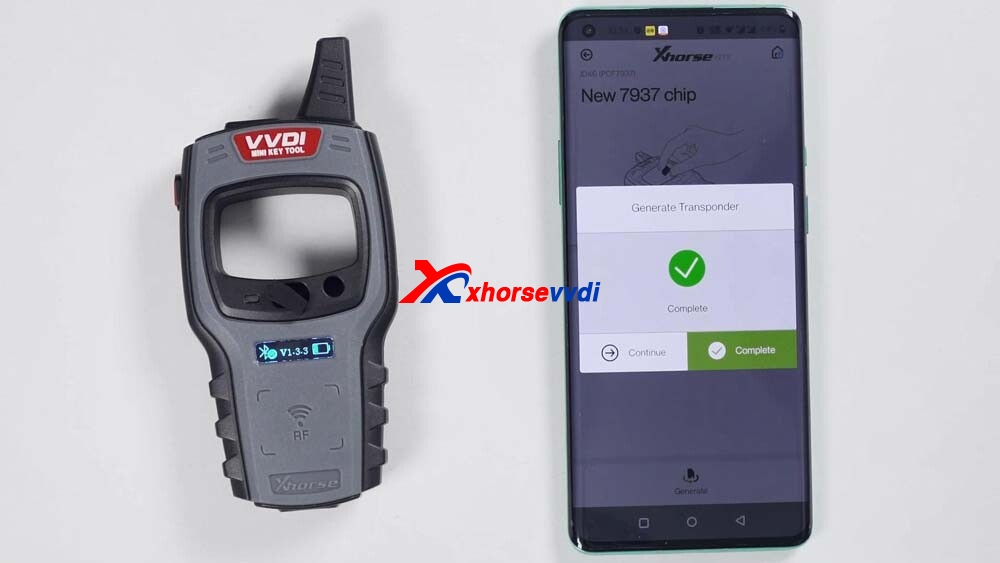
Next, let’s demonstrate how read and generate the chip.
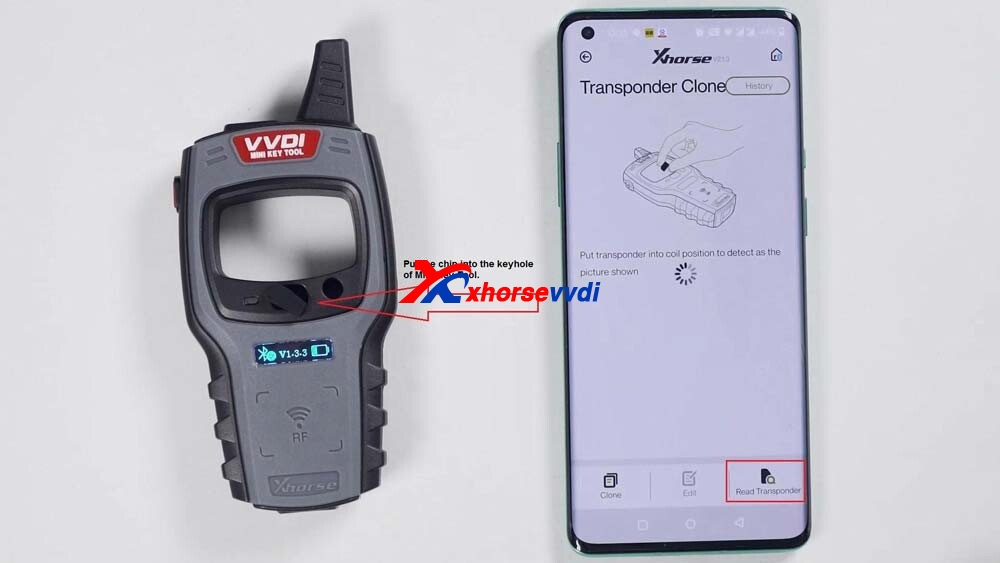
Put the chip into the keyhole of Mini Key Tool.
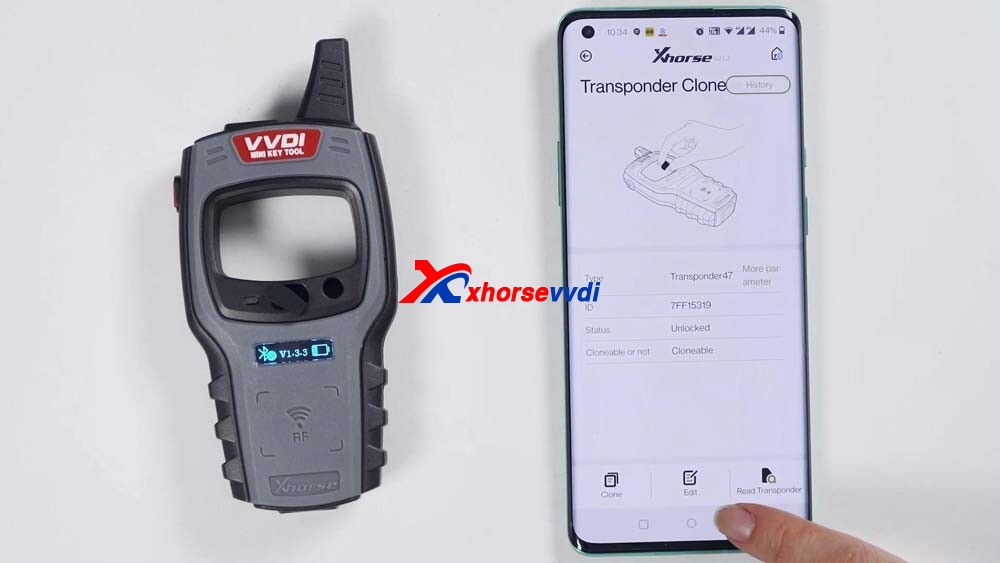
Click on "Read transponderâ€.
Okay, now the chip is recognized.
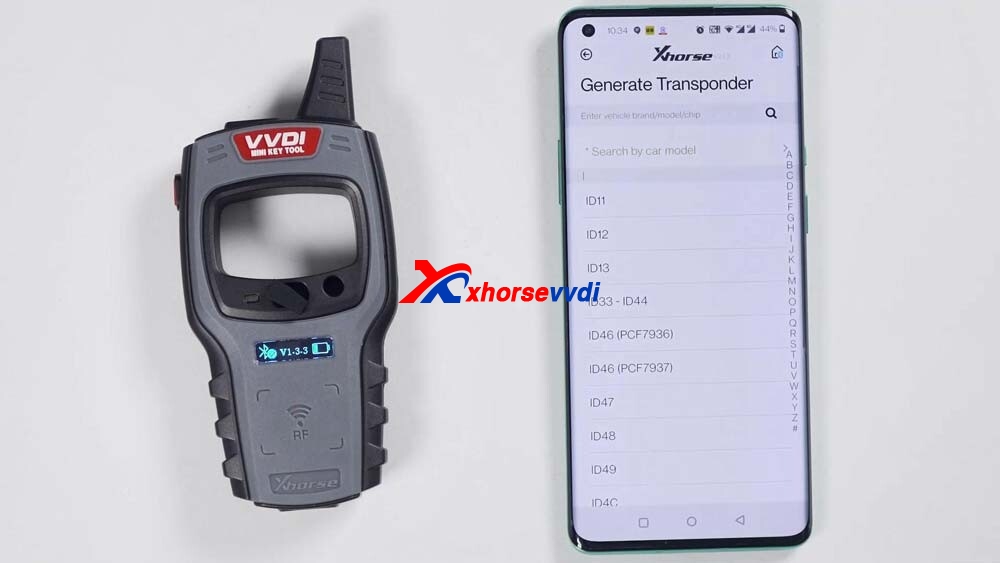
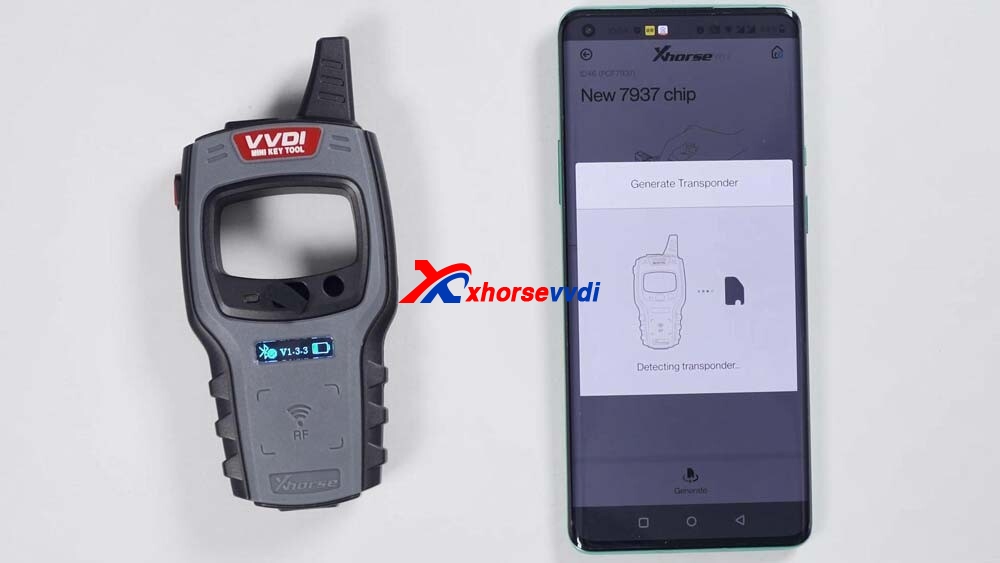
Then click on "Generate Transponderâ€.
Choose a chip type to be generated, for example, generate ID46 chip, soon, the chip is generated successfully. Go back to click on "Read transponder†to read this chip, it is already the 46 chip that is generated just now.

Next, generate wireless remote.
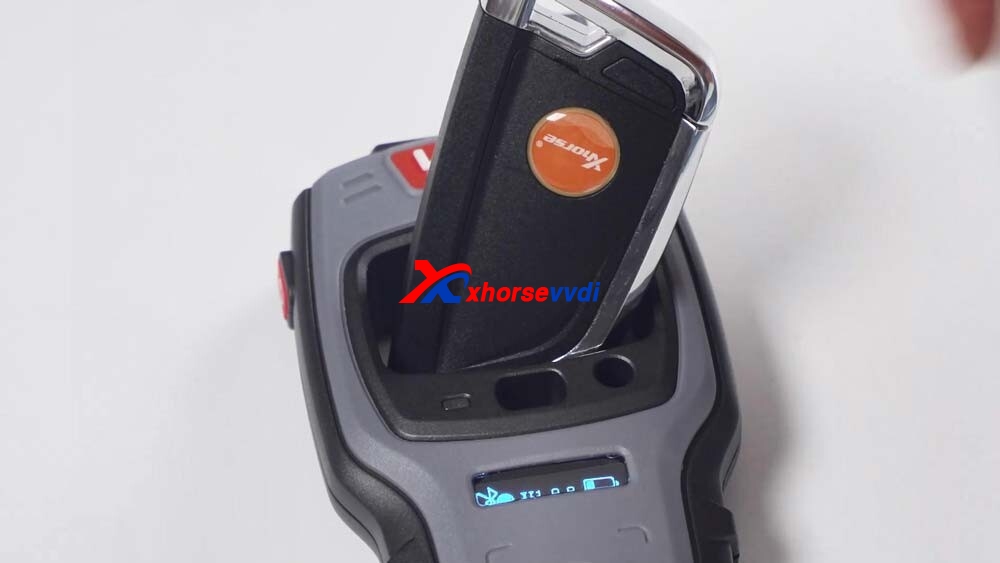
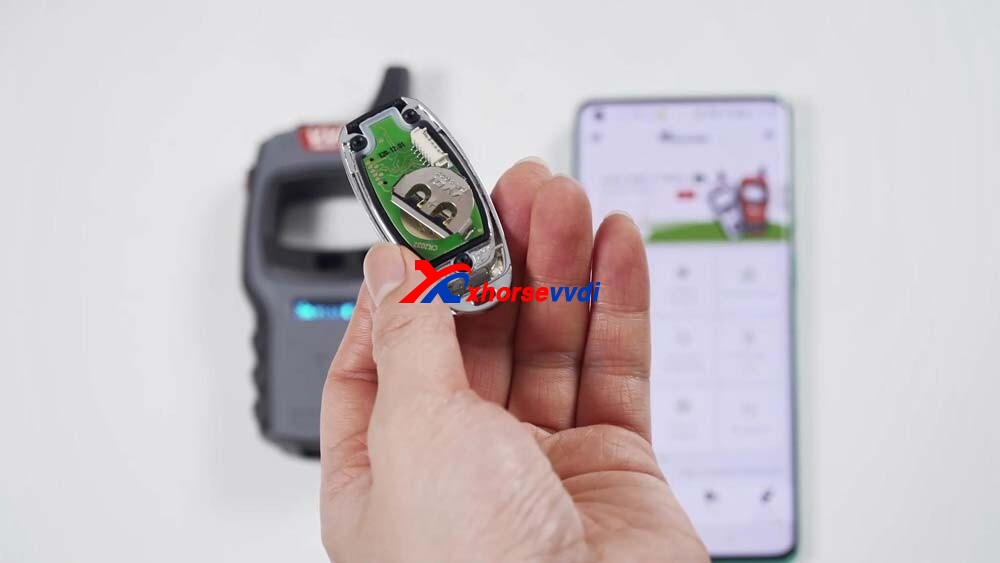
This is awireless remote, put it into the keyhole of the Mini Key Tool.
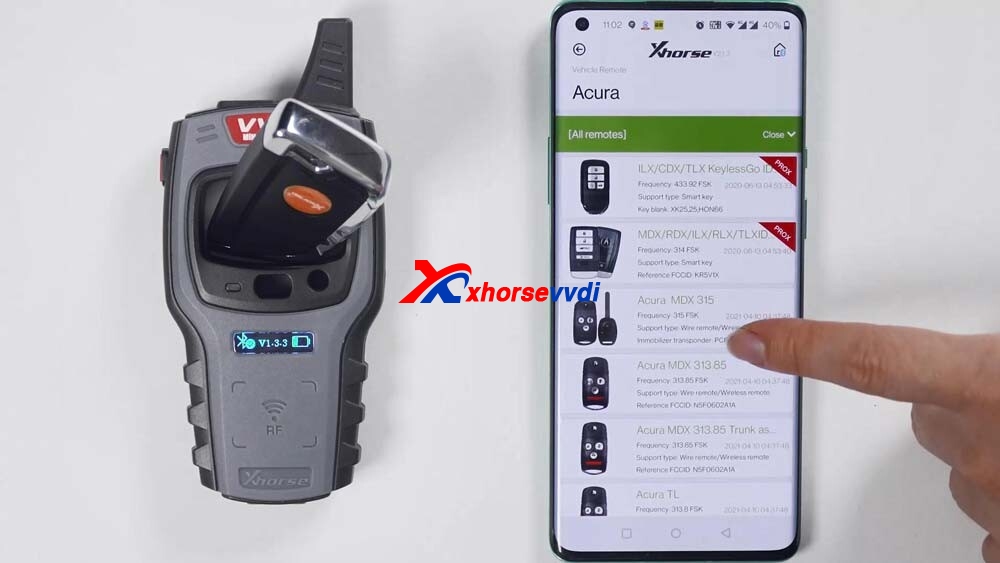
Then select the car model you want to generate.
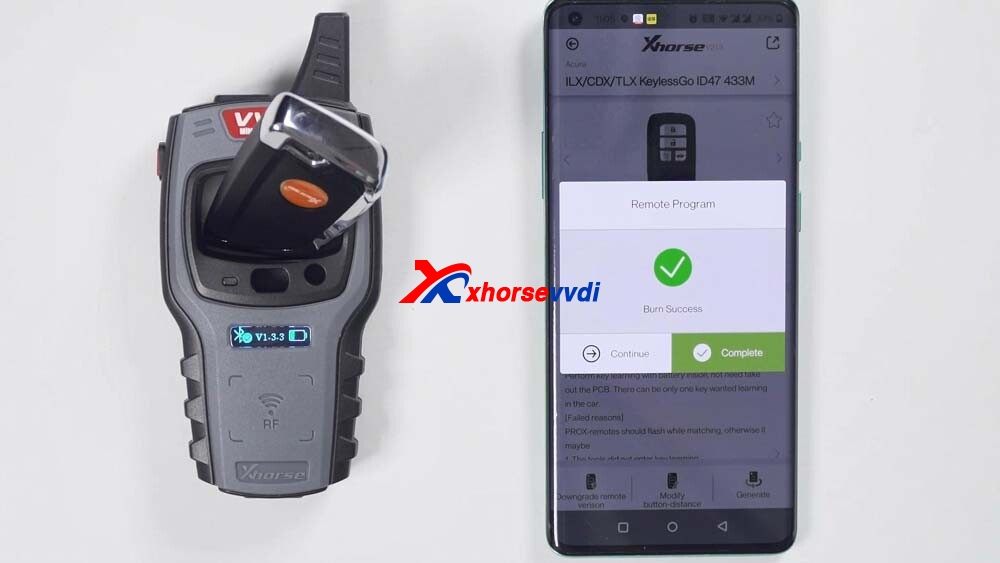
I have smart card so it will generate smart remote.
If it prompts failed to generate, please adjust the position of wireless smart remote, because the coil position may not be able to sense the chip.
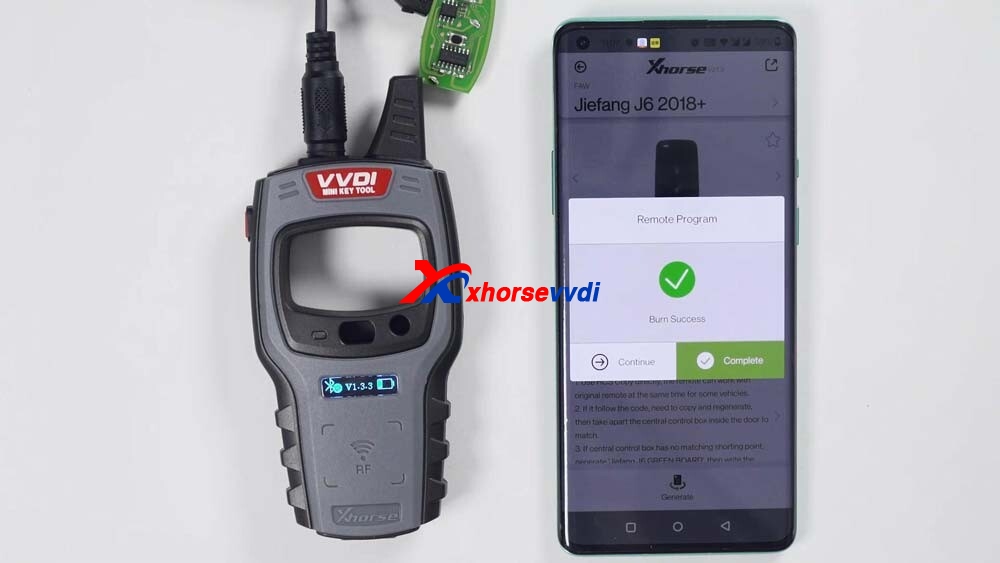
Ok, generation succeed.

Next, generate wired remote.
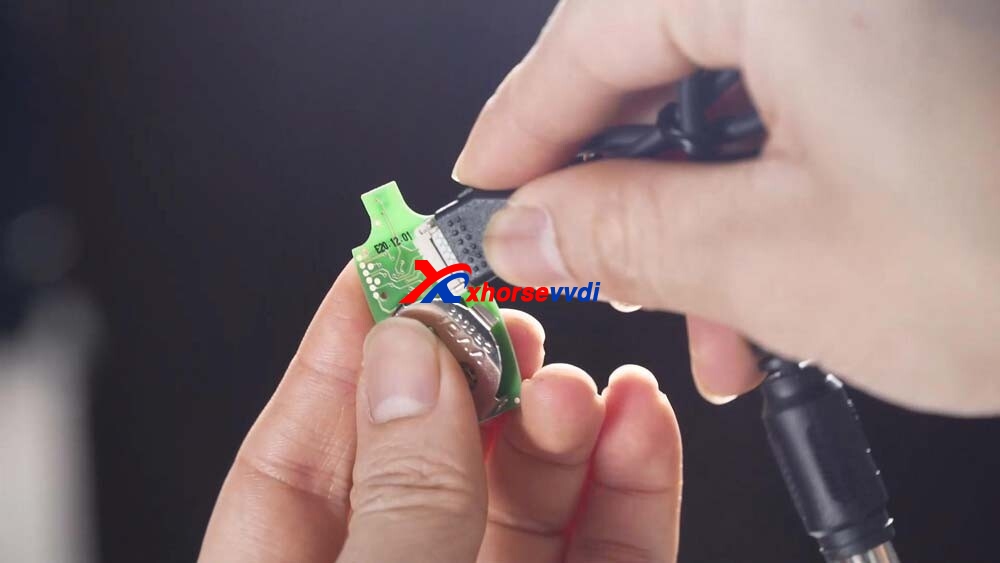
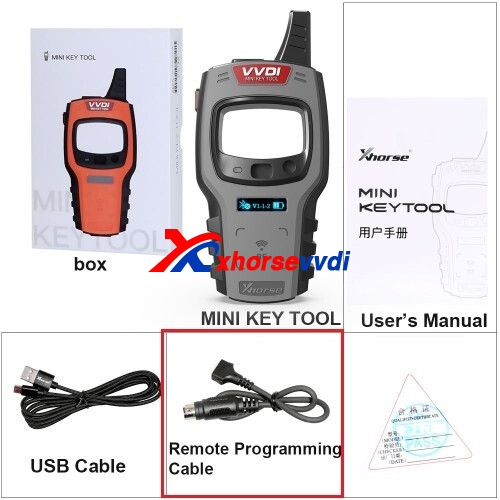
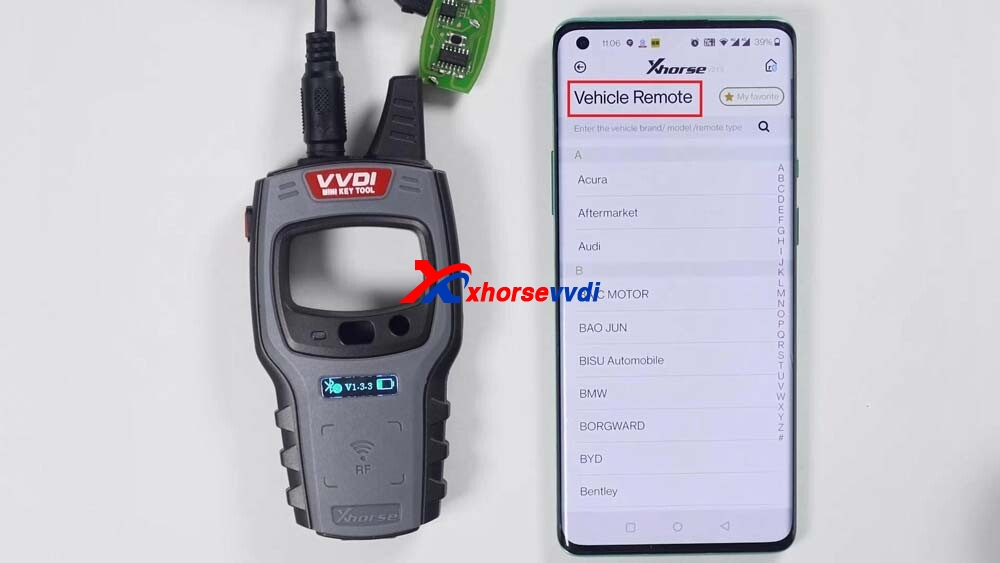
This is a wired remote, just remove its cover and you will see that there is a chip interface which can be connected to this remote programming cable.
Then you can generate keys by selecting "Vehicle remoteâ€, select the model you want to generate, click "generateâ€, after the generation is complete, click OK.

Finally, check the version and change the language
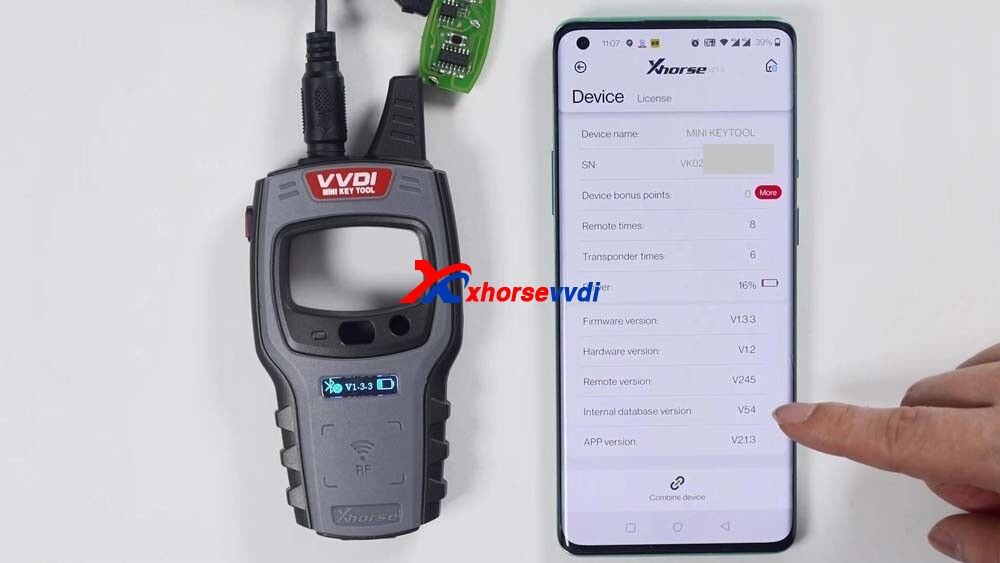
Just click "Device information†to view the latest version.
If there is the latest version, it will let you update as soon as you open the software and you do not need to enter "Device information†to update.
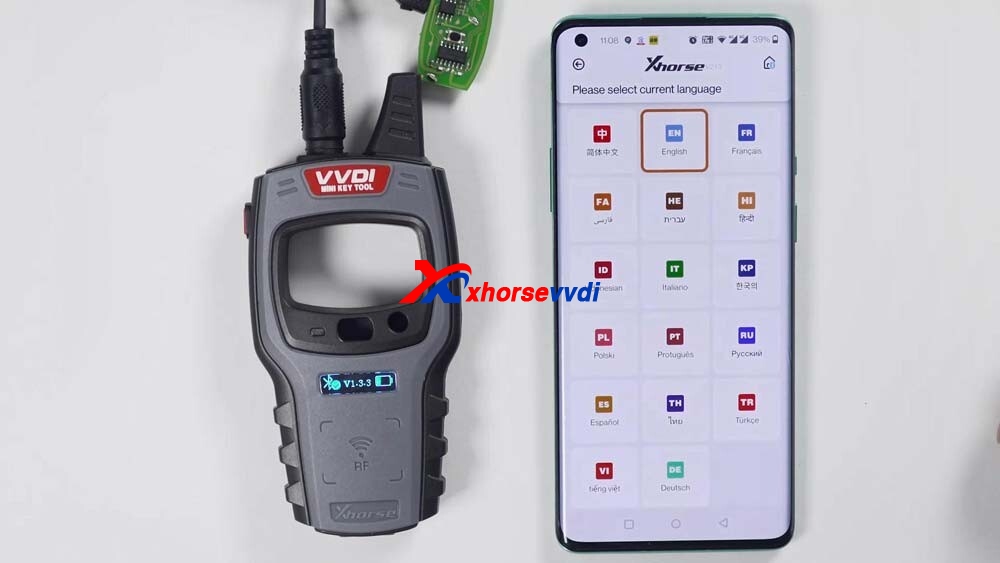
How to change the language: Click "Select†and then "Language†to change the language you want.
Enjoy!
Posted by: xhorsevvdi at
03:59 AM
| No Comments
| Add Comment
Post contains 372 words, total size 11 kb.
April 28, 2021
As known, we already releasedmultiple adaptersfor Xhorse Mini PROG, let’s have a look at what they look take BMW CAS4+ and Land Rover RFA for example. And then demonstrate how easy Mini Prog is used.
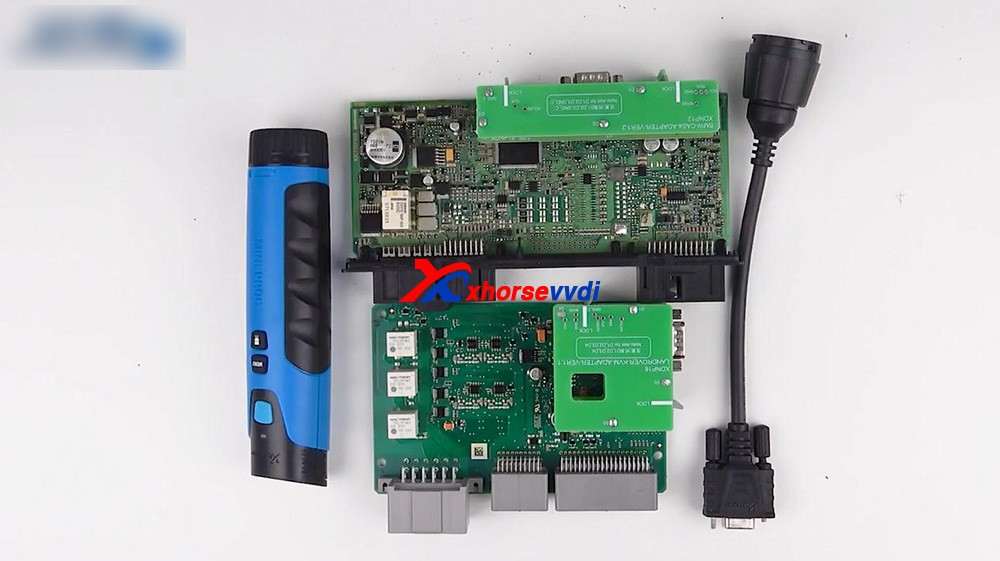
Here we go:
ConnectMini Progand the cable, after inserting it, just roll Mini Prog to lock it.
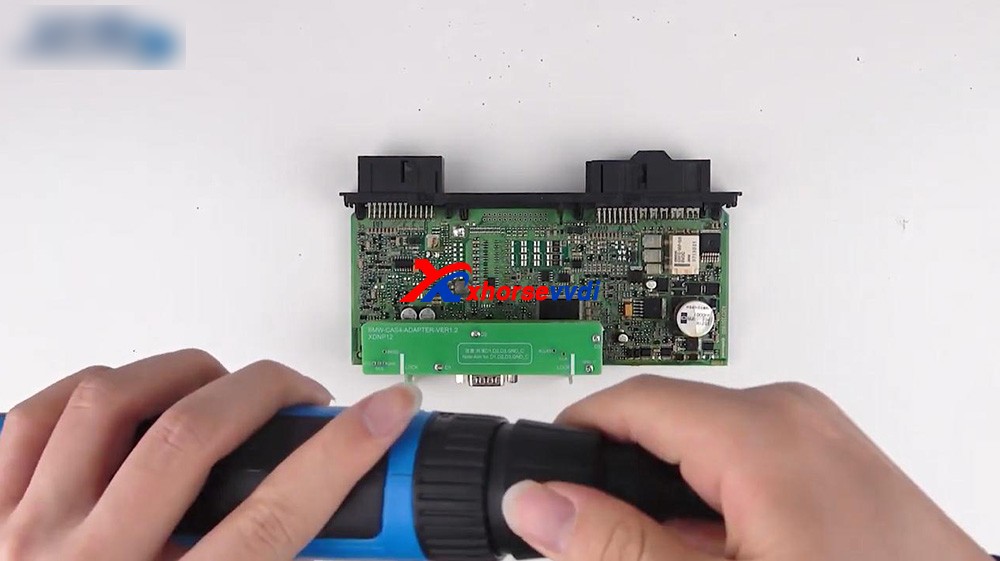
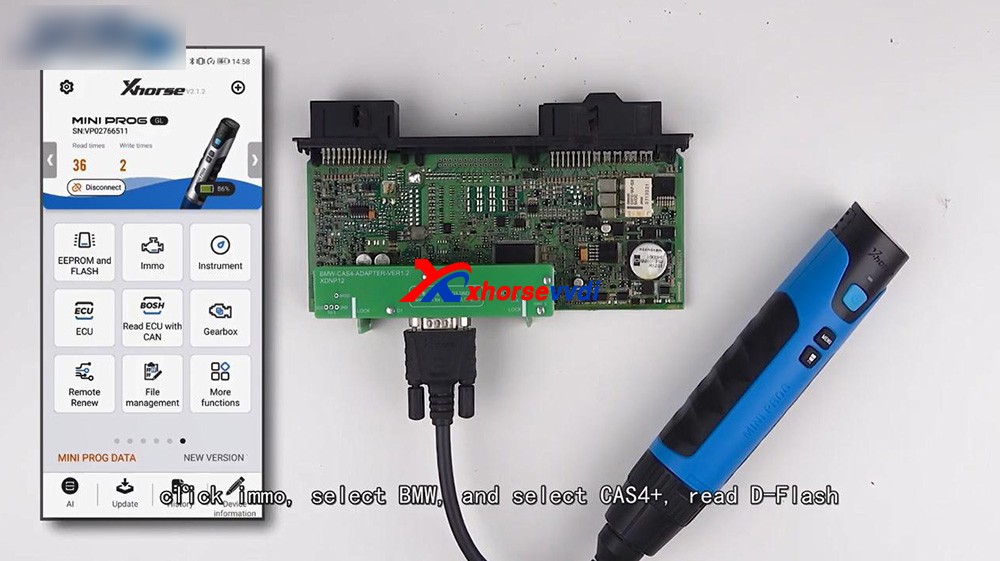
1. Firstly, read the CAS4 in BMW by Mini Prog.
It is very easy, just connect Mini Prog with the BMW CAS4+ adapter via cable and pay attention to the position of plug.
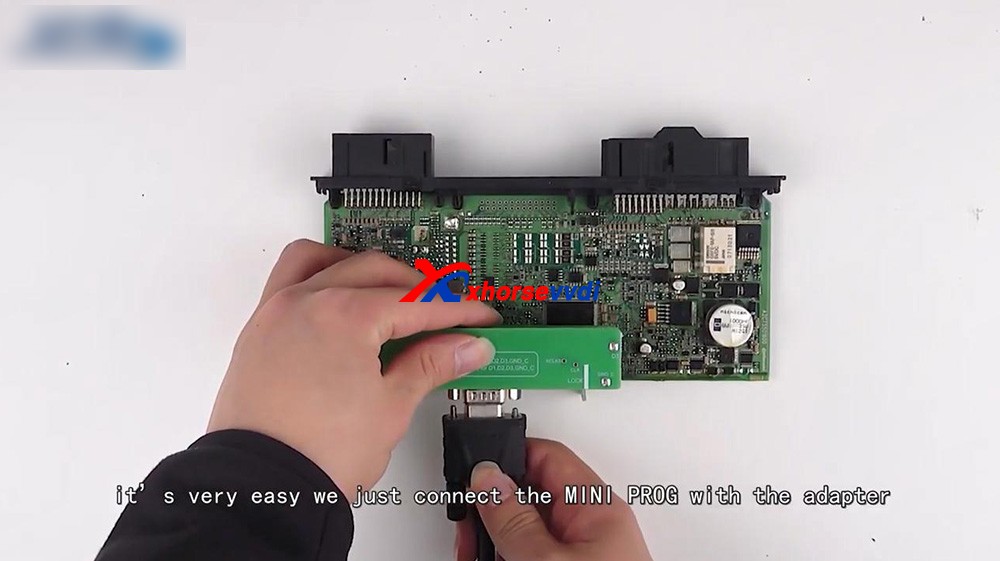
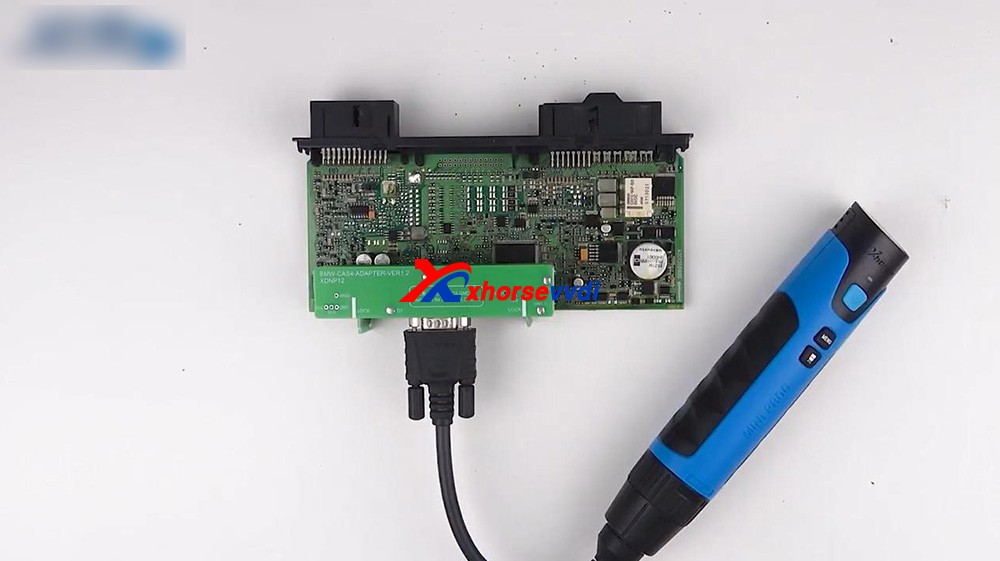
After that, we operate in Xhorse Application.
Connect Mini Prog to phone via Bluetooth.
Click on "Immo", select "BMW" and select "CAS4+" to read D-flash.
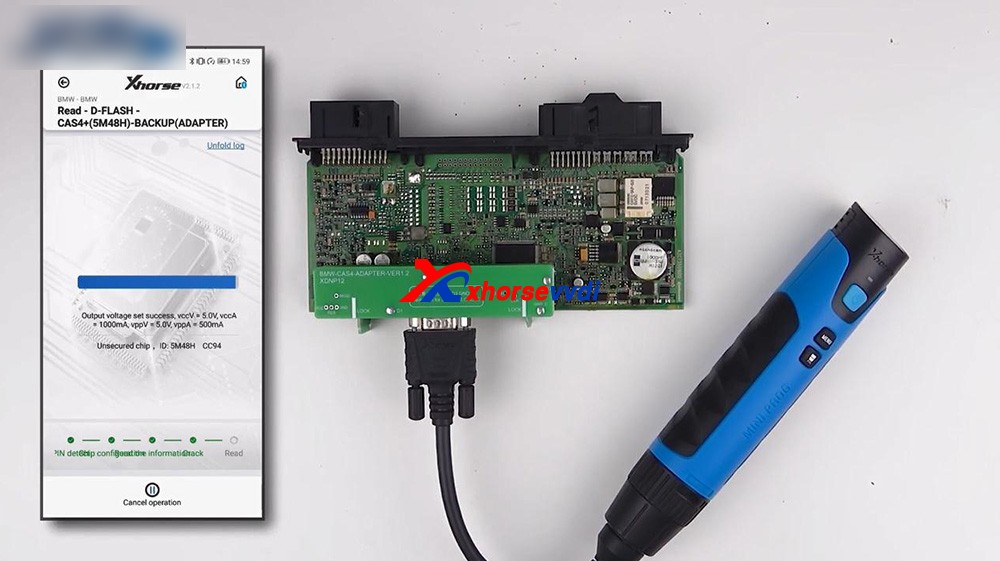
Okay, you can rename the file and find it in file management.
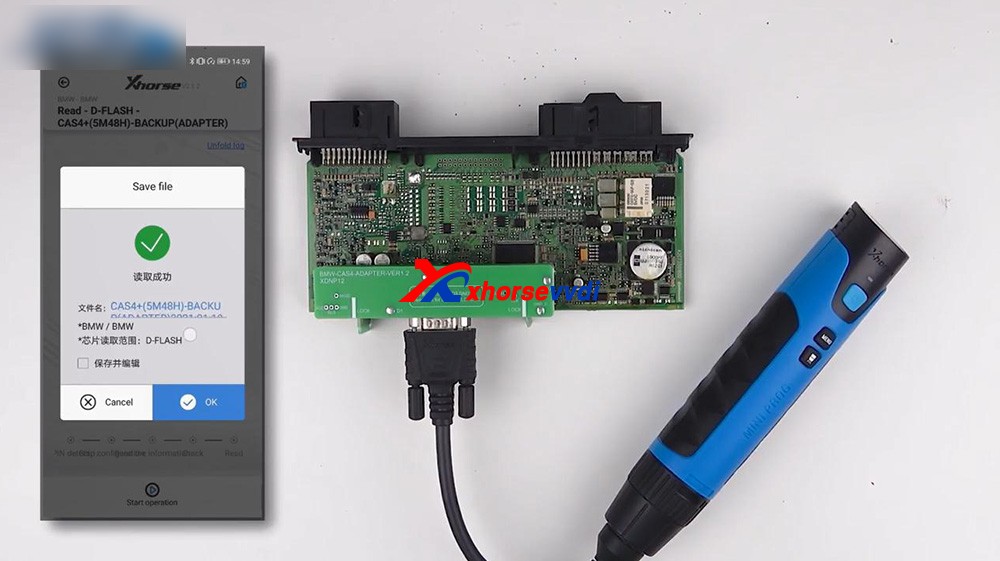
After we get the data, we can load it to VVDI2 which will help us program the key.
For your information, if all keys lost you should get ISN from the engine.
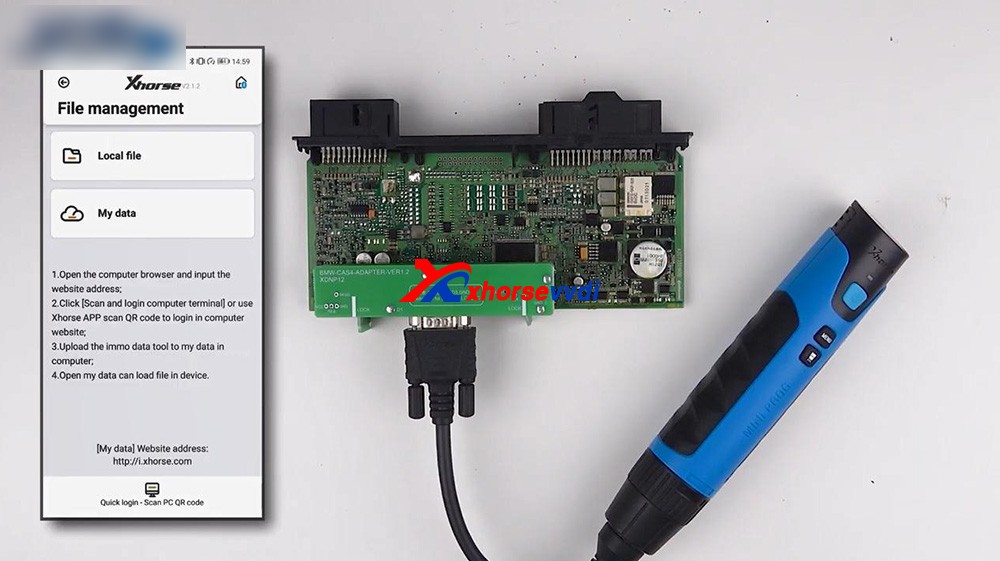
Next
is back to Mini Prog menu and select "File management", click on "Local
File", and then "Mini_Prog" folder, then "CAS4 df.bin" is contained.
2. Next one is the RFA of Land Rover.
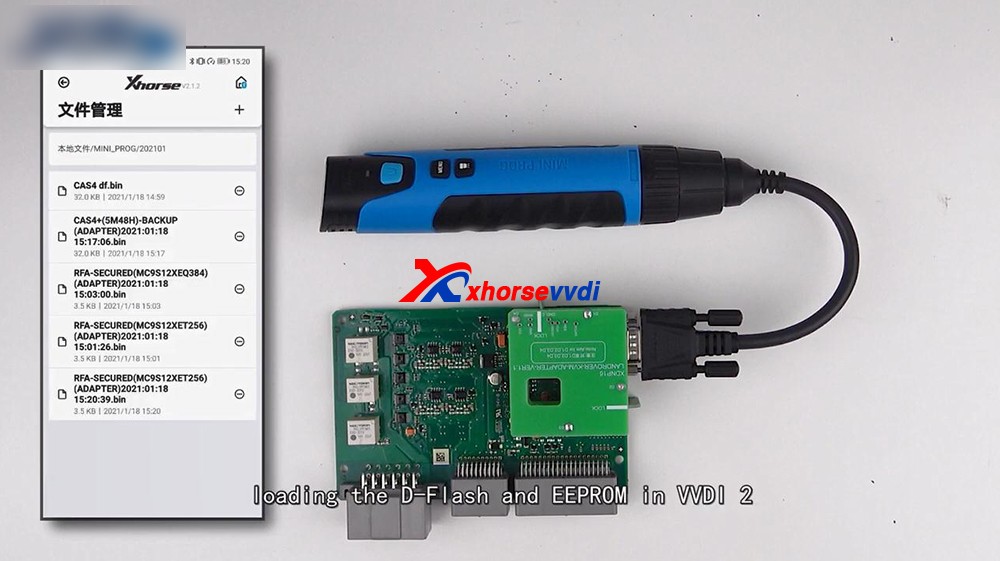
Let's take a look at the Land Rover RFA adapter connected to the PCB, it's very stable.
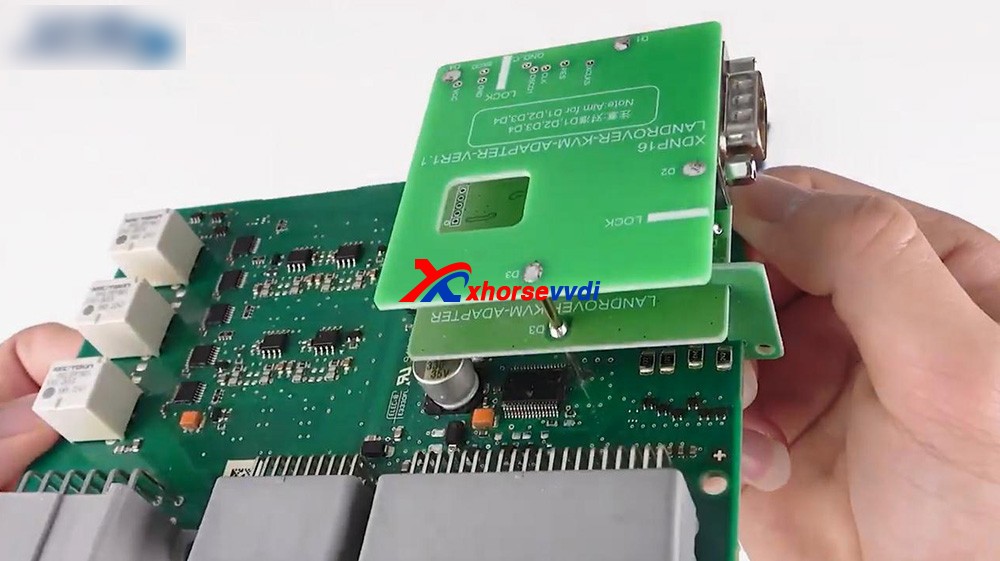
Then connect Mini Prog to the adapter.
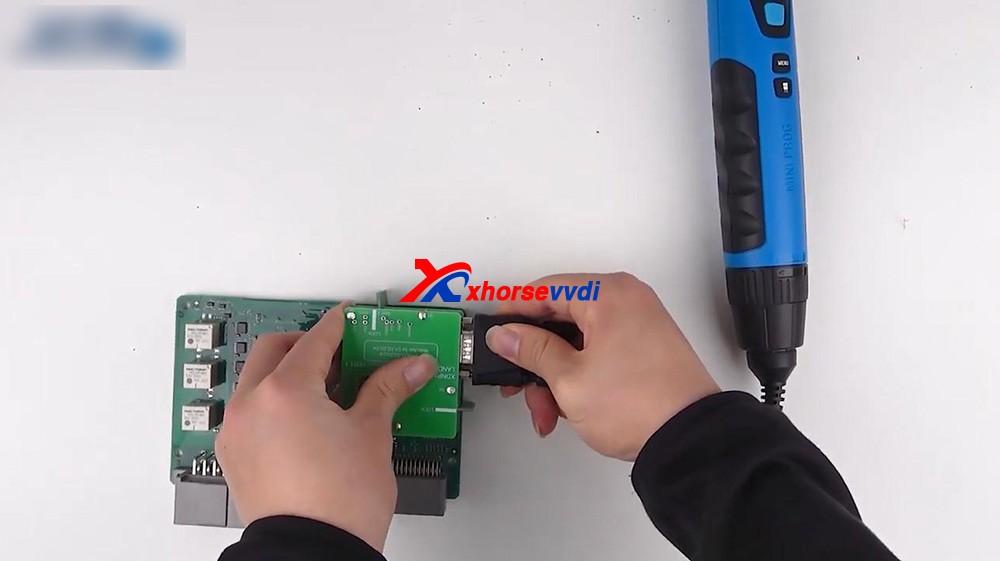
Click on "Immo", select "Land Rover" and select RFA, read the D-FLASH and EEPROM.
Now we have the D-flash data of Land Rover.
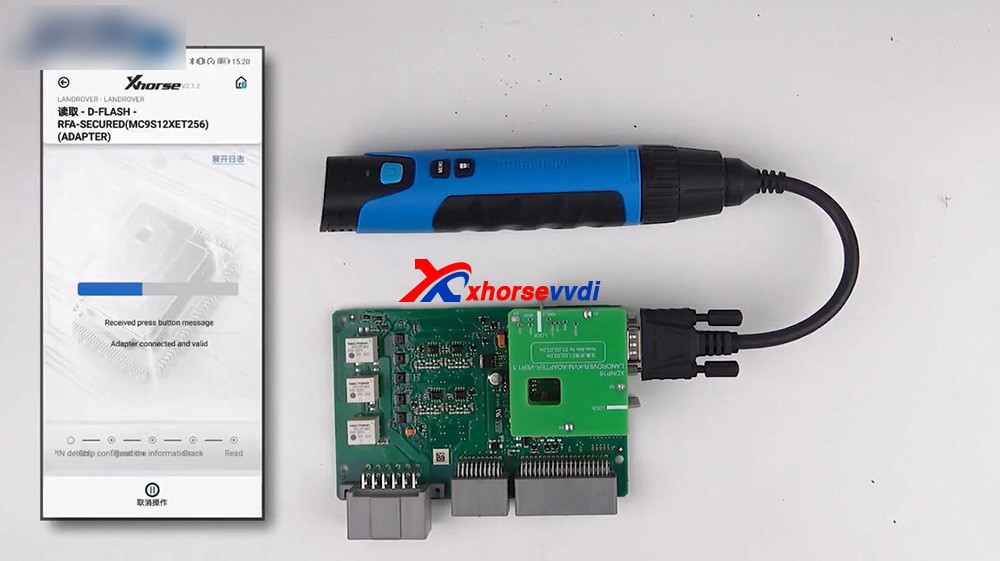
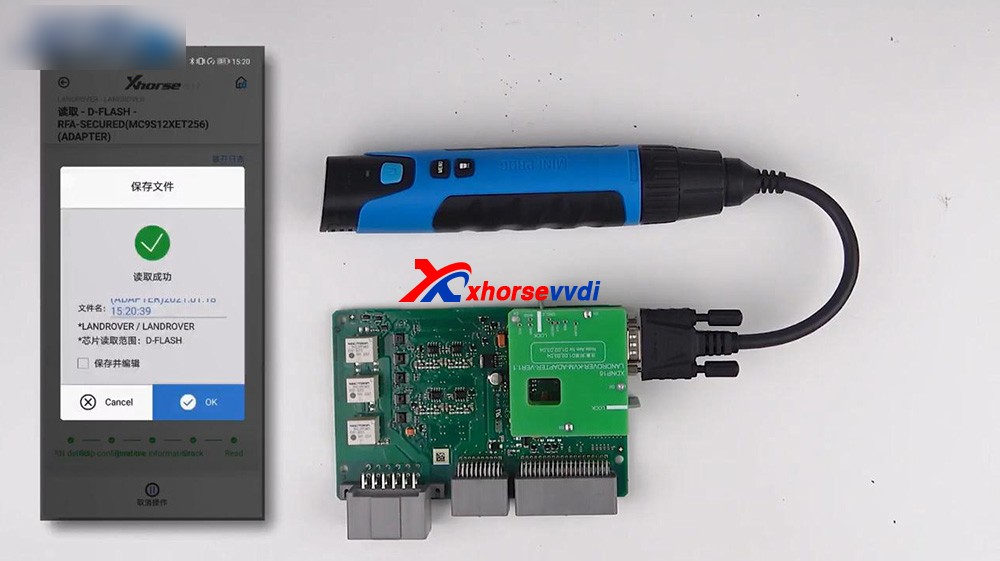
We can also find the file in "File Management".
3. Loading the D-flash and EEPROM inVVDI2, and you can program the key for Land Rover.
Alright, thanks.
Sharing a trust web:https://www.auteldiag.com/
Posted by: xhorsevvdi at
03:22 AM
| No Comments
| Add Comment
Post contains 275 words, total size 4 kb.
April 26, 2021

Posted by: xhorsevvdi at
03:52 AM
| No Comments
| Add Comment
Post contains 124 words, total size 4 kb.
30 queries taking 0.0501 seconds, 131 records returned.
Powered by Minx 1.1.6c-pink.


