



November 01, 2023
Question:
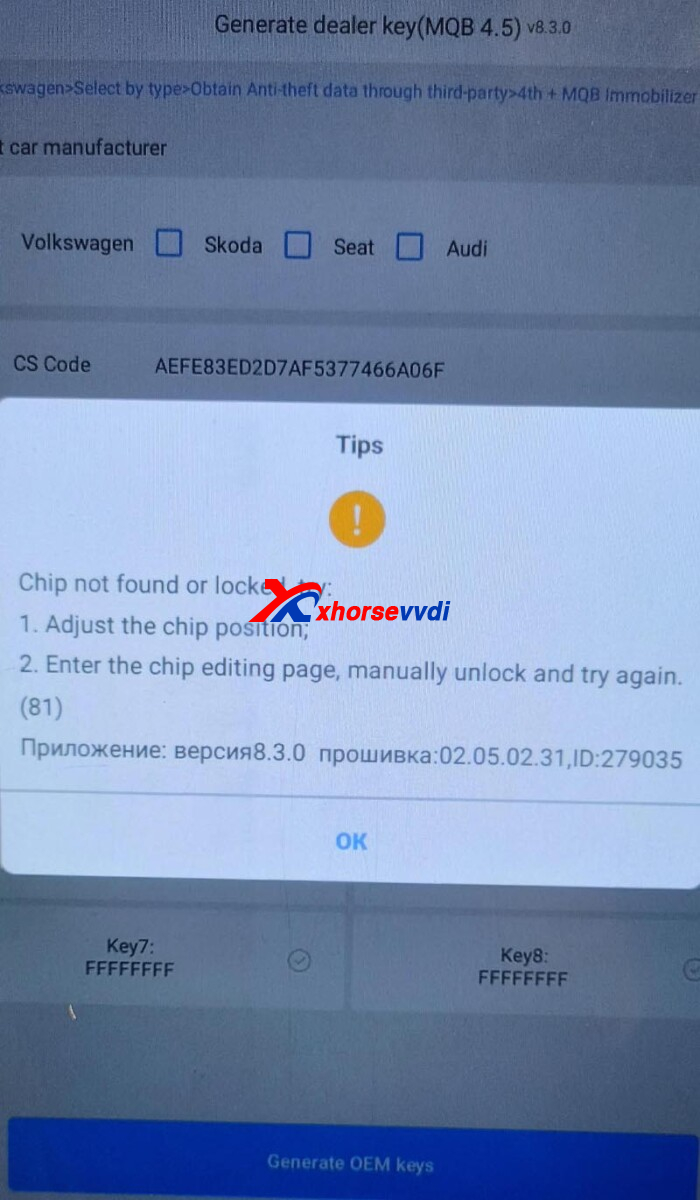
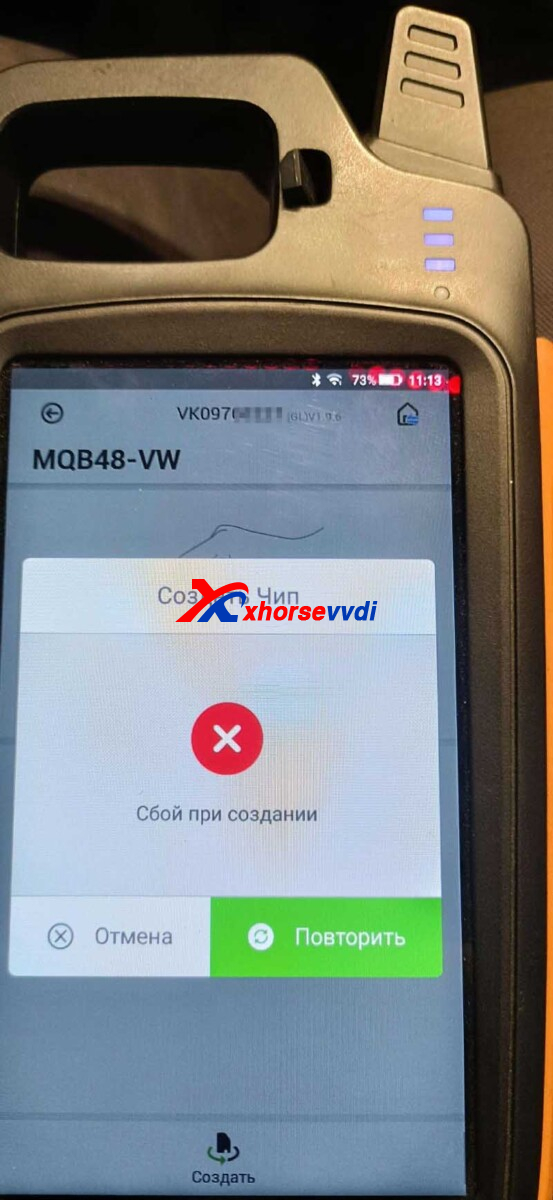
Will Key Tool Max Pro + MQB48 Chip generate a dealer key? Key tool max pro won't let me generate MQB48.
Answers:
Key Tool Max Pro cannot program VWs with MQB48 systems.
For XT1M MQB Chip, direct generate a dealer key
For XT27B Chip, generate remote and then dealer key
Hope this could help!
http://blog.xhorsevvdi.com/how-to-add-proton-x50-smart-by-key-tool-max-pro/
Posted by: xhorsevvdi at
07:31 AM
| No Comments
| Add Comment
Post contains 67 words, total size 1 kb.
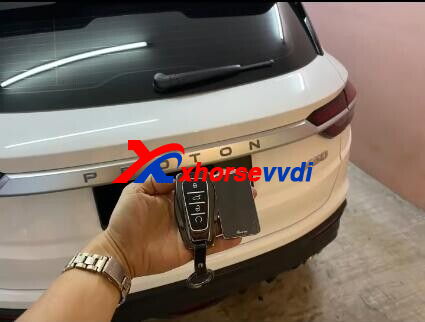
In this article, we will show you how to add Xhorse King Card Remote to Proton X50 Smart via OBD.
Tools:
Process:
Turn on Max Pro,
Select
IMMO Programming>>Proton>>Select from model>>X50
Select "Read Password".
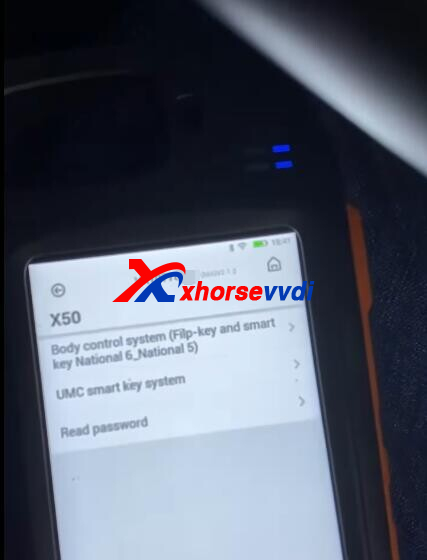
Ensure network connection.
Read password.
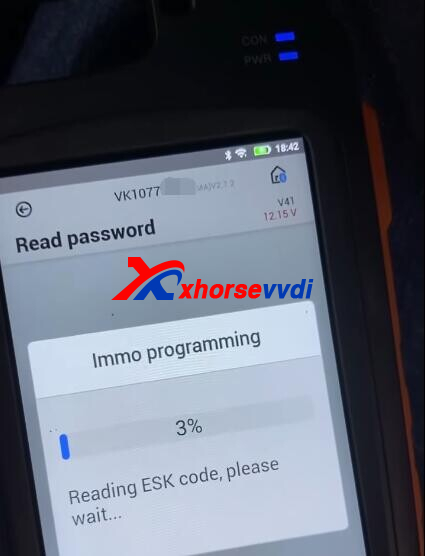
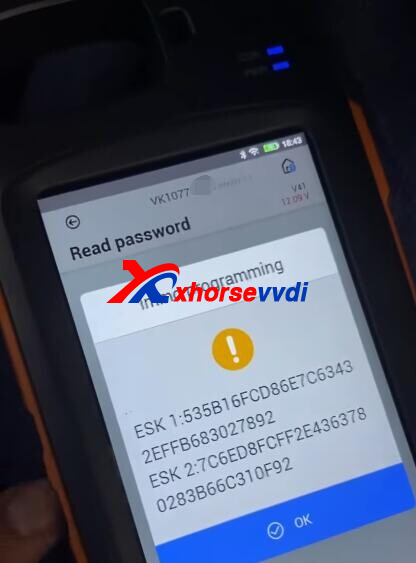
Select
UMC smart system>>Key Programming
Automatically enter password.
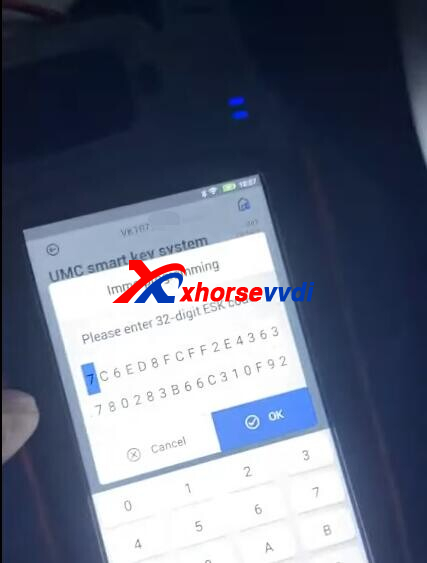
Put original key to induction area.
Put king card to induction area.
Programming done.
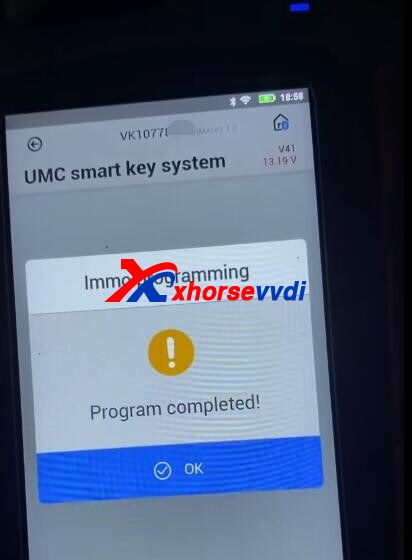
Test remote and start car.
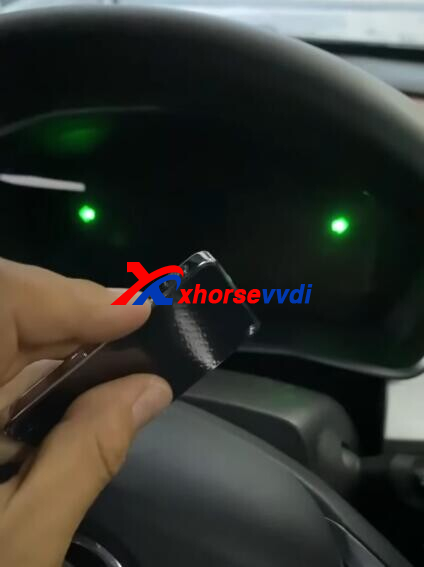
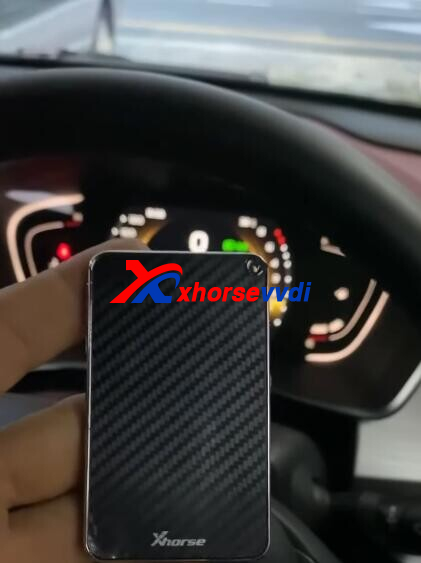
Done! Nice and Simple!
http://blog.xhorsevvdi.com/how-to-add-proton-x50-smart-by-key-tool-max-pro/
Posted by: xhorsevvdi at
07:30 AM
| No Comments
| Add Comment
Post contains 90 words, total size 3 kb.
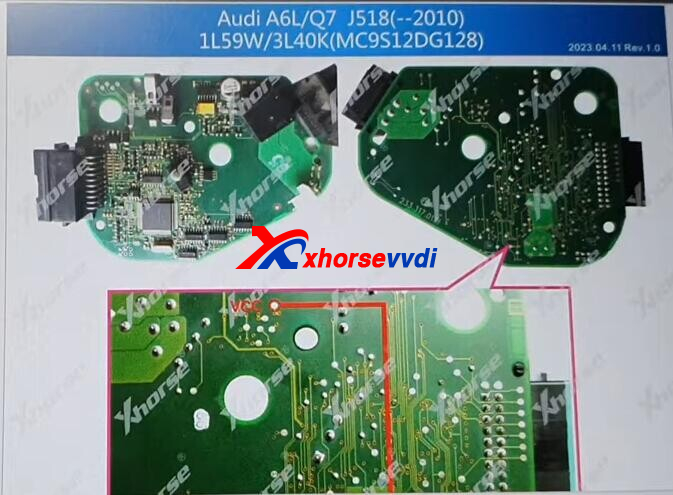
Here we are going to show you how to read J518 MCU 3L40K from an Audi A6 C6 using Key Tool Plus Pad, because original module is damaged.
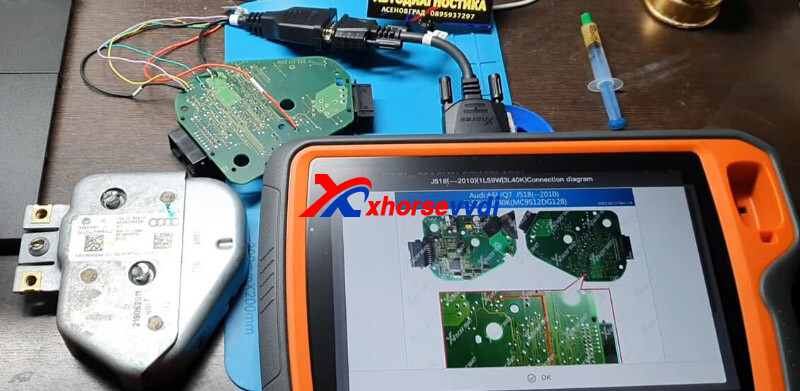
J518 Module:
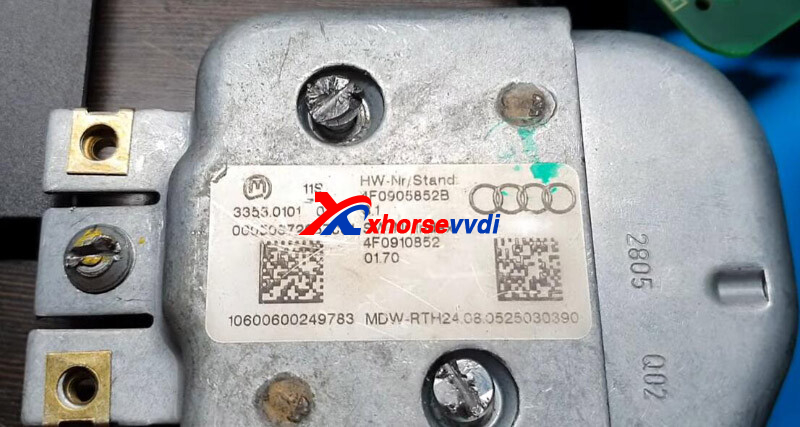
Let's see how to read it.
Turn on Xhorse Tablet,
Go to
Prog>>IMMO>>AUDI>>J518(-2010)(1L59W|3L40K)(WELD)
Connect tablet to module by soldering.
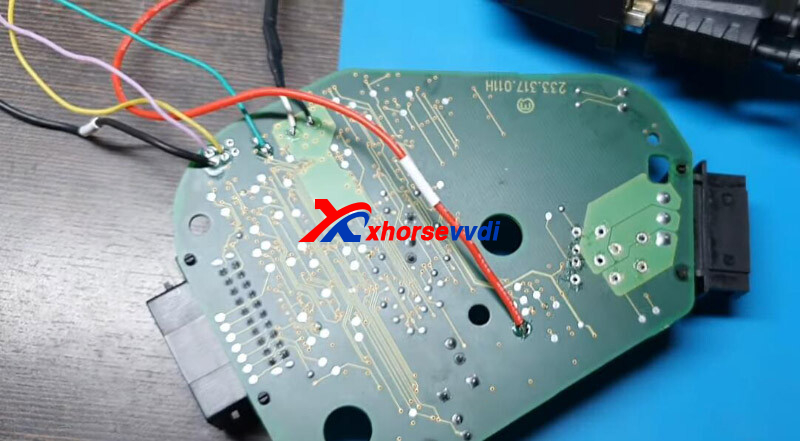
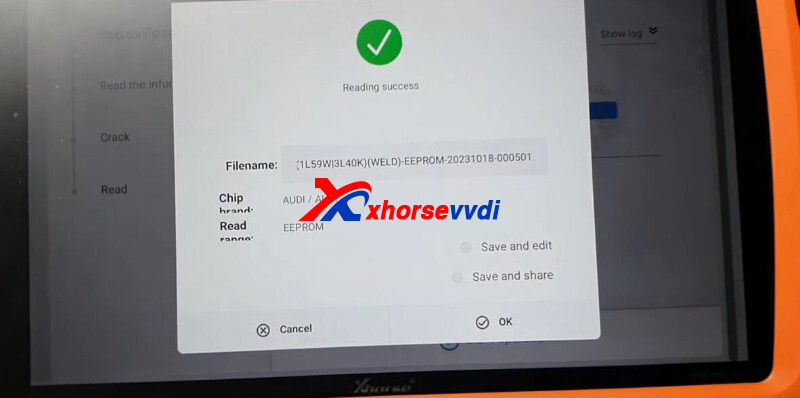
Read EEPROM.
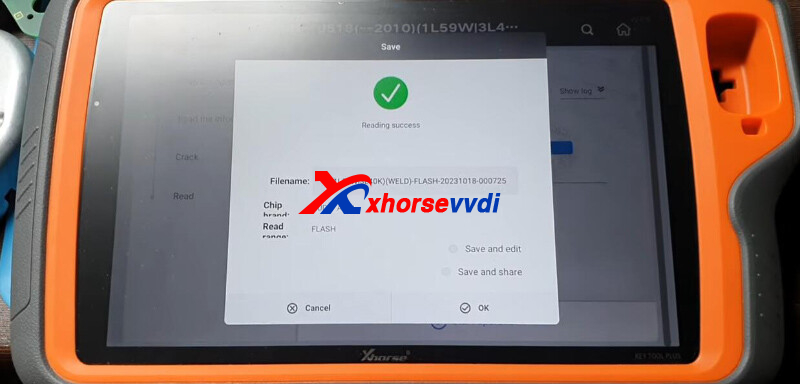
Read FLASH.
Done! Nice and simple.
http://blog.xhorsevvdi.com/key-tool-plus-read-audi-a6-c6-j518-mcu-3l40k-ok/
Posted by: xhorsevvdi at
07:30 AM
| No Comments
| Add Comment
Post contains 69 words, total size 2 kb.
One customer gave feedback that his VVDI2 Key Programmer failed to add key for BMW X1 2019 by OBD. And now BDC module has no communication.
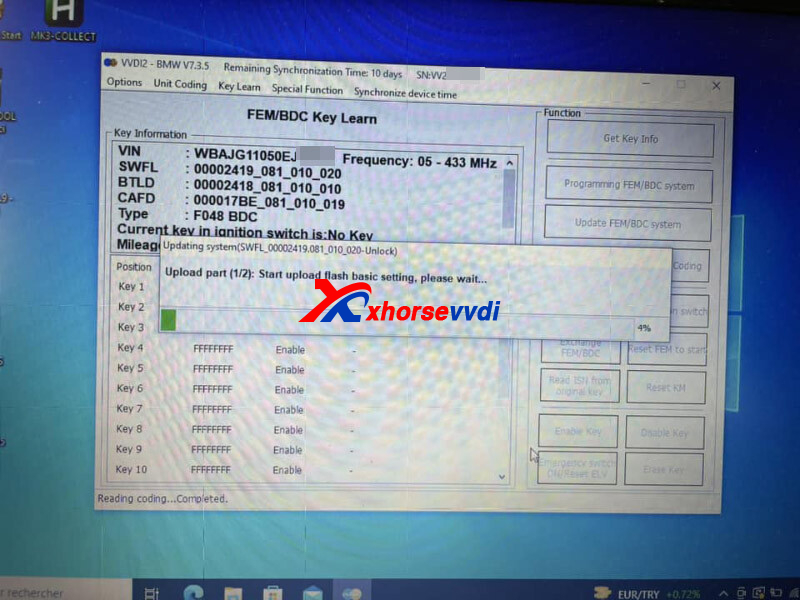
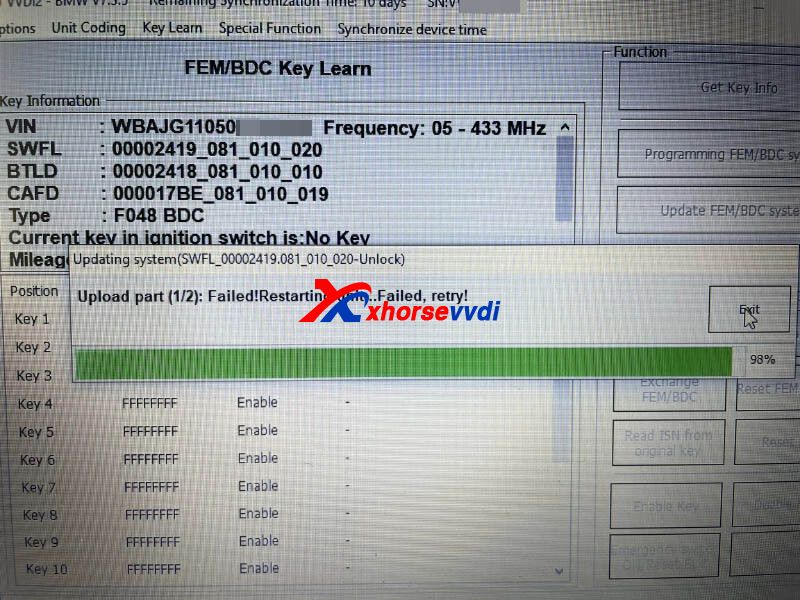
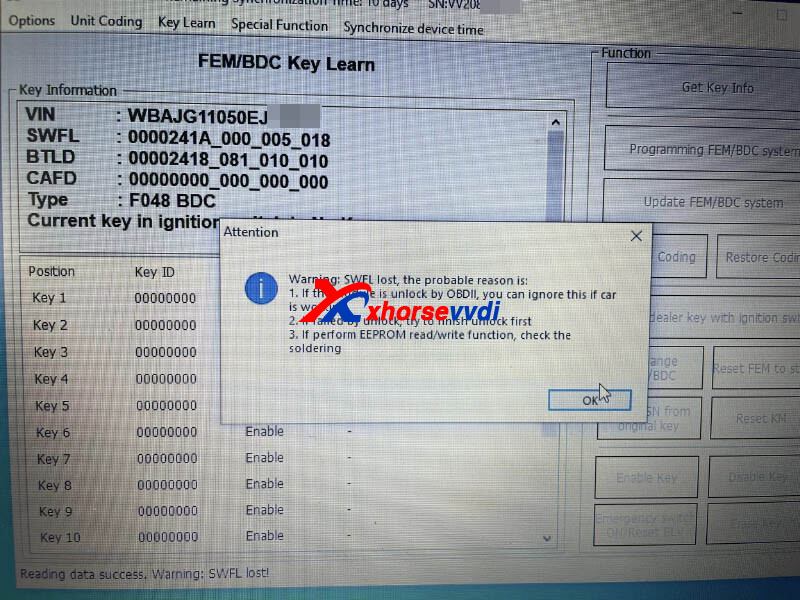
Now BDC module is bricked from "Current key in ignition = NO KEY".
Here is the
Possible Reason:
Unstable or improper voltage during unlocking.
Solution:
Restore Flash.
Try to unlock in bench with power supply stable at 13.5v.
Try several times until flash writes ok.
http://blog.xhorsevvdi.com/xhorse-unlock-bmw-bdc-via-obdii-function-review/
Posted by: xhorsevvdi at
07:29 AM
| No Comments
| Add Comment
Post contains 85 words, total size 2 kb.
Question:
To combine my 8A Adapter to Xhorse MINI OBD Tool, it failed and prompted "database corruption". I heard I have to buy a VVDI Key Tool Max Pro to talk to it, but it worked well before.
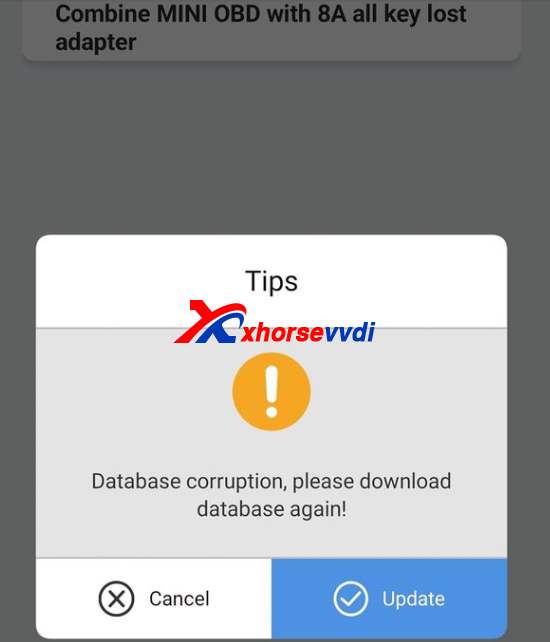
Here is the Answer:
Re-download database and re-update device.
MINI OBD can work with 8A Non-Smart Adapter without Key Tool Max.
http://blog.xhorsevvdi.com/solved-xhorse-8a-non-smart-adapter-combine-to-mini-obd-fail/
Posted by: xhorsevvdi at
07:28 AM
| No Comments
| Add Comment
Post contains 70 words, total size 1 kb.
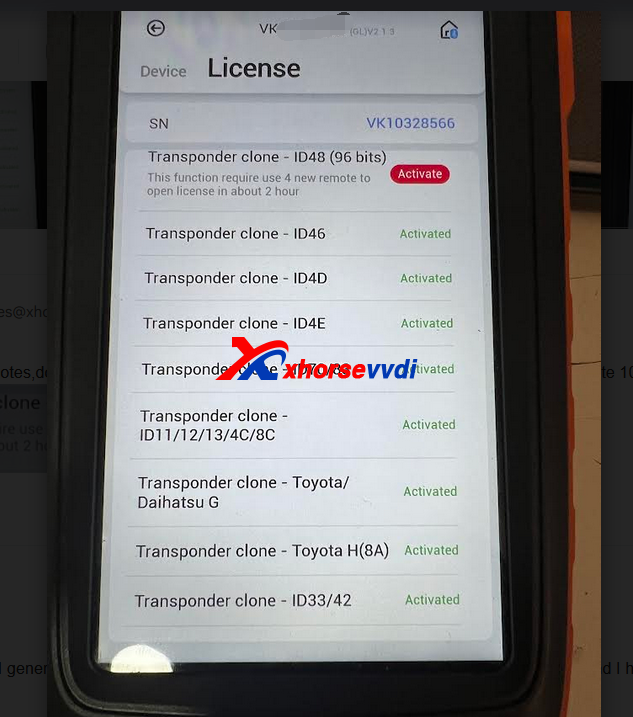
Xhorse VVDI Key Tool Max Pro, key tool max, and vvdi mini, now all needs to get the id48 96bit clone function by generation 10 new vvdi remtoes, then activate id48 function.
But we received feedback that
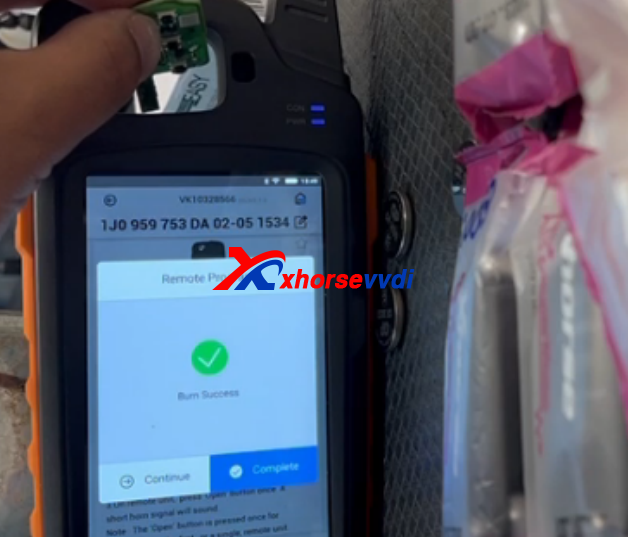
more than 6 months and i have genarated more than 30 new remotes and on activation list still says( 4more remotes to activate 48 id ) now i did today 5 new remotes and still stuck to 4 remotes..
Enginner replied:
Please click "More" in main max pro page to collect the points
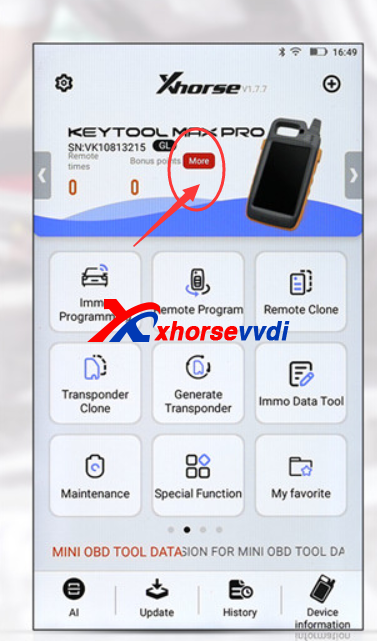
Then it is OK.
And for id48 function, please confirm 10 new vvdi remote keys, as only the first time of xhorse vvdi remote keys generation will have points.
Posted by: xhorsevvdi at
07:28 AM
| No Comments
| Add Comment
Post contains 134 words, total size 2 kb.
In previous blog we share Dolphin XP-005L va6 error, and for dolphin xp-005 we receive the similar review:
I need some help.
Recently I've upgraded my firmware version on my dolphin 1 to v1.7.3. Now my machine doesn't cut right va6 blade.
I've tried everything, I can't find a solution.
I can't downgrade to my previous firmware version.
Please help, I'm desperate.
Check this photo, this key doesn't look right
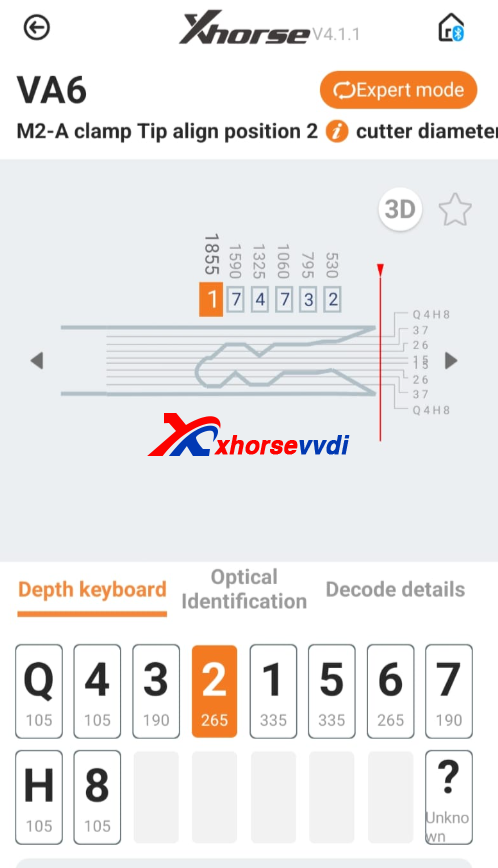
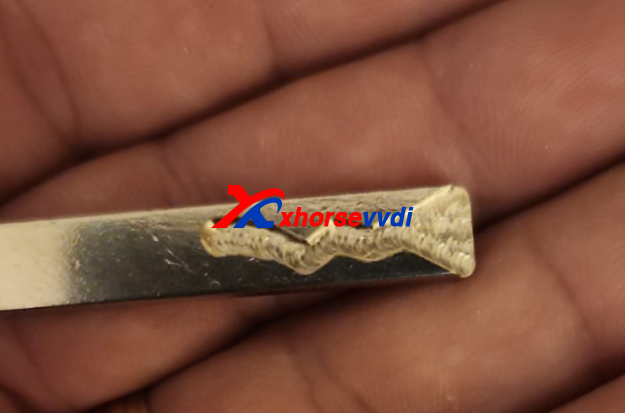
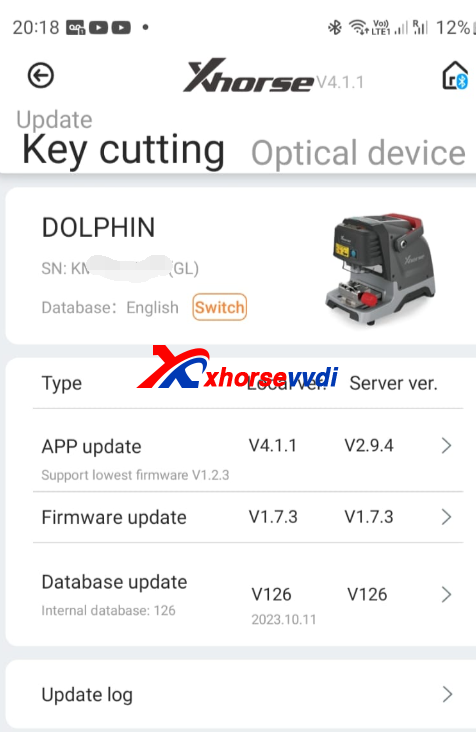
Update to newest firmware v1.7.4 will fix error
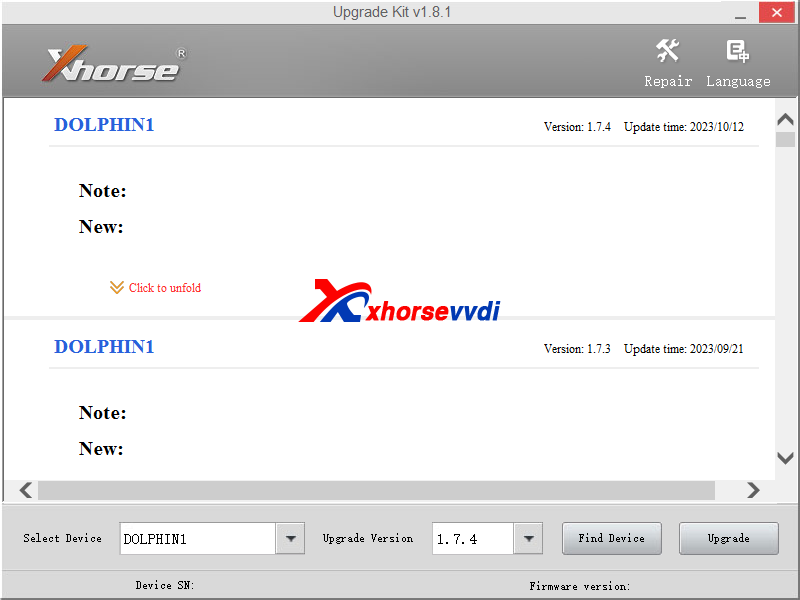
Use xhorse update kit software to update dolphin xp-005 firmware
(Xhorse update kit software please check our download page)
Customer feedback:
V1.7.4 came out today and fix the va6 issue.
http://blog.xhorsevvdi.com/v1-7-4-dolphin-xp-005-version-fix-va6-error/
Posted by: xhorsevvdi at
07:27 AM
| No Comments
| Add Comment
Post contains 116 words, total size 2 kb.
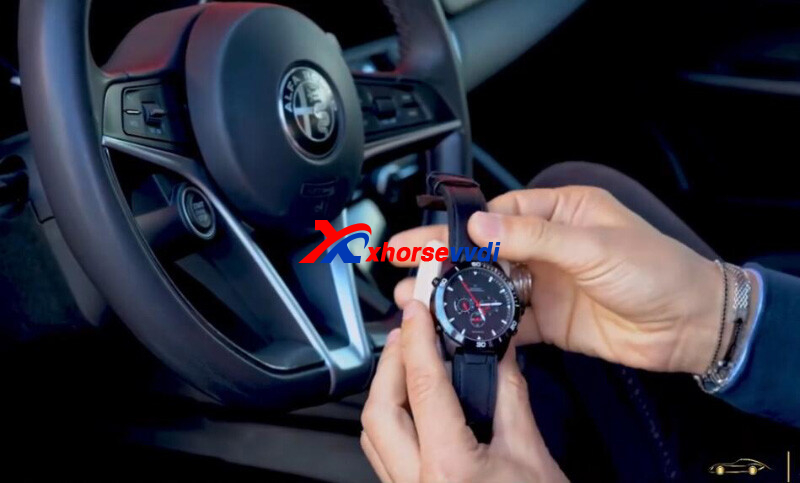
This is a review of Xhorse SW007 Smart Watch:
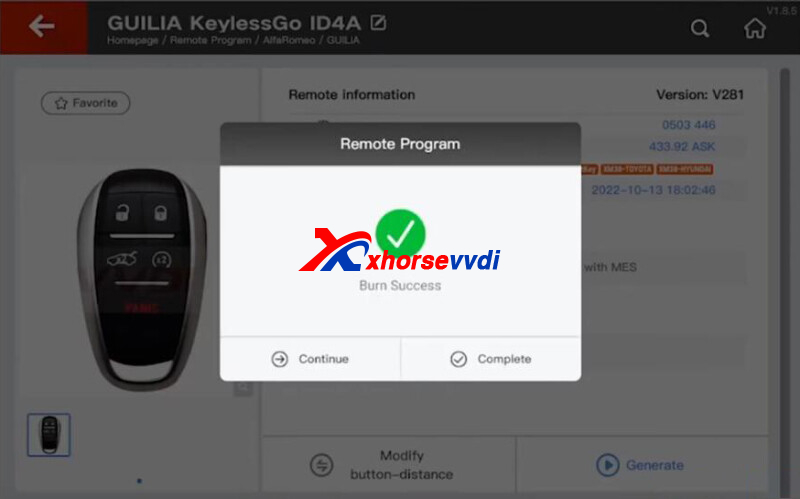
Xhorse Watch Smart Keyless Midnight Black Added to Alfa Romeo Giulia.
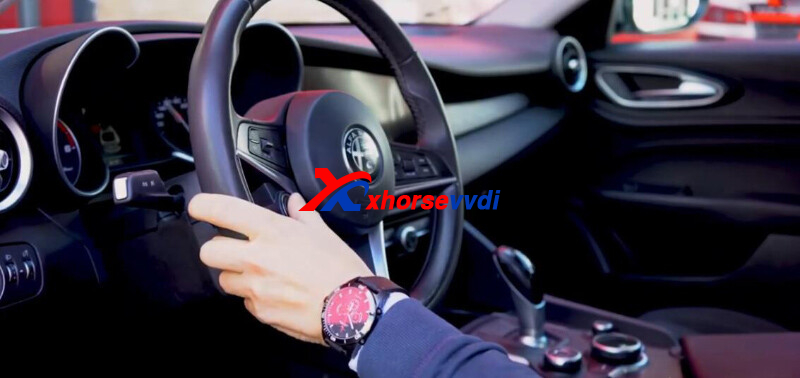
Generate Remote.
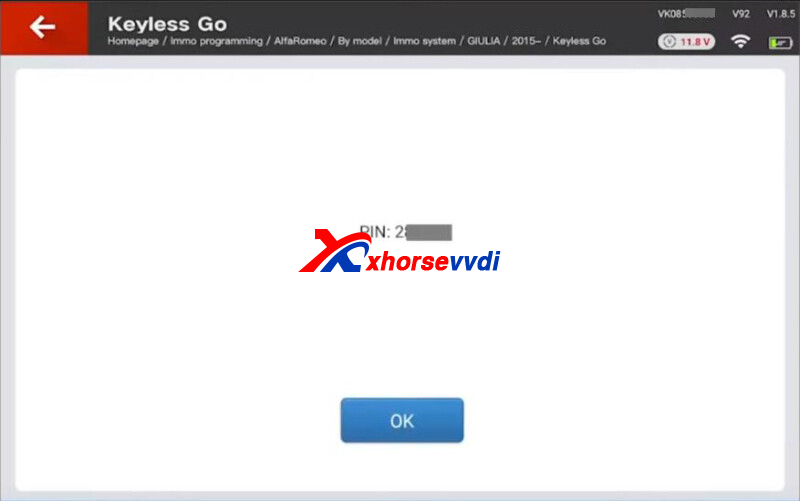
Read Pin code.
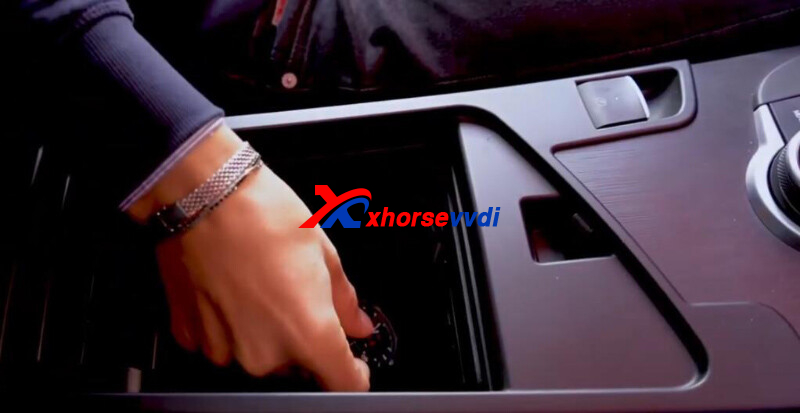
Add Smart Watch.
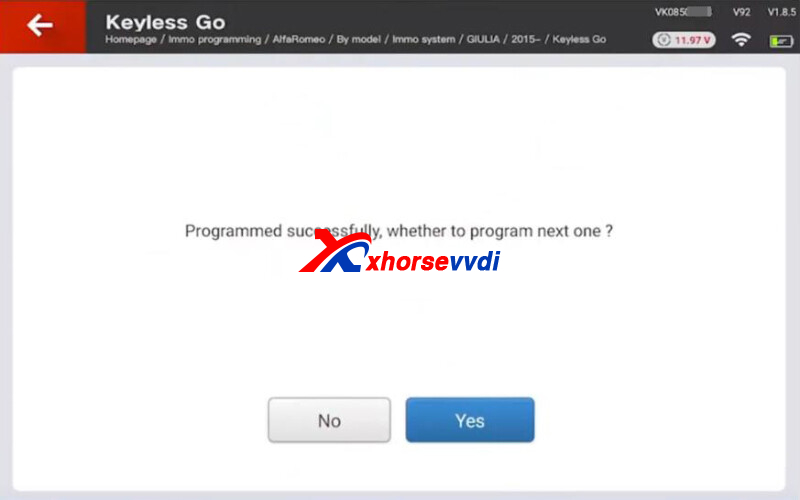
Done! That's how to add Xhorse Smart Watch for Alfa Romeo Giulia using Key Tool Plus Pad.
Posted by: xhorsevvdi at
07:27 AM
| No Comments
| Add Comment
Post contains 55 words, total size 2 kb.
This article is a review of a key tool at 55 bucks:
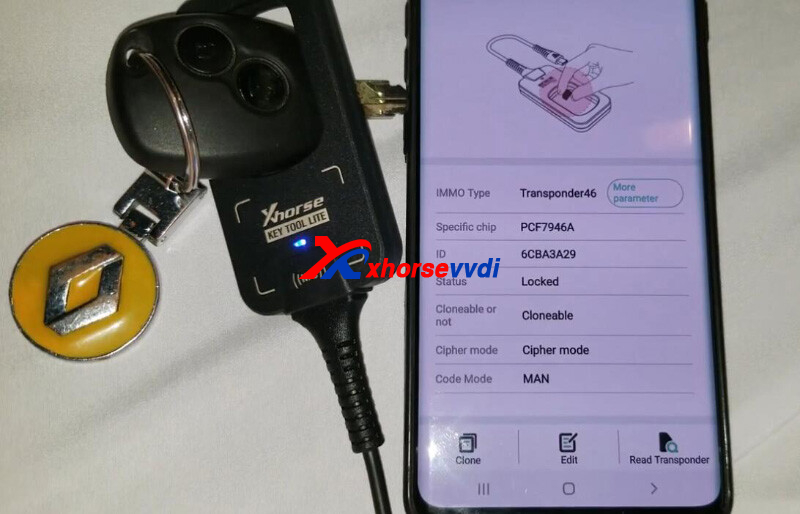
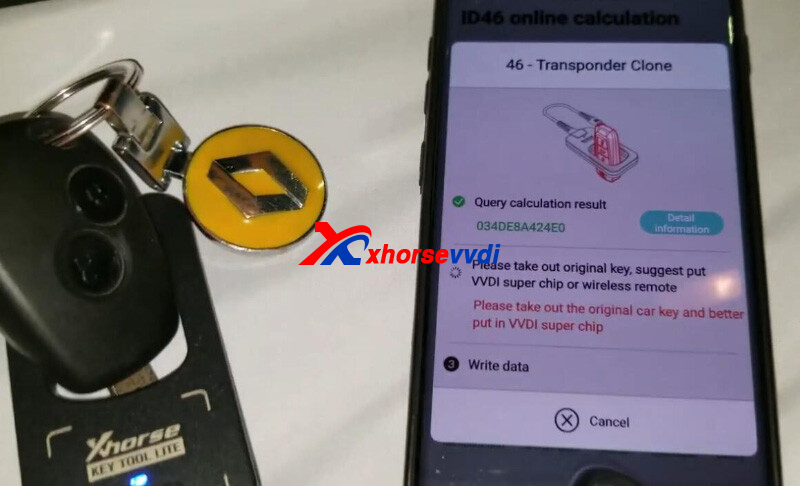
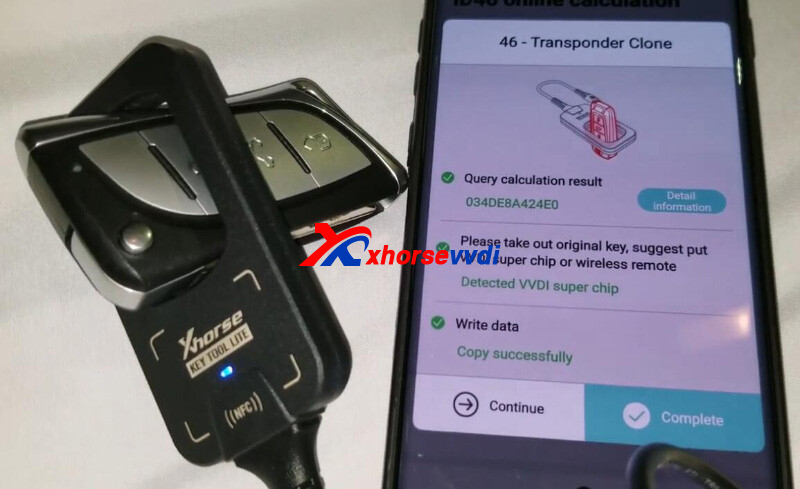
Xhorse Key Tool Lite VVDI BEE Dacia Logan 2012 add flip key.
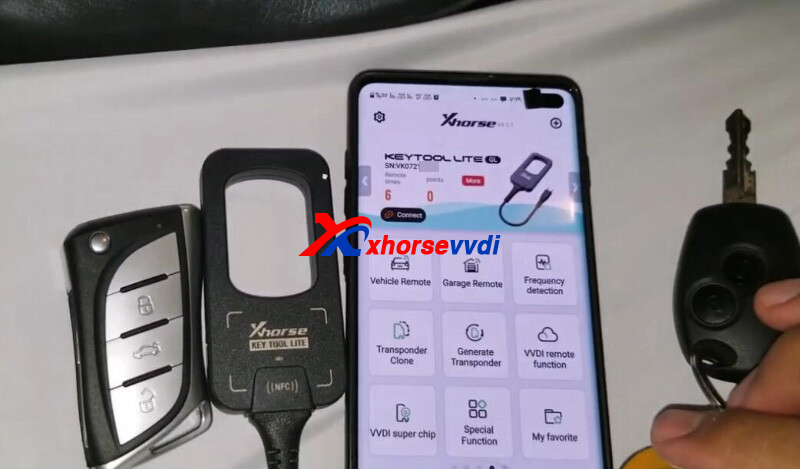
Original key is able to clone.
Generate XELEX0EN Super Remote.
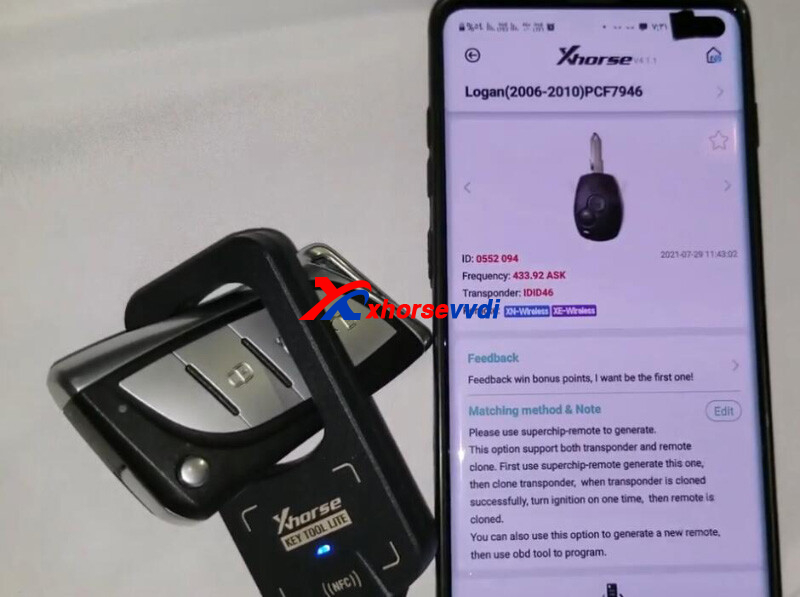
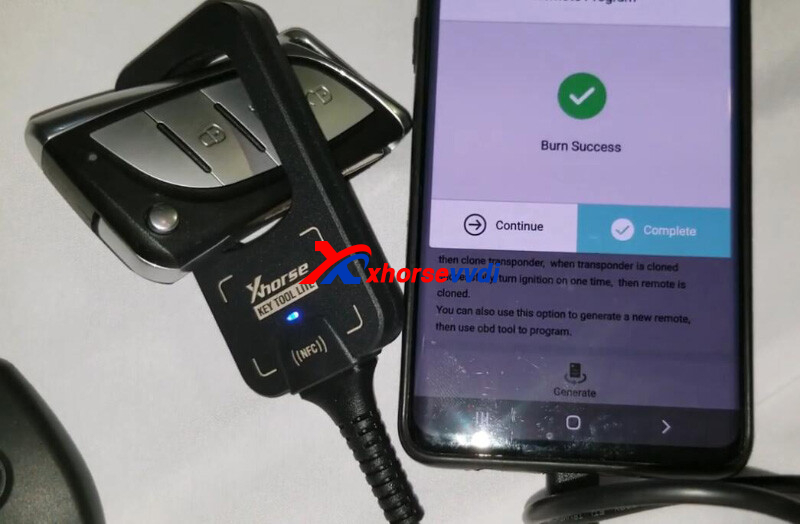
ID46 clone.
Car starts.
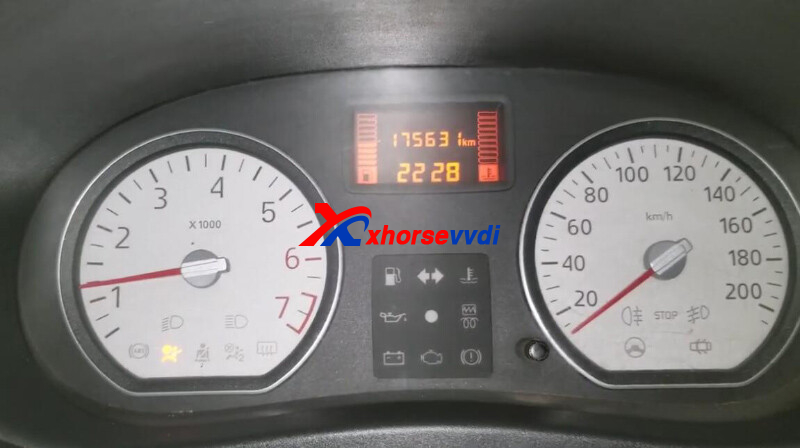
Done! Nice and simple.
http://blog.xhorsevvdi.com/how-to-add-flip-key-for-dacia-logan-2012-using-a-50-buck-tool/
Posted by: xhorsevvdi at
07:26 AM
| No Comments
| Add Comment
Post contains 56 words, total size 2 kb.
One customer wondered what the error meant when his Xhorse VVDI PROG tried to read an Opel Immobilizer box. VVDI PROG software shows "Chip not connected(00)".
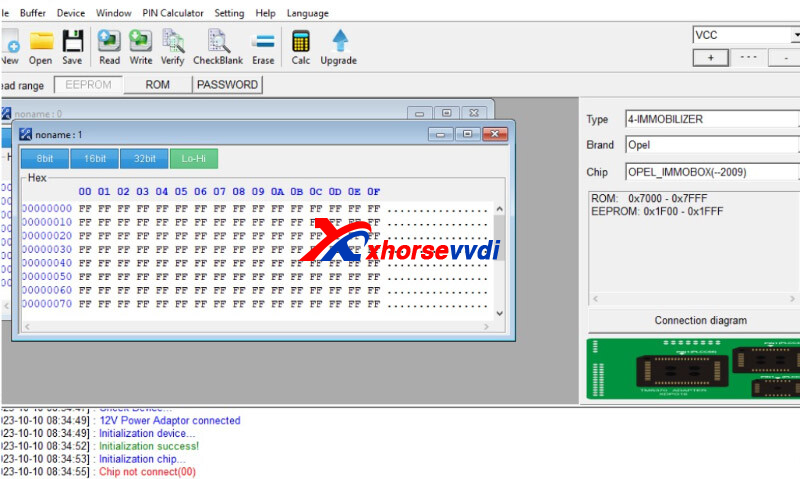
Here is the Solution:
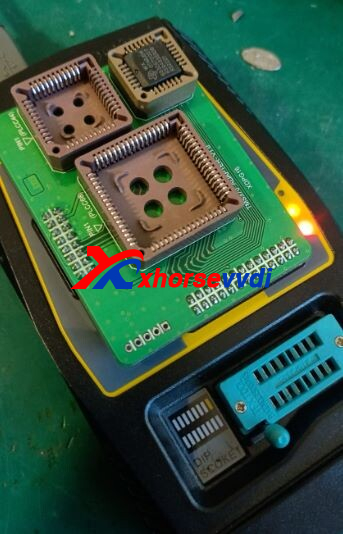
For Soldering, check connection.
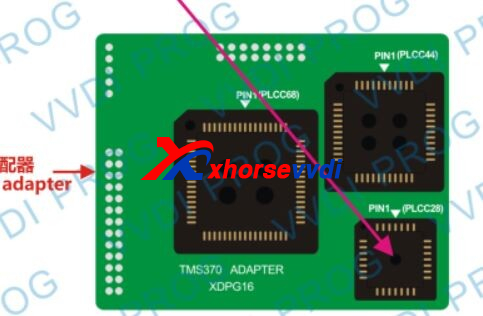
For TMS370 Adapters,
Check if pins are connected correct in adapter's socket;
Check if adapter is connected correct to VVDI Programmer.
Done! Hope this could help!
http://blog.xhorsevvdi.com/vvdi-prog-fail-to-read-opel-immobox-solution/
Posted by: xhorsevvdi at
07:26 AM
| No Comments
| Add Comment
Post contains 69 words, total size 2 kb.
October 11, 2023
One customer gave feedback about his Xhorse M5 Clamp. This part not move to the center and stay all time in this position . In official video this part move to the center position.
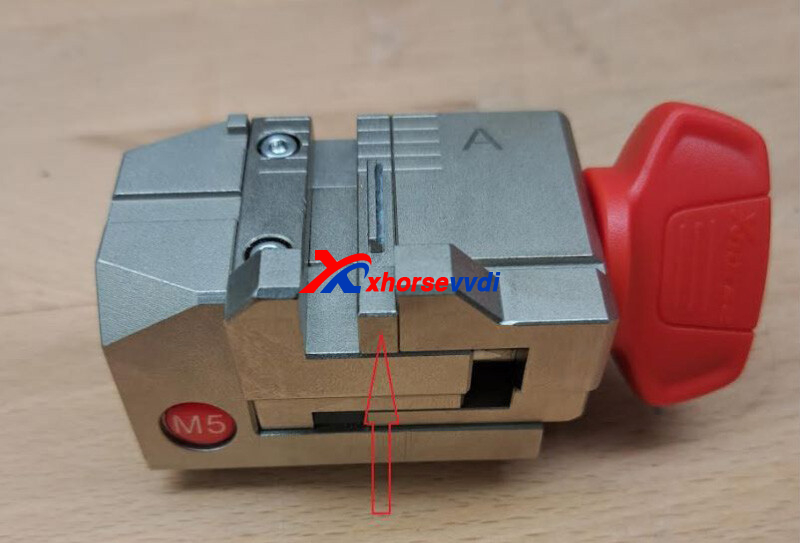
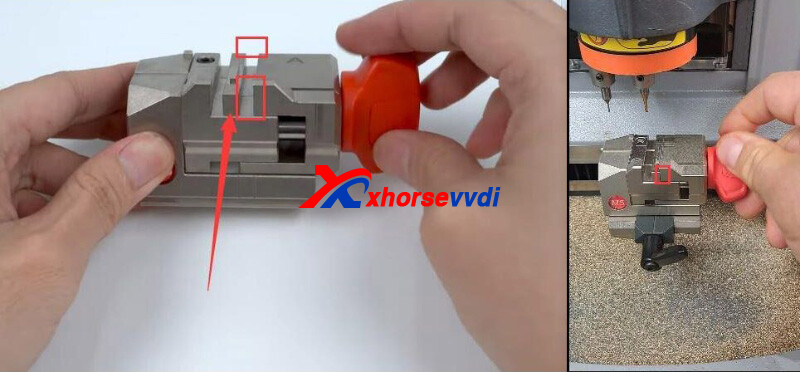
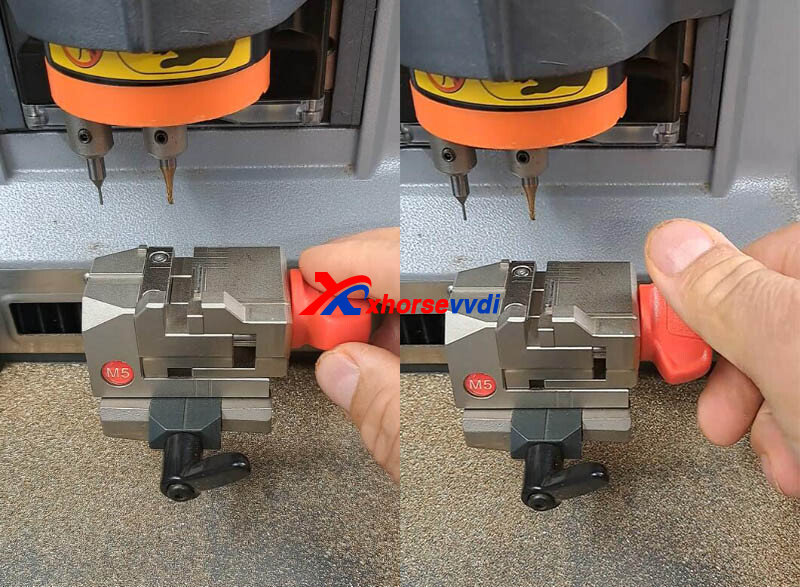
Here is the Solution:
Re-assemble the clamp
1)Remove the nut in the white frame
2)Remove the screws in the red frame below
3)Rotate the knob outward, then it can be disassembled
4)Re-assemble M5 Clamp and install it on Condor Mini Plus Machine
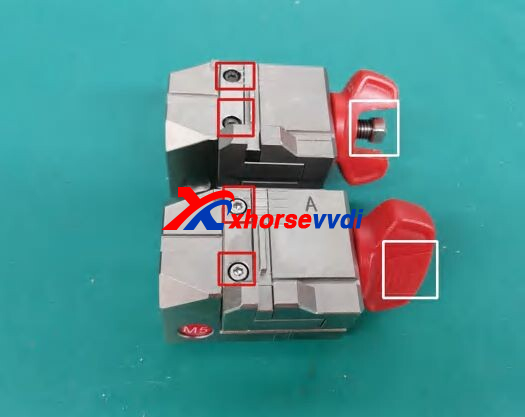
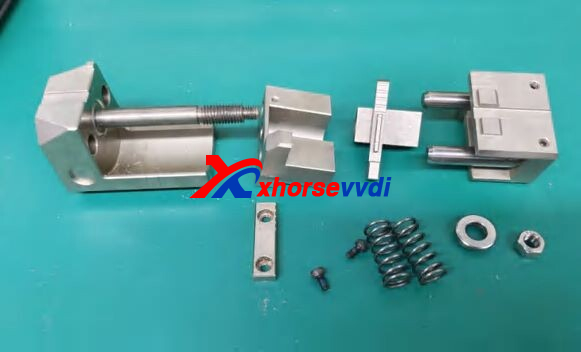
For more details, please check Maintenance Manual.
http://blog.xhorsevvdi.com/how-to-fix-xhorse-m5-clamp-center-part-stuck-on-right-position/
Posted by: xhorsevvdi at
07:34 AM
| No Comments
| Add Comment
Post contains 96 words, total size 2 kb.
Here we are going to share you Xhorse Dolphin XP005L maintenance manual. Hope it would help you replace broken parts like battery, screen, main board...
*This manual applies to models with serial number KM10, KM11 of DolphinⅡModel.
Free Download:
Dolphin XP005L Maintenance Manual
Dolphin XP005L Screws:
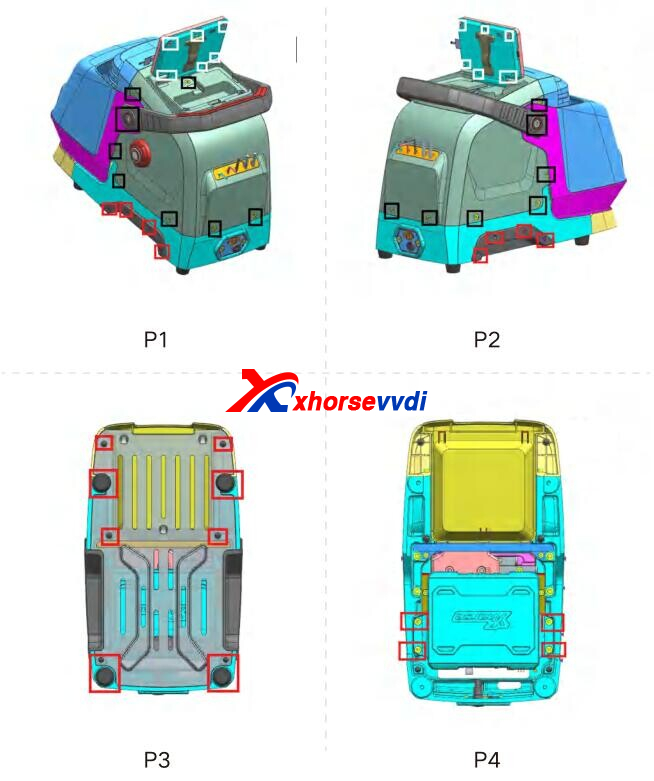
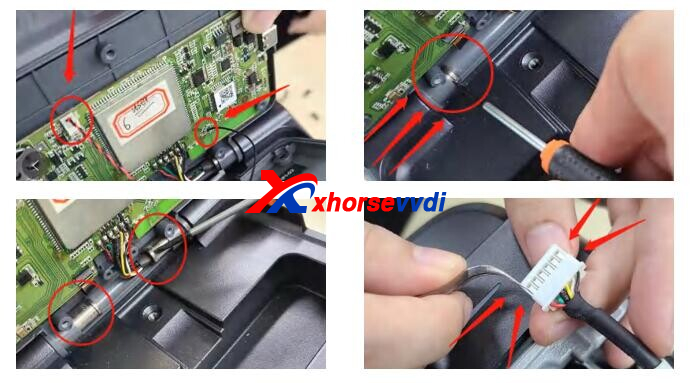
How to Replace Screen?
Please refer to the disassembly pictures P1 and P2 in Chapter 1. Remove the screws in the black frame separately to remove the rear cover and screen, then remove the screws in the white frame, as shown in the following picture, remove the wires in the circle, then push out the bracket that fixes the screen, and finally remove the plastic pins from the screen harness, then you can separate the screen from the back rover.
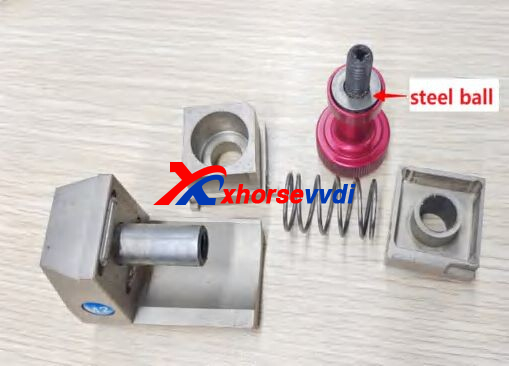
How to Replace M2 Clamps?
Rotate the knob outward on the left picture, then it can be disassembled.
Replace the corresponding parts according to the picture on the right.
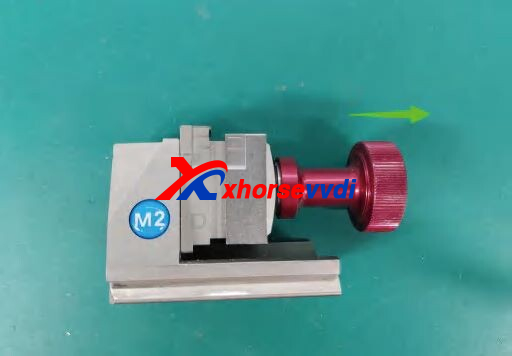
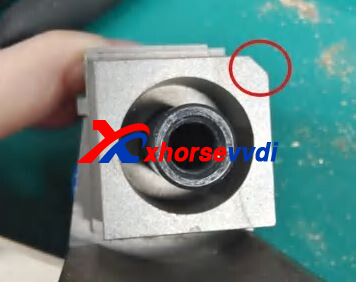
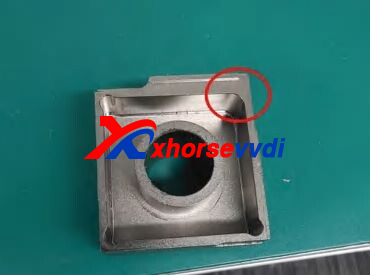
*M2 clamp needs to pay attention to the gaps in the fright figure, align it before tightening, Otherwise, it may get stuck.
More details, please check maintenance manual.
http://blog.xhorsevvdi.com/free-download-xhorse-dolphin-xp005l-maintenance-manual/
Posted by: xhorsevvdi at
07:33 AM
| No Comments
| Add Comment
Post contains 191 words, total size 3 kb.
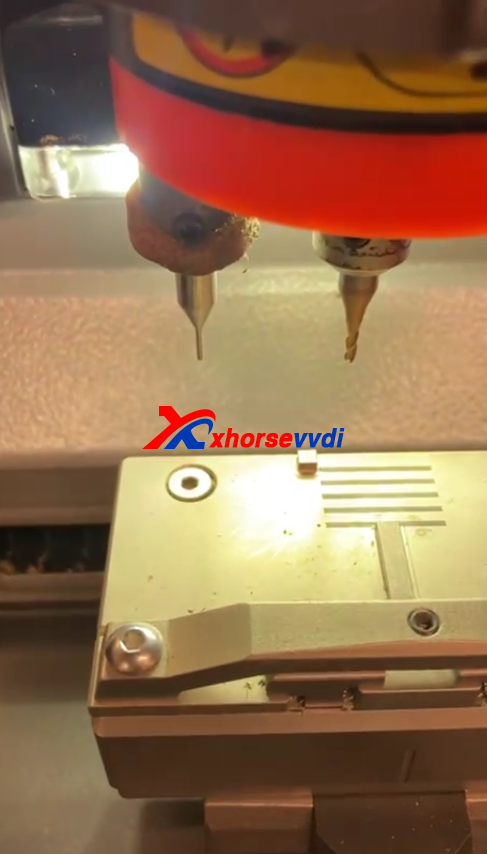
Xhorse condor xc-mini plus 2 is the most powerful key cutting machine from Xhorse, can support motorcycle keys, dimples keys with dimple cutter. And this blog we will share one review from customer about the plus 2 can't calibrate height error
hi i have condor xc mini plus 2 cutting machine problem
updated machine latest version
and cant calibrate height
gets error cant see probe
when really needs to see cutter
just done a coneectivity test
when touchse probe to clamp with a key blade both probe and cutter light up
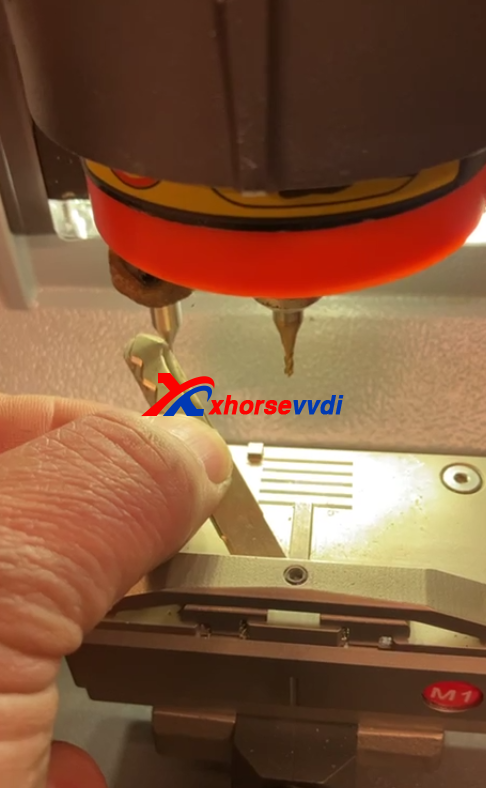
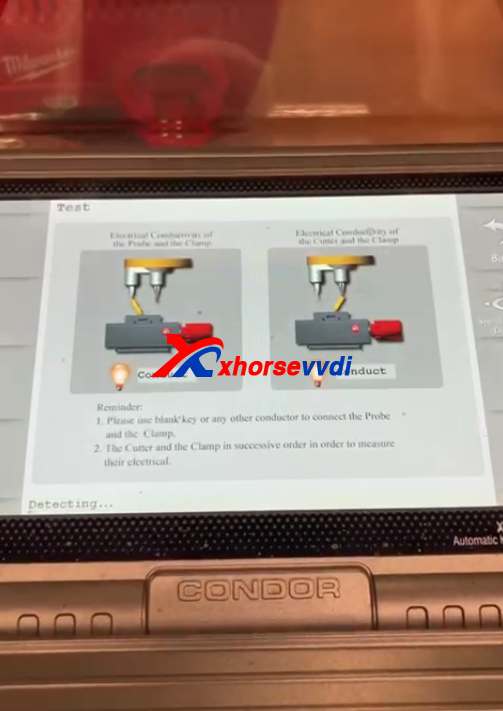
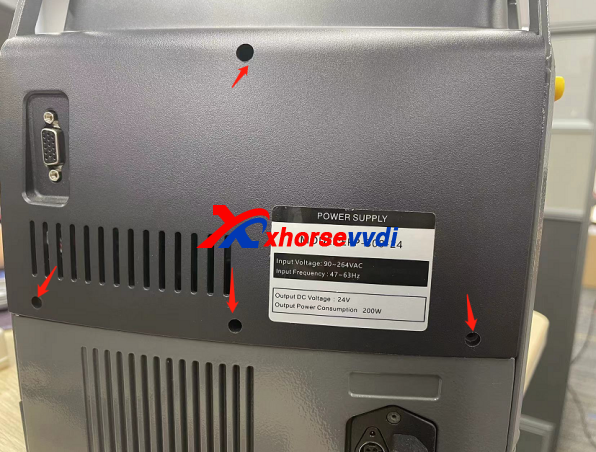
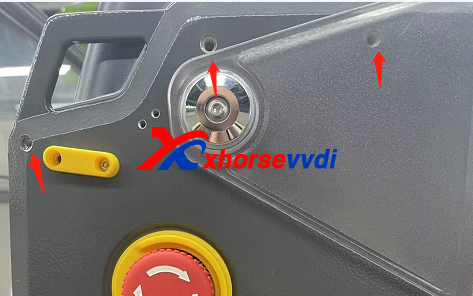
Please do like the guide:
1 , Remove those those screws for take off machine screen
2, Pull out the whole motor to expose the whole motor case and remove those screws to take off motor case
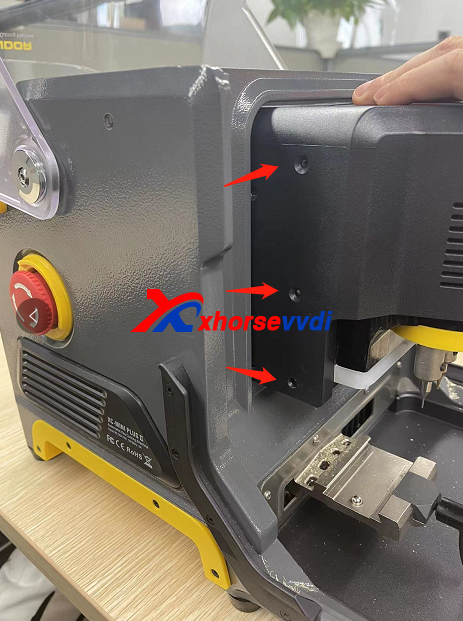
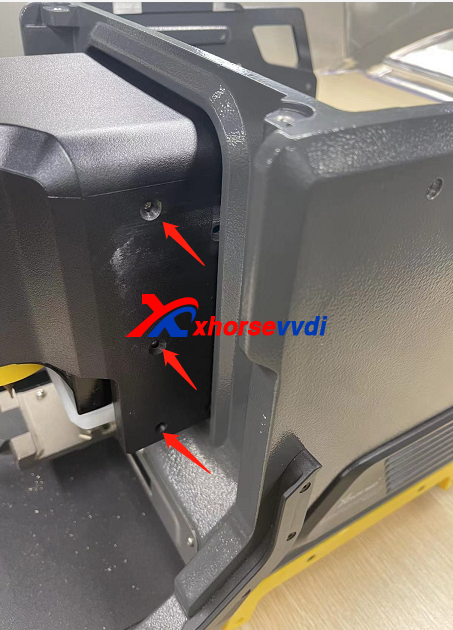
3 , After remove the motor case , the cable which related conductivity it will expose , please check if that cable has any damaged
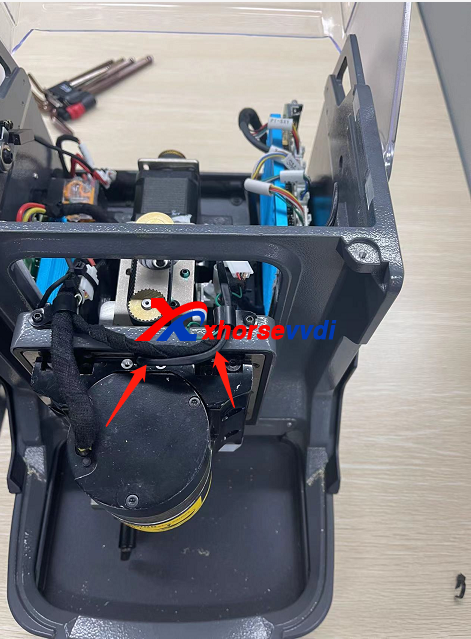
4.This cable go though whole mian motor, one side connect with led bar and one side connect with probe base ,for remove that cable it need to remove the cable socket and then pull it out from bottom led bar side
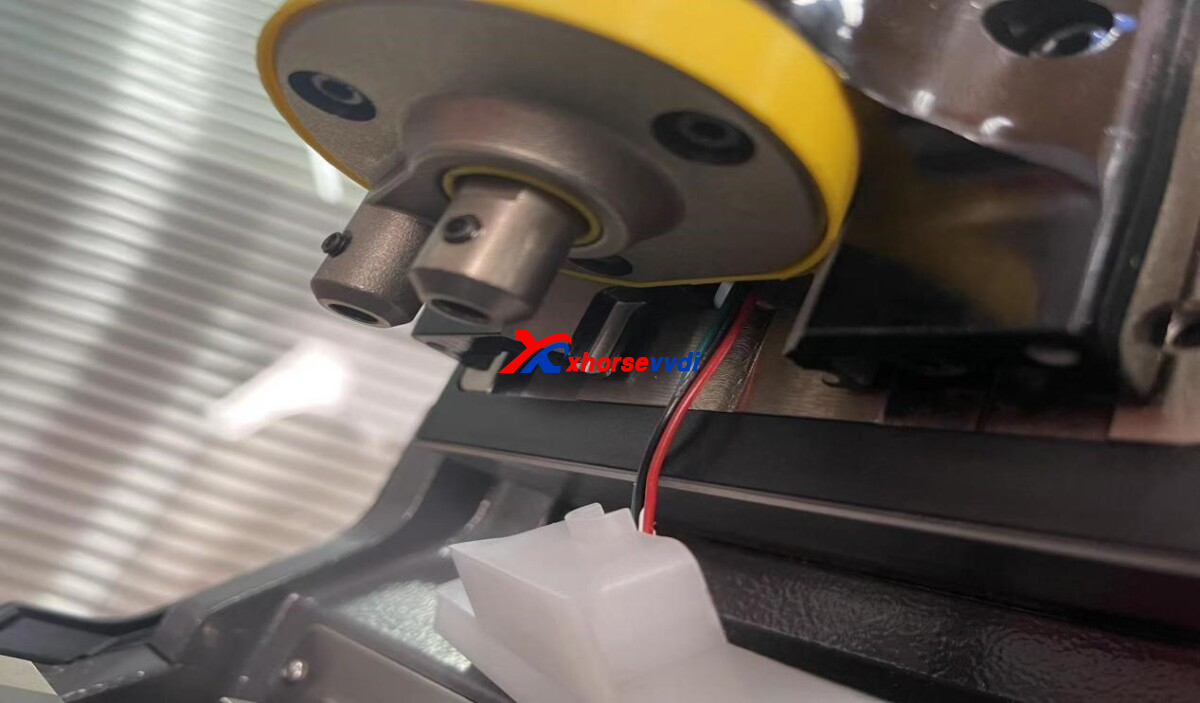
5.Loosen the fixing screw of the conductive wire as shown above and remove the LED lamp cover.
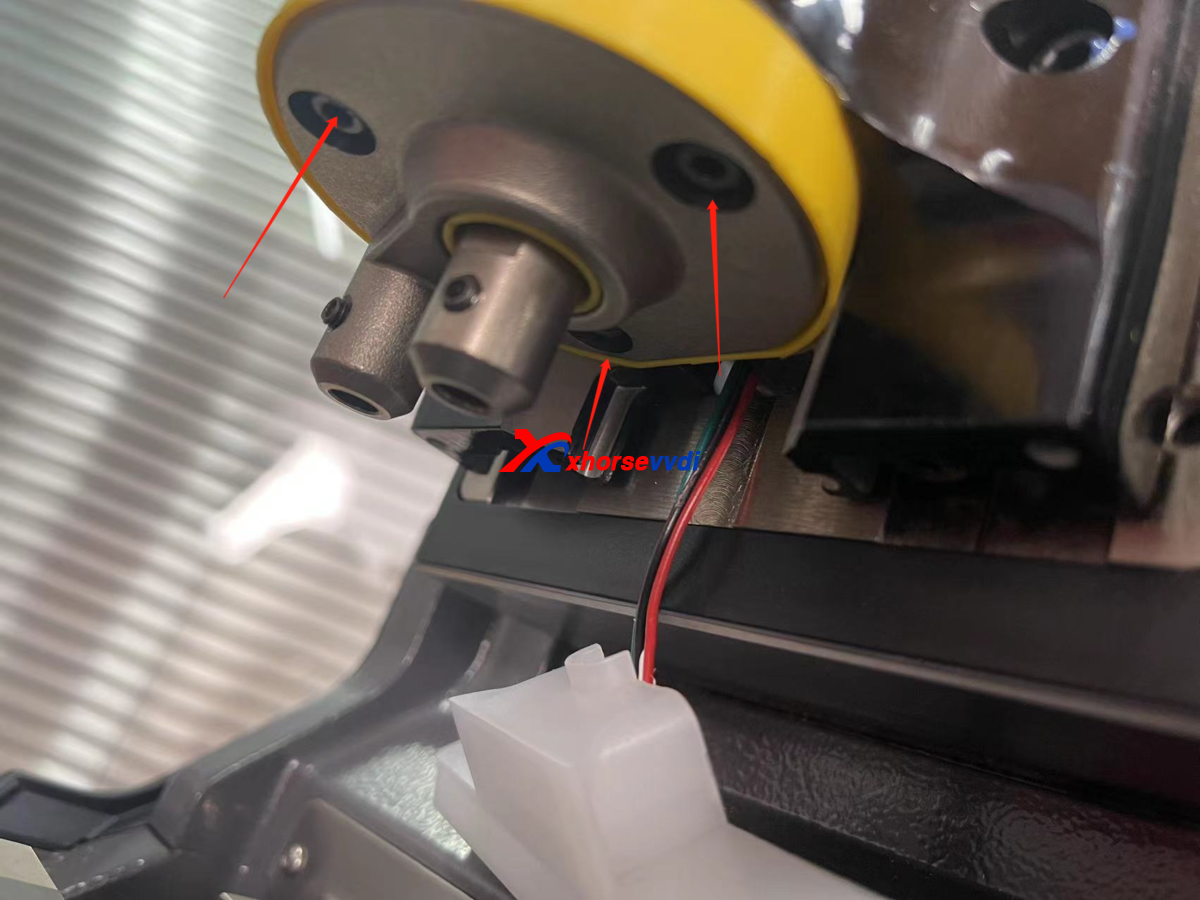
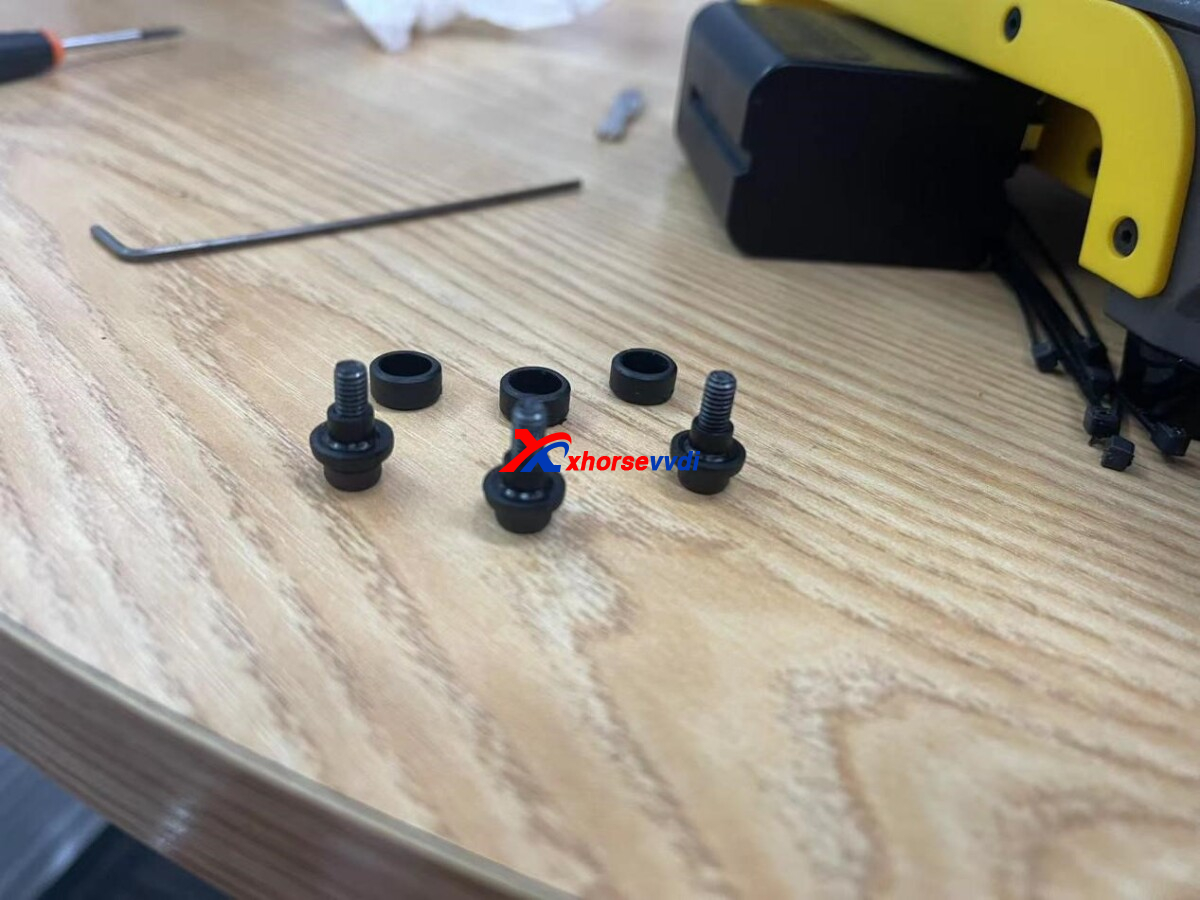
6.Remove the three fixing screws, note that there are three black plastic parts on the screws, do not lose them.
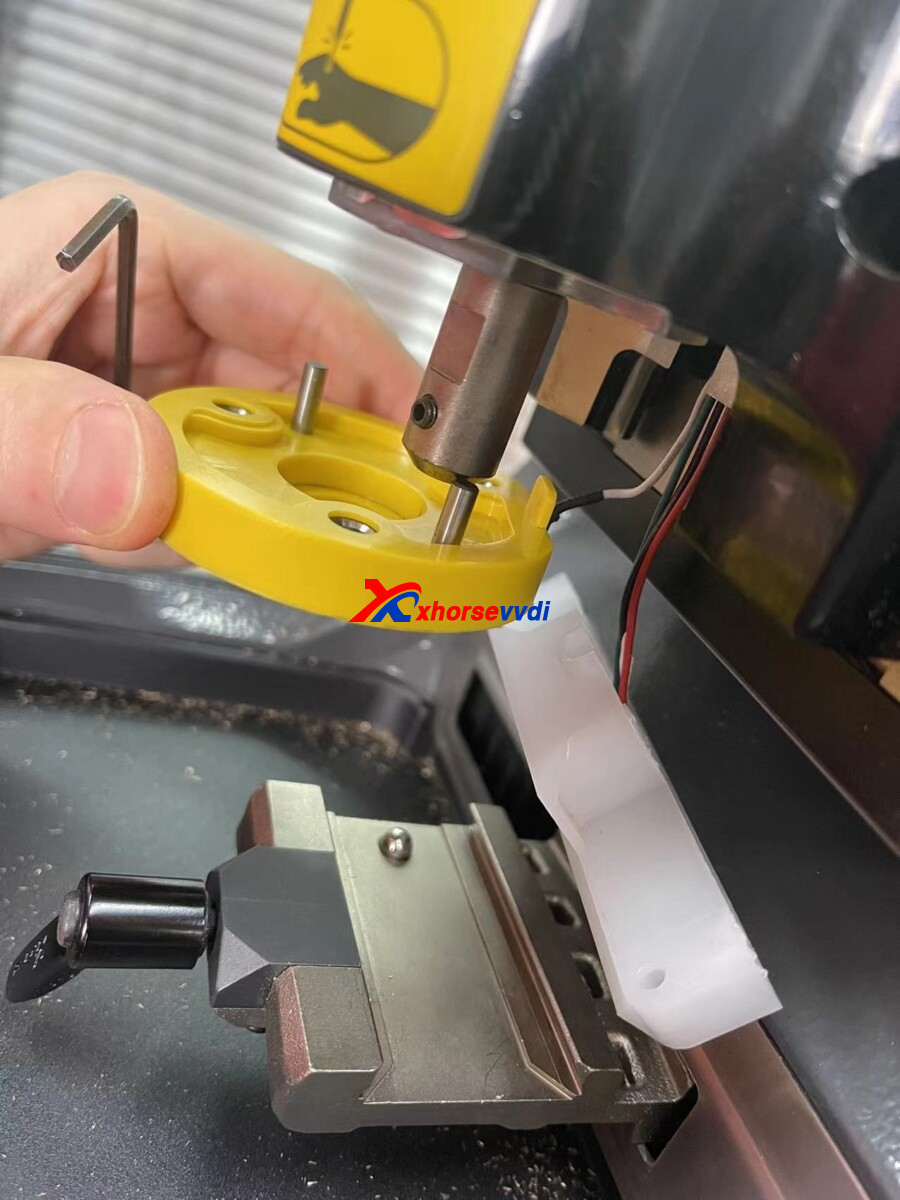
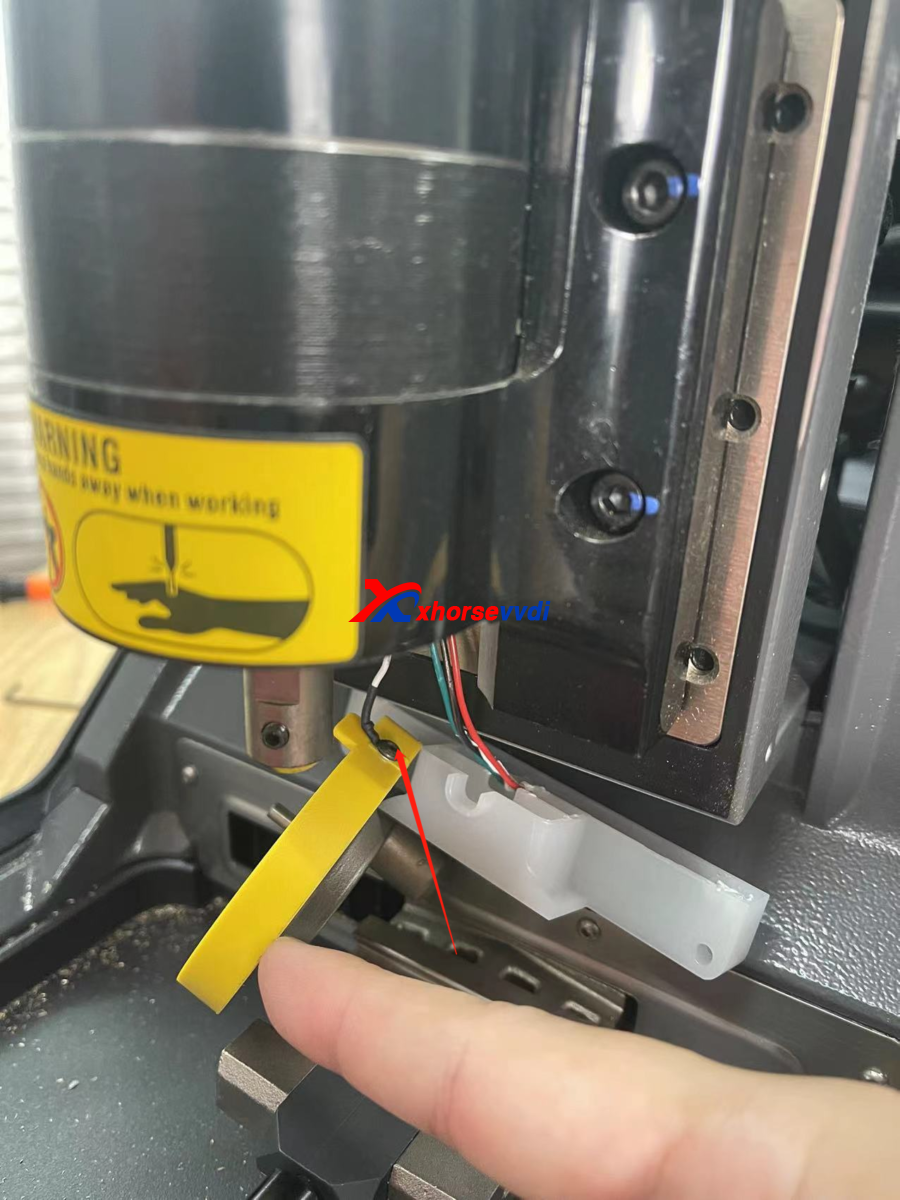
7.Check if the four wires are broken or if the screws are tightened.
Posted by: xhorsevvdi at
07:33 AM
| No Comments
| Add Comment
Post contains 254 words, total size 4 kb.
For Xhorse dolohin xp-005l key cutting machine, we received feedback that The cut of va6 is no good!
There is big problem with dolphin with the last update we can cut correctly va6!!!!!!
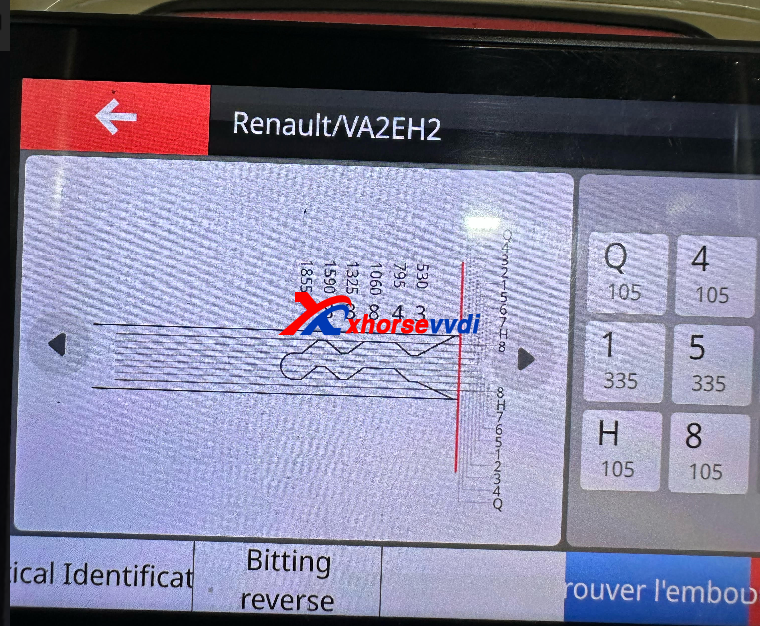
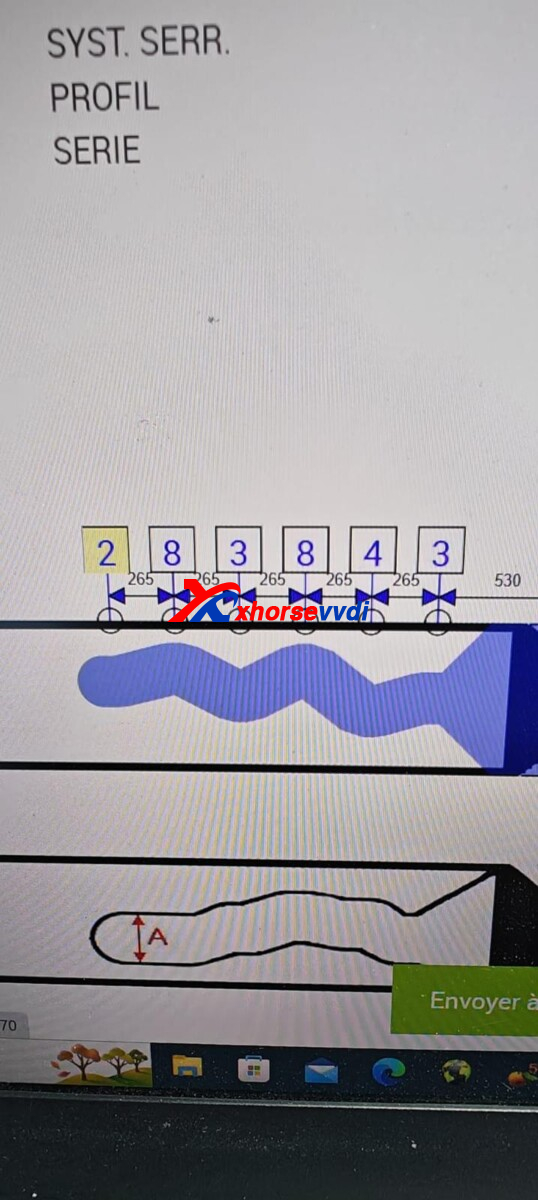
Please do not worry, newer update will fix the error.
http://blog.xhorsevvdi.com/xhorse-dolphin-xp-005l-next-update-will-fix-va6/
Posted by: xhorsevvdi at
07:32 AM
| No Comments
| Add Comment
Post contains 52 words, total size 1 kb.
Question:
Audi A6 C6, no ignition, steering locked.
Changed J518 module by J518 emulator.
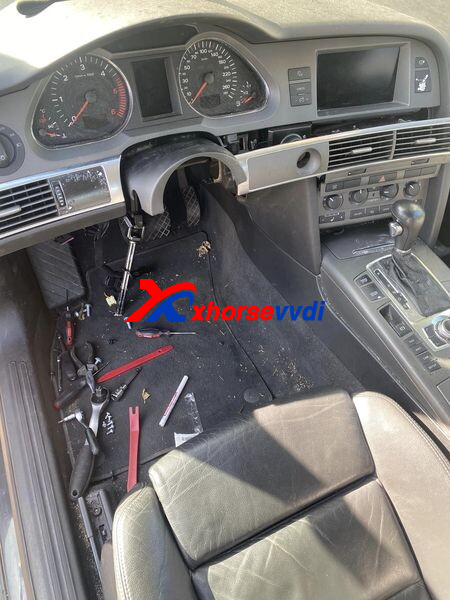
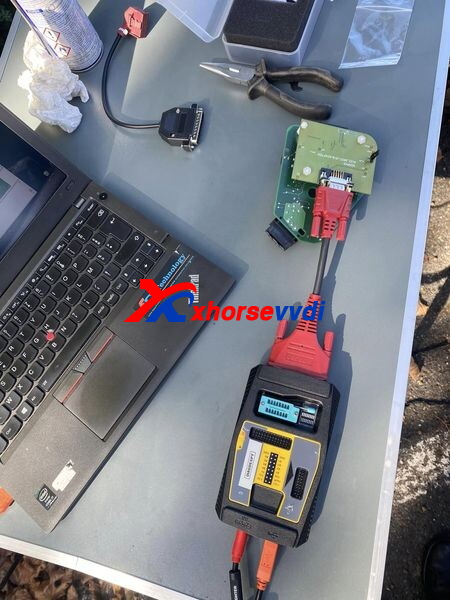
Reading eeprom and flash from original and writing on VVDI PROG J518 Emulator.
Job done with VVDI PROG and J518 solder free.
Also with Soldering method and cable v1 directly on PCB…
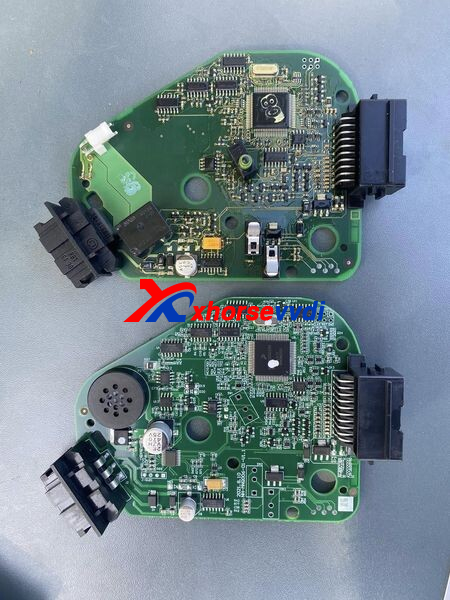
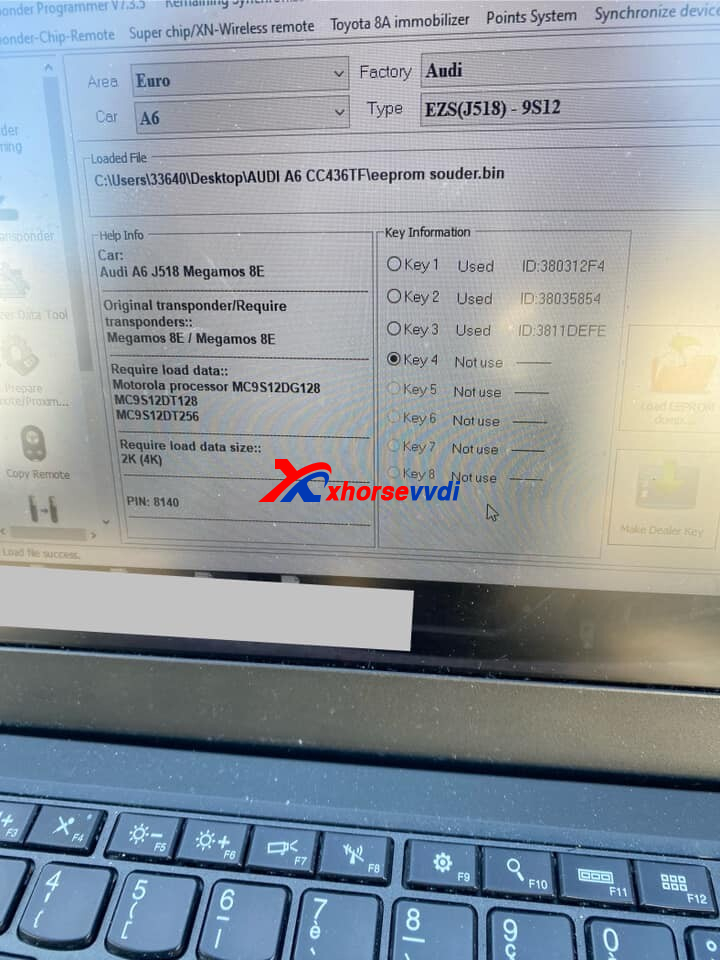
Possible Solutions:
1)Sometimes all you need to do is delete the fault code and ignition will be on again. Or just unlock steering when is off the rack and switch ignition on. After disable ignition lock and that's it. 80% of that problem works.
2)Scan car. Hold brake pedal down or with light switch and you will get communications.
3)In J518 you can find two types of mcu. Some have 9s12d_128 and some have 9s12d_256 mcu. In emulator you have 9s12d_256 so it need 4Kb file. If your ELV have 2Kb eeprom, just with hex editor open some 4Kb file, in first half put all FF and in the second half copy-paste eeprom from original ELV. Flash leave the original from emulator. But you have to find why you do not have communication with ELV. Because you have to erase DTC and from emulator. Once I had water damage in can gateway on A6 4F and no communication with the vehicle at all.
Feedback:
The car run now.
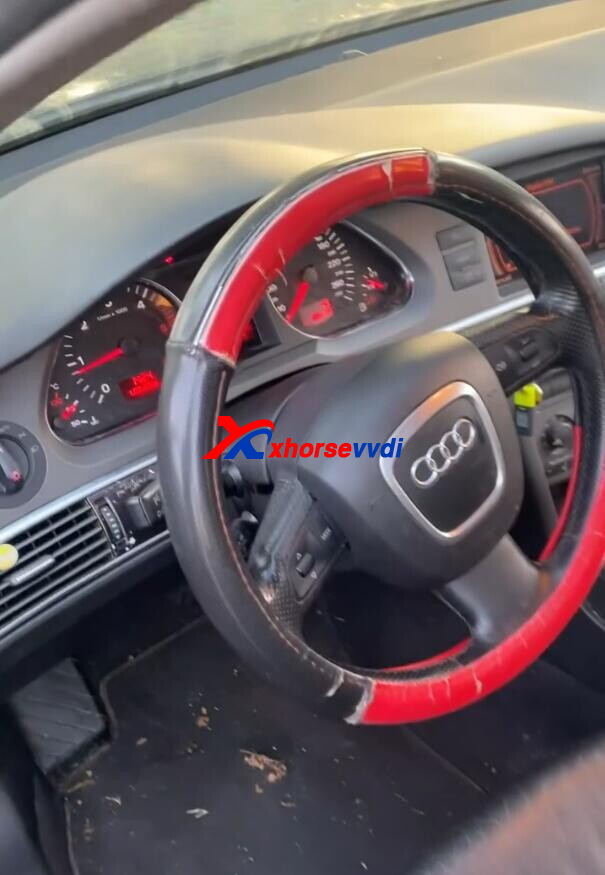
Done! Hope this could help!
http://blog.xhorsevvdi.com/audi-a6-c6-replace-by-vvdi-j518-emulator-elv-locked-solution/
Posted by: xhorsevvdi at
07:32 AM
| No Comments
| Add Comment
Post contains 231 words, total size 3 kb.
One customer asked how to install this case in the Xhorse Remote.
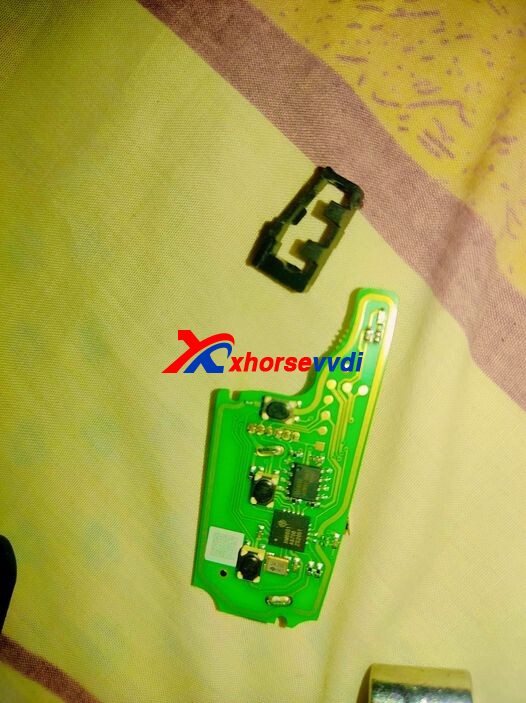
What is the case?
The case that fixes chip on Xhorse Key PCB instead of glowing it.
Here is the way:
Install it on the top, and the pointy head is up.
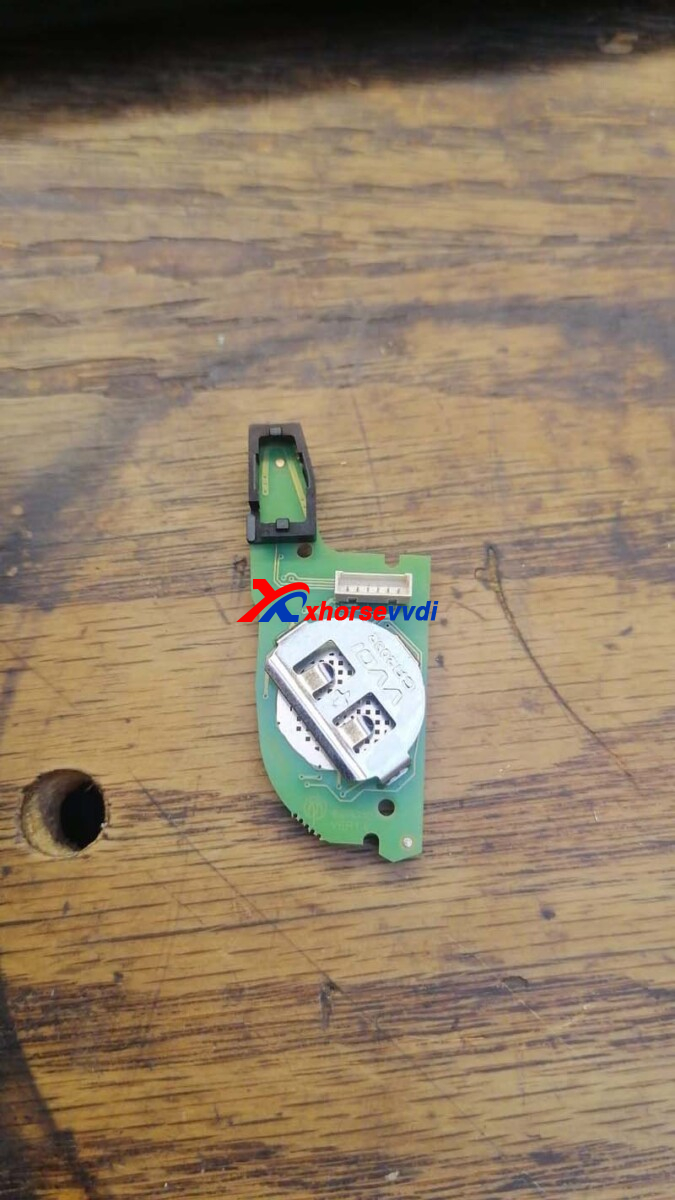
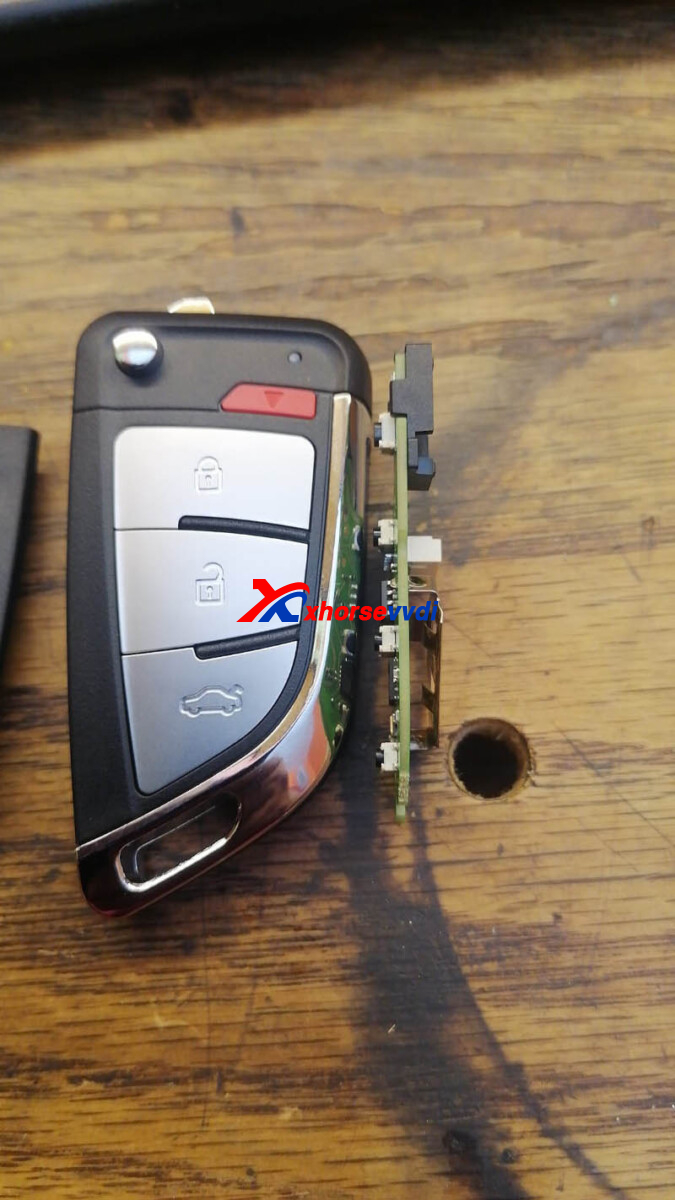
With/ without chip, make sure the red button works well after installation.
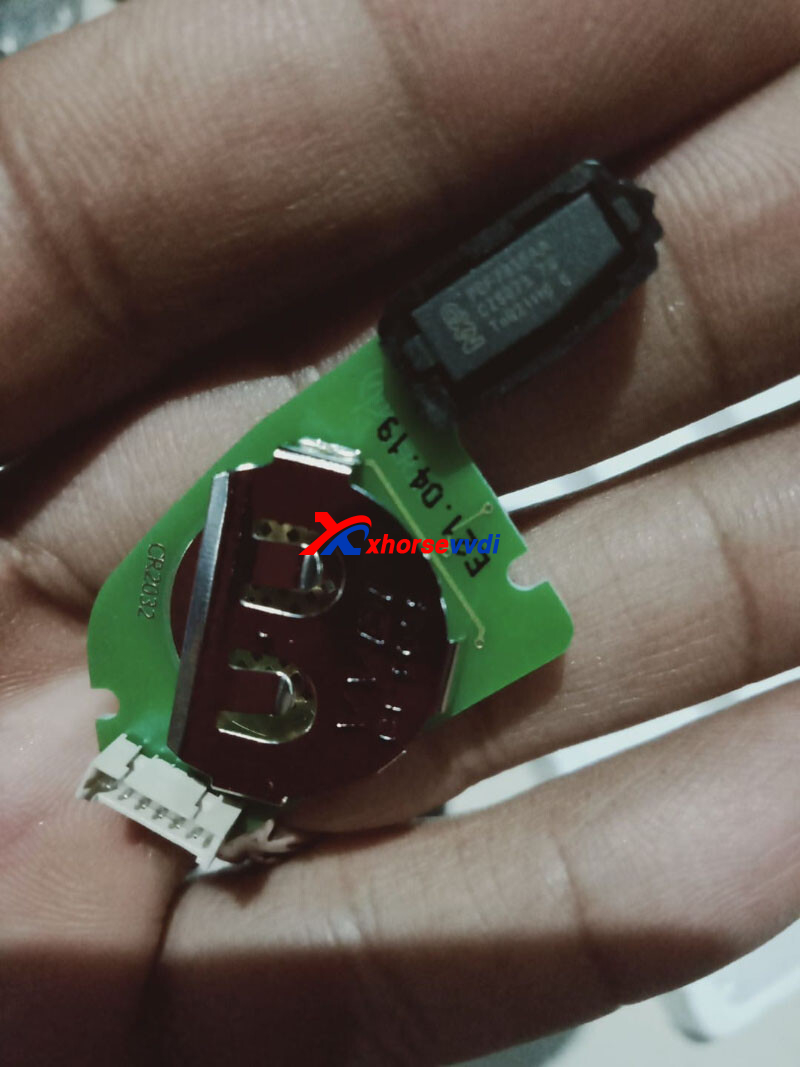
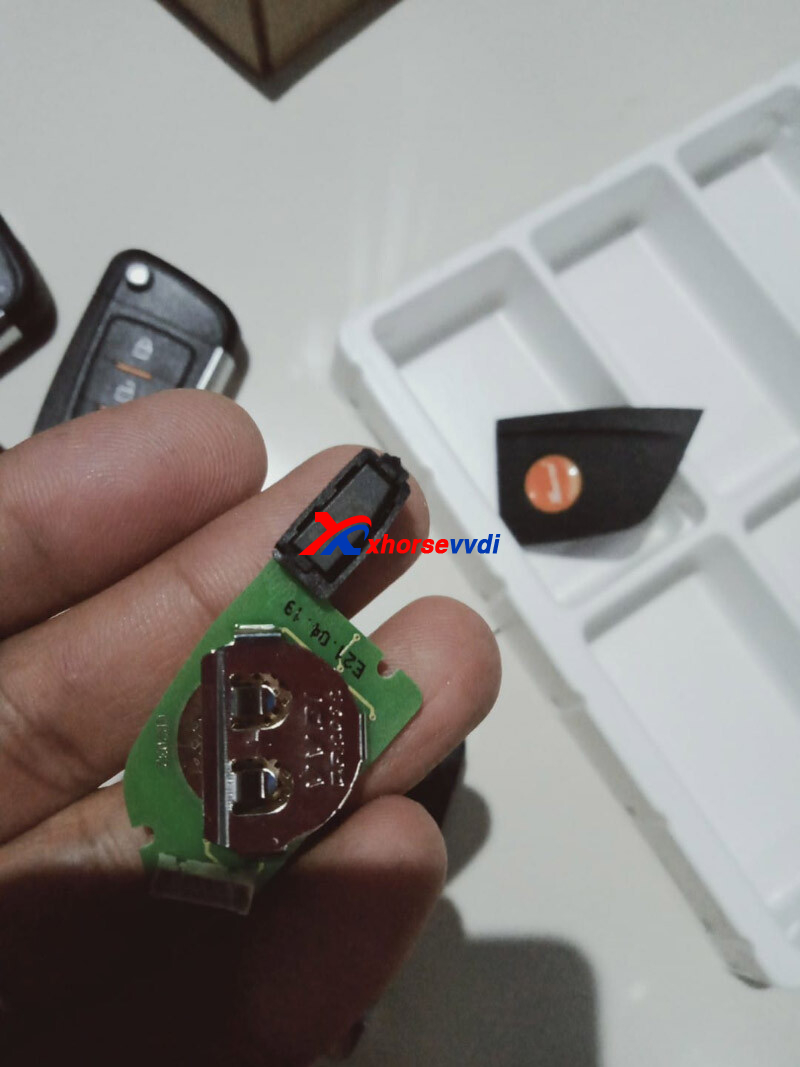
Done! Nice and Simple!
http://blog.xhorsevvdi.com/how-to-install-chip-case-in-xhorse-universal-remotes/
Posted by: xhorsevvdi at
07:31 AM
| No Comments
| Add Comment
Post contains 70 words, total size 2 kb.
One customer gave feedback that he cannot use his Xhorse VVDI MB. It shows " Failed! ERROR: 3 - Product status is incorrect, please contact the dealer!"
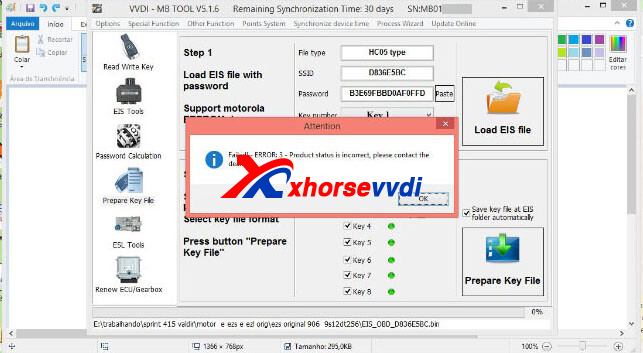
Here is the Solution:
Contact your seller and pay by bonus points to unlock this VVDI MB.
or try to contact Xhorse Official:

Posted by: xhorsevvdi at
07:31 AM
| No Comments
| Add Comment
Post contains 60 words, total size 1 kb.
One customer gave feedback that his Key Tool Max Pro Key Programmer cannot detect XM38 Remotes. Other 7 are detected ok in the same menu.
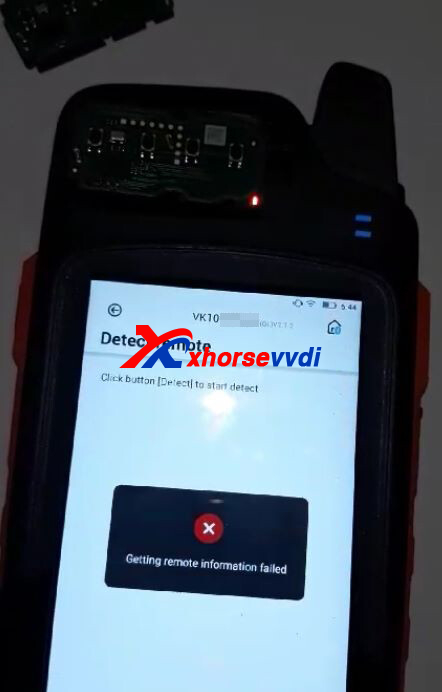
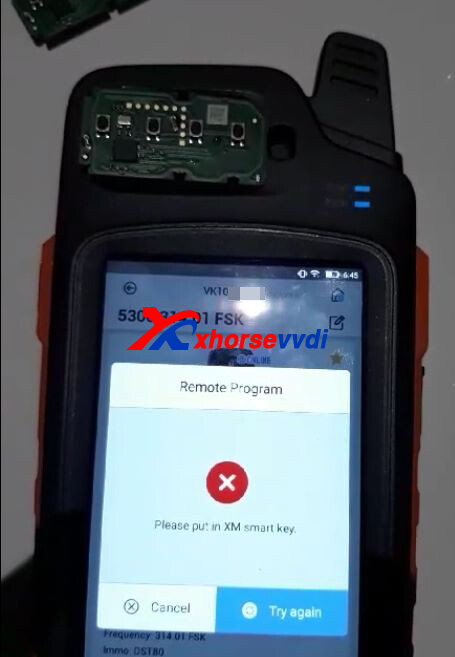
Here is the Solution:
1.Remove battery
2.Hold on lock button for 5 seconds
3.Insert battery before releasing lock button
4.Try to generate remote if indicators shine normally
*If methods still fail, send keys back to factory
http://blog.xhorsevvdi.com/how-to-solve-key-tool-max-pro-cannot-detect-xm38-remote/
Posted by: xhorsevvdi at
07:30 AM
| No Comments
| Add Comment
Post contains 73 words, total size 1 kb.
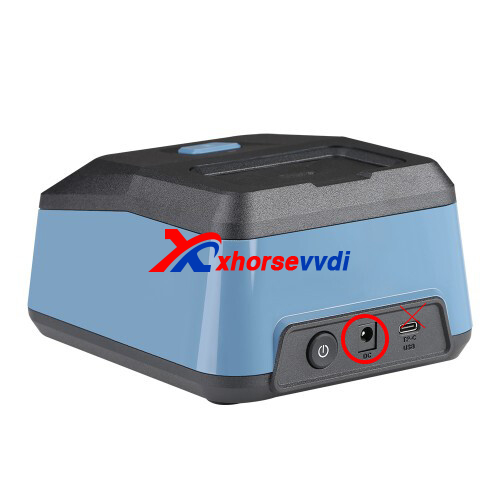
One customer asked if he could use Xhorse Key Reader in his van.
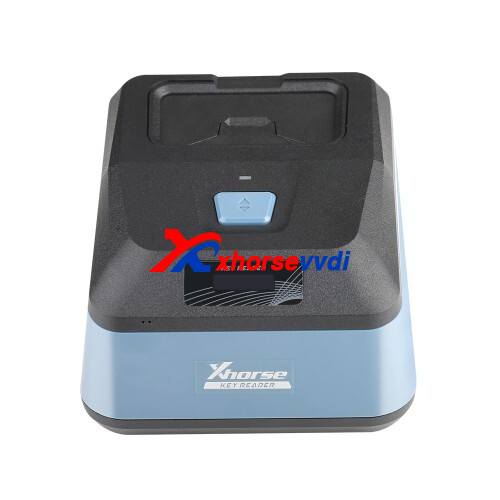
Here is the Answer:
Yes, use a portable charger.
*Supply power via DC port and Type-C port will not work
Posted by: xhorsevvdi at
07:30 AM
| No Comments
| Add Comment
Post contains 44 words, total size 1 kb.
Question:
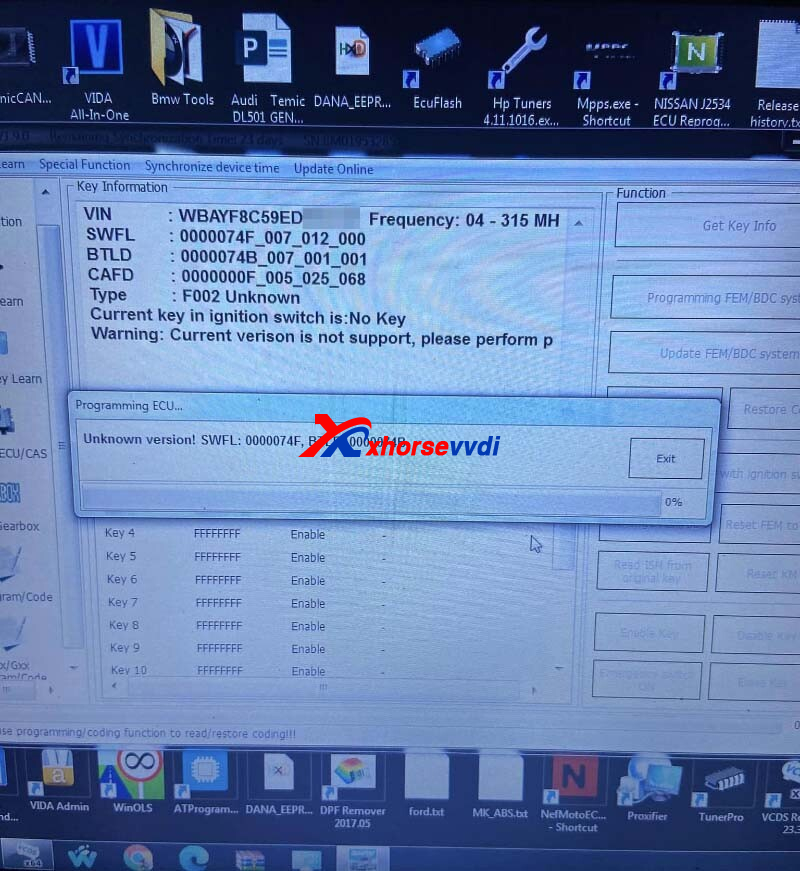
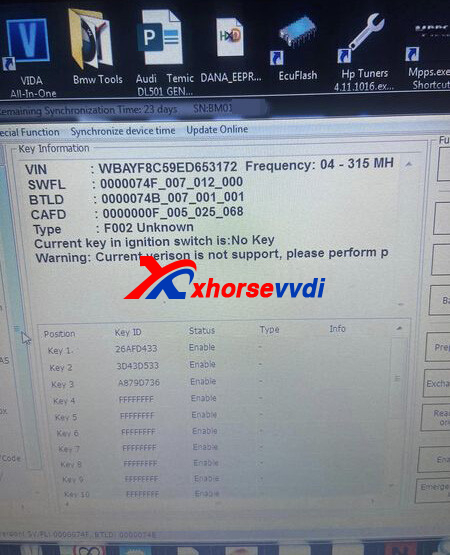
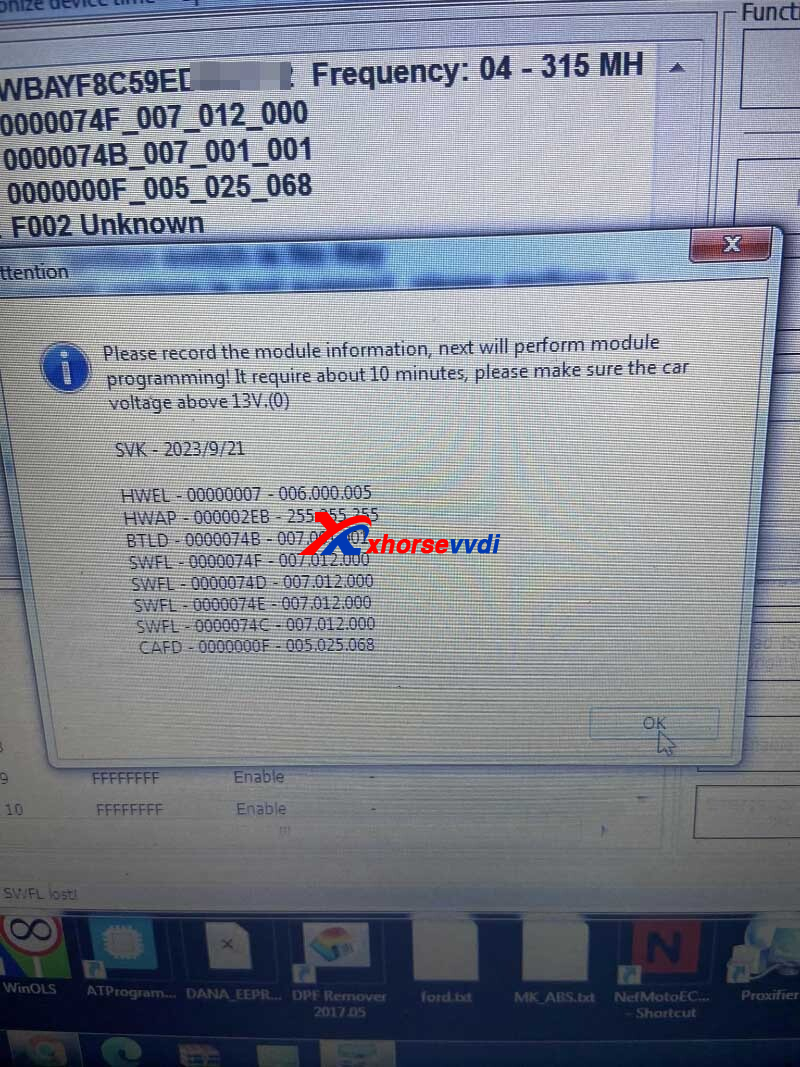
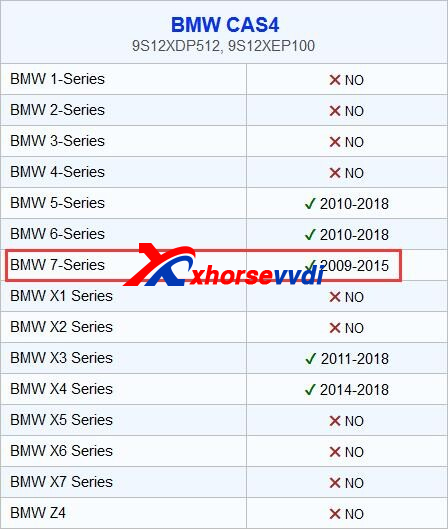
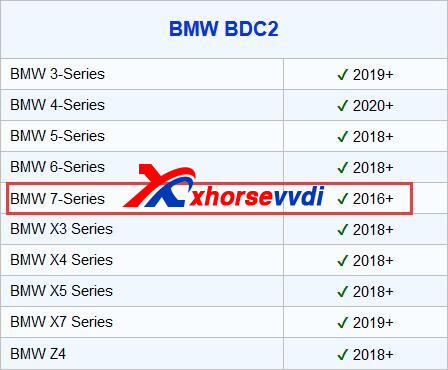
BMW 2014 750i - I was hoping newest VVDI2 Update would allow OBD add key…now I see version not supported. I’ve programmed to the only other software version that is available, and same results. What solution do I have?
Here is the Reason:
Wrong menu selected.
It's a CAS4 not BDC, from 2016 up 7 series have BDC2...
Solution:
Pull CAS and VVDI2 Programmer will do it on bench.
Feedback:
Made keys no problem. CAS4+.
http://blog.xhorsevvdi.com/fixed-vvdi2-obd-add-key-for-bmw-750i-2014-unknown-version/
Posted by: xhorsevvdi at
07:29 AM
| No Comments
| Add Comment
Post contains 88 words, total size 2 kb.
30 queries taking 0.1358 seconds, 131 records returned.
Powered by Minx 1.1.6c-pink.

